Searching for the best kanban board free? We compare 7 tools on features, free-plan limits, integrations, and fit for teams and neurodivergent users.
November 3, 2026 (1d ago)
7 Best Kanban Board Free Tools Compared for 2026
Searching for the best kanban board free? We compare 7 tools on features, free-plan limits, integrations, and fit for teams and neurodivergent users.
← Back to blog
You sign up for a free board on Monday morning, rename five columns, drag in your live tasks, and by Wednesday the work moves. Then a new client lands. You need another board, two contractors need seats, and someone uploads a deck that pushes you against a storage cap you never noticed. That's the pattern with almost every best Kanban board free contender. They look similar at signup and break in completely different places.
This comparison judges seven tools by the limit you'll hit first, whether that's board count, seats, storage, or views locked behind a paid tier. It also weighs setup time and visual clutter, because a board that demands constant configuring won't help a busy executive, a solo freelancer, or someone who needs a calmer, low-distraction layout to focus.
Kanban itself is older than any of these apps. It emerged in the early 1950s at Toyota, where engineer Taiichi Ohno used physical cards as signals so each process replenished only what the next process had consumed, as described in a systematic review in Empirical Software Engineering. The point was never pretty columns. It was pulling work only when capacity exists.
That history matters here. A good free board should make bottlenecks visible and keep work in progress under control, whether you're running a product launch, a content pipeline, or using the same board logic to track your job search progress.
1. Fluidwave
When a task list grows faster than you can sort it, adding another column may not fix the core issue. Fluidwave combines task management with AI-assisted organization and prioritization, so it can help surface what deserves attention and what may be delegated. Whether it is a good fit depends on if those functions reduce work or add more setup than you need.
Tasks can be viewed as a list, table, calendar, cards, or Kanban board. These are different ways to see and organize your tasks, rather than separate projects you need to rebuild in each layout. That flexibility helps when a team needs a calendar for planning but a Kanban board for tracking work in progress. If a calmer interface matters, check whether the views you use make the work clearer or create more places to scan.
Why the free tier works differently
Fluidwave offers a free tier with no subscription, so you can run real tasks through it before committing to a paid plan. AI-assisted organization and prioritization can help identify a next action when many cards compete for attention. For neurodivergent users and overloaded professionals, fewer decisions about what to tackle can matter more than another customization menu. Still, automated suggestions work best when tasks are clear and current, and they do not remove the need to decide what the team should do.
Free-plan limits are not only about board counts or seats. They can also appear as views or controls available only on paid plans. The Digital Project Manager describes free tiers that offer a basic board while reserving options such as calendar, timeline, table, dashboard, search, and advanced permissions for paid plans. Before moving a team's workflow, confirm that the views and controls it depends on are available in the plan you intend to use.
Practical rule: Judge a free board by how quickly it helps you identify one clear next action, not by how many views it offers.
The delegation option
Fluidwave also lets users delegate tasks to human virtual assistants on a pay-per-task basis, paying for completed work. That can help when research, scheduling, or data cleanup is taking space on a board without moving forward. Delegation is a separate cost from using task management, so it is worth trying only when handing off work saves enough time to justify the expense.
The trade-off is added capability and complexity. Fluidwave offers more than a static to-do list, so people who want only a simple board may prefer a lighter tool. If prioritization help and delegation fit the way you work, test those features with a small set of tasks before moving a team's full workflow. For more context on choosing a Kanban board app, consider which views and handoffs your team will use.
2. Trello
Trello is the board people picture first, and that familiarity is useful. Boards, lists, and cards need almost no explanation, so a small team can be working in it within an hour.
The limit you'll hit first is structural. The free plan includes unlimited cards but caps you at 10 boards per Workspace and 10 collaborators per Workspace. A freelancer running three client boards won't notice. An agency adding a board per client will notice within a quarter.
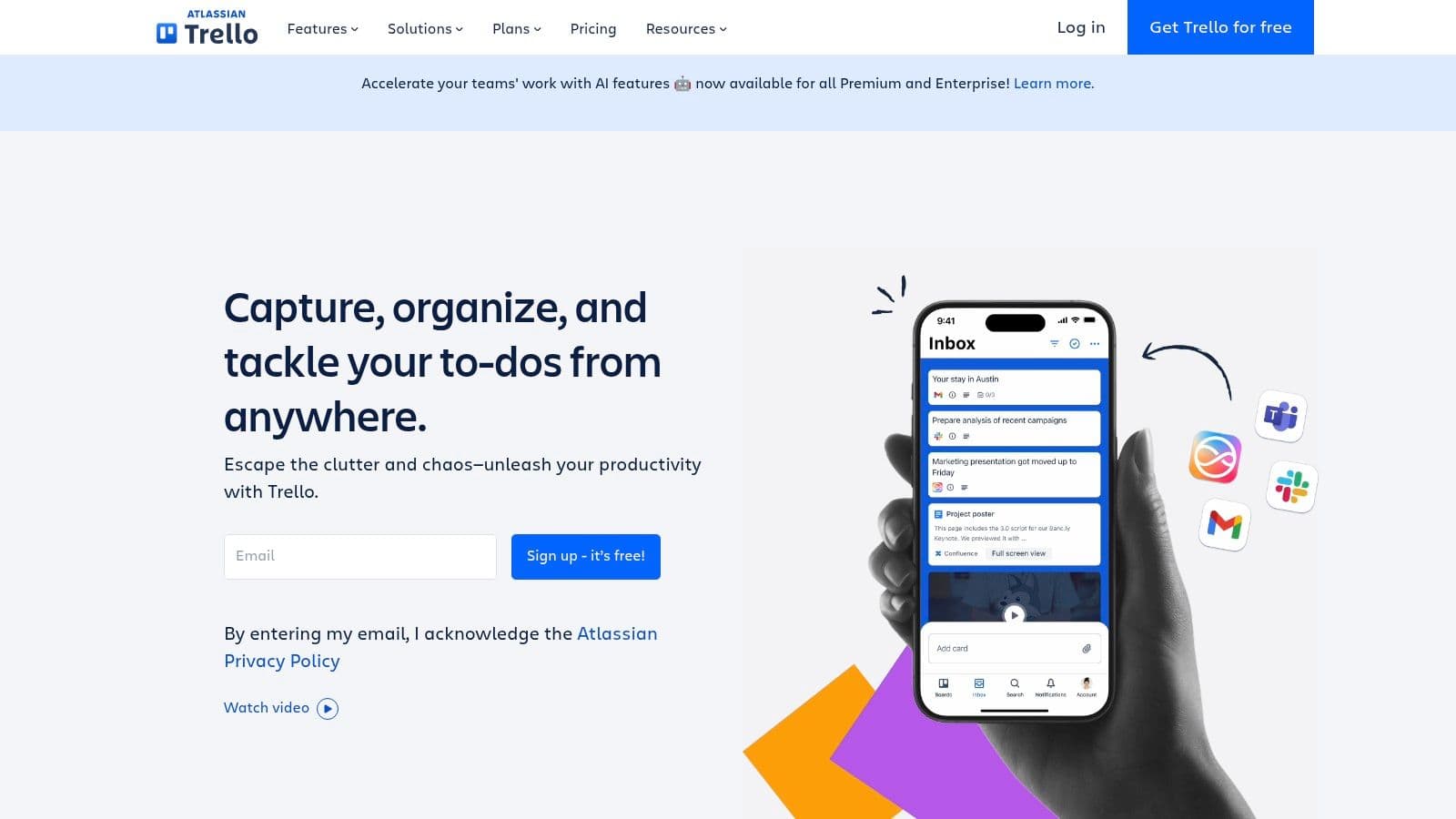
What you get and what runs out
- Automation allowance: 250 automated command runs per Workspace per month, enough for due date nudges and card moves, tight for a busy operations board.
- Attachments: Files are limited to 10 MB each, which rules out sending large decks or video through cards.
- Power-Ups: Unlimited Power-Ups per board on free, so integrations aren't the constraint they once were.
- Views: Advanced views beyond the board sit on paid plans, so don't plan around a timeline view you can't access.
The subtler weakness is flow control. The Kanban Guide from Kanban University defines a WIP limit as the maximum number of items allowed in a particular workflow state, and that numeric cap is a core Kanban mechanic. Trello doesn't enforce that natively, so a Doing column gradually grows to fifteen cards and nothing flags it.
For personal projects, editorial calendars, and lightweight tracking, Trello's free plan is still a sensible default. I wrote more about that use case in the guide to using a Kanban board for personal use. Pick Trello when the board itself is the whole job, and expect to pay once you need more boards, more people, or real limits on work in progress.
3. ClickUp
ClickUp offers a broad set of features on its free plan, but that range comes with a busier interface and more setup. The trade-off is clear: more options, more decisions to make.
The Free Forever plan includes Kanban board views, unlimited tasks, and unlimited free plan members, so teams can add people without running into a seat cap. It also includes collaborative Docs, a calendar view, sprint management, and basic custom fields. Paid tiers add per-user costs, so consider whether their additional features justify the expense before upgrading.
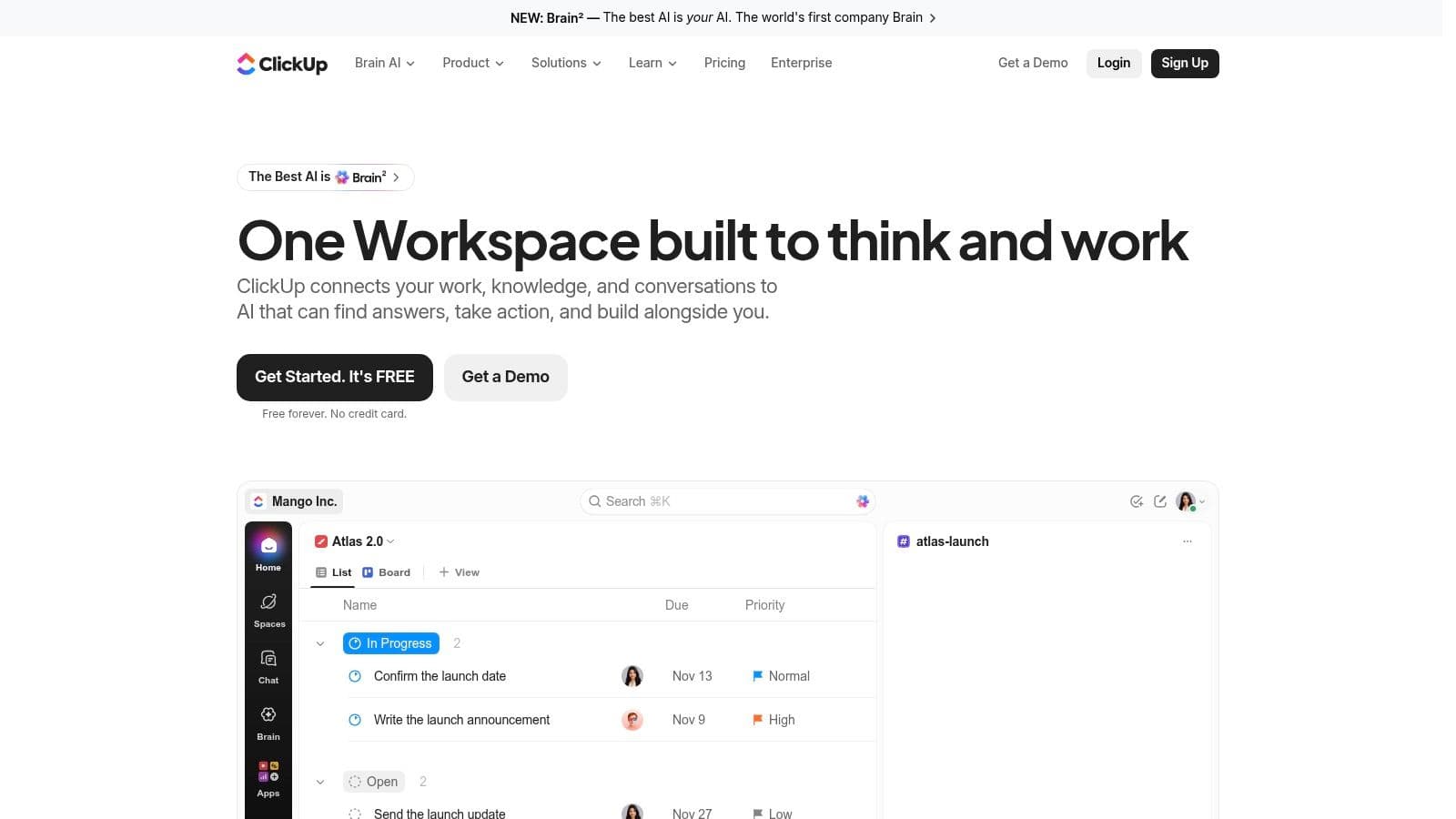
Where the friction shows up
Storage and other resource limits still apply on the free plan. Teams that attach large files to cards may reach those limits before they run out of tasks or seats. Check how your team handles files before building a workflow around card attachments.
The bigger cost may be attention. ClickUp's spaces-and-lists hierarchy takes configuration before a simple workflow feels simple. For people who work best with a quiet, single surface, extra panels, notification settings, and setup choices can add visual clutter.
A tool can be free in price and expensive in setup hours. Count both before you call it the cheaper option.
ClickUp suits a growing team that wants boards, docs, and sprints in one place and can assign someone to manage configuration. For solo work that mainly involves moving cards across a board, Trello or MeisterTask may be a more focused fit. Fluidwave takes a different approach, combining task views with automation and delegation to virtual assistants.
4. Jira
Software teams don't need convincing about Jira. For everyone else, the question is whether you want this much process attached to your board.
The free cloud plan supports up to 10 users with 2 GB of storage and community support. In exchange you get configurable workflows, reports, dashboards, and backlog, list, timeline, and calendar views alongside the board. That view set is stronger than Trello's free offering, and the reporting is in a different league from a basic card board.
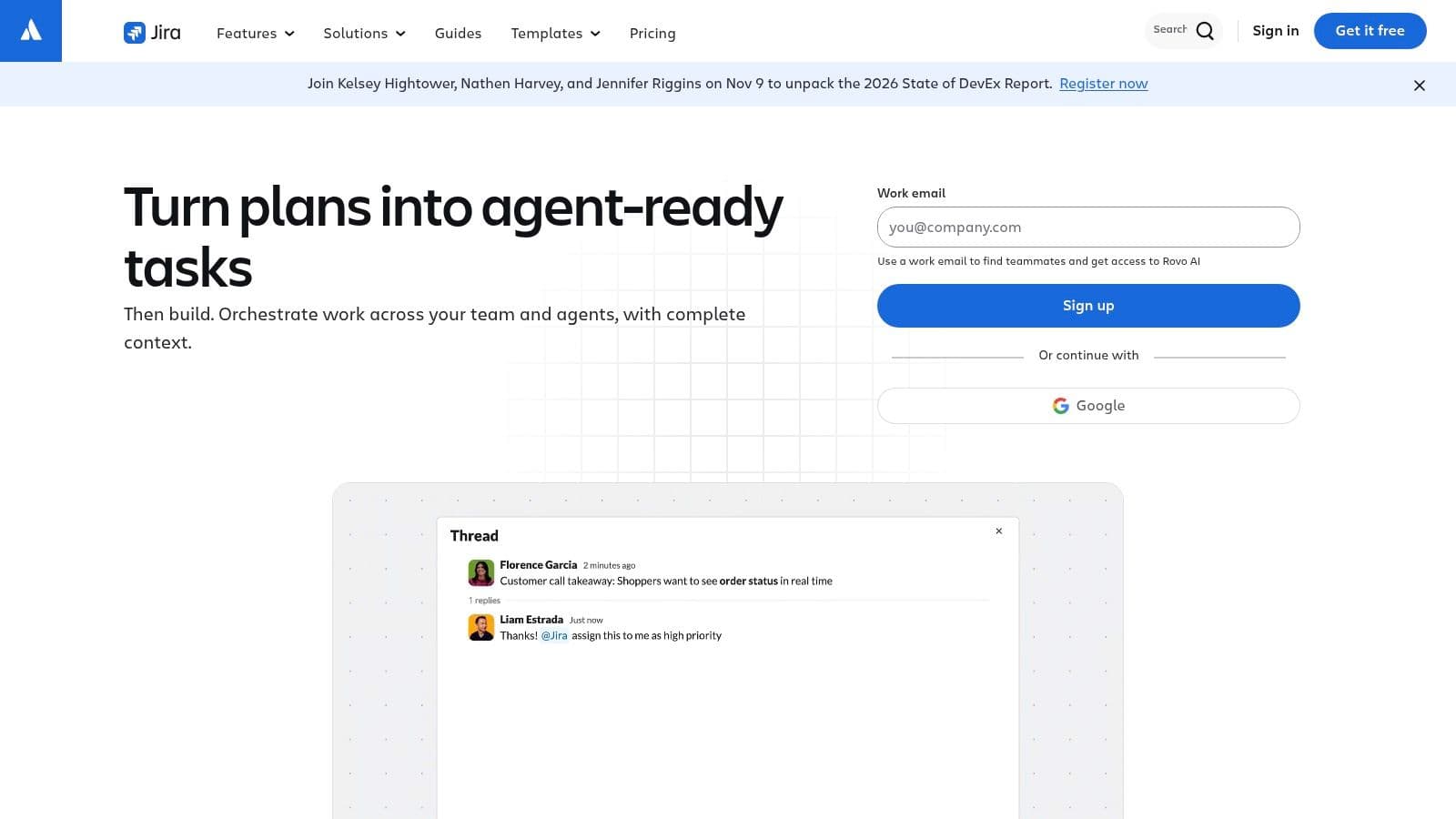
Built for flow, heavy for everyday tasks
Jira takes the pull system seriously. The official Kanban guidance from Kanban University describes a WIP limit as an expression of maximum capacity, meaning a team shouldn't pull another item into a full stage just because it's ready. Jira's board configuration lets you act on that principle with column constraints, which most free boards in this list can't match.
The evidence supports taking flow metrics seriously. The 2022 State of Kanban Report surveyed 483 respondents across 48 countries and found that 87% considered Kanban more or much more effective than methods they had used previously, with improved visibility, faster delivery, and predictability as the main drivers, according to the State of Kanban Report 2022. Tools built specifically around that flow logic tend to serve technical teams better than general tools with a board view bolted on.
The costs are weight and limits. Permissions, security, and administrative controls sit on paid tiers, storage is modest, and project setup feels excessive for tracking household tasks or a small marketing calendar. Teams extending it often end up using APIs to connect Jira to the rest of their stack, which is a sign of both its power and its appetite for administration.
Choose Jira if you're shipping software with a team of ten or fewer and you want structured tracking from day one. For a broader look at how boards fit delivery work, see the overview of Kanban board project management.
5. Asana
Asana's free Personal plan is best suited to an individual or a pair. Its small seat cap becomes the deciding limit when a third regular collaborator needs access, so check the current plan details at Asana before building a shared workflow around it.
For solo work or a two-person project, the free plan includes unlimited tasks and projects and board, list, and calendar views of the same work. Switching views helps when a board alone does not show the detail you need, though the extra project-management structure may feel like clutter if you only want columns and cards.
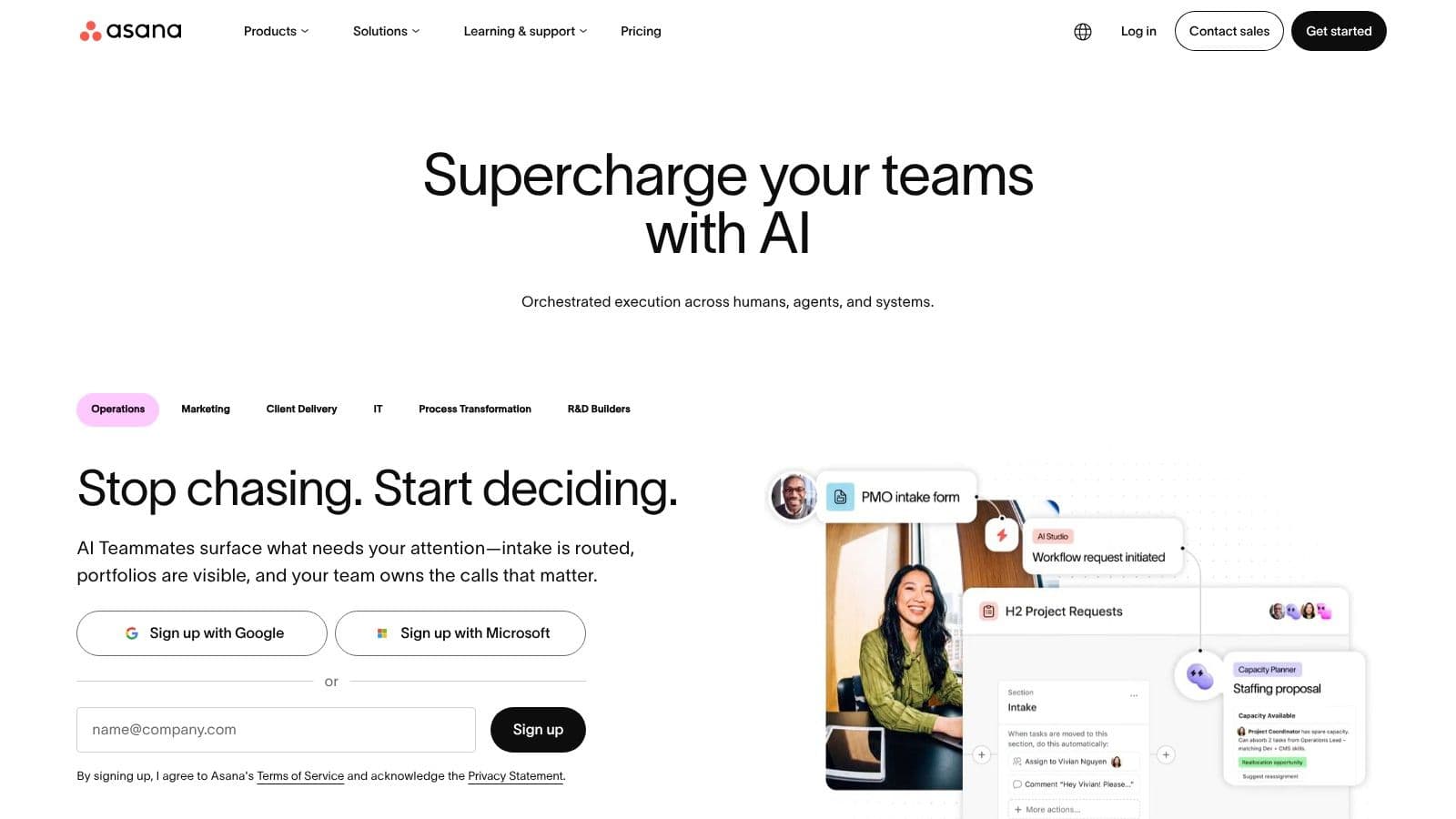
Who the small seat cap actually suits
A freelancer and one client contact, or two co-founders before a hire, can keep work together on a shared board. When a third person needs regular access, the options are to move to a paid plan or rely on workarounds such as screenshots and forwarded links. Those make ownership and status harder to track.
Asana is built around project management, not just board work. Status updates and integrations help keep work visible, but its broader structure adds setup and visual elements that may distract people who prefer a low-distraction layout, including some neurodivergent users. Advanced team and workflow capabilities are paid, so consider whether those tools are useful before taking on the added complexity.
A systematic literature review that searched 492 papers and identified 19 primary studies on Kanban in software development found commonly reported benefits including shorter delivery lead times, improved quality, and better communication and coordination, as reported in the LACCEI conference proceedings paper. For a pair, clear ownership and visible status changes can support that coordination.
Asana free suits individuals and pairs who want multiple views and project structure. It is a poor fit for a growing team that needs a shared board for more collaborators. Decide based on who needs regular access, then weigh the extra structure against the clarity you want from a Kanban board.
6. MeisterTask
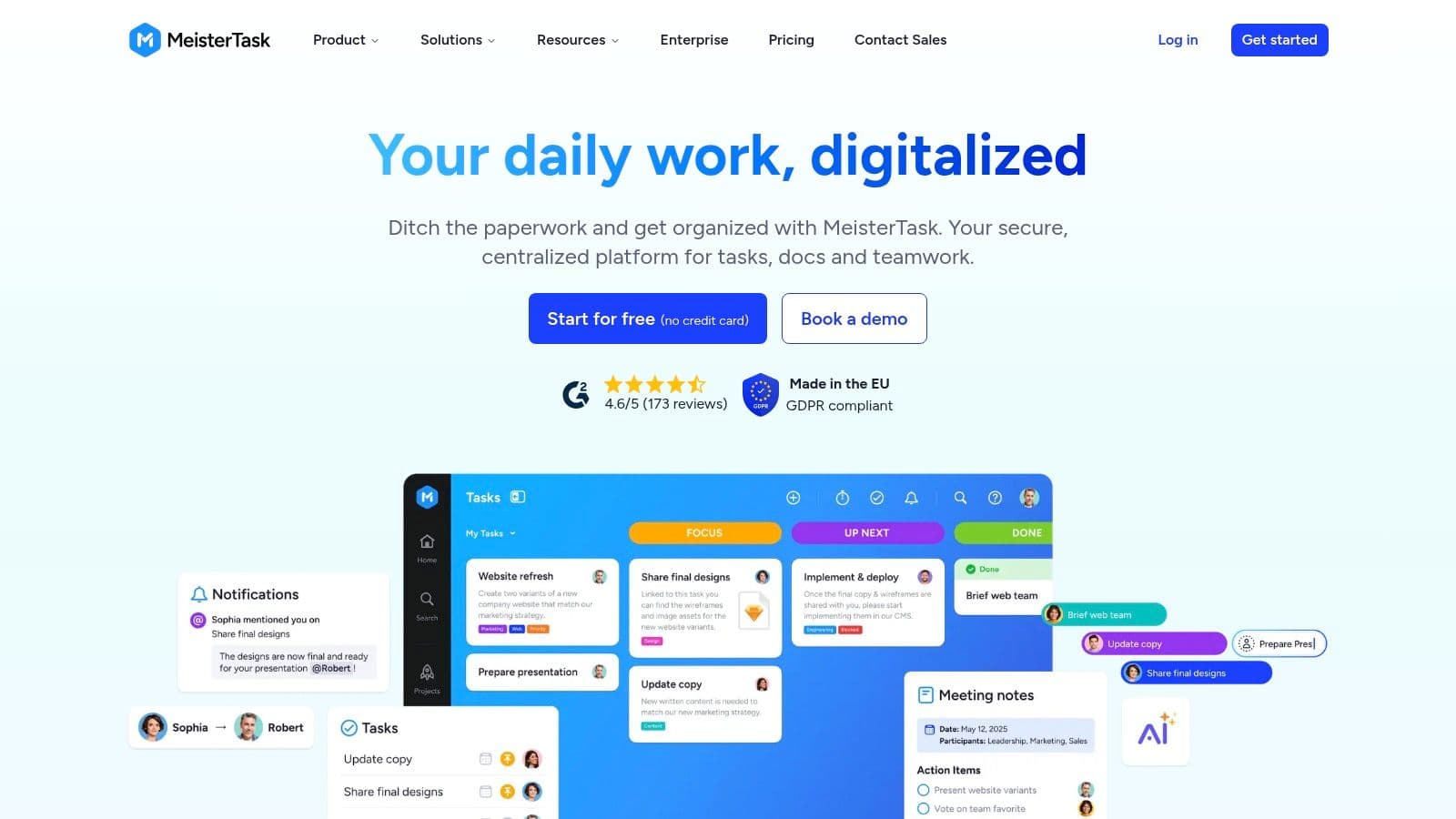
MeisterTask is the calmest looking board in this list, and for a lot of people that's the deciding factor rather than a cosmetic preference. The interface is polished, the visual hierarchy is clean, and there are fewer competing elements pulling at your attention than in ClickUp or Jira.
The free Basic plan allows up to three projects with unlimited tasks, real-time collaboration, and no time limit on the free tier. So the constraint here isn't task volume, it's how many separate workflows you can keep apart.
Three projects is the whole decision
Say you run one board for client delivery, one for your own marketing, and one for admin. You're full. A fourth client means merging work into an existing board with labels and filters, paying for Pro, or moving tools. None of those are disasters, but you should see the wall before you build against it.
Where MeisterTask earns its place is daily usability. Tracking tasks by stage is effortless, collaboration updates in real time, and the board doesn't greet you with a wall of configuration options. For someone with ADHD or anyone who abandons tools that feel noisy, a board you'll open every morning beats a more powerful one you'll avoid.
The limits are the flip side of that focus. Professional and team features sit on paid Pro and Business plans, and it isn't the tool for deep customization, complex dependencies, or heavy reporting. It's a board centered product and it stays in that lane.
I'd put MeisterTask at the top of the shortlist for an individual or small team managing two or three active workflows who value a low distraction layout over feature depth. Test it with your busiest real project, not a sample board, and watch whether three projects still feels like enough after two weeks of genuine use.
7. Kanboard
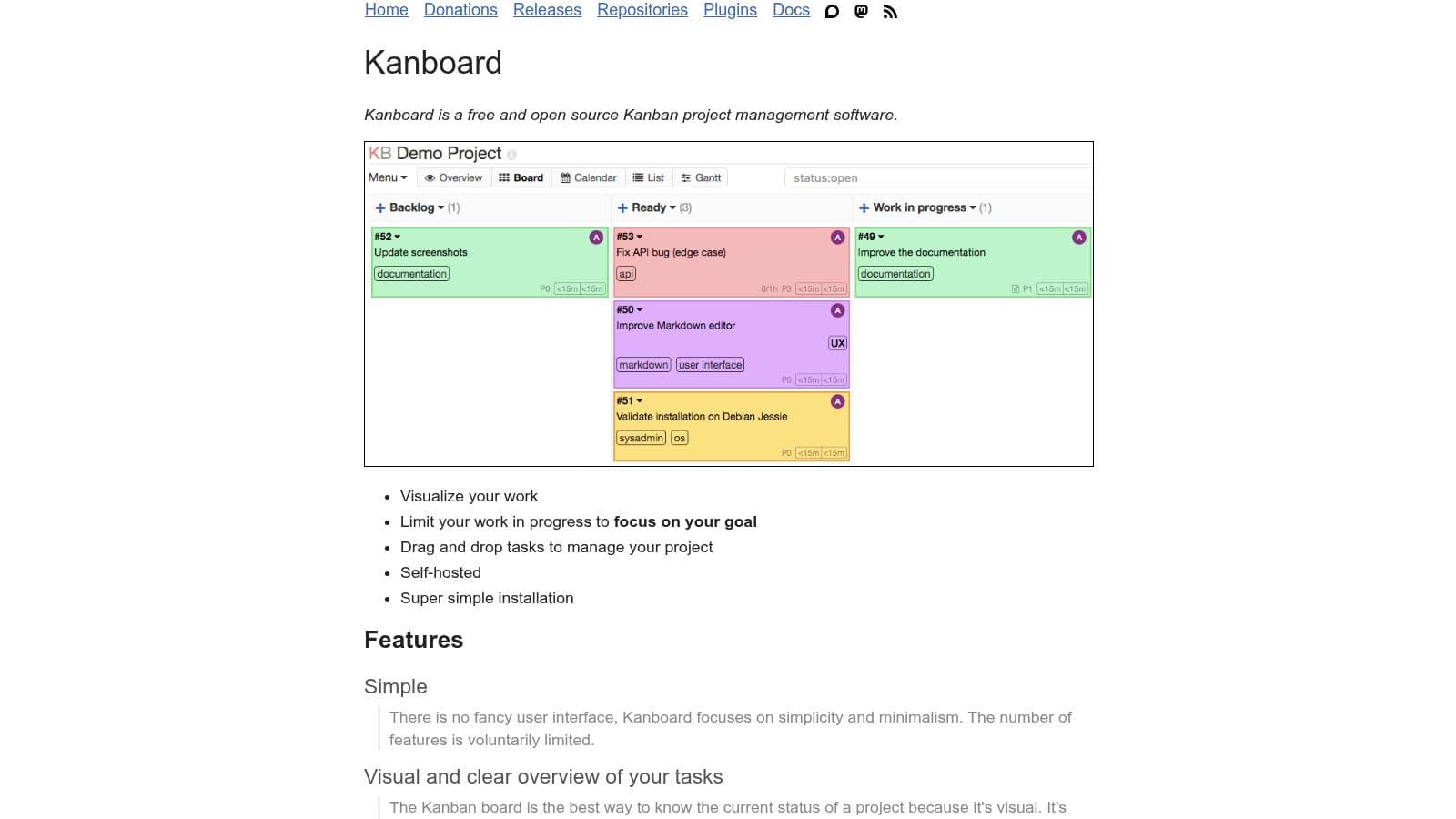
Kanboard is the only entry here where free means something entirely different. It's open-source software with no subscription fee and no per-user charge, and you host it yourself.
What you get is deliberately spare. Drag and drop task management, customizable columns, task search and filtering, and work-in-progress limits built in, which puts it ahead of Trello on a core Kanban mechanic despite costing nothing. The focused feature set avoids the sprawl of a large work management suite.
Free software still has a cost
Self-hosting means you arrange the server, installation, updates, and backups. If nobody on your team wants that job, the savings evaporate into maintenance time or a board that's running an old version. Comparisons of free boards make this distinction too, and Startup Perks identifies self-hosted tools as having no licensing caps while also warning readers to check whether data can be exported before accumulating hundreds of cards.
That export point deserves emphasis with any tool, hosted or not. Before you commit, test the exit. Check the bulk export format, whether attachments come with it, and whether you could rebuild the workflow elsewhere without retyping every card.
Exit test: Export a board with real attachments in your first week. If leaving looks painful now, it will be worse with a year of work inside.
Kanboard suits a technically comfortable person or small team that wants control over where their data lives and doesn't need advanced reporting or polished collaboration features. It's less convenient than any hosted option here and it doesn't pretend otherwise. If you have the skills and the server, it's the only uncapped free choice in this list. If you don't, the honest price of Kanboard is your time.
Free Kanban Boards at a Glance
| Item | Free Plan | Main Free-Tier Limit | Best For |
|---|---|---|---|
| Fluidwave (homepage) | Free task management; no subscription or credit card required | No specific task limit stated; virtual assistant delegation may cost extra | AI-assisted task organization across multiple views |
| Trello | $0 plan with unlimited cards and up to 10 boards per Workspace | Up to 10 collaborators per Workspace; 10 MB per attachment | Small teams and lightweight visual project tracking |
| ClickUp | Free Forever plan with unlimited tasks and members | Some features and resources, including storage, are limited | Teams wanting a broad work-management toolkit |
| Jira | Free cloud plan for up to 10 users | 2 GB storage; community support | Software and technical teams |
| Asana | Free Personal plan for up to two users | Two-user limit; 100 MB maximum per file | Individuals or pairs managing tasks across several views |
| MeisterTask | Free Basic plan with unlimited tasks | Up to three projects | Individuals or small teams with a few active workflows |
| Kanboard | Free, open-source software with no subscription fee | Requires self-hosting and ongoing maintenance | Users who want a simple, self-hosted Kanban board |
Choosing a Free Board You Can Actually Stay With
Start with the constraint you're most likely to hit first and work backwards from your real workload. Count your boards, your people, and your typical file sizes today, then add the growth you expect in six months. That arithmetic eliminates half this list in about five minutes.
- Board count: Trello caps free Workspaces at 10 boards and MeisterTask at 3 projects, so multi-client work strains both quickly.
- Seat cap: Asana free stops at 2 users, while Jira and Trello allow 10 and ClickUp places no member limit on its free plan.
- Storage: Jira's 2 GB and Trello's 10 MB per file limits bite file heavy teams long before task limits do.
- Views: Calendar and timeline layouts are free in some tools and paid in others, so confirm the view you'll live in.
Then weigh the less obvious costs. The official Kanban Guide explains that WIP limits can apply to columns, swimlanes, individual people, or the whole board, and links limiting incoming work with reduced delay and less context switching. A free board without any way to cap a column will let your In Progress list grow until everything is started and nothing is finished. That's a flow problem disguised as a free feature.
Attention cost belongs in the same calculation. Ask how long setup takes, how many surfaces need reviewing each morning, whether notifications are easy to tame, and whether automation removes routine work or just generates more alerts to manage. For neurodivergent users and overloaded executives, those answers predict whether a board survives month two better than any feature matrix.
Run your top two candidates with live tasks for two weeks. Not demo data, not a tidy sample project. Real deadlines, real attachments, real collaborators, including a simultaneous edit test so you can see how the board handles two people moving cards at once. Export your data during that trial as well, while leaving is still cheap.
Move to a paid plan only when a specific named limit blocks real work, not because an upgrade screen lists features that sound impressive. And if part of your problem is tasks you really don't have time to do yourself, add Fluidwave to the shortlist and compare its Kanban view, syncing layouts, and pay-per-task delegation against whatever you're using now. The right free board is the one whose first limit you won't reach for a long time, and whose screen you can open on a bad morning without bracing yourself.
If your board is full of tasks you keep moving but never finishing, Fluidwave gives you a free Kanban view alongside list, table, calendar, and card layouts that stay in sync, plus AI-assisted prioritization to show you what to do next. You can also hand cards to human virtual assistants on a pay-per-task basis when the honest problem is time, not organization. Start free with no credit card and run your real workload through it for two weeks before you decide.
Focus on What Matters.
Experience lightning-fast task management with AI-powered workflows. Our automation helps busy professionals save 4+ hours weekly.