Compare the 7 best task management tools for teams and individuals, including features, pricing considerations, pros, cons, and ideal use cases.
October 22, 2026 (Today)
7 Task Management Tools for Better Work in 2026
Compare the 7 best task management tools for teams and individuals, including features, pricing considerations, pros, cons, and ideal use cases.
← Back to blog
Your next task is somewhere between an unread email, a Slack conversation, and a note you wrote during a meeting. Meanwhile, a colleague needs a lightweight personal checklist, your project manager needs visible ownership across shared projects, and your founder wants help clearing repeatable work without another delegation subscription.
The right task system changes how work gets done, but that doesn't mean everyone needs the same system. The best task management tools match your workflow, collaboration needs, and appetite for setup. A simple list can be the right answer. So can a visual board or a workspace that combines AI-assisted prioritization with human help.
Start with the decision you're struggling to make: what needs attention, who owns it, or what you can hand off. An approach such as the Eisenhower Matrix for veterinary practices offers a useful way to separate urgency from importance before configuring software.
These seven options serve different needs. Fluidwave emphasizes AI-assisted organization and optional human-assistant delegation. Asana, ClickUp, Todoist, Trello, monday.com Work Management, and Notion offer different balances of structure, flexibility, and simplicity. Choose the one that makes your actual work easier, not the one with the longest feature list.
1. Fluidwave
Best for busy professionals and teams who need help deciding what to do next, plus an option to delegate the work.
A founder juggling client follow-ups, internal requests, and administrative work doesn't just need somewhere to store tasks. They need to distinguish what deserves their attention from what someone else can complete. Fluidwave's combination of AI-assisted organization and human-assistant delegation fits that workflow.
Fluidwave brings tasks, calendars, email, contacts, and notes into a shared productivity hub. Its AI helps capture and organize work, prioritize tasks by urgency and importance, and break larger projects into manageable steps. List, table, calendar, and Kanban-style views let users review the same work without maintaining separate task lists.
Use AI for Clarity, Then Delegate Deliberately
Start with a project that's too vague to act on, such as preparing a client handover. Use task breakdown to turn it into concrete actions, review the priority order, and retain responsibility for decisions that require your judgment. Delegate clearly bounded supporting work only after specifying the expected result, deadline, and budget.
Human-assistant delegation is the distinctive option. Fluidwave offers a pay-per-task model rather than requiring a delegation subscription. That suits professionals who need occasional help rather than an ongoing assistant commitment, although specific assistant availability and delegation rates aren't detailed in the product information.
- Connected workflow: Real-time Slack syncing for tasks and boards helps teams coordinate without repeatedly copying updates between applications.
- Accessible starting point: The website advertises a free-forever core tier with no credit card required. Treat assistant work as a separate paid decision.
- Important limitation: Calendar and email are labeled beta, so test their availability and polish before relying on them.
Delegation rule: Keep a named human responsible for approving consequential work, whether AI or an assistant helps produce it.
Fluidwave's published testimonials include a former Showtime executive, a marketing executive, and a software engineer, with praise for prioritization, usability, and time-saving benefits. Those endorsements aren't controlled performance evidence, and the available materials don't establish awards or certifications. Choose Fluidwave for prioritization and optional execution support, then evaluate it using your own workload.
2. Asana
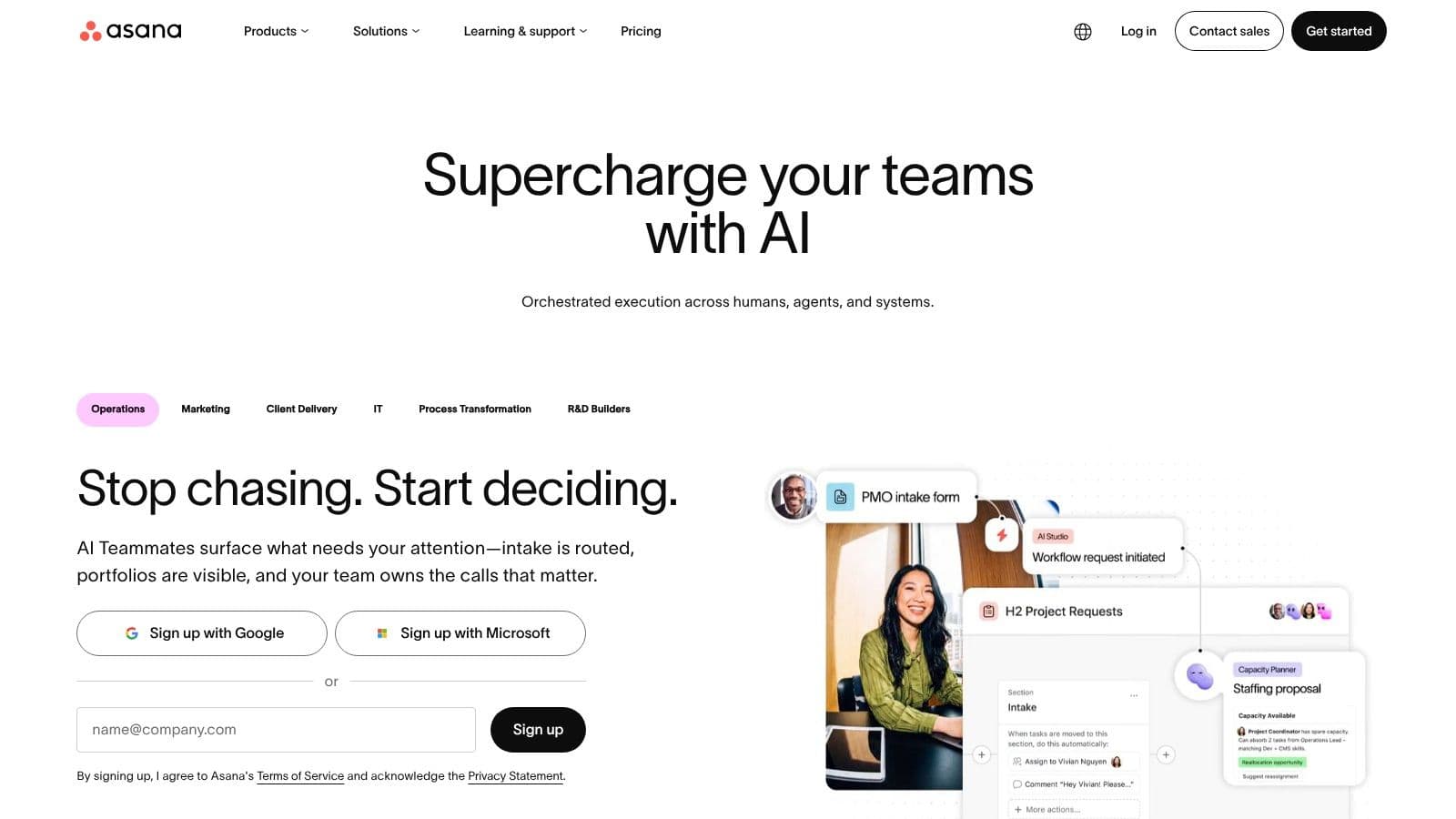
When a launch involves marketing, design, and operations, a personal checklist isn't enough. Choose Asana when dependable ownership and shared deadlines matter more than keeping the workspace minimal.
Asana connects individual tasks to team projects. Owners, due dates, subtasks, attachments, and comments keep responsibility and context together, while dependencies help teams represent work that must happen in sequence. Custom fields give teams a way to track information specific to their process rather than burying it in task names.
For a practical trial, use a real campaign or client delivery. Assign responsibility for each deliverable, record the deadline, and identify the work that can't begin until another task finishes. That's a more useful test than importing every old task immediately.
Where the Extra Structure Pays Off
Shared projects offer list, board, calendar, timeline, Gantt, and Kanban views. Rules, templates, and status updates support repeatable workflows, while workload and capacity features support team planning. Availability varies by plan, so verify the capabilities your team will use.
- Strong fit: Teams coordinating connected deliverables across roles or departments.
- Weak fit: Individuals who only want a short daily checklist and don't need project administration.
- Plan consideration: Asana offers a free Personal tier and paid plans with additional capabilities.
The trade-off is organizational overhead. Someone needs to maintain projects, ownership conventions, and meaningful status updates; otherwise, a structured workspace can still contain unclear work.
Use this guide to the best task management software to frame your shortlist around workflow needs. Pick Asana when you need shared project accountability, not just a more elaborate place to write reminders.
3. ClickUp
ClickUp is the choice for teams willing to configure a broad workspace rather than accept a narrowly defined task system. It's especially relevant when tasks, documents, goals, conversations, and reporting need to sit together.
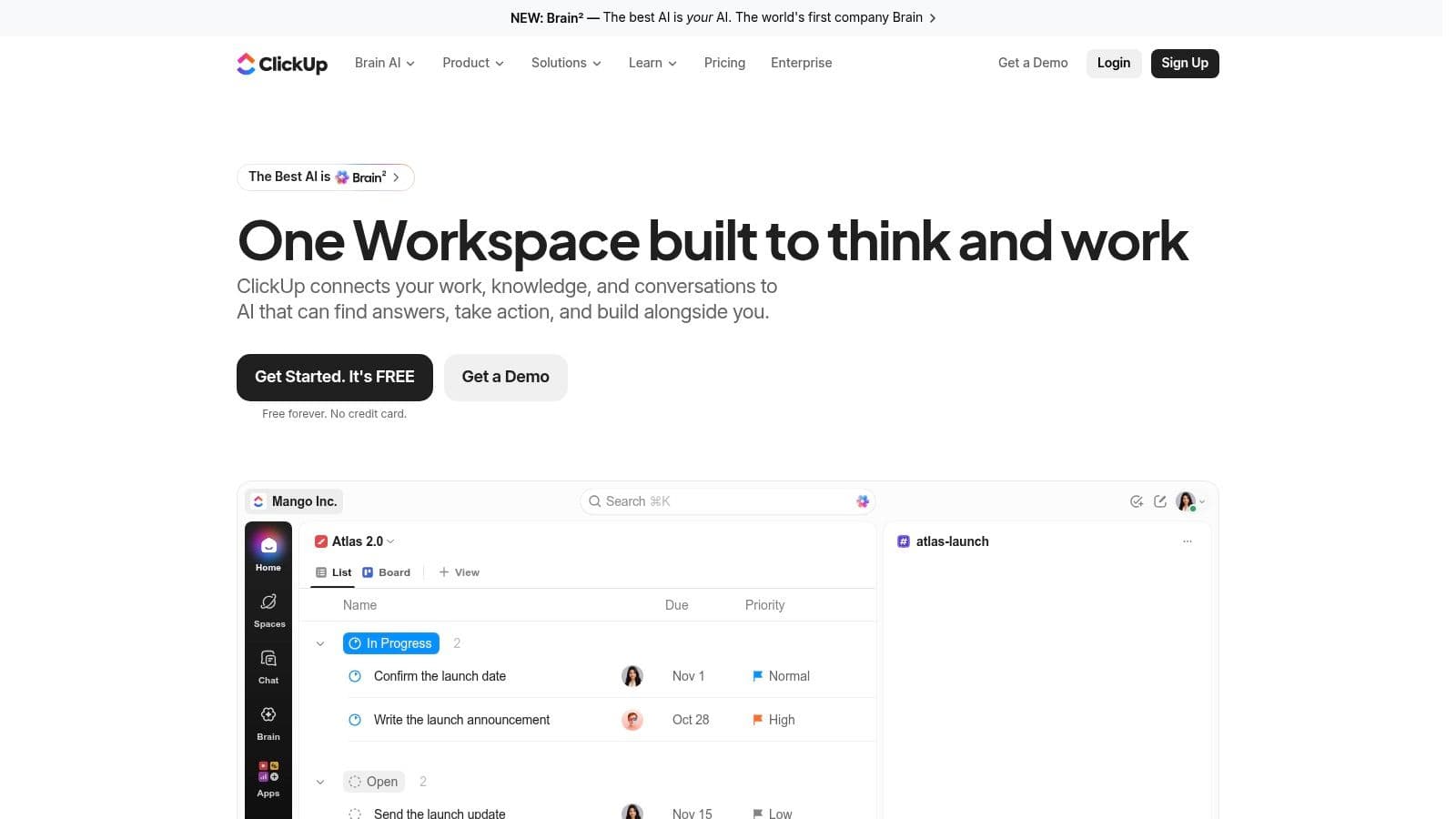
ClickUp combines customizable tasks with Docs, Goals, Chat, and dashboards. Task statuses, priorities, types, subtasks, and dependencies let teams represent different processes, while list, board, calendar, timeline, and Gantt-style views provide different ways to inspect the work.
Consider an agency that wants project briefs beside delivery tasks and time tracking. ClickUp's breadth makes sense for that scenario because the team has a reason to connect those functions. A freelancer who only needs to remember follow-ups has less reason to accept the same setup burden.
Build the workspace around your current process. Don't invent a more complicated process just because the software can represent it.
Assign Someone to Own the Setup
Recurring tasks, time tracking, and automation options can support repeatable work. But a team still needs to decide which statuses mean something, which notifications matter, and which views people should use. Without those decisions, flexibility becomes interface clutter.
The free task offering includes unlimited tasks and members, according to ClickUp's product information. That makes it accessible to explore, but it doesn't establish whether a particular paid capability is included.
Use this task management software comparison to separate essential requirements from attractive extras. Choose ClickUp when consolidation and customization justify the learning curve. Choose a lighter tool when nobody has time to maintain the workspace.
4. Todoist
Your task system doesn't need to resemble a project office. If you're a consultant tracking commitments, a freelancer organizing client follow-ups, or a small team coordinating straightforward work, start with Todoist.
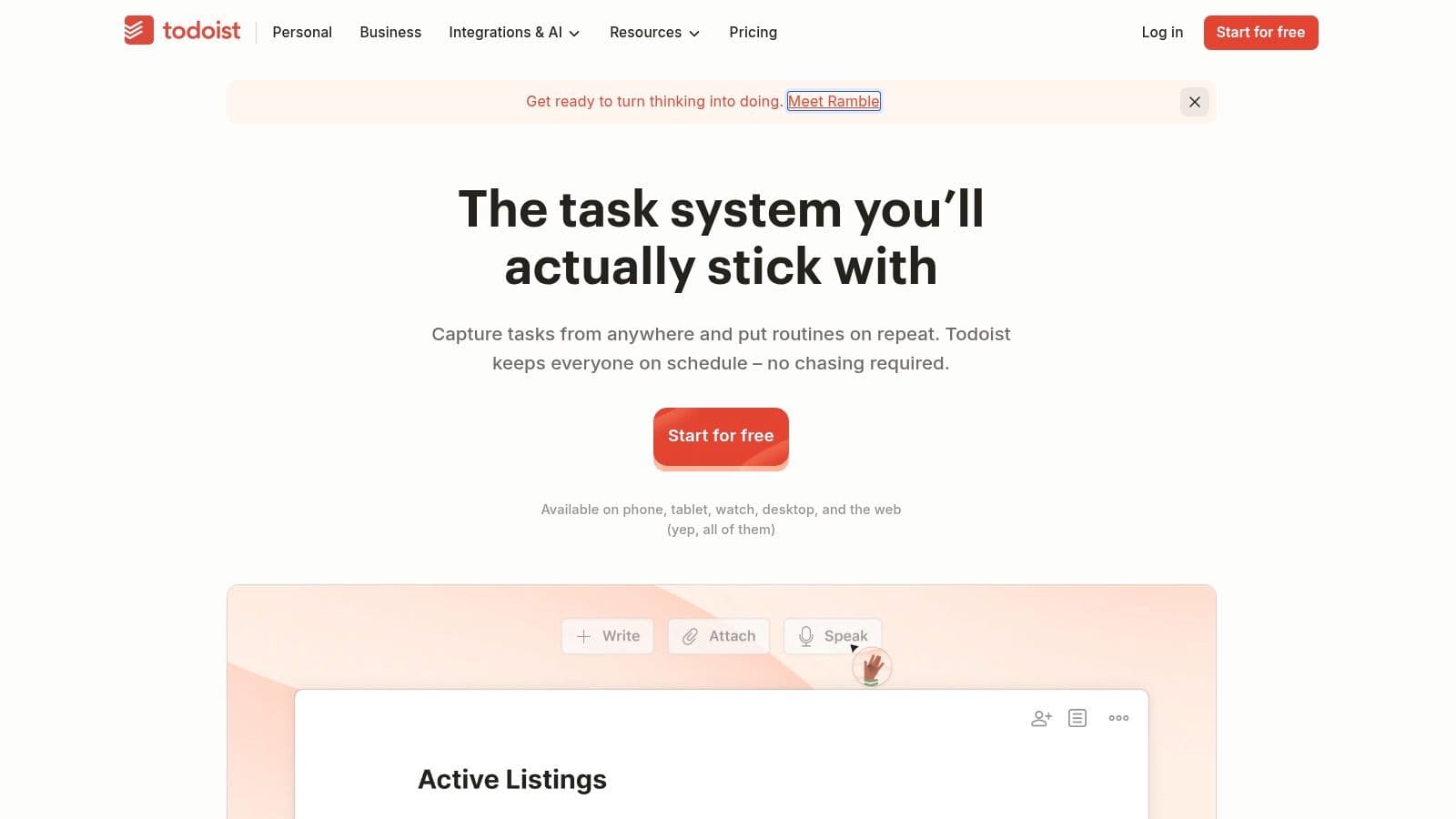
Todoist emphasizes quick capture and organization through natural-language task entry, reminders, filters, and list or board layouts. The practical advantage is low setup overhead: record the commitment, give it enough context, and return to the work. You don't need an elaborate project hierarchy to begin.
A useful personal workflow separates capture from planning. Collect incoming commitments as they appear, then review them and decide which deserve a place in your active work. Filters can support focused views without requiring you to repeatedly browse every project.
- Personal organization: Use lists for commitments and filters to narrow what you need to see.
- Light collaboration: Shared team workspaces and team projects are available on Business.
- Plan boundary: A free plan provides a starting point, while the calendar layout is available on Pro.
Recognize When a List Stops Being Enough
Todoist is less suited to elaborate dependencies, portfolio reporting, or resource planning. A task can have only one assignee, which encourages clear accountability but won't fit every shared-responsibility model.
Don't mistake simplicity for inadequacy. If your main problem is forgetting commitments or spending too long organizing them, a straightforward list is a sensible choice. Move to a more structured tool only when you need capabilities such as connected schedules or team capacity planning.
Choose Todoist for quick personal capture and basic collaboration. Skip it when your main question is how multiple projects affect one another.
5. Trello
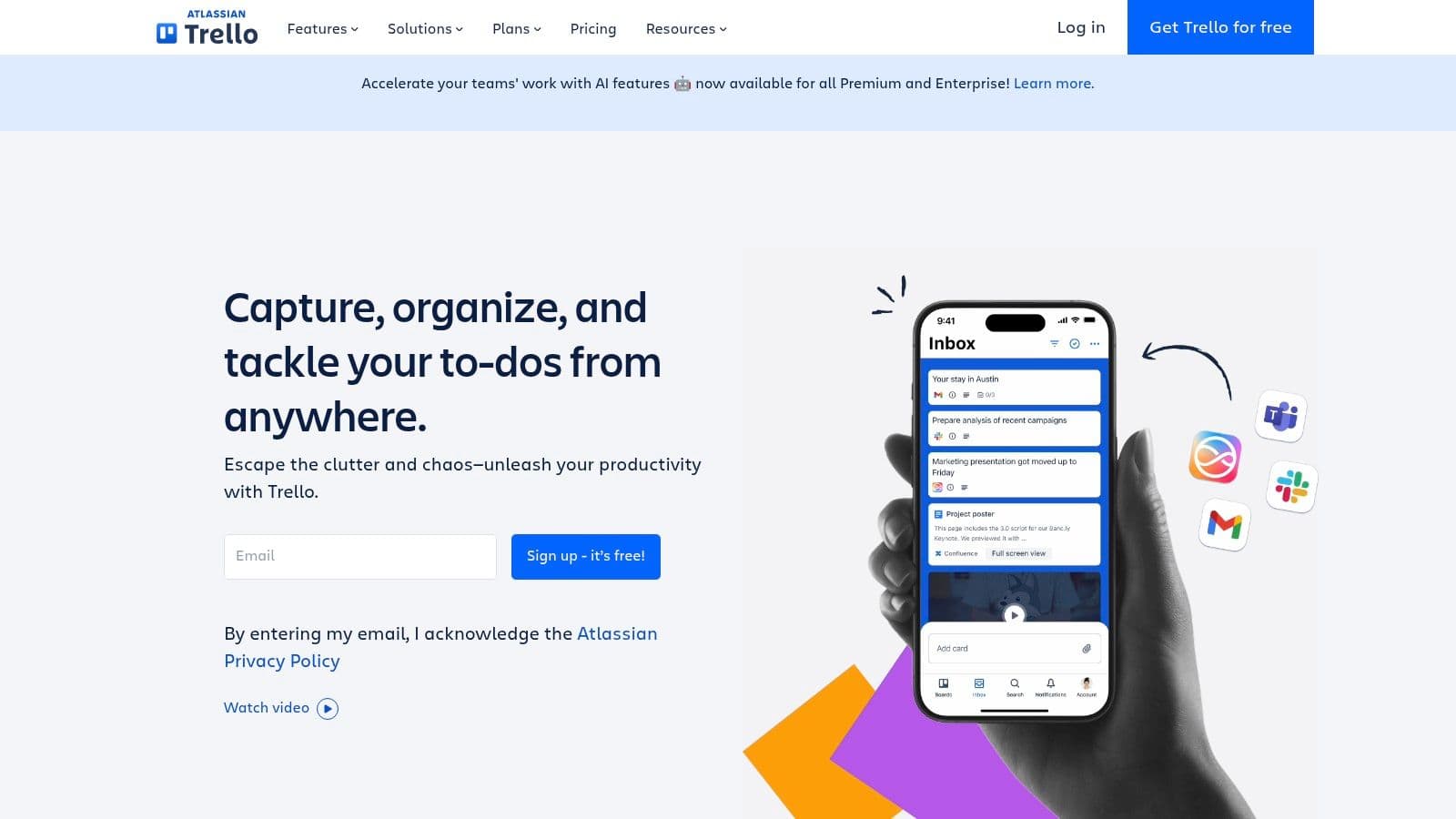
An editorial team can use Trello to track drafts from assignment through review to publication. Trello works best when everyone needs to see a task's stage at a glance, rather than manage a detailed project schedule.
Boards organize work into lists and cards. Cards hold assignees, due dates, checklists, attachments, and task details. Set clear rules for each stage so a card's position shows what happens next.
For example, decide what a draft must include before it moves to review, and assign the next step to a specific person. That keeps the workflow visible without a separate status meeting.
Board discipline: Move a card when it meets the next stage's entry conditions, not just to make the board look current.
Keep the Board Understandable
Power-Ups add integrations and capabilities. Automation uses Workspace command runs, with higher limits on paid plans, and some advanced views may require an upgrade. Trello's free plan supports up to 10 collaborators per Workspace and up to 10 boards.
Trello suits lightweight project tracking, editorial pipelines, and personal planning. For workflows that depend on complex schedules or many linked tasks, a board alone can obscure dependencies. Choose a tool built for that coordination instead of adding more cards and Power-Ups.
For teams still deciding how to structure stages, this guide to setting up a task management board can help.
6. monday.com Work Management
Choose monday.com Work Management when departments need adaptable processes with a consistent visual approach. It suits teams that want more structure than a basic board but still want to configure how they track work.
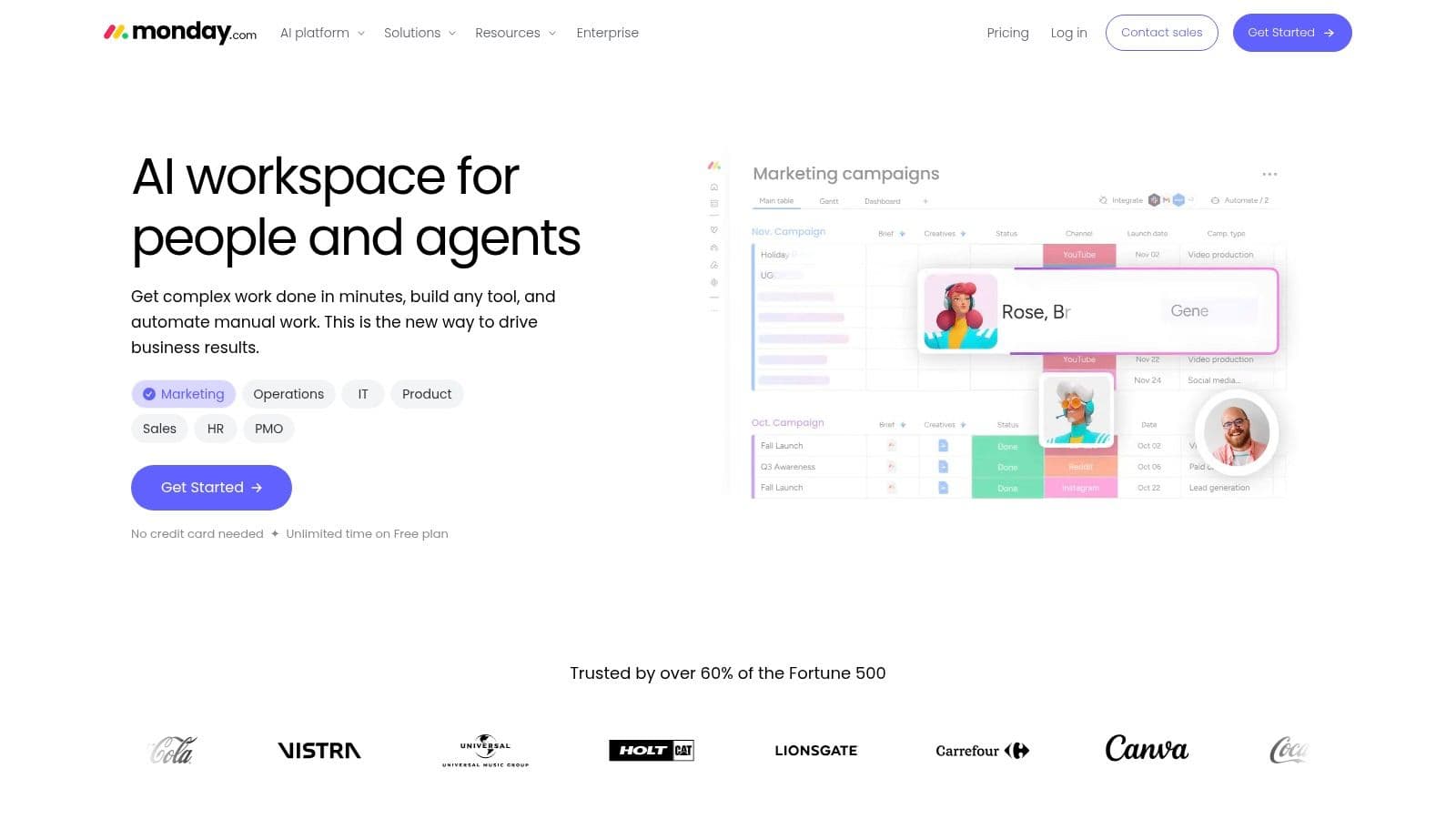
monday.com Work Management uses customizable boards and columns for tasks, projects, and operational processes. Templates give teams starting points, while configurable columns let them track the information relevant to each workflow. Visual status and ownership fields make shared work easy to scan.
For example, an operations team can model requests around the requester, owner, due date, and current stage. A marketing team can configure a different process without requiring everyone to use an identical set of task details. Agree on common definitions where teams hand work to each other.
Compare Plans Against the Process
Calendar view and guest access are available on Standard. Automations, integrations, dashboards, and additional views depend on the tier, while mobile apps support managing work away from a desk. Check those boundaries before designing a process that depends on them.
- Main strength: Configurable boards suit repeatable departmental workflows.
- Cost consideration: Paid plans use seat-based pricing and minimum seat counts, which can affect very small teams.
- Starting limit: The product offers a free plan for up to two seats, as advertised on its website.
The trade-off is governance. If every department invents different meanings for status and priority, managers won't gain clarity just by looking at a dashboard.
Choose monday.com when someone will maintain the process as well as the boards. For a personal checklist, Todoist requires less organizational commitment.
7. Notion
The task says to revise a proposal, but the client context, meeting notes, and draft are elsewhere. Choose Notion when keeping tasks beside documentation solves more of your problem than adding dedicated project controls.
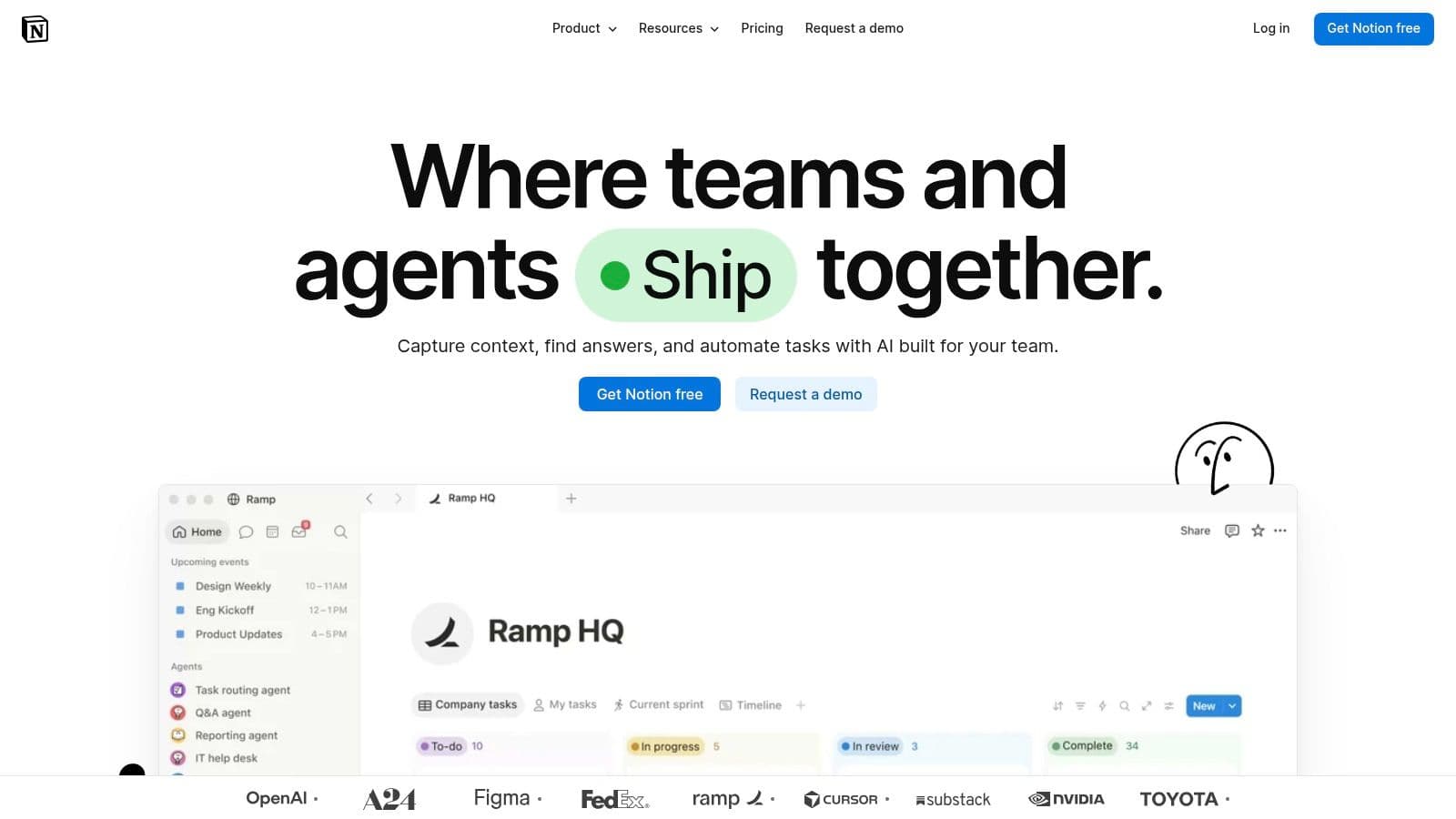
Notion combines pages, documents, databases, and task tracking. Task databases can hold status, assignee, date, and priority properties, with subtasks, dependencies, and multiple views over the work. Pages and documents connect the actions to the reference material people need.
That combination suits documentation-heavy teams, researchers, consultants, and freelancers who already organize project knowledge in pages. Instead of treating the task list as separate from the project context, you can design a workspace where both remain closely connected.
- Strong fit: Work where notes, decisions, and reference documents are central to completing tasks.
- Useful flexibility: Database properties and views can accommodate personal or team workflows.
- Main drawback: Someone must make the design decisions before the system feels ready to use.
Build the Smallest Useful Workspace
Start with a task database connected to the project material you consult. Add properties only when they support a decision, such as identifying an owner or showing a deadline. Don't build elaborate dashboards before establishing whether the underlying task records stay current.
Notion's flexibility is the reason to choose it and the reason some teams should avoid it. Teams wanting ready-made project controls will usually prefer a more structured dedicated tool.
Pick Notion when documentation belongs at the center of your workflow. If building and maintaining a system feels like another project you don't want, choose something more opinionated.
Task Management Tools: 7-Item Comparison Matrix
| Tool | 🔄 Implementation complexity | ⚡ Resource requirements | 📊 Expected outcomes | 💡 Ideal use cases & key advantages |
|---|---|---|---|---|
| Fluidwave | Low to moderate; AI helps capture and prioritize tasks | Advertises a free-forever tier; calendar and email features may be in beta | ⭐ Centralized work, clearer priorities, and task breakdowns | Individuals or teams wanting AI-assisted planning, integrated work tools, Slack sync, and pay-per-task human delegation |
| Asana | Moderate; structured project setup | Free Personal tier; some capabilities require paid plans | Clear ownership, deadlines, and project progress | Teams coordinating tasks and larger initiatives; ⭐ strong visibility into responsibilities |
| ClickUp | High; broad feature set may need configuration | Free task offering includes unlimited tasks and members; workspace planning is useful | Consolidated tasks, docs, goals, chat, and dashboards | Teams seeking a customizable all-in-one workspace; ⭐ flexible views and workflows |
| Todoist | Low; quick task entry and minimal setup | Free plan available; some features require paid plans | Fast capture and organization of personal or shared tasks | Individuals and small teams needing straightforward task lists, reminders, and filters |
| Trello | Low; boards are simple to set up | Free plan supports up to 10 collaborators and 10 boards per Workspace; some capabilities require paid plans or Power-Ups | Clear visual tracking of tasks through workflow stages | Lightweight projects, editorial pipelines, and personal planning; ⭐ easy visual overview |
| monday.com Work Management | Moderate; boards are configurable | Free plan for up to two seats; paid plans are seat-based and feature limits vary | Visual tracking of tasks, projects, and repeatable processes | Teams wanting adaptable boards, templates, dashboards, and automations |
| Notion | Moderate to high; databases and workflows may need setup | Requires workspace configuration; plan details are not specified here | Task tracking connected to project notes and shared documentation | Individuals or teams combining project tracking with knowledge management; ⭐ flexible databases and linked documents |
Choose by Workflow, Not by Feature Count
The clearest way to choose among task management tools is to identify the friction you need to remove. Todoist fits quick personal capture. Trello fits lightweight visual workflows, while Notion fits work that depends on documentation and shared knowledge.
Choose monday.com Work Management for configurable team processes and ClickUp when a broad workspace justifies additional setup. Asana suits teams that need dependable project ownership and deadlines. Fluidwave stands out when you want AI-assisted prioritization, multiple work views, and optional delegation to human assistants on a pay-per-task basis.
Test Real Work Before Committing
Use a small set of current tasks rather than a polished demonstration project. Include an incoming request, a deadline-driven deliverable, a handoff, and work that needs clarification. Check whether you can capture each task, identify the next action, assign responsibility, and recover context after an interruption.
- Evaluate friction: Notice how much searching, switching, and manual updating the workflow requires.
- Check plan limits: Confirm seats, views, automations, integrations, guest access, and delegation terms before inviting colleagues.
- Evaluate completion: For delegated or automated work, review the result, correction effort, and approval time, not just whether the task was marked done.
Protecting attention should be part of that test. Microsoft's 2023 Work Trend Index found that 68% of surveyed employees lacked enough uninterrupted focus time. A workspace that constantly demands attention isn't a good fit just because it offers more ways to organize tasks.
The same practical reasoning applies to specialized operations. When you're managing the repair queue, the useful question is whether people can identify the next job, understand its status, and take responsibility for moving it forward. Apply that standard to your own work rather than reproducing someone else's setup.
Select the tool that makes your highest-priority workflow easier without requiring a major process overhaul. Keep consequential decisions under human review, simplify anything people won't maintain, and expand the system only when real work calls for it.
Fluidwave combines AI-assisted task capture, prioritization, multiple work views, and optional pay-per-task delegation to human assistants. Visit Fluidwave to organize an active project, review what needs attention next, and identify a clearly defined task you can hand off.
Focus on What Matters.
Experience lightning-fast task management with AI-powered workflows. Our automation helps busy professionals save 4+ hours weekly.