Compare the top task management AI tools of 2026 — features, use cases, pros and cons — and find the right fit for your personal or team workflow.
November 2, 2026 (2d ago)
Task Management AI Tools: 10 Picks That Actually Work
Compare the top task management AI tools of 2026 — features, use cases, pros and cons — and find the right fit for your personal or team workflow.
← Back to blog
Most “AI-powered” task apps bolt a chatbot onto a to-do list and call it innovation. The harder question is whether the AI changes what you do next: does it capture work, build a realistic plan, or clear routine coordination off your plate? The stakes are concrete. Microsoft's 2025 Work Trend Index found that employees in its highest-ping group were interrupted every two minutes during core working hours, or 275 times per workday. A crowded inbox is a real planning problem, not a minor annoyance.
This roundup compares task management AI tools by the work situation they fit: solo capture, scheduling crunch, team coordination, and flexible project work. Each pick also gets an honest look at where the AI helps and where it adds another layer to manage. The market already runs well ahead of employer-issued software. Microsoft's 2024 Work Trend Index surveyed 31,000 knowledge workers across 31 countries and found that 78% of respondents who used AI at work relied on at least one tool their employer hadn't provided.
The ten picks below run from lightweight personal lists to full work-management platforms, so check each product's current plan limits and AI availability before you commit. For a related example of AI sorting incoming service requests, see AI for service desk intake and triage.
1. Fluidwave
Fluidwave is the pick for an overloaded list that needs hands, not just sorting. Its AI auto-prioritizes tasks by urgency and importance, and the same work can be viewed as a table, list, calendar, Kanban board, or cards for personal focus or team visibility.
The distinguishing feature is delegation. For work that is better handed off than automated, Fluidwave lets you assign tasks to human virtual assistants on a pay-per-completed-task basis, with no delegation subscription. You create the task, set a budget and timeline, and monitor progress while the assistant works. The Fluidwave website describes a free forever tier and says its automated workflows can save users more than four hours per week; treat the savings figure as the company's claim rather than a guaranteed result for every workflow.
Where it fits, and where to be careful
Fluidwave is a strong fit for busy professionals and founders whose problem is less about forgetting tasks and more about deciding what deserves attention and what someone else should handle. Human delegation bridges the gap between AI suggesting a next step and a person completing work that requires judgment. Real-time collaboration lets a team share tasks and track progress in the same workspace where the delegation happens.
Set the right boundary: AI can sort and suggest, but external messages, sensitive information, and financial commitments deserve human review.
That caution matters because trust depends on the task. In a workplace survey summarized by SnapLogic, 87% of employees said they would generally trust an AI agent with a task, compared with 96% who trusted a colleague. (SnapLogic's AI-at-work survey) A practical way to test the fit: run your own list through the free tier first, then delegate one recurring task and compare the result with doing it yourself.
2. Motion
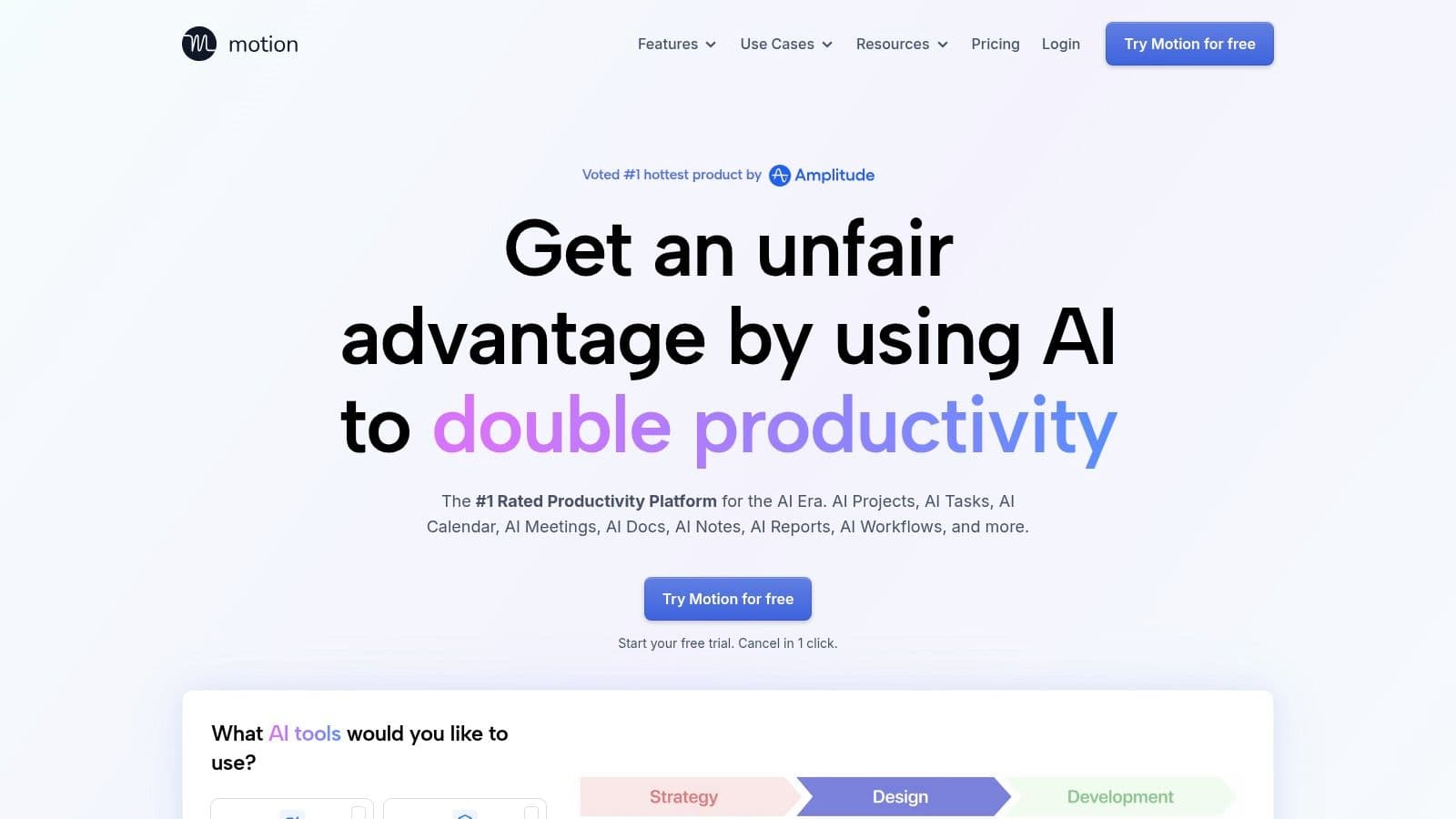
Motion is for the person who has a full task list but no credible answer to “When am I going to do this?” It schedules tasks into calendar openings using deadlines, priorities, and estimated durations, then replans when meetings move or a task takes longer than expected. That makes it a scheduling system first and a conventional task list second.
The practical advantage is that Motion forces a backlog to compete with the hours you really have. If a project has a deadline, the schedule can make it obvious that the current plan doesn't fit. That's more useful than an elegant list that assumes every day has unlimited capacity.
The trade-off
Motion works best when you're willing to let software propose the order of your day. If you prefer to choose tasks by instinct, mood, or shifting context, automatic rescheduling can feel like the app is taking control rather than helping. It also combines project and team planning with personal scheduling, which may be more system than a lightweight list requires.
Use Motion when missed scheduling is the problem, not when you simply want a place to store tasks.
Compare the calendar it builds with your actual habits during a normal workweek. If you keep overriding its plan, the issue may be that you need more control over task order, or that your time estimates and priorities need a more realistic setup.
3. ClickUp
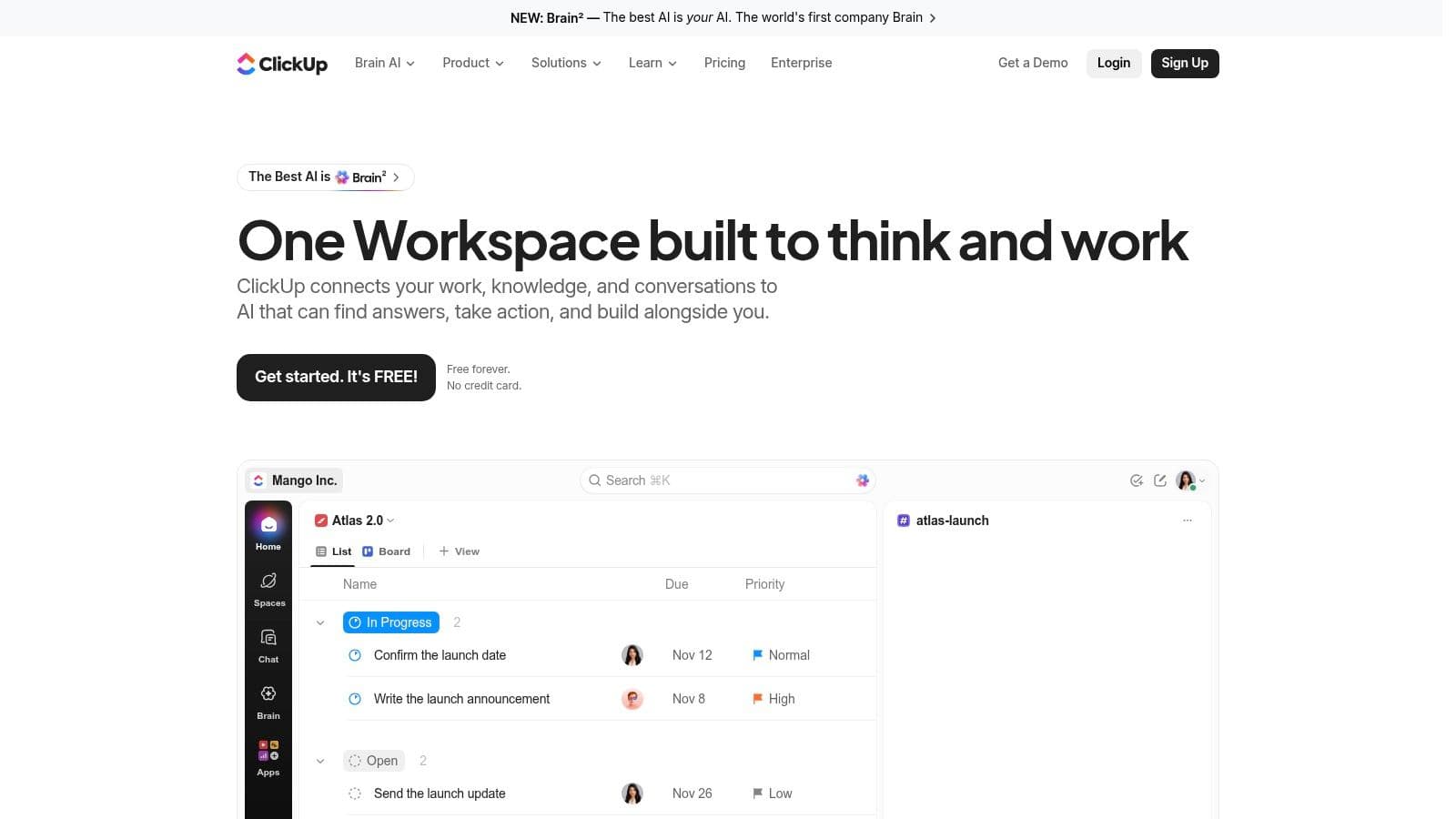
A team that's outgrown a simple board can use ClickUp to bring tasks, documents, dashboards, goals, time tracking, and project views together. Its Brain AI layer can answer questions about workspace information and assist with writing and task-related work. AI agents and automation are also available, but access and usage depend on the plan.
ClickUp's advantage is its flexibility. A marketing team can track campaign tasks and keep briefs nearby, while an operations team can build a different workflow around requests and recurring processes. The free plan offers unlimited tasks and members, subject to other limits, so a team can test its core structure before paying.
Make flexibility earn its keep
The main downside is setup. ClickUp can fit many workflows, but that doesn't mean you should configure every option before anyone starts using it. Pick a project, establish a small set of statuses and owners, and see whether the team can maintain them without a systems administrator.
AI is most useful when it works against organized workspace information, not when it becomes another chat window detached from the work. A National Bureau of Economic Research study of customer-support agents found that generative AI assistance increased issues resolved per hour by 14% on average, though the study evaluated support work rather than task-management software. (NBER's study of AI assistance and worker productivity) The relevant takeaway is to judge ClickUp by completed work and reduced coordination, not by the number of AI features available. For a closer look at the underlying workflow concepts, see this guide to AI task management.
4. Asana
Asana fits teams that need clear ownership and dependable project visibility. Tasks and projects can be organized in list, board, and calendar views, with timeline planning available on eligible plans. Teams can connect daily work to goals, reporting, and portfolios, which helps managers see whether a project is moving without asking each person for a status update.
Its AI features include summaries, task assistance, smart fields, and writing support. AI Teammates and AI Studio add agent-supported work and no-code workflow automation, with access and usage varying by plan. That range can be useful when the team already has a defined process and wants help reducing repetitive administration.
Best for shared accountability
Asana's structure makes it easier to answer practical questions: who owns this task, when is it due, and which project does it belong to? That clarity is valuable for teams coordinating dependencies and deadlines, but it can feel like overhead for someone managing a personal list. A solo user who mainly needs reminders and quick capture may find the project structure heavier than the work itself.
Don't adopt every feature at once. Start with one live project, name an owner for each task, and use the reporting that helps the team make decisions. AI summaries are helpful when they reduce the time spent catching up, but they don't replace clear task descriptions or a human checking whether a summary missed an important change.
5. Todoist
Todoist is the straightforward pick for solo capture. Type a task with a due date in ordinary language, and Todoist can recognize the date. Recurring tasks, reminders, filters, and project organization support a personal system without requiring you to build a full project-management workspace first.
List and board views cover most everyday planning, while the calendar layout is available on Pro. Todoist Assist provides selected AI capabilities, and official ChatGPT and Claude connections, along with an MCP server for compatible clients, can let AI assistants work with tasks. The free plan is a practical way to test whether the basic workflow sticks.
Keep the system light
Todoist is less suited to teams that need detailed resource planning, advanced reporting, or complex dependencies. It's strongest when you need to capture a thought quickly and trust that it'll reappear when it matters. The more projects, labels, and filters you add, the more you'll need to maintain your own rules for using them.
Frequency matters more than a clever setup. In PwC's global survey of nearly 50,000 workers across 48 major economies, 92% of daily generative-AI users reported productivity benefits, compared with 58% of infrequent users. That's a self-reported finding about generative AI broadly, not proof that Todoist itself causes productivity gains. (PwC's global workforce survey) Use the app's fast capture and reminders to make regular use easy, then judge it by whether high-priority work gets completed. Don't add AI connections unless they make your actual task workflow simpler.
6. monday.com Work Management
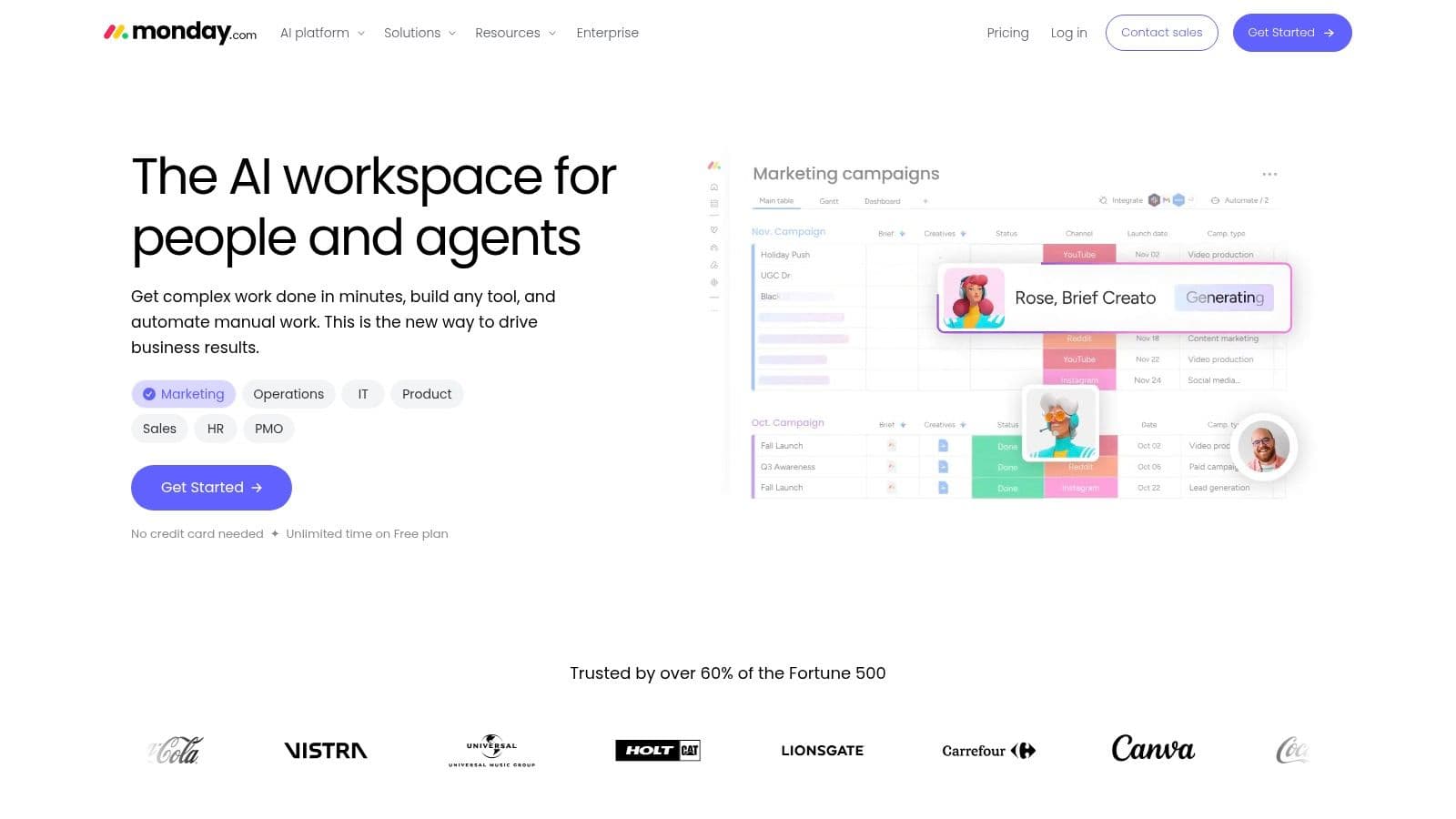
monday.com Work Management makes sense when a team wants to see work status at a glance and needs to shape the board around its own process. Boards can track tasks, owners, deadlines, and status, with calendar, timeline, and Gantt views available on eligible plans. Automations and integrations can reduce manual handoffs, while AI tools include Sidekick, AI columns, and agent capabilities.
The visual approach is a real advantage for teams that think in stages. A request can move from intake to review to completion, and the board makes stalled work easy to spot. A free plan gives small-scale users a starting point.
Avoid board maintenance becoming the work
A flexible board still needs a stable owner and clear conventions. If every team member adds new columns, statuses, and automations to solve a local annoyance, the board gets harder to understand. Keep the workflow visible enough to support decisions, but don't turn routine task tracking into a configuration project.
AI features use plan-based credits, so teams should check what's included and monitor usage before depending on them. That matters especially if an AI column or agent becomes part of a recurring process. monday.com is a better fit for teams adapting visible workflows than for individuals looking for a quiet personal to-do list.
7. Notion
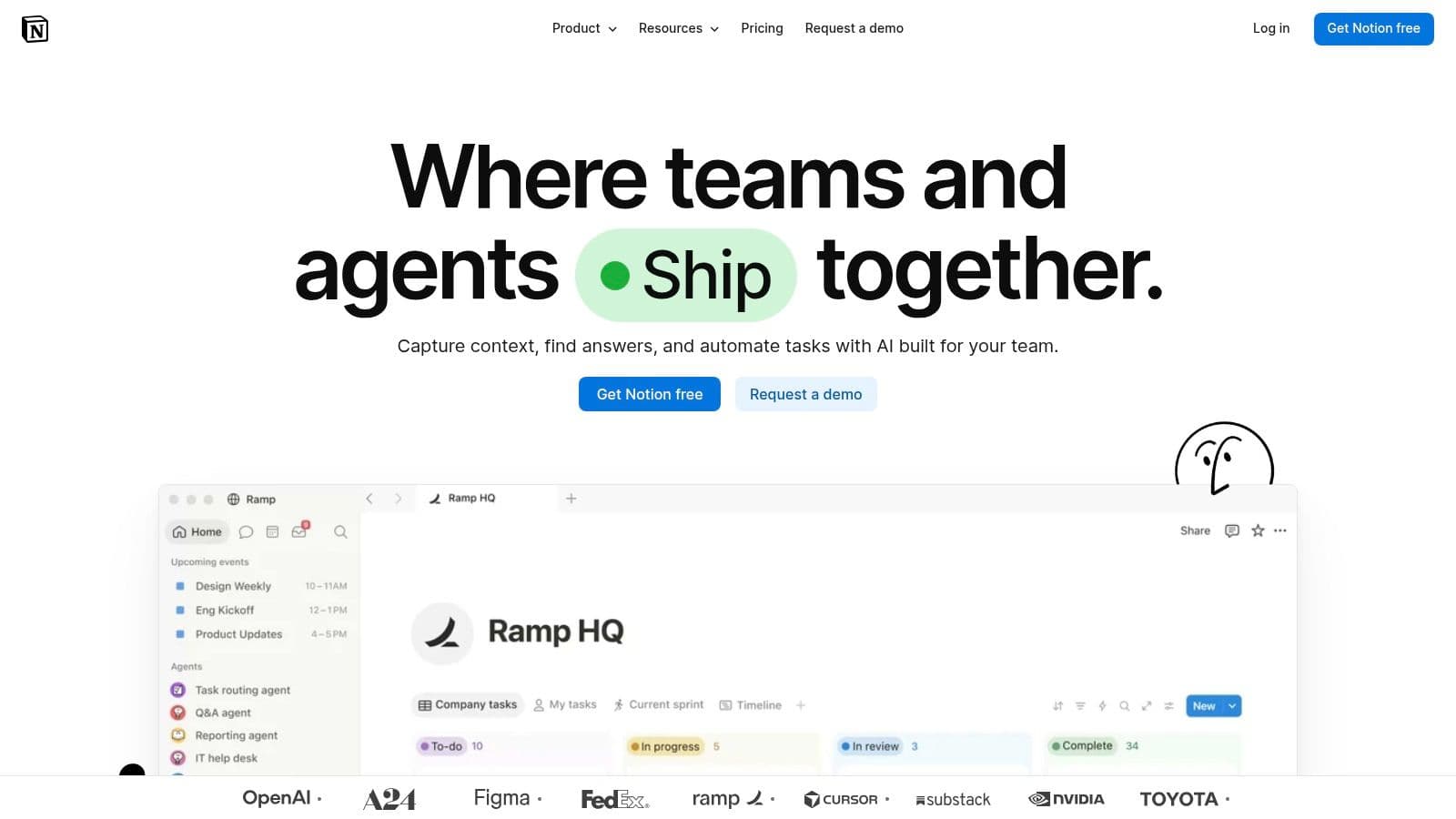
Notion is the natural choice when tasks need to sit beside the notes, briefs, and documentation that explain them. Its databases can track projects, subtasks, dependencies, and custom properties, while flexible pages let teams keep the reference material close to the work. Notion Calendar and integrations can connect planning with other work information.
AI can help with writing, meeting follow-ups, and connected information, with fuller capabilities and agent features available on eligible plans. This is useful when a team already works in Notion and wants to make its knowledge base more actionable, rather than copy project context into another tool.
Documentation is both the draw and the risk
The trade-off is setup. A dedicated task manager gives you a ready-made workflow; Notion gives you building blocks. That flexibility can be productive if the team agrees on how to use properties, views, and task status. It can also leave people maintaining a custom system instead of finishing work.
Use a template or a small database before designing a complete workspace. Keep task fields to the information that helps someone act, such as owner, due date, and status. If you need a starting point for building a repeatable structure, explore these task management templates. Notion works best when documentation is already part of the team's routine, not when every user has to learn database design just to check off a task.
8. Reclaim.ai
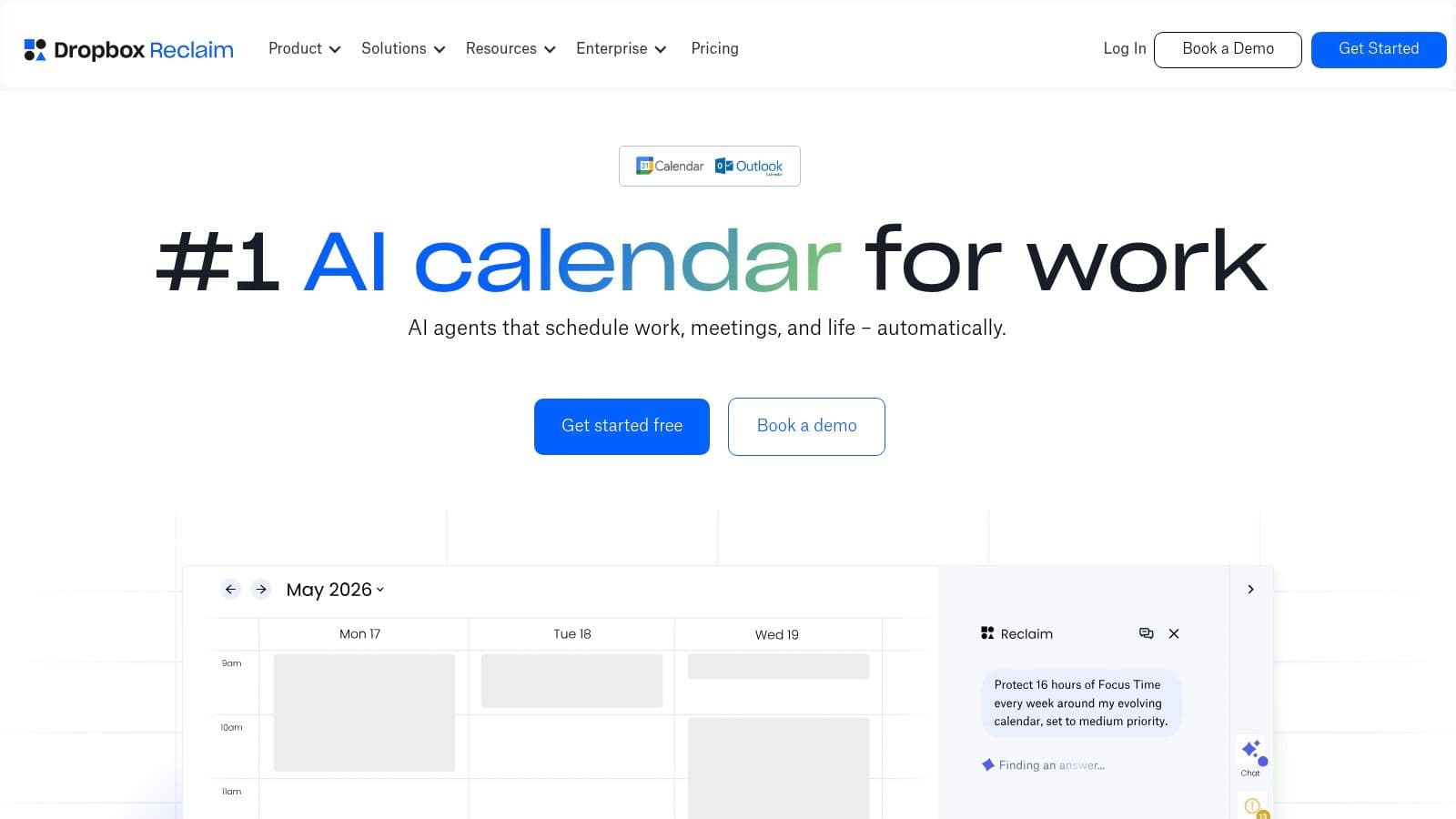
Reclaim is a scheduling layer for people whose calendars fill up before they can find time for focused work. It automatically schedules tasks and focus sessions around existing commitments, and it also supports recurring habits, buffers, and smart meeting scheduling. Instead of replacing your project manager, it tries to reserve calendar time for work already recorded elsewhere.
That distinction matters. Reclaim connects with Google Tasks, and paid plans integrate with tools including Todoist, Asana, ClickUp, Jira, and Linear. If you already have a task system you like, Reclaim can help turn its work into protected time rather than forcing a migration.
Choose it for calendar pressure
The free plan lets individuals evaluate the scheduling approach, but integrations and planning limits vary by plan. Check compatibility with your existing tools before you depend on a connection, and be prepared to tune which tasks can move and which need fixed calendar time. An overly aggressive scheduler can fill your calendar with focus blocks that you'll keep rescheduling.
Protect the calendar time you can honor, not every empty slot the app can find.
Reclaim is not a full project-management suite. It won't replace the need to clarify task owners, project scope, or dependencies. If the bottleneck is “I can't find time to do the work,” it's a focused option. If the bottleneck is “we don't know what the work is or who owns it,” fix that first. For related approaches to planning around available hours, see these AI time management tools.
9. Trello
Trello is best for straightforward work that moves through visible stages. Boards, lists, and cards make a simple process easy to understand: put tasks in a column, add the details people need, and move each card as work progresses. AI-assisted board creation can help users get a workflow started, and card-content tools are available on eligible plans.
Trello MCP can connect boards to compatible external AI assistants. The free plan is available, and MCP access is available across plans subject to workspace permissions. That gives Trello a path to AI-supported work without requiring every team to redesign how it tracks tasks.
Keep the workflow simple
Trello is easy to start using because the board is visible and the basic action is obvious. It's a good fit for a small project, a content pipeline, or a personal workflow with clear stages. Complex work can outgrow cards and columns, especially if the team needs detailed dependencies, cross-project reporting, or resource planning.
Most built-in AI features beyond MCP require a Standard, Premium, or Enterprise plan. Check that distinction before choosing Trello specifically for AI. If board movement is already the team's natural way of working, AI board creation and card assistance can help; if the project requires a deeper operating model, adding more Power-Ups or rules may only make a simple tool harder to manage.
10. Wrike
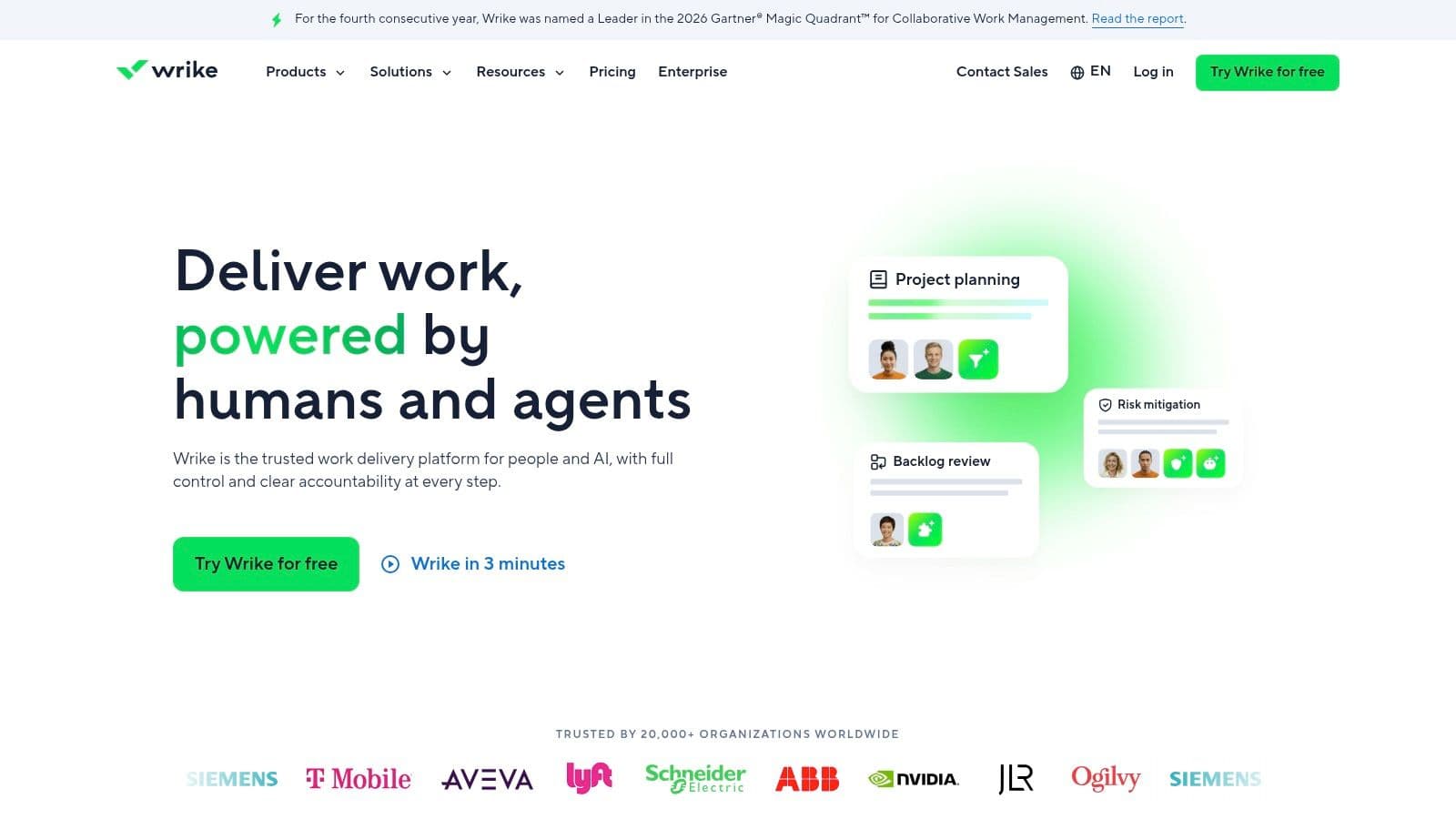
Wrike is aimed at teams coordinating projects, incoming requests, and work across departments. It combines task and project tracking with workflow and reporting options, making it a better fit for structured operations than for a personal list. AI Essentials includes content assistance, comment summaries, and natural-language form or rule generation. Higher-tier AI Elite features include Copilot, agents, widget generation, and a whiteboard assistant.
The tier structure needs attention. AI use is measured in actions, and inclusion and allowances differ by plan. Before buying, map the AI feature you need to the plan that includes it, then estimate whether your team's ordinary workflow will use it frequently.
Pair automation with review
Wrike can support teams that need repeatable request intake and reporting, but its capabilities may be unnecessary for a solo professional or a small group tracking simple work. Keep the workflow understandable to the people completing tasks, not just to the person who configured it.
That matters when automated decisions affect workers. The International Labour Organization describes algorithmic management as covering work allocation, monitoring, and performance management, and warns that limited transparency and human interaction can be risks in digital labour platforms. (International Labour Organization analysis of algorithmic management) For any automated workflow tied to task completion, ratings, or future eligibility, make the decision visible and provide a way for a person to review it.
Task Management AI Tools at a Glance
The right tool depends on the work situation you are solving, so scan the Best For column first and the AI column second. Scheduling pressure points to Motion or Reclaim.ai, solo capture points to Todoist, and team coordination points to ClickUp, Asana, monday.com, or Wrike.
| Tool | Best For | AI Strength | Free Plan |
|---|---|---|---|
| Fluidwave | All-in-one personal and team task workspace | Prioritizes tasks and breaks projects into steps | Free forever plan available |
| Motion | Calendar-based task and project scheduling | Schedules tasks and replans when commitments change | Paid plans only; see current pricing |
| ClickUp | Customizable team work management | Answers workspace questions and assists with writing and tasks | Unlimited tasks and members, subject to other limits |
| Asana | Structured team projects and accountability | Summaries, task assistance, and workflow automation | Paid plans only; see current pricing |
| Todoist | Personal tasks and lightweight collaboration | Selected AI assistance and compatible AI connectors | Free plan to test core task workflow |
| monday.com Work Management | Visual, customizable team workflows | AI assistant, columns, and agents with plan-based credits | Free plan for small-scale use |
| Notion | Tasks alongside notes and documentation | Assists with writing, meeting follow-ups, and connected information | Paid plans only; see current pricing |
| Reclaim.ai | Finding time for tasks and focus on a busy calendar | Automatically schedules tasks, focus time, and habits | Free plan available |
| Trello | Simple visual task workflows | Helps create boards and work with card content on eligible plans | Free plan available |
| Wrike | Structured projects and cross-team workflows | Content assistance, summaries, and higher-tier AI tools | Paid plans only; see current pricing |
Read the AI Strength column with some skepticism. Several tools gate their stronger features behind higher tiers or meter them with credits and action limits, so the free plan may only cover basic task management. Where a row shows paid plans only, treat the trial period as your evaluation window and confirm the AI feature you want sits in the tier you can afford.
Choosing the Right Tool for the Way You Actually Work
Start with the bottleneck, not the feature list. If your main problem is deciding when to do work, Motion builds tasks into a changing calendar plan, while Reclaim reserves time around existing commitments. Motion suits people who want task scheduling and project planning in one place. Reclaim makes more sense when you already have a project system and need a scheduling layer.
For personal capture, Todoist is a clean place to collect everyday tasks without building a complex workspace. Fluidwave is a stronger fit if you want prioritization, multiple task views, connected work information, or the option to delegate work to a human assistant. If you need structured team coordination, consider ClickUp for configurable workflows, Asana for ownership and project visibility, monday.com for visual process tracking, or Wrike for cross-team requests and structured administration. Notion is the pick when tasks need to live alongside documentation. Trello works when a board and cards are enough.
Put the system to work before you commit
Start with a free tier or trial where available, and migrate only active tasks. Don't bring in years of stale lists, old projects, and abandoned reminders. A smaller working set makes it easier to see whether the tool improves your day.
Give each AI feature two weeks of real use before judging it. Try it on ordinary work, not only on a polished demo task, and watch for the costs it creates: extra review, repeated corrections, calendar clutter, or another place to check. Audit AI usage limits against your plan before committing, especially when credits or action allowances can affect recurring workflows.
Measure a result you can feel in your own week, such as less time spent sorting tasks, fewer missed handoffs, or more focus time protected. Broad productivity claims need context: the Federal Reserve Bank of St. Louis estimated that time saved by generative AI across all workers, including nonusers, equaled 1.6% of total work hours in 2025. (Federal Reserve Bank of St. Louis analysis of workplace GenAI use) That population-level measure isn't a promise about any one app. For longer projects, a simple progress tracker can also keep work visible, as this guide to managing dissertation writing progress illustrates.
The best task management AI tools aren't the ones with the longest feature page. They're the ones that help you capture work, make the next decision, and keep your workflow clear without demanding constant maintenance. Choose the tool that addresses your actual bottleneck, then give it a fair test. The best one is the one you'll still open in a month.
Fluidwave combines AI task prioritization, flexible views, and human-assistant delegation, so you can decide what to do next and hand off work that doesn't need your attention. If that mix fits the way you work, visit Fluidwave to explore the platform and start with the workflow you most want to simplify.
Focus on What Matters.
Experience lightning-fast task management with AI-powered workflows. Our automation helps busy professionals save 4+ hours weekly.