Compare 10 AI time management tools by features, pricing, strengths, limits, and ways to connect planning with task delegation.
October 1, 2026 (2d ago)
10 AI Time Management Tools for Smarter Planning
Compare 10 AI time management tools by features, pricing, strengths, limits, and ways to connect planning with task delegation.
← Back to blog
Your calendar is full of meetings, your task list keeps growing, and you still don't have a reliable answer to the simplest question: what should happen next? An AI planner may reshuffle your day, but it won't automatically remove every approval, follow-up, research task, or client request competing for your attention.
The useful distinction is which time problem a tool solves. Some products automate calendar placement, others reduce planning friction, measure where your hours go, or help you hand work to someone else. This roundup compares ai time management tools by workflow, not by feature count. For each option, I'm looking at the ideal user, calendar support, depth of automation, pricing transparency, setup demands, and the limitation most likely to affect your working day.
I've also included the point where another app stops being the answer. If the bottleneck is inbox administration, for example, an email automation solution for HVAC businesses may be more useful than another calendar layer. The best system usually combines a planning tool with a clear process for deciding what you should do, what software can schedule, and what a person should complete.
1. Fluidwave
Fluidwave fits workdays where requests arrive through email, chat, meetings, and personal notes. It combines tasks, email, calendar, contacts, and notes in one workspace, then uses AI to rank what deserves attention. Founders, executives, freelancers, and small teams can plan from a shared view instead of reconstructing priorities across separate apps.
The workspace supports table, list, calendar, Kanban, and card views. Use a detailed board for ongoing projects, a calendar for time-sensitive work, or a quick list for the day's decisions. Gmail, Google Calendar, Google Contacts, Slack, and AI tools such as Claude can connect to the workflow. Each list can also operate as a synced Kanban board. Some inbox, calendar, contacts, and notes functions remain in beta, so connected features may continue to change.
Practical rule: Let AI decide which work deserves calendar space. Delegate tasks that should leave your calendar altogether.
Where Fluidwave goes beyond scheduling
The Smart Weekly Planner can build a schedule from your goals, while the Energy-Based Task Scheduler places demanding work around your energy patterns. Its founders-focused workflow also fits prioritized tasks into available working hours. These tools address planning friction by turning goals into a workable sequence, although the quality of the plan still depends on realistic priorities, durations, and available time.
Fluidwave's distinct option is its human delegation marketplace. Completed tasks can be sent to vetted virtual assistants on a pay-per-task basis, with payment made when the work is finished. That approach can suit research, data entry, follow-ups, and operational work that needs judgment or persistence. A person may handle those tasks better than another automation layer. Delegation costs can rise with volume, and assistant availability or quality can vary, so use it for recurring bottlenecks rather than every minor task.
Fluidwave provides a free forever core tier without a credit card and publishes delegation pricing. Its distraction-light interface, real-time collaboration, and prioritization engine support busy professionals who want fewer decisions between meetings. The platform claims automated workflows can save multiple hours per week. Treat that as a product claim and compare it with your own results.
Fluidwave is worth considering when prioritization, planning, collaboration, and human-backed delegation need to sit in one system.
2. Motion
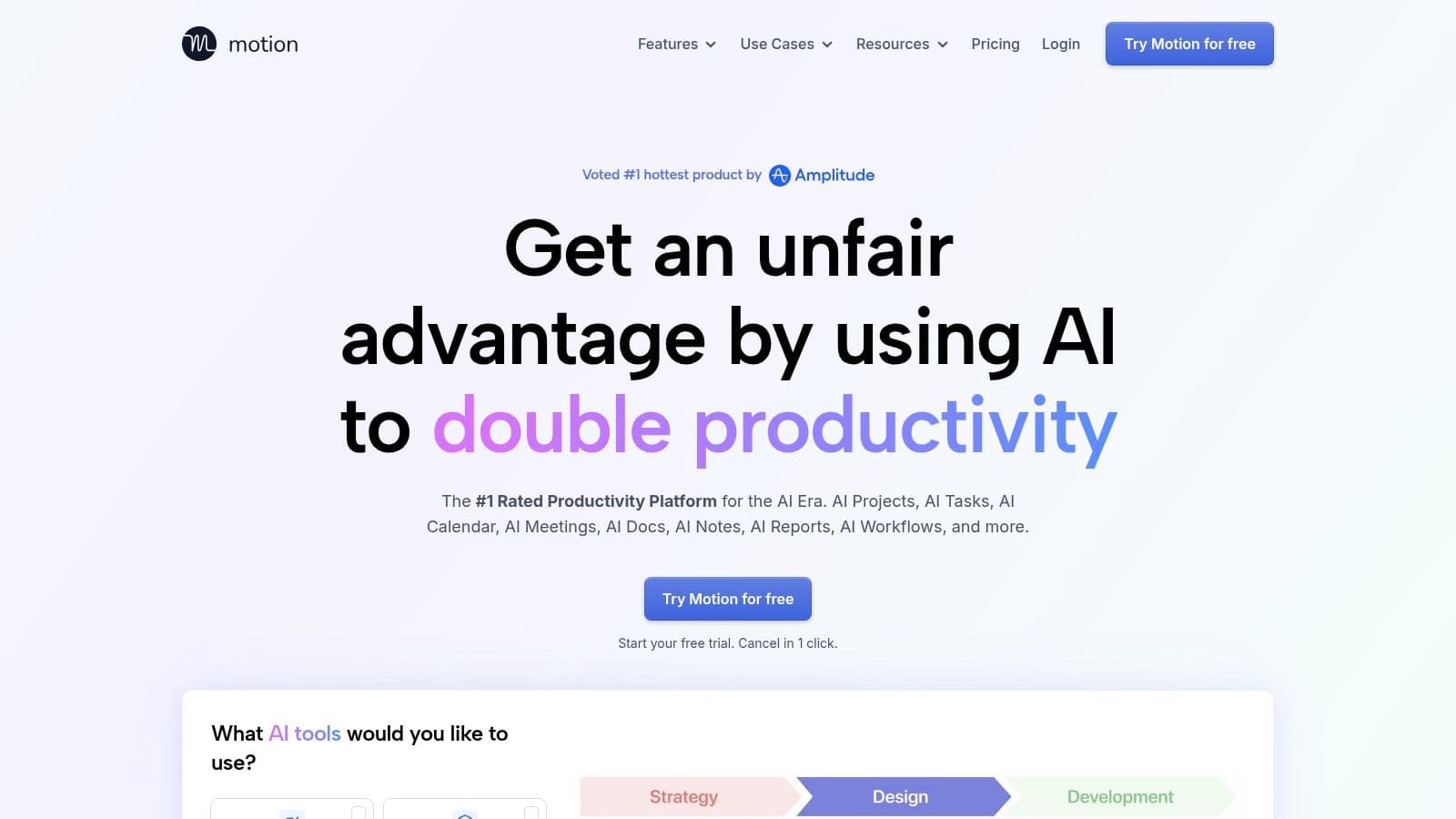
Motion is built for people who want their calendar to act like an active project plan. Add tasks, meetings, deadlines, and project requirements, and its AI places the work on your calendar. When priorities or events change, it reshuffles the plan rather than leaving you to rebuild the day manually.
That aggressive automation works well for managers, operators, and individual contributors with deadline-driven work. Motion combines task management, calendar scheduling, project views, Gantt-style planning, dashboards, notes, and AI chat, so you won't need to move between a separate task app and calendar as often.
The trade-off is control
Motion's strength can become its main irritation. If you prefer deciding manually when every task happens, continuous rescheduling may feel intrusive or rigid. The system also takes time to learn, especially if you're moving from a simple to-do list and haven't defined realistic durations, priorities, or deadlines.
Team features include capacity planning and permissions, which make Motion more suitable for shared project work than many personal planners. However, credit-based AI usage means heavier users should monitor consumption, and pricing details should be checked before rolling it out across a larger group. Motion is best when the cost of manual scheduling is high and your team accepts algorithmic calendar decisions.
3. Reclaim.ai
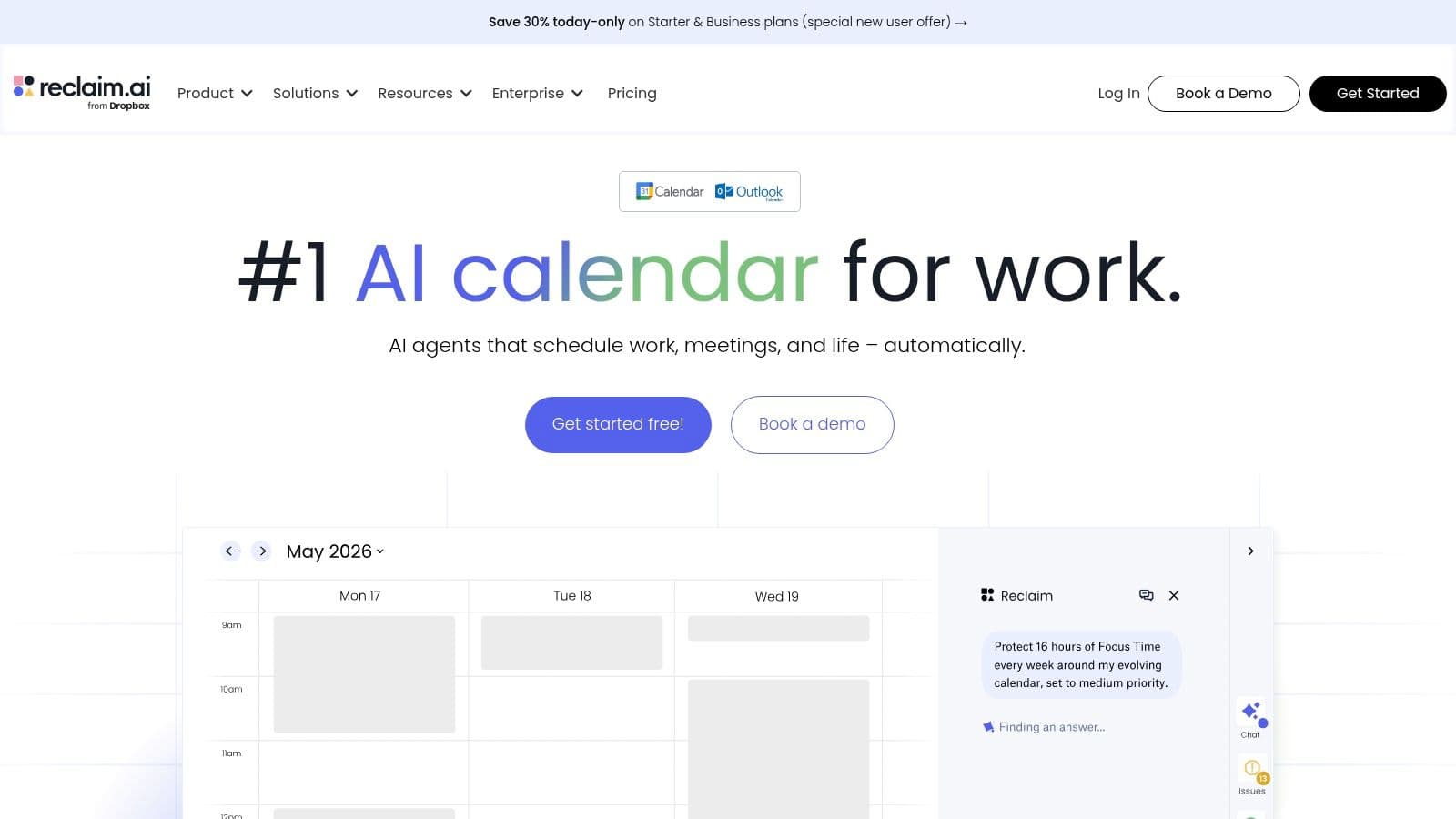
Reclaim.ai solves calendar protection, rather than general task organization. It automatically schedules focus time, tasks, recurring habits, buffers, and Smart Meetings across Google Calendar or Outlook. When meetings move or conflicts appear, Reclaim can reschedule lower-priority blocks while preserving the planning rules you set.
That makes it a good fit for knowledge workers who know what they need to do but struggle to protect time for it. Focus Time, habits, tasks, and meetings can each follow different scheduling behavior, and planning-window controls give teams more say over how far into the future the tool can place work.
Strong integrations, deliberate setup
Reclaim connects with tools including Todoist, Asana, ClickUp, Jira, Linear, Slack, and Zoom. Its Model Context Protocol support also allows connections with tools such as ChatGPT and Claude. That depth is useful when your tasks already live across a wider stack, but it creates more decisions during setup.
The best results come from defining what counts as protected focus time, which habits are flexible, and which meetings can move. Without those rules, the calendar can become a dense collection of automatically placed blocks that technically fit but don't reflect how you work. Users outside Google or Outlook will see less value because the calendar is the center of the product.
For a practical framework that pairs planning with execution, see how to use AI for productivity. Reclaim is a strong choice for automatic calendar defense, but it won't delegate the work that keeps breaking your focus.
4. SkedPal
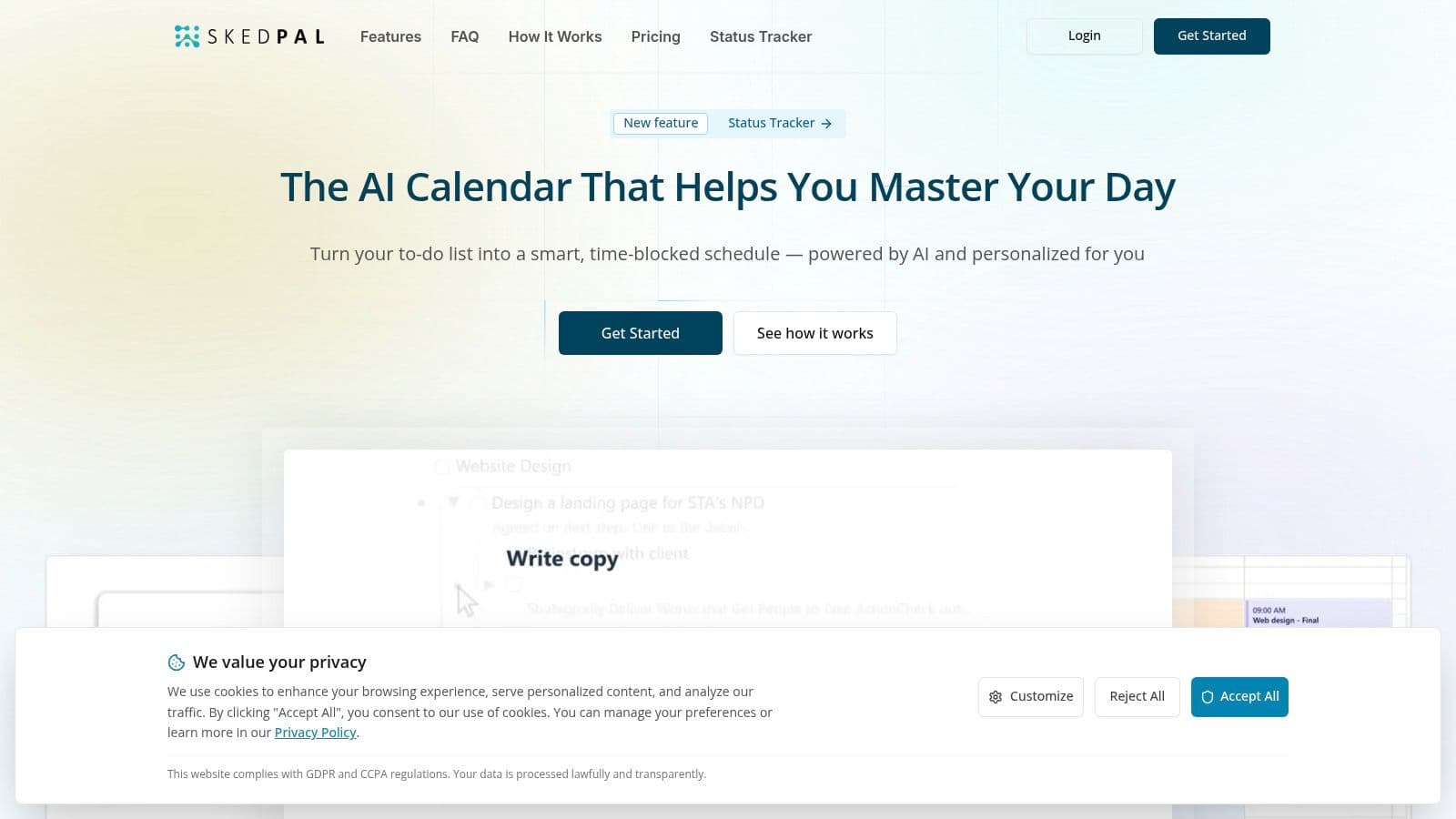
SkedPal is for power users who want an AI scheduler they can tune extensively. It converts tasks into a calendar using priorities, time windows, smart rules, and time budgets. Instead of accepting a generic schedule, you can shape the conditions under which the system places work.
The product's “zones” approach is particularly useful when your week has competing categories such as client delivery, strategy, administration, and personal development. Priority boards and time budgets help prevent one category from consuming every available hour. Its status tracker updates the schedule when work changes, while two-way synchronization supports Google, Office 365, and iCloud, depending on the plan.
Automation without surrendering the controls
SkedPal suits users who distrust black-box scheduling but still want help maintaining a realistic week. You can specify planning windows and adjust the logic instead of accepting whatever an algorithm considers optimal. That balance is valuable for consultants, freelancers, and managers whose availability changes often.
The downside is obvious during onboarding. The interface and configuration depth can feel complex at first, and the smaller app ecosystem may matter if your work depends on many specialized integrations. SkedPal also rewards accurate task estimates and consistent rules. If your task list contains vague items such as “work on marketing,” even a highly tunable scheduler will produce a weak plan.
Choose it when customization matters more than a polished, minimal interface. It's less suitable for someone who wants to open an app and receive a finished day with almost no configuration.
5. Trevor AI
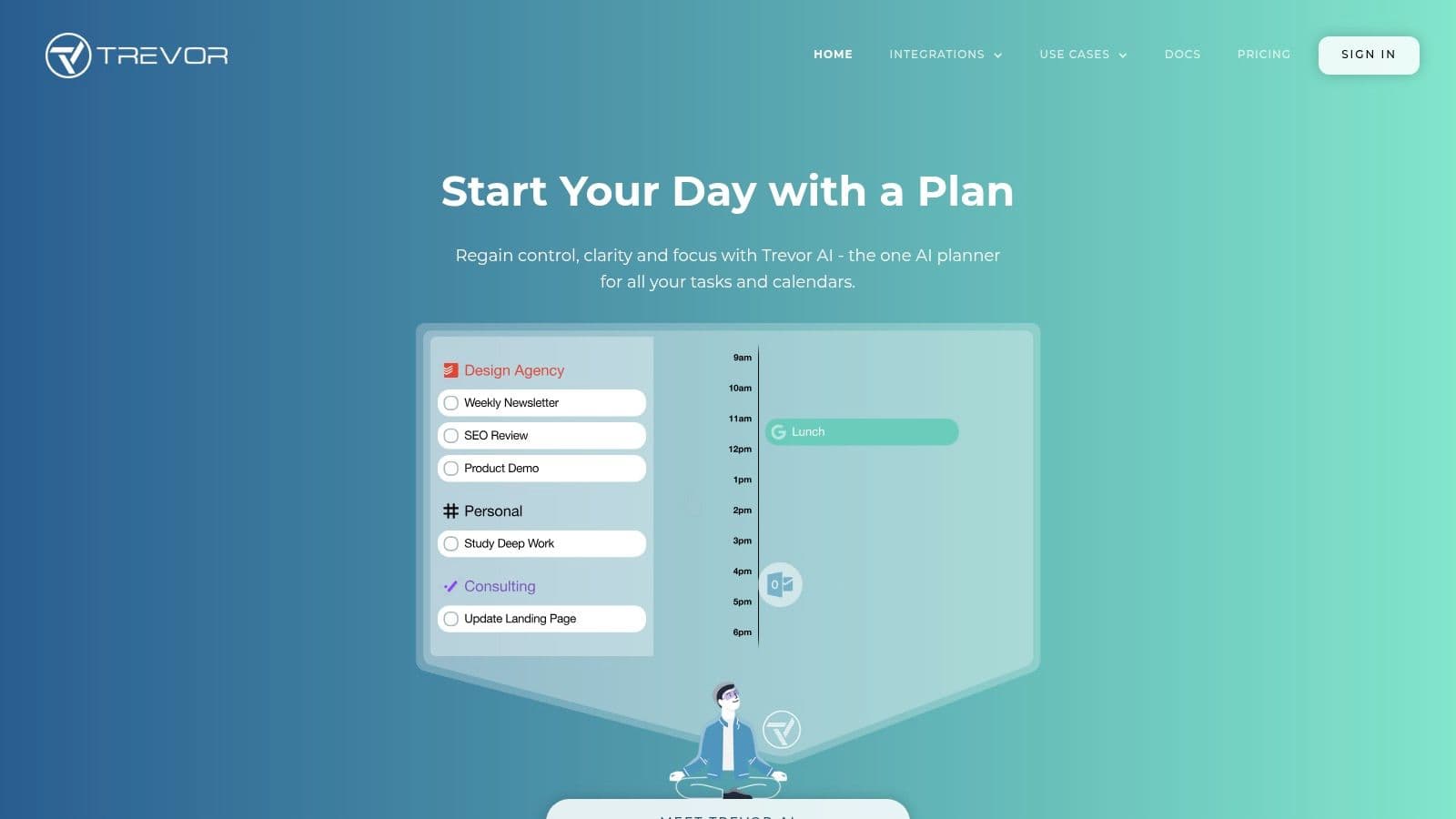
Trevor AI takes a gentler approach to automation. It predicts task durations, proposes suitable calendar slots, and lets you accept suggestions with a click. The “Plan my day” workflow gives you a starting structure without taking complete control of the schedule.
That makes Trevor useful for people who already understand their priorities but lose time deciding where tasks belong. Its focused interface keeps daily planning and timeboxing visible, while two-way synchronization works with Google and Microsoft calendars. You can also use chat to add, schedule, reschedule, or handle multiple tasks at once.
Good for hands-on planners
Trevor's main advantage is human control with less planning friction. You can reject a proposed block, adjust the duration, and keep your calendar aligned with context that the AI may not understand. That matters when energy, client urgency, or preparation requirements change during the day.
The limitation is breadth. Mobile coverage and advanced automation are lighter than in full work management suites, so teams with complex projects may outgrow it. Pro features and pricing are mainly surfaced through the app or site rather than a simple public pricing table, which makes budgeting less immediate.
Trevor is a good middle ground between a manual calendar and an aggressive auto-scheduler. It won't solve delegation, inbox accumulation, or cross-team workload management, but it can make a personal time-blocking habit easier to maintain.
6. Rize
Rize addresses a different problem: you don't know where your working time goes. It runs in the background, tracks activity across apps, websites, and meetings, and uses AI to categorize that activity. Instead of starting and stopping a timer, you review an automatically assembled picture of the day.
The tool combines focus metrics, productivity insights, break nudges, team visibility, billable time, invoicing, and reporting. Connections with Google Calendar, Outlook, Linear, and ClickUp help relate time data to scheduled work and projects. Its privacy position avoids screen spying by default, which is important for teams that want visibility without turning time tracking into surveillance.

Measure before you optimize
Rize is particularly useful for freelancers, agencies, and professionals who need to understand deep-work patterns or prepare billable records. It can expose the difference between the time you intended to spend on a project and the time that disappeared into meetings, browsing, or fragmented tasks.
The desktop-first design is also the main limitation. Mobile tracking is limited, and AI credit allotments vary by tier, so heavy users should check how their expected activity fits the plan. Rize can tell you that your calendar is overloaded, but it won't decide which client request to decline or complete the work that caused the overload.
Use it as a feedback system. Review the data, change your planning rules, and then check whether your next week reflects those decisions.
7. Sunsama
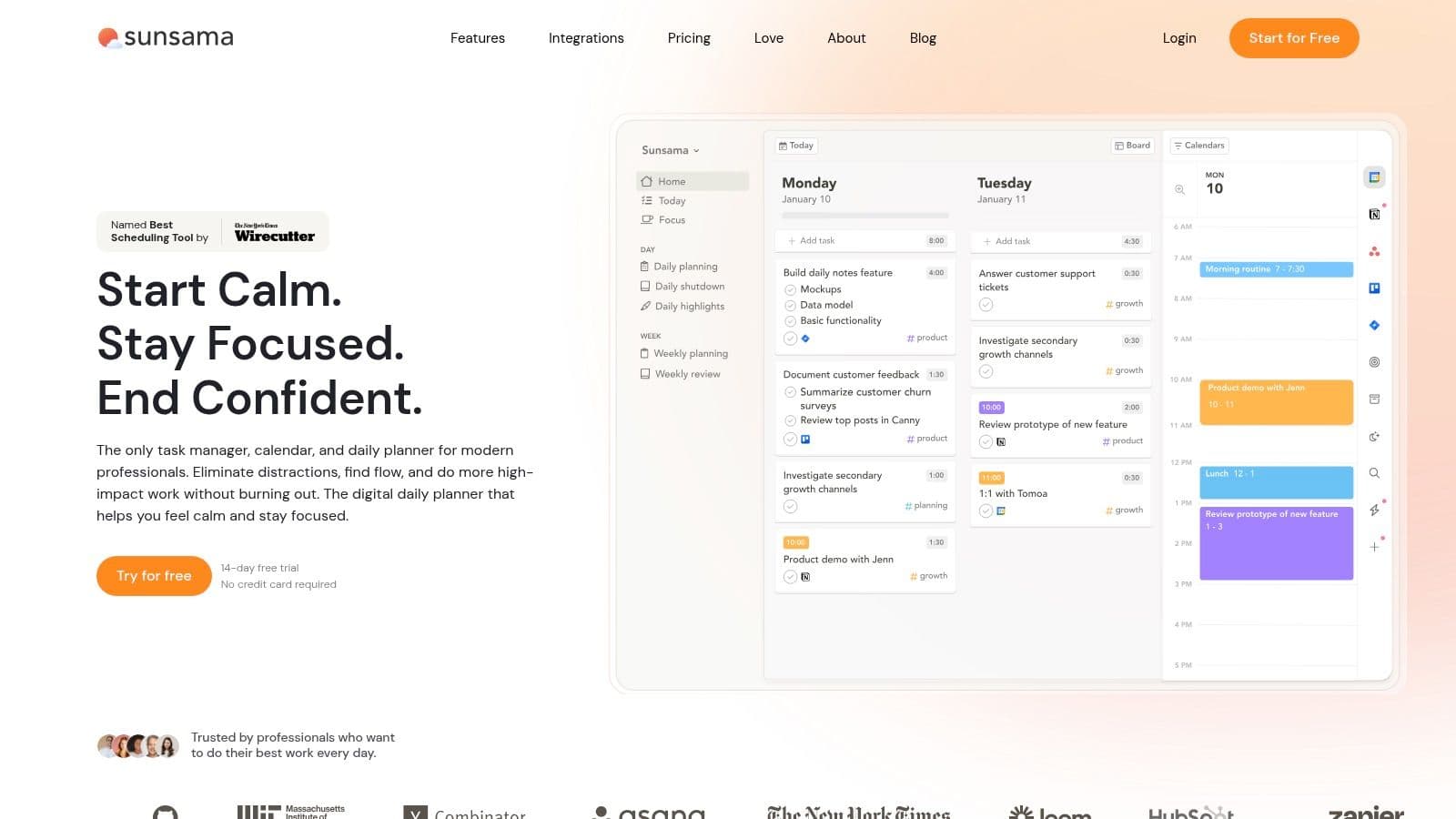
Sunsama is a guided daily planner for people who want a calmer, more deliberate routine. It asks you to bring tasks into the day, estimate the time they need, place them on the calendar, and review what happened. Its AI can recommend planned time and channels, while the Sunny assistant helps with daily planning.
The product emphasizes realistic commitments rather than maximum automation. Daily and weekly rituals, a focus timer, workload reviews, calendar views, and integrations with tools such as Todoist and Jira create a clear operating rhythm. That structure can be valuable for professionals who repeatedly overfill their day and then carry unfinished work into tomorrow.
A planner that asks you to be honest
Sunsama isn't the right choice if you want the system to reschedule every task automatically. Its deliberate process creates more manual interaction than Motion or Reclaim, but that friction is also the point. You have to confront the amount of work you're committing to instead of letting the algorithm hide an impossible workload behind a full calendar.
The premium positioning may be difficult to justify for someone who only needs a basic to-do list. Sunsama also states that it doesn't use customer data to train its AI models, a consideration for teams reviewing workplace tools and data handling.
For a deeper look at the method behind this style of planning, explore time-blocking apps. Sunsama works best when the daily ritual is part of the solution, not an obstacle you hope automation will remove.
8. Akiflow
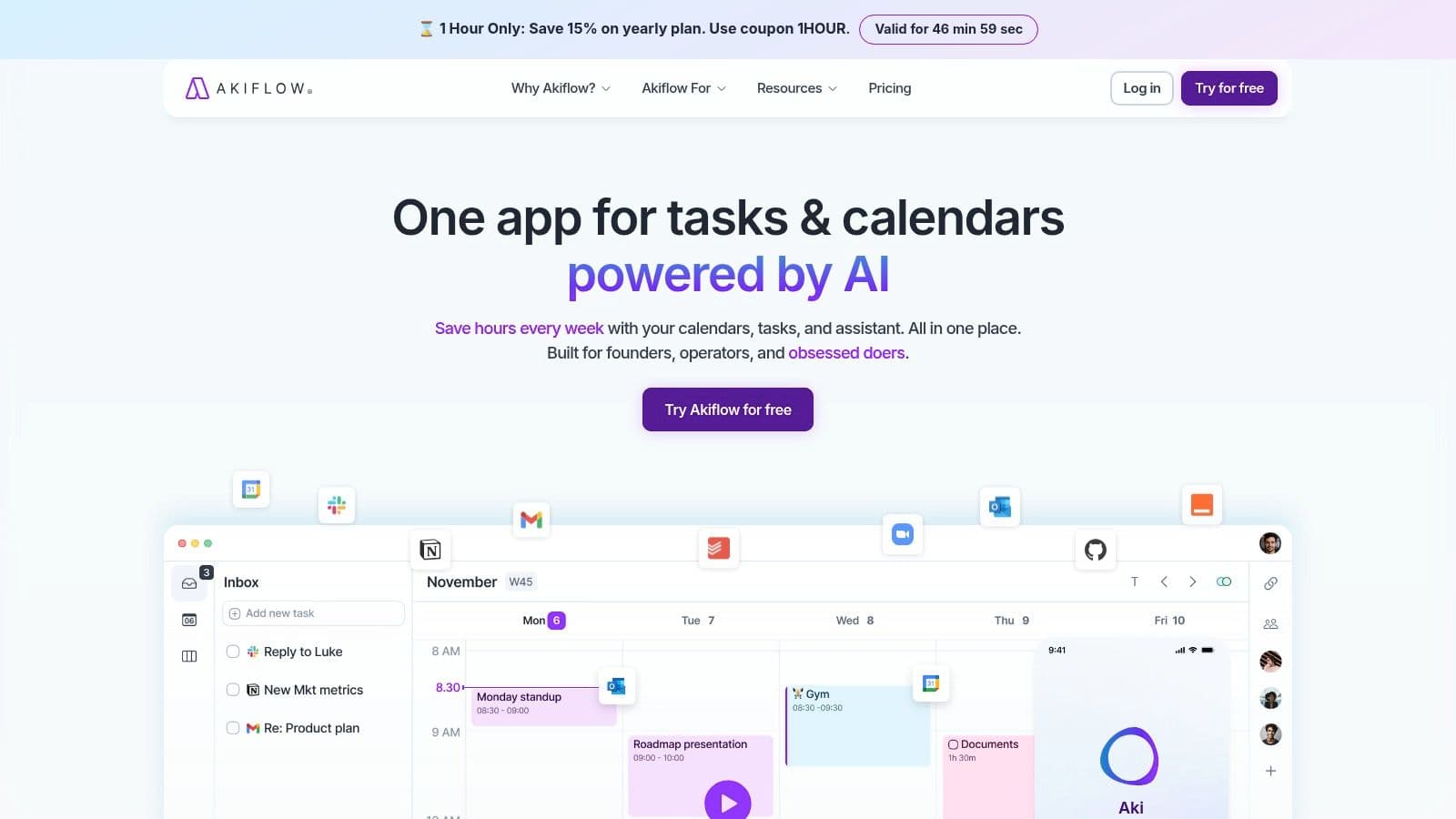
Akiflow is designed around fast capture and keyboard-driven time blocking. It unifies tasks and calendars, then gives users tools to create and schedule work without constantly changing contexts. Aki, its AI assistant, can create and edit tasks and events, answer planning questions, and help with scheduling.
That workflow suits operators, executives, and power users who receive tasks through email, Slack, meetings, and quick conversations. Gmail, Slack, Google Calendar, Outlook Calendar, Zapier, and IFTTT integrations make it easier to bring requests into one planning surface. The optional Meeting Assistant adds recording, transcripts, and summaries for users who want meeting follow-up inside the same ecosystem.
Fast input, clear boundaries
Akiflow's appeal comes from its ergonomics. Shortcuts and quick capture reduce the cost of turning an incoming request into a task, while time blocking keeps the next action visible. It also offers an MCP Connector for agent workflows, which can extend what Aki does across connected systems.
The product doesn't have a permanent free plan, and the Meeting Assistant costs extra. That makes the buying decision straightforward for individuals who value speed, but less attractive for teams building a broad tool stack. Akiflow also expects users to remain involved in planning, so it won't satisfy someone looking for a fully autonomous calendar.
Choose it when your main issue is capture and transition, not a lack of scheduling intelligence. If work continues to pile up after capture, pair the planner with a delegation process.
9. TimeHero
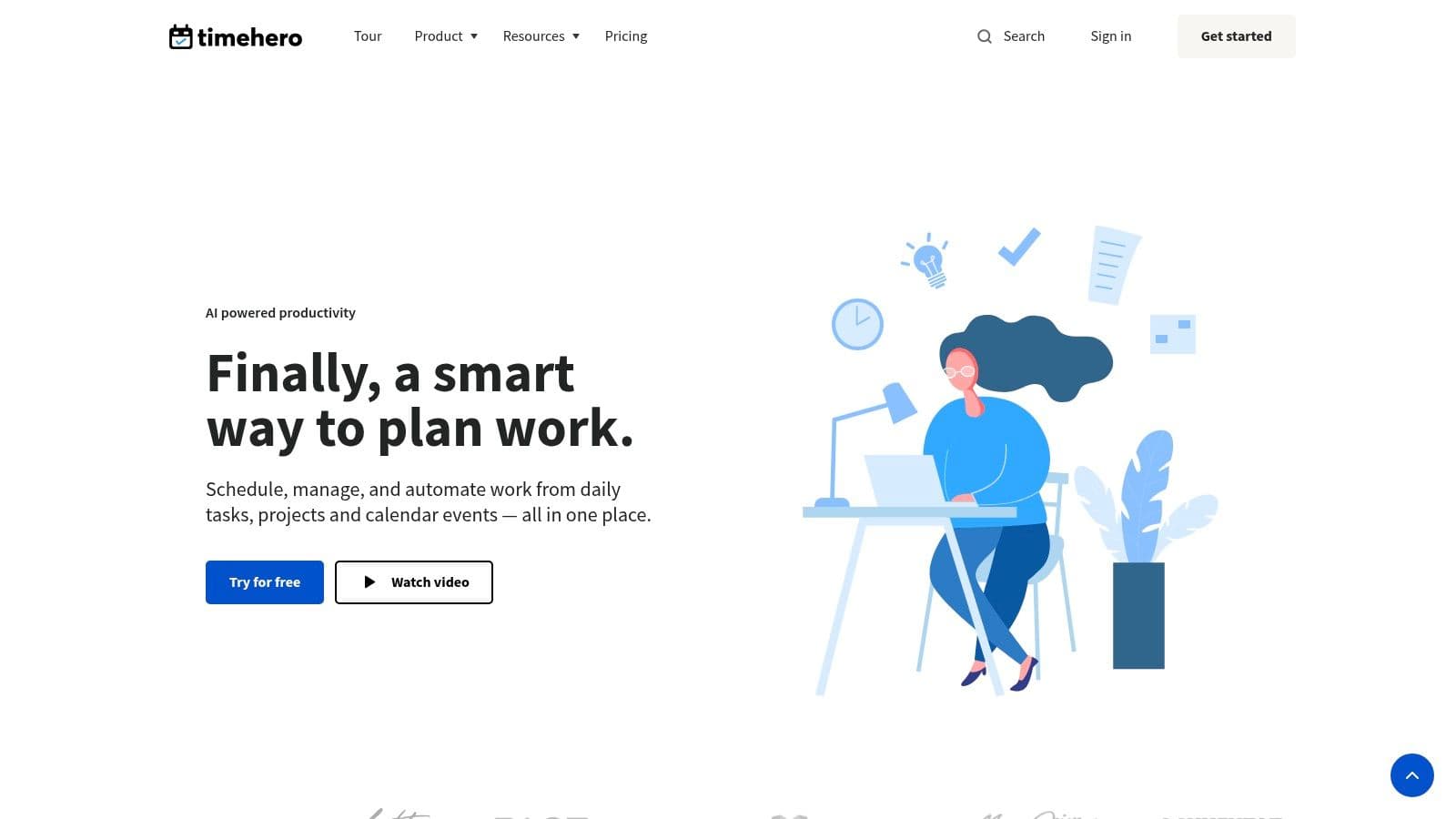
TimeHero combines automatic scheduling with lightweight project management. It places tasks and projects around your calendar, then replans when work slips. Recurring tasks, templates, workflows, timesheets, workload views, reporting, and Gantt charts give teams more structure than a personal calendar while avoiding the weight of a full enterprise suite.
Its “plan tasks between dates” logic is useful for flexible deadlines. A task doesn't always need one fixed appointment. TimeHero can work around the dates and availability you provide, which suits small teams handling recurring operations, client projects, and shifting priorities.
Practical scheduling for smaller teams
TimeHero connects with Google and Outlook calendars and offers an Asana connector. It can be a sensible option for solo users and small teams that need scheduling plus reporting without adopting a larger project platform. Automated timesheets are also helpful when managers need visibility into workload and delivery.
The interface and documentation can feel dated in places, and the native integration set is smaller than what newer platforms offer. That matters if your team expects a broad marketplace or wants every workflow to connect without workarounds.
TimeHero is most effective when your work has repeatable patterns. It is less compelling for highly creative, interruption-heavy roles where priorities change faster than a scheduling system can interpret them.
10. Timely by Memory
Timely is primarily an automatic time tracker, not a task planner. Its Memory tracker captures app, website, and document usage privately on the device, while AI drafts timesheets from that activity. The result is a low-friction record of work for billing, utilization, capacity planning, and project reporting.
That makes Timely a strong fit for agencies, consultancies, and professional services teams. Project budgets, billable rates, team dashboards, and utilization reporting help managers understand whether delivery work is consuming the capacity they expected. Integrations with calendars, project management platforms, and accounting tools support a broader operational workflow.
Visibility is not prioritization
Timely removes timer friction, but it doesn't decide what should happen next. It can show that a project absorbed more attention than planned, yet a manager still needs to change the scope, renegotiate the deadline, or reassign the work. Per-seat costs can also become significant for larger teams, and the product is more focused on time tracking than task or meeting automation.
For a practical guide to recording client work, see how to track billable hours. Timely is valuable when accurate time data supports invoices and capacity decisions, but it shouldn't be mistaken for a complete planning system.
Top 10 AI Time Management Tools, Quick Comparison
| Product | Core features ✨ | UX & quality ★ | Pricing/value 💰 | Target audience 👥 | USP 🏆 |
|---|---|---|---|---|---|
| 🏆 Fluidwave | AI auto-prioritization; multi-view (table/list/calendar/Kanban/cards); human delegation marketplace ✨ | Deep-focus UI; real-time collaboration; ★★★★☆ | Free forever core; pay‑per‑task delegation; transparent pricing 💰 | 👥 Founders, freelancers, busy teams | AI + vetted human assistants; saves 4+ hrs/week; no subscription for delegation |
| Motion | Auto-scheduling (tasks + meetings); time-blocking; project views (Gantt/timeline) ✨ | Aggressive automation; continuous rescheduling; ★★★★☆ | Paid plans + AI credits; monitor usage 💰 | 👥 Calendar-first individuals & teams | Best-in-class auto-rescheduling and calendar planner |
| Reclaim.ai | Focus Time, Habits, Tasks, Smart Meetings agents; auto-rescheduling ✨ | Defends deep work; granular controls; ★★★★☆ | Subscription; optimal with Google/Outlook 💰 | 👥 Users/teams wanting protected focus time | Granular scheduling behavior; scales to org rollouts |
| SkedPal | AI auto-scheduling with planning windows; time budgets & zones ✨ | Highly tunable scheduling; power-user focus; ★★★☆☆ | Transparent, affordable plans 💰 | 👥 Power users who want fine-grained control | Deep customization & priority boards for realistic weeks |
| Trevor AI | AI time-blocking suggestions; predicted durations; one-click planning ✨ | Hands-on control with low friction; ★★★★☆ | Free personal tier; Pro paid plans 💰 | 👥 Individuals preferring manual control + AI assist | Fast "Plan my day" + accurate duration predictions |
| Rize | Automatic time tracking with AI categorization; focus analytics ✨ | Strong analytics & privacy-first; ★★★★☆ | Tiered per-user pricing; watch AI credits 💰 | 👥 Agencies, consultants, teams tracking billables | Zero-timer capture + team reporting & profitability insights |
| Sunsama | Guided daily planner; AI time estimates & in-app assistant "Sunny" ✨ | Mindful planning rituals; clear UX; ★★★☆☆ | Premium subscription (no free forever) 💰 | 👥 Professionals building sustainable planning habits | Daily rituals, reviews & privacy stance on AI use |
| Akiflow | Keyboard-first planner; Aki assistant; meeting assistant addon ✨ | Power-user ergonomics; fast capture; ★★★★☆ | Single Pro plan (7-day trial); Meeting Assistant extra 💰 | 👥 Power users & keyboard-focused planners | Shortcuts + integrated meeting recording/transcripts addon |
| TimeHero | Auto-schedules tasks/projects; recurring tasks & reporting ✨ | Practical scheduling + PM features; ★★★☆☆ | Affordable entry pricing for small teams 💰 | 👥 Small teams & solo users needing scheduling + PM | Mix of auto-scheduling with timesheets & workload reports |
| Timely (by Memory) | Automatic Memory tracker; AI-drafted timesheets; budgeting ✨ | Reliable capture & reporting; enterprise-ready; ★★★★☆ | Per-seat pricing (can add up for large teams) 💰 | 👥 Agencies, consultancies, teams needing billing | Private automatic capture + strong project budgeting/reporting |
Build a Time System, Not Just a Tool Stack
The right choice depends on the failure you're trying to correct. If meetings constantly displace important work and you want an algorithm to rebuild the day, start with Motion or Reclaim. Motion is the more all-in-one option for tasks, projects, meetings, and rescheduling. Reclaim is more focused on protecting focus time, habits, buffers, and recurring commitments inside Google or Outlook calendars.
Choose SkedPal or Trevor AI when you want time blocking without surrendering judgment. SkedPal gives power users deeper scheduling logic, zones, budgets, and planning windows. Trevor keeps the workflow lighter and lets you accept or reject AI suggestions. Both make more sense than an aggressive auto-scheduler if your day depends on context the calendar can't see.
For guided planning, Sunsama or Akiflow are better fits. Sunsama helps you build a realistic daily ritual and review your workload. Akiflow is faster for people whose biggest issue is capturing tasks from email, Slack, meetings, and conversations. Neither tries to remove every planning decision, and that can be a benefit when you need to stay close to the work.
Use Rize or Timely when the missing information is time visibility. Rize is oriented toward focus analytics, automatic categorization, and personal or team insights. Timely is stronger when automatic timesheets, billable work, budgets, and utilization matter. Measurement won't fix an overloaded system by itself, but it gives you evidence for changing priorities, estimates, and staffing.
Fluidwave works as the complement when the remaining problem is execution. Its AI prioritization, Smart Weekly Planner, Energy-Based Task Scheduler, and connected task views help establish what deserves attention. Its human delegation marketplace handles the work software can't complete reliably, such as research, operational follow-up, data handling, and other defined tasks. You can delegate completed tasks to virtual assistants on a pay-per-task basis rather than adding another recurring planning subscription.
That distinction matters for neurodivergent professionals and people with ADHD. Research on adult ADHD describes task management as relational and affective, and finds that common tools such as calendars and to-do lists can be less effective for ADHD users than for non-ADHD users, even when adoption is similar. The same research points to limited task decomposition and personalization in products designed around neurotypical behavior. A recent AR plus GenAI pilot for students with ADHD showed directional improvements in engagement, interaction frequency, and task completion, but the results weren't statistically significant, which means the category still needs validation rather than hype. The academic study supports a practical conclusion: a useful system should adapt to energy, context, task size, and human support.
The time savings question also deserves a realistic answer. Workers using generative AI save an average of 5.4% of work hours, or about 2.2 hours per week for a 40-hour worker, while 33.5% of daily AI users report saving four or more hours each week, according to Nutshell's productivity research summary. A Harvard Business School AI Institute summary of a six-month randomized controlled trial found that workers using Microsoft Copilot in more than half of study weeks spent 3.6 fewer hours per week on email, a 31% reduction from a pre-period average of 11.7 hours weekly. The HBS summary shows why tool choice should follow the administrative bottleneck, not a general promise of productivity.
Roll out your system in stages. Connect the calendar first, define working hours and planning rules, then test one recurring workflow. Review scheduling accuracy weekly, remove rules that create unrealistic blocks, and delegate work that shouldn't remain on your plate. Keep the tool that improves the handoff between intention and completed work, not the one with the longest feature list.
Fluidwave combines AI task prioritization, connected calendar and workflow views, real-time collaboration, and a pay-per-task marketplace of human virtual assistants. Visit Fluidwave to build a calmer planning system and hand off defined work when another app can't remove the workload.
Focus on What Matters.
Experience lightning-fast task management with AI-powered workflows. Our automation helps busy professionals save 4+ hours weekly.