Find the perfect task management templates for any workflow. Explore our top 10 picks for Notion, Trello, Asana, and more to boost your productivity in 2026.
August 4, 2026 (1mo ago)
10 Best Task Management Templates for 2026
Find the perfect task management templates for any workflow. Explore our top 10 picks for Notion, Trello, Asana, and more to boost your productivity in 2026.
← Back to blog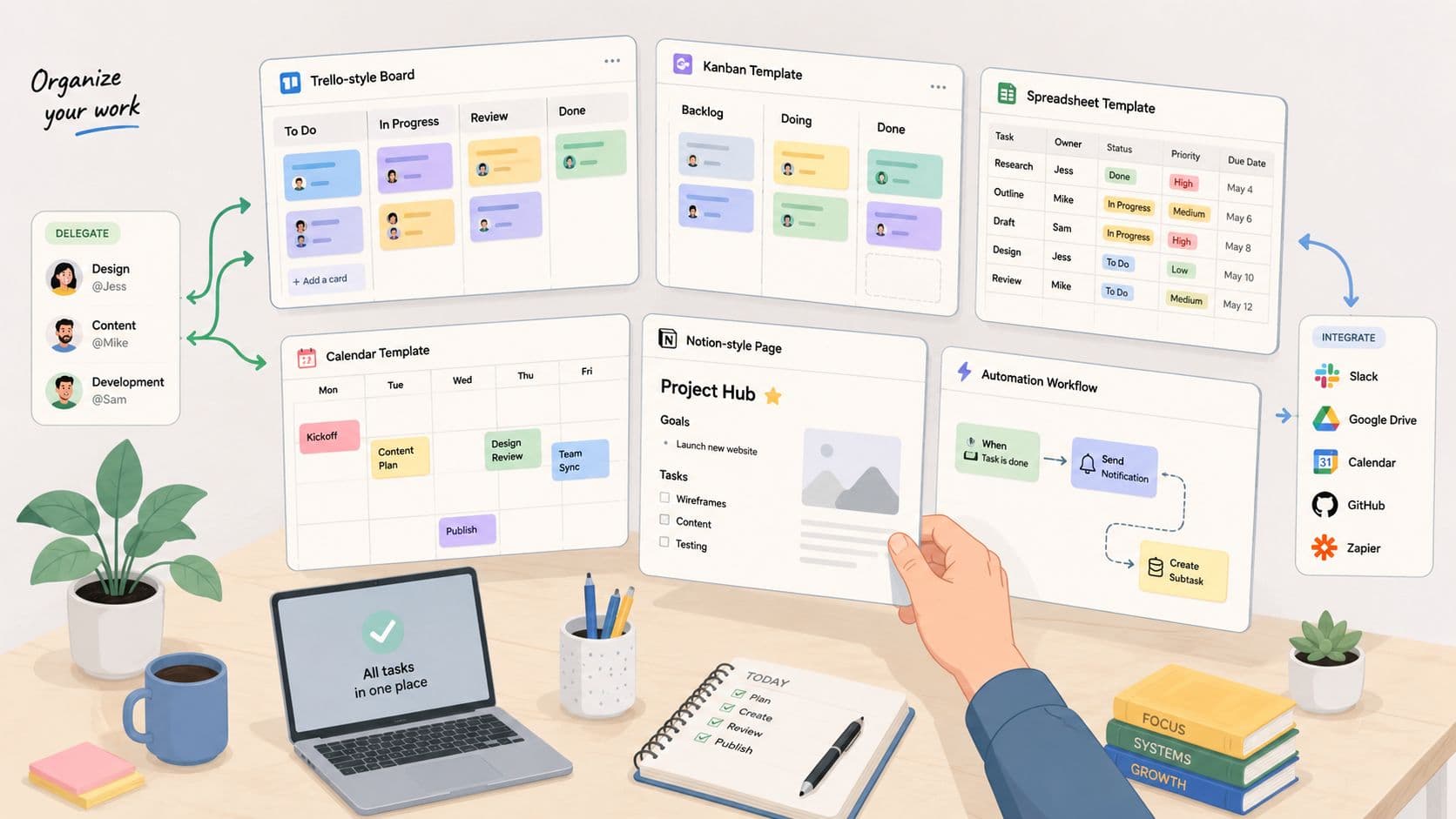
You're staring at the same messy project setup again, and you know the pattern. Someone needs a kickoff checklist, another team needs a recurring status tracker, and you need the whole thing live yesterday without rebuilding it from zero. Task management templates solve that exact problem, but the best ones do more than copy a list. They standardize ownership, reduce setup friction, and make delegation easier to run without turning every project into a manual reset. The 2026 plan data makes the scale clear, since a large analysis of professionally built plans found a median of 137 tasks, an average of 153 tasks, and 19.7 phases on average, which tells you these systems are usually structured workflows, not simple checklists, as reported in Instagantt's project management statistics.
The shift in 2026 is that templates are no longer just about organizing work. They're about getting work moving across owners, tools, and automations with less drag. Cloud-native task platforms dominate the market, and the available market estimates point to sustained double-digit growth through the rest of the decade, which is exactly what you'd expect if teams are moving templates from static documents into operational systems, according to Breeze's task-management statistics roundup. If you want a practical shortlist, start here.
1. How to Make a Template for Faster Workflows
This is the one I'd hand to any team that keeps rebuilding the same project from scratch. Fluidwave's “How to Make a Template for Faster Workflows” guide is strongest when you need a reusable blueprint for recurring work like weekly reports, onboarding, or standard client projects, because it pushes you to map tasks, dependencies, deadlines, and handoffs before you save anything as a template. That matters. Too many teams save a half-baked checklist, then wonder why the same bottlenecks show up every time.
The bigger advantage is how Fluidwave pairs templates with AI automation and a network of human virtual assistants. That combination makes the template a launch point for delegation, not just planning. You can build once, then assign repeatable work on a pay-per-task basis while keeping multiple views, including table, calendar, Kanban, and cards, visible to the people who need them most. Fluidwave's automation guide fits naturally here because workflow automation is the piece that turns a template from a saved structure into something that moves.
Practical rule: if the same task shows up in every project, template it. If the same decision shows up in every project, automate the reminder or assign it to a role.
Why it stands out
- Reusable blueprint structure: Good for recurring work that should start in seconds, not minutes.
- Delegation-ready design: Built to hand off tasks to human assistants without changing your core process.
- Multi-view flexibility: Useful when one team wants tables and another wants Kanban.
- Transparent scaling: Pay-per-task delegation keeps cost tied to actual work.
Where it falls short
- Upfront design time: A strong template takes real thought.
- Maintenance required: Processes change, and templates need to keep up.
- Delegation costs can add up: Flexible outsourcing is still outsourcing.
2. ClickUp
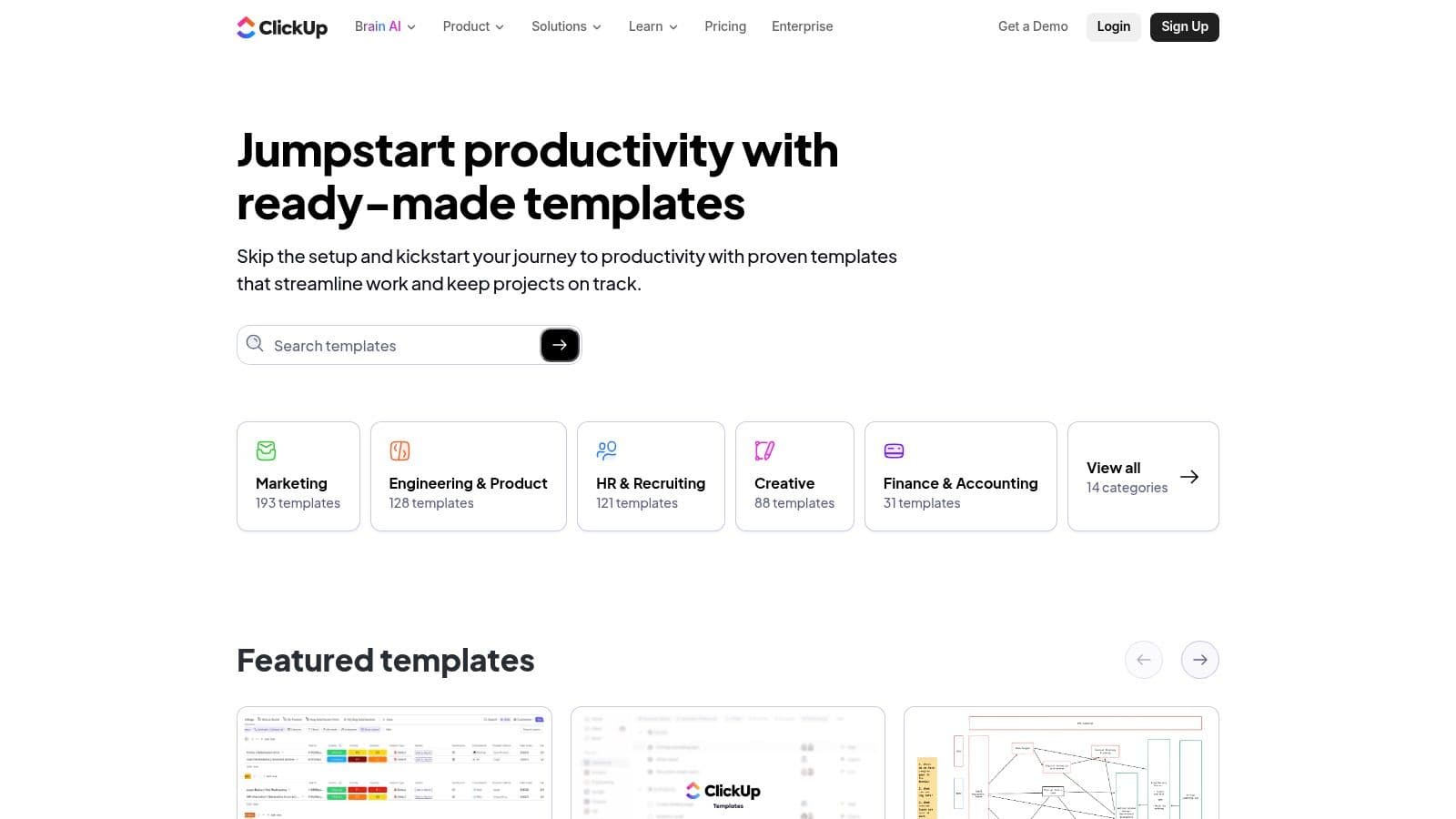
ClickUp is the most obvious choice when you need volume and variety. Its template gallery has 1,000+ ready-made templates organized by use case, which makes it easy to jump from personal task lists to agile sprints without rebuilding the skeleton each time. That breadth is the point. For teams that handle several kinds of work, it reduces the temptation to invent a new setup for every project.
ClickUp also handles reusable task templates well across spaces, folders, and projects, so the structure stays consistent even when the work sits at different levels of the workspace. The practical win is that you can keep the same fields, checklists, subtasks, and due-date remapping while still switching between List, Board, Calendar, and Gantt views. The template gallery makes it clear that this is built for teams that want a lot of starting points without losing control over how they run the work.
If ClickUp frustrates people, it's usually because there's too much choice, not too little. New users can spend longer deciding how to set things up than they spend using the template. I've seen that pattern repeatedly, a powerful system that becomes a setup project if nobody owns the standards.
The fix is to treat ClickUp as a template library with rules. Pick a few formats, limit optional fields, and define exactly which template belongs to which workflow.
3. Asana
Asana is a strong pick when you want templates that feel curated instead of overwhelming. Its library covers marketing, operations, product, PMO, and personal workflows, and it gives you both project templates and task templates that can be reused with configurable fields and dates. That combination makes it easier to standardize the important parts of a workflow without locking the whole team into a rigid structure.
What works best in Asana is the clarity. The template gallery is organized enough that people can usually find something close to what they need, then adjust it without feeling like they're modeling a database from scratch. Asana also recommends building templates around recurring workflows and using fields like priority, status, task type, department, effort, approval stage, and blocker to keep sorting and reporting usable, which lines up with Asana's task template guidance. That kind of structure matters when managers need to see who owns what and what's stuck.
Templates work best when they remove decision fatigue, not when they ask every teammate to invent their own version of the same process.
The trade-off is flexibility versus depth. Asana is polished and approachable, but some of the more advanced automation behavior sits behind higher-tier plans. If your team needs lightweight repeatability, it's a good fit. If you want to build highly customized template logic, you may find yourself bumping into plan limits faster than you'd like.
4. Trello
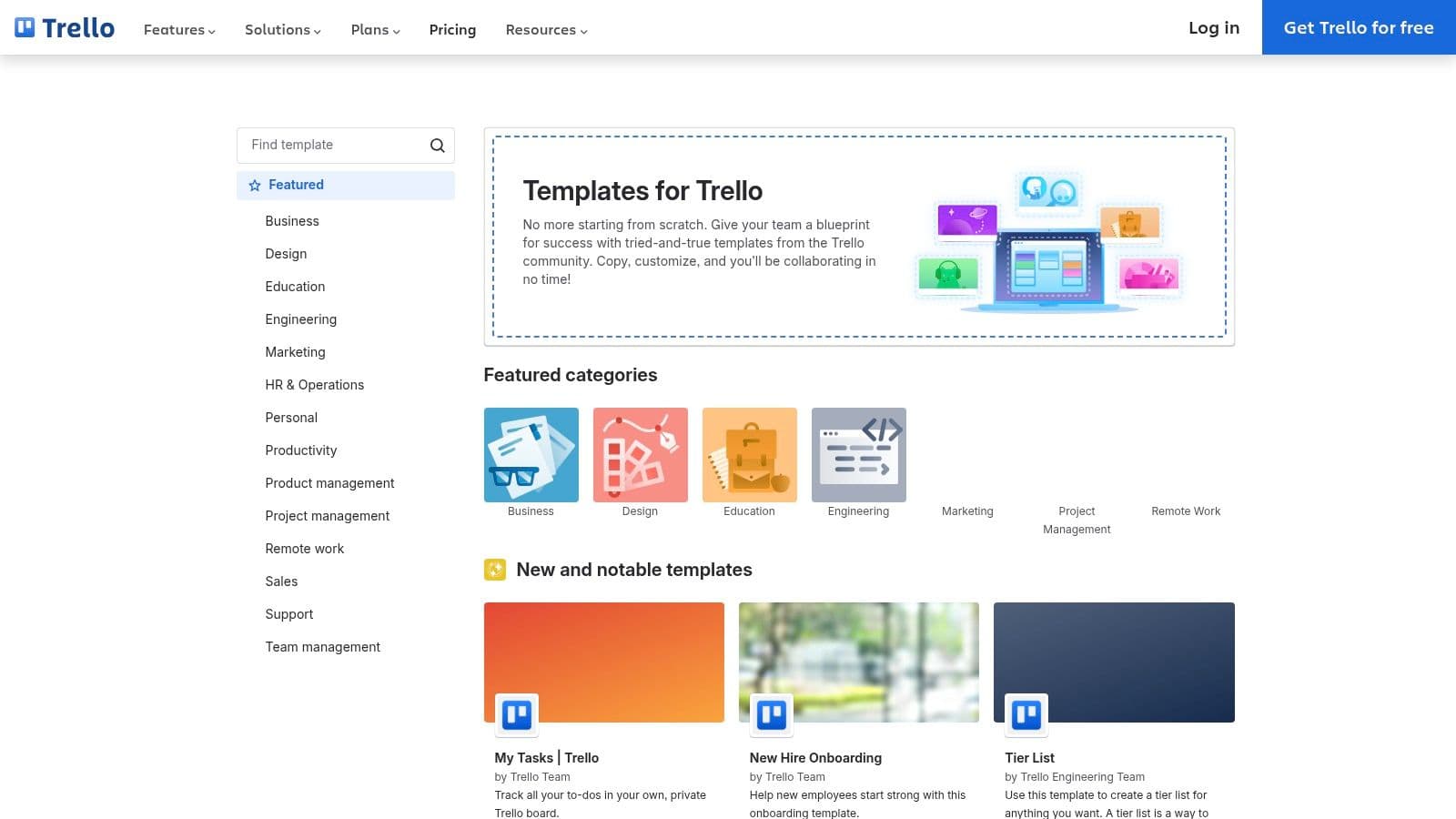
Trello still wins when the team wants speed over complexity. Board templates are easy to copy into your workspace, and card templates make it simple to repeat the same checklist, fields, and attachments inside a board that already makes sense to nontechnical users. That's why Trello works so well for editorial calendars, personal task boards, and lightweight recurring processes.
The strength is how quickly people understand it. A new teammate usually knows what a Trello board is before they ever open one. That lowers adoption friction, which matters more than people admit when the goal is to get consistent usage instead of a perfect setup. Trello's templates gallery reflects that simple, practical approach.
A good Trello template stays disciplined. If the board becomes too crowded with columns, power-ups, and edge-case labels, the system starts looking like a workaround instead of a workflow. The best version is clean, opinionated, and just detailed enough to prevent missed handoffs.
For teams that want to stretch Trello a little further, tie the template to a simple automation layer and use it as a front-end for routine delivery. This Kanban board guide is useful if you're comparing how visual boards behave once work starts flowing between people.
5. monday.com
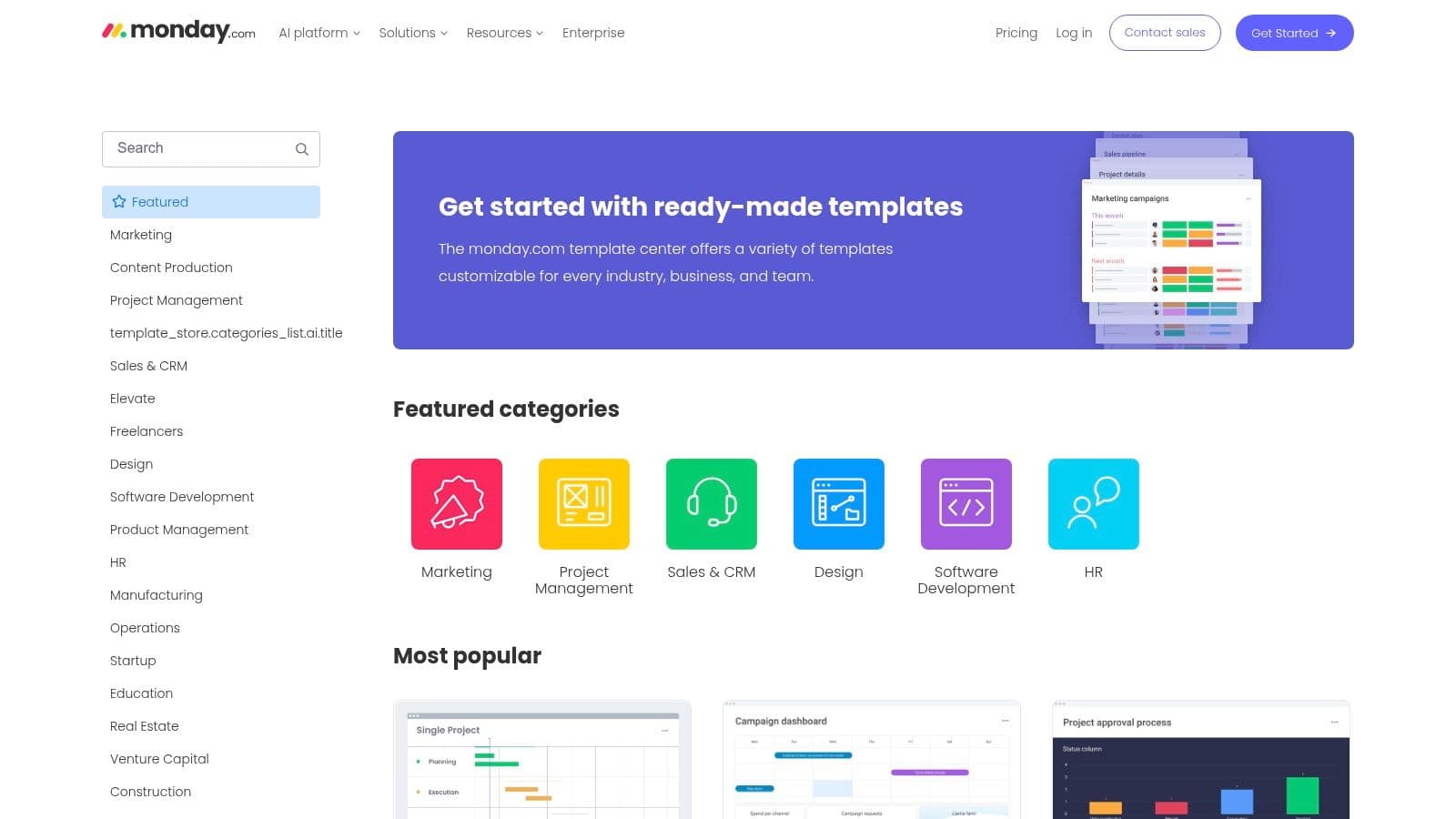
monday.com is a strong fit for teams that want templates to connect directly to dashboards and automations. Its library includes plug-and-play boards like Team Task Management and Weekly To-Do, plus industry-specific templates that are built to be customized rather than just copied. That matters in cross-functional work, where one group wants visibility and another group wants execution detail.
The useful part is that monday.com templates can sit inside a workspace that also uses Kanban, Calendar, and Timeline views. That lets you keep one source of truth while changing how different people look at the same work. The template system is less about starting from a blank board and more about launching with something already wired for updates, reporting, and triggers, as shown in monday.com's template library.
There is a catch. Template usefulness can vary by plan, so the experience isn't always identical across teams. That can create frustration if one group expects a template to do more than their account supports. In practice, monday.com works best when the admin team decides the board standards first, then rolls those standards out as a template package.
It's a good choice for operations-heavy teams, especially when the template needs to feed dashboards and automations instead of living as a static task list.
6. Notion
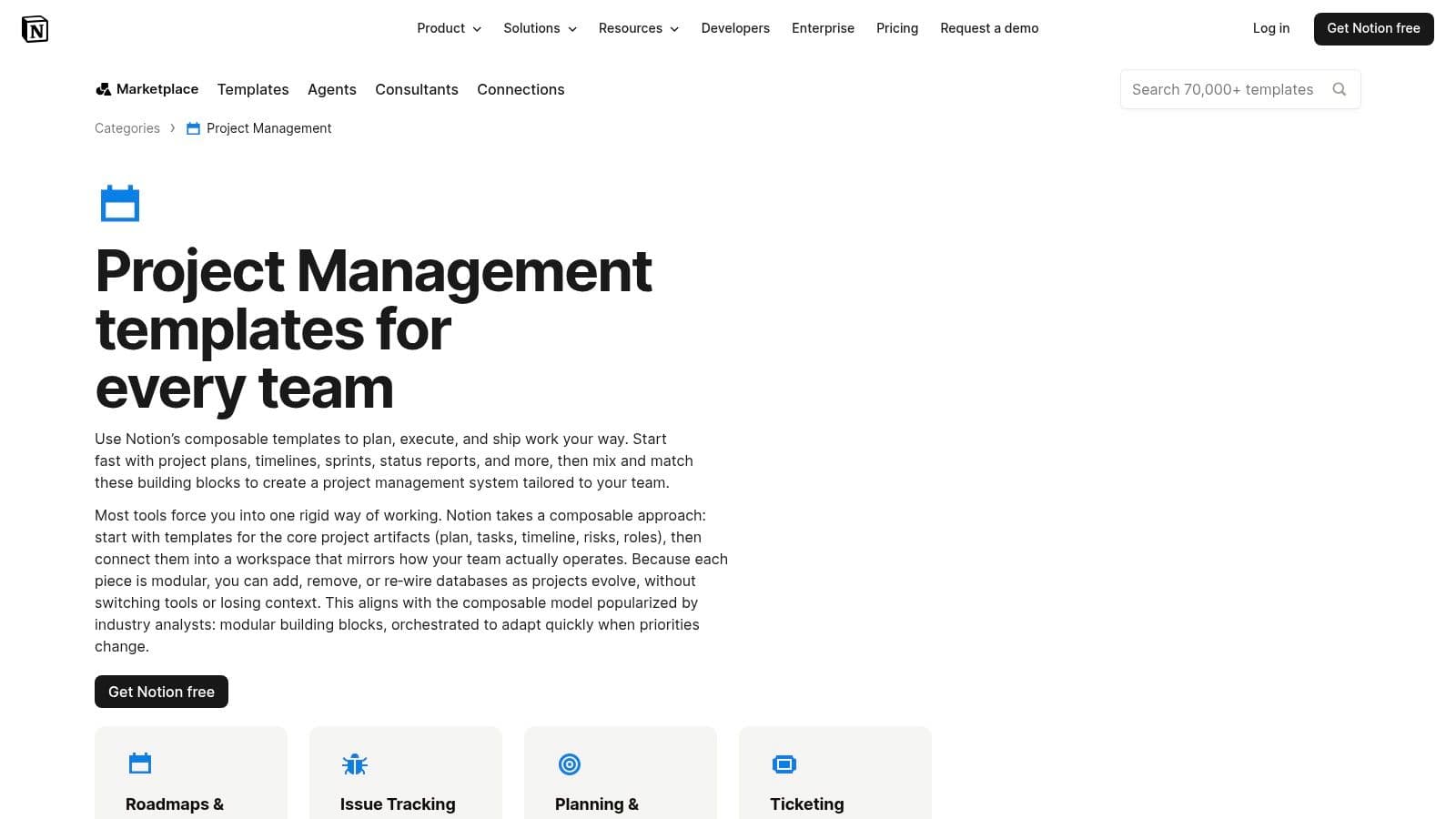
Notion is the most flexible option on this list, which is both its strength and its trap. The template gallery includes Notion-made and creator-made templates for projects, tasks, sprints, and personal productivity, and the value comes from how easily you can duplicate them into your workspace and reshape the underlying databases. If you want notes, tasks, and knowledge in one place, Notion makes that possible without forcing you into a single workflow style.
The strongest Notion setups use multiple views, usually List, Board, Calendar, and Timeline, on top of the same data model. That gives teams a shared base while letting individuals look at the work in whatever format helps them think. Notion's project template category makes this especially appealing for teams that want one workspace to hold documentation and execution at the same time.
The downside is obvious to anyone who has built a beautiful Notion workspace that nobody else fully uses. Notion asks for more modeling effort than rigid PM tools. If the team isn't willing to define properties, relations, and views carefully, the template becomes a personal system instead of a shared one.
Use Notion when the template needs to organize thinking as much as action. Use something more prescriptive when speed and consistency matter more than flexibility.
7. Airtable
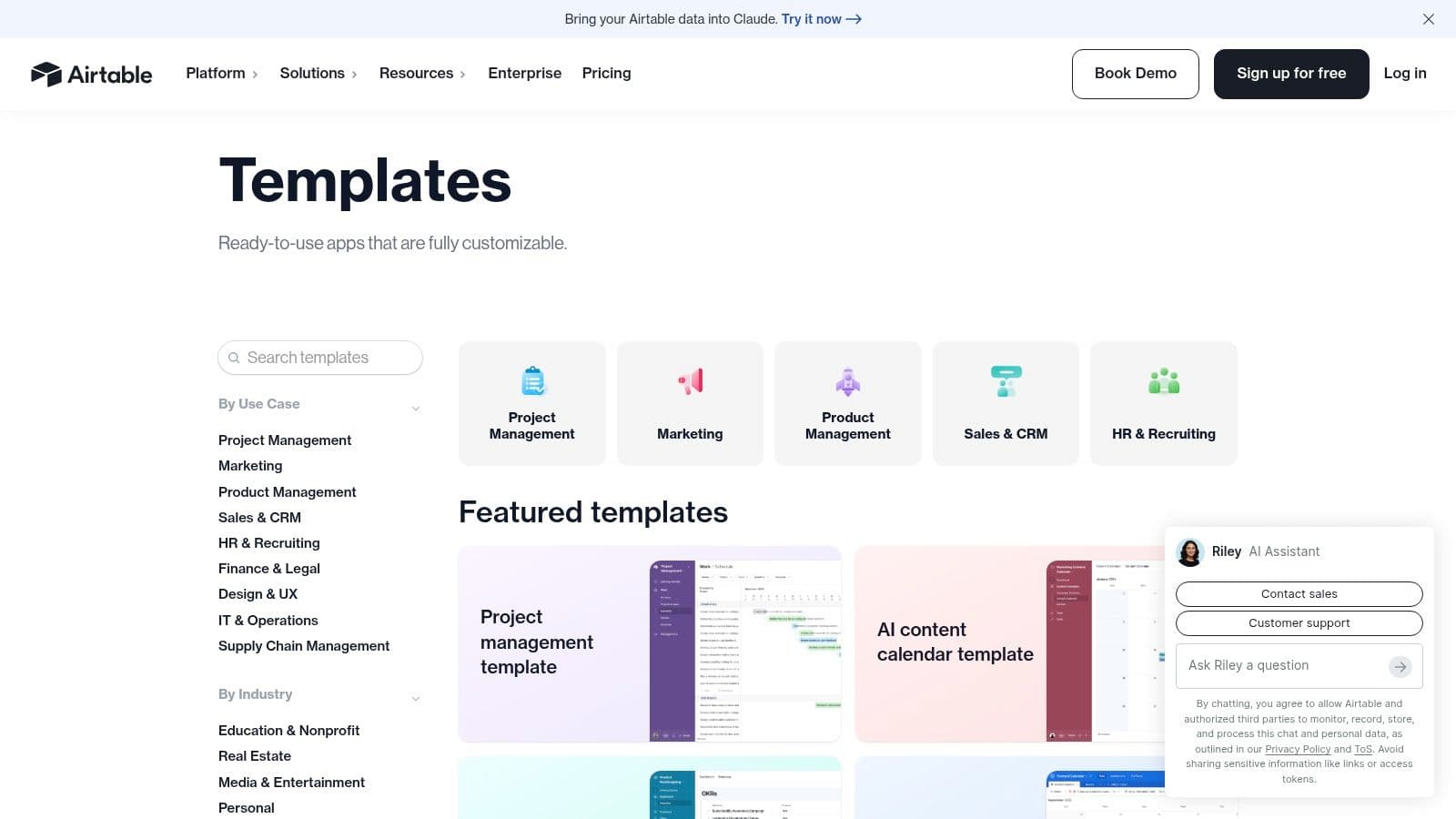
Airtable makes the most sense when spreadsheet familiarity matters, but plain spreadsheets aren't enough. Its templates for project tracking, content operations, and small business workflows turn a base into a shared system with linked records, custom fields, and multiple views pulled from the same data. That's a big deal for teams that need both structure and relational logic.
The practical advantage is speed to a usable workflow. Instead of building fields, views, and permissions from zero, you start with a working base and then shape it around your process. Airtable also supports Grid, Kanban, and Calendar views from one underlying set of records, which keeps the template consistent even when different people prefer different ways of working. Airtable's template library is especially useful for teams that care about collaboration and role-based access.
The limitation is that Airtable can push teams toward higher tiers once automation or record needs grow. That doesn't make it a bad choice, just a more deliberate one. If you need a clean, database-backed template that multiple people can work from, it's excellent. If you only need a simple to-do list, it's more system than you need.
8. Smartsheet
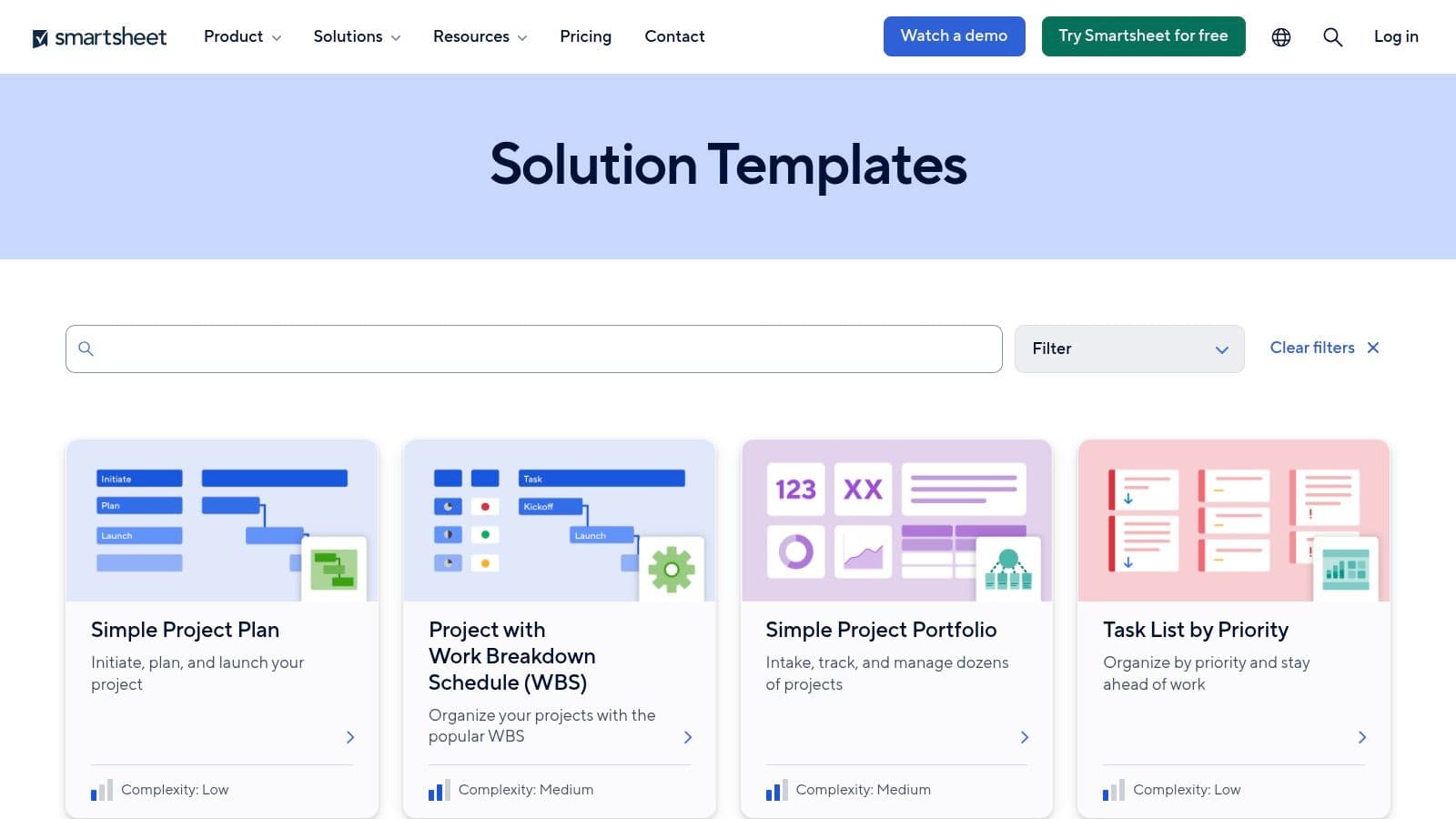
Smartsheet is built for teams that want templates with reporting muscle. Its template sets can include sheets, dashboards, and reports out of the box, which gives operations and enterprise teams a more complete starting point than a basic task list. That's useful when managers need structure, visibility, and governance without stitching everything together manually.
The ready-made task templates are practical, too. Task List by Priority, To-Do Lists, and Simple Project Plan are the kinds of formats teams can adopt without a long design phase. Smartsheet also supports Grid, Gantt, Kanban, and Calendar views, which helps the same work serve different audiences, from analysts to project leads. Its template gallery shows why it's often a fit for hybrid spreadsheet and project teams.
The trade-off is weight. Smartsheet is heavier than a lightweight to-do app, and that's not a flaw if the team needs formal process. It does mean onboarding takes longer, especially when people are used to simpler boards or personal productivity tools.
Smartsheet is strongest when the template has to become part of a reporting system, not just a place to capture tasks.
9. Microsoft Planner
Microsoft Planner is the sensible choice for organizations already living in Microsoft 365. The biggest advantage is that teams can save a plan as a reusable custom template, then spin up consistent boards with the same buckets, tasks, and checklists. Because the template data stays within the Microsoft 365 tenant, it fits the governance expectations of larger organizations.
Planner also reduces context switching. When teams already work in Teams, Loop, and Microsoft 365, a template inside Planner feels like part of the same environment instead of another tool to learn. That can matter more than people expect, especially when the objective is repeatable task boards that people will use. Microsoft's Planner page shows how tightly it sits inside the broader ecosystem.
The downside is licensing. Some advanced or premium features may require upgraded Planner or Project plans, so it's worth checking what template features are included before you standardize on it. If you're already deep in Microsoft 365, this is usually an easy operational win. If you're not, the fit gets weaker fast.
task management with Planner is a useful external reference if your team wants to see how the ecosystem approach works in practice.
10. Todoist
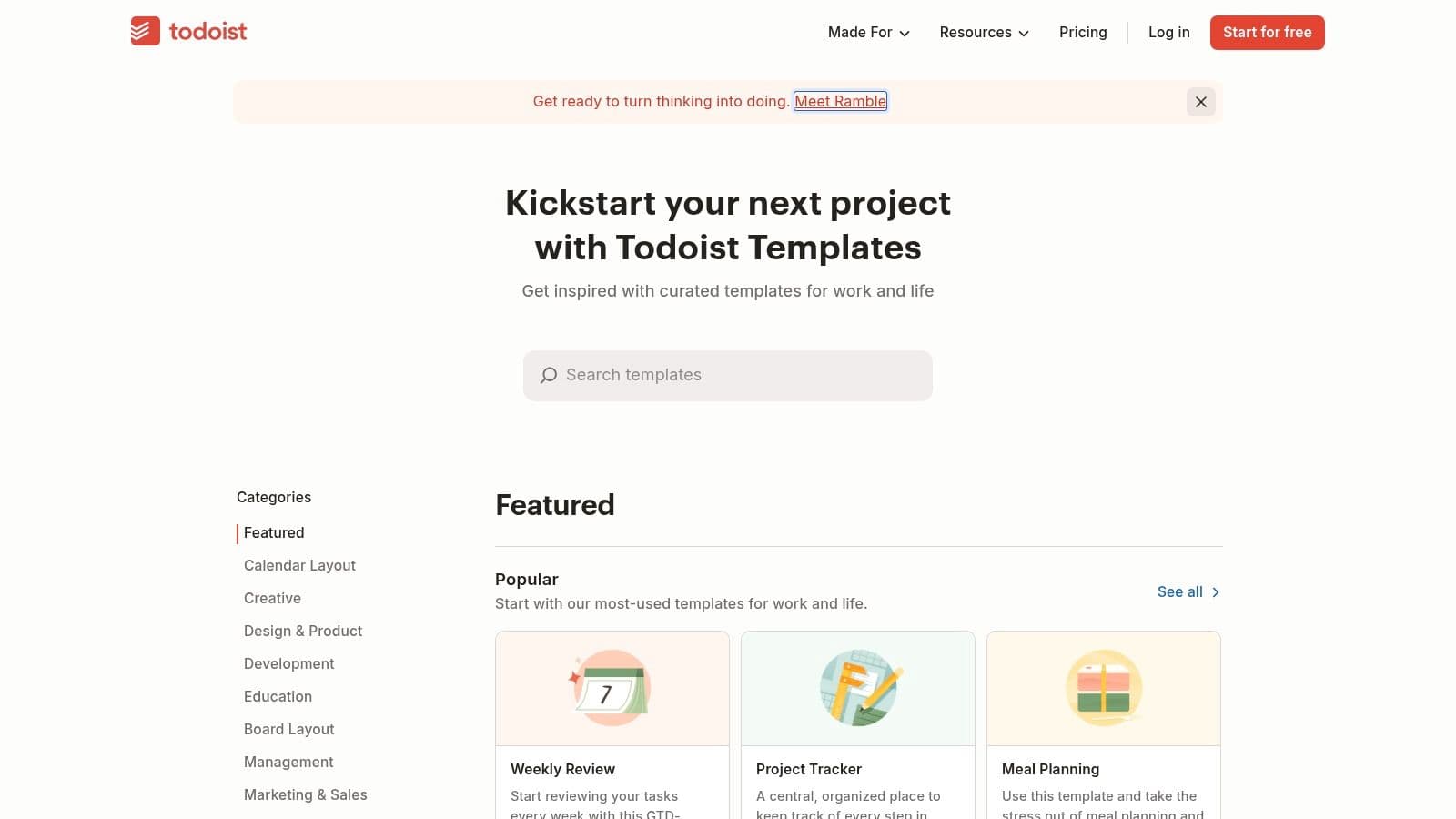
Todoist fits teams and individuals who want a tool that stays out of the way. Its template gallery covers common work and personal setups like work, goals, habits, and meetings, and users can save their own templates without spending time on heavy configuration. For solo users and small teams, that usually keeps the workflow moving.
Adoption is the strength here. Todoist keeps close to simple task lists and labels, so people do not need to learn a full project suite just to repeat a process. Todoist's templates page makes the point clearly, a template only has to remove repeated setup work to be useful. For teams deciding whether a lighter app is enough, the best to-do list apps can help separate simple recurring task needs from fuller project management requirements.
The trade-off is depth at the task level. Compared with heavier PM systems, Todoist gives teams less room for detailed templating inside individual tasks, so some users end up building workarounds with labels, recurring due dates, or separate project structures. That works for lightweight recurring work, but it starts to feel clumsy once a process needs more sub-tasks, dependencies, or handoff steps.
Task Template Comparison: Guide + 9 Tools
| Product | Core features | UX & Quality (★) | Value / Price (💰) | Audience (👥) | Unique / Standout (✨🏆) |
|---|---|---|---|---|---|
| How to Make a Template for Faster Workflows (Fluidwave) | Reusable blueprints, AI automation, pay-per-task delegation, multi-view templates | ★★★★★ | 💰 Free forever tier + pay‑per‑task delegation (no subscription req.) | 👥 Busy professionals & teams needing automation + assistants | ✨ AI-driven + human virtual assistants for delegation; 🏆 pay‑per‑task scalability |
| ClickUp | 1,000+ template gallery, task templates, multi-view support | ★★★★☆ | 💰 Tiered plans; robust free tier | 👥 Teams of all sizes, PMs & ops | ✨ Massive searchable gallery; 🏆 breadth of ready‑made templates |
| Asana | Curated template library, project/task templates, workflow guidance | ★★★★☆ | 💰 Free & paid plans; advanced automations on higher tiers | 👥 Cross‑functional teams, PMOs | ✨ Polished starter patterns and workflow gallery |
| Trello | Board & card templates, Power‑Ups, instant copy into workspace | ★★★☆☆ | 💰 Free tier; paid Power‑Ups/Business plans | 👥 Individuals & small teams using Kanban | ✨ Extremely quick board setup; strong community templates |
| monday.com | Plug‑and‑play boards, automations, dashboards, multiple views | ★★★★☆ | 💰 Tiered pricing; capabilities vary by plan | 👥 Cross‑functional teams, operations | ✨ Tight automations + dashboards for cross‑team workflows |
| Notion | Template gallery with databases, multi‑view pages, deep customization | ★★★★☆ | 💰 Free + paid workspace/marketplace templates | 👥 Creators & teams combining docs, tasks, knowledge | ✨ Highly adaptable docs + task databases; creator marketplace |
| Airtable | Ready bases & interfaces, relational records, grid/kanban/calendar views | ★★★★☆ | 💰 Free tier; paid plans for automations/limits | 👥 Teams needing spreadsheet familiarity + relational data | ✨ Spreadsheet UX + DB power for linked workflows |
| Smartsheet | Template sets (sheets, dashboards, reports), strong automation & views | ★★★★☆ | 💰 Enterprise pricing; advanced governance | 👥 Enterprise ops & PMOs | ✨ Template sets with built‑in reporting; 🏆 enterprise governance |
| Microsoft Planner | Save plans as templates, tenant‑backed storage, Teams/M365 integration | ★★★☆☆ | 💰 Included with Microsoft 365 (license dependent) | 👥 Microsoft 365 organizations | ✨ Native Teams/SharePoint integration for org control |
| Todoist | Importable project templates, lightweight task lists, labels & reminders | ★★★☆☆ | 💰 Free + Premium subscription for pro features | 👥 Individuals & small teams preferring simplicity | ✨ Fast, checklist‑oriented UX for recurring tasks |
From Template to Automated System
The best task management templates don't just organize work, they make work easier to hand off, track, and complete. That's why the strongest options on this list all lean toward clearer ownership, reusable structure, and multiple views. The market data backs up the shift too, with adoption already mainstream in larger organizations and cloud-based platforms taking the lead across deployments, as shown in Ramp's project-management category report. Teams don't want another static checklist. They want a system that starts fast and keeps moving.
The templates that hold up in real use share a few traits. They define the owner, make the next step obvious, and leave room for the work to change without breaking the structure. That lines up with Asana's guidance on reusable task templates, Teamwork's emphasis on dependencies and role-based ownership, and Zoom's focus on regular progress updates and filtering by owner or due date, all of which point in the same direction, templates need to support coordination, not just capture. Teamwork's task template guidance and Zoom's Action Item Tracker guidance both reinforce that point in practical terms.
The smartest move is to pair the template with your actual delegation model. If your team uses assistants, contractors, or internal specialists, build the handoff into the template itself. If your work is repetitive enough to automate reminders, updates, or routing, do that early so the template becomes a live workflow instead of a static file. The more the template reduces coordination friction, the more useful it becomes, especially for overloaded teams, knowledge workers, and users who need less decision fatigue and more visible priorities.
Fluidwave is built around that idea. It combines reusable templates, auto-prioritization, multiple views, and delegation to human virtual assistants, which makes it a strong fit for teams that want to turn task structure into actual execution. If you're choosing one place to start, pick the template that matches your current workflow, then connect it to the tool that helps you delegate, automate, and finish faster.
Fluidwave helps you turn a template into a working system, not just a saved layout. It combines reusable task structures with automation, multiple views, and pay-per-task delegation so you can keep work moving without rebuilding every project by hand. If you want to see how that looks in practice, visit Fluidwave and try it on your next recurring workflow.
Focus on What Matters.
Experience lightning-fast task management with AI-powered workflows. Our automation helps busy professionals save 4+ hours weekly.