Compare 10 ready-to-use task delegation template options for individuals, managers, and teams, with use cases and quick customization tips for 2026.
October 17, 2026 (2d ago)
10 Task Delegation Template Picks for 2026
Compare 10 ready-to-use task delegation template options for individuals, managers, and teams, with use cases and quick customization tips for 2026.
← Back to blog
A manager hands off a project, then two people discover they each thought they owned the same deliverable. One has started drafting the client brief; the other has built a separate version from an old file. Both worked hard, but nobody made ownership, decision rights, or the next check-in explicit.
Most delegation failures come from unclear ownership and missing follow-up, not a lack of effort. A task delegation template helps make the hand-off concrete: who's responsible, what the finished work must include, when it's due, and who approves it. That structure matters because many managers struggle with delegation. In 2025, only 19% of more than 70,000 manager candidates assessed by DDI showed strong delegation ability, while a separate DDI study found that 80% of surveyed leaders identified delegation as the most important leadership skill for mitigating burnout (DDI delegation statistics).
The right template depends on where your hand-offs break down. Choose a tracker for ownership and follow-up, a RACI matrix for decision rights, or a shared board for team visibility. These picks focus on the particular problem each tool solves, along with its limitations and a practical way to customize it. For additional context, see these practical delegation tips for hospitality managers.
1. Notion, Task Delegation Tracker
Notion's Task Delegation Tracker template is a flexible starting point for teams that already keep their notes and project information in Notion. Its database gives each task an assignee, priority, status, and due date, with list, board, and calendar views for different ways of reviewing the work. Task notes provide room to record context and hand-off details.
The tracker's strength is adaptability. A small team can start with the existing fields, then add relations, rollups, or formulas if it needs to connect tasks to projects, people, or recurring work. It's also a straightforward way to keep a record of assignments that might otherwise disappear in chat or meeting notes. A guide to how to delegate tasks can help a team decide what context to include in each assignment.
Where it falls short
Notion's flexibility can become a burden if nobody agrees on how to use the tracker. Reporting and workload management are limited compared with a dedicated project system, and sharing permissions need attention when the database contains work for different teams or external collaborators.
Customization tip: Add a required “definition of done” field and make it part of the task brief, not an optional note. That way, assignees and reviewers share the same understanding of completion.

2. ClickUp, Delegation of Authority Matrix Template
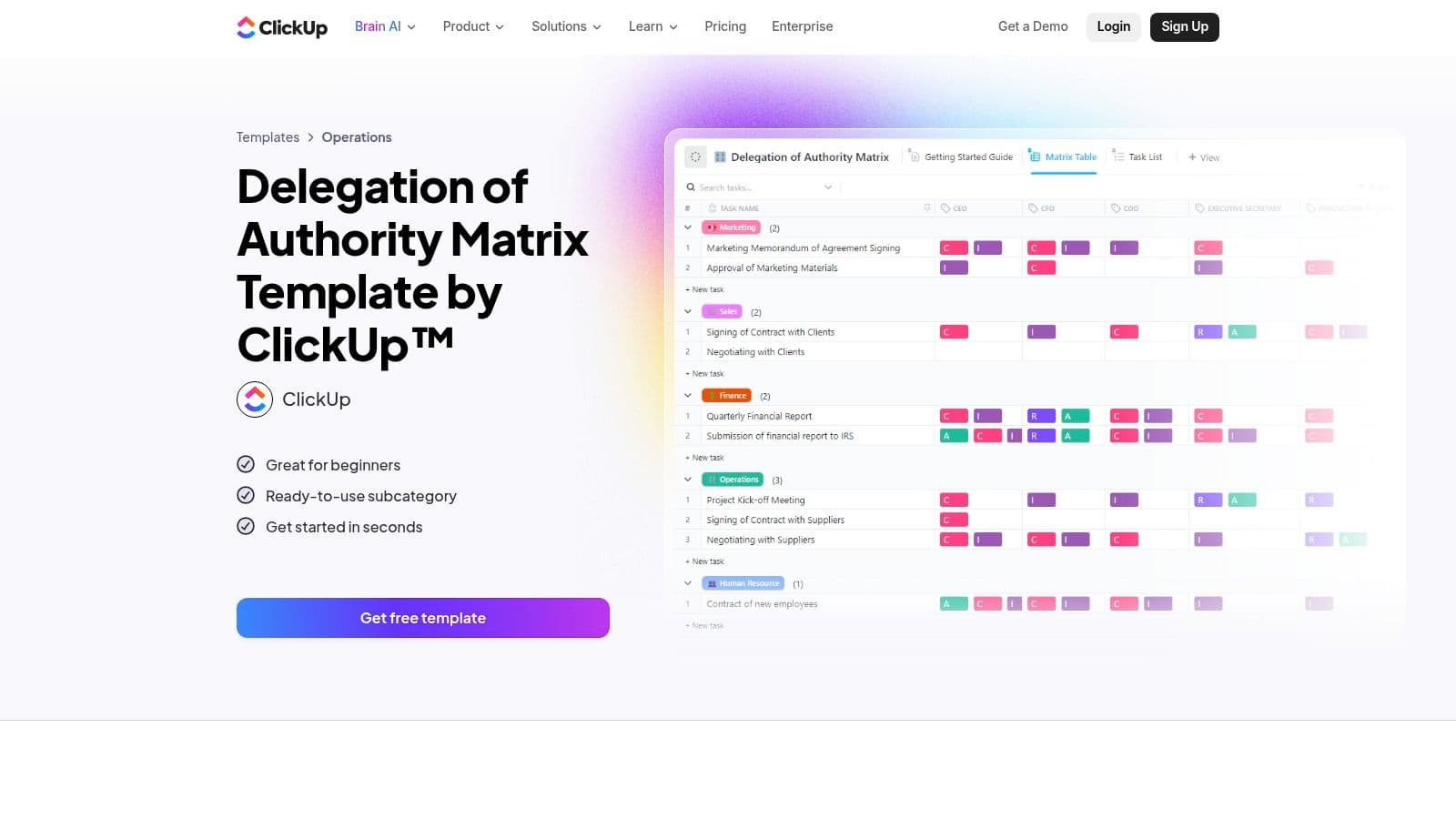
When work gets stuck because nobody knows who can approve it, ClickUp's Delegation of Authority Matrix template is a better fit than a simple task list. Its RACI-style role mapping helps distinguish who's responsible for doing the work, who's accountable for the result, who should be consulted, and who needs to be informed.
The matrix can sit alongside ClickUp Tasks and Docs, so teams can connect the agreed role assignments to active work. It can also be paired with task templates and automations. That link between authority and execution is useful when managers, individual contributors, and external assistants all contribute to the same process.
Practical rule: Don't assign responsibility without confirming what decisions the assignee can make. A clear owner who still needs approval for every move may not be able to move the work forward.
Setup trade-off
This template is most useful when the team already works in ClickUp. Building the matrix takes coordination across teams, especially when several people have overlapping approval responsibilities. Without agreement on decision rights, a RACI grid can record confusion rather than resolve it.
Customization tip: Add a short note beside each role describing when the assignee should escalate. That makes the matrix useful during the work, not just at kickoff.
3. Asana, RACI Matrix Template
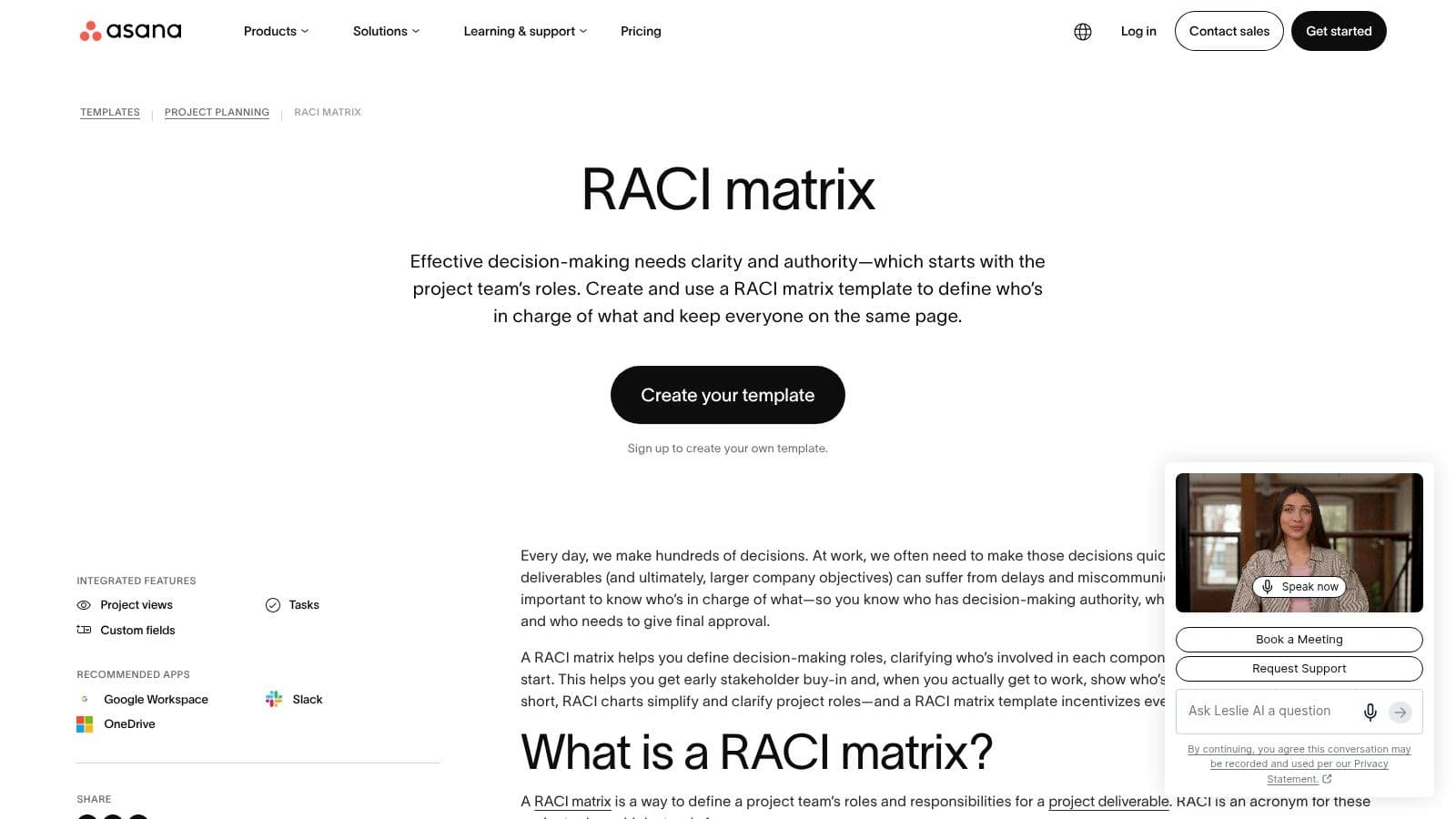
Asana's RACI Matrix template helps teams make responsibility visible within a task-planning environment. Its ready-made layout guides teams through role assignments using Asana tasks and sections, and teams can duplicate it for new projects or recurring work.
That makes it useful when the main problem is not task capture but uncertainty about who does what and by when. Teams can use the matrix during planning, then work from the assigned tasks in Asana rather than keeping a separate responsibility document that quickly falls out of date. For broader context on dividing responsibilities, see this guide to team roles and responsibilities.
Keep the scope clear
RACI clarifies roles, but it doesn't automatically capture budgets or service-level agreements. A project may still need separate fields for expected effort, approval timing, and resource limits. Portfolio-level rollups also depend on the Asana tier the organization uses, so check the reporting needs before standardizing the template across projects.
Customization tip: Add an acceptance owner for each important deliverable. “Responsible” identifies who does the work; a named reviewer clarifies who confirms that the result meets the brief.
The template is easy to duplicate, but duplication alone doesn't ensure that the roles are right. Review the assignments with the people involved before work begins, especially if different teams share approvals.
4. Smartsheet, Free RACI Templates
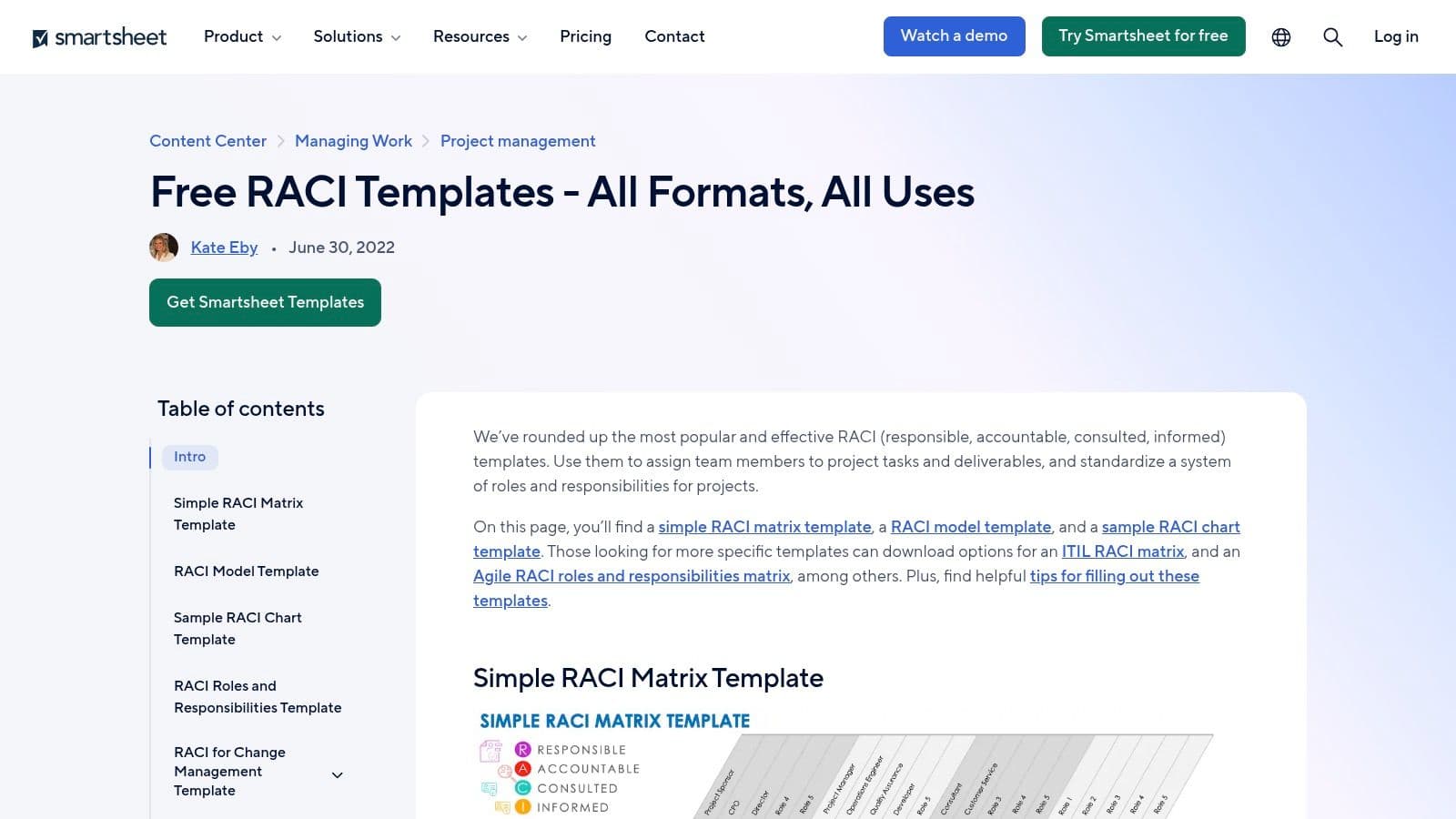
Smartsheet's collection of free RACI templates suits teams that want a responsibility matrix without requiring everyone to adopt the same project-management platform. The downloadable formats include Excel, Google Sheets, PowerPoint, and PDF, with adaptable grids and industry-specific versions. Smartsheet also provides guidance on completing a matrix, and teams can import the templates into its work-management platform.
A spreadsheet is often the practical choice when stakeholders use different systems or need a file they can attach to a project brief. It's easy to circulate for review and simple to adapt for a process or team. But a downloaded file is static unless the team uses it in Smartsheet, so changes to owners and responsibilities need manual upkeep.
Customization tip: Give the matrix a named owner and a clear review point, such as a project milestone. Without someone responsible for keeping it current, the file can become an archive of the original plan rather than a useful reference.
A shareable matrix only helps if people can tell whether it's current. Put the version date and matrix owner where reviewers can see them.
Choose this option when portability matters more than automation. For a team that needs frequent status changes or reminders, a standalone spreadsheet may create more follow-up work than it saves.
5. Airtable, Process Documentation Template
Airtable's Process Documentation template is designed for operations teams that need to keep process instructions and role assignments connected. Its relational structure links processes, owners, and roles, while a dedicated RACI table and matrix interface help document who handles each part of the work.
The benefit is continuity. A team can maintain process details and delegation information in one adaptable system, then extend the setup with record templates, automations, custom fields, views, or interfaces. That's more useful than a one-off matrix when the same process gets handed to different people over time.
Build the structure before automating it
Airtable works best when someone on the team is comfortable modeling data. If the structure is unclear, adding fields and links can make the hand-off harder to understand. Larger organizations may also need to configure governance and permissions before making process records broadly available.
Customization tip: Keep the core process record short, then link to detailed instructions or supporting materials. That makes the assignment scannable while preserving the context an assignee needs to complete the work.
Avoid building a large operations database before deciding what people need to update. Start with one repeatable process, confirm that its owners can use the fields without extra explanation, then extend the pattern if it works.
6. monday.com, Team Task Management Template
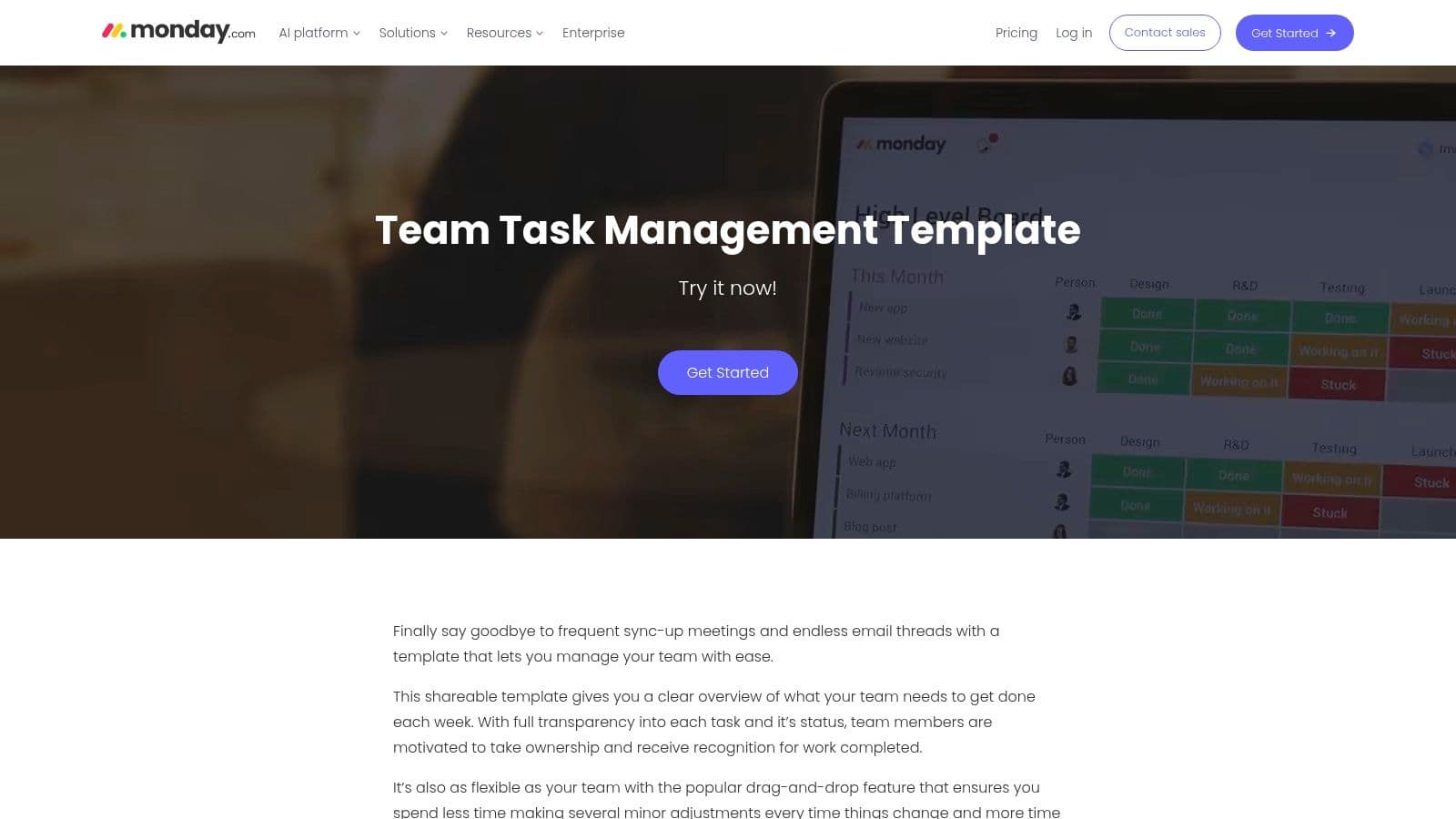
When several people need to see who owns what and when it's due, monday.com's Team Task Management template provides a shared board for assignments, timelines, and progress. Columns can capture owners, due dates, status, and dependencies, while board, calendar, and workload views support different ways of reviewing work.
The board can be configured for delegation among teammates and freelancers. Guest permissions support external collaborators, and teams can set up visibility and approvals across groups. Those features make it a practical option when hand-offs need to remain visible beyond one manager's personal task list. This guide to task management for teams offers more perspective on coordinating shared work.
Customization tip: Make the status values describe real hand-off stages, such as “Ready for review” or “Blocked on approval,” instead of relying on a generic progress label. That gives reviewers a clearer signal about what needs attention.
The trade-off is that monday.com can feel heavy for a simple to-do list. Advanced automations and views are available on higher tiers, so keep the first board focused on the information the team will use. Add complexity only when a concrete coordination problem calls for it.
7. Trello, Task and Process Templates
Trello is a lightweight choice for teams that delegate through cards, checklists, and due dates. Its task-management templates and boards include a template gallery, with options such as an Eisenhower Matrix, and reusable template cards for repeatable work. Cards support assignees, checklists, and due dates.
That structure works well for a standard brief that needs to be copied and assigned again. A team can include instructions and a checklist on a template card, then duplicate it when the next request arrives. Power-Ups and Butler automation can support hand-offs when the team needs additional connections or workflow steps.
Make the hand-off reusable: Put the recurring instructions on the template card, but leave task-specific details, such as the deadline and deliverable, for the person creating each new card.
Trello is easy to adopt and share with guests, but its reporting is limited without Power-Ups, and it doesn't include a native RACI matrix. That makes it a weaker fit when the primary issue is approval authority across multiple roles.
Customization tip: Add a checklist item for the final reviewer to accept or return the deliverable. A completed card shouldn't be mistaken for approved work.
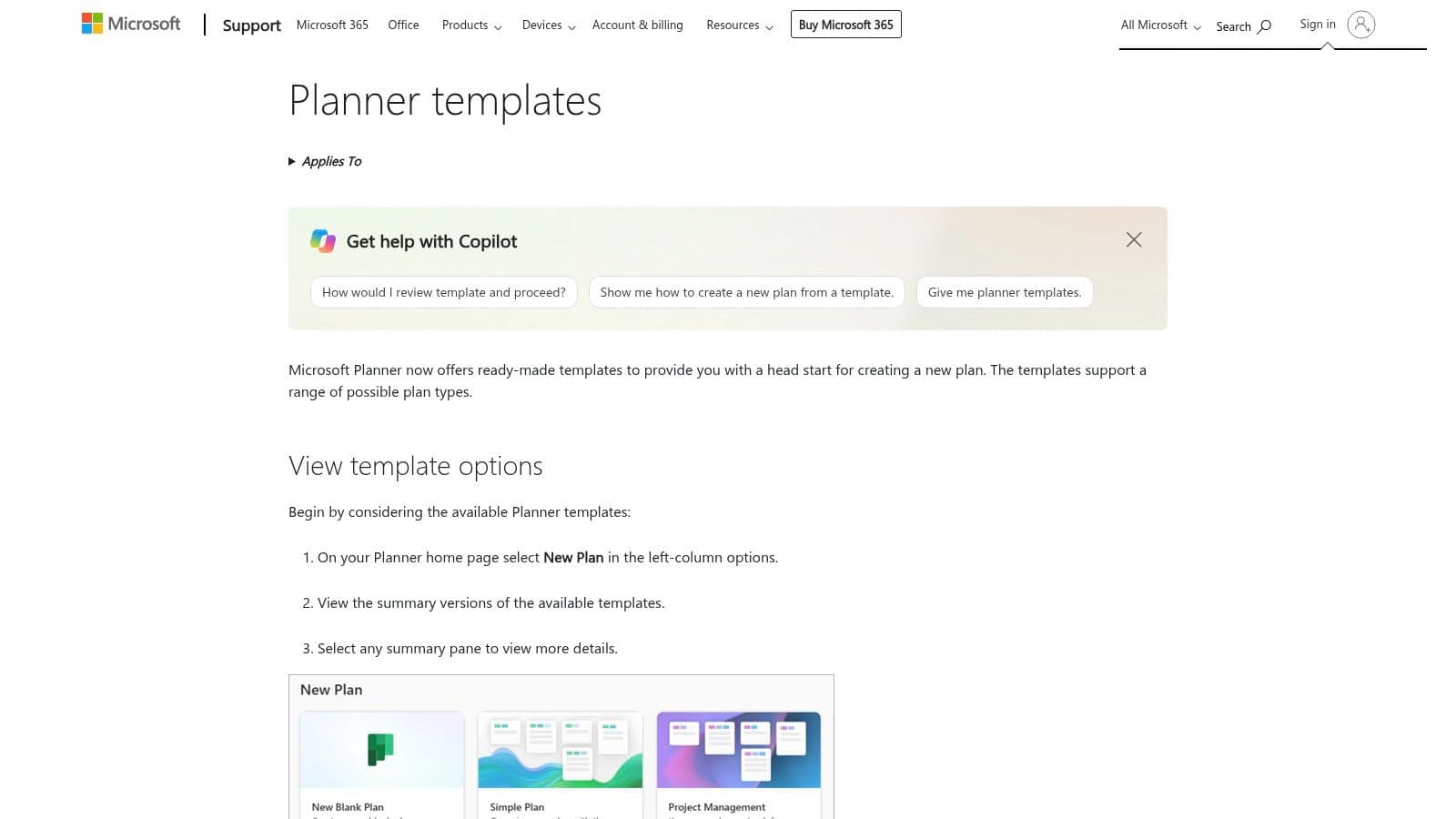
8. Microsoft Planner, Plan Templates
Microsoft Planner's plan templates offer a practical route for Microsoft 365 teams that want repeatable delegation checklists in their existing work environment. Planner provides ready-made plans, including examples for onboarding and campaigns, and teams can create and share custom templates with a Microsoft 365 group. Integration with Teams and Outlook makes it easier to keep the plan alongside familiar collaboration tools.
The main advantage is consistency. Teams can replicate a standard plan rather than rebuilding the same assignments and steps for each new project. It also fits Microsoft 365 identity and security environments.
Customization tip: Create a dedicated column or label convention for roles, such as “Owner,” “Approver,” and “Consulted.” Planner doesn't provide a RACI matrix by default, so role labels need to be defined and used consistently by the team.
Planner is less flexible than advanced project-management suites. Keep the template to repeatable tasks, owners, and dates if the team's needs are straightforward. If work depends on complex approval paths or portfolio reporting, confirm that the plan structure can support those requirements before making it the team's standard.
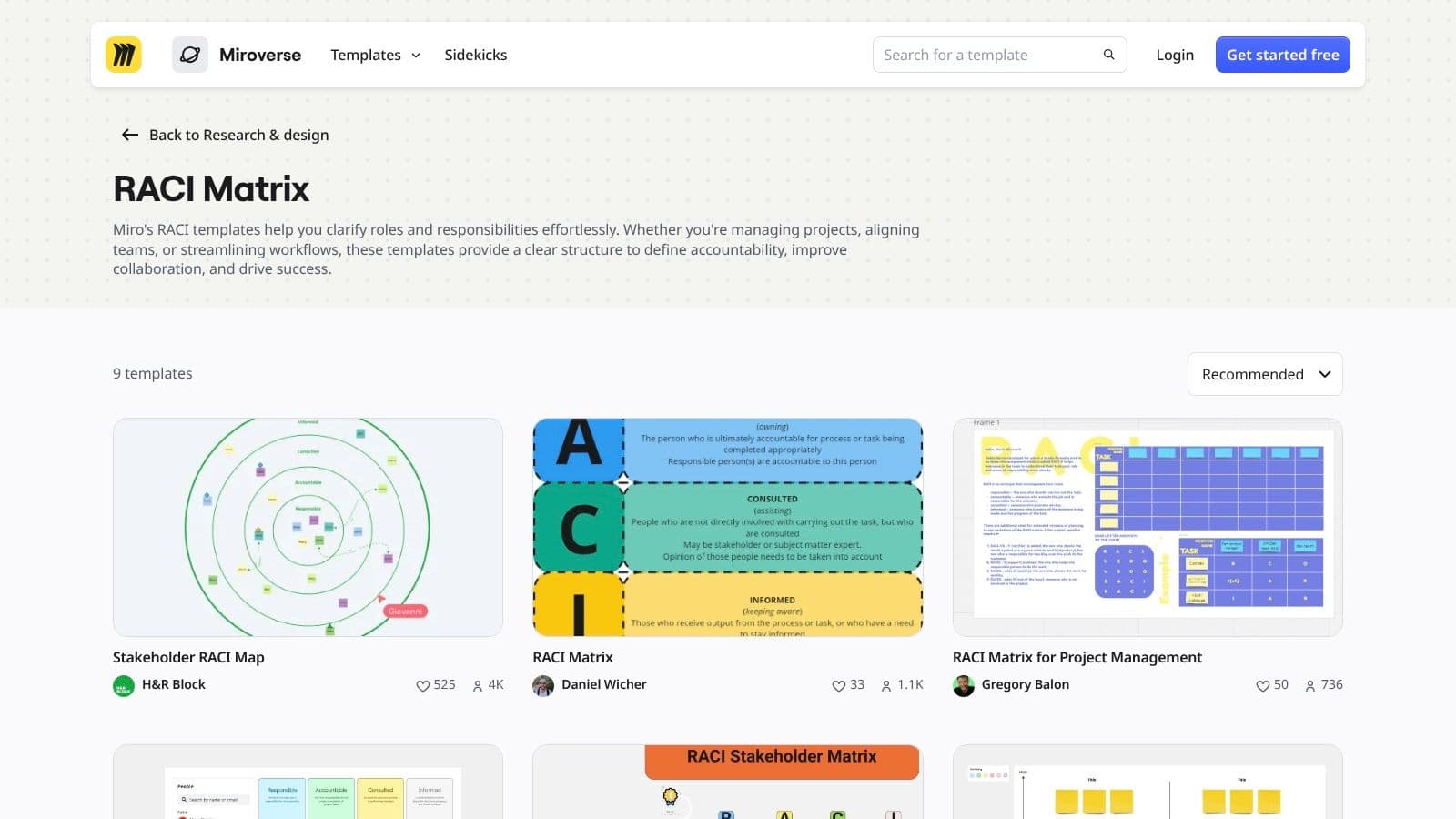
9. Miro, RACI Matrix Template
Miro's RACI Matrix template is a collaborative whiteboard for teams that need to agree on responsibilities together. It includes a prebuilt grid and instructions, with real-time co-editing and comments for stakeholder discussion. Teams can use it alongside journey maps, org charts, or process flows, then share or export the matrix for execution elsewhere.
That makes Miro especially useful during a kickoff or working session. Participants can see overlapping assignments and discuss who has decision authority before those gaps delay the project. The board also gives teams a straightforward way to share a snapshot with people who aren't working directly in the task system.
Use the board to decide, not to track
Miro isn't a task tracker. Once stakeholders agree on the matrix, somebody still needs to assign and manage the work in another system. The matrix also needs facilitation and follow-up to stay current; a whiteboard that nobody maintains can drift away from how the team works.
Customization tip: End the workshop by identifying where the approved matrix will live and who will update it when roles change. Don't rely on participants to remember which board has the final version.
10. Microsoft Download Center, RACI Templates
For teams that need editable files they can work with offline, the Microsoft Download Center RACI templates provide sample responsibility matrices for Excel and Visio. Teams can edit the Excel RACI file, use the Visio template to show responsibilities alongside process maps, or incorporate either file into Office documents and stakeholder presentations.
These downloads suit Windows-centric organizations that already use Office tools for project documentation. A matrix can be versioned and attached to governance materials, which is useful when stakeholders need a formal record of assigned responsibilities.
Keep offline copies controlled. A matrix can be easy to attach to a document and still become confusing if several versions circulate.
The main limitation is that the files are static unless the team connects them to another system. Collaboration also depends on the organization's Office sharing setup, so don't assume that sending a file ensures everyone can edit the same version.
Customization tip: Add fields for the matrix owner and approval date, then store the working file in the team's shared location. That gives people a clear place to find the current copy.
Top 10 Task Delegation Templates Compared
| Tool / Template | Delegation & Core Features | Experience & Limitations | Best For | Value / Standout |
|---|---|---|---|---|
| Notion – Task Delegation Tracker | Assignees, priorities, due dates; list, board, and calendar views | ★ Flexible and quick to start; limited reporting and workload management | 👥 Solo professionals and small teams already using Notion | ✨ Customizable with relations, rollups, and formulas |
| ClickUp – Delegation of Authority Matrix | RACI-style roles; integrates with ClickUp Tasks and Docs | ★ Clarifies decision paths; setup takes team coordination | 👥 Teams already working in ClickUp | 🏆 Connects authority mapping with task assignment |
| Asana – RACI Matrix | Ready-made RACI layout using tasks and sections | ★ Easy to duplicate; budgets and service levels need separate tracking | 👥 Project teams using Asana | ✨ Clear role assignments within a task-planning workflow |
| Smartsheet – Free RACI Templates | RACI grids for Excel, Google Sheets, PowerPoint, and PDF | ★ Easy to share; static files need manual updates | 👥 Spreadsheet-first teams using varied tools | 💰 Free templates; adaptable across industries |
| Airtable – Process Documentation | Linked RACI table, process records, owners, and customizable views | ★ Flexible data model; governance may need configuration | 👥 Operations teams maintaining process documentation | ✨ Links process details, roles, and hand-offs |
| monday.com – Team Task Management | Owners, timelines, status, dependencies; board, calendar, and workload views | ★ Visual and configurable; advanced features may require higher tiers | 👥 Small to mid-sized teams and freelancers | ✨ Guest access and cross-team visibility |
| Trello – Task and Process Templates | Reusable cards, assignees, checklists, due dates, and automation options | ★ Simple to adopt; limited reporting without Power-Ups | 👥 Teams wanting lightweight task boards | ✨ Quickly duplicates standard task briefs |
| Microsoft Planner – Plan Templates | Reusable plans; integrates with Teams and Outlook | ★ Fits Microsoft 365; RACI conventions require manual setup | 👥 Microsoft 365 teams | 🏆 Replicates standardized work in the existing ecosystem |
| Miro – RACI Matrix Template | Collaborative RACI grid with co-editing, comments, and export | ★ Strong for alignment; tasks must be tracked elsewhere | 👥 Stakeholders running kickoff or planning workshops | ✨ Real-time whiteboard collaboration |
| Microsoft Download Center – RACI Templates | Editable Excel and Visio responsibility templates | ★ Office-friendly; files are static unless connected to other systems | 👥 Office-centric teams needing offline or presentation-ready files | 💰 Free downloads; fits governance documents |
Pick One Template and Test It This Week
Choose the template that matches your most common delegation problem. A tracker helps with individual hand-offs and follow-up. A RACI matrix helps when people aren't sure who can decide, approve, or contribute. A shared board helps when the team needs visibility across tasks, deadlines, and dependencies.
Don't try to standardize every workflow at once. Pick one live project and add only the fields its hand-offs need: the outcome, owner, decision rights, deadline, dependencies, and acceptance criteria. If the work includes an approval step, name the reviewer. If the assignee needs room to choose how to reach the outcome, specify the constraints and let them determine the method.
Review the setup after two weeks and remove fields nobody filled in. Then look for the gaps that remain: tasks without a clear owner, missed checkpoints, repeated clarification, or work that's complete but not accepted. A useful template doesn't need to capture every detail. It needs to make the next action and the person responsible unmistakable.
If finding someone to take the work is the bottleneck, a platform such as Fluidwave is worth comparing with your current setup. Fluidwave combines task management with a network of human virtual assistants, and its reusable project templates can include tasks, subtasks, dates, roles, instructions, required skills, budgets, and deliverables. That can make a repeated hand-off easier to define, while a clear completion standard helps the requester and assistant agree on what finished work means.
Start with the workflow your team repeats most often, not the one with the most complicated template. Put the hand-off in front of the people who'll use it, make the owner and expected result clear, and adjust the fields based on what happens.
Fluidwave combines task organization and automation with human virtual assistants who can take on delegated tasks on a pay-per-task basis. Create a reusable hand-off with clear instructions, required skills, budget, timeline, and deliverables, then visit Fluidwave to see whether it fits your workflow.
Focus on What Matters.
Experience lightning-fast task management with AI-powered workflows. Our automation helps busy professionals save 4+ hours weekly.