Stop letting your day run you. Learn to build a powerful daily rhythm with our step-by-step day schedule app framework. Go from chaos to control in 2026.
July 12, 2026 (Today)
Day Schedule App: A Framework to Master Your Day
Stop letting your day run you. Learn to build a powerful daily rhythm with our step-by-step day schedule app framework. Go from chaos to control in 2026.
← Back to blog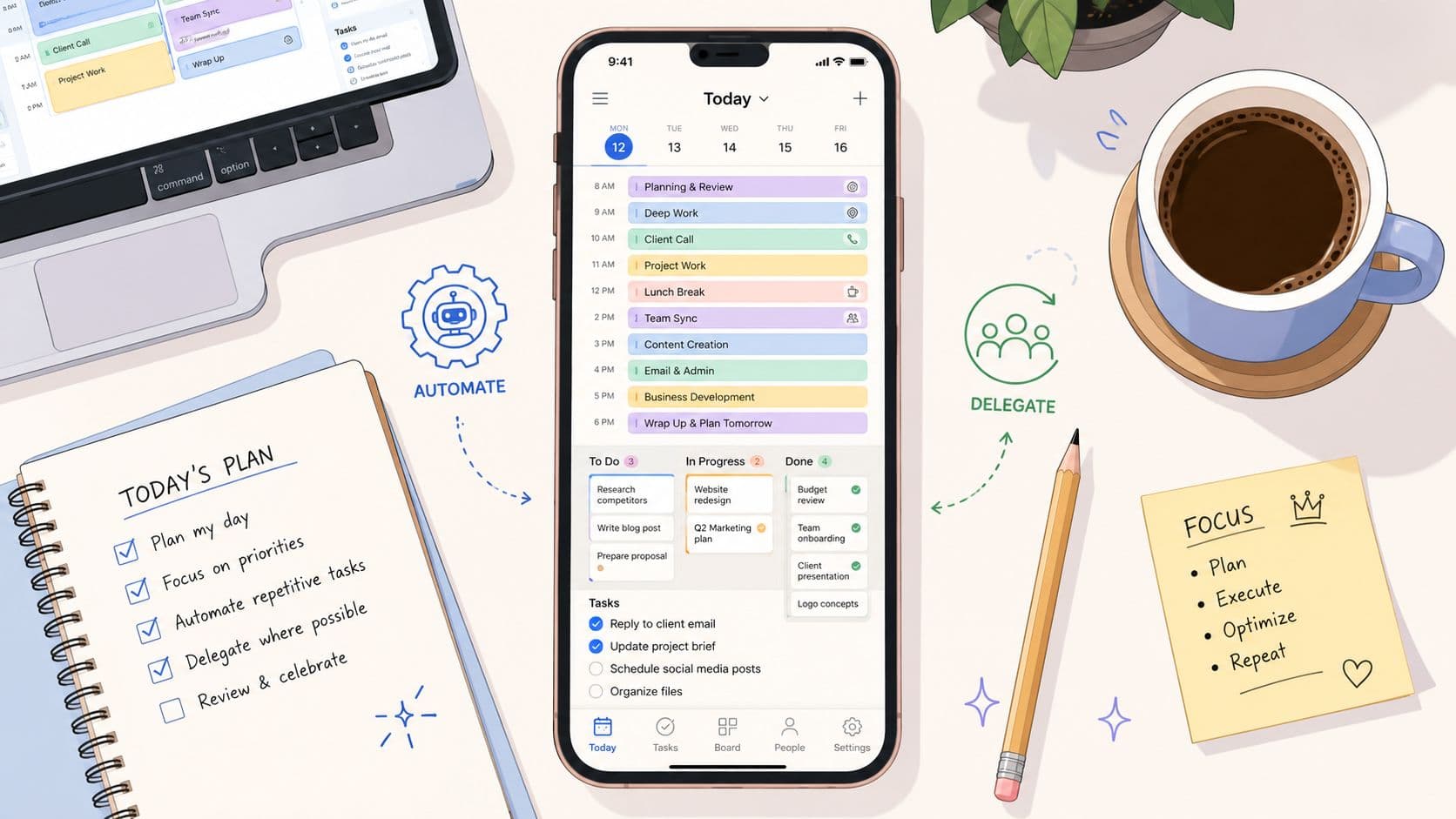
You probably have one right now. A day schedule app full of good intentions.
The calendar looked clean at 7:30. By 10:12, a meeting ran long, two messages needed replies, one task was bigger than expected, and the whole plan started to feel fake. Individuals often respond by rearranging blocks, dragging tasks, and promising themselves they'll “be more disciplined tomorrow.”
That's usually the wrong diagnosis.
After working with busy operators, founders, freelancers, and people whose brains don't cooperate with rigid systems, I've learned that a useful day schedule app isn't just a prettier to-do list. It needs to do three jobs well. It has to show the day clearly, adapt when reality changes, and help remove work from your plate when doing it yourself is a bad use of attention.
Beyond the To-Do List Why Your Schedule Fails
A lot of schedules fail before lunch because they're built on a false assumption. The assumption is that if you list everything clearly enough, you'll follow it.
That works for simple days. It breaks on real ones.
A 2026 review found that only 2 out of 6 tested daily planner apps maintained user organization beyond week one, and the strongest drivers of sustained use were visual time-blocking and unified daily views. The same review identified decision fatigue from manual scheduling as a key problem, with users spending an average of 30 minutes a day reorganizing their plans (Habi's daily planner app review).
The problem isn't motivation
Individuals aren't failing because they're lazy. They're failing because their planning system keeps asking them to make fresh choices in the middle of a busy day.
Each interruption creates another chain of questions:
- What moves first: the overdue task, the urgent email, or the original focus block?
- What still matters today: the admin work or the strategic work?
- What gets dropped: something low value, or something emotionally noisy that keeps nagging at you?
That constant recalculation drains attention. A rigid planner turns normal disruption into administrative work.
Practical rule: If your app requires frequent manual repair, it's not organizing your day. It's giving you another task.
Why this hits some people harder
This gets even more pronounced for people who struggle with working memory, task switching, or overwhelm. If you've ever felt that standard productivity advice sounds reasonable but still doesn't fit how your brain works, it helps to spend time understanding adult neurodiversity symptoms in practical terms. Many scheduling failures that look like inconsistency are really friction problems.
The fix usually isn't “try harder.” It's reducing the number of decisions your system demands after the day has already started.
What actually holds up
The day schedule apps that last tend to share a few traits:
- They show the whole day in one place. Tasks, time blocks, and commitments live together.
- They make overload visible. You can spot an unrealistic afternoon before it collapses.
- They lower re-planning effort. Moving one task doesn't require rebuilding everything else.
A schedule should absorb disruption, not punish it. That's the standard worth using.
Laying The Foundation for Your Digital Schedule
Before choosing views, automations, or clever templates, clear your head.
Users often open a day schedule app too early. They start arranging tasks before they've captured them properly. That leads to fake order. The calendar looks structured, but half the work still lives in your head as loose reminders, background anxiety, and “don't forget” thoughts.
The market growth around these tools makes sense. The global daily planner app market was valued at approximately $2 billion in 2025 and is projected to reach $6 billion by 2033, growing at a 15% CAGR, which reflects how strongly professionals are turning to digital tools to manage daily workflow (Data Insights Market on daily planner apps). But software only helps after you build a reliable input process.
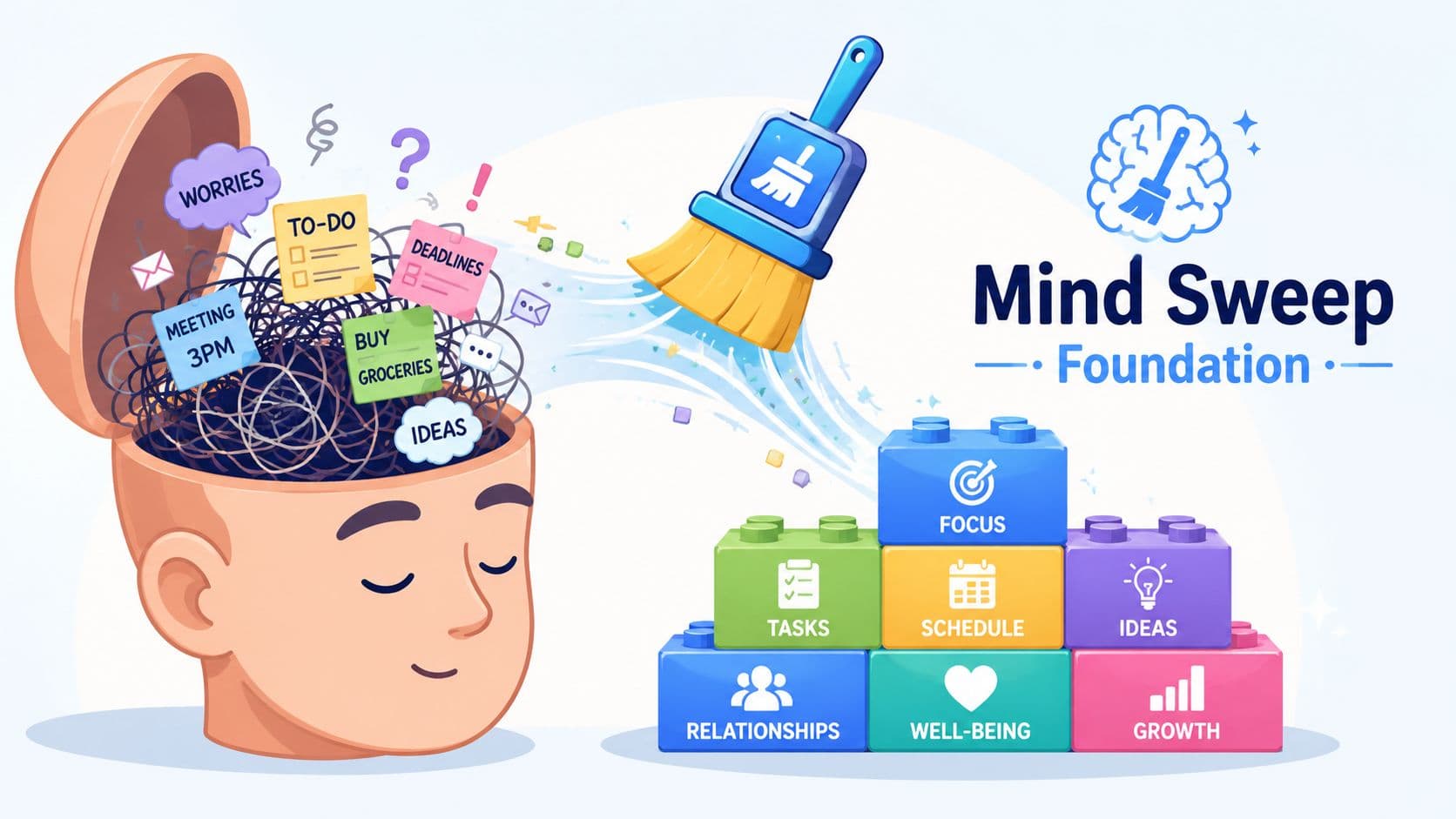
Start with a true mind sweep
Don't organize first. Capture first.
For one session, write down everything pulling on your attention:
- Open loops: replies, approvals, errands, follow-ups
- Obligations: meetings, deadlines, appointments, renewals
- Ideas: things you might build, pitch, fix, or explore
- Personal friction: forms, calls, scheduling, household admin
Use one inbox. Notes app, task app, paper, doesn't matter. What matters is that every item lands in one trusted place before you sort it.
I've seen people skip this because it feels messy. That's backwards. The mess is already there. The mind sweep just makes it visible.
A task that lives only in your head never gets prioritized accurately. It just gets worried about repeatedly.
Decide what each task means
Once everything is captured, classify before scheduling. At this stage, most calendars improve fast.
Two frameworks work well because they force a decision.
Eisenhower for pressure and consequence
Use this when your list is crowded with urgency.
| Category | Meaning | What to do |
|---|---|---|
| Urgent and important | Needs action soon and matters | Schedule directly |
| Important, not urgent | Moves work or life forward | Protect focused time |
| Urgent, not important | Time-sensitive but lower value | Delegate or constrain |
| Neither | Noise, drift, guilt tasks | Drop or defer |
MoSCoW for realistic commitment
Use this when a project has too many “musts.”
- Must-have tasks are essential for today or this week.
- Should-have tasks matter, but slipping them won't break the outcome.
- Could-have items are useful if space opens up.
- Won't-have for now is where you place work you're consciously not doing.
That last category matters more than people think. A day schedule app gets cleaner when you stop pretending every task deserves this week.
Build the schedule from meaning, not volume
A packed list creates false urgency. Prioritization creates shape.
Once you've done the mind sweep and assigned a role to each task, your schedule becomes easier to trust. You're no longer dragging random items into calendar slots just because they exist. You're placing work according to consequence, energy, and timing.
That's the foundation. Without it, any planner becomes decoration.
From Lists to Kanban Visualizing Your Workflow
The right view changes behavior.
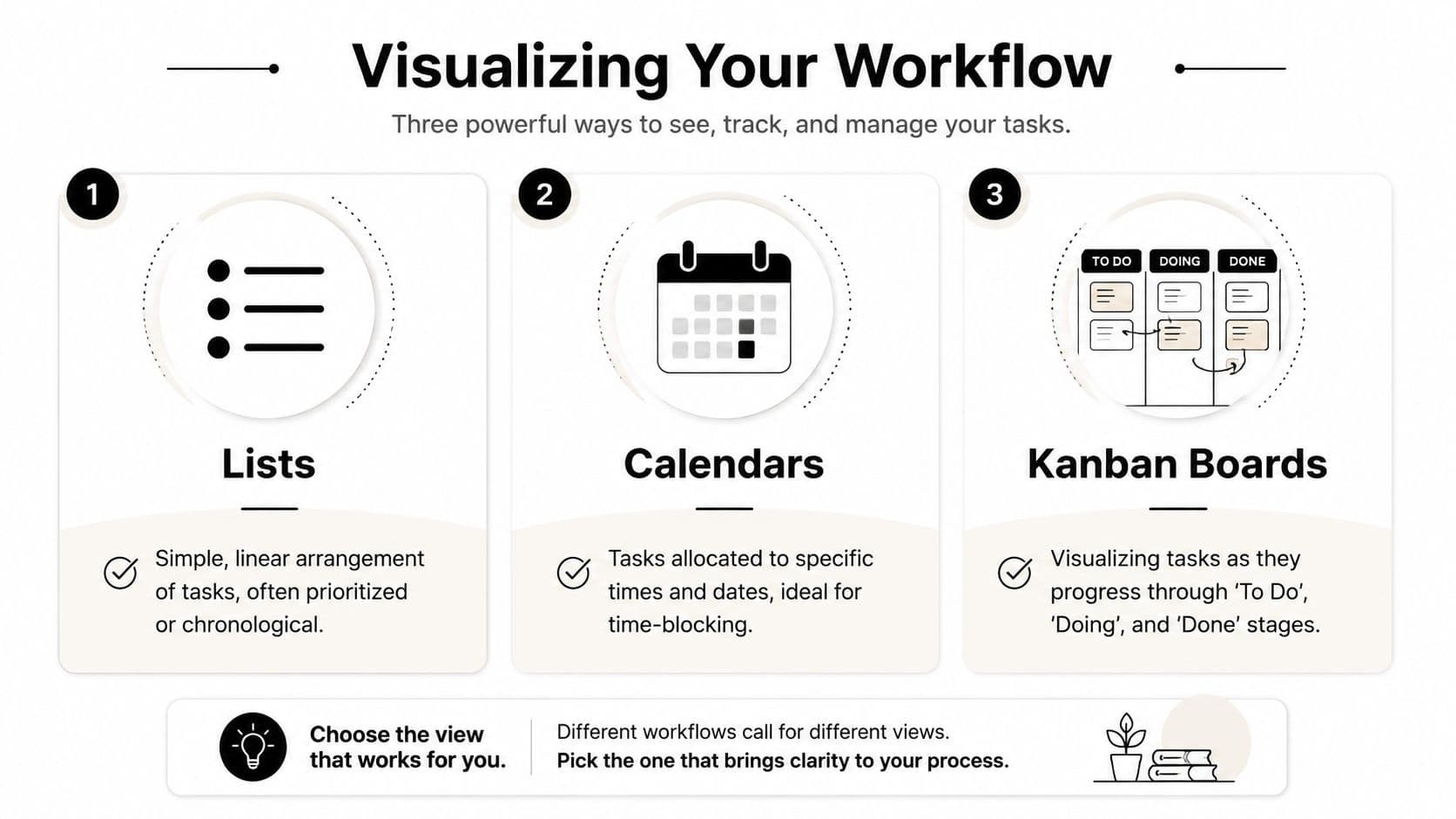
Some people need a clean list so they can move fast. Some need time on a calendar or the day disappears into reaction mode. Others need a board that shows flow, because seeing tasks move from “waiting” to “doing” to “done” is what creates control.
Lists are for immediacy
A list works when the main challenge is capture and sequencing. It's simple, low friction, and forgiving.
Lists are useful for people who:
- Need quick entry: thoughts arrive faster than they can be structured
- Work in bursts: they prefer choosing the next action rather than planning the whole day
- Hate visual clutter: a board or calendar can feel heavier than the work itself
The trade-off is obvious. Lists don't show time. You can end up with a very clear set of tasks and no realistic sense of when they'll happen.
Calendars are for commitment
A calendar is where intention becomes constraint. This is the best fit for people who overestimate available time or let meetings swallow their day.
Expert-level planning tools now use capacity-aware auto-scheduling, where AI places work based on energy patterns rather than calendar openings alone, and that approach can cut daily planning time from 30 minutes to under 5 by automating dozens of micro-decisions (Rivva on high-performer daily planner apps).
That matters because a calendar shouldn't only answer “What do I have?” It should answer “What can I do well at this hour?”
When a calendar treats every open slot as equal, it plans for availability instead of performance.
For time-blockers, the day schedule app should make deep work visually protected. Strategic work goes where your brain is strongest. Admin and coordination go where your energy drops.
A short walkthrough can help if you're comparing visual systems and board-based planning in particular. This guide on a Kanban board app is useful if your work involves multiple stages rather than isolated tasks.
Later in the workflow, this visual comparison is worth watching in action:
Kanban is for flow and bottlenecks
Kanban fits project-shaped work. Writers, marketers, operators, product people, and anyone juggling work in stages tend to do well here.
Think of each card as a moving unit of attention. Not “task entered system,” but “task is progressing.” That distinction matters.
A basic board might look like this:
| To Do | Doing | Done |
|---|---|---|
| Draft proposal | Client revisions | Sent invoice |
| Book guest | Edit article | Posted update |
| Review assets | Build deck | Closed loop |
The strength of Kanban is visibility. You can spot stalled work, overloaded doing columns, and tasks that keep circling without closure. The weakness is that boards can hide urgency unless you pair them with due dates or a daily execution view.
The best setup isn't universal. It's the one your brain reads instantly without negotiation.
Automate the Mundane and Adapt to Chaos
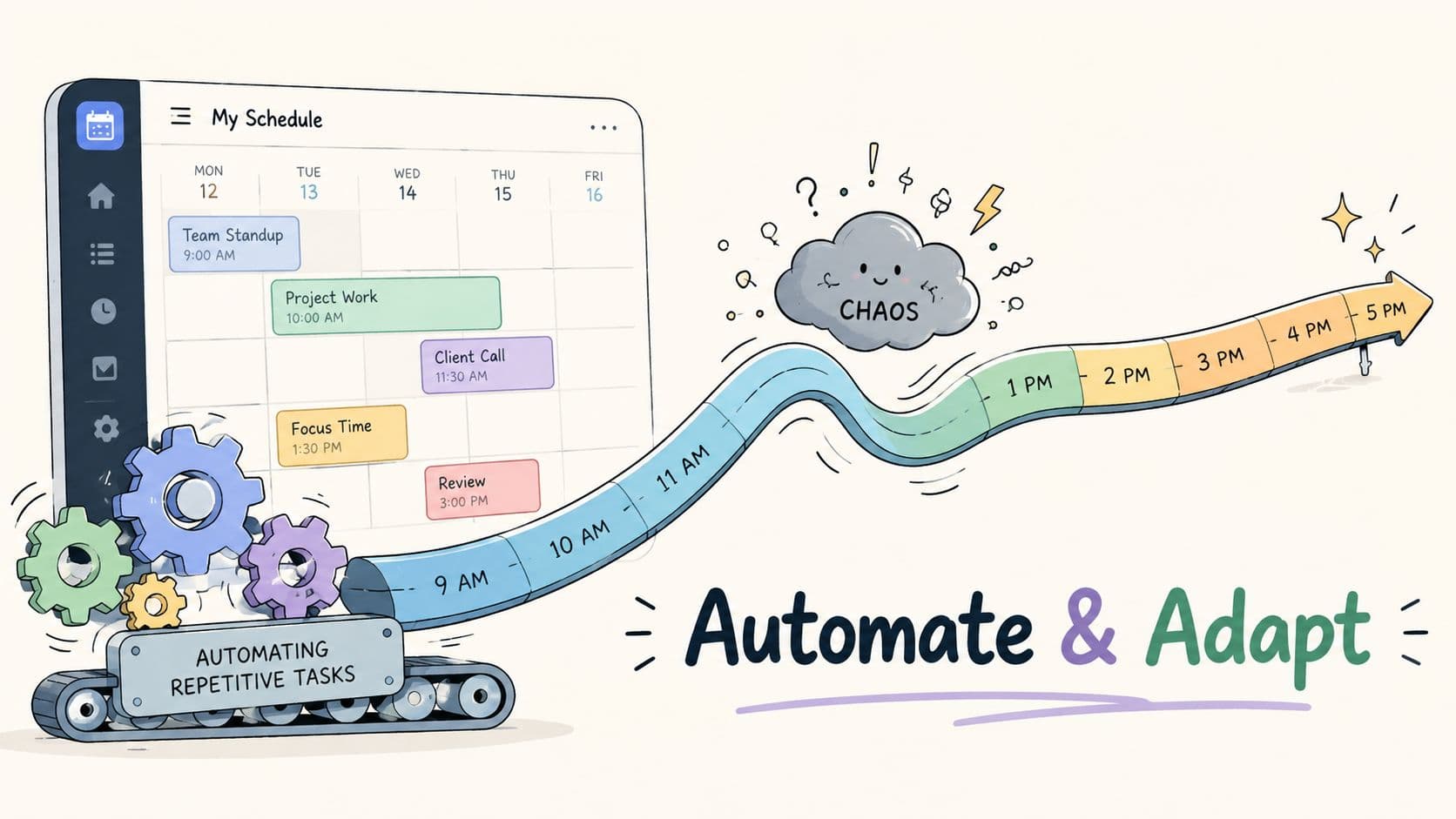
A schedule is a draft. Good systems know that.
Bad day schedule apps assume the plan is sacred. Real life disagrees. A call runs over. A child gets sick. A client replies with new information. Your own energy drops for reasons that have nothing to do with discipline. If the app responds by stacking missed tasks into the rest of the day, it turns one disruption into a cascade.
Automate what shouldn't need thought
The first category to automate is repetitive structure.
That usually includes:
- Recurring admin: weekly planning, invoice follow-up, reporting, expenses
- Template sequences: client onboarding, content production, hiring steps
- Default routing: if a task belongs to a project, person, or category, file it automatically
Workflow rules help. If the same small decision appears every week, it shouldn't still be a decision.
For teams or solo operators who want that logic without heavy setup, no-code workflow automation software is often the cleanest path. The key is to automate the pattern, not every edge case.
Recovery matters more than perfection
A Reddit discussion around productivity tools highlighted a clear demand for “day planning apps that don't punish you when things go off track,” which points to a real gap in graceful recovery features for people whose days shift unexpectedly, especially neurodivergent users (Reddit discussion on non-punishing day planning apps).
That phrase gets to the heart of the problem. Most planners are good at creating a plan and bad at surviving contact with reality.
A better system does three things after a disruption:
- Reassesses remaining capacity
- Moves lower-value work out of the way
- Preserves momentum with a sensible next action
That's graceful recovery. Not guilt. Not red overdue badges everywhere. Not six impossible tasks shoved into the last two hours.
The most useful planner isn't the one that keeps you perfectly on track. It's the one that helps you restart quickly.
Reduce emotional friction too
People often treat scheduling as a mechanical problem. It's also emotional. Once a day feels broken, many users stop looking at the app entirely.
That's why supportive systems matter. If anxiety spikes when plans slip, practical outside support can help alongside a better workflow. A simple set of tools to manage anxiety can make the difference between recovering and abandoning the day.
Automation should remove clerical effort. Adaptation should remove shame. You need both.
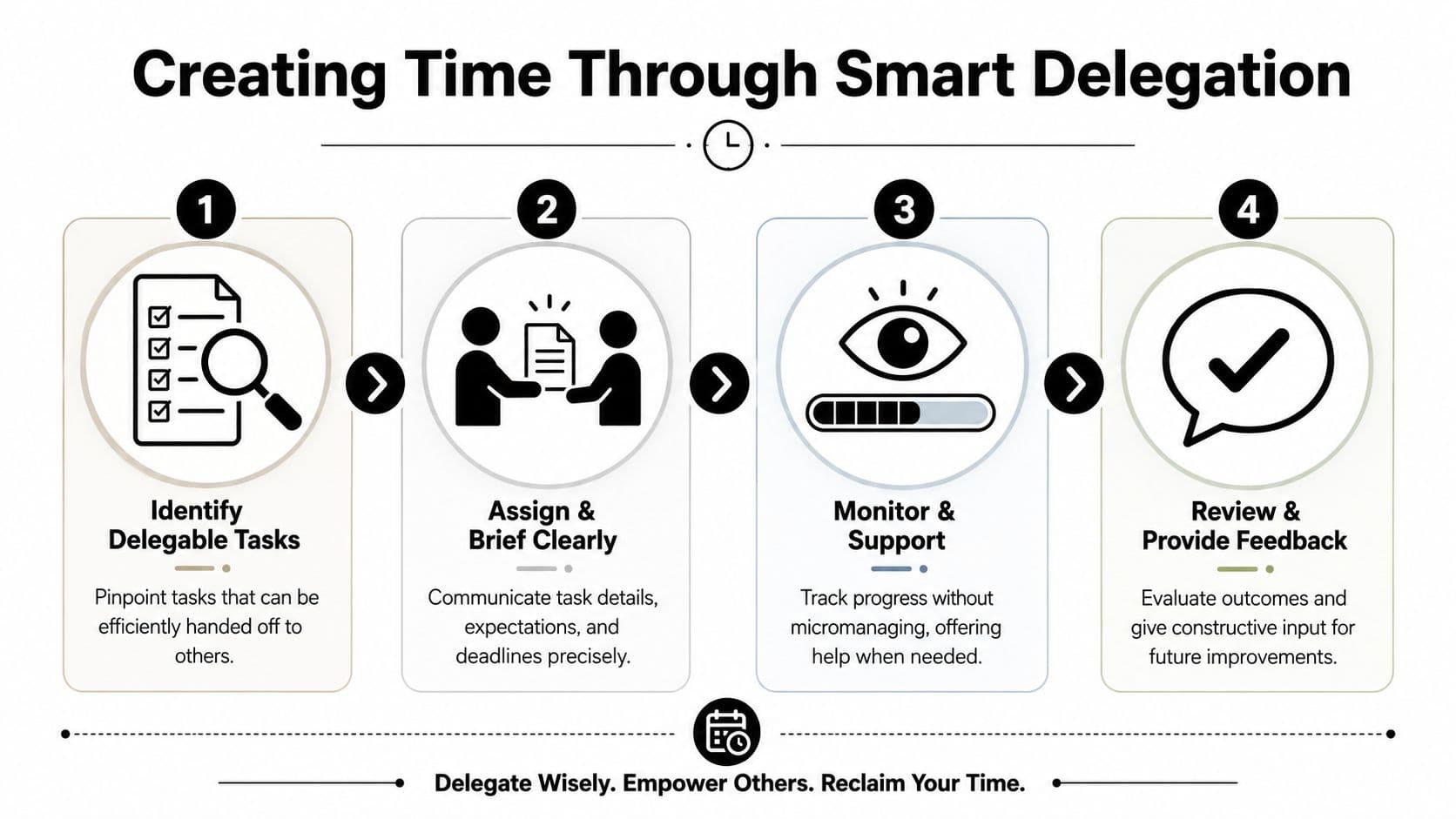
Creating Time Through Smart Delegation
Most day schedule app advice stops at optimization. Organize better. Prioritize better. Time-block better.
Useful, but incomplete.
A significant leap happens when you stop asking, “How do I fit this into my day?” and start asking, “Should I be the one doing this at all?” That's where a human-in-the-loop system changes the equation.
Current planner content mostly misses this. A review of the category noted a major gap around the emerging human-in-the-loop model. In practice, 2026 roundups focused on AI scheduling but didn't address the growing demand to hand tasks to human assistants, which is what separates a basic planner from a hybrid workflow tool (Efficient's review of daily planner apps).
The best productivity gain is removal
Automation helps you do the work faster. Delegation removes the work entirely.
That doesn't mean handing off your highest-judgment decisions. It means stripping out tasks that consume attention without needing your expertise.
Common examples include:
- Scheduling and coordination: booking appointments, confirming meetings, rescheduling logistics
- Research prep: gathering options, summarizing information, building a first-pass brief
- Routine communications: follow-ups, reminders, inbox triage, status collection
- Back-office work: file cleanup, data entry, document formatting, upload tasks
Busy households have understood this for years. If you want a grounded look at the breadth of support work people offload, this breakdown of PA responsibilities for UHNW families is useful because it shows how much “invisible work” can sit behind a functional day.
Use a delegation filter
Not every task should leave your desk. Use a simple filter:
| Keep personally | Delegate |
|---|---|
| Final decisions | Scheduling admin |
| Sensitive conversations | Basic research |
| Creative direction | Coordination and follow-up |
| High-context strategy | Repetitive execution |
This filter works because it protects judgment while unloading friction.
Build delegation into the schedule itself
Individuals often delegate too late. They try to finish the task themselves, get stuck, then pass it off with weak instructions.
A better workflow looks like this:
- Spot the task early. The moment something has low impact, mark it.
- Write a usable brief. Outcome, deadline, constraints, examples.
- Assign ownership. One person, one task, one clear handoff.
- Review the result, not every motion. Oversight matters. Micromanagement wastes the gain.
If you want a practical handoff method, this guide on how to delegate is a solid reference point for writing clearer briefs and avoiding half-finished transfers.
Don't delegate when you're already overwhelmed. Delegate when the task first proves it doesn't require your direct attention.
One option in this category is Fluidwave, which combines AI task organization with access to human virtual assistants on a pay-per-task basis. That model matters because it turns a planner into an operating layer. Not just a place where work is arranged, but a place where some work exits your workload entirely.
That's the hidden difference between managing time and creating it.
Sample Schedules for Executives Freelancers and Creatives
Different roles need different rhythms. An executive shouldn't copy a freelancer's day. A creative with ADHD shouldn't force a corporate calendar template that assumes stable energy and constant context switching.
Mobile access matters in all three cases. 46.7% of users access their digital calendar via a mobile app, which fits how professionals move through the day with changing locations, messages, and commitments (Exploding Topics on digital calendar use). A day schedule app has to work well on the move, not just on a desktop at 8 a.m.
Daily Schedule Templates by Role
| Time Block | Executive Focus | Freelancer Focus | Creative/Neurodivergent Focus |
|---|---|---|---|
| Early morning | Strategic thinking, top decisions, review of key priorities | Deep client work before messages pile up | Low-friction start, one clearly defined focus sprint |
| Mid-morning | Meetings that require judgment, approvals, leadership check-ins | Client calls, revisions, delivery work | Second focus block if energy holds, body doubling or timer support |
| Early afternoon | Delegated task review, brief responses, follow-ups | Admin, invoicing, proposal sending, pipeline work | Recovery block, walk, reset, easy admin |
| Late afternoon | Planning tomorrow, clearing blockers for team | Business development, prospecting, content, outreach | Flexible creative work, catch-up, reschedule leftovers without guilt |
| End of day | Confirm handoffs and next-step ownership | Close loops and prep first task for tomorrow | Visual review of what moved, not just what slipped |
How these schedules behave in real life
The executive protects high-value thinking early and delegates aggressively. Their planner is less about squeezing in more tasks and more about preserving judgment for the work only they can do.
The freelancer uses the middle of the day differently. Client delivery needs protected focus, but the business also needs maintenance. If they don't block outreach, admin, and invoicing, those tasks expand until they eat revenue-producing work.
The creative or neurodivergent professional needs lower entry friction. That often means shorter focus sprints, visible next actions, and permission to recover after disruption instead of rebuilding the entire day from scratch.
What to copy from each model
- From the executive: defend prime cognitive hours
- From the freelancer: separate delivery from business maintenance
- From the creative model: design for restart, not perfection
A good day schedule app doesn't force one personality type onto everyone. It gives each person enough structure to move and enough flexibility to stay moving.
If your current system helps you organize tasks but still leaves you doing too much of the work, it may be time to use a planner that combines scheduling, automation, and delegation in one place. Fluidwave is built for that kind of workflow, especially if you want a day schedule app that not only arranges your time but also helps take tasks off your plate.
Focus on What Matters.
Experience lightning-fast task management with AI-powered workflows. Our automation helps busy professionals save 4+ hours weekly.