Task management personal made practical: capture, prioritize, timebox and review with a simple system for busy professionals and ADHD minds.
November 6, 2026 (Today)
Task Management Personal: A Practical System That Sticks
Task management personal made practical: capture, prioritize, timebox and review with a simple system for busy professionals and ADHD minds.
← Back to blog
You've got forty items on your to-do list, meetings scattered across the calendar, and a message asking whether you can handle something quickly. You open your list to choose what's next, then answer the message instead. By lunchtime, you've been busy without finishing the work you meant to do.
A useful personal task-management system makes the next action obvious, protects enough room to do it, and helps you recover when the day changes. It should fit your attention and workload, not require you to become a different person.
The Five-Stage Personal Task System at a Glance
That crowded list and full calendar represent different things: commitments and available capacity. Personal task management connects them. Recording everything is useful, but it doesn't tell you what deserves the next available hour.
Use a loop with five stages: capture, organize, prioritize, timebox, and review. Each stage answers a separate question, so you don't try to remember, sort, and schedule everything at once.
The five stages of a personal task system
| Stage | What You Do | Rule of Thumb | How Often |
|---|---|---|---|
| Capture | Empty your head and inbox into one place | Every open loop goes in, no sorting yet | Daily sweep, about 10 minutes |
| Organize | Group items into lists or views by context | Five groups at most, each item has one next action | Daily |
| Prioritize | Pick the outcomes that matter today | Three outcomes, no more | Every morning |
| Timebox | Place each outcome into a calendar block | One block per outcome, breaks between blocks | Every morning and after meetings |
| Review | Check what finished, what slipped and why | Ask what to drop, move or split | Weekly, 20 to 30 minutes |
Treat those timings and limits as starting rules, not measured requirements. A notebook and an ordinary calendar are enough to begin; buying an app before establishing the loop adds another setup project.
In 2024, people reported losing an average of 1.25 hours per workday to ineffective time use, down from 1.64 hours in 2022, according to Timewatch's time-management research. That's a reason to examine everyday habits, not a promise that a particular system will recover that time.
Self-check: Can you name the next action for your top three tasks right now? If not, start with capture rather than rearranging your calendar.
How to Capture and Sort Every Task in One Place
Keep one reliable intake point, even if requests arrive through several channels. Your email inbox can hold the original conversation, but your task list should hold the commitment.
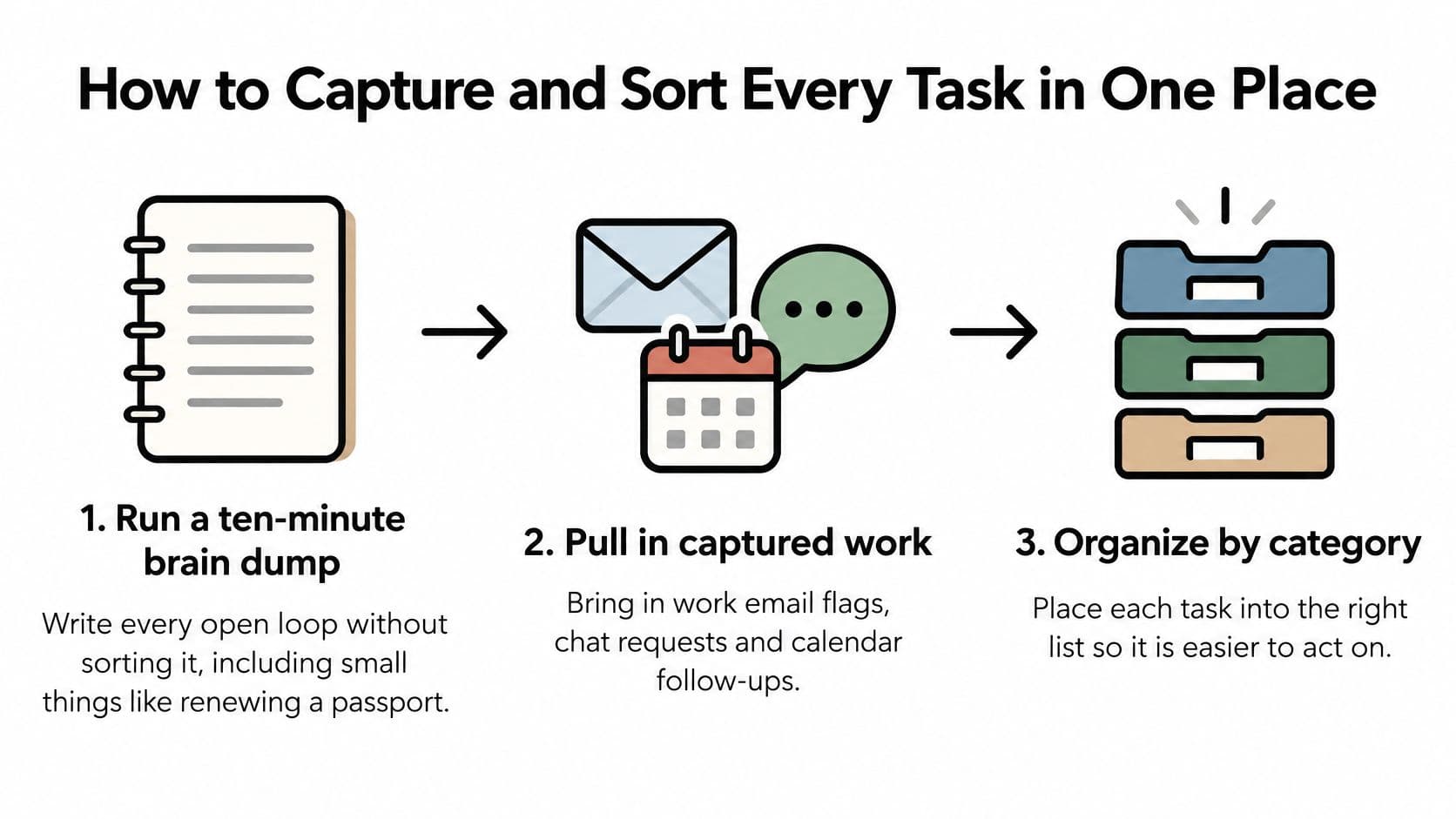
This capture flow separates collecting work from deciding where it belongs.
Collect before you classify
-
Run a ten-minute brain dump. Write down unfinished work, decisions, errands, and small obligations such as renewing a passport, without sorting them. A brain dump is an intake exercise, not a commitment to complete everything you remember.
-
Pull in captured work. Check flagged emails, chat requests, and calendar follow-ups, then mark requests that came from someone else. Preserve enough context to find the original message, especially when another person controls the deadline.
-
Use plain, specific wording. For example, enter Write the pricing-page brief by Friday, important. Fluidwave's Cmd+K capture creates a task and parses the date and priority; when you type tasks in plain words, it also sets the project for you.
Give every item a usable home
-
Choose the view that supports the work. Use a daily list for work you need to do this week, a calendar view for dated commitments, and a Kanban view for projects moving through several steps. These should be views of the same work where possible, not separate copies you must keep synchronized.
-
Replace vague labels with visible actions. In a hypothetical travel plan, replace Plan trip with Search flights to Lisbon for March 3 to 7. The second version tells you what to open and do; the first requires another planning decision.
-
Set repeating work once. Add the weekly metrics review, retro, and monthly planning as recurring tasks so they return on their own. Don't use recurrence for work you keep postponing without reconsidering whether it still matters.
If control over the software matters to you, Mazurly's comparison of open source task management options for 2026 can help you evaluate alternatives. Choose based on maintenance effort and the views you'll regularly use, not the longest feature list.
Finish with a practical test: your daily list should fit on one screen, and every item should be something you could start in under five minutes. Starting quickly doesn't mean finishing quickly; it means you won't need to decipher the task first.
Prioritize Without Turning Your List Into a Project
Ranking forty items can take longer than completing three useful ones. The mistake is treating every captured obligation as a candidate for immediate action.
Say a founder has fourteen open items. For today, she chooses three finished outcomes: the investor update sent, the hiring brief approved, and one client follow-up delivered. Updating presentation colors goes elsewhere because it doesn't change this week's result.
Use filters before rankings
Apply these questions before assigning priority labels:
- Goal contribution: Does this move a goal you named for the week?
- Real deadline: Is there an actual consequence if this waits, rather than a date you added to create pressure?
- Waiting person: Is someone unable to proceed until you finish?
Anything that fails all three goes to Someday, not into an increasingly elaborate ranking exercise. Review that list deliberately rather than allowing it to crowd today's work.
An urgency-and-importance grid can help distinguish deadline pressure from meaningful work. But the grid sorts candidates; it doesn't choose today's commitments. You still need to consider available time, dependencies, and whether you have the information required to proceed.
Fluidwave's Active list shows each team member only the tasks they can work on now, ordered by auto-prioritization. Tasks waiting on a teammate stay hidden, while the most important actionable task appears at the top.
Define the result and the trigger
Write Investor update sent, not Work on investor update. Then attach a start cue, such as opening the draft after your morning planning session.
A meta-analysis of implementation intentions, covering 94 independent studies, found a medium-to-large positive effect on goal achievement, d = 0.65. The practical technique is to specify the situation and your response in advance, rather than relying on a general intention.
Don't choose a fourth outcome just because a gap appears. Use the gap to finish properly, absorb an interruption, or stop on time.
Timebox Work Blocks to Cut Switching Costs
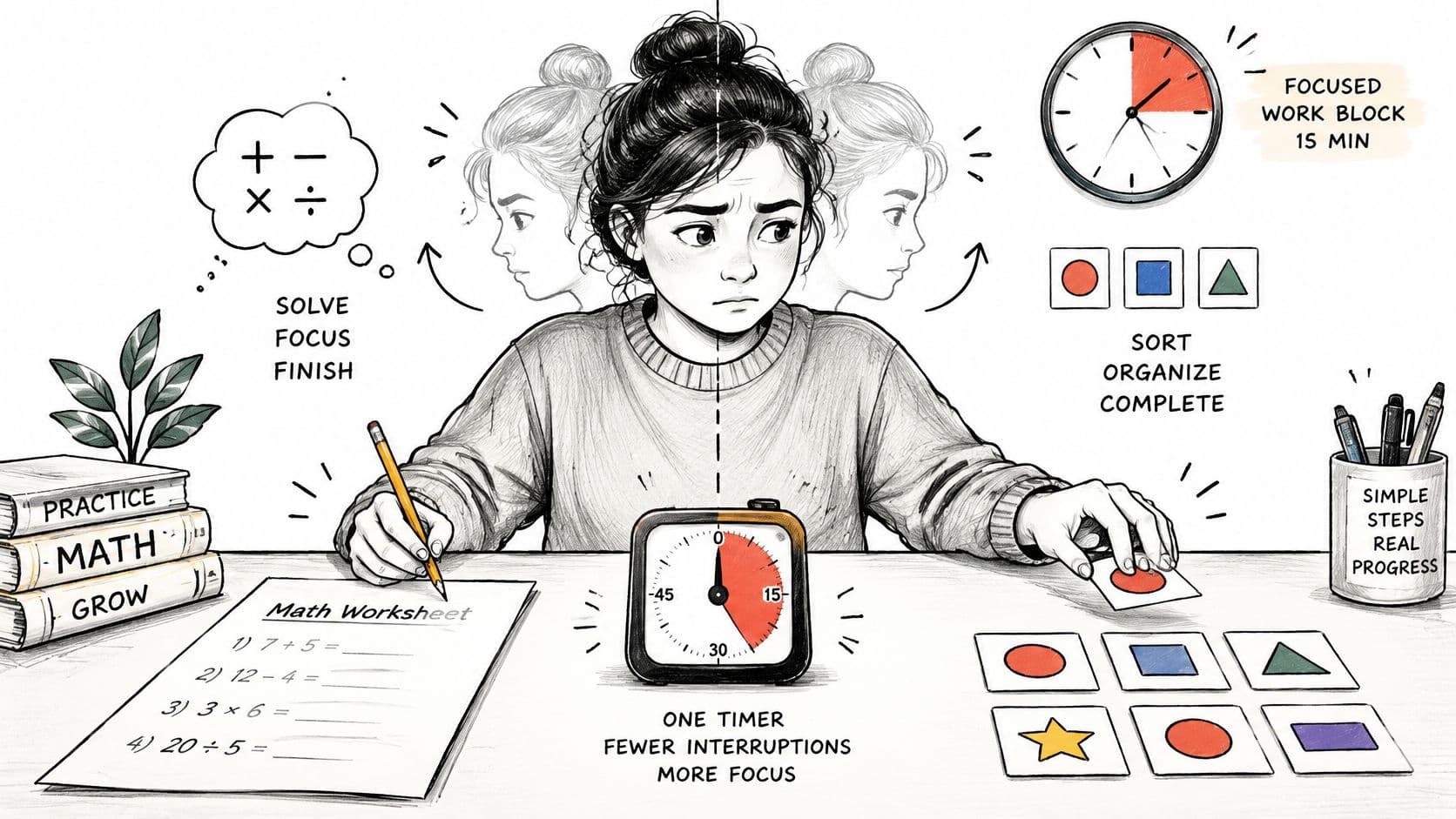
Switching tasks means changing the rules you're holding in mind. In four experiments published in 2001, Joshua Rubinstein, Jeffrey Evans, and David Meyer asked young adults to alternate between activities including math problems and classifying geometric objects; participants took longer when switching, with greater costs for complex or unfamiliar tasks, according to the American Psychological Association's multitasking summary.
A focused block gives you permission to stay with the same problem instead of repeatedly choosing again.
Match the block to the work
An individual switch may be brief, but repeated switching adds time and opportunities for error. Use the following as recommended starting lengths, not scientifically prescribed attention spans.
Block lengths and breaks by type of work
| Type of Work | Block Length | Break After | Typical Tasks |
|---|---|---|---|
| Deep writing, analysis or coding | 50 minutes | 10 minutes | Long, unfamiliar problems |
| Creative drafting | 40 minutes | 10 minutes | First drafts and outlines |
| Meeting preparation | 20 minutes | 5 minutes | Agenda, notes and one-page brief |
| Routine admin | 25 minutes | 5 minutes | Expense forms, scheduling and follow-ups |
| Inbox triage | 15 minutes | 5 minutes | Replies on a fixed schedule |
Start with one outcome per block, leave a short gap after meetings, and plan no more than two deep blocks a day initially. That's a conservative capacity rule, not a ceiling on what people can accomplish.
For calendar setup, compare time-blocking methods and Pretty Progress's guide to protecting time for priority tasks. Choose a method that leaves room for coordination rather than filling every opening.
This video offers another way to approach the scheduling habit.
Schedule sessions, not impossible promises
Fluidwave's AI scheduling splits tasks into work sessions, fits them into free time within your working hours, and leaves breaks around meetings. You can also drag a task into a morning calendar slot to create a session yourself.
A four-hour report can be split into three sessions across two days, with remaining minutes shown on the task. Those sessions needn't match the starter table; adjust them to the available space and the report's natural stopping points.
Before stopping, leave a restart note, such as Next: check the revenue figures in row 18. Record the unfinished decision too, so you don't spend the next session reconstructing it.
Adapting the System for ADHD and Neurodivergent Minds
A complete backlog isn't necessarily a usable working screen. Nested lists, persistent reminders, and exhaustive reviews can add friction when the difficult part is starting, sequencing, or judging how long something will take.
In a 2025 study of 25 ADHD-affected digital professionals, 37% kept 21 or more browser tabs open, and over 70% were constantly or frequently pulled away from high-priority work, according to the study published on arXiv. Participants also described tools as rigid, overwhelming, or guilt-inducing; this small study offers design clues, not a universal description of ADHD.
The useful distinction is between storing obligations and making the current action manageable.
Make activation easier
-
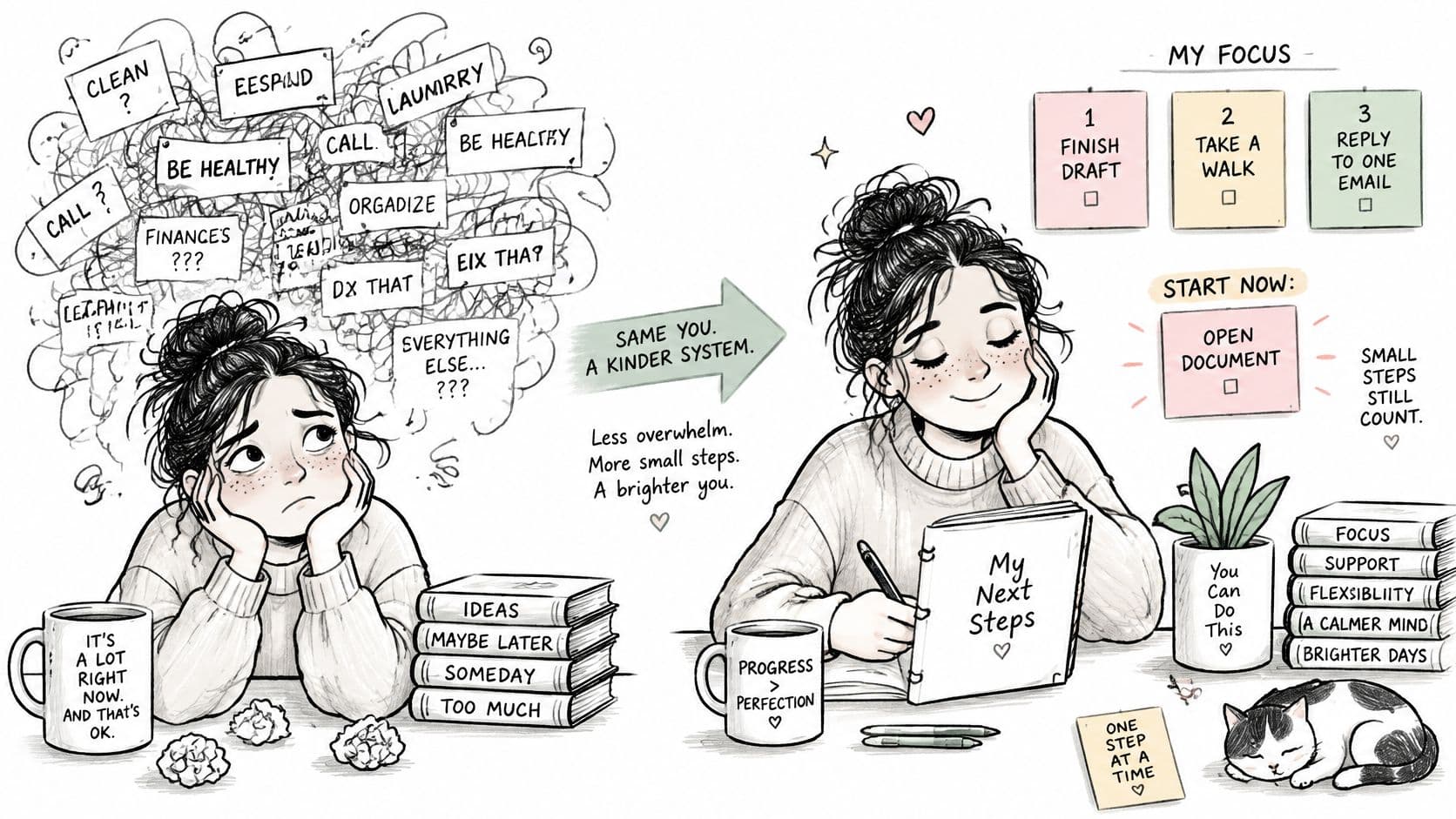
Limit visible choices. Keep today's three outcomes on the main screen and put the backlog elsewhere. You're changing the working view, not pretending other commitments don't exist.
-
Specify a start condition. Attach the first action to something observable: after opening the design file, select the screens needing review. Avoid instructions that require you to plan before you can begin.
-
Make duration visible. Add an estimate and compare it with a timer, using the difference to improve future estimates rather than judge yourself. A review of adult ADHD research identifies recurring difficulties with estimating durations and judging passing time, while cautioning against reducing these difficulties to a single cognitive deficit.
-
Write a fallback. Decide what remains useful when the original plan becomes impossible. For example, a five-minute version of drafting a proposal might be opening the document and adding the required headings.
Use accountability without surveillance
Say a designer with ADHD replaces a forty-tab workday with one visible next action per project. Instead of rereading the entire backlog, they meet a colleague every Friday to discuss what shipped, what got stuck, and what needs a smaller starting step.
The colleague's job isn't to demand an explanation for every unfinished item. It's to help resolve ambiguity and notice when the workload no longer fits.
Use neurodivergent productivity adaptations selectively. Keep reminders that prompt a useful action, remove those you habitually dismiss, and match demanding work to the attention windows you can effectively use.
Delegate and Guard Against Interruption Overload
A clean list won't protect you from a continuous stream of requests. Give incoming work an explicit decision rather than automatically adding it to today.
Use this four-way sort:
- Do it now: If it takes under two minutes, handle it during an intake window. Don't treat this rule as permission to interrupt protected work whenever a message arrives.
- Schedule it: Place planned work into a suitable block rather than leaving an unexamined promise in your inbox.
- Delegate it: Hand it off when someone else has the relevant capability and enough context.
- Decline or postpone it: State what won't fit, and agree on a new date when postponement is appropriate.
Delegate for capability, not convenience
A strong delegation candidate repeats, has an outcome you can describe in a sentence, has a known deadline, and matches the recipient's skills. If you can't explain what acceptable completion looks like, clarify the task before assigning it.
A 2024 study of 377 dyadic teams, representing 754 individuals, found greater performance gains from virtual collaboration when partners differed substantially in expertise than when their expertise was similar, according to the study in the Journal of Business Economics. That supports considering complementary capability, rather than assigning work to whoever appears free.
For example, a founder might hand a financial reconciliation to a colleague with accounting expertise while retaining the decision about spending priorities. The handoff should include the expected output, relevant files, deadline, and circumstances requiring clarification.
Keep the handoff visible
In Fluidwave, assign the task to one teammate in your workspace and discuss it in threaded comments with @-mentions. Group the list by assignee to inspect each person's queue before adding another commitment.
Capacity rule: Leave some time unassigned each week. Otherwise, every legitimate new request requires you to displace an existing outcome.
When demand exceeds that reserve, renegotiate scope or timing explicitly. Don't turn an overloaded workday into an evening catch-up plan.
Run One Week Before You Change Anything
In 2025, 64% of surveyed executives reported using a formal productivity system, up from 35% in 2023, according to Prialto's Executive Productivity Report. A written system was the majority practice in that survey, but adoption alone doesn't tell you whether yours works.
Give the setup a seven-day trial before rebuilding it.
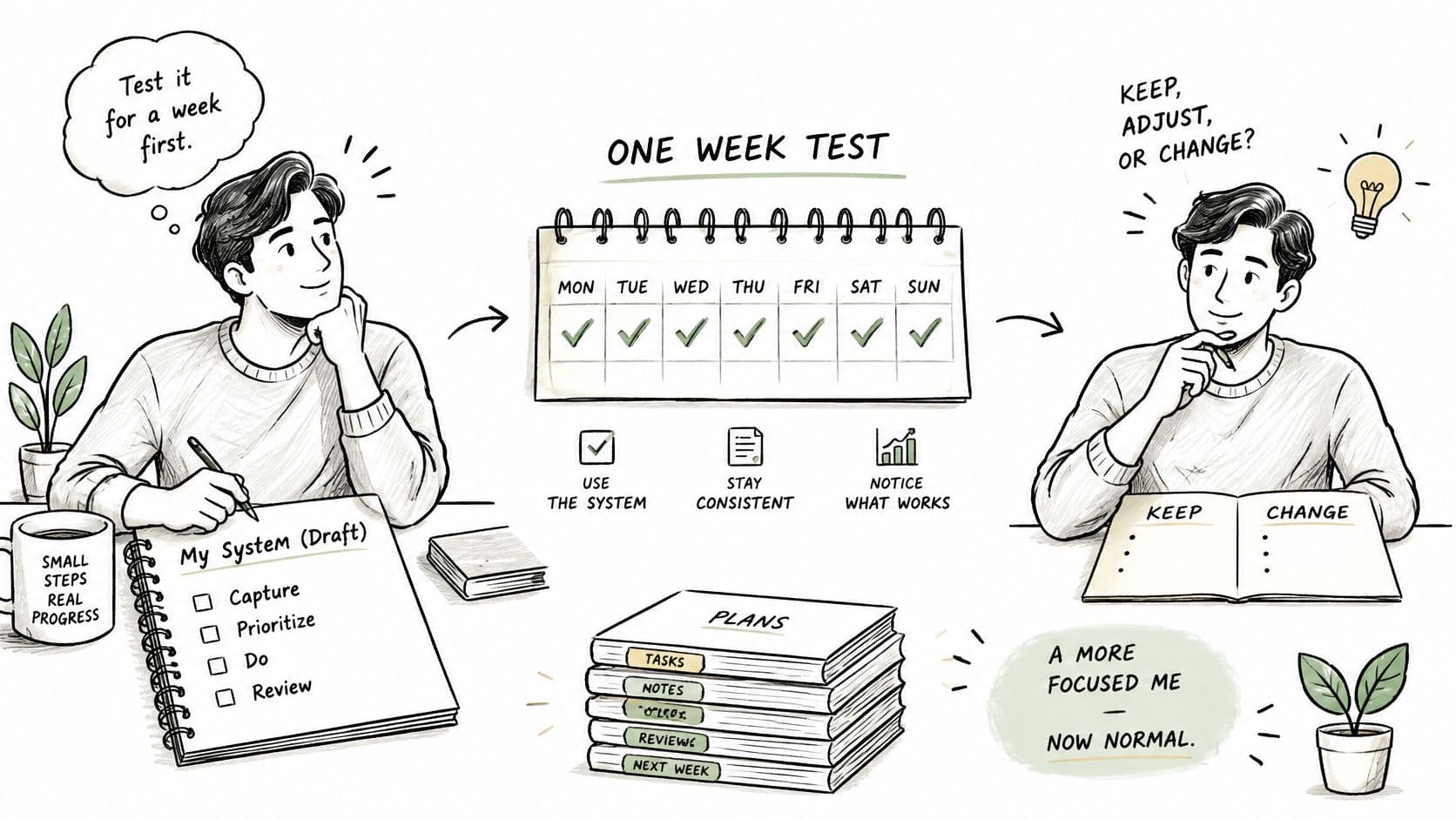
- Day one: Run the brain dump and establish your daily list, dated view, and project board.
- Days two to five: Choose three outcomes each morning and reserve time for them.
- Day six: Count interruptions that broke a block, plus items you dropped or delegated.
- Day seven: Review finished outcomes, slipped commitments, and the stage that failed first.
Change the smallest useful thing
Fluidwave's free Daily Task Generator and Task Prioritization Matrix can support the trial. Set the weekly review as a recurring task so you don't have to recreate it.
Measure meaningful outcomes finished, not checkboxes cleared. Then change only one thing, starting with the earliest point where execution broke: unclear actions, excess commitments, or unavailable time.
After a month, look for a short list, a clear first action each day, and a review you keep. You don't need a more elaborate dashboard.
Fluidwave offers plain-language task capture, actionable priorities, and scheduling that fits work sessions around meetings. Visit Fluidwave to set up your next week's work and test whether a clearer next action helps you finish the outcomes that matter.
Focus on What Matters.
Experience lightning-fast task management with AI-powered workflows. Our automation helps busy professionals save 4+ hours weekly.