Discover the best project management software for startups in 2026. We review tools for lean teams, async work, and limited budgets to help you scale.
March 12, 2026 (5mo ago)
The 12 Best Project Management Software for Startups in 2026
Discover the best project management software for startups in 2026. We review tools for lean teams, async work, and limited budgets to help you scale.
← Back to blog
Running a startup is basically an exercise in controlled chaos. Your team is small, budgets are tight, and every hour feels like it counts for three. Getting beyond messy spreadsheets and scattered notes is a critical first step towards real growth. But with hundreds of tools out there, which project management software for startups actually gets the job done? Most reviews just give you generic feature lists, but startups have very specific needs: it has to be affordable, easy to get started with, able to grow with you, and supportive of async, remote-first teams.
This guide cuts through the noise. We're not just listing platforms like Asana, ClickUp, and Notion; we're looking at them through a founder's eyes. We’ll score each one based on how well it fits a startup, share some real-world use cases, and give an honest take on their weak spots. This practical approach helps you find the perfect command center for your mission, whether you're a solo founder, leading a small dev team, or managing non-technical ops. For many startups, especially those building distributed teams, the right tools are key to managing projects effectively, a strategy used by tons of successful remote companies to stay aligned and productive.
Inside this guide, you’ll find:
- Startup-Fit Scoring: A clear rating system for features, pricing, and scalability.
- Founder Personas: Recommendations tailored to specific roles and team structures.
- Honest Limitations: A look at where each tool falls short for a growing business.
- Unique Tool Analysis: A deep dive into platforms like Fluidwave, which offers AI automation and a pay-per-task delegation model that’s great for lean workflows.
Each review includes screenshots and direct links to help you make a solid decision quickly. Our goal is to give you the insights needed to pick a platform that not only organizes your work but actually helps your company grow.
1. Fluidwave
Fluidwave positions itself as a strong, well-rounded choice for early-stage companies, mixing smart task management with a pretty unique delegation model. It’s built to reduce the mental load on busy founders and their small teams, focusing on getting things done rather than administrative busywork. The platform combines AI-driven prioritization with a distraction-free interface, helping you stay focused and get into a flow state more easily.

What makes Fluidwave a standout is how it handles delegation. Instead of locking startups into costly retainers for virtual assistants, it offers a pay-per-task marketplace. This lets founders offload specific tasks, from research to admin duties, and only pay for the work that gets done. This model is a perfect fit for startups trying to manage tight budgets and unpredictable workloads. The AI also automatically organizes tasks across multiple views (Kanban, calendar, list), so you always know what to tackle next without having to sort it all yourself.
Core Strengths for Startups
Fluidwave’s feature set is tuned for the real challenges startups face, like the need for speed, focus, and being smart with money.
- AI-First Prioritization: The system automatically surfaces your most critical tasks, which is a huge help for small teams trying to figure out where to put their limited energy. This cuts down on decision fatigue and keeps the momentum going.
- Pay-Per-Task Delegation: This is a major differentiator. Being able to delegate work without committing to another subscription is perfectly in line with a startup's need for financial flexibility. It’s ideal for offloading work during a big growth sprint or a funding round.
- Distraction-Free Workflow: The user interface is designed for speed and clarity, helping team members get tasks done quickly without getting lost in complex settings. According to Fluidwave, its automations save users over four hours a week.
Pricing and Onboarding
Fluidwave offers a generous free-forever tier, making it easy for any startup to get started without a financial commitment. The premium plan is priced at $10 per month when billed annually, unlocking advanced features like analytics, custom prioritization, and more automation. This tiered structure lets the tool grow with your startup. Onboarding is simple, and the real-time collaboration tools ensure your team can get up and running in no time.
Limitations to Consider
The main thing to keep in mind is that the human assistant marketplace and its delegation tools are a new feature currently rolling out, so the network of assistants might be limited at first. Also, some of the most powerful features, like card view, advanced automation, and goal tracking, are only available on the premium plan. Despite these points, Fluidwave’s core offering is a compelling choice for a project management software for startups looking for an intelligent, flexible, and budget-friendly solution. You can find more details in their guide to project management for startups.
Website: https://fluidwave.com
2. Asana
Asana stands out as a highly flexible work management platform, capable of growing with a startup from its earliest days of simple task lists to complex, cross-departmental projects. Its real strength is providing a structured yet adaptable environment where teams can standardize how they work without getting bogged down by administrative stuff. For startups that frequently work with outside talent, Asana's unlimited free guest access is a huge cost-saver, allowing for smooth collaboration with contractors, advisors, and freelancers.
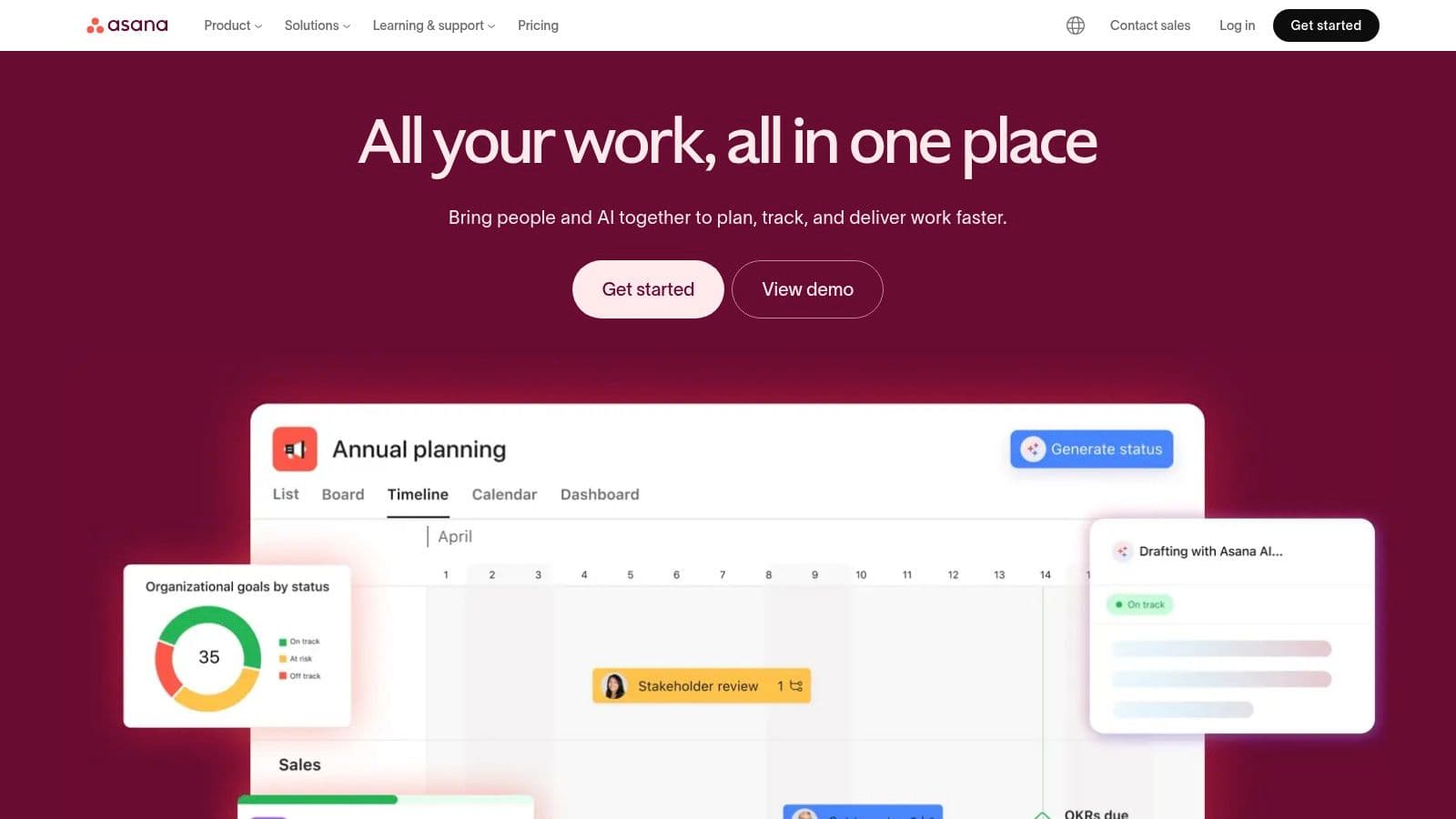
The platform’s intuitive interface means new hires can get up to speed quickly, cutting down on onboarding friction. Asana is well-suited for startups that need a central hub for different work styles, offering multiple views like lists, Kanban boards, and timelines. This versatility makes it a strong choice for a general-purpose project management software for startups. The huge library of pre-built templates for common business tasks—like product launches or hiring—provides a solid foundation, which really cuts down on initial setup time.
Startup-Fit Score
| Factor | Score | Rationale |
|---|---|---|
| Features | 8/10 | Strong core features, but advanced reporting and workload management are on higher tiers. |
| Pricing | 7/10 | The free tier is generous, but paid seat increments can be inefficient for small, growing teams. |
| Onboarding | 9/10 | Highly intuitive UI and excellent template library make it easy for new users to start. |
| Scalability | 9/10 | Scales well from individual tasks to complex, multi-team portfolio planning. |
While its advanced reporting is locked behind pricier tiers, the core functionality is more than enough for what most early-stage companies need. To get the most from it, startups should actively use Rules to automate routine tasks and forms to standardize inbound requests, creating a more efficient workflow. For a deeper dive into optimizing workflows, our guide on project management for small teams offers relevant strategies.
Website: https://asana.com
3. ClickUp
ClickUp markets itself as an "all-in-one" work hub, aiming to pull tasks, documents, whiteboards, and more into a single platform. For startups trying to keep their software stack lean and tooling costs low, this approach is really compelling. It combines project management with features you often find in separate apps, like native time tracking, goals, and collaborative docs, which can save you from juggling multiple subscriptions early on.
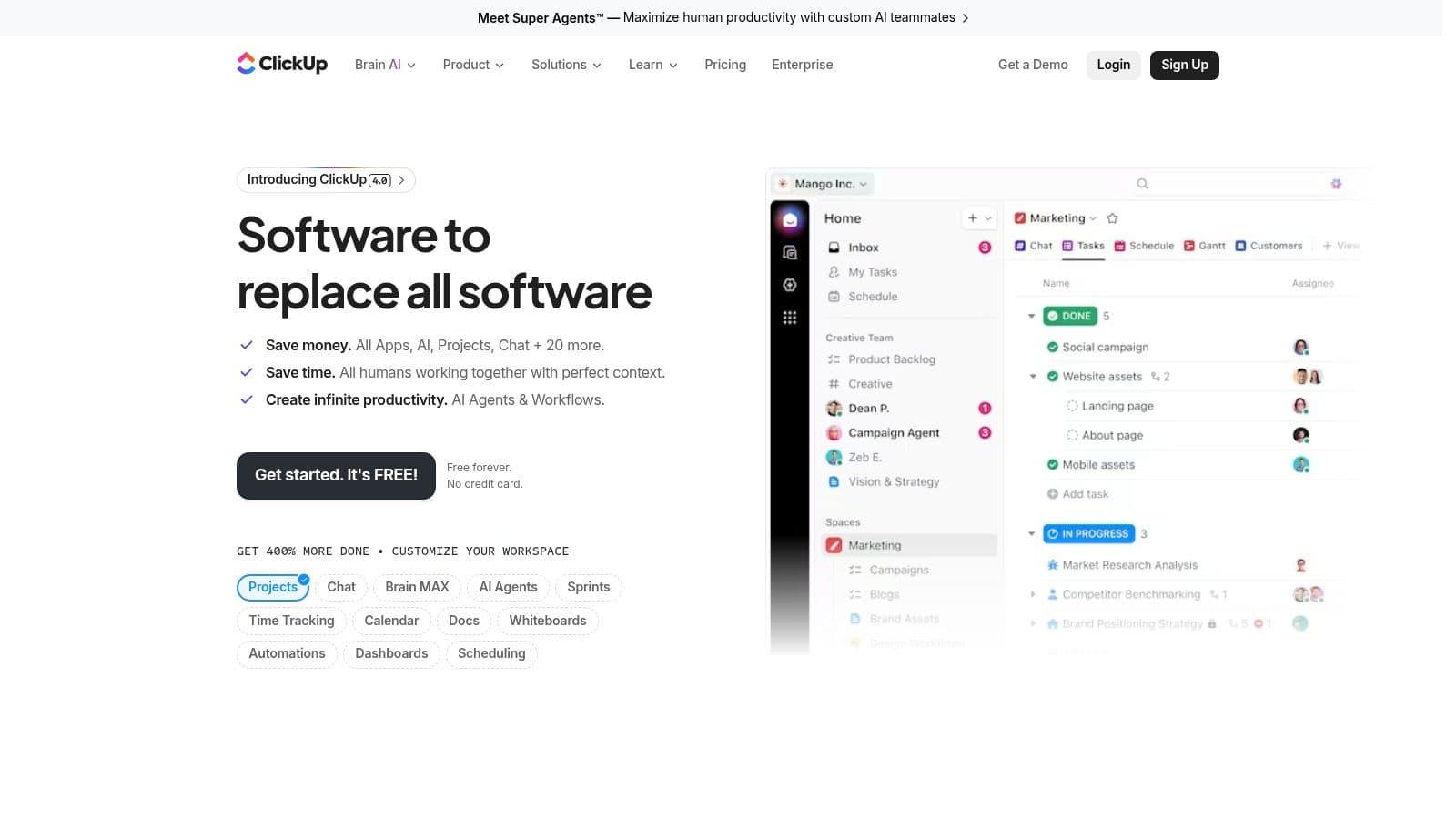
The platform’s power comes from its high level of customization, letting teams build almost any workflow they can think of with advanced views like Gantt charts and workload management. While this offers incredible flexibility, it also means a steeper learning curve compared to more opinionated tools. ClickUp is a strong contender for a project management software for startups that want a single source of truth and are willing to put in some time to configure it. The fast product release cycle means new features are constantly being added, though this can sometimes affect stability.
Startup-Fit Score
| Factor | Score | Rationale |
|---|---|---|
| Features | 9/10 | Extremely broad feature set, including built-in docs, whiteboards, and time tracking. |
| Pricing | 7/10 | Feature-rich lower tiers, but recent billing changes have made it less predictable for some teams. |
| Onboarding | 6/10 | The "everything" approach can be overwhelming for new users; requires dedicated setup time. |
| Scalability | 8/10 | Scales well with features, but complexity can become a challenge to administer as the team grows. |
Despite its potential complexity, ClickUp's 24/7 support on all plans provides a safety net for teams getting started. To avoid feeling overwhelmed, new teams should begin with a simple space and a few core features, expanding into more advanced functions like automations and goals only when they're actually needed. Its optional AI add-ons offer modern capabilities, but startups should keep an eye on the credit-based system to manage costs effectively.
Website: https://clickup.com
4. monday.com
monday.com calls itself a "Work OS," a highly visual and modular platform where startups can build custom workflows for just about any business function, from project management to CRM and product development. Its main draw is its colorful, intuitive interface and template-driven setup, which lets non-technical team members quickly create and adapt boards for specific needs without a ton of administrative support. This flexibility makes it a powerful central hub for cross-functional collaboration as a startup grows.
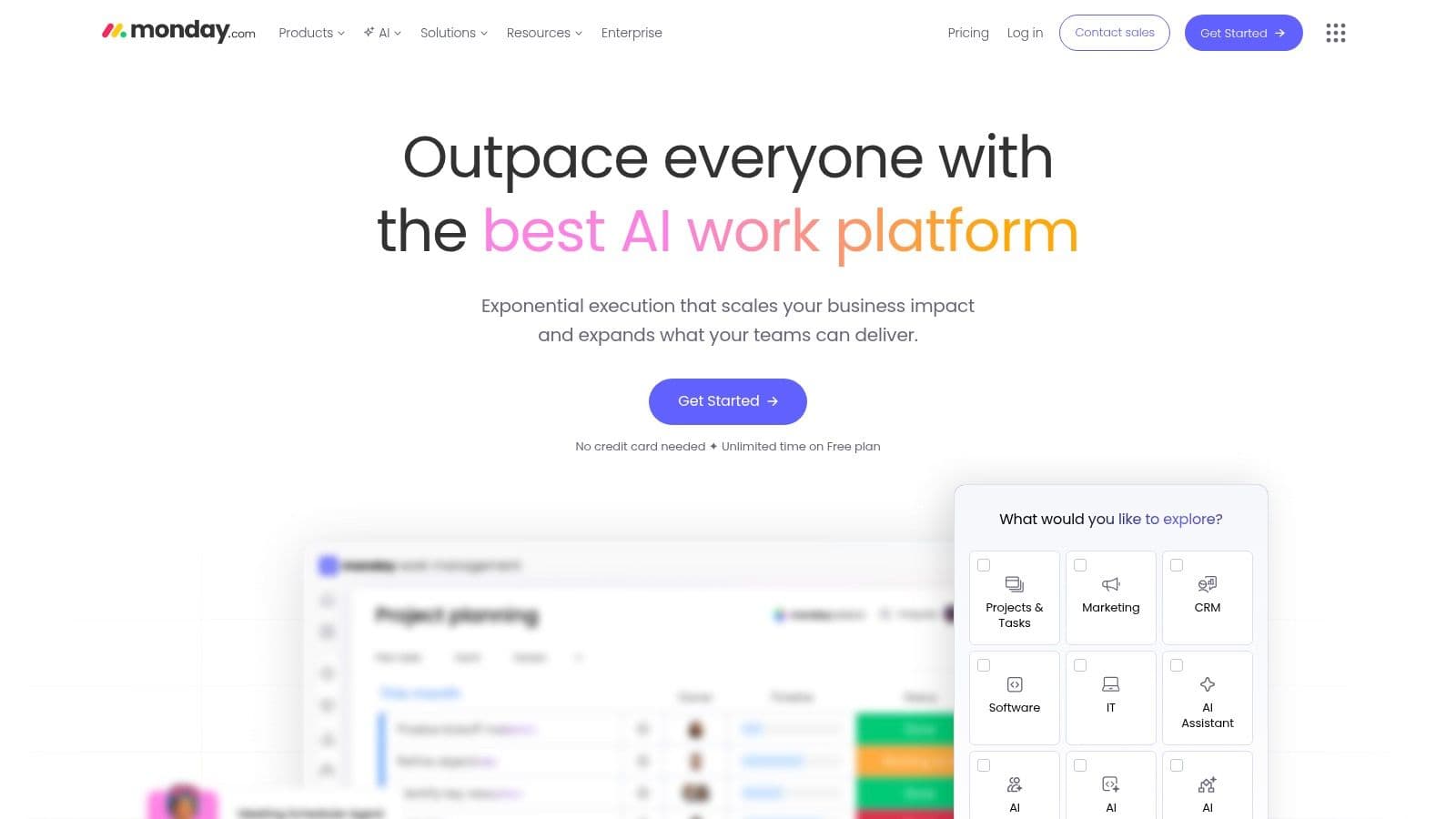
With over 200 templates and powerful no-code automations, monday.com helps standardize processes and cut down on manual work. Startups can use it to manage everything from a simple marketing campaign on a Kanban board to a complex product roadmap using timeline and workload views. This versatility makes it a great choice for a project management software for startups that need an all-in-one solution that different departments can actually use. The rich ecosystem of integrations further extends its capabilities, connecting it to other essential startup tools.
Startup-Fit Score
| Factor | Score | Rationale |
|---|---|---|
| Features | 9/10 | Extremely versatile with modular boards, views, automations, and dedicated product suites. |
| Pricing | 6/10 | The three-seat minimum on paid plans is a notable drawback for very small or solo-founder teams. |
| Onboarding | 9/10 | Highly visual, with a strong template library that makes getting started fast and easy. |
| Scalability | 8/10 | Scales well as a central "Work OS" but can become expensive as teams and feature needs grow. |
While the pricing model requires a minimum of three seats, which isn't great for early-stage teams, its functional depth is significant. For best results, new users should check out the template center to avoid building from scratch and use automations to connect board statuses with actions in other tools, like Slack or email.
Website: https://monday.com
5. Notion
Notion is a uniquely flexible, all-in-one workspace that lets startups build their own tools for project management, knowledge bases, and even lightweight CRMs. Its real power is its adaptability; teams can start with a simple task list in a document and grow it into a complex database with Kanban, calendar, and timeline views without needing any help from engineering. This makes it an ideal choice for startups that want to pull their wiki, documentation, and task management into a single, connected system.
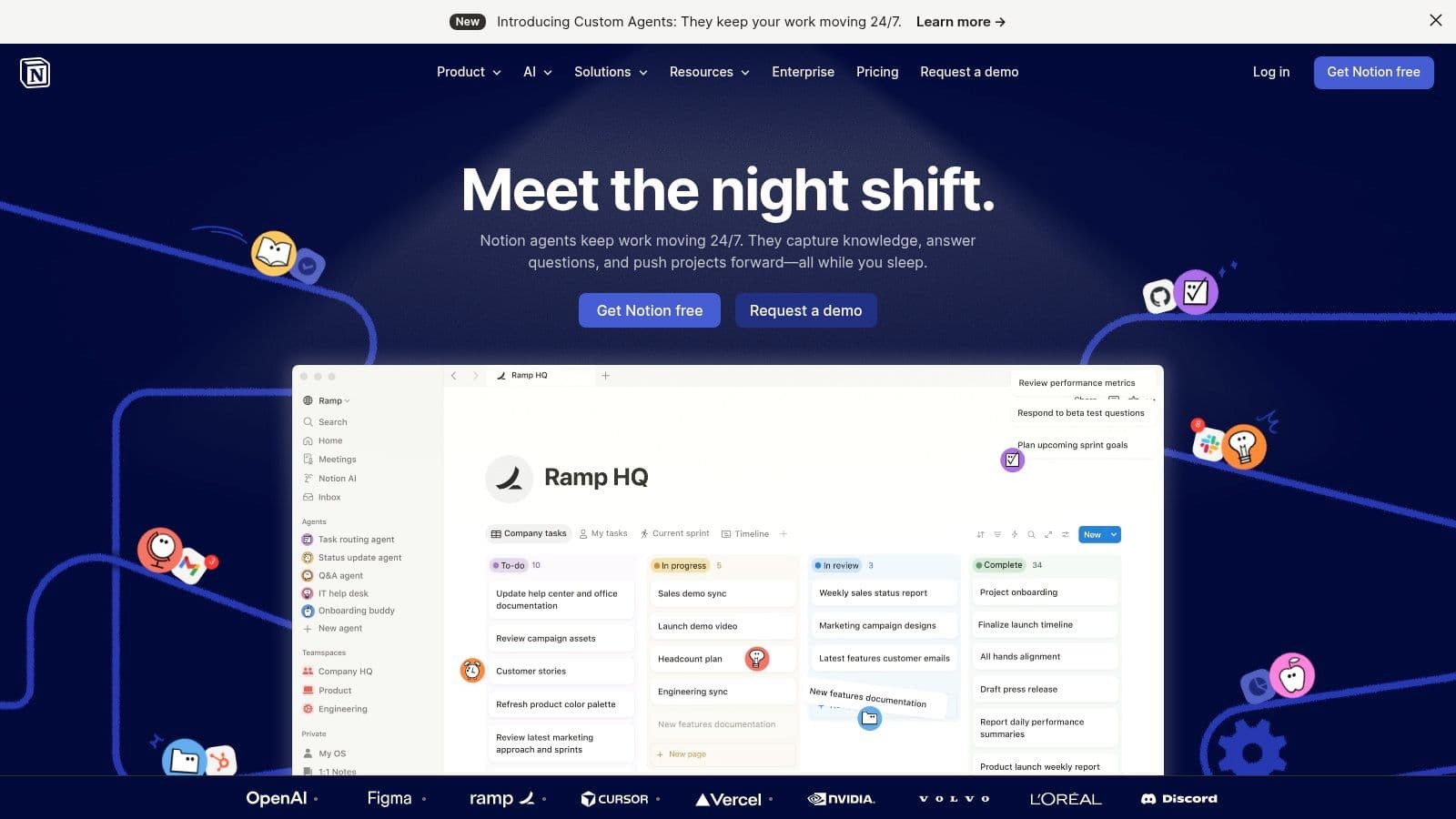
The platform’s “building block” approach allows for deep customization, which is both a strength and a potential challenge. For startups that need to define their own processes from scratch, Notion provides the perfect blank canvas. With native automations and an expanding API, it can handle more complex workflows than a standard document editor, positioning it as a powerful project management software for startups that value both structure and creative freedom. Its competitive entry-level pricing is also a major draw for small, budget-conscious teams.
Startup-Fit Score
| Factor | Score | Rationale |
|---|---|---|
| Features | 9/10 | Highly customizable databases, integrated docs, and API access offer immense flexibility. |
| Pricing | 8/10 | Competitive entry pricing, but recent changes to AI features have introduced some uncertainty. |
| Onboarding | 7/10 | The blank-slate nature can be intimidating; effective use requires a thoughtful setup. |
| Scalability | 7/10 | Scales well for knowledge, but managing granular permissions and governance can become complex. |
While Notion's open-ended nature can lead to a steeper initial learning curve compared to more structured tools, the long-term payoff is a system perfectly molded to a startup's specific needs. To avoid organizational chaos, teams should establish clear templates and governance rules early on. Careful planning is needed to ensure the workspace stays organized as the company grows.
Website: https://www.notion.so
6. Linear
Linear is built for product and engineering teams that care about speed and execution above all else. Its opinionated, keyboard-driven design gets rid of administrative friction, letting developers stay focused on coding and shipping features. The platform’s core philosophy revolves around cycles (sprints), issues, and projects, creating a structured yet incredibly fast workflow that just clicks with modern software development practices. For startups aiming to achieve high product velocity, Linear offers a minimalist, high-performance environment.

Deep integrations with GitHub and GitLab are central to its appeal, automating status updates and linking pull requests directly to issues. This creates a single source of truth for all technical work, eliminating the need to constantly switch context. While its focus makes it less suitable for non-technical teams like marketing or sales, it is an exceptional choice for a product-led startup looking for a dedicated project management software for startups built for developers. The clean roadmap and project views provide just enough high-level visibility for founders and product managers without adding any extra complexity.
Startup-Fit Score
| Factor | Score | Rationale |
|---|---|---|
| Features | 8/10 | Excellent for engineering teams with deep Git integration, but limited for other business functions. |
| Pricing | 8/10 | A generous free plan for up to 10 users and straightforward paid plans provide great value. |
| Onboarding | 9/10 | Highly intuitive for its target audience; the keyboard-first design becomes second nature quickly. |
| Scalability | 7/10 | Scales well for growing product teams but lacks the features for company-wide, cross-departmental use. |
The free tier is generous for small teams, and its performance is consistently impressive. To use it effectively, teams should really embrace the "cycles" methodology and take advantage of keyboard shortcuts to maximize efficiency. The clear, simple pricing and packaging make it a predictable and low-overhead choice for early-stage engineering departments.
Website: https://linear.app
7. Shortcut
Shortcut is an agile project management platform built from the ground up specifically for software development teams. It tightly integrates the planning and development lifecycle by connecting user stories, epics, sprints, and documentation in a single workspace. For technical startups, this purpose-built approach means you don't have to try and force-fit general-purpose tools to an engineering workflow. It offers a clear and opinionated structure for building products. Its generous startup program, providing a full year of free access, is a huge benefit that removes cost barriers during the critical early stages.
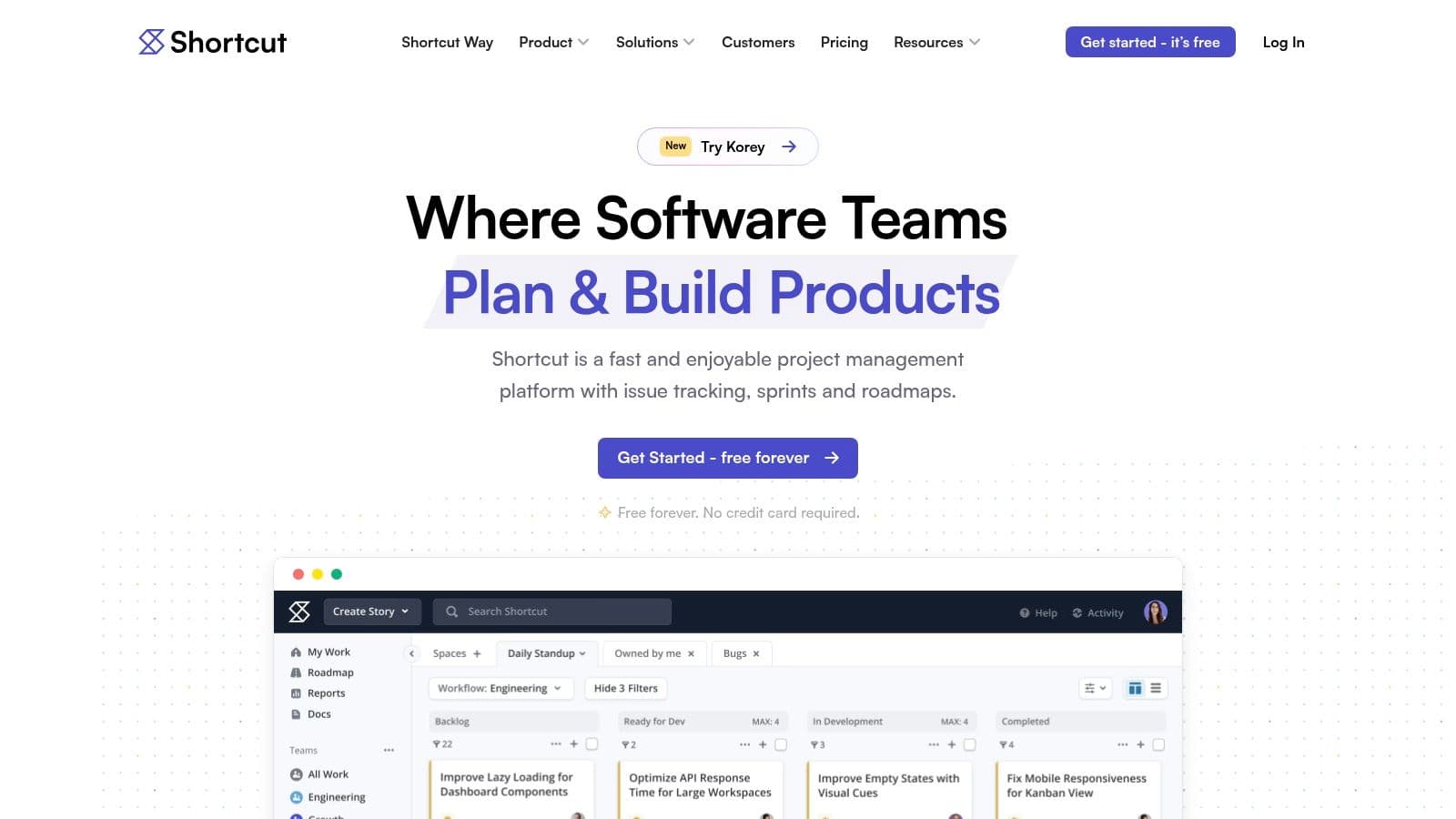
The platform successfully balances robust features like roadmaps, iterations, and detailed reporting with a clean, developer-friendly interface. Observer roles let stakeholders view progress without taking up a paid seat, and API access enables custom integrations. This makes Shortcut a standout project management software for startups with a strong engineering focus. The inclusion of a docs feature helps teams centralize knowledge and reduce context switching between different applications.
Startup-Fit Score
| Factor | Score | Rationale |
|---|---|---|
| Features | 8/10 | Excellent for engineering workflows (stories, epics, sprints), but less suited for non-technical teams. |
| Pricing | 9/10 | The startup program (12 months free) offers exceptional value, making it highly accessible. |
| Onboarding | 8/10 | Intuitive for users familiar with agile concepts; may have a slight learning curve for others. |
| Scalability | 8/10 | Scales well for growing product and engineering teams, though lacks some enterprise-grade controls. |
While its specialization can be a drawback for business-focused teams, it’s a powerful asset for product-led startups. To maximize its value, technical teams should integrate Shortcut with their version control system (like GitHub or GitLab) to automate story progression based on commits and pull requests. This creates a deeply connected and efficient development pipeline from day one.
Website: https://www.shortcut.com
8. Jira Software (Atlassian)
Jira Software is pretty much the industry standard for software development teams, offering a powerful framework for issue tracking and agile planning. For tech-heavy startups, it provides a level of rigor and process customization that few other tools can match. Its real strength is its deep workflow configuration, which allows teams to build precise, auditable processes for everything from bug tracking to sprint planning and release management. This makes it an ideal choice when engineering discipline is a top priority right from the start.
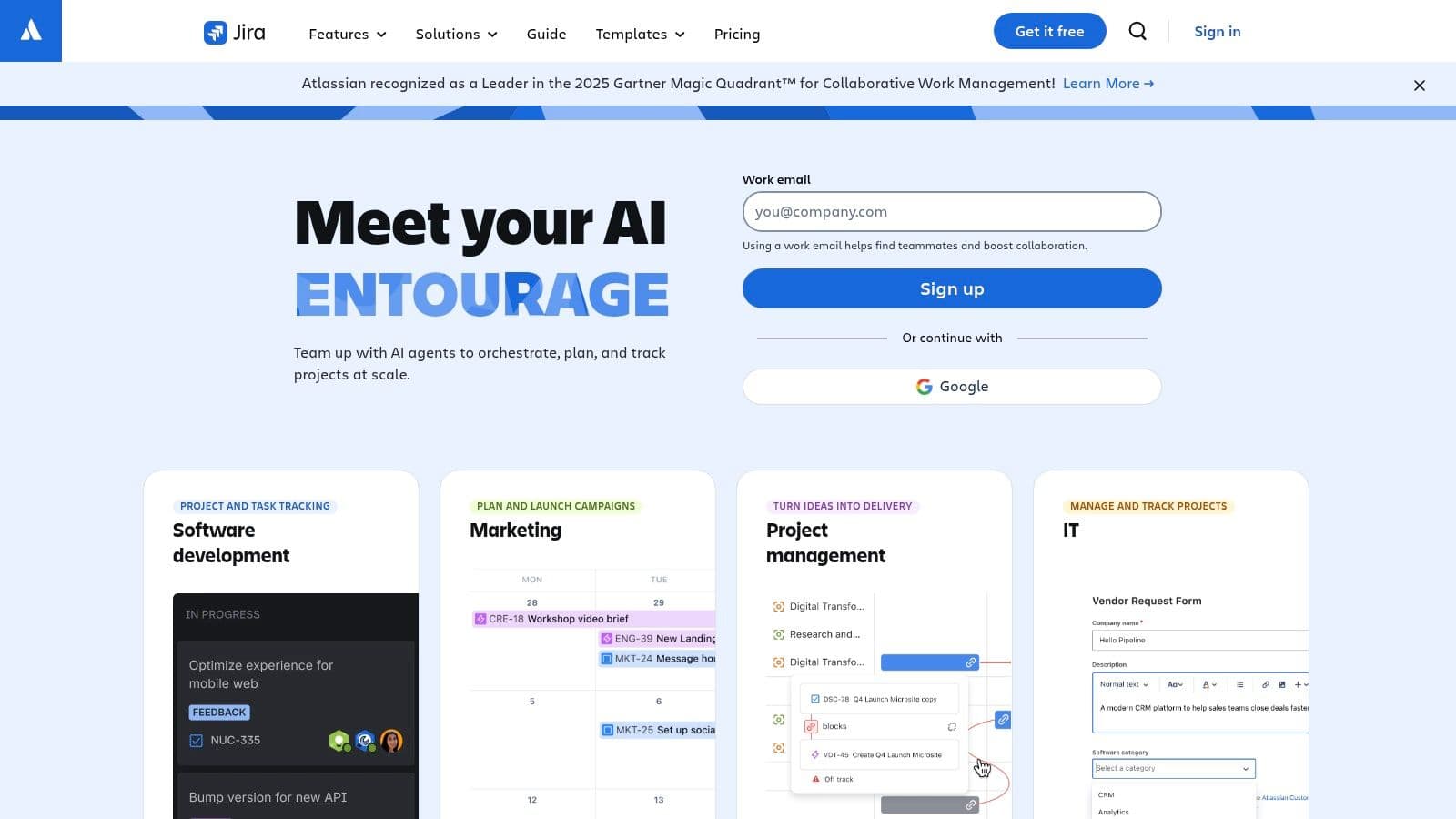
The platform is purpose-built for agile methodologies, with native support for Scrum and Kanban boards, backlogs, and roadmaps. Its extensive marketplace of apps and deep integrations with developer tools like Bitbucket and GitHub create a connected ecosystem for software teams. While its feature set can feel overwhelming for non-technical users, it is the definitive project management software for startups that are building a product and need a scalable, engineering-focused system. The free plan for up to 10 users makes it accessible for early-stage teams to adopt an industry-standard tool.
Startup-Fit Score
| Factor | Score | Rationale |
|---|---|---|
| Features | 9/10 | Unmatched for agile software development, but less intuitive for general business use. |
| Pricing | 8/10 | A very generous free plan for up to 10 users makes it a great starting point for tech teams. |
| Onboarding | 5/10 | The learning curve is steep; setup and administration can require significant effort. |
| Scalability | 10/10 | Proven to scale from a two-person startup to thousands of enterprise users effectively. |
The main drawback is its complexity; the administrative overhead is real, and teams often need a dedicated "Jira admin" as they grow. To use it effectively, startups should start with the pre-configured templates and only introduce customizations as their processes become more solid. Resisting the urge to over-engineer workflows early on is key to avoiding administrative bottlenecks.
Website: https://www.atlassian.com/software/jira
9. Trello
Trello champions simplicity with its Kanban-first approach, making it a go-to for founders and small teams who need to visualize workflows and get going immediately. Its strength is its near-zero learning curve; the system of boards, lists, and cards is so intuitive that even non-technical collaborators can be productive from day one. This makes it perfect for startups that need to spin up and iterate on new processes quickly without a huge implementation cost.
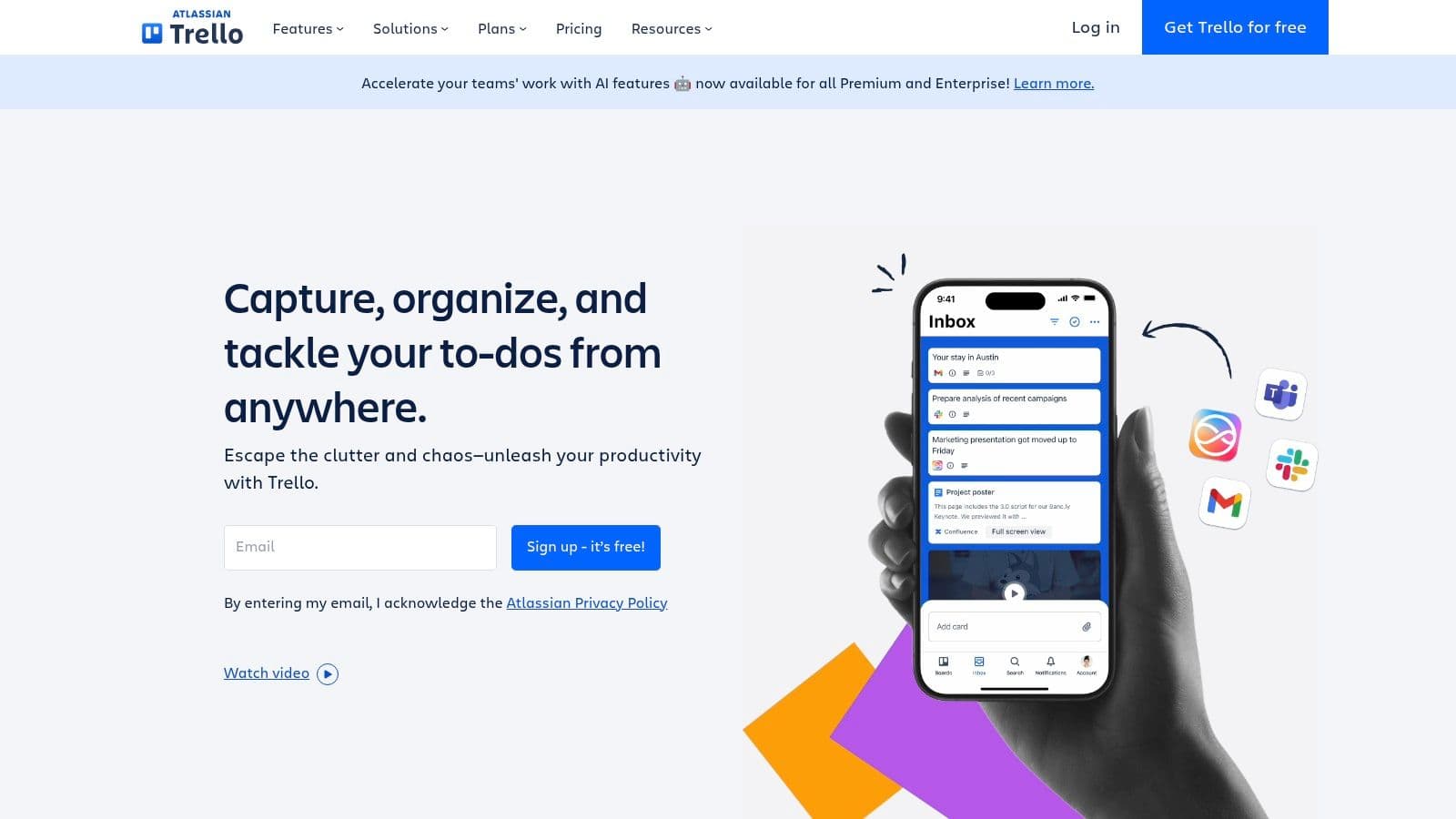
The platform grows with a startup through its Power-Ups marketplace, which lets teams add specific features like custom fields, calendars, or integrations as needed. Its built-in Butler automation handles routine tasks, such as moving cards or adding checklists, which helps keep processes clean without manual effort. While it might not be the most robust project management software for startups out-of-the-box for complex, multi-team programs, its simplicity and flexibility are ideal for early-stage operational planning and task management.
Startup-Fit Score
| Factor | Score | Rationale |
|---|---|---|
| Features | 7/10 | Excellent core Kanban features, but relies on paid Power-Ups for more advanced functions. |
| Pricing | 8/10 | The free plan is very capable, and single-board guests are free, but costs can scale with users and Power-Ups. |
| Onboarding | 10/10 | The easiest tool to learn on this list. The visual, drag-and-drop interface is immediately understandable. |
| Scalability | 6/10 | Scales well for single teams but can become unwieldy for complex, multi-departmental projects. |
While Trello's reporting capabilities are basic, its straightforward nature keeps teams focused on execution rather than administration. To use it effectively, teams should establish clear rules for what each list represents and use Butler to enforce them. For teams wanting to master visual workflows, our guide on Kanban board project management provides deeper insights.
Website: https://trello.com
10. Basecamp
Basecamp is all about simplicity, bundling the essential tools a startup needs into a single, cohesive platform. It combines message boards, to-dos, file storage, chat, and scheduling within each project, aiming to replace the chaotic mix of separate apps many teams end up relying on. This all-in-one approach is especially good for startups trying to minimize administrative overhead and keep teams—especially those working with clients or contractors—on the same page without friction.
Its flat-rate pricing model is a big draw for growing startups, as it provides cost predictability no matter how many people you hire or clients you add. The platform’s opinionated, "simple-by-design" philosophy means it skips granular features like complex dependencies or time tracking in its core offering, focusing instead on clear communication and progress visibility. This makes Basecamp an excellent choice of project management software for startups that prioritize straightforward collaboration and a single source of truth over intricate project controls.
Startup-Fit Score
| Factor | Score | Rationale |
|---|---|---|
| Features | 7/10 | Covers all core communication and task needs but lacks advanced PM metrics like resource leveling. |
| Pricing | 9/10 | The flat-rate Pro Unlimited plan is exceptionally cost-effective for growing teams, eliminating per-user fees. |
| Onboarding | 8/10 | Its straightforward, all-in-one layout is easy to grasp, though the opinionated workflow can require adjustment. |
| Scalability | 7/10 | Scales well for team size and client collaboration but may become limiting for highly complex project structures. |
While it may not be the right fit for teams that need detailed Gantt charts or resource management, its strength is in fostering a calm, organized work environment. Startups get the most value by fully adopting Basecamp's intended workflow, using Automatic Check-ins to reduce status meetings and Message Boards to keep discussions on-topic and documented.
Website: https://basecamp.com
11. Airtable
Airtable blurs the line between a powerful spreadsheet and a relational database, letting startups build their own custom project management systems. Its strength is its customizability; teams aren't stuck with a pre-set structure and can create interconnected "bases" for everything from content calendars and CRMs to bug trackers and product roadmaps. This makes it ideal for startups that need to manage structured data alongside project tasks, creating a single source of truth for complex operations.
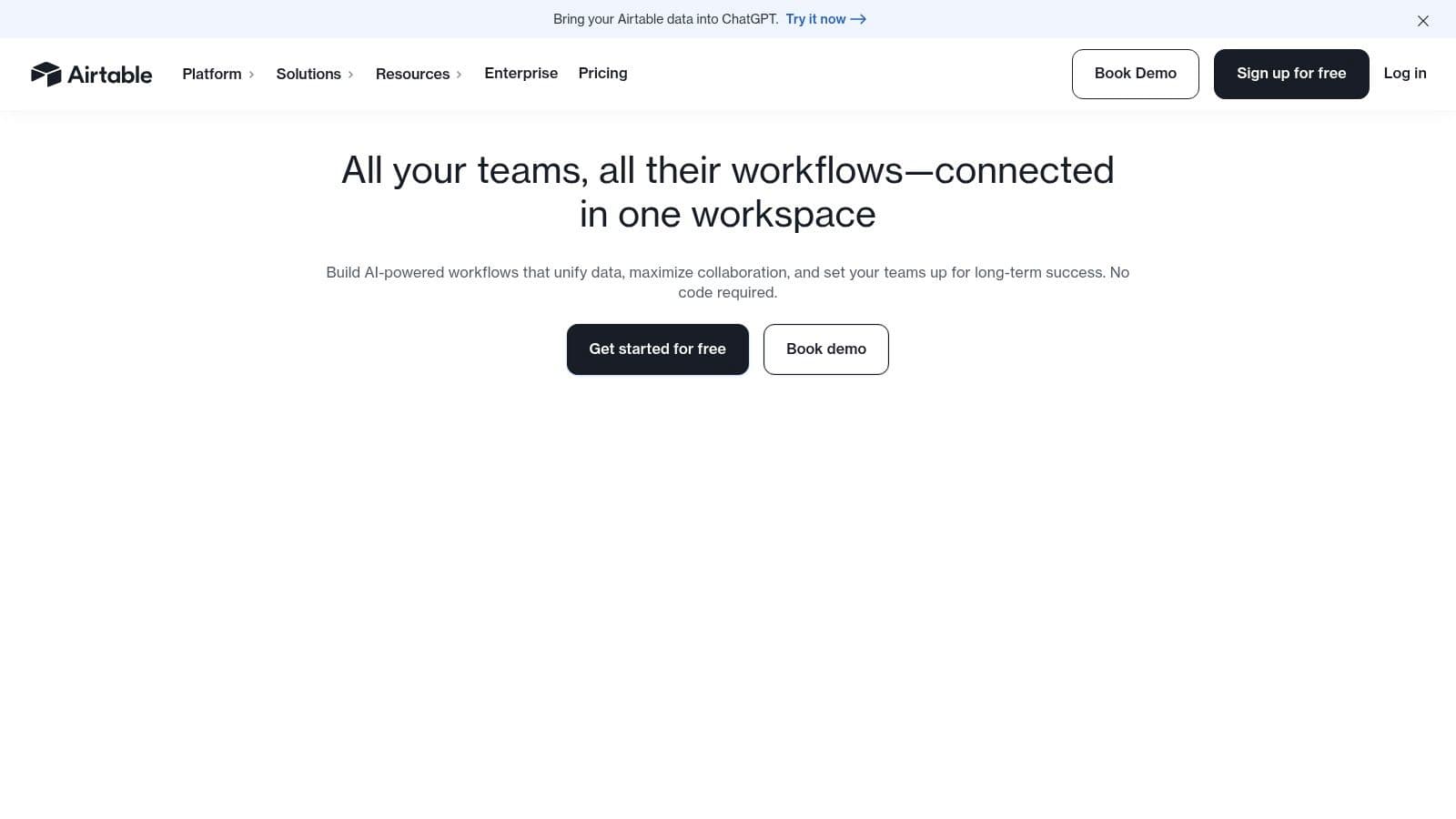
The platform supports multiple views like Kanban, calendar, Gantt, and grid, catering to different workflow preferences within a single team. A standout feature is Interfaces, which lets you create simplified, user-friendly dashboards for stakeholders without giving them access to all the complex underlying data. This makes Airtable a potent project management software for startups that want to build light, internal applications alongside their primary task management. The ability to add free read-only collaborators is also a key benefit for sharing progress with investors or advisors.
Startup-Fit Score
| Factor | Score | Rationale |
|---|---|---|
| Features | 9/10 | Extremely flexible with custom fields, views, and app-like Interfaces. Powerful for data-driven projects. |
| Pricing | 6/10 | The free plan has record limits, and per-editor seat costs can become expensive as the team scales. |
| Onboarding | 7/10 | While the interface is clean, the database-like nature requires a learning curve to build effective bases. |
| Scalability | 8/10 | Scales well for data complexity but cost can be a barrier for scaling team size. |
While its power is undeniable, the per-seat pricing for editors means costs can pile up quickly as more team members need to contribute. To use it effectively, startups should first clearly define their data structure and workflows before building their bases. Leaning on Airtable's pre-built templates for specific use cases, like "Digital Video Production," can significantly cut down on the initial setup time and provide a solid starting point.
Website: https://airtable.com
12. Wrike
Wrike is a robust work management platform that bridges the gap between a startup's agile needs and the structured processes required for scaling. It's especially well-suited for startups that are maturing toward mid-market operations, offering features like Gantt charts, critical path analysis, and detailed workload management. For cross-functional teams, especially in marketing or operations, its built-in proofing tools, approval workflows, and request forms create a powerful, centralized system for managing complex projects.
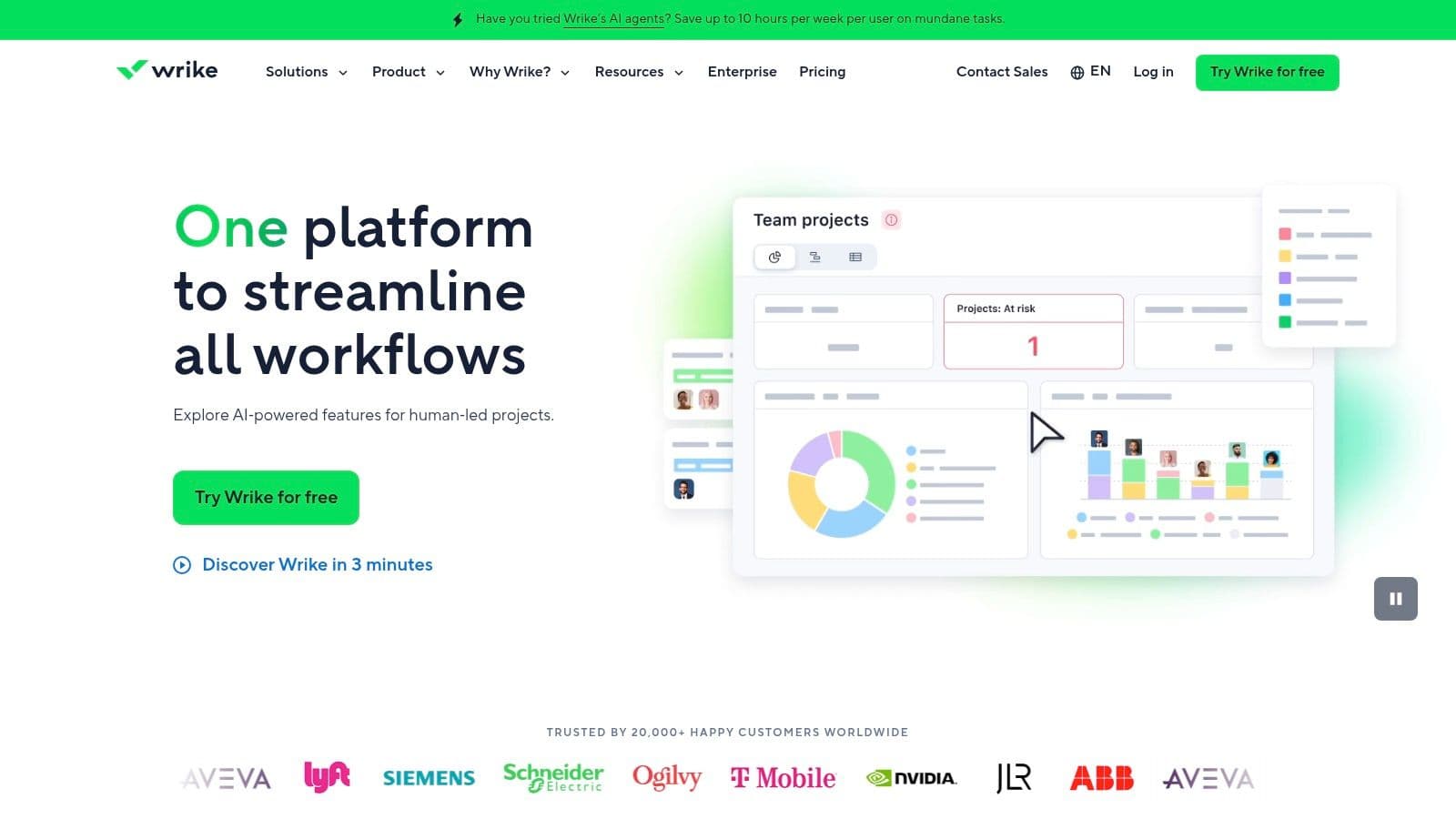
The platform stands out with its enterprise-grade permissions and reporting, giving founders granular control over data access as the team grows. With over 400 integrations and a data hub for two-way sync, Wrike connects separate tools into a single source of truth. This makes it an excellent choice of project management software for startups that are beginning to formalize their tech stack and need rigorous process controls. The recent addition of AI features further helps automate planning and execution.
Startup-Fit Score
| Factor | Score | Rationale |
|---|---|---|
| Features | 9/10 | Enterprise-level features, including advanced security, Gantt charts, and proofing. |
| Pricing | 6/10 | Packaging can be complex; higher tiers often require annual terms and seat bundles. |
| Onboarding | 7/10 | More complex than simpler tools, but powerful once the team is trained. |
| Scalability | 9/10 | Built to scale into a mid-market or enterprise environment with strong governance. |
While its licensing can feel complex and less flexible for very small teams, the clear notes on seat bundles help with financial forecasting. Startups should leverage Wrike’s purpose-built templates for specific departments to speed up adoption. The platform is ideal for organizations that need to prove compliance or manage resources with precision as they prepare for their next growth stage.
Website: https://www.wrike.com
Top 12 PM Tools for Startups — Comparison
| Product | Core features | UX & Quality | Price & Value | Target audience | Unique selling point |
|---|---|---|---|---|---|
| Fluidwave 🏆 | AI auto‑prioritization, table/list/calendar/Kanban/cards, automations, assistant marketplace | ★★★★☆ — distraction‑free, instant responses | 💰 Free forever; Premium $10/mo billed annually; pay‑per‑task delegation | 👥 Busy professionals, founders, freelancers, teams, neurodivergent users | ✨ Pay‑per‑task human assistants + AI workflows to save 4+ hrs/week |
| Asana | List/board/calendar/timeline, rules automations, templates, reporting | ★★★★☆ — intuitive, fast onboarding | 💰 Free tier; paid per seat (guest policy benefits) | 👥 Marketing, ops, cross‑functional teams | ✨ Mature templates & unlimited free guests for external collaborators |
| ClickUp | Tasks, docs, dashboards, whiteboards, time tracking, AI add‑ons | ★★★★☆ — feature‑rich, can be complex | 💰 Generous free; affordable tiers; AI credits for add‑ons | 👥 Teams consolidating multiple apps, cost‑sensitive startups | ✨ All‑in‑one work hub (tasks+docs+time+AI) |
| monday.com | Modular boards, Kanban/Gantt, automations, 200+ templates | ★★★★ — highly visual, easy to tailor | 💰 Paid plans (min 3 seats); template‑led value | 👥 Cross‑functional teams, non‑technical users | ✨ Visual Work OS with extensive templates & no‑code automations |
| Notion | Flexible databases, docs/wiki, kanban/calendar/timeline, API | ★★★★ — highly customizable | 💰 Competitive entry pricing; paid tiers for scale | 👥 Knowledge workers, small teams, creators | ✨ Docs + databases in one workspace for custom workflows |
| Linear | Issues, cycles/sprints, roadmaps, Git integrations | ★★★★★ — blazing fast, keyboard‑driven | 💰 Simple, clear pricing | 👥 Product/engineering teams focused on velocity | ✨ Developer ergonomics + minimal admin overhead |
| Shortcut | Kanban, epics/roadmaps, sprints, automations, startup program | ★★★★ — purpose‑built for software teams | 💰 Free/discounted for eligible startups & nonprofits | 👥 Product and engineering teams, startups | ✨ Generous startup & nonprofit offers; balanced feature set |
| Jira Software | Scrum/Kanban, backlogs, custom workflows, marketplace | ★★★★ — very powerful but higher admin | 💰 Free up to 10 users; scales with enterprise pricing | 👥 Large engineering orgs needing rigor & auditability | ✨ Deep workflow customization & ecosystem integrations |
| Trello | Boards, lists, cards, checklists, Butler automations, Power‑Ups | ★★★★ — simplest learning curve | 💰 Free tier; paid Power‑Ups can add costs | 👥 Founders, small teams, non‑technical collaborators | ✨ Fast to pilot Kanban workflows with no‑code automations |
| Basecamp | To‑dos, message boards, docs/files, chat, scheduling | ★★★★ — minimal admin, client‑friendly | 💰 Flat‑rate Pro Unlimited; clients/contractors free | 👥 Client‑facing teams, small agencies | ✨ Flat pricing + easy client collaboration |
| Airtable | Relational bases, grid/kanban/calendar/timeline, Interfaces | ★★★★ — flexible app‑building feel | 💰 Free read‑only; paid editor seats (cost scales) | 👥 Ops, content teams, analysts building bespoke apps | ✨ Spreadsheet‑meets‑database for lightweight apps |
| Wrike | Gantt, critical path, proofing, approvals, workload charts | ★★★★ — enterprise‑grade, feature rich | 💰 Complex packaging; annual seat bundles common | 👥 Marketing, ops, cross‑functional teams moving to mid‑market | ✨ Built‑in proofing & approval workflows with granular perms |
Conclusion: Your Tool Should Serve Your Workflow, Not Define It
So, we've navigated the huge world of project management software for startups, from all-in-one powerhouses like ClickUp and monday.com to the engineering-focused precision of Linear and Shortcut. The main lesson is pretty clear: there is no single "best" platform. The search isn't for some mythical, one-size-fits-all solution, but for the tool that fits your startup's specific reality right now.
The perfect tool for a Series B company with 100 employees is often a productivity killer for a seed-stage team of five. Your goal is to figure out your biggest operational bottleneck and pick the software that directly solves it. Are you drowning in admin tasks? Is your team distracted by constant notifications? Is your biggest challenge managing a tight budget while needing to delegate work? The answer to these questions is your starting point.
Key Takeaways for Choosing Your Startup's PM Software
Making a decision means balancing what you need right now with your future growth. Here are the most important things to keep in mind:
- Prioritize Workflow over Features: The most feature-rich tool is useless if it clashes with how your team naturally works. A simple Kanban board in Trello that everyone uses is far more valuable than a complex Gantt chart in a more robust system that just gathers digital dust. Always start by mapping out your process, then find a tool to support it.
- Acknowledge Your Current Stage: A solo founder’s needs are completely different from a 20-person startup. For early-stage ventures, simplicity, low cost, and fast onboarding are critical. Tools like Fluidwave or even a well-organized Notion workspace can provide immediate value without the steep learning curve or financial commitment of enterprise-grade software.
- Consider the Total Cost of Ownership: The sticker price is only one part of the story. You also have to account for the time spent on implementation, team training, and potential productivity dips during the transition. A "cheaper" tool that requires weeks of setup can be way more expensive in the long run.
- Don't Be Afraid to Migrate: The tool you choose today might not be the one you use in two years, and that’s totally fine. The ability to recognize when you've outgrown a system and to move to a new one is a startup superpower. Don't let the fear of a future migration paralyze your decision right now.
Actionable Next Steps
Feeling overwhelmed by the options is normal. The best way to move forward is to take small, deliberate steps.
- Define Your Top 3 "Must-Have" Outcomes: Don't list features. Instead, list what you want the software to do. For example: "Reduce time spent in status update meetings," "Make it clear who is responsible for each task," or "Create a single source of truth for project specs."
- Shortlist 2-3 Contenders: Based on the reviews and your desired outcomes, pick a maximum of three tools to seriously evaluate. Any more than that leads to analysis paralysis.
- Run a Small, Time-Boxed Pilot: Pick a single, low-stakes project and a small part of your team (even if it's just you) to run it on your top choice for one or two weeks. This real-world test gives you more insight than any demo ever could. Assess it honestly: did it reduce friction or add to it?
Ultimately, the best project management software for your startup is the one that gets out of the way, allowing your team to focus on what truly matters: building, innovating, and growing your business. Your command center should be a source of clarity and momentum, not another task on your to-do list.
Ready to stop managing tasks and start directing outcomes? Fluidwave was designed for founders and lean teams who need to focus on high-impact work. Try our AI-powered automation and unique pay-per-task delegation model to see how much more you can accomplish. Sign up for Fluidwave and build your distraction-free workspace today.
Focus on What Matters.
Experience lightning-fast task management with AI-powered workflows. Our automation helps busy professionals save 4+ hours weekly.