Struggling with chaos? Explore our process documentation example collection. We break down 7 types with templates to streamline workflows & boost productivity.
April 30, 2026 (5mo ago)
Process Documentation Example: 7 Types & Templates
Struggling with chaos? Explore our process documentation example collection. We break down 7 types with templates to streamline workflows & boost productivity.
← Back to blog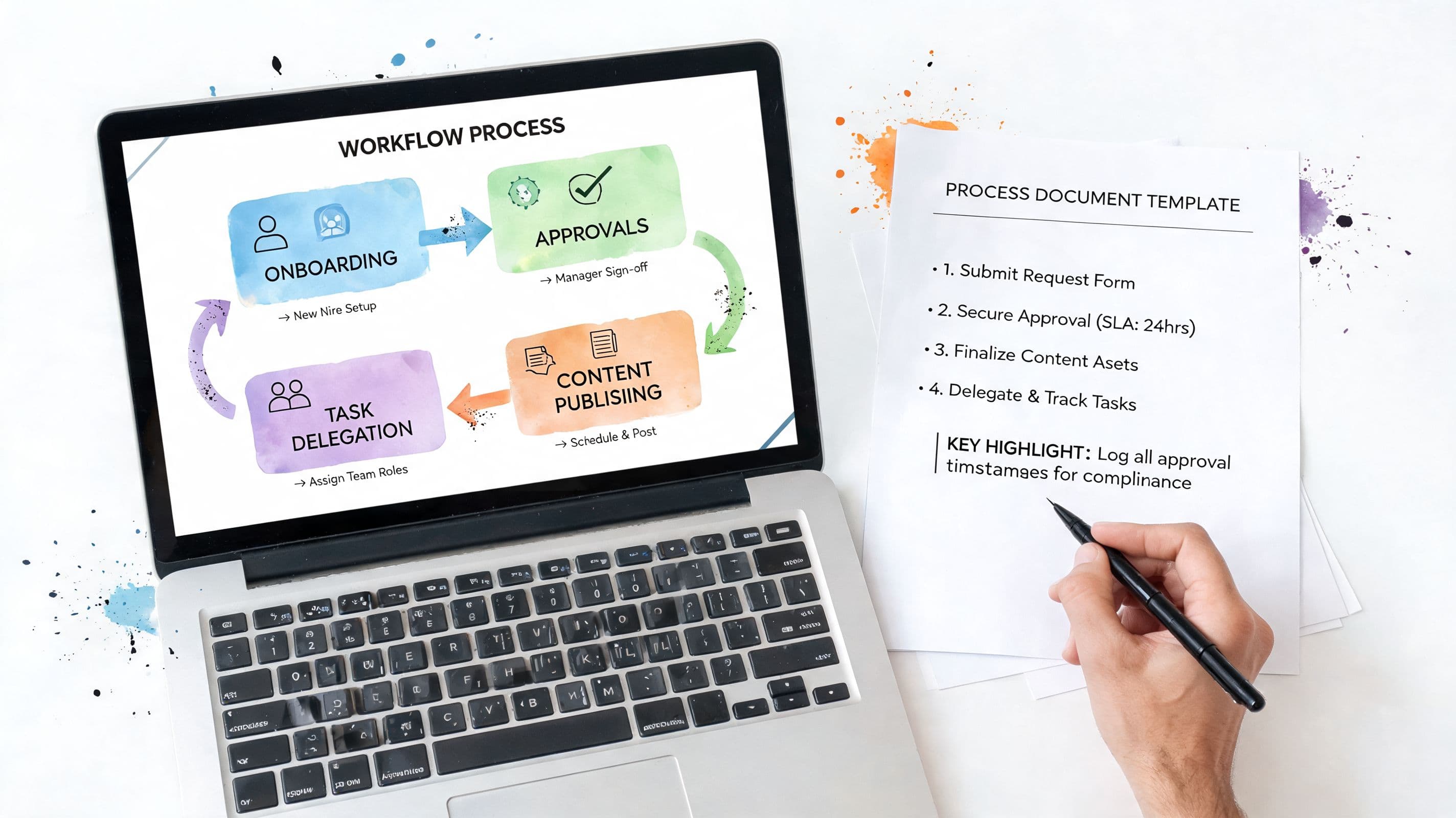
Tired of answering, “How do I do this again?” That question usually shows up at the worst time. A deadline is close, a client is waiting, and the one person who knows the process is offline, on vacation, or buried in other work. Then everybody starts digging through old Slack threads, half-finished docs, and screenshots with filenames like final_v2_reallyfinal.
That mess is what undocumented knowledge looks like in practice. It slows handoffs, makes delegation harder than it should be, and forces managers to become a live help desk for work that should already be repeatable. A lot of teams still operate this way. One Adobe-commissioned Forrester report found that 97% of organizations had minimal or no digital document processes. That explains why so many teams still rely on memory, habit, and whoever happens to be available.
Good process documentation isn't about writing a giant operations manual nobody reads. It's about creating a usable source of truth that helps people do the work without chasing context. In a tool like Fluidwave, that matters even more because documentation can live alongside the task, the owner, the deadline, and the delegation trail.
If you need a practical process documentation example, start with one of these seven formats. Each solves a different problem, and each works better when you use it for the right kind of work.
1. Standard Operating Procedure
An SOP is what you use when consistency matters more than personal style. If five different people can complete the same task, but only one method protects quality, compliance, or client expectations, write an SOP.
McDonald’s is the classic business example because franchise operations depend on standardization. Healthcare teams use admission SOPs for the same reason. In digital work, I’ve seen SOPs matter most in client onboarding, invoice processing, content publishing, and assistant handoffs. These are boring processes right up until one step gets skipped.
What makes an SOP useful
A weak SOP reads like a policy memo. A strong SOP reads like instructions a capable new hire can follow without guessing. It should answer four things fast: what this process is for, who it applies to, what steps happen in order, and what “done” looks like.
For delegated work, I’d also include:
- Trigger point: What starts the process.
- Owner: Who does the first pass and who reviews it.
- Decision points: Where the process branches.
- Common errors: What usually goes wrong.
- Artifacts: Links to templates, screenshots, and examples.
If you're trying to reduce process friction, these ways to streamline business processes pair well with SOP-based delegation.
Practical rule: If a task gets done often and gets expensive when done wrong, it deserves an SOP.
Where SOPs usually fail
Most SOPs fail because they’re either too abstract or too rigid. “Review the file for errors” is too abstract. “Click exactly here” can become too rigid if the tool interface changes every month. You need enough detail to remove ambiguity, but not so much that the document breaks the moment your workflow evolves.
This is also where a lot of vendor and compliance work gets cleaner with standardized procedures. If you work in procurement or government-adjacent operations, GovCon SOP insights for vendors are a useful outside reference.
For Fluidwave users, SOPs work best when you convert them into task templates instead of leaving them as static docs. The process lives where the work happens, assistants can execute from the same source, and updates don’t get trapped in some forgotten folder.
2. Workflow Diagram
A coordinator gets pinged at 4:40 p.m. asking why onboarding stalled. Sales says the deal is closed. Finance says billing is still pending. Customer success thought kickoff was booked for next week. Support already has a ticket open. At that point, a paragraph of instructions does not help much. A workflow diagram does.
Workflow diagrams work best for processes with handoffs, approvals, branches, and waiting points between teams. Customer onboarding is a good process documentation example because the work rarely moves in a straight line. One team finishes its part, another team needs a document, a third team has to approve something, and the whole process can pause if one condition is missed.
Here’s the kind of visual people follow:

When to diagram instead of write
Use a workflow diagram when the recurring problem is sequence, ownership, or decision logic. Use a written instruction when the recurring problem is how to complete one task correctly.
That distinction saves teams a lot of wasted documentation effort. I’ve seen operations teams write six pages explaining a process that really needed one page with arrows, owners, and two decision diamonds. Kanban boards are useful for seeing status, but they usually do not show why work branches, what blocks the next step, or where exceptions go.
If you need a practical starting point, this guide to flowcharts and process mapping shows how to map stages and decisions in a way that fits Fluidwave’s visual workflow views.
What to include in the diagram
Keep the main path easy to scan. Then show exception handling clearly enough that people do not have to guess.
A useful workflow diagram usually includes:
- Start trigger: The event that starts the process
- Step owner: The person or role responsible at each stage
- Decision points: Approve, reject, revise, escalate
- Dependencies: What has to happen before the next step can start
- End states: Completed, blocked, canceled, or returned for rework
For Fluidwave, the practical move is to turn the diagram into assignment logic instead of leaving it in a slide deck. Each branch should map to a real handoff, task status, or conditional next step. That matters even more for delegated work, because assistants should not have to interpret the process from scratch every time.
There is also a real accessibility benefit here. Researchers at the Nielsen Norman Group found that visible system status helps users understand what is happening and what to do next, which is one reason visual workflows reduce confusion in multi-step work (Nielsen Norman Group on visibility of system status).
For ADHD-friendly workflows, diagrams pull hidden steps into view. That reduces memory load, makes interrupted work easier to restart, and gives people a clear place to resume after context switching. In practice, that often matters more than having a perfectly polished document.
3. Checklist
Monday morning. The assistant says the newsletter is ready to send. Ten minutes later, someone notices the links were never tested and the tracking tags are missing. That is checklist territory.
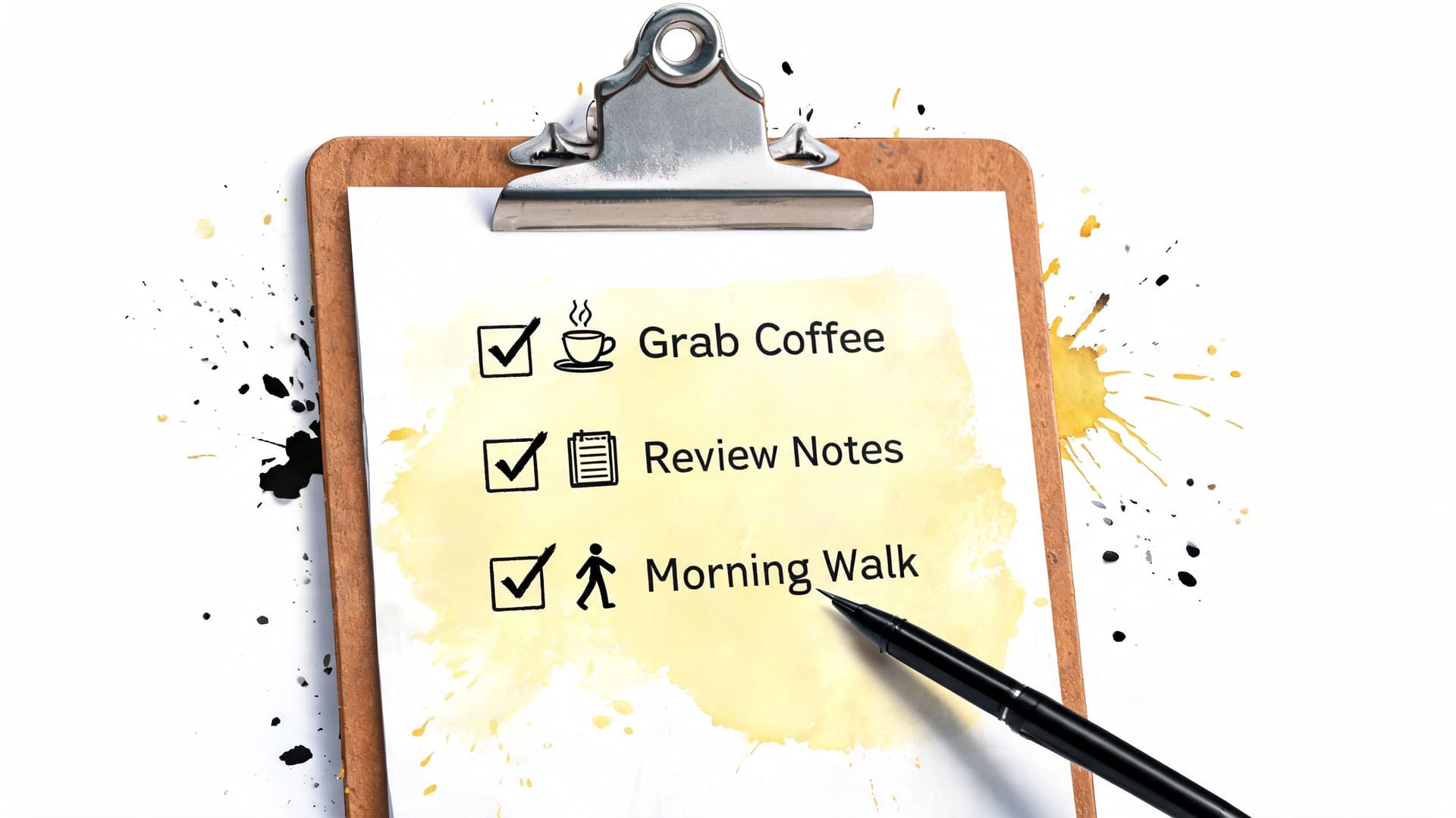
A checklist works best for recurring work that people already understand but still miss in small, expensive ways. Publishing content, closing the books, prepping a launch, handing work from founder to assistant. These are not hard because the steps are mysterious. They are hard because the steps are easy to skip when the day gets noisy.
Atul Gawande made the format widely known in medicine, but the same logic holds in operations. A short list used at the point of execution prevents preventable mistakes better than a polished document no one opens.
Why checklists hold up under pressure
A checklist cuts working memory demands. That helps any busy team. It matters even more for ADHD-friendly workflows, where interruptions, task switching, and “I know this process, I just lost my place” are common failure points.
This format is also easier to use in the moment than a longer SOP. If the work is familiar and the risk comes from omission, a checklist gives enough structure without forcing someone to reread instructions they already know.
The strongest version includes execution checks and review checks. “Publish article” is too broad to be useful. A better list names the points that commonly break: confirm slug, verify links, check asset credits, send final notification, mark ready for review.
Keep the list short enough to scan once. If an item needs explanation, link to the work instruction for that one step instead of turning the checklist into a wall of text.
How to build one that survives real work
Good checklists live inside the task, not in a separate doc someone has to remember to open. In Fluidwave, that usually means a recurring task template with visible subtasks, owners, due dates, and a review state. The practical advantage is simple. The assistant can check off progress where the work is already happening, and the manager can see what is done, what is blocked, and what still needs approval.
That setup also works well for neurodivergent operators. Clear action verbs reduce ambiguity. Fixed step order reduces decision fatigue. Visible progress makes it easier to resume after an interruption.
A few rules help:
- Write items as actions: “Upload invoice PDF” is clearer than “Invoice upload.”
- Keep the order real: List steps in the sequence people perform them.
- Add only enough context: A short note or link is enough for a tricky step.
- Split completion from review: “Done” and “approved” should be separate statuses.
Before automating a process, make the checklist stable. Analysts at McKinsey have found that many work activities can be automated with current technology, but automation only helps when the underlying steps are consistent and clearly defined (McKinsey on automation potential). In practice, I treat the checklist as the test. If two assistants cannot run it the same way, it is too early to automate.
4. Work Instruction
An assistant is halfway through issuing a refund. Stripe is open. The CRM is open. Slack is pinging. The customer is waiting. If the only guidance says “process refund and update records,” the operator has to fill in the gaps under pressure. A work instruction closes those gaps.
A work instruction covers one task at execution level. The SOP says refunds need to be processed. The work instruction shows the exact clicks, fields, tags, and handoff points needed to finish the refund correctly in Stripe, update the CRM, and send the confirmation.
This format earns its keep on tasks where small misses create rework. CMS publishing, payroll adjustments, QA review, support macros, and finance operations all fit here. In those cases, “close enough” usually means someone fixes it later.
The hard part is deciding how much detail to include. Teams often bury the operator in edge cases, old screenshots, and background context that belongs somewhere else. The better pattern is simple. Document the standard path in full, then add a short block for common errors, exceptions, and escalation rules.
Good work instructions are also easier to use when they live inside the task system instead of in a forgotten folder. In Fluidwave, that usually means attaching the instruction to the delegated task, linking the exact tools, and pairing each step with the expected output. For ADHD-friendly workflows, this matters. The operator does not have to hold the whole process in working memory or infer what “finished” means from context.
A short video can do a lot of work here:
A practical structure that works
I keep work instructions tight enough to follow during the task, not study beforehand:
- Purpose: One sentence on the result the task should produce.
- Prerequisites: Access, permissions, source files, and any condition that must already be true.
- Steps: Numbered actions, one action per line, in the execution order.
- Quality check: What to verify before marking the task complete.
- Escalation: Who owns exceptions, and what should trigger a handoff.
Two details make a bigger difference than people expect. First, define the output in concrete terms, such as “refund recorded in Stripe, CRM status changed to Closed Won Refund, confirmation email sent from support inbox.” Second, name the failure points. If the charge is older than the refund window, if the customer record is missing, or if the amount does not match the invoice, the operator should know exactly when to stop and escalate.
If you build repeatable delegated work inside Fluidwave, this pairs well with a task template structure that keeps instructions attached to execution. That setup is useful for any team, but it is especially helpful for neurodivergent operators who work better with clear sequencing, visible completion criteria, and fewer open loops.
A good work instruction reduces avoidable judgment calls. That is the essential point. In practice, the best test is simple. Hand the task to a new assistant, let them run it without live help, and check whether the result meets your standard the first time.
5. Template
Monday morning, a new assistant sits down to send a client kickoff packet. There’s no template. They pull details from old emails, miss the approval contact, and send version one with the wrong deadline. That kind of mistake rarely comes from lack of effort. It comes from starting from a blank page.
Templates fix the starting point. They give recurring work a stable structure so people can focus on the parts that change. That matters in operations because setup time is where a lot of small errors begin.
You see this in proposal drafts, hiring scorecards, content briefs, reporting shells, and customer update emails. The format stays consistent. The variables change.
What a good template actually does
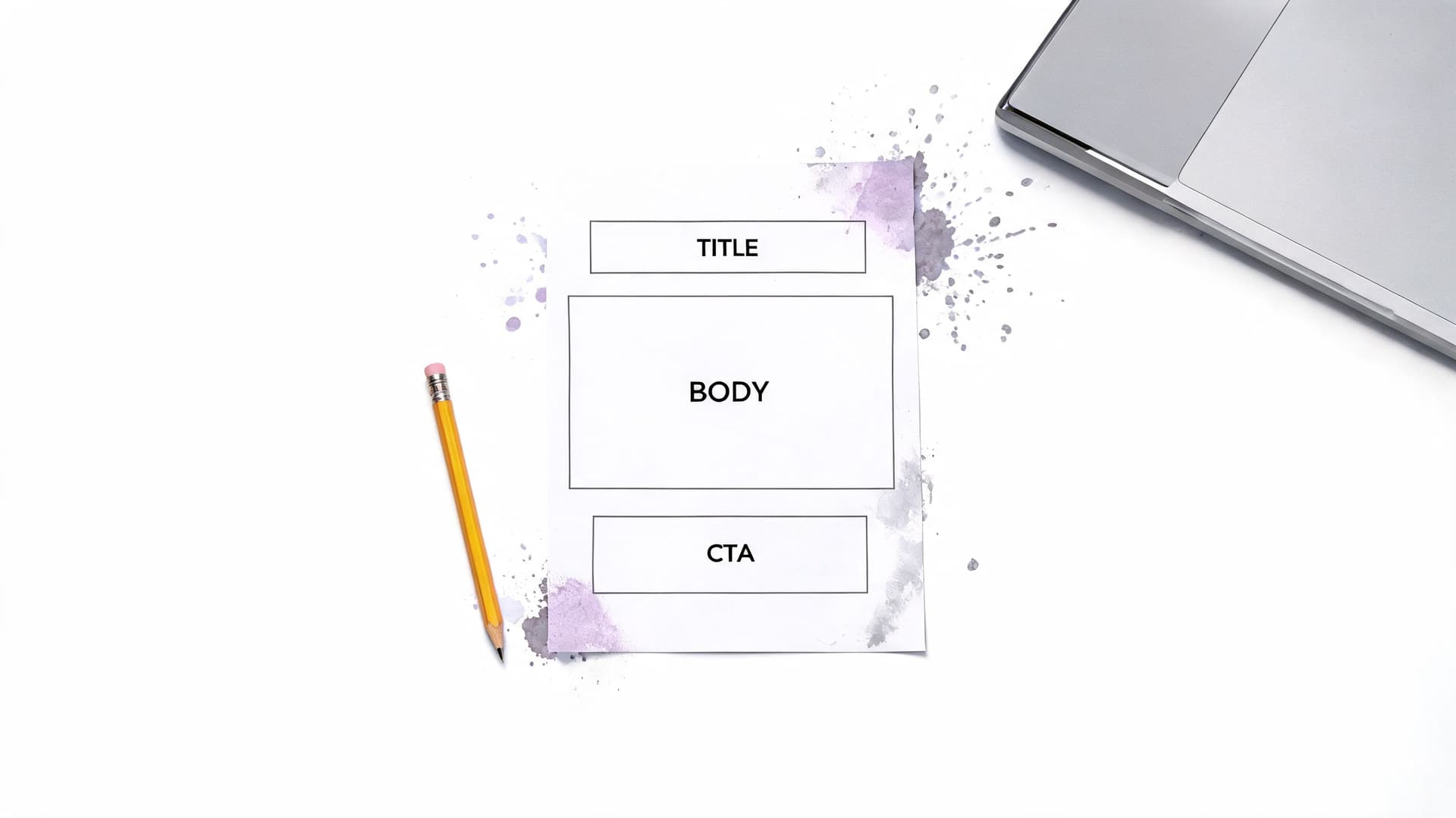
A useful template keeps the recurring parts fixed and makes the decision points obvious. It does not try to script every sentence. It sets the minimum structure needed to get a consistent result.
For example, a client onboarding template might include business goals, stakeholders, deadlines, assets received, missing inputs, system access needed, and approval requirements. That saves back-and-forth before the work starts. It also exposes gaps early, which is where templates earn their keep.
In Fluidwave, templates work best when they live inside the task flow instead of in a separate doc library nobody checks. If you’re building that kind of recurring delegated work, this guide to creating a task template shows the setup.
Where templates help most
Templates are a practical fit when the process repeats but the inputs vary. Common examples include:
- Client communication: Follow-ups, onboarding emails, status updates
- Internal operations: Weekly reports, handoff notes, approval requests
- Creative work: Briefs, draft requests, revision rounds
- Administrative tasks: Meeting prep, research packets, invoice collection
The trade-off is real. A template that is too loose forces people to guess. A template that is too rigid produces flat work and workarounds. The fix is simple. Standardize the fields, required checks, and final format. Leave room for context in the body.
Templates also help teams shift scattered manual work into a cleaner digital process, which cuts rework and makes handoffs easier to track.
For neurodivergent and ADHD-friendly workflows, this matters even more. Blank-page work creates friction. A good template reduces initiation cost, shows the next visible action, and lowers the working-memory load required to get started. That is one reason template-driven delegation inside Fluidwave tends to work better than assigning a task with a loose sentence and a hope that the operator fills in the gaps correctly.
6. Runbook
It is 4:45 p.m. on a Friday. A recurring handoff fails, the owner is offline, and the task is sitting in "blocked" with no clear next move. That is the moment a runbook earns its keep.
A runbook is response documentation. It covers exceptions, failures, and recovery steps for situations where the standard process no longer applies. SOPs tell people how work should run. Runbooks tell them what to do when it does not.
You see them in incident response, support escalations, failed automations, rejected deliverables, and approval stalls. The format started in technical operations, but the same logic works for any team that depends on delegated work moving on time.
What belongs in a runbook
Good runbooks are built for stress. They need to be short, scannable, and ordered around decisions instead of background explanation.
A practical runbook usually includes:
- Incident type: The failure or exception this runbook covers
- Trigger signs: What the operator sees when the issue is happening
- Immediate containment: What to pause, protect, or notify first
- Diagnosis steps: The checks to run, in order
- Escalation path: Who takes over, and at what point
- Recovery confirmation: How to verify the process is stable again
One test works well here. If someone else had to recover the process without calling the usual owner, would they know what to do in the next five minutes? If not, the runbook is still too vague.
The trade-off is speed versus coverage. A runbook that tries to explain every edge case turns into a wall of text nobody reads during a live issue. A runbook that is too thin forces people to improvise. In practice, the best version handles the common failure pattern, names the decision points, and makes escalation obvious.
Why runbooks matter beyond tech teams
Operational failures are usually ordinary. A payment export does not sync. A campaign goes live before approval. A delegated task stalls because a dependency was never assigned. These are not rare disasters. They are routine interruptions that waste time because the fix lives in one person's head.
Runbooks reduce that dependency. They preserve continuity when the process owner is out, the handoff is messy, or the person doing the work is newer to the system.
Inside Fluidwave, runbooks are especially useful for exception handling. If an assistant marks a task as blocked, the response should not rely on memory or a Slack message buried in a thread. Document the checks, reassignment rules, pause conditions, and escalation path where the work is already being managed.
That setup also helps neurodivergent and ADHD-prone teams. Under stress, recall gets worse and vague instructions get harder to use. A clear runbook lowers the working-memory load by showing the next decision, the next action, and who owns the handoff. That is what makes it usable in the moment, not just well documented on paper.
7. Case Study
Monday morning, a delegated workflow misses its deadline, three people give different reasons, and nobody can show where the process broke. That is the moment a case study earns its keep.
A case study works well when the goal is to document judgment under real conditions. It records the starting problem, the decisions the team made, the evidence behind those decisions, and the result. That makes it useful for training, process improvement, and getting agreement across teams that saw the same problem from different angles.
Teams often skip this format because it does not look as procedural as an SOP or checklist. In practice, that is exactly why it helps. Steps show what should happen. A case study shows what happened when the process met time pressure, unclear ownership, missing information, or a tool constraint.
A real improvement example
One documented example comes from a welding process improvement project using Six Sigma DMAIC. In the Define phase, the team identified a 12% defect rate with major annual cost impact. In the Measure phase, they established a baseline from observed production data and found that the process was not meeting capability targets.
The value of that case study was not the acronym stack. It was the discipline. The team documented the process boundary, mapped inputs and outputs with SIPOC, tested likely causes instead of arguing from instinct, and recorded what changed after the intervention. The same source shows process capability improving after controls were added.
That is what makes a case study useful as documentation. It captures the logic behind the fix, not just the final version of the process.
How to use case studies in everyday operations
This format translates well to knowledge work. Use it after a broken client onboarding, a handoff failure between an operator and assistant, or a weekly reporting process that kept slipping because approvals lived in chat instead of the task system.
Inside Fluidwave, I would document the case study where delegation already happens. Keep the original task flow, note where ownership became unclear, show what changed in assignments or checkpoints, and attach the before-and-after version of the workflow. That makes the lesson reusable instead of turning it into a one-off postmortem nobody revisits.
For ADHD-friendly and neurodivergent teams, this matters for a different reason. Abstract advice like "communicate earlier" is hard to apply. A case study gives a concrete sequence. Here was the trigger. Here was the missed cue. Here is the rule we changed so the next person does not have to guess.
A useful internal case study usually includes:
- The problem: What failed or kept repeating.
- The baseline: What the team observed before changing anything.
- The decision: What changed, by whom, and why.
- The result: What improved, what stayed messy, and what still needs a fallback.
- The lesson: What future operators should copy, avoid, or watch for.
That last part matters. Good case studies do not pretend the new process solved everything. They show the trade-off, such as adding a review checkpoint that reduced errors but slowed turnaround, or replacing a long SOP with a checklist that improved follow-through but required clearer escalation rules. That kind of documentation makes the system smarter over time.
7-Way Process Documentation Comparison
A team usually picks the wrong format when the document has to do too many jobs at once. I see this in Fluidwave setups all the time. Someone writes a long SOP for a task that only needed a checklist, or they build a diagram when the actual problem is missing field-level instructions inside the handoff.
This side-by-side view helps match the format to the problem, the maintenance load, and the way people work. That last part matters for neurodivergent and ADHD-friendly operations. A format that is technically correct but hard to scan, hard to update, or buried outside the workflow will still fail.
| Item | Implementation complexity 🔄 | Resource requirements 💡 | Expected outcomes 📊 | Key advantages ⭐ | Ideal use cases |
|---|---|---|---|---|---|
| Standard Operating Procedure (SOP) | High, detailed drafting and versioning | Significant time, stakeholder input, version control | Consistent execution, auditability, fewer delegation errors | Keeps repeatable work consistent across teams, useful for regulated work | Repetitive tasks, compliance-heavy work, scaling operations |
| Workflow Diagram | Medium, mapping steps and decision points | Diagramming tools, process-mapping sessions, occasional updates | Clear view of flow, easier bottleneck spotting | Shows dependencies quickly, useful for branching decisions | Multi-step projects, automation planning, cross-functional coordination |
| Checklist | Low, fast to create and deploy | Minimal tools, reusable templates | Fewer missed steps, quick progress tracking | Lightweight, easier to follow, fast adoption ⚡ | Recurring compound tasks, QA checks, daily routines |
| Work Instruction | Medium to High, detailed, role-specific steps | Subject-matter experts, screenshots or video, maintenance | Higher execution quality, fewer revisions | Gives precise guidance for specialist tasks, cuts back-and-forth | Specialized technical tasks, training new assistants, reducing rework |
| Template | Medium, front-loaded setup then reusable | Template library, periodic reviews | Faster task creation, more consistent outputs | Saves time, keeps format standards consistent, repeatable | Repetitive delegated tasks, onboarding, predictable document types |
| Runbook | High, incident flows and recovery procedures | Cross-functional input, testing, accessible storage | Faster incident response, less downtime | Supports business continuity, enables edge-case handling | Mission-critical automations, 24/7 operations, high-risk processes |
| Case Study | Medium to High, research and metrics collection | Data collection, interviews, analysis time | Transferable lessons, clearer proof of what changed | Builds buy-in, shows what worked in real conditions | Demonstrating ROI, training, sharing best practices and wins |
One practical rule. Start with the lightest format that can prevent the failure you keep seeing.
If a task breaks because people skip steps, use a checklist. If it breaks because decisions branch in three directions, use a workflow diagram. If it breaks because one step inside a tool keeps getting done differently, add a work instruction directly in the task flow. In Fluidwave, that often means attaching the right format to the delegated work itself instead of storing it in a separate doc library people forget to open.
For ADHD-friendly workflows, shorter formats usually get better follow-through, but only if escalation points are obvious. Checklists and templates reduce decision fatigue. SOPs and runbooks still matter, though they need clean headings, predictable labels, and a clear owner so the document does not turn into a wall of text no one trusts.
From Chaos to Clarity Your First Step
Monday morning. A task stalls because the only person who knows the process is out, two teammates handle it two different ways, and Slack fills up with “quick questions” that are never quick. That is usually the right place to start documenting.
Pick one recurring task that creates friction every week. Good candidates are handoffs that keep bouncing back, approvals that need extra explanation, or routine work that slows down whenever the owner is unavailable. Start there because the benefit shows up fast. The next person can complete the task without waiting for context to be recreated from memory.
Choose the smallest format that will stop the failure. Use a checklist for skipped steps. Use a workflow diagram if the path changes based on a condition or decision. Use a work instruction when one part of the task gets done inconsistently inside a tool. Use an SOP when the whole process needs the same sequence, owner, and standard every time.
Teams get better results when the document lives where the work happens.
In practice, a process doc hidden in a drive folder gets ignored under time pressure. A checklist attached to the delegated task gets used. That is one reason Fluidwave fits this kind of rollout well. The task, owner, due date, notes, and supporting documentation can sit in one place, which makes delegation cleaner and reduces the usual “where is the latest version” problem.
That setup also helps neurodivergent team members, especially people with ADHD. Re-entry is easier when the next step is visible, the owner is clear, and the instructions are short enough to scan. Templates reduce blank-page friction. Checklists reduce working-memory load. Longer docs still have a place, but they need strong headings, consistent labels, and a clear point where someone should escalate instead of guessing.
Keep the first version plain. A usable draft beats a polished document nobody opens.
Start with one task. Test it in real work for a week or two. Notice where people still hesitate, where they still ask questions, and where the instructions are too vague to survive a handoff. Then revise. That is how process documentation becomes reliable. It gets shaped by repeated use, not by trying to write the final version on day one.
The goal is simple. Fewer repeated explanations, smoother delegation, and less knowledge trapped in one person’s head.
If you want to turn documentation into something your team can use day to day, Fluidwave is worth a look. It combines task management, delegation, multiple workflow views, and AI-driven prioritization, so your SOPs, checklists, templates, and handoff notes can live alongside the work instead of sitting in a separate doc library.
Focus on What Matters.
Experience lightning-fast task management with AI-powered workflows. Our automation helps busy professionals save 4+ hours weekly.