Explore the top personal development apps for habits, focus, and mindfulness. Our 2026 guide reviews the best tools to build your ideal growth stack.
July 26, 2026 (Today)
10 Best Personal Development Apps for Growth in 2026
Explore the top personal development apps for habits, focus, and mindfulness. Our 2026 guide reviews the best tools to build your ideal growth stack.
← Back to blog
You're probably sitting on a phone full of good intentions, a few half-used apps, and a growing sense that your “growth plan” has turned into digital clutter. You want better habits, clearer focus, steadier moods, maybe a little more control over your day, but you don't want another tool that takes more energy than it gives back. That's the core test of personal development apps in 2026: they need to fit into a real schedule, support a genuine bottleneck, and help you keep going when motivation drops.
The market around self-improvement is no longer niche. Grand View Research estimated the broader personal development market at USD 51.0 billion in 2025 and projected USD 79.8 billion by 2033 at a 5.8% CAGR (Grand View Research). In the more app-specific corner, DataHorizzon Research estimated the personal goal-setting app segment at about USD 1.6 billion in 2024 and forecast growth to USD 4.2 billion by 2033 at 11.3% CAGR (DataHorizzon Research). The practical takeaway is simple, app-based self-improvement is now part of a large, still-expanding category, which is why the right stack matters more than grabbing the shiniest download.
1. Fluidwave
Fluidwave stands out because it treats personal growth like an operations problem, not a motivational speech. If your real issue is that tasks pile up, priorities blur, and you keep carrying work that should have been delegated, this kind of system can do more than a habit app ever will. Its AI task management, multi-view organization, and human assistant marketplace make it the strongest anchor in a growth stack for people who need execution, not just tracking.
Why it earns the top spot
Fluidwave gives you table, list, calendar, Kanban, and card views, so you can switch between planning and doing without rebuilding your whole system. The auto-prioritization layer helps you see what deserves attention next, which matters more than feature bloat when your schedule is packed. Its design is built for focus, and the platform says its automated workflows can save users more than four hours per week.
The pay-per-task model is a key differentiator. You can assign work to vetted human assistants and pay only for completed tasks, with no subscription required for delegation and a free-forever tier to start. That makes it a practical fit for entrepreneurs, executives, freelancers, teams, and neurodivergent users who need help translating goals into motion. The public site highlights the product features and pricing structure, but it doesn't list customer testimonials, independent reviews, awards, or certifications on the product pages.
Practical rule: Use Fluidwave as the command center, not as another place to collect loose ideas. Put your goals in, set budgets and timelines, then let the system surface the next action.
What works and what doesn't
The hybrid model is powerful because some tasks need software, while others need context, judgment, or plain human follow-through. A human assistant can handle a messy handoff better than automation, but quality and turnaround will vary by assistant, so delegation still needs oversight. Heavy or ongoing delegation can also add up, so the model works best when you reserve it for tasks that free your time.
For a team or a solo operator, the workflow is straightforward. Create the task, decide whether it belongs in your own queue or in the assistant marketplace, and monitor progress in the view that fits the job. If your bigger problem is stress spillover at work, the workplace stress reduction guide is a useful companion read.
2. Coach.me
Coach.me is a clean bridge between self-tracking and real accountability. That matters because a lot of people don't need a more complicated app, they need a way to keep showing up once the novelty fades. The free habit tracker is simple enough to use daily, and the coaching marketplace gives you a path to bring in a human when you're stuck.
Best for people who need accountability, not complexity
The strongest part of Coach.me is the transition from DIY tracking to paid support. You can keep a streak, use community accountability, and then search for coaches across productivity, leadership, fitness, mindfulness, and related niches. That makes it a solid option for people who know what they need help with but don't want a huge coaching platform.
The trade-off is consistency of quality. Coaching style varies, and you'll need to compare options before committing. It also won't replace a full productivity suite if you need deep automation, task routing, or project-level planning.
Coach.me works best as a behavioral support layer. Use it when the problem is follow-through, not when you're trying to run an entire operating system for your life. If you already know your growth goal and want someone to keep you honest, this one is easier to stick with than more sprawling tools. Visit Coach.me if your growth plan needs more accountability than a checklist can provide.
3. Habitify
Habitify is built for people who like their habits tracked cleanly, across devices, with enough automation to make the process feel modern without becoming overengineered. It's a strong choice if you care about data, reminders, and consistency, and if you don't mind spending a little time setting things up properly. For users who want a structured habit system rather than a gamified one, it lands in a useful middle ground.
A good fit for data-minded habit builders
Its cross-platform sync across iOS, Android, and web makes it easy to keep the same routine visible wherever you are. The integration set is also practical, with Apple Health, calendar tools, and automation via Zapier, IFTTT, and API hooks. That means Habitify can sit alongside other tools instead of forcing you to abandon the rest of your stack.
The reminders are flexible, especially if you use habit stacking or location-based prompts. That helps when your goal is a concrete behavior, not a vague life change. The downside is that the free plan caps users at 3 habits, so power users will likely outgrow it quickly unless they upgrade.
Habitify rewards people who think in systems. If you want a polished tracker with multiple purchase options, including a lifetime option, it's a sensible long-term pick. If you want instant simplicity, the setup can feel like more work than you expected. Visit Habitify if you want your habits tied to actual data instead of vibes.
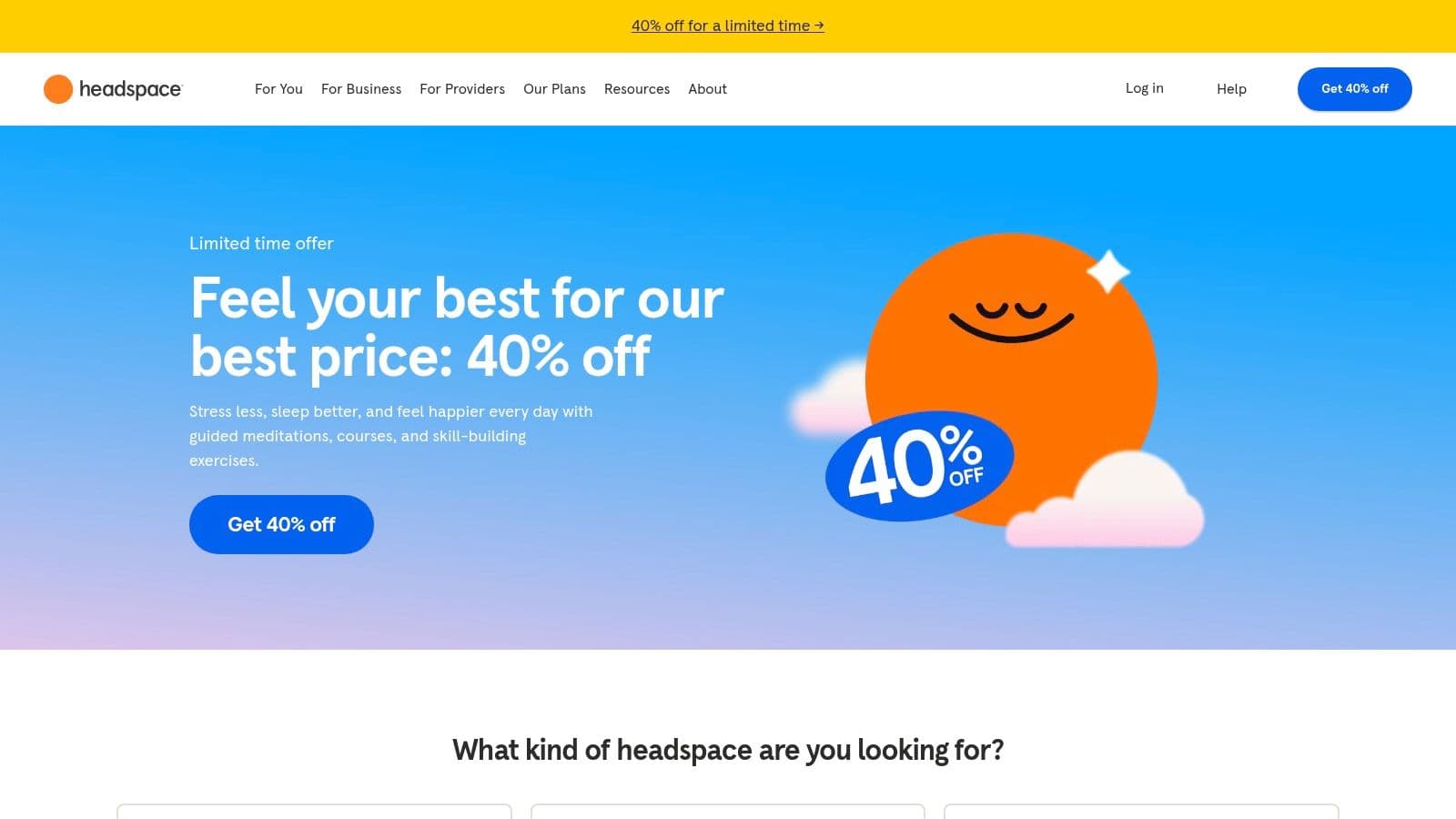
4. Headspace
A tense workday rarely leaves much room for a complicated meditation routine. Headspace works well in that moment because it reduces the effort required to start. You do not need to already be consistent with mindfulness, it gives you a clear path and helps you repeat it. For busy professionals building a personal development app stack, that kind of low-friction entry matters.
Structured mindfulness without much guesswork
Headspace organizes hundreds of guided meditations and courses around goals like stress, focus, and sleep. That structure helps when decision fatigue is part of the problem, because the app does not leave you staring at a blank screen wondering what to do next. It also includes sleep content, such as sleep casts, music, and wind-downs, so it can support both daytime regulation and nighttime shutdown.
In some regions, the app extends beyond meditation with optional coaching and therapy, which makes it feel closer to a broader mental wellness hub. The trade-off is pricing. It varies by channel and region, and add-ons can make the total cost harder to read at a glance. If you want a simpler stress-management path, it can still be worth considering, especially for beginners who need a guided curriculum instead of open-ended content.
For work stress, the value is straightforward. Pair it with the workplace stress reduction guide when you want to lower mental noise before getting back to tasks. Headspace handles the reset, but it does not organize the workload for you.
The best use case is daily consistency. A short session before work, another before sleep, or a quick reset between meetings can be enough to make the app stick. Visit Headspace if you want mindfulness with a low learning curve and a clear starting point.
5. Calm
Calm is the app you reach for when sleep and downshifting matter more than formal meditation practice. It has long leaned into relaxation, and that's exactly why many people keep it installed. If your evenings are noisy, your mind keeps revving, or you want a calmer household, it's a practical addition.
Best for winding down and shared use
The library includes meditations, music, soundscapes, and Sleep Stories, which are one of Calm's biggest strengths. It also has a free tier with some content available, plus a Family Plan for up to six members, which changes the value equation if more than one person in the household will use it. The optional Lifetime membership can make sense for long-term users, but it's a high one-time commitment for individuals.
The app is approachable, and the content is easy to start without much instruction. That makes it good for people who do not want a structured curriculum, only a dependable way to unwind. The main drawback is that annual pricing varies by region and storefront, which can make comparison shopping annoying.
Calm is less about formal practice and more about consistent decompression. If your stack needs a sleep-first app, this is one of the most dependable choices. Visit Calm if your personal growth goal starts with getting a better night's rest.
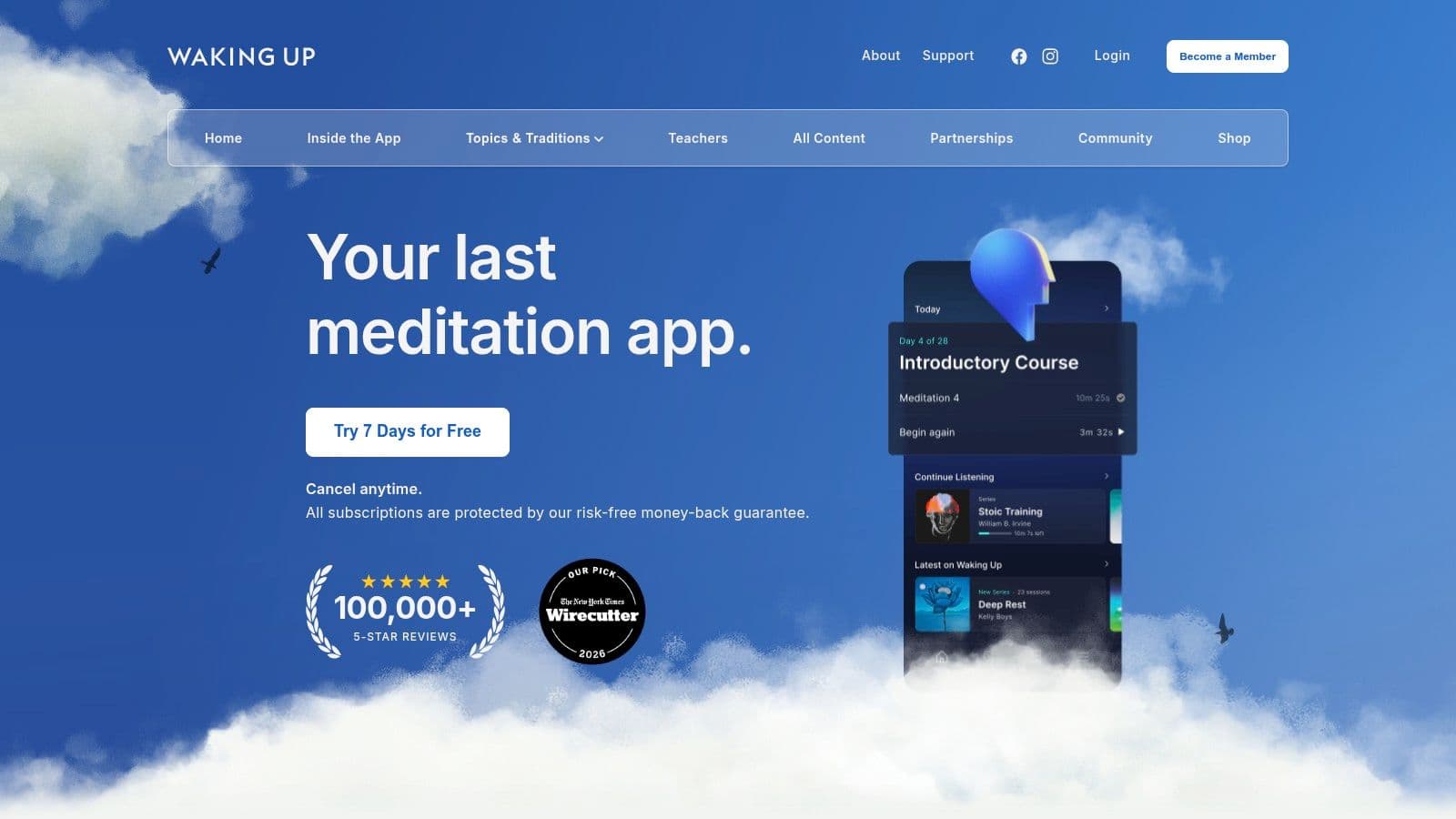
6. Waking Up
Waking Up is for people who want meditation explained, not just assigned. Sam Harris built the app around first-principles mindfulness, and the result feels more like a serious learning platform than a generic relaxation tool. That makes it a strong fit for intellectually curious users who want to understand practice, not just follow it.
For users who want depth over ambience
The app combines a Structured Intro Course with daily meditations, so beginners aren't left guessing what to do next. It also includes long-form lectures on the philosophy and science behind practice, which gives the app a distinctive voice. That can be a strength if you like rigor, but it can also feel academic if you just want quick stress relief.
The financial setup is more thoughtful than many premium apps. Waking Up offers a scholarship program for cost-constrained users and a money-back guarantee on subscriptions, which lowers the risk of trying it. What it doesn't offer is the same breadth of sleep and ambient content you'll find in more mainstream meditation apps.
That trade-off is the point. If you want a deeper theoretical framework and don't mind a more serious tone, Waking Up can keep you engaged longer than apps that only trade in soothing audio. Visit Waking Up if you want meditation content with more intellectual substance behind it.
7. Insight Timer
Insight Timer has one of the broadest free meditation ecosystems, and that breadth is both its strength and its challenge. It's especially useful if you like exploring different teachers, formats, and lengths before you settle into a routine. If your budget is tight or you want variety, it deserves a spot in the conversation.

Massive variety, minimal pressure
The app's library includes 300,000+ tracks, covering guided meditations, music, and sleep content. It also keeps a classic meditation timer and a teacher ecosystem with discussion groups, which helps it feel communal instead of purely consumptive. The free tier is generous enough that many casual users never need to upgrade.
That said, content volume can make discovery overwhelming. Teacher quality varies, so the app works best when you're willing to curate your own experience instead of expecting the platform to do all the filtering for you. MemberPlus adds unlimited courses, offline downloads, and premium tracks, but the value depends on how often you return to it.
Insight Timer is best when you want a large sandbox, not a tightly controlled path. It's great for sampling and less great for people who need a tightly prescriptive routine. If you want to test several meditation styles without pressure, visit Insight Timer.
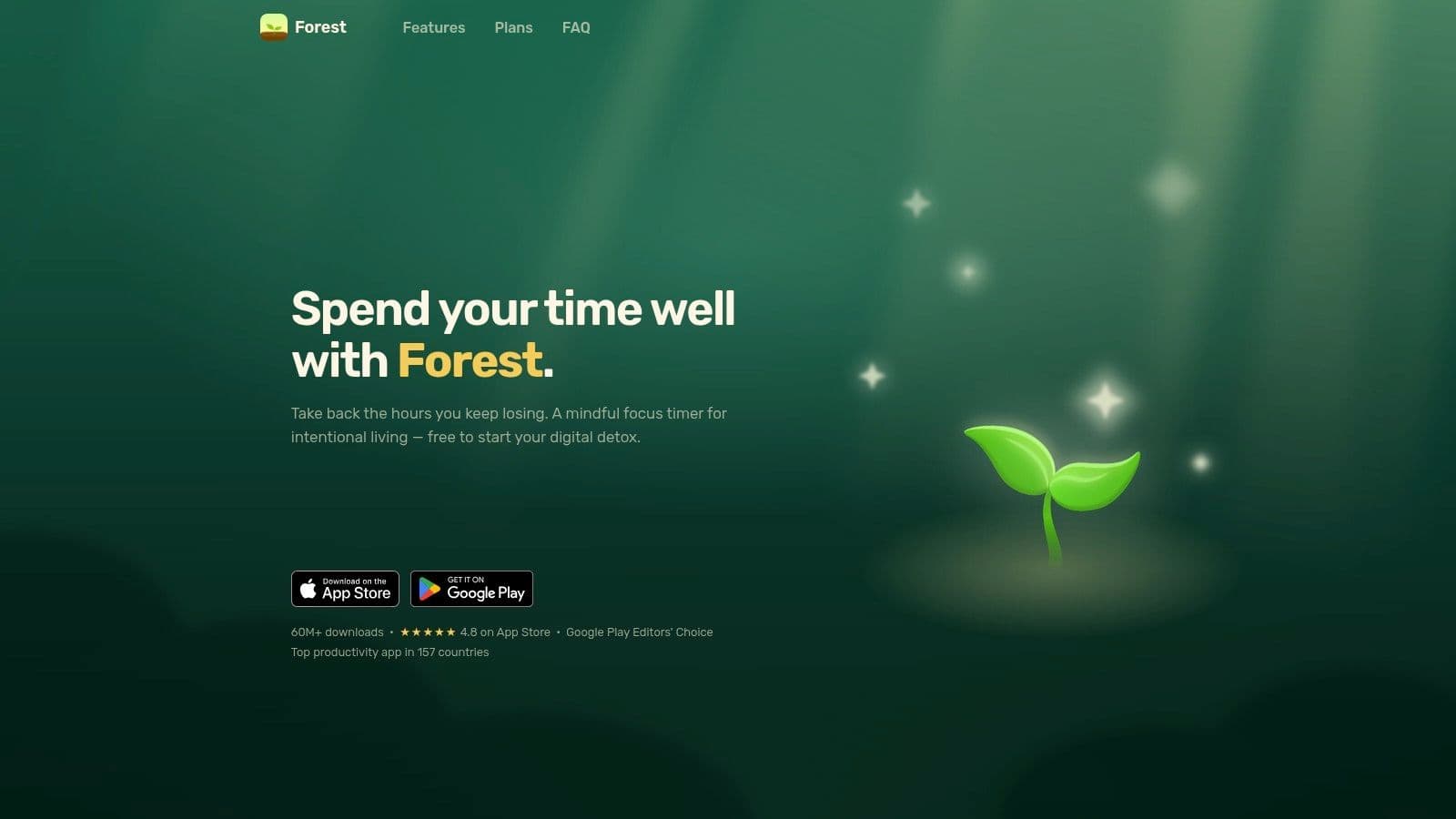
8. Forest
Forest works because it turns focus into a small game with visible consequences. If your biggest enemy is app-switching, this is one of the most useful tools you can keep nearby. It's not a full productivity suite, and that's part of why it works.
Focus support that feels immediate
The core mechanic is simple, plant a virtual tree and keep it alive by staying off distracting apps. That playful accountability creates a fast feedback loop, which is what many people need when they're trying to start a work session. The app also offers optional Deep Focus blocking, browser extensions, group Plant Together rooms, focus analytics, and soundscapes.
There's a deeper payoff too, because Forest funds real tree planting through partner charities. That won't matter to everyone, but it does make the app feel less disposable than another timer. It also supports multiple platforms, including iOS, Android, Apple Watch, and browser.
Its weakness is scope. Forest is a companion, not a project manager, so it won't organize your work for you. If you want a focus tool that pairs well with a central task hub, it fits nicely beside a system like Fluidwave. The Pomodoro technique guide is a useful companion if you want to structure sessions around short, repeatable intervals.
Visit Forest if your main productivity leak is the habit of checking your phone every few minutes.
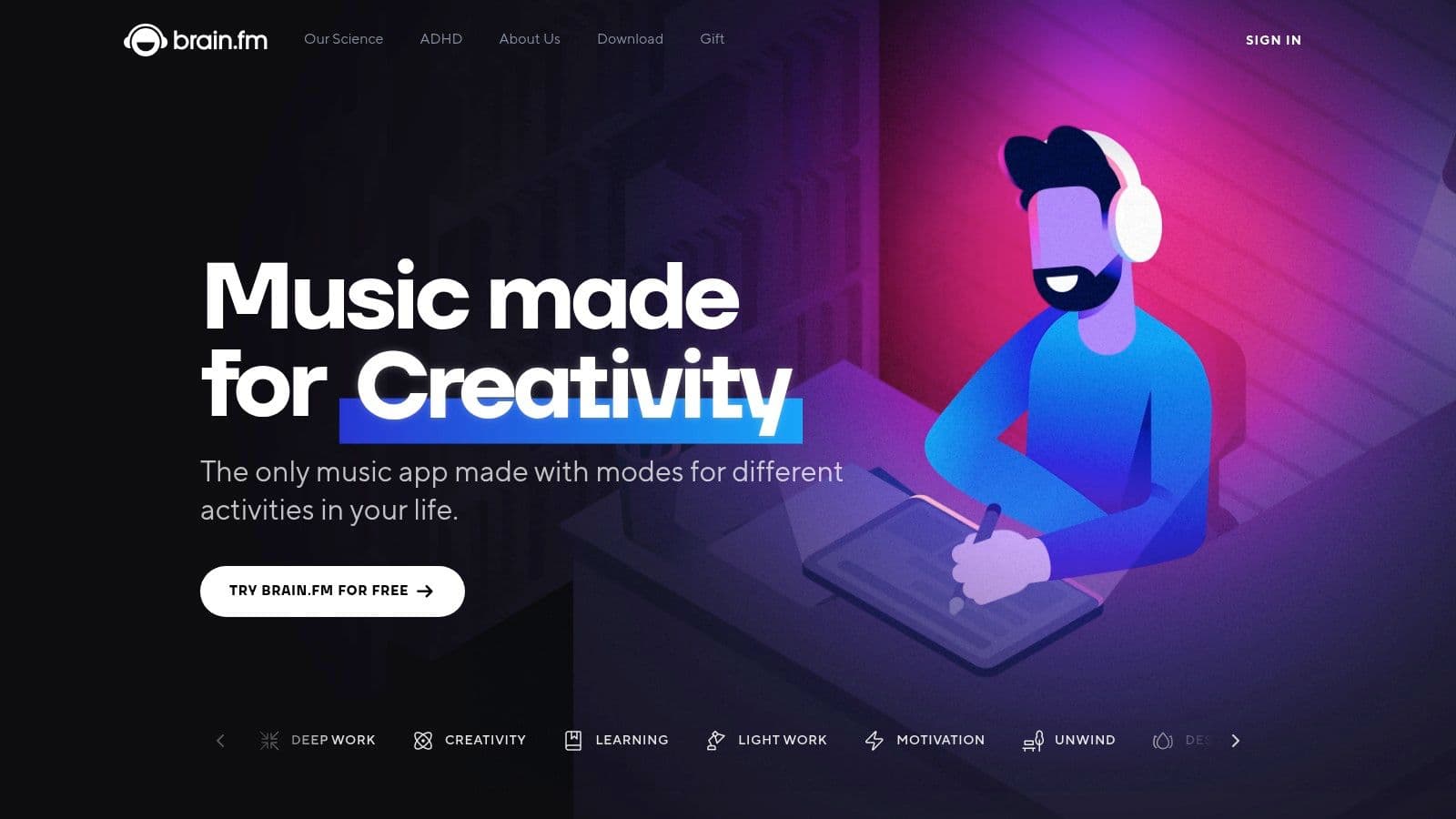
9. Brain.fm
Brain.fm is built for people who want music to support a cognitive state, not just fill silence. That makes it a little more utilitarian than typical music apps, but for deep work it can be excellent. If you need a focused soundtrack you don't have to think about, this is a smart pick.
Functional audio for focus, sleep, and recovery
Brain.fm uses algorithmically generated music intended to support neural phase-locking, and it offers personalized stations for focus, sleep, and relaxation. That narrow design is what makes it useful. You don't browse endlessly, you pick a mode and let it do its job.
The app also provides research summaries and white papers that reference NSF-supported studies, which gives it a more evidence-oriented feel than a generic ambient playlist app. Its utility is especially clear in deep work sessions, where it can reduce the urge to keep changing tracks. It's also a sensible fit for people who find lyrics distracting or who want something more consistent than a random playlist.
The downside is obvious. The music is intentionally functional, so if you want variety or emotional richness, it may feel too plain. It works best with headphones, and users who like familiar songs may prefer a regular music app instead.
Brain.fm fits best as a concentration tool inside a larger stack, not as a standalone growth system. Visit Brain.fm if your attention improves when the audio stays out of the way.
10. Day One
Day One is the strongest journaling app on this list for anyone who wants reflection to become a real practice instead of an occasional note dump. It's polished, secure, and designed for long-term use. That combination makes it a dependable place to store progress logs, gratitude notes, and self-review.
Reflection you can keep for years
Day One offers end-to-end encryption and secure sync, which matters if you're using journaling for honest self-assessment. The free tier supports unlimited journals and entries, while paid tiers add more media and sync options. That gives it a solid entry point without forcing an immediate subscription.
The app's standout feature set is the export side. You get rich media support, export and print options, and even book printing on higher tiers, though printing is currently iOS-only. The AI tools, including Daily Chat and summaries, live on higher tiers too, so you can decide how much assistance you want from the app.
Day One is most valuable when journaling is part of your system, not a separate hobby. I like it most for end-of-day reviews, because it gives you a place to capture what worked, what stalled, and what should move tomorrow. The journaling for productivity guide pairs well if you want to turn reflection into action.
Visit Day One if you want a secure journal that can become part of your daily routine.
Top 10 Personal Development Apps Comparison
| Product | Core features | UX & quality (★) | Value & pricing (💰) | Audience (👥) | Unique selling points (✨) |
|---|---|---|---|---|---|
| Fluidwave 🏆 | AI automation + vetted human VAs; multi‑view (table, list, calendar, Kanban, cards); auto‑prioritization; delegation marketplace | ★★★★☆ instant‑response, distraction‑free; saves 4+ hrs/week | 💰 Free‑forever + pay‑per‑task; transparent pricing; no subscription to delegate | 👥 Executives, teams, freelancers, entrepreneurs, neurodivergent users (ADHD) | ✨ Hybrid AI + human assistants; pay‑per‑task delegation; deep‑focus UI; assistant marketplace |
| Coach.me | Free habit tracker + community; coaching marketplace; iOS/Android/web | ★★★☆☆ simple, social accountability; coaching quality varies | 💰 Free tracker; coaches paid per session | 👥 Habit builders, accountability seekers, busy professionals | ✨ Smooth path from DIY tracking to on‑demand human coaching |
| Habitify | Cross‑platform sync; Apple Health; advanced reminders; Zapier/IFTTT integrations | ★★★★☆ data‑driven tracking; powerful reminders; steeper setup | 💰 Free (3 habits) + monthly/annual/lifetime plans | 👥 Power users, multi‑device users, analytics‑minded | ✨ Lifetime purchase option; habit stacking & automation hooks |
| Headspace | Guided meditations, structured programs, sleep catalog, optional coaching | ★★★★☆ polished, beginner‑friendly, structured curriculum | 💰 Subscription (varies by region); family & student plans | 👥 Beginners, stress/focus seekers, families | ✨ Clinically informed programs; strong brand trust; structured learning |
| Calm | Large meditation & sleep library; music & Sleep Stories; family plan; lifetime option | ★★★★☆ excellent sleep content; approachable sessions | 💰 Subscription / optional lifetime; family plan adds value | 👥 Sleep seekers, families, general wellness users | ✨ Celebrity‑narrated Sleep Stories; family sharing; extensive sleep catalog |
| Waking Up | Daily meditations + long‑form lectures; intro course; scholarship program | ★★★★☆ deep, pedagogical, theory‑forward (can feel academic) | 💰 Subscription with money‑back & scholarships | 👥 Intellectually curious practitioners, theory‑oriented users | ✨ Philosophy + science lectures; clear pedagogy for practice |
| Insight Timer | 300k+ tracks; classic timer; teacher ecosystem; MemberPlus for courses/offline | ★★★☆☆ huge variety; discovery can overwhelm; excellent free tier | 💰 Generous free tier; MemberPlus subscription for premium access | 👥 Cost‑sensitive users, variety seekers, community learners | ✨ Massive free library; active teacher & discussion ecosystem |
| Forest | Gamified focus timer; optional app/site blocking; group "Plant Together"; plants real trees | ★★★★☆ playful accountability; reduces screen switching | 💰 Free tier; Plus subscription / paid apps | 👥 Students, distracted phone users, Pomodoro fans | ✨ Gamified tree growth + real tree planting impact |
| Brain.fm | Algorithmic functional music for focus/sleep/relax; personalized stations; research support | ★★★★☆ utilitarian but effective for deep work; best with headphones | 💰 Subscription with trial options | 👥 Deep‑work users, ADHD‑friendly, science‑minded listeners | ✨ Neuroscience‑backed audio design; published research support |
| Day One | End‑to‑end encrypted journaling; rich media; export/print; AI tools on higher tiers | ★★★★☆ premium, secure journaling; excellent archive/export | 💰 Free basic; paid sync/AI tiers; printing costs (iOS) | 👥 Journalers, privacy‑conscious users, long‑term archivists | ✨ E2E encryption, book printing & AI‑assisted reflection |
How to Build Your Personal Development App Stack
The value of personal development apps shows up when they work together instead of competing for attention. A good stack does three jobs: it helps you act, it helps you reset, and it helps you remember what you learned. If one app tries to do all three, it usually becomes bloated and hard to keep using.
A practical setup starts small. Use Habitify or Coach.me for routine tracking, Headspace or Calm for mindfulness and sleep, and Day One for reflection. That combination gives you daily structure without forcing you into an oversized system, and it lines up with the broader guidance to avoid app overload and keep the number of tools low enough to sustain.
For the work layer, a central hub matters more than another standalone app. Fluidwave is the strongest anchor when your growth goals involve real tasks, deadlines, delegation, or team coordination. It lets you prioritize work across multiple views, route tasks to human assistants when needed, and keep momentum without turning your day into manual admin.
The best stacks also respect how much time you have. One evidence-oriented framework recommends roughly 20% of weekly awake time for improvement activities, translating to about 4 to 12 hours per week, and suggests three to five small interventions aimed at one specific goal can materially improve long-term success (LessWrong framework). That lines up with what works in practice, a few focused tools used consistently beat a dozen apps installed in a burst of enthusiasm.
The mistake many make is picking apps by category instead of by bottleneck. If your problem is follow-through, use Coach.me or Fluidwave. If your problem is attention, use Forest or Brain.fm. If your problem is reflection, use Day One. If your problem is getting started, choose one app, use it daily for a week, and let the system prove itself before you add anything else.
If you want one platform that can sit at the center of a practical growth stack, Fluidwave is built for that role. It combines AI task management, real human delegation, and flexible views so your personal development system doesn't collapse under its own admin. Visit Fluidwave and use it to turn your goals into a workflow you can maintain.
Focus on What Matters.
Experience lightning-fast task management with AI-powered workflows. Our automation helps busy professionals save 4+ hours weekly.