How to Use Kanban Board. Learn how to use a kanban board to streamline workflows. Get practical steps, real examples, and expert tips for setting up Kanban
August 22, 2026 (1mo ago)
How to Use Kanban Board Effectively: The Complete
How to Use Kanban Board. Learn how to use a kanban board to streamline workflows. Get practical steps, real examples, and expert tips for setting up Kanban
← Back to blog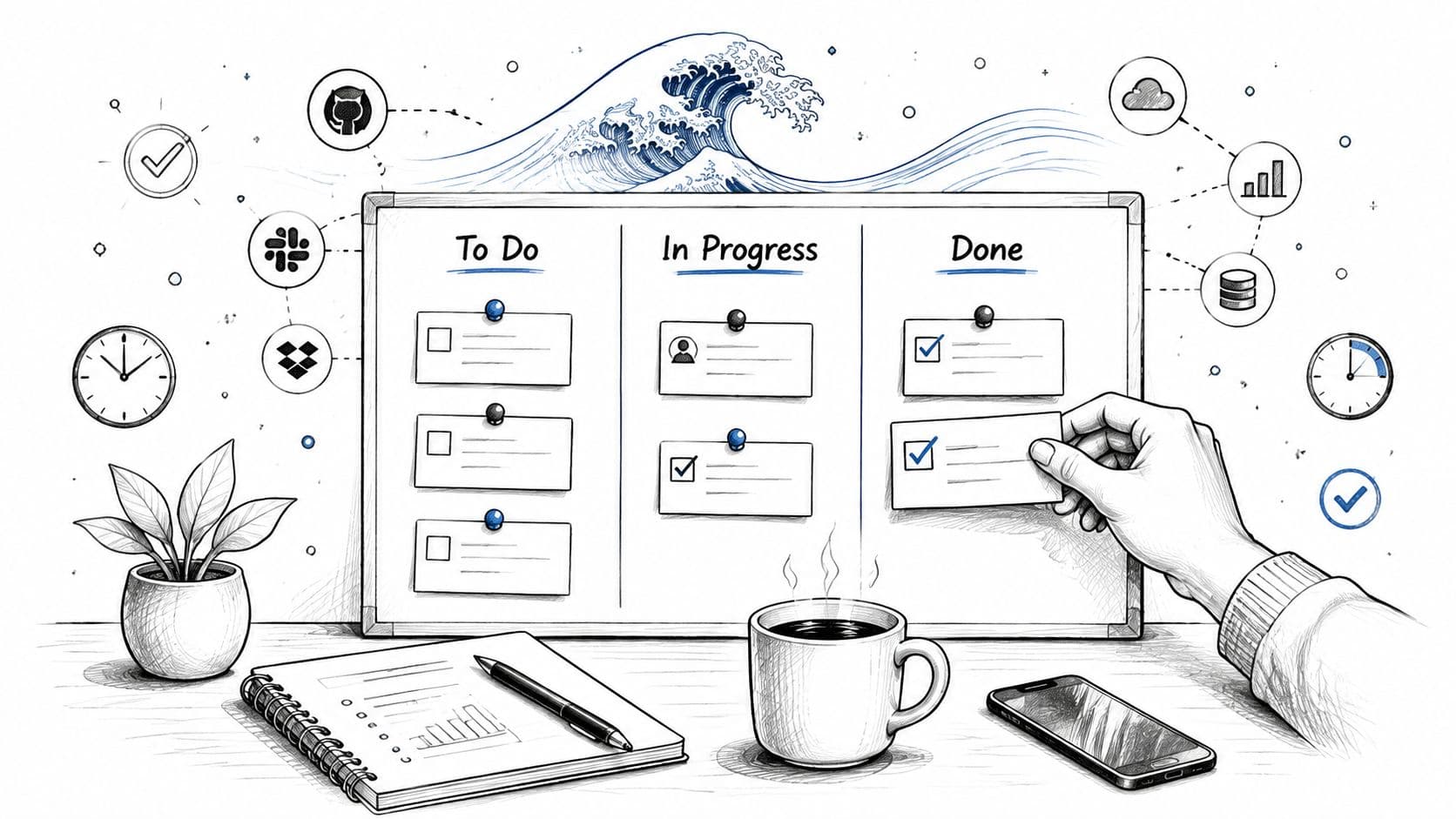
You've got tasks in an inbox, notes in a spreadsheet, messages in a chat thread, and deadlines living in your head. By midmorning, you've touched several projects but finished very little. The problem usually isn't effort. It's that nobody, including you, has a reliable view of what's waiting, what's active, what's blocked, and what's complete.
A Kanban board gives that work a visible shape. Each card represents a unit of work, and each column shows where that work sits in the process. Used properly, the board becomes more than a digital to-do list. It helps you control active work, expose bottlenecks, and pull the next task only when capacity exists.
Why Your Workflow Needs a Visual Overhaul
By midmorning, an email request has joined a chat interruption, a spreadsheet update, and an overdue approval. You switch between them, yet cannot tell which commitment is advancing or which one is quietly blocking others. A visual workflow exposes that friction before it turns into another missed handoff.

A Kanban board gives each piece of work a defined location. Cards show the commitments, columns show their current stage, and movement shows whether the process is flowing or accumulating delay. That distinction matters in an AI-driven platform such as Fluidwave, where delegation can increase throughput while also sending more work into review. Without visible limits, automation can feed a bottleneck faster than a team can clear it.
The practical gain comes from seeing work that scattered notes conceal. A growing review queue signals limited reviewer capacity. Several cards marked active may reveal that people are starting too much and finishing too little. Those patterns give a project manager a basis for setting WIP limits, redirecting delegated work, and deciding what should enter the system next.
Kanban grew out of Toyota's postwar production system in Japan. Taiichi Ohno introduced the kanban signaling method in the late 1940s to reduce waste and control inventory through visual cards. Software teams later adapted the approach into columns and cards, with early Kanban-style software reports noted in 2007 and community milestones following in 2007 and 2009, as described in Agile Alliance's Kanban board glossary.
Move work out of your head
The board does not make decisions for you. It removes much of the memory work required to track them, giving you a shared view of capacity and delay:
- What needs attention: Which cards are ready to start?
- What is active: Which tasks are using real capacity?
- What is stuck: Where has work stopped or awaits input?
- What is finished: Which commitments no longer require attention?
That shared view becomes especially useful across projects, inboxes, and delegated tasks. Fluidwave can organize work across Kanban and other views, while these workflow visualization tools for clarity offer a way to compare visual approaches.
Practical rule: If a task exists only in someone's memory, the workflow is already hiding risk.
Setting Up Your First Kanban Board in Fluidwave
A useful first board reflects the work your team already handles. If requests arrive through email, chat, and private spreadsheets, capture that work before designing a perfect process. The board should be readable at a glance and accurate enough to guide daily choices.
Build the workflow before adding detail
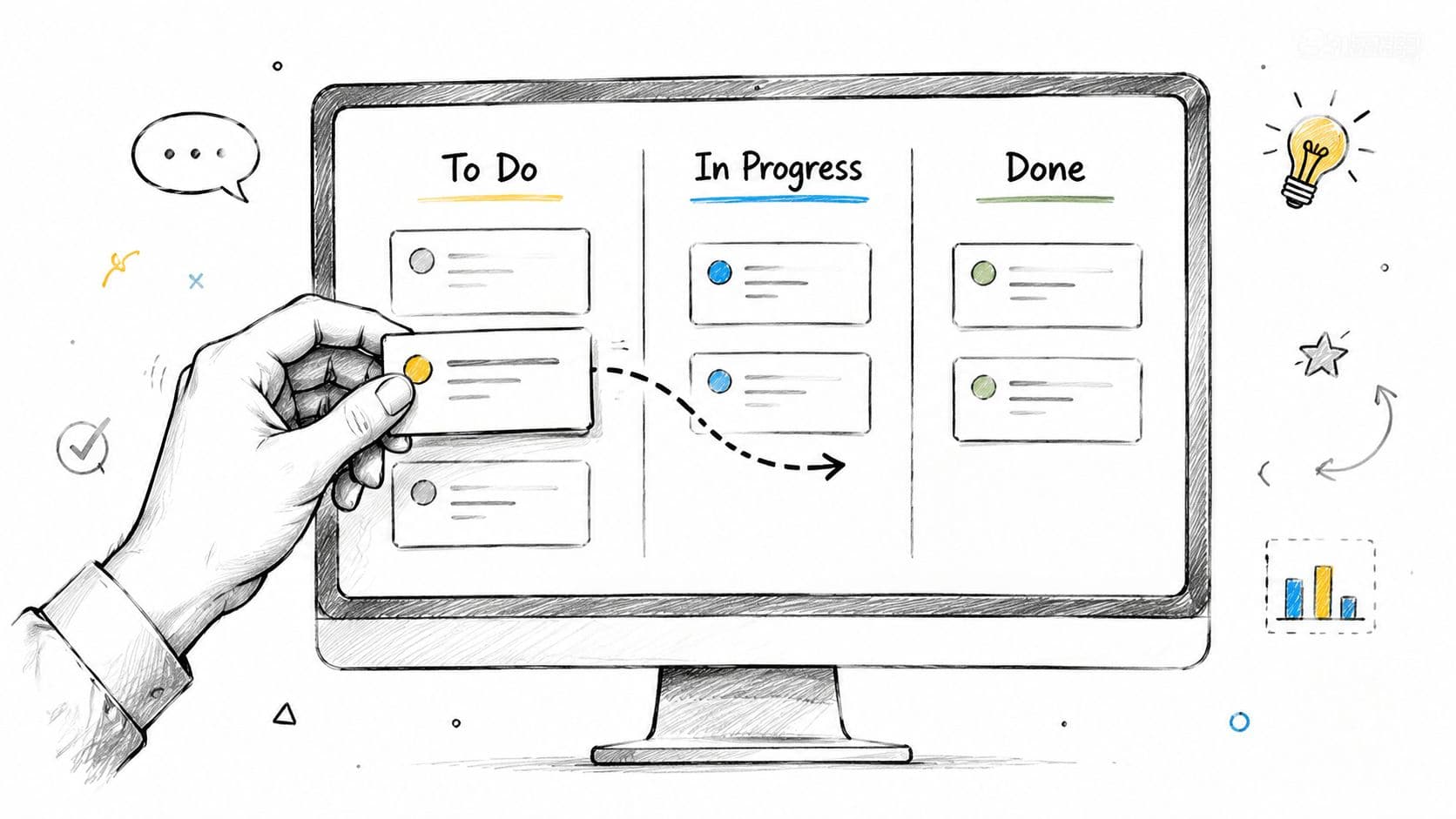
Create three starting columns:
- To Do: Accepted work that has not started.
- In Progress: Work someone is actively handling.
- Done: Work that meets the completion policy.
Add a Review column when approvals are a real stage. Add Waiting for Input when customer or stakeholder information regularly holds up tasks. Avoid columns for steps that take moments and create no useful visibility. Each column should clarify movement or expose delay.
Create one card for each meaningful unit of work. “Prepare the launch” hides research, copy, design, approvals, and publishing. Split those activities when separate ownership or handoffs affect progress. Include the information needed to act, then add due dates, priorities, or delegation details only when they support a decision. In an AI-driven workspace, clear card scope also gives automated assistance a better boundary for assigned work.
Fluidwave organizes tasks across Kanban and other views. Its key features can help you compare how interfaces handle cards, ownership, and workflow context. For repeatable work, record the agreed structure with this guide to create a reusable workflow template.
Create a board people will maintain
Every extra update creates resistance. Set up quick card creation, visible ownership, and simple movement between stages before adding labels or custom properties. Start with fields the team will use. Add more only after a recurring problem shows why they are needed.
Give every card a clear completion condition. “Draft landing page” may be complete when the copy is written. “Publish landing page” may require approval and a live URL. Writing that distinction on the card prevents work from reaching Done while an important handoff remains outside the system.
A short walkthrough can reinforce the basic movement from one stage to the next:
Once the board is live, compare it with actual behavior. If people still rely on email, chat, or private notes, the board is not yet the system of record. Bring those tasks into the workflow, remove duplicates, and keep the first version small enough that the team will maintain it.
Mastering WIP Limits and Card Lifecycle
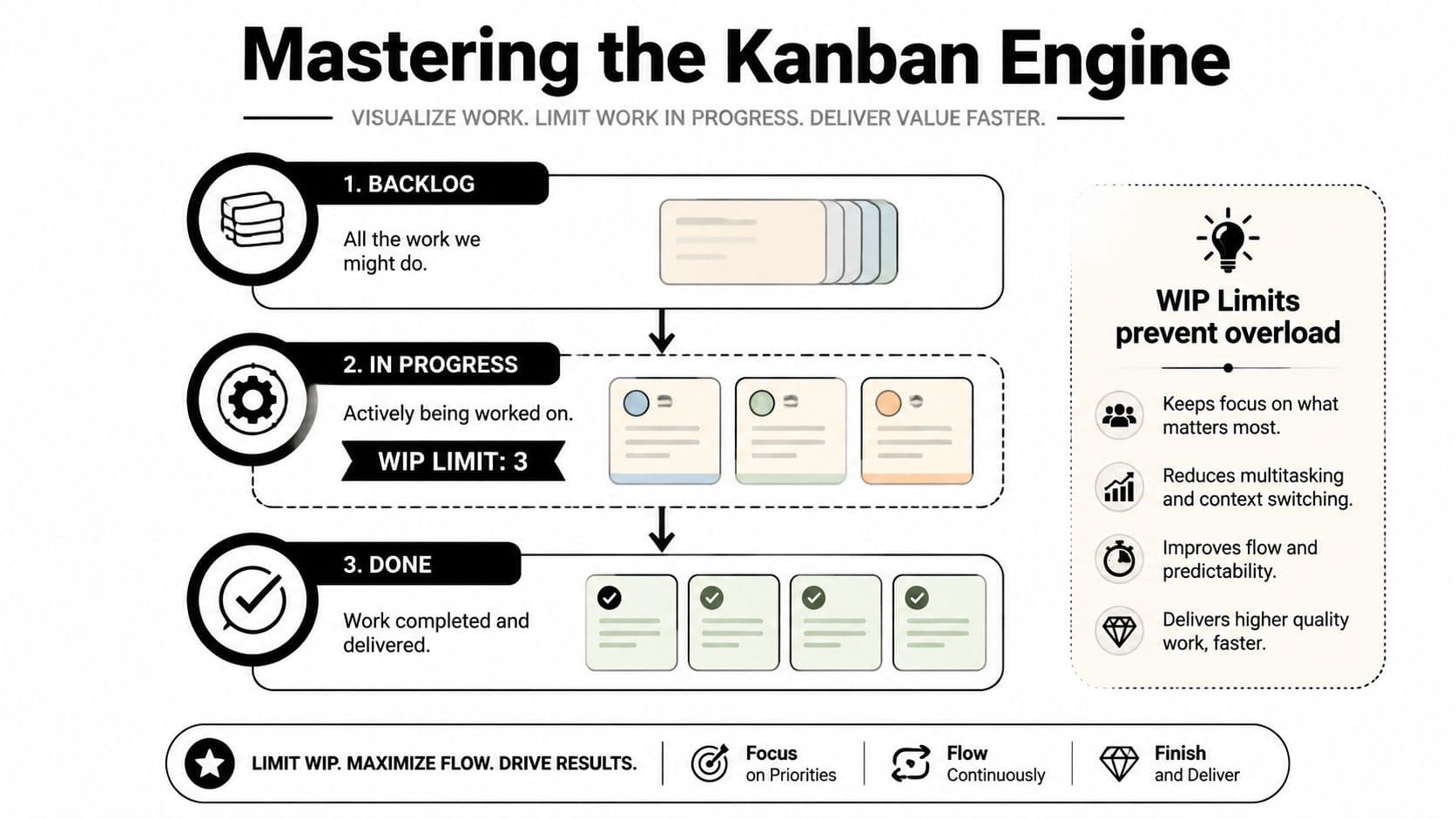
A Kanban board loses value when every column is full and nobody knows what to finish first. Work in progress limits, or WIP limits, set the maximum amount of work allowed in a stage. Teams can apply them to columns, individuals, work types, or the full system. The operating goal is simple: finish active work before starting more.
An empirical case study covering more than 8,000 work items across five teams found that lower WIP correlated with shorter lead time, according to the Azure Boards guidance on WIP limits. The study also found a correlation between WIP and productivity. A high limit creates queues, while a limit set too low can leave people waiting and reduce throughput.
Set limits that reveal the constraint
Start conservatively, then adjust from observed flow. The Azure guide suggests roughly 2 to 3 items per team member in a stage. Another starting rule is team size plus one, so a 10-person team might begin with a WIP limit of 11, as described in Atlassian's WIP limit guidance.
Treat both rules as starting points, not permanent policies. If the review column fills repeatedly, prioritize reviews or increase review capacity before pulling in more development work. If a column stays empty while people wait, the limit may be too restrictive, or an upstream or downstream capacity problem may be stopping flow.
Treat cards as a pull system
A practical card lifecycle gives each handoff a clear rule:
- Backlog: Capture and clarify the request.
- Ready: Confirm that the next person has enough information to begin.
- In Progress: Pull the card only when active capacity exists.
- Blocked or Waiting: Record the reason for delay instead of hiding it.
- Review: Apply the agreed quality check.
- Done: Move the card only after it meets the completion policy.
Count blocked work in the relevant WIP total. Otherwise, the board can show apparent capacity while unresolved cards occupy the system. Research from Northumbria University on workflow optimization examines how replenishment rate, resource capacity, and WIP limits interact. The finding supports regular adjustment rather than searching for one permanently “optimal” limit.
Fluidwave's delegation features can help route a ready card to the person with capacity, but delegation does not replace a WIP policy. For teams that create cards from spoken instructions, dictating Trello cards shows how to reduce friction between an idea and a trackable task. Capture work quickly, clarify it before starting, and use work-in-progress limits to prevent easy card creation from becoming uncontrolled WIP.
Personal Kanban vs Team Kanban in Fluidwave
Personal Kanban and Team Kanban use the same visual language, but they solve different coordination problems. A personal board helps one person choose what deserves attention. A team board helps several people understand ownership, dependencies, capacity, and blockers without relying on repeated status messages.
For personal work, keep the board close to your actual attention span. A small To Do column, a tightly controlled In Progress column, and a clear Done column can support deep work better than a detailed project taxonomy. Add due dates when timing matters, but don't turn every card into a miniature project plan. The value comes from deciding what you'll finish, not from decorating every task with metadata.
Fluidwave can support personal task organization through Kanban, list, table, calendar, and card views, with automation and prioritization features that help users organize what to tackle next. The operating rule remains yours: select a manageable amount of active work, finish it, and then pull from the ready queue.
Choose the board based on coordination needs
Team Kanban needs stronger policies than a personal board because every ambiguous card creates work for someone else. Assign an owner, state the expected outcome, and make dependencies visible. When a card is blocked, record the reason and the next action. A shared board should help a team decide what to do next, not merely display activity.
| Aspect | Personal Kanban | Team Kanban |
|---|---|---|
| Primary purpose | Protect focus and manage commitments | Coordinate ownership and shared flow |
| Card detail | Enough context for one person to act | Enough context for another person to continue |
| WIP control | Limits active tasks to reduce context switching | Limits column load and exposes capacity constraints |
| Ownership | Usually implicit or self-assigned | Explicit owner and handoff policy |
| Blockers | Personal reminder and next action | Shared status, dependency, and escalation point |
| Delegation | Optional support for low-value tasks | Assign work outside the core team when capacity is tight |
Delegation can bridge the gap between personal control and team delivery. A project lead might keep strategic decisions in their own In Progress column while assigning research, data cleanup, scheduling, or administrative tasks to a virtual assistant on a pay-per-task basis. That only helps when the delegated card has a clear outcome, deadline, budget, and acceptance criteria. Moving work away from your board without defining those details moves the confusion elsewhere.
Best Practices for Long-Term Kanban Success
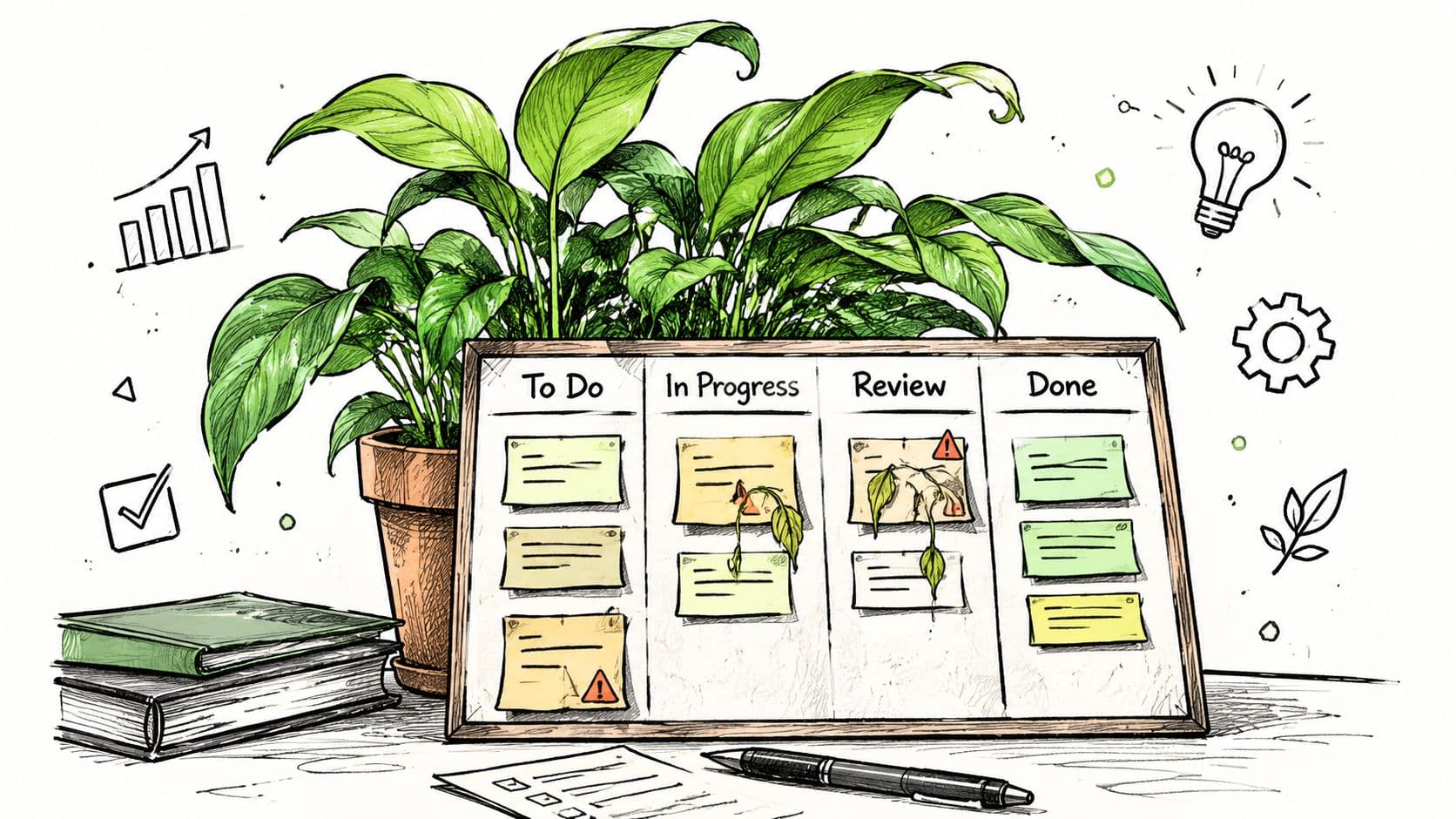
A board stays useful only when it matches actual work. After teams move beyond spreadsheets, the recurring problem is rarely a missing feature. Private lists, stale cards, and vague columns gradually create a polished view of an inaccurate workflow. Review the board against current behavior, then correct the system where it has drifted.
Review flow, not individual busyness
Use a short board review to locate waiting work and identify its cause. Avoid turning the session into a round-robin status report. Check cards that have not moved, columns that remain full, unclear policies, and work that entered the system without enough context.
WIP limits need an operating rule. Put limits on active columns, define what counts as in progress, and include blocked cards in the count. Revisit the limits after two to four weeks of live use, then adjust them when the workflow changes. The goal is to expose queues early, not to make the board appear orderly.
Review question: What is the oldest active card, and what would help it move today?
Keep policies visible on the board. A column policy can define readiness, required checks, or the conditions for moving a card to Done. Kanban policies can be attached to columns or swimlanes, and some board editors display them through an information icon on hover, as shown in this Kanban policy documentation.
Use grouping without hiding work
Swimlanes can separate urgent incidents, customer requests, internal improvements, and delegated tasks. Use them to clarify priority and ownership, not to multiply visual noise. Keep lane names familiar, and remove a lane when it no longer represents a meaningful difference in how work flows.
Changing a swimlane changes task grouping, not task existence. Kanboard's documentation explains that removing a swimlane moves its assigned tasks to the default swimlane instead of deleting them, as described in the Kanboard swimlane documentation.
Kanban also has boundaries. A literature review and later critiques identify difficulties with assigning work, communicating project direction, handling deeper requirements, and showing enough progress for long-term monitoring. Use the board to manage flow, then add milestone views, dependency tracking, or planning documents when the work requires them. The literature review on Kanban limitations supports that distinction. In AI-driven platforms such as Fluidwave, review automated assignments and delegated cards against these policies so automation does not hide a growing queue.
Taking Your Workflow to the Next Level
When work sits across spreadsheets, inboxes, and chat, start by placing each meaningful commitment on one visible board. Define the workflow, clarify what each column means, and set WIP limits before the queue grows. Clear policies make handoffs easier to review, especially when AI assigns or delegates tasks.
The board should reduce administration, not create it. Automation can handle repetitive updates, while delegation can send suitable tasks to virtual assistants when your capacity is full. Human judgment still decides what enters the system, what “done” means, and which item deserves attention next. In Fluidwave, review delegated cards and automated assignments against your WIP limits so speed does not conceal a bottleneck.
Keep the first version small. Watch where cards accumulate, then change one rule or column in response to a specific problem. Review blocked work regularly, and remove practices that add reporting without improving flow. Kanban is a continuous improvement practice, so the board should change as the work changes.
A clean board will not simplify every project. It will make overload visible as a queue you can prioritize, delegate, or stop.
Fluidwave provides Kanban task views, prioritization, automation, collaboration, and pay-per-task delegation through virtual assistants. Create a small board with real work, then use its first review to identify the bottleneck to address.
Focus on What Matters.
Experience lightning-fast task management with AI-powered workflows. Our automation helps busy professionals save 4+ hours weekly.