A solid project plan is your blueprint for success. It’s more than a to-do list—it’s a living roadmap that aligns goals, maps dependencies, assigns resources, and prepares for risks so your team can deliver on time and on budget.
October 8, 2025 (11mo ago) — last updated December 11, 2025 (9mo ago)
Create a Project Plan: Step-by-Step Guide
Learn a practical, step-by-step approach to build a strategic project plan that prevents scope creep, maps milestones, and manages risks.
← Back to blog
Create a Project Plan: Step-by-Step Guide
Learn how to create a project plan that keeps your team on track. Discover practical steps to build a strategic, adaptable plan that prevents scope creep and delivers results.
Introduction
A solid project plan is your blueprint for success. It’s more than a to-do list; it’s the roadmap that guides your team from start to finish, aligns priorities, allocates resources, and manages risks before they become crises. This guide walks you through the core steps to build a strategic, living project plan you can rely on.
Why Most Project Plans Fail

Too many plans start life as glorified checklists—nice to look at in a meeting but brittle in practice. They’re treated like a static document instead of a living guide. A truly effective plan evolves, adapts, and acts as your project’s central nervous system.
From Task List to Strategic Roadmap
A task list tells you what to do; a strategic plan ties each action back to business goals, maps dependencies, and accounts for resources and risks. When designed this way, a plan helps you prevent budget overruns and missed deadlines by making trade-offs visible early.
A well-structured project plan brings clarity and control to what can otherwise feel chaotic.
Key Components of an Effective Project Plan
| Component | What It Is | Why It Matters |
|---|---|---|
| Clearly Defined Scope | A precise outline of deliverables, boundaries, and what’s not included. | Stops scope creep and aligns expectations. |
| Milestones & Timeline | Key checkpoints and a realistic schedule with dependencies. | Shows progress and highlights critical deadlines. |
| Resource Allocation | Who does what, when, and with what budget or tools. | Prevents bottlenecks and burnout. |
| Risk Management Plan | Identifies threats and mitigation strategies. | Turns potential disasters into manageable problems. |
Defining Your Project Scope and Objectives
Every successful project starts with a clear blueprint: scope and objectives. Skipping this—or rushing it—leads to endless revisions, blown budgets, and missed deadlines. A notable portion of projects experience scope creep when initial boundaries aren’t firm enough1.
Crafting Crystal-Clear Objectives
Vague goals are useless for planning. Use SMART objectives:
- Specific — State exactly what you’ll achieve.
- Measurable — Define how you’ll measure success.
- Achievable — Make goals realistic for your resources.
- Relevant — Align with broader business goals.
- Time-bound — Set a deadline.
Example: “Increase Instagram comments and shares by 15% over the next quarter.” That’s specific, measurable, and time-bound.
Building a Bulletproof Scope Statement
A scope statement spells out what’s in and what’s out. It’s your defense against scope creep and your reference point when new requests arrive. For example, a website project might include a homepage and contact form and explicitly exclude e-commerce and a blog.
For more examples, see the project scope statement walkthroughs linked below.
Breaking Down the Work and Mapping Milestones
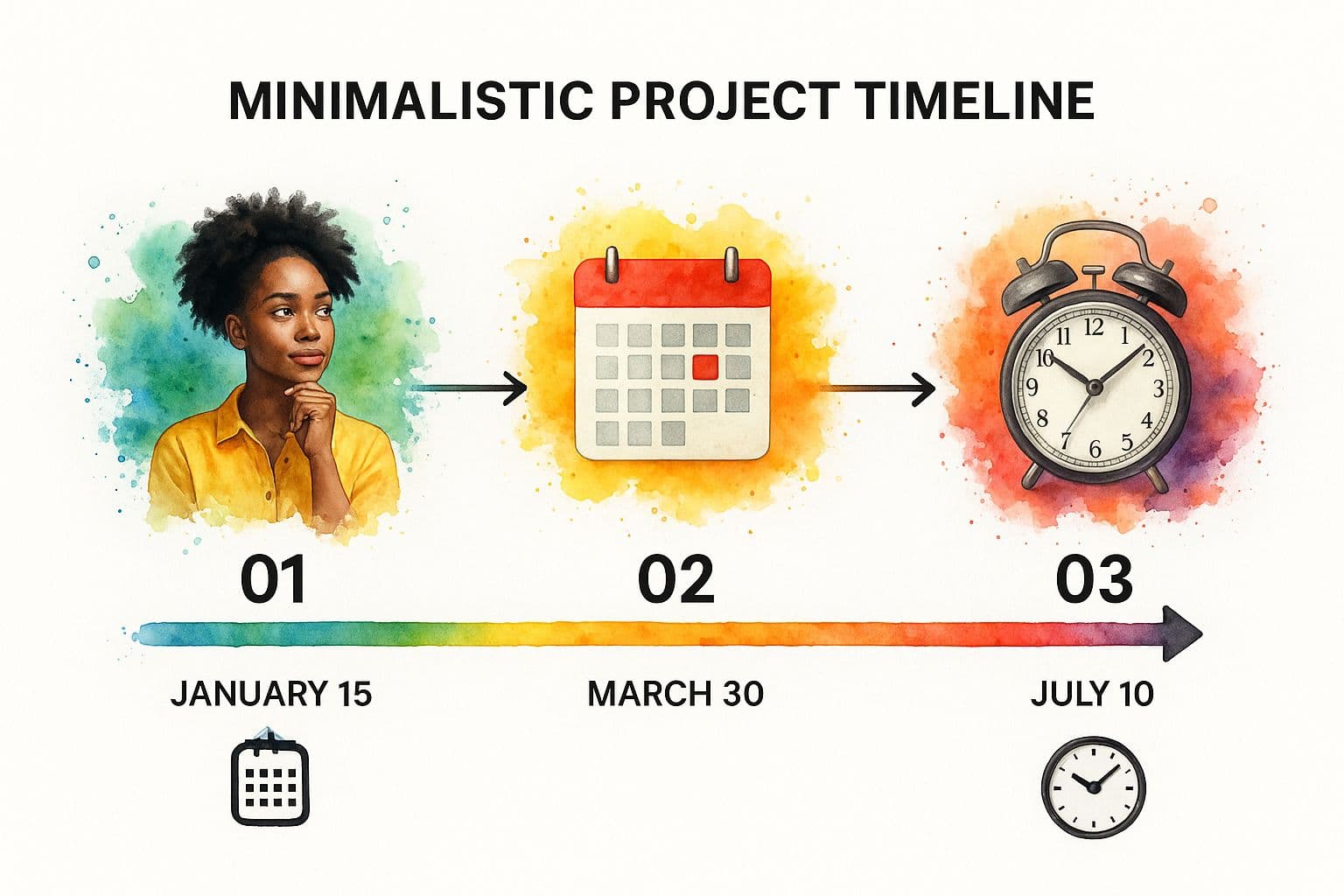
Turn big goals into manageable work with a Work Breakdown Structure (WBS). Break each deliverable into smaller tasks and sub-tasks. This makes assignments clear and progress measurable.
Identifying Your Critical Milestones
Milestones mark major achievements—not daily tasks. Examples:
- Marketing: “Final ad creatives approved.”
- Software: “Alpha testing complete.”
Milestones help you track momentum and celebrate wins.
Sequencing Tasks and Understanding Dependencies
Map dependencies so work flows logically. Many delays come from overlooked dependencies—like design waiting on finalized messaging. Visualizing dependencies in software or a Gantt chart helps spot potential bottlenecks early. High-performing teams often rely on dedicated project management tools to do this effectively2.
Assembling Your Team and Allocating Resources
A plan becomes real when people and resources are attached. Match skills to tasks and check availability to avoid future conflicts.
Defining Roles and Fostering Ownership
Use a RACI matrix to clarify roles:
- Responsible — Does the work.
- Accountable — Owns the outcome.
- Consulted — Provides input.
- Informed — Kept up to date.
This removes ambiguity and builds ownership.
Smart Resource Allocation Beyond People
Account for budget, tools, and equipment. List each required resource, assign it to tasks, and track costs to justify budget requests. For deeper guidance, see resource allocation resources linked below.
Anticipating Risks and Building Contingency Plans
Plan for problems before they happen. Run a risk brainstorming session and think in categories: technical, budgetary, resource, and external risks. This prepares you for likely scenarios and reduces surprises.

Brainstorming What Could Go Wrong
Start with quantity: list every “what if” without judgment. Categorize risks to make sure you cover technical, budgetary, resource, and external threats.
Assessing and Prioritizing Your Risks
Triage risks by likelihood and impact. Address high-likelihood, high-impact risks first—those are the true project-killers. Lower-priority items can be monitored or noted for minimal mitigation.
Choosing Your Tools and Communication Cadence
Modern project management software is essential—market demand for these tools has grown rapidly, and many teams rely on them to centralize work and prevent information silos45.
Selecting the Right Project Management Software
Choose tools that match your workflow. Look for centralized task, timeline, and document management so the team has one source of truth. Visuals like Gantt charts expose risky dependencies before they derail the project.
Establishing Your Communication Cadence
Define how, when, and where updates are shared. A predictable rhythm reduces confusion:
- Daily stand-ups — 15 minutes for the core team.
- Weekly progress reports — high-level summaries for stakeholders.
- Instant messaging — fast, informal questions.
Set the cadence that fits your project’s pace—weekly reviews work well for many teams, while agile teams may adjust daily3.
Answering the Tough Questions: A Project Manager’s Field Guide
What Do We Do When the Scope Creeps?
Use your scope statement and a change control process. Assess how a request affects timeline, budget, and capacity, then present trade-offs so stakeholders can make an informed decision.
How Do You Manage Unforeseen Delays?
Be transparent. Assess the ripple effects, propose solutions—like reshuffling tasks or bringing in help—and communicate clearly with stakeholders: what happened, the impact, and recommended next steps.
How Often Should You Update the Plan?
Treat the plan as living. A weekly review usually balances oversight and agility; agile teams may update more frequently in daily stand-ups. Always keep the plan as your single source of truth.
Ready to build project plans that stand up to real-world challenges? Fluidwave gives you the structure to define scope, the visibility to track progress, and the flexibility to adapt. Get started for free and see how it works.
Frequently Asked Questions
What is the first step to create a project plan?
Start by defining clear objectives and a scope statement so everyone agrees on what’s included and what’s not.
How do I prevent scope creep?
Use a firm scope statement and a change control process that assesses trade-offs for any new request.
Which tool should I use for project planning?
Choose software that matches your team’s workflow and centralizes tasks, timelines, and documents. Look for features like dependency visualization and shared dashboards.
1.
Project Management Institute, “Pulse of the Profession,” https://www.pmi.org/
2.
monday.com, “Project Management Statistics,” https://monday.com/blog/project-management/project-management-statistics/
3.
State of Agile Report, https://stateofagile.com/
4.
Grand View Research, “Project Management Software Market Size,” https://www.grandviewresearch.com/industry-analysis/project-management-software-market
5.
monday.com, “Project Management Statistics,” https://monday.com/blog/project-management/project-management-statistics/
Focus on What Matters.
Experience lightning-fast task management with AI-powered workflows. Our automation helps busy professionals save 4+ hours weekly.