Find the best free genogram template for Word with our curated 2026 list. Direct downloads for clinical, personal, and educational use. Start charting now.
June 27, 2026 (2mo ago)
10 Best Free Genogram Template for Word Options (2026)
Find the best free genogram template for Word with our curated 2026 list. Direct downloads for clinical, personal, and educational use. Start charting now.
← Back to blog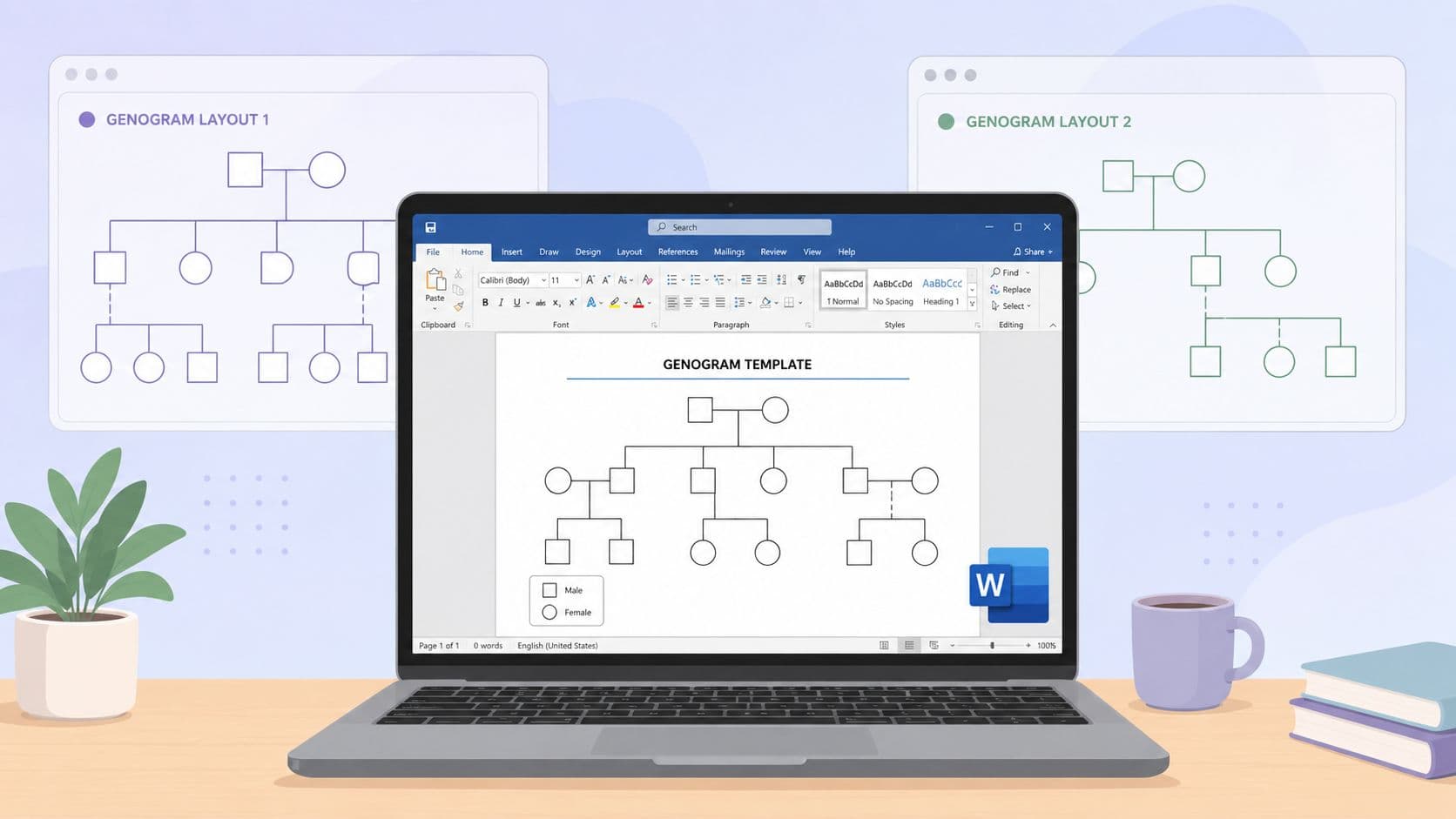
Stop drawing a genogram from scratch in Word unless you have no other option. The usual sequence is familiar. Insert a square, insert a circle, add connector lines, nudge everything into place, then watch the layout break when one label gets longer than expected.
The problem is not just the drawing time. It is that genograms have structure rules, and Word is only half-helpful with them. If you need a chart that covers multiple generations, relationship lines, and dates that stay readable, the starting file matters as much as the symbols. A decent Word template saves time. A bad one leaves you rebuilding the whole page with shapes and text boxes anyway.
That trade-off is the point of this guide.
Some sources offer true Word files that are worth editing. Some give you a template preview that looks fine until you open the document and realize it is really just a loose collection of objects. In practice, I sort these options into three buckets: Word templates you can edit directly, Word files that need cleanup, and cases where it is faster to build the genogram in an online tool and export it once the structure is settled.
That last option gets ignored too often. Word is good for final formatting, small edits, and documents that need to stay in DOCX for school or office use. It is not always the best place to build a relationship-heavy chart from zero. If your chart is getting wide, crowded, or symbol-heavy, you may also need basic page setup changes such as adding another page in Word for larger family charts before the template is even usable.
The list below focuses on what you can use, what takes extra work, and when to stop forcing Word to do a builder's job. The goal is not just to hand you ten links. It is to help you finish with a clean genogram that still edits properly after download.
1. TemplateLab
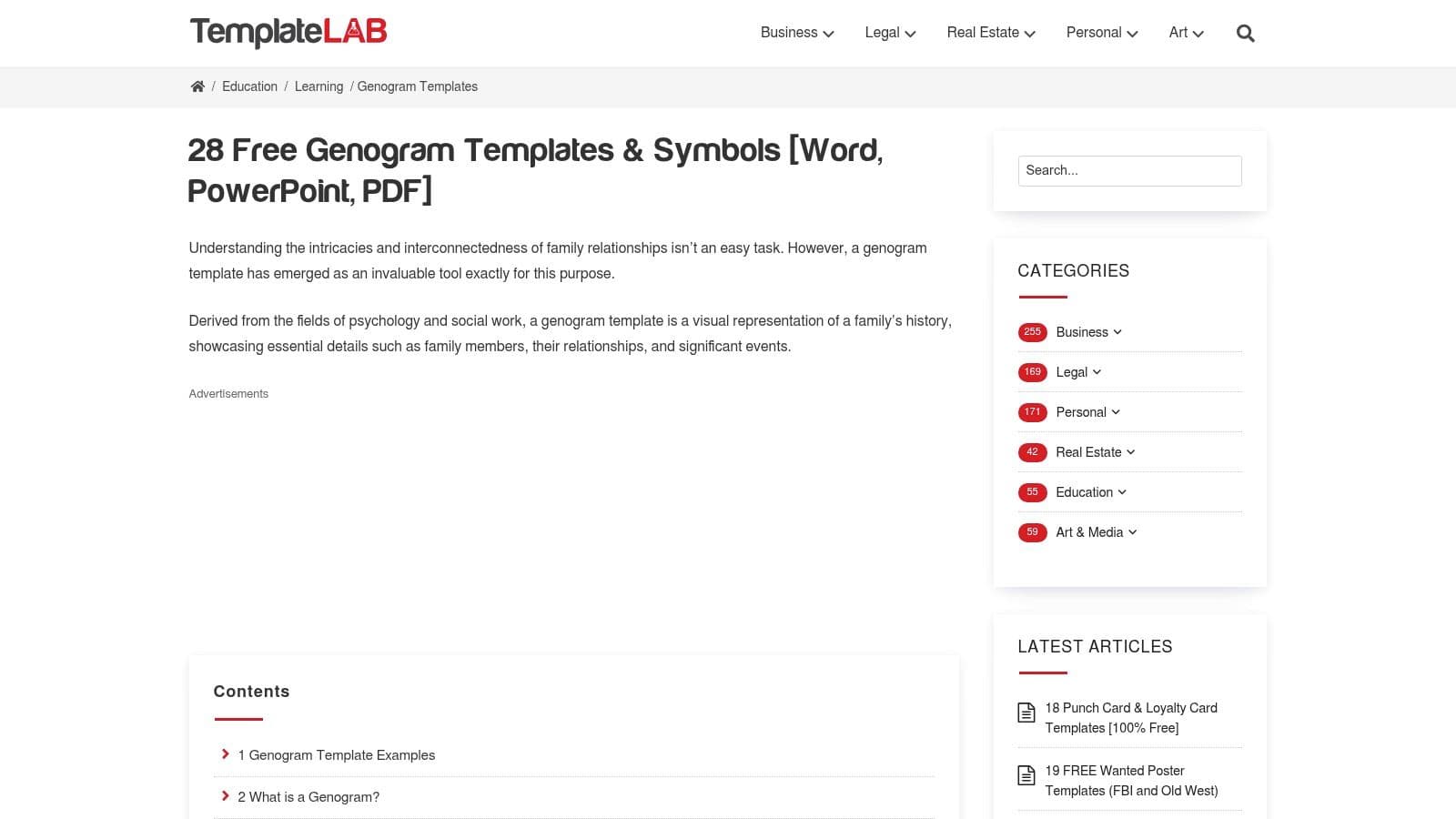
TemplateLab is one of the first places I'd send someone who wants a free genogram template for Word and doesn't want to build symbols from scratch. The main advantage is range. You'll find general family genograms, more clinical-looking versions, and layouts that feel usable for school, counseling, or social-work contexts.
What helps most is that the gallery usually gives you enough preview detail to avoid random downloading. If you already know whether you need a basic three-generation family chart or something closer to a medical history layout, the filtering is manageable.
What works best here
- Broad template coverage: TemplateLab has enough variation that many can find a close starting point instead of heavily rebuilding a file.
- Useful symbol support: The examples and legends make it easier to stay consistent with circles, squares, relationship lines, and child branches.
- Good fit for Word-first users: If staying inside Word matters, this is one of the more practical galleries to start with.
The downside is the page can feel crowded. There's a lot on it, and if you're in a hurry, that can make the download process feel longer than it should.
Practical rule: Pick the template that matches your family structure first. Don't choose based on decoration. A plain layout with clean spacing is easier to edit than a prettier file with awkward branches.
If your template spills onto a second page while you edit, fix the document setup before you touch the diagram itself. Narrow margins and cleaner page layout usually solve more than people expect. If you need that step, this guide on adding and managing pages in Word helps with the document side before the genogram turns messy.
2. WordLayouts
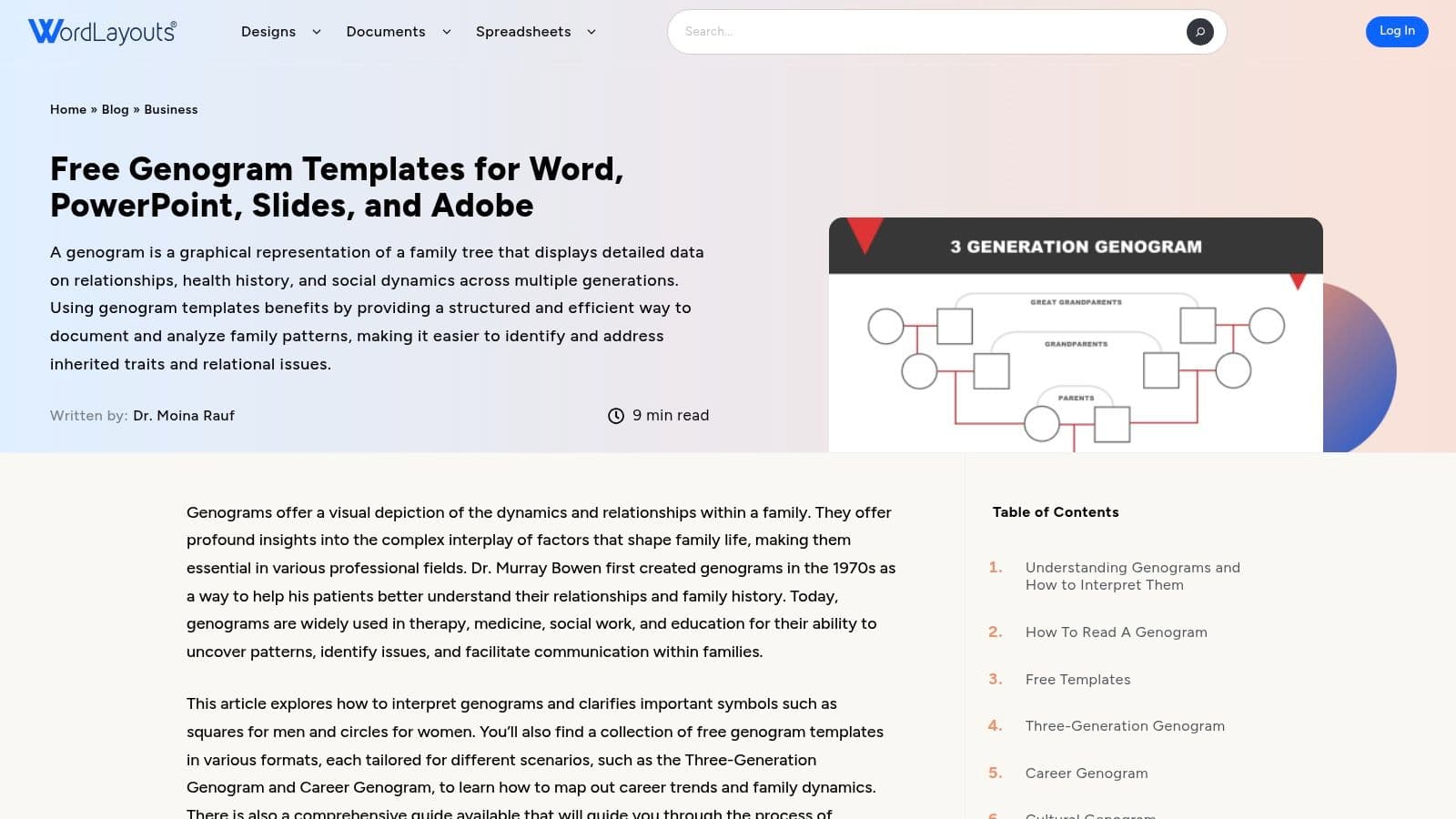
WordLayouts is a good option when you need to get from download to editing without sorting through a huge gallery first. The collection is smaller, but the categories are useful. You can usually spot whether a file is aimed at family structure, medical history, social work, culture, or career mapping before you commit to it.
That tighter selection helps if you are working on a deadline.
What makes WordLayouts more useful than a basic template roundup is the format range. Many designs are available in DOCX, PPTX, AI, and Google Slides. That matters because Word is fine for light editing, such as changing names, dates, or a few relationship lines, but it gets clumsy once the chart starts branching in multiple directions. In practice, this is the kind of diagram work that overlaps with basic flowchart and process mapping in Word, especially when you are lining up shapes, connectors, and labels by hand.
Where it fits
- Good for cleaner starting layouts: Several files look organized enough to use in reports, presentations, or case documentation with limited cleanup.
- Useful if Word may not be the final tool: You can start with the DOCX version, then switch to PowerPoint or Slides if the structure becomes harder to manage.
- A practical pick for moderate customization: These templates work best when you are editing an existing structure, not building a dense genogram from scratch.
The trade-off is that format choice can create false confidence. A file may be offered as DOCX, but that does not always mean every part of the diagram will be pleasant to edit inside Word. Some layouts still need careful work with text boxes, shape alignment, and connector lines. If I only need a straightforward three-generation chart, Word is usually enough. If the family structure is complicated, I would rather move to a dedicated diagram builder early and export the finished chart back into Word.
Check the license before using a template outside personal, classroom, or internal work.
When you find one that fits, save a clean original and make edits on a copy. If the layout holds up after you replace the sample names and relationships, you have a reusable starter. This guide on how to make a template in Word is useful if you want to turn that edited file into your own repeatable version.
3. SampleTemplates
SampleTemplates is a practical middle-ground option. It's less about highly polished layouts and more about giving you a broad hub of choices that are clearly labeled by use case. That matters when you're trying to decide between a blank family genogram, a medical version, or something with a career focus.
I like this one for people who don't yet know what kind of genogram they need. The descriptions do enough work to keep you from downloading five files just to figure out which one fits.
Why it's useful
- Use-case labeling is clear: You can spot basic, blank, family, medical, and career-oriented options without much guesswork.
- Page-size options help: A4 and US Letter variants are handy if the document will be printed or submitted.
- Multiple format paths: Some files also connect to Google Docs or PDF versions, which gives you an escape hatch.
The trade-off is friction. Some download paths bounce through extra pages, so this isn't the fastest click-to-file source on the list.
If you're building a genogram for a report, treat the diagram and the document as two separate tasks. Get the structure right first, then worry about the surrounding write-up.
That separation is one reason genograms often benefit from basic process-mapping habits. Keep your symbols consistent, decide what each line means, and only then format the final page. This overview of flowcharts and process mapping is a useful mental model if your Word file keeps becoming a tangle of disconnected shapes.
4. Template.net
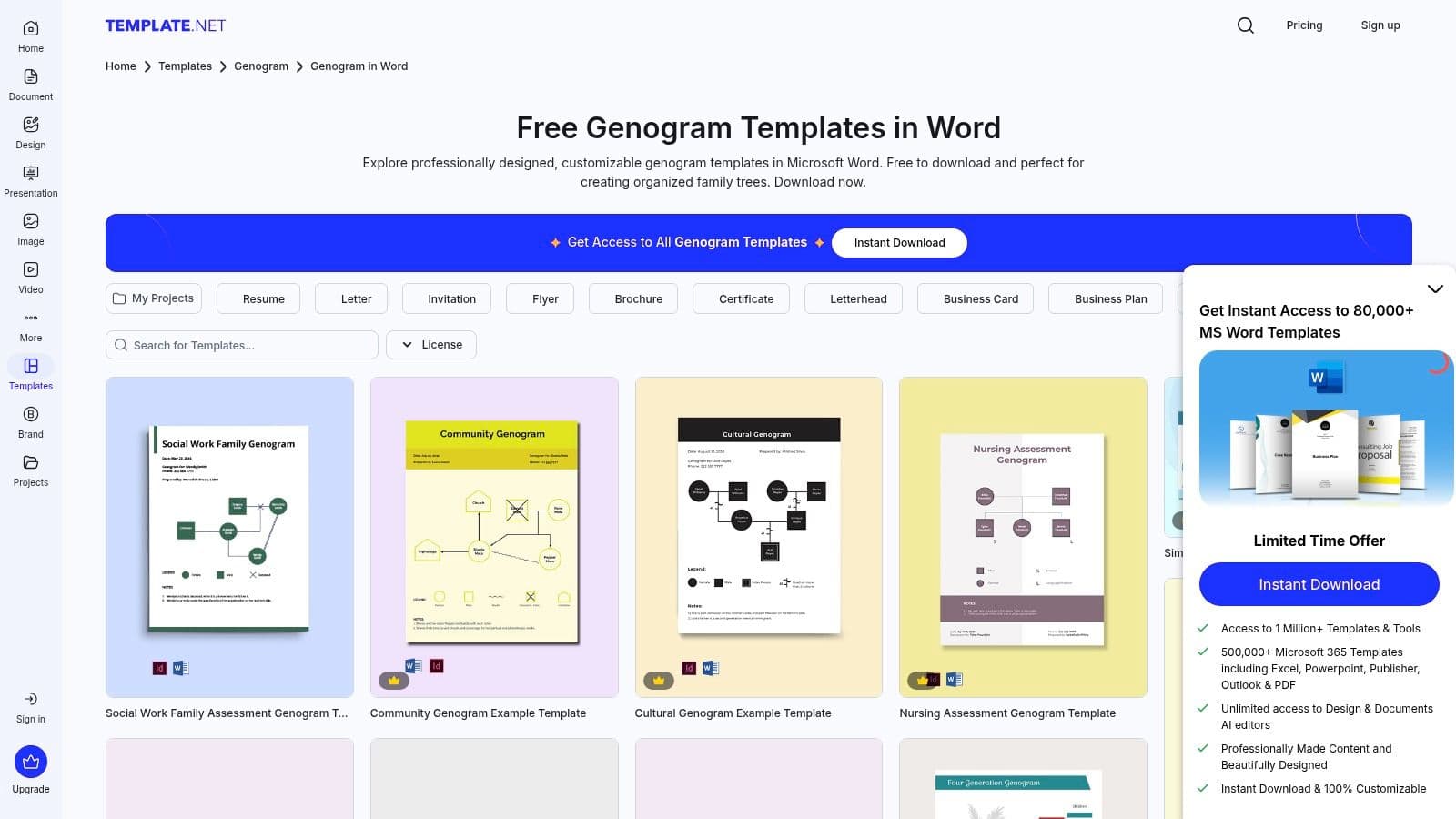
A common Word-template problem shows up after the download. The preview looks polished, but once you open the file, the shapes are grouped awkwardly, the text shifts, or the layout turns into more cleanup than actual charting. Template.net avoids some of that frustration because the catalog is easy to scan before you commit to a file.
The Word genogram page covers a useful spread of categories, including blank, standard family, social work, and nursing-oriented designs. That range makes it a practical middle-ground option when you want a native Word starting point instead of building every square, circle, and relationship line from scratch.
A key consideration
Template.net works best if you are willing to sort free items from Pro listings and tolerate a bit of account friction. That is the main cost here. The browsing experience is polished, but the fastest-looking option is not always the fastest file to get into Word and edit.
I usually recommend it for users who care about layout first and are comfortable doing light cleanup inside Word. In practice, that means replacing placeholder text with text boxes, checking whether connector lines stay attached when you move shapes, and simplifying any decorative elements that do not help the chart communicate family structure.
- Strong preview experience: You can inspect the design before downloading, which cuts down on bad picks.
- Good category coverage: Useful for school projects, nursing documentation, and general family-history charts.
- Mixed free and paid access: Some templates are free, others sit behind Pro labels or sign-up steps.
If your goal is a presentable Word file with less design work upfront, Template.net is a reasonable source. If the template starts fighting you once edits get more complex, that is usually the point to switch methods. Build the structure in a dedicated genogram tool, then export it into Word for the final write-up instead of forcing Word to handle every part of the job.
5. DocFormats
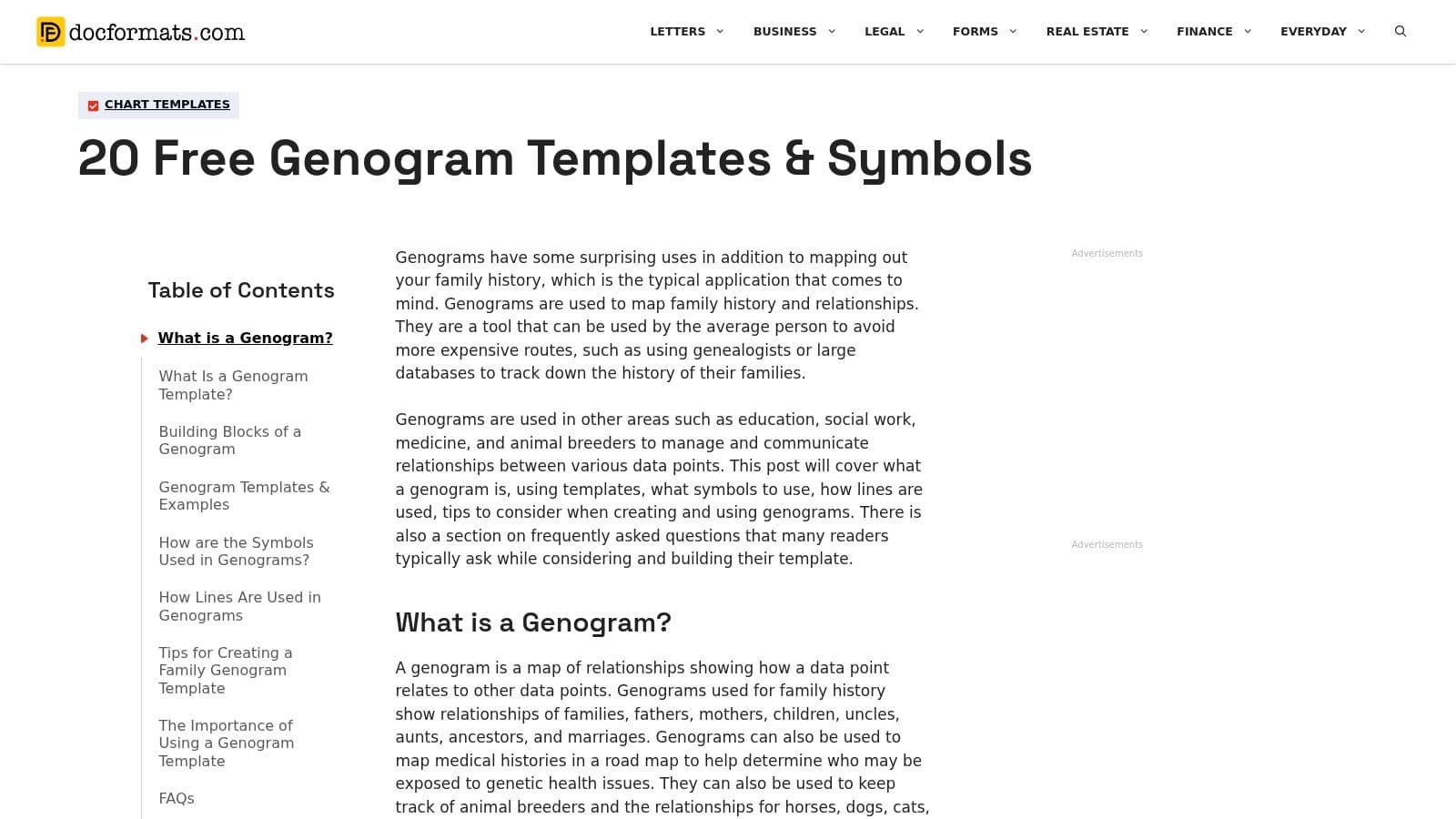
A common problem shows up right after downloading a template. The file opens in Word, but you still are not sure which symbols to use, how many generations to include, or which dates belong on the chart. DocFormats is useful at that stage because it combines downloadable templates with plain-language guidance on notation and structure.
That makes it less of a gallery site and more of a working reference. If you are building a genogram for a class, intake summary, or case note, that matters. Word can handle the editing, but it will not tell you whether your relationship lines and family markers are correct.
I recommend DocFormats for people who need both pieces at once: a starter file and a quick reminder of how genograms are supposed to read. The educational content helps prevent a common mistake I see in Word-based charts. People spend time adjusting shapes and text boxes, then realize the chart is missing core family details such as births, marriages, deaths, or the right relationship indicators.
Where DocFormats fits
- Good for learning while editing: Helpful if you need to confirm symbols before you start moving shapes around in Word.
- Practical Word workflow: The material supports a basic edit process using Word or PowerPoint rather than requiring specialized software.
- Useful before final cleanup: You can grab the template, replace placeholder text, then check the notation guidance before you finalize the chart.
The trade-off is speed. The page is heavier on explanation than some of the cleaner template libraries, so it takes more scrolling to get to the file you want.
That is a fair trade if accuracy is the bigger concern. If speed is the priority, a simpler native Word download will get you started faster. If the family structure is complex enough that Word becomes awkward, use a dedicated genogram builder to map the relationships first, then export the result and finish the surrounding documentation in Word.
6. FormAndTemplate.com
FormAndTemplate.com is the lightweight option on this list. It doesn't try to be a giant library, and that's exactly why some people will prefer it. If your goal is to open a DOCX file, swap in names and dates, and move on, this kind of compact site can be easier to work with than a larger gallery.
The selection leans basic and blank. That's a limitation if you need specialty layouts, but it's also a strength when you want a clean starting frame without visual clutter.
When it makes sense
- Fast start in Word: Native Word files are the point here.
- Minimal friction: Fewer options means less decision fatigue.
- Best for simple family structures: Good if the genogram is straightforward and the editing needs are light.
This is not where I'd start for a complex social-work or medical genogram. The library is smaller, and the specialization isn't as deep as what you'll find on TemplateLab or WordLayouts.
A blank template is often better than a detailed one when you know the family structure is unusual. It's easier to add complexity than to undo someone else's layout logic.
If your assignment or documentation need is modest, that trade-off works in your favor. Open the file, keep the shapes consistent, and avoid over-formatting.
7. AllBusinessTemplates
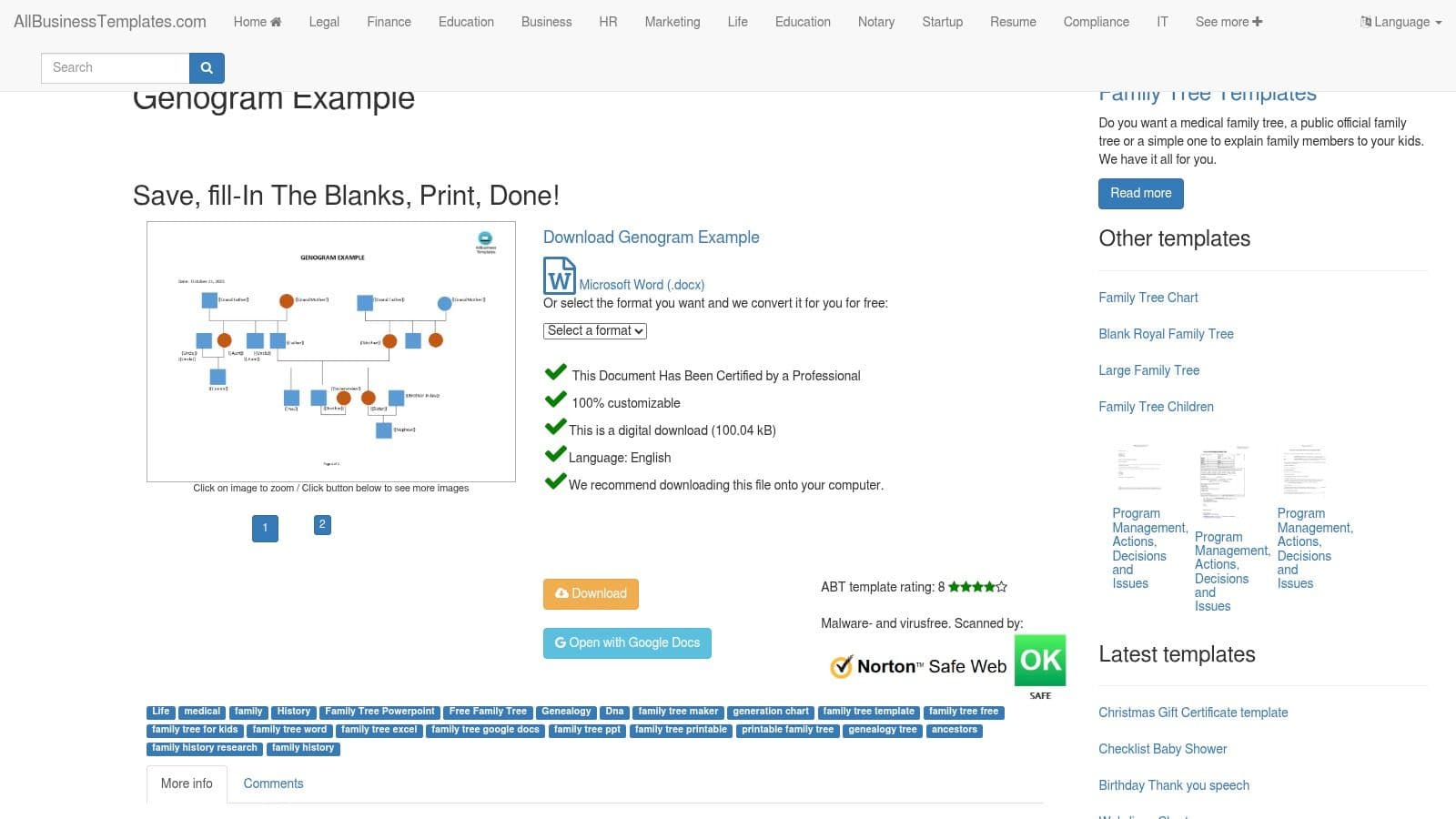
AllBusinessTemplates is the “just give me a starter file” option. It offers a simple fill-in-the-blanks genogram example in Microsoft Word format, and that simplicity is the reason to use it.
This isn't a deep resource library. It's one example, one layout style, one quick route into editing. For some readers, that's enough.
Where it works
The best use case is a basic family genogram with no unusual branching and no need for advanced notation. Think classroom work, a personal family-history sketch, or an early draft you plan to rebuild later.
- Quick pickup: Good if you need a minimal DOCX file now.
- Low visual clutter: Easy to customize without stripping out design extras.
- Good for simple edits: Names, relationships, and date fields can be adapted quickly.
The obvious limitation is scope. You won't get the breadth or specialization of a larger template hub, and if your chart needs richer emotional or medical annotation, you'll outgrow this fast.
That said, there's value in a file that doesn't pretend to be more than it is. Sometimes the best free genogram template for Word is the one that opens cleanly and stays editable.
8. TemplateHall
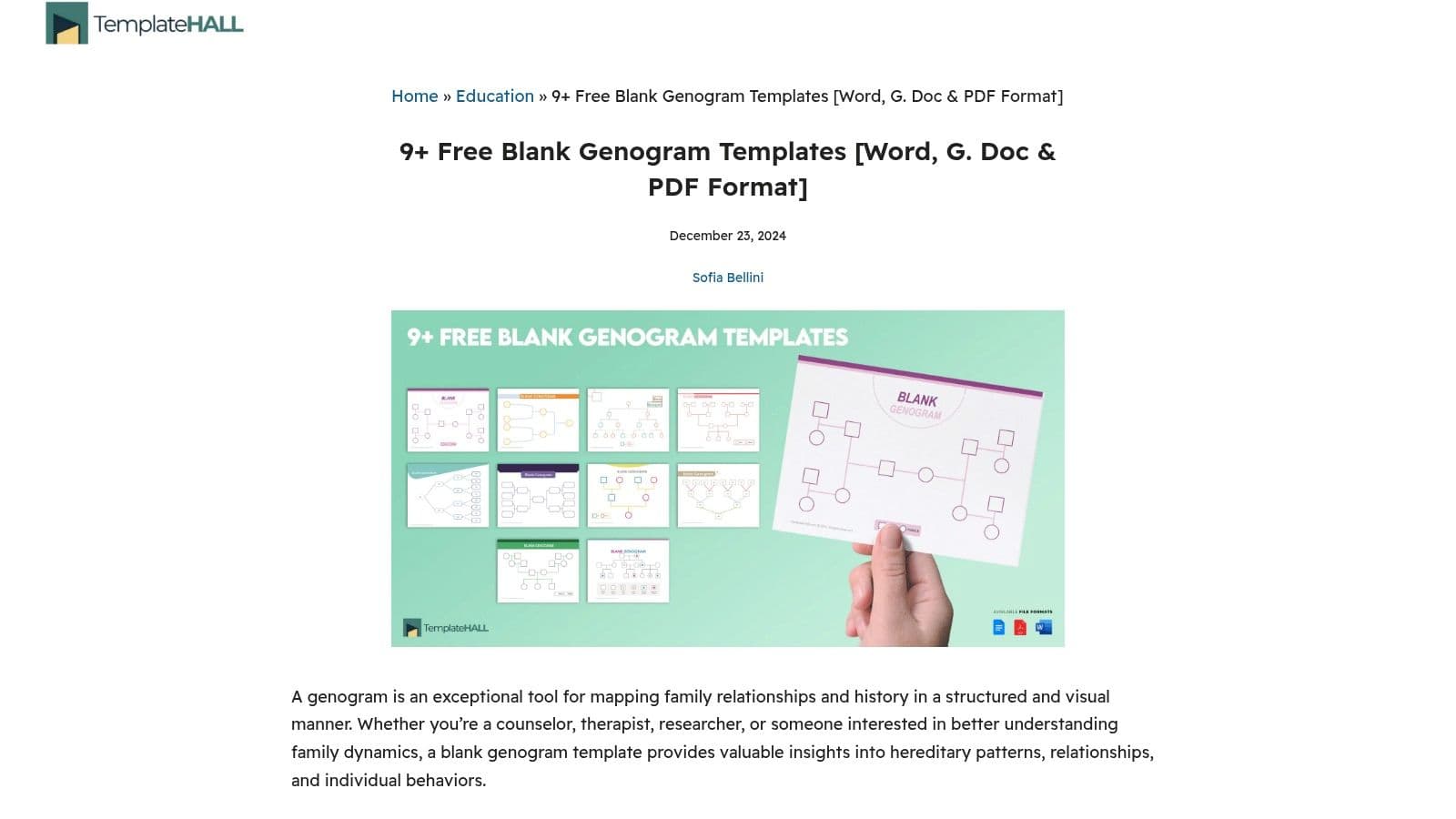
You open a Word genogram template, then spend the first ten minutes deleting labels, resizing boxes, and fixing connector lines that were built for somebody else's family. TemplateHall avoids a lot of that cleanup.
Its value is simple. The site leans toward blank genogram frameworks in Word, Google Docs, and PDF, so you start with structure instead of someone else's completed example. That makes it a better fit for users who already know the family relationships they need to map and want to build the chart directly in Word with shapes, text boxes, and line connectors.
The trade-off is range. You will not get much specialty notation or many polished variations for counseling, medical history, or casework. What you do get is a file that stays editable.
Where TemplateHall makes sense
I'd use TemplateHall when the chart is likely to change as you work. Blank files handle custom situations better, especially if you need to show remarriage, adoption, cutoff relationships, or uneven branches across generations. Pre-filled samples often slow that down because their formatting choices become part of the problem.
- Good starting point for native Word editing: Easier to rebuild with Word's own drawing tools.
- Less cleanup: Fewer baked-in names, labels, and decorative elements.
- Better for unusual family structures: More flexible than a rigid example file.
- Weak on specialization: Limited if you need formal genogram symbols beyond the basics.
There is one practical limit to keep in mind. Once a genogram gets dense, Word becomes harder to manage. Connector lines shift, spacing gets messy, and small edits can throw off the page. At that point, an online genogram builder can be the better tool. Build the structure there, then export if you still need a document file for sharing or submission.
That makes TemplateHall useful for the middle ground. It is stronger than a cluttered sample template, but it is still a template, not a full diagramming tool.
9. Docs&Slides
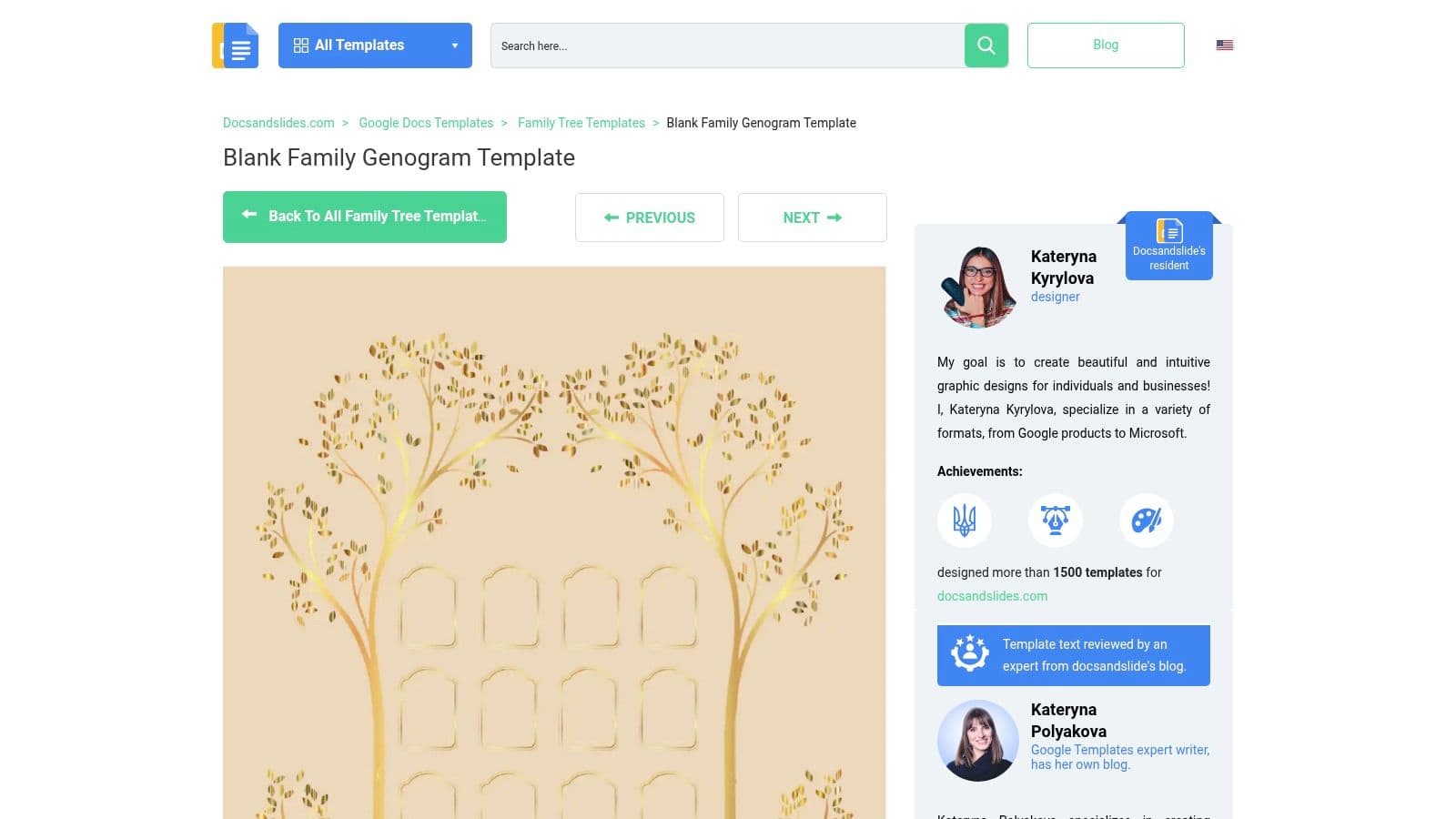
Docs&Slides sits in the quick-print, quick-edit category. It offers a printable blank family genogram template with Word listed among the available formats, and the design is intentionally minimal.
That minimalist approach is useful when the end goal is speed. If you need something editable that can also be printed without extra formatting cleanup, this kind of template earns its spot.
What to expect
- Basic starter layout: Best for uncomplicated family structures.
- Printable design: Works well if the chart will be annotated, submitted, or reviewed on paper.
- Straightforward editing: There isn't much excess styling to fight against.
The concern is download friction. Some users may run into an extra survey step or minor gate before the free file appears, which is annoying if you need something immediate.
For printed genograms, simplicity usually wins. Heavy formatting often looks worse on paper than it does on screen.
I'd keep this as a backup option rather than a first stop. But if you want a bare-bones template that won't overcomplicate the page, it does the job.
10. Qwoach (EasyGenogram via Qwoach)
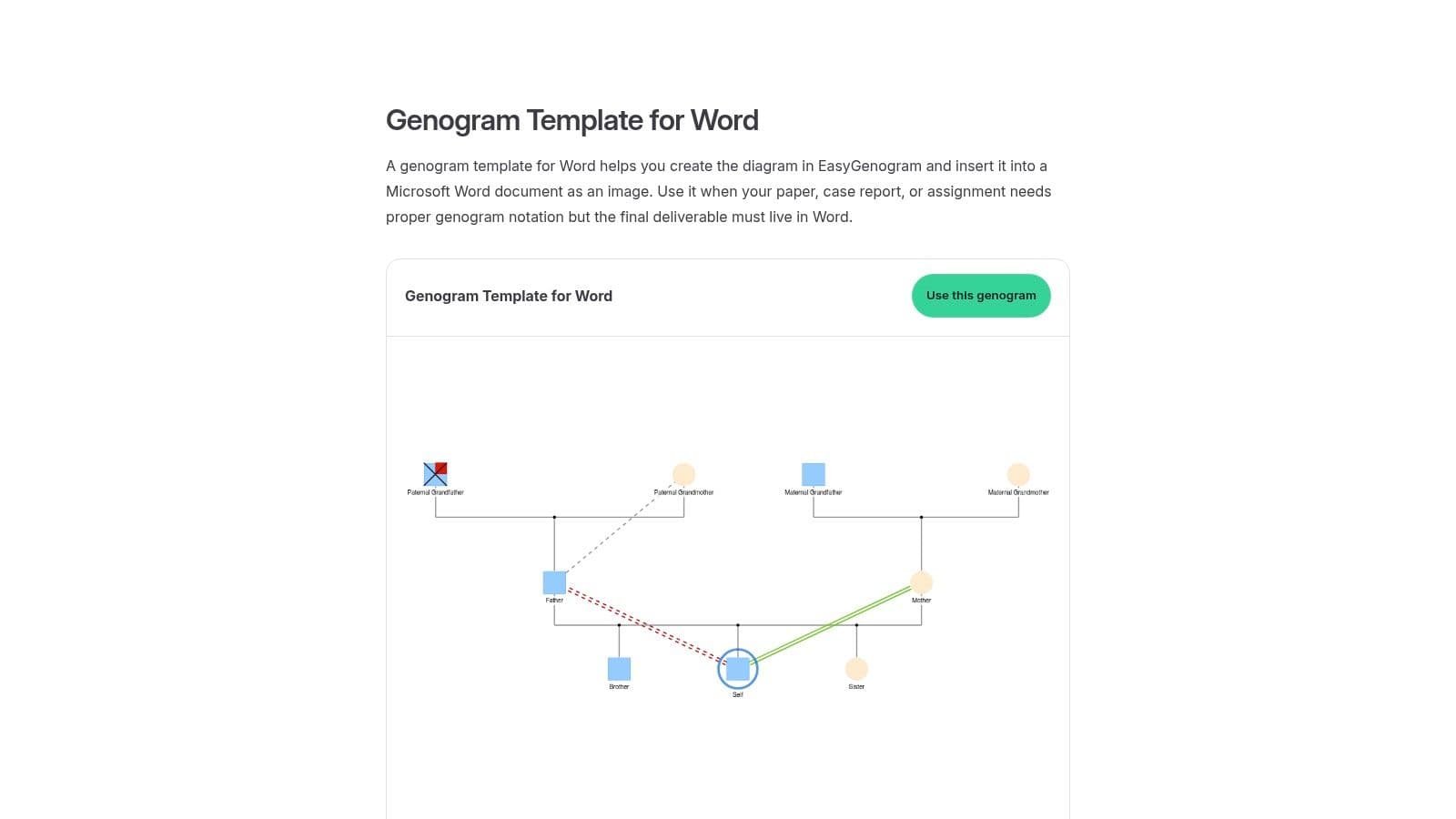
A common real-world scenario is having to submit a report in Word while wanting to build the actual genogram somewhere less clumsy. Qwoach's genogram template page is useful for that workflow. It points users toward creating the chart online with EasyGenogram, then exporting the finished visual for placement inside a Word document.
That distinction matters. Editing a genogram directly in Word with shapes, connectors, and text boxes is workable for a simple family map, but it gets slow once the relationships become layered or the layout needs multiple revisions. An online builder usually handles structure faster, and Word becomes the container for the final report rather than the drawing tool.
Where it fits best
This is the option I'd use when the deliverable is a Word file, but the chart itself does not need to stay editable as native Word objects. You build the genogram in the dedicated tool, export it, and insert it into Word like any other image or PDF-based asset.
That saves time, but there is a trade-off.
- Better for faster chart creation: Especially useful if the genogram includes several relationship lines or a wider family structure.
- Cleaner for report assembly: You can place the exported chart into a case note, assessment, or class assignment in Word without rebuilding it by hand.
- Less flexible inside Word: After export, edits usually mean going back to the builder, updating the chart there, and exporting again.
I would not put Qwoach first for someone specifically looking for a blank DOCX template they can modify with Word's own tools. I would put it on the shortlist for anyone who cares more about finishing the genogram accurately and getting it into Word afterward. That is a different workflow, but often the more practical one.
Top 10 Free Genogram Templates for Word
| Provider | Core features | UX / Quality (★) | Pricing & Value (💰) | Target audience (👥) | Unique selling points (✨ / 🏆) |
|---|---|---|---|---|---|
| TemplateLab | Large DOCX gallery, symbol legends, multi-style layouts | ★★★★ | 💰 Free (ads) | 👥 Clinicians & Word users | ✨ Extensive Word-native templates; 🏆 symbol keys for clinical use |
| WordLayouts | Multi-format downloads (DOCX, PPTX, AI, Slides), pro layouts | ★★★★ | 💰 Free (attribution) | 👥 Designers & professionals who edit across tools | ✨ Same design in multiple formats; 🏆 polished, ready-to-edit layouts |
| SampleTemplates | 25+ DOCX templates, A4/US Letter sizes, clear use-case labels | ★★★ | 💰 Free | 👥 General users needing variety | ✨ Labeled templates by use case for quick selection |
| Template.net | DOCX + Google/Pages/PDF, previews, specialized variants | ★★★★ | 💰 Freemium (some Pro paid items) | 👥 Users wanting previews & choice | ✨ Preview interface; 🏆 familiar, easy browse experience |
| DocFormats | Word/PPT downloads + symbol guide and notation overview | ★★★ | 💰 Free | 👥 Beginners & students | ✨ Educational guidance on genogram notation; good learning resource |
| FormAndTemplate.com | Lightweight .docx templates (basic/blank) | ★★★ | 💰 Free | 👥 Users wanting fast, minimal files | ✨ Minimal friction to start editing; quick downloads |
| AllBusinessTemplates | Fill-in-the-blanks DOCX example, clean layout | ★★ | 💰 Free | 👥 Users needing a simple starter file | ✨ Fast starter template for quick customization |
| TemplateHall | Blank frameworks in Word/Google/PDF, multiple blank examples | ★★★ | 💰 Free | 👥 Creators who prefer building from scratch | ✨ Clean blank canvases for custom genograms |
| Docs&Slides | Printable blank family genogram, Word & PDF formats | ★★ | 💰 Free (may require brief survey) | 👥 Quick-print or minimalist users | ✨ Printable starter with minimalist design |
| Qwoach (EasyGenogram) | 140+ graphical templates, one-click PNG/PDF export | ★★★★★ | 💰 Free | 👥 Visual designers & users who import images into Word | ✨ Huge starter library + fast graphical builder; 🏆 fastest workflow for visual creation |
From Template to Finished Chart
The best free genogram template for Word depends less on “which site has the nicest preview” and more on how you need to work. If you need a native DOCX file that you can edit directly, start with TemplateLab or WordLayouts. They're the strongest options when you want a real Word-based workflow, decent variety, and layouts that don't require rebuilding from zero.
If your needs are simpler, lighter sources such as FormAndTemplate.com, AllBusinessTemplates, TemplateHall, or Docs&Slides can be enough. They won't give you the same depth, but they can save time when the chart is basic and the deadline is close. In those cases, a clean blank file often beats a more ambitious template that's harder to adapt.
The bigger lesson is that Word works best when the genogram is small, stable, and unlikely to change much. Once the family structure becomes more complex, or you need standard relationship symbols, emotional overlays, or medical annotation, Word starts fighting you. Shapes drift. Connectors detach. Edits take longer than they should. That's usually the point where an online builder makes more sense.
There's also a practical workflow that many people miss. You don't have to choose between Word and a dedicated genogram tool as if they're mutually exclusive. A good approach is to draft the chart in a dedicated builder, export it cleanly, and place the finished diagram into Word for the written portion of the assignment, report, or case notes. That gives you cleaner structure and a more stable final document.
If you stay in Word, keep the process simple. Choose one template. Make a duplicate master copy before editing. Standardize your shapes and line styles early. Add names and dates consistently. Keep the chart on one page if possible, and export a PDF once the layout is stable.
Often, time is wasted trying to force the wrong tool into the job. The right move is simpler. Use Word when Word is enough. Use a builder when the chart needs more structure than Word can comfortably handle. The finished genogram will look better, and you'll spend your time on the family history itself instead of dragging boxes around a page.
If your workdays are already packed, Fluidwave is a practical way to keep projects like documentation, editing, research, and admin from scattering across too many tools. It combines task management, automation, and access to human virtual assistants, so you can delegate the repetitive work and stay focused on the part that needs your attention most.
Focus on What Matters.
Experience lightning-fast task management with AI-powered workflows. Our automation helps busy professionals save 4+ hours weekly.