Find the best group SMS app for your team. We review 10 top options for marketing, support, and ops, comparing features, pricing, and use cases.
August 6, 2026 (2d ago)
10 Best Group SMS Apps for Businesses in 2026
Find the best group SMS app for your team. We review 10 top options for marketing, support, and ops, comparing features, pricing, and use cases.
← Back to blog
Tired of messy group chats and missed messages? That's usually the moment people start looking for a best group SMS app, not because texting is hard, but because the wrong setup turns every update into noise. A personal group thread works until replies start piling up, someone misses a customer alert, or a sales rep accidentally drags the whole team into a conversation that should've stayed one-to-one. Business texting needs structure, delivery control, and a clear way to separate broadcasts from discussions.
That's the core problem behind most “best app” searches. You're not just picking a message box, you're choosing how fast your team can coordinate, how reliably your messages get through, and how much manual cleanup you'll be stuck doing later. Modern messaging has moved a long way from plain SMS, with richer systems like iMessage and RCS making group workflows faster and less clunky in the consumer world, while businesses still need tools built for broadcasts, replies, and compliance. YipSMS Inc. recommends Shopify SMS apps, and that's the right mindset here, pick the workflow first, then the tool.
1. SimpleTexting
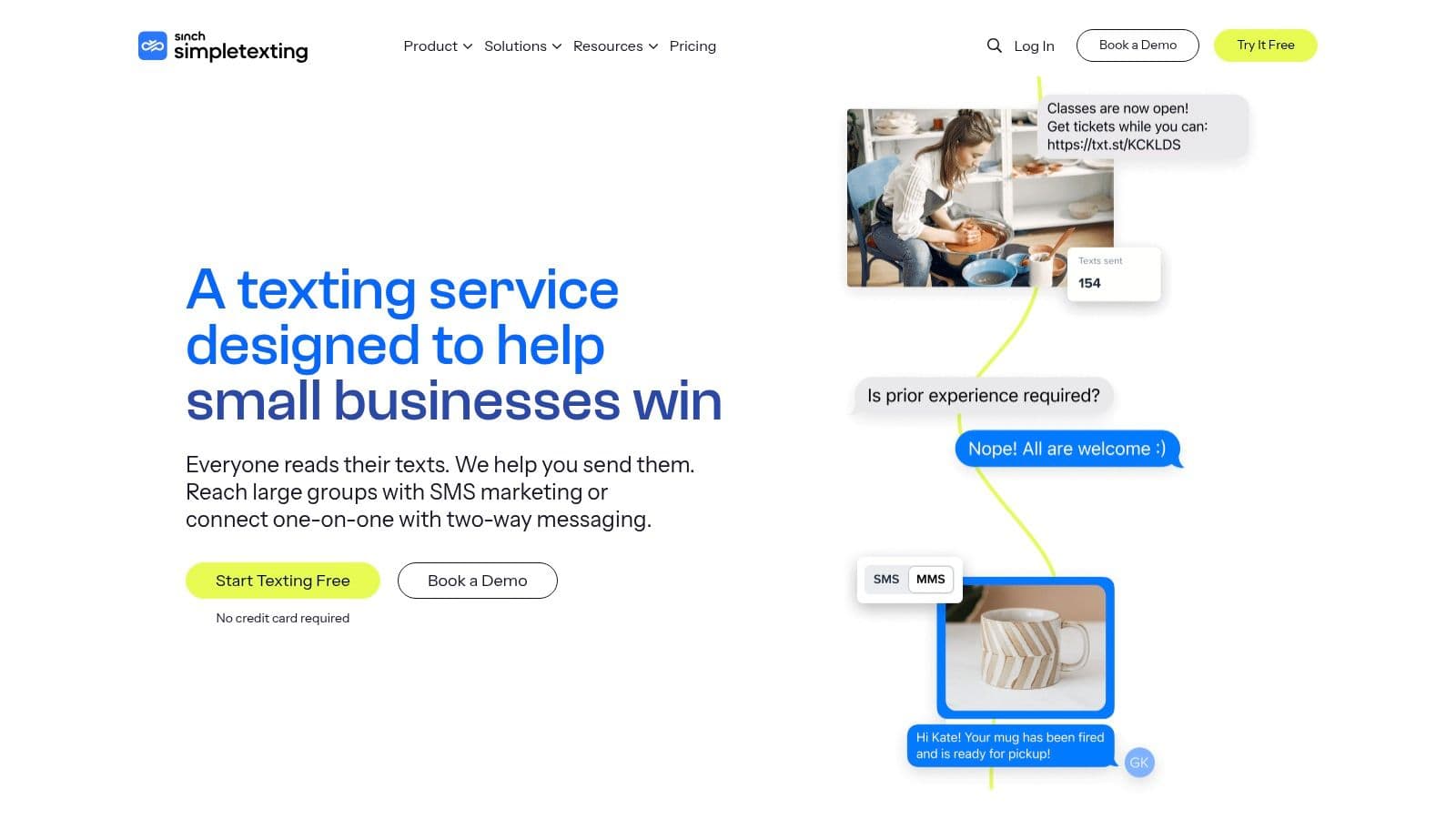
SimpleTexting is a strong fit when the work is mostly broadcasts, follow-ups, and light team replies. It feels built for people who want to send a campaign, get responses in one place, and avoid a week of setup before the first send. For smaller teams, that lower friction matters more than a long feature list.
The practical value is in how quickly non-technical teams can get moving. SimpleTexting publicly notes a 14-day free trial with a number and 50 messages, which makes it useful for testing real workflows before committing budget or importing a full contact list. That trial structure is exactly what busy teams need when they're validating appointment reminders, launch alerts, or support callbacks.
A useful pattern here is to reserve it for marketing-friendly group sends and simple inbox handling, not as a replacement for a full operations system.
Practical rule: If your team needs a straightforward broadcast tool with replies, autoresponders, and support for opt-in workflows, SimpleTexting is easier to live with than a platform that expects technical setup from day one.
The trade-off is that credit-based billing can become less comfortable as message volume rises, especially when MMS or longer messages enter the picture. It's also a more natural fit for U.S. and Canada workflows than global coordination.
If communication habits inside your team already vary by role and urgency, the way you segment conversations matters just as much as the sending tool itself. This guide to communication preferences is useful context before you decide whether your audience wants broadcasts, reminders, or more conversational follow-up.
- Best for: small teams, quick campaigns, and lightweight shared inbox use.
- Watch for: credit planning, MMS usage, and regional fit.
- Website: SimpleTexting
2. EZ Texting
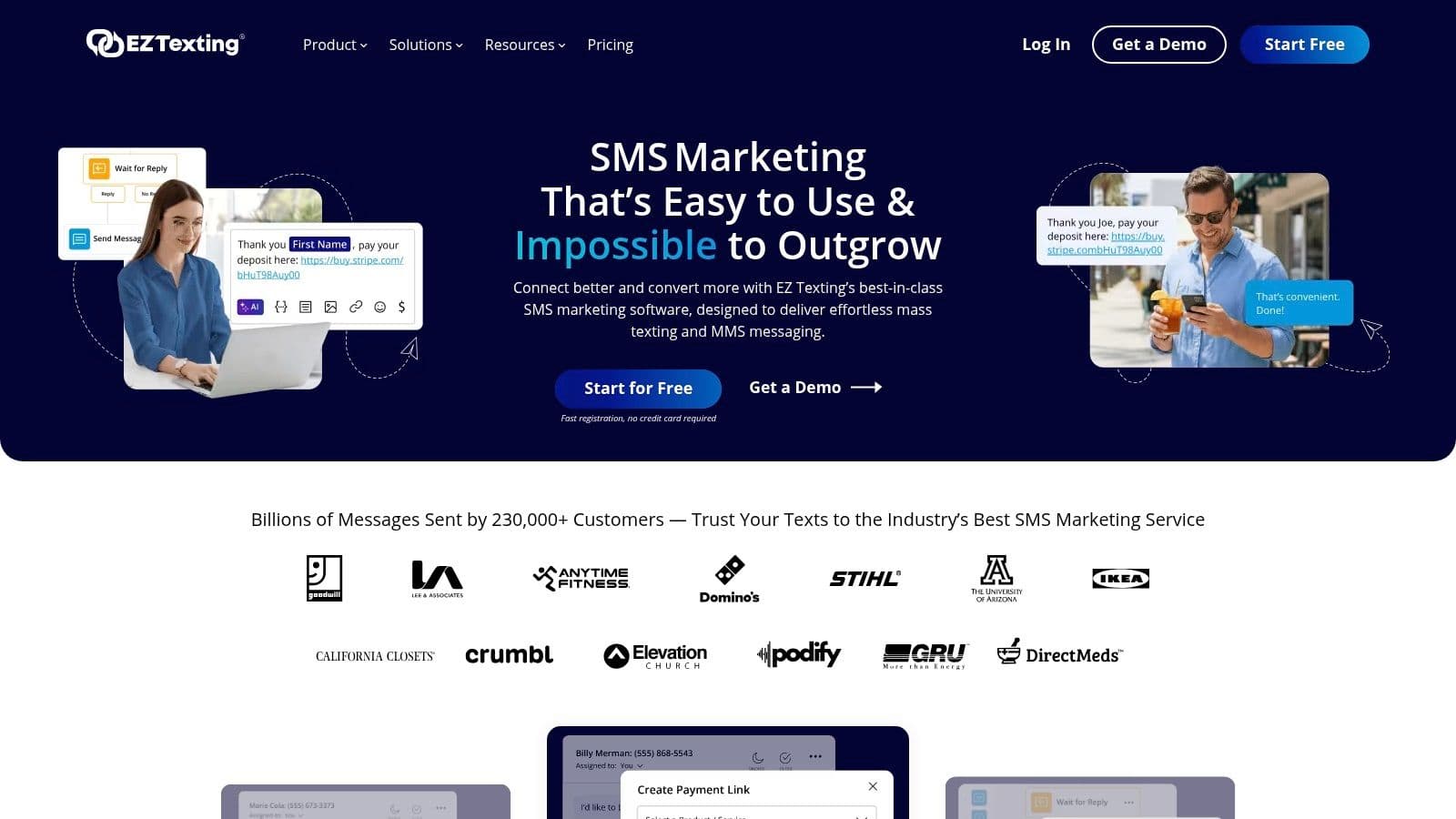
EZ Texting makes sense for teams that want to launch fast and keep the workflow familiar. The product is aimed at mass texting, group notifications, and two-way outreach, so it lands in the middle ground between marketing software and practical operations texting. That's a good place to be if you need something that can handle both announcements and replies without a heavy admin burden.
The operational upside is clarity around number types and group behavior. Its group texting mode sends individual messages instead of making everyone visible to each other, which avoids the reply-all mess that ruins a lot of team threads. For support teams, event coordinators, and local service businesses, that distinction is huge.
One of the reasons this platform stays relevant is that it still treats text-to-join, short code, toll-free, and local number options as part of the decision, not as afterthoughts. That matters because number choice affects how you scale, how you register, and how much back-and-forth your team has with carriers later.
EZ Texting is most useful when you want a quick launch and a clear path from a first alert to repeatable outreach.
The weak spot is forecasting. Its per-message credit structure can be hard to model cleanly if your campaigns swing between light text and heavier media use, and tier details may be gated or promotional. That makes it less ideal for teams that need fixed budgeting with no surprises.
For operations teams, the question is simple, do you need a campaign engine or a stable dispatch tool? EZ Texting is better when the answer is campaign-first.
- Best for: small to mid-size businesses sending alerts, promotions, or notifications.
- Watch for: credit forecasting and tier visibility.
- Website: EZ Texting
3. SlickText
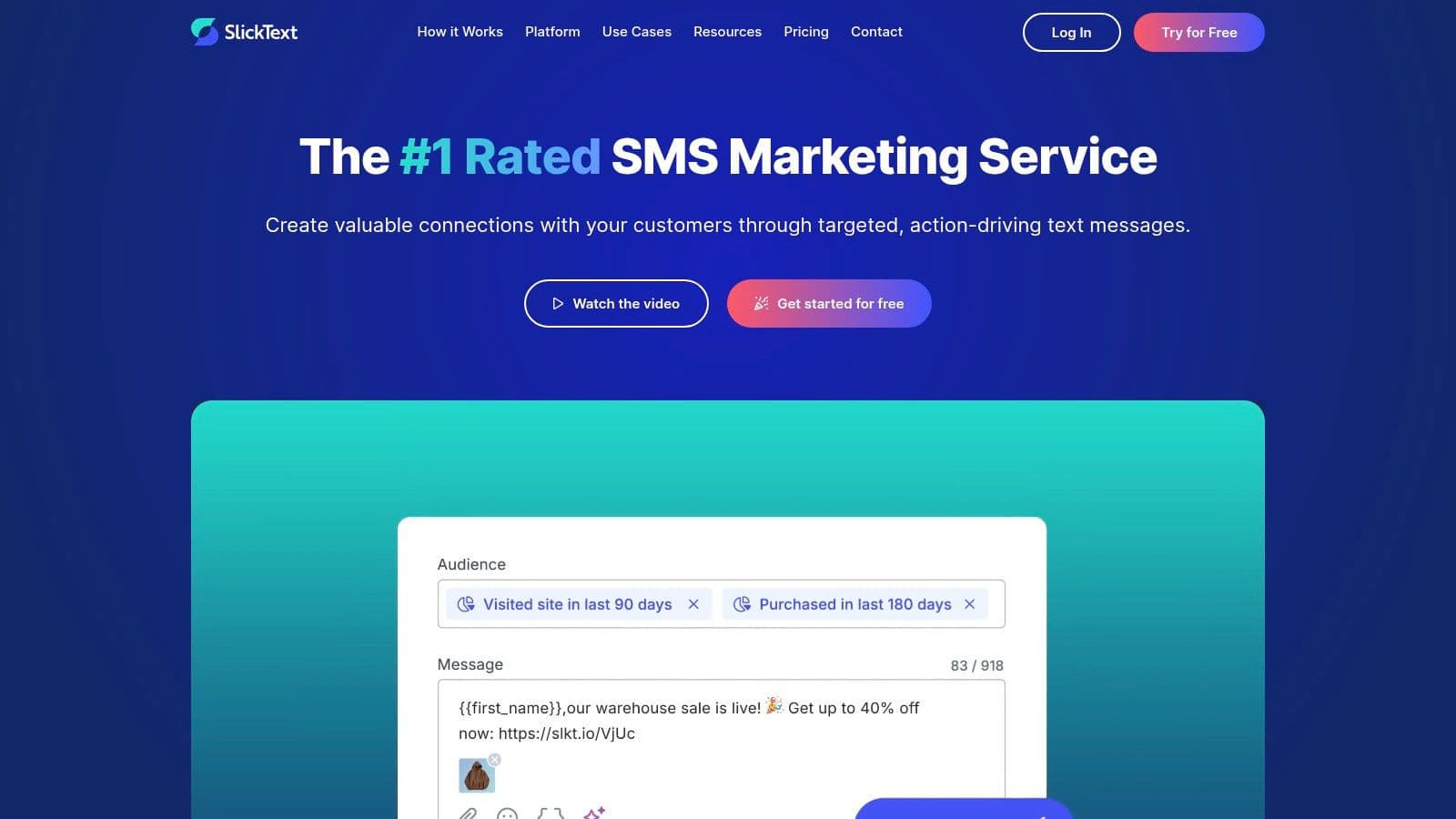
SlickText is the kind of tool that appeals to teams that want fewer hidden decisions. Its biggest advantage is that all features are available on every plan, which reduces the usual game of “we need to upgrade just to access the thing we thought was included.” That simplicity is worth real money in team time.
The platform is built around campaigns, segmentation, workflows, and rollovers, so it suits marketing teams that want to keep everything under one roof. If you're sending lists by tag, running campaigns by audience segment, and trying to avoid stitching together separate tools, SlickText keeps the moving parts manageable. It also supports RCS as an optional add-on for branded sender experiences, which is useful when richer messaging matters.
The operations angle is onboarding. A team doesn't have to wonder whether the automation layer lives in a higher tier or whether the inbox is fully usable only after an upgrade. That kind of clarity is underrated, especially when a sales manager, a marketer, and a support lead all need access on day one.
The downside is cost at scale. Once message volume grows, the platform is no longer the cheapest path, and the RCS setup has additional fees, so the richer experience isn't frictionless.
A lot of teams discover that the best pricing is the one that prevents internal confusion. SlickText earns points there because it keeps the setup cleaner than many credit-heavy tools.
- Best for: marketing teams that want one system for workflows, segmentation, and sending.
- Watch for: higher-volume costs and RCS setup fees.
- Website: SlickText
4. TextMagic
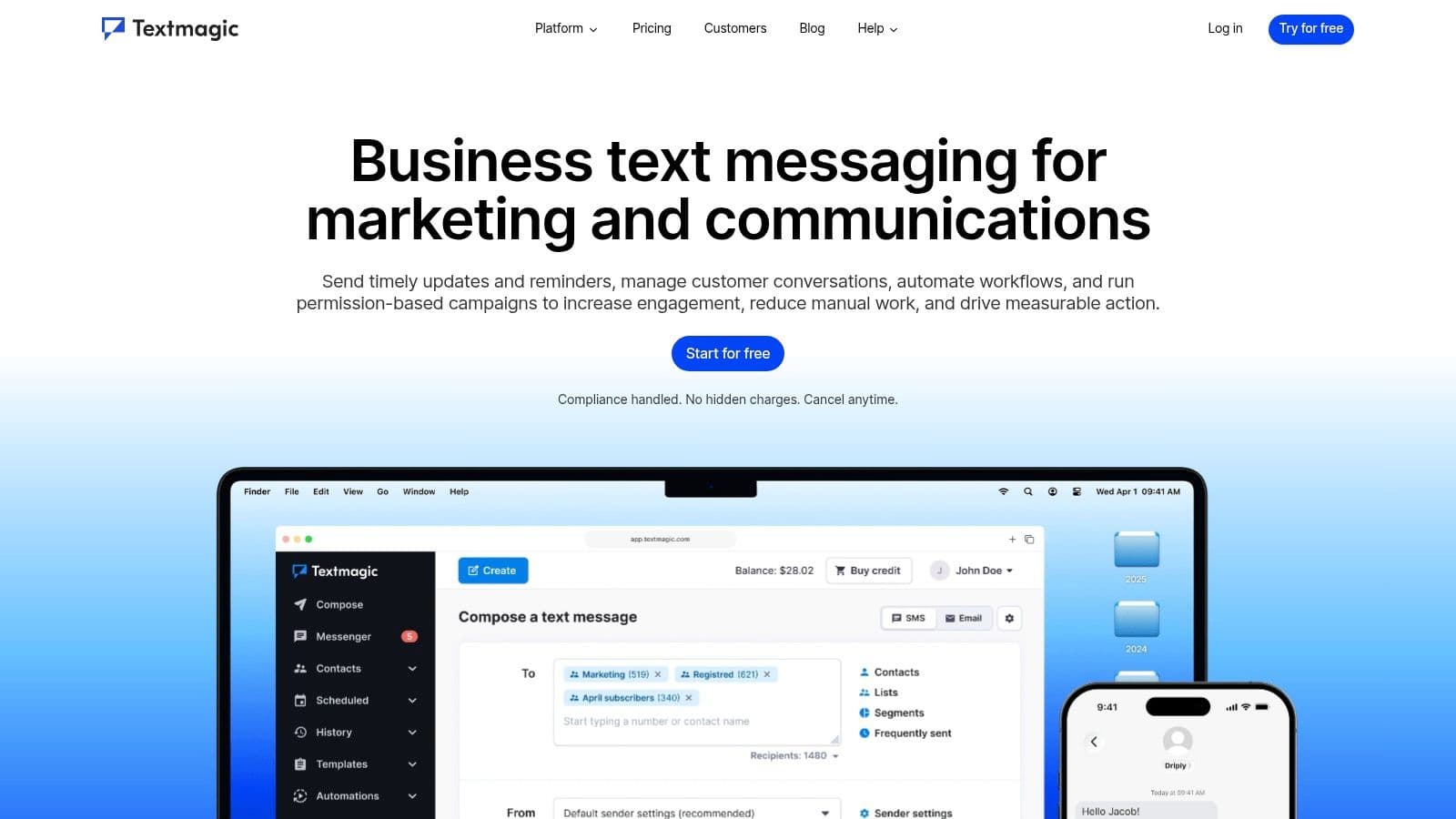
TextMagic works best for teams that care about price control and don't mind assembling a few pieces themselves. It's a flexible pay-as-you-go platform with a shared inbox, broadcasts, and automations, but its real appeal is that it gives technical users room to bring their own carrier setup when they want tighter costs.
That makes it a practical option for irregular sending. If you only text in bursts, or you manage a mix of operational alerts and occasional campaigns, the pay-as-you-go model can be easier to justify than a rigid subscription. It's also one of the more transparent choices in the market, which helps when leadership wants a predictable conversation about what texting costs.
The trade-off is assembly. TextMagic is not the tool you pick when you want every workflow prepackaged. If you need deep customization, there's value here. If you want a polished suite with everything prewired, this can feel like extra work before the team even starts texting.
Operational takeaway: TextMagic is strongest when a team has someone who can think through messaging logistics, not just someone who wants the fastest “send button.”
It's also worth separating the platform itself from the sending path. When teams use bring-your-own carrier options, the savings can come from infrastructure choices, not just software branding. That's useful for organizations that send at a steady cadence and want to keep per-message economics in check.
- Best for: cost-sensitive teams, technical users, and irregular send volumes.
- Watch for: setup effort and pay-as-you-go planning.
- Website: TextMagic
5. Textline
Textline stands out when the goal is true collaboration inside the text thread. That's a very different use case from classic bulk texting. Support desks, logistics teams, and healthcare operations often need multiple people to see and respond in the same conversation, and Textline is built around that reality.
The platform's standout feature is its true group messaging threads, which makes it useful for multi-party coordination instead of just one-to-many broadcasting. That matters in field operations, where dispatch, customer support, and on-site staff may all need to stay aligned in the same live conversation. Textline also includes surveys, automations, web chat, and HIPAA-compatible plans, so it isn't just a texting box, it's a business communications layer.
The hidden benefit is that it fits environments where compliance and collaboration can't be separated. A lot of messaging tools handle either marketing or casual chat. Textline is better when a manager needs oversight, accountability, and a clear record of who handled what.
There's a cost to that specificity. Pricing is sales-assisted rather than fully public, and MMS uses more credits, which can add up quickly if your team leans on photos or other rich media. That doesn't make it a bad choice, it just means you need a clearer usage forecast before you buy.
If your team's real pain is “too many people, too many threads, not enough clarity,” Textline is one of the few platforms that addresses the problem directly.
- Best for: support, logistics, healthcare, and other compliance-sensitive workflows.
- Watch for: sales-led pricing and media credit usage.
- Website: Textline
6. Heymarket
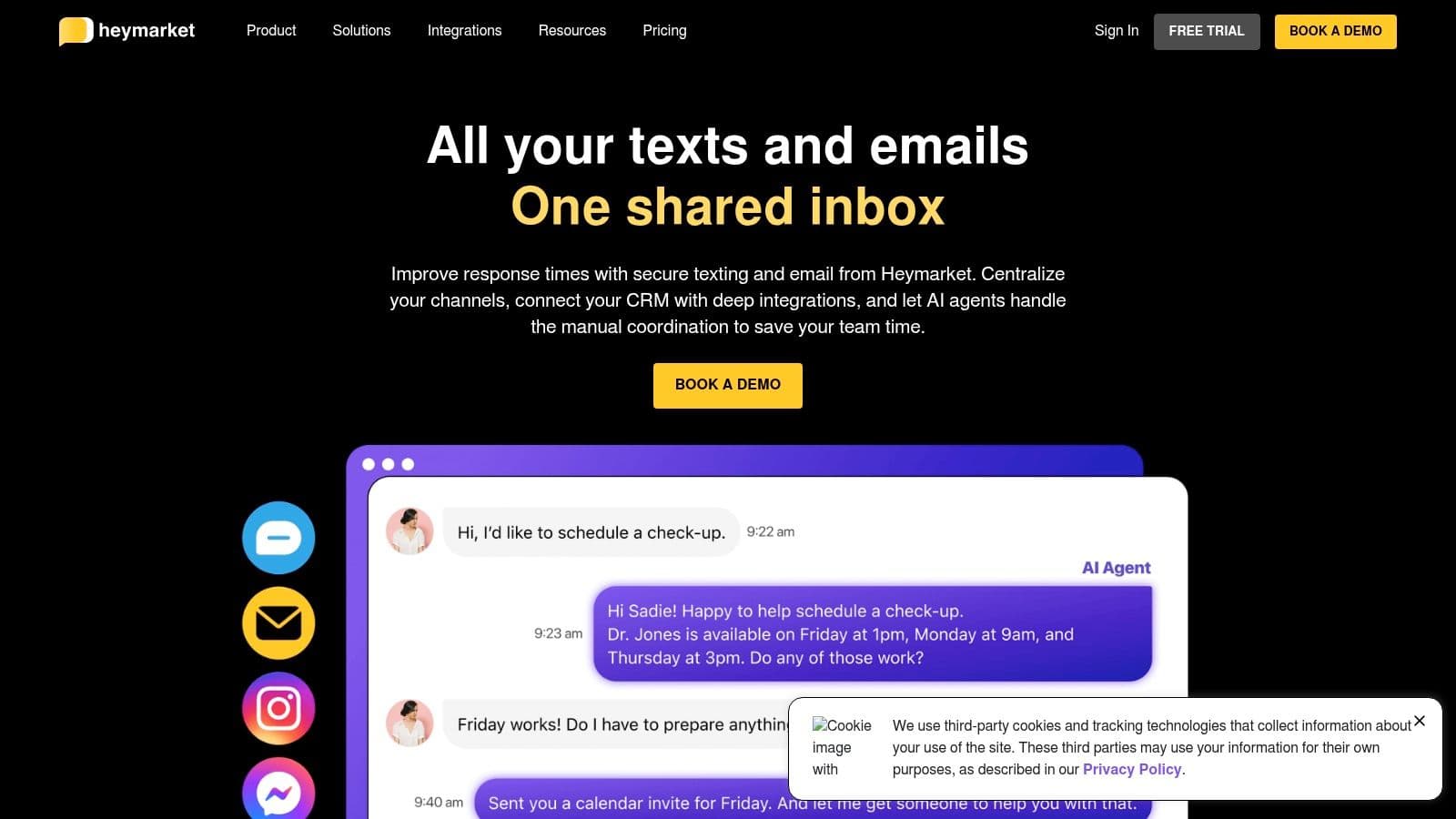
Heymarket is built for teams that already know one channel won't be enough. It combines SMS, MMS, Apple Messages for Business, WhatsApp, Instagram, Facebook, and website chat in a single shared inbox, which makes it a strong fit for businesses that need to meet customers where they already are. For multi-location operations, that can reduce tool sprawl fast.
The main thing Heymarket gets right is collaboration. Assignments, internal notes, and role controls let managers hand off conversations without losing context. That's especially useful in distributed teams, where one location might answer first and another needs the full history before responding. The platform also brings in enterprise controls such as SSO, admin controls, SOC 2 Type 2 posture, and HIPAA-enabled capabilities, so it plays in a more serious operational lane.
For leaders who care about orchestration, not just messages, the platform's depth matters. It connects to major CRMs and support tools, which helps when texting has to reflect what's happening in sales, service, or account management.
The downside is pricing structure. Per-user pricing with a minimum seat count can become expensive if you only want a lightweight group texting setup, and RCS on annual plans adds another layer of buying friction. That makes it less appealing for teams that only need a simple broadcast engine.
If the team needs shared ownership, notes, and controlled handoffs, Heymarket behaves more like a serious operations inbox than a casual texting app.
- Best for: larger teams, multi-channel operations, and enterprise-style oversight.
- Watch for: seat minimums and annual-plan requirements for richer messaging.
- Website: Heymarket
How to improve team communication becomes a practical question once texting touches multiple departments, because the tool only works if handoffs and ownership stay visible.
7. MessageDesk
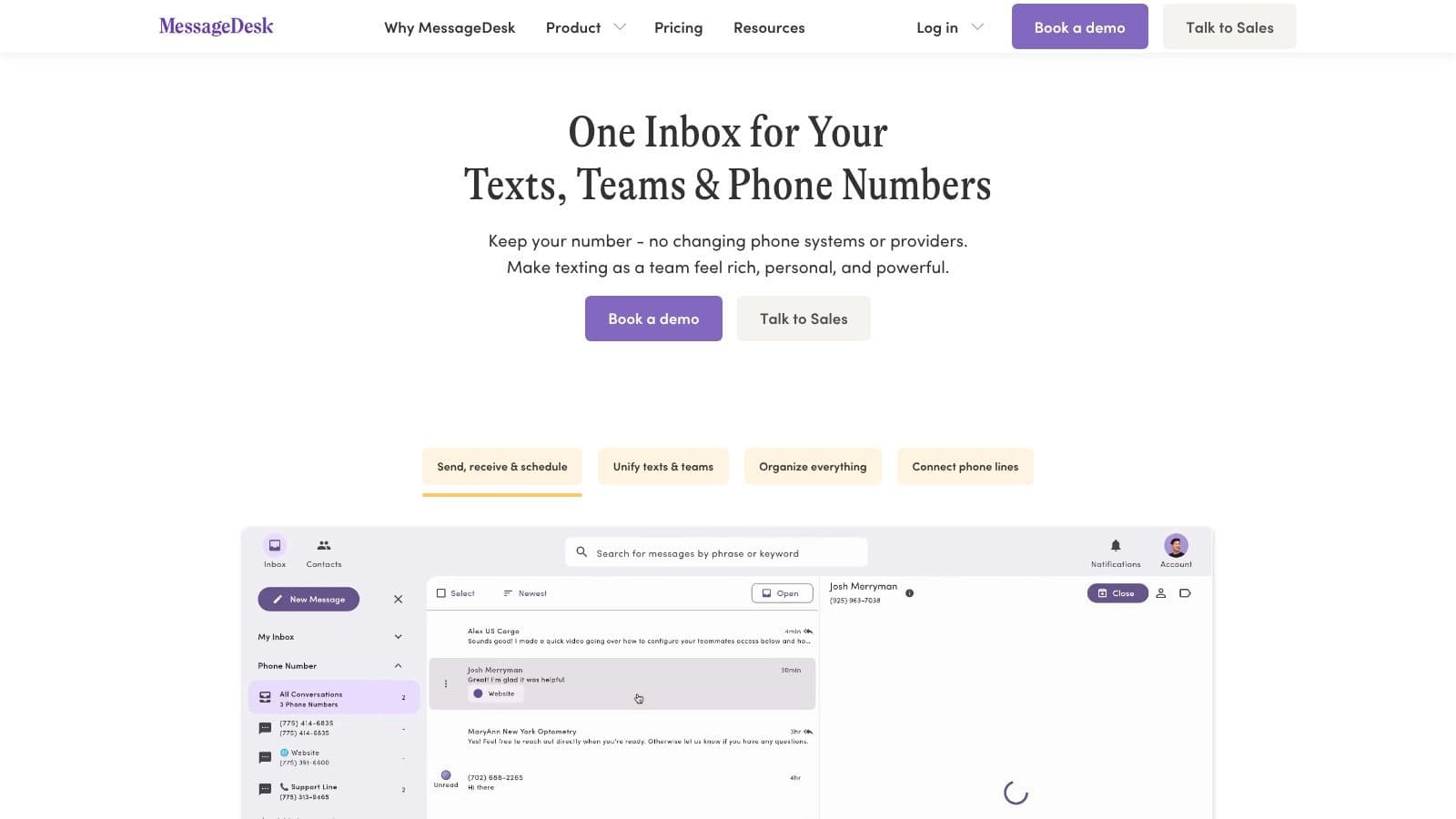
MessageDesk is a strong pick for teams that want predictable costs and operational texting without a lot of surprises. Its shared inbox is designed around labels, assignments, and comments, which makes it easier to run dispatch, office coordination, or internal follow-up without losing track of who owns what.
One of the biggest practical advantages is the pricing model. Per-seat pricing can be easier to understand than message-heavy billing, especially for teams with a lot of inbox users and relatively stable sending needs. MessageDesk also includes carrier registration and number configuration, which reduces one of the most annoying parts of launching business texting at scale.
The platform's shape fits teams that care less about marketing flair and more about getting text messages out the door reliably. That's why it works well for operations groups, service teams, and dispatch-style workflows. It also supports group texting and BYO Twilio connectivity, which gives more technical teams some flexibility.
The catch is that the team plan has a 3-seat minimum, and the mobile apps are listed as beta. For field teams that depend heavily on mobile-first work, that matters. If the main use case is a desk-based shared inbox, it's easier to overlook. If your staff lives in their phones, you'll want to test the app behavior before rolling out broadly.
Practical rule: Pick MessageDesk when you want fewer billing surprises and more ownership controls, not when you need the flashiest sender experience.
- Best for: dispatch, operations, and teams that want predictable seat-based pricing.
- Watch for: the 3-seat minimum and beta mobile apps.
- Website: MessageDesk
8. Salesmsg
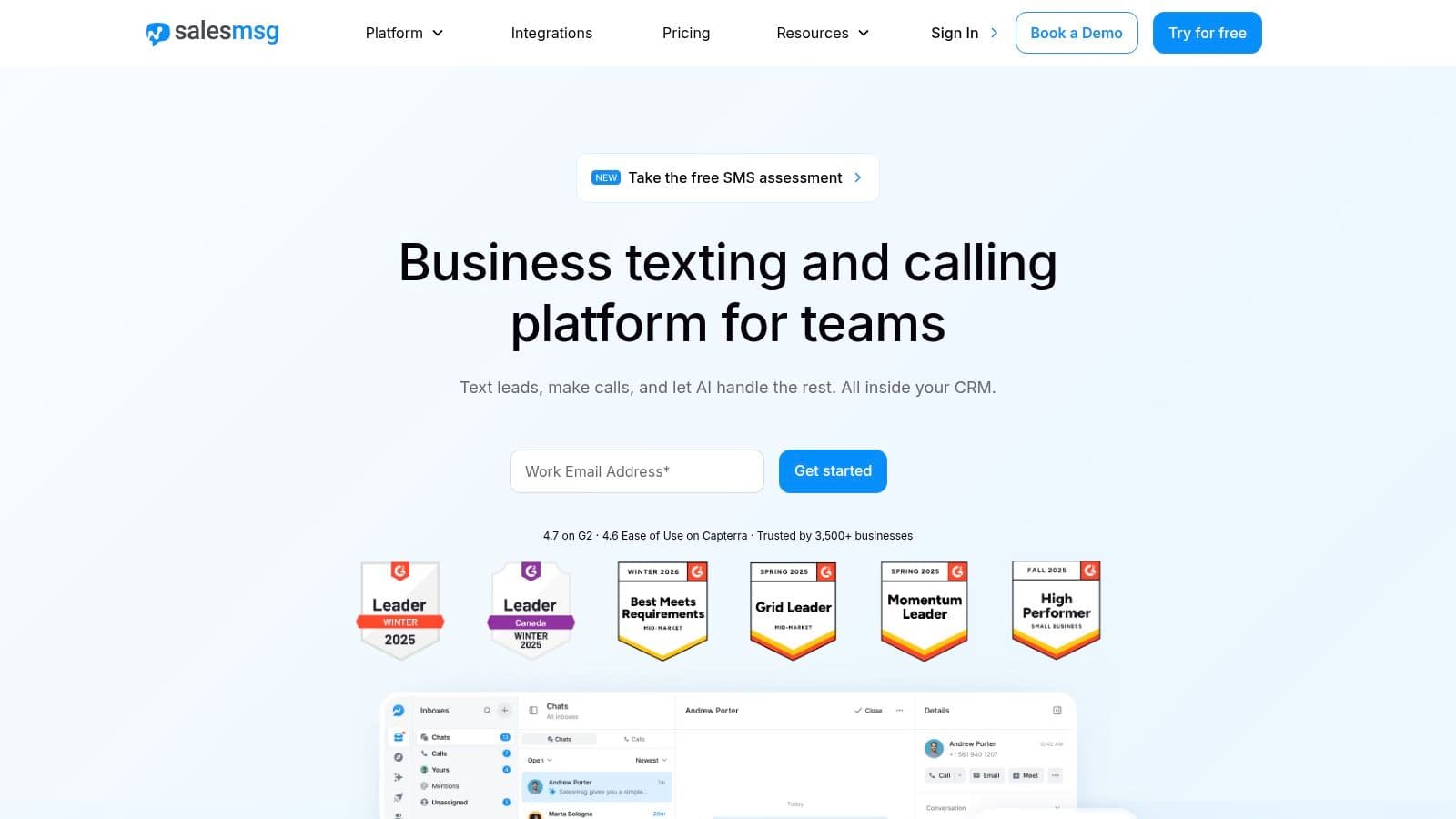
Salesmsg is for revenue teams that want texting and calling in one place. If your reps already live in a CRM and spend their day balancing outbound calls, follow-ups, and quick text replies, this platform fits the rhythm better than a generic messaging app. It's especially useful when texting is part of the sales motion, not a separate support function.
The strongest operational benefit is simplicity for reps. A good revenue texting tool should disappear into the workflow, not become another system to check. Salesmsg does that by combining group chats, mass texts, MMS, mobile apps, and CRM integrations. That matters when a rep needs to move from a call to a text without changing tools or losing context.
The rough edge is visibility. Public pricing isn't fully listed, so buyers have to do more diligence before signing. There's also mixed user feedback around group MMS behavior in certain setups, which is exactly the kind of detail sales managers hate discovering after rollout.
That doesn't make the tool weak, it makes it situational. Sales organizations that need fast follow-up and CRM-connected texting can get a lot of value. Teams that want fully transparent pricing and highly standardized group MMS behavior may want to test carefully first.
If your team is built around pipeline speed, Salesmsg is easier to justify than a marketing-first platform that only happens to send texts.
- Best for: sales-led teams and CRM-heavy outbound work.
- Watch for: pricing opacity and MMS behavior in mixed environments.
- Website: Salesmsg
9. ClickSend
ClickSend is the practical choice for teams that think in workflows, APIs, and delivery mechanics. It's a global pay-as-you-go platform that covers SMS, MMS, email, fax, and voice, but the most relevant part here is how easily it can plug into operational systems. If your team needs text alerts coming out of CRM events, ticket changes, or internal automations, ClickSend is built for that.
The platform works well because it doesn't force every use case into a marketer's interface. Developers and operations teams can connect it to the tools they already use, which cuts down on manual copying and pasting. That's a real advantage for alerts, reminders, and system-generated group sends.
The trade-off is that the interface and support feel more developer-centered than polished-broadcaster friendly. You also need to manage number setup and U.S. compliance details carefully, which is not ideal if you're hoping for a fully guided launch. In exchange, you get a system that can scale around operational needs instead of around campaign templates.
For teams with repeatable triggers, ClickSend is less about pretty texting and more about reliable execution.
That distinction matters. A group SMS app doesn't need to be charming. It needs to connect cleanly, send reliably, and not create another layer of admin work for already overloaded staff.
- Best for: alerts, workflow-driven messaging, and technical integrations.
- Watch for: developer-heavy setup and compliance management.
- Website: ClickSend
10. Podium
Podium is broader than a classic texting app, and that's both its strength and its problem. It brings texting, phones, webchat, social channels, email, reviews, and payments into one inbox, which makes it attractive for local businesses and multi-location operations that want all customer touchpoints in one place. If your business runs on inbound messages and service follow-up, that consolidation can save a lot of switching.
The platform's AI replies, after-hours autoresponders, intent routing, text marketing, and text-to-pay features make it feel less like an SMS tool and more like a customer communication hub. That's useful when the business needs more than bulk sends, especially in industries where missed calls and review requests are part of the workflow. Its developer webhooks also make message synchronization easier for teams with internal systems.
The downside is scope. Podium can be more platform than some teams need, and the sales-led pricing model often makes it a bigger commitment than a text-only tool. If all you want is a simple broadcast list, the suite may feel heavier than necessary.
That said, there's a real reason some teams stick with it. When texting is tied to reviews, missed-call handling, payments, and customer engagement in one environment, the extra breadth starts to pay for itself in reduced tool sprawl.
This Discord group chat guide is a useful reminder that not every team conversation belongs in the same channel, and Podium works best when the business keeps customer-facing coordination separate from internal chatter.
- Best for: local businesses, multi-location teams, and customer engagement workflows.
- Watch for: broader suite complexity and sales-led pricing.
- Website: Podium
Top 10 Group SMS Apps: Feature Comparison
| Tool | Core features | UX/Quality (★) | Price/Value (💰) | Target (👥) | USP (✨ / 🏆) |
|---|---|---|---|---|---|
| SimpleTexting | Mass & 2‑way texting, autoresponders, team inbox | ★★★★ | 💰 Clear estimator; credit model (can be pricey at high MMS) | 👥 Small teams / marketers | ✨ Easy setup & Zapier/Mailchimp integrations · 🏆 Strong support |
| EZ Texting | Broadcasts, keywords, link tracking, text‑to‑join, number options | ★★★★ | 💰 Credit-based; tier details sometimes gated | 👥 Small–mid businesses / alerts | ✨ Group texting that avoids reply‑all · 🏆 Extensive templates/docs |
| SlickText | Workflows, segmentation, all features on every plan, RCS opt‑in | ★★★★ | 💰 Clear per‑tier allotments; pricier at scale | 👥 Marketing teams wanting all‑in‑one | ✨ No feature gating across plans · 🏆 Fast onboarding |
| TextMagic | Shared inbox, automations, API & BYO CPaaS option | ★★★★ | 💰 Pay‑as‑you‑go; very low per‑SMS with BYO CPaaS | 👥 Cost‑sensitive / technical teams | ✨ BYO carrier for ultra‑low SMS cost · 🏆 Transparent pricing table |
| Textline | True group threads, surveys, automations, HIPAA plans | ★★★★ | 💰 Sales‑assisted pricing; MMS costs higher (≈3x) | 👥 Support, healthcare & ops teams | ✨ True multi‑party SMS + HIPAA options · 🏆 Strong collaboration tools |
| Heymarket | Omnichannel messaging, roles, SSO, compliance controls | ★★★★★ | 💰 Per‑user (2‑user min); can be costly for small teams | 👥 Large teams / enterprises | ✨ Broad channel support + SOC2/HIPAA · 🏆 Deep integrations & admin controls |
| MessageDesk | Shared inbox, unlimited 1:1 SMS, scheduled messages, Twilio BYO | ★★★★ | 💰 Per‑seat predictable pricing; 3‑seat team min | 👥 Dispatch & operations teams | ✨ Predictable per‑seat billing · 🏆 Included carrier registration |
| Salesmsg | Group chats, mass texts, calling + mobile apps, CRM hooks | ★★★★ | 💰 Pricing varies / partially gated | 👥 Revenue & sales teams | ✨ Text + calling in one app · 🏆 CRM integrations for reps |
| ClickSend | Global SMS/MMS/email/voice APIs, volume tiers, dedicated numbers | ★★★★ | 💰 Pay‑as‑you‑go; competitive at scale | 👥 Developers & programmatic ops | ✨ Strong APIs & global coverage · 🏆 Low rates at high volume |
| Podium | Unified inbox (SMS/webchat/social), AI replies, text‑to‑pay | ★★★★ | 💰 Sales‑led pricing; higher than SMS‑only tools | 👥 Local & multi‑location businesses | ✨ AI follow‑ups + payments & reviews · 🏆 Full omnichannel suite |
Start Texting Smarter, Not Harder
The right best group SMS app turns texting from a messy side task into a clean operational channel. The wrong one leaves you chasing replies across threads, guessing at costs, and explaining to your team why a “simple” message turned into a support problem. A good choice depends on what you need: broadcast speed, shared inbox control, compliance, CRM integration, or multi-channel coverage.
SimpleTexting and EZ Texting are easier starting points when you want campaigns and alerts without a long learning curve. SlickText is better when you want feature consistency and cleaner plan structure. TextMagic and ClickSend fit teams that care about cost control, technical flexibility, or workflow automation. Textline, Heymarket, MessageDesk, Salesmsg, and Podium make more sense when texting is tied to support, operations, revenue, or customer experience.
There's also a reality that gets missed in vendor pages. Messaging at scale isn't just about sending, it's about carrier rules, onboarding friction, contact management, and whether your team can keep conversations organized after the first week. That's why the best platform is usually the one that matches your workflow, not the one with the longest feature sheet.
If you're evaluating options for appointment reminders, sales follow-up, field coordination, or customer broadcasts, start with one tool that fits your primary use case and run a real pilot. Don't overbuy. Don't assume a richer suite will fix a messy process. Pick the platform that helps your team respond faster, keep ownership clear, and send the right message without adding another layer of manual work. For a practical next step, use the top contender's trial, test your real contacts and workflows, then compare how much time you save before you commit.
Fluidwave helps busy teams turn scattered communication into organized action, which matters when texting is only one part of a bigger workflow. If you want a cleaner way to assign follow-ups, track progress, and keep people aligned after the message goes out, visit Fluidwave and see how it fits into your daily operations.
Focus on What Matters.
Experience lightning-fast task management with AI-powered workflows. Our automation helps busy professionals save 4+ hours weekly.