Searching for the best family calendar app? We review 10 top options like Cozi, TimeTree, and Google Calendar to keep your household organized and in sync.
July 21, 2026 (Today)
The 10 Best Family Calendar App Options for 2026
Searching for the best family calendar app? We review 10 top options like Cozi, TimeTree, and Google Calendar to keep your household organized and in sync.
← Back to blog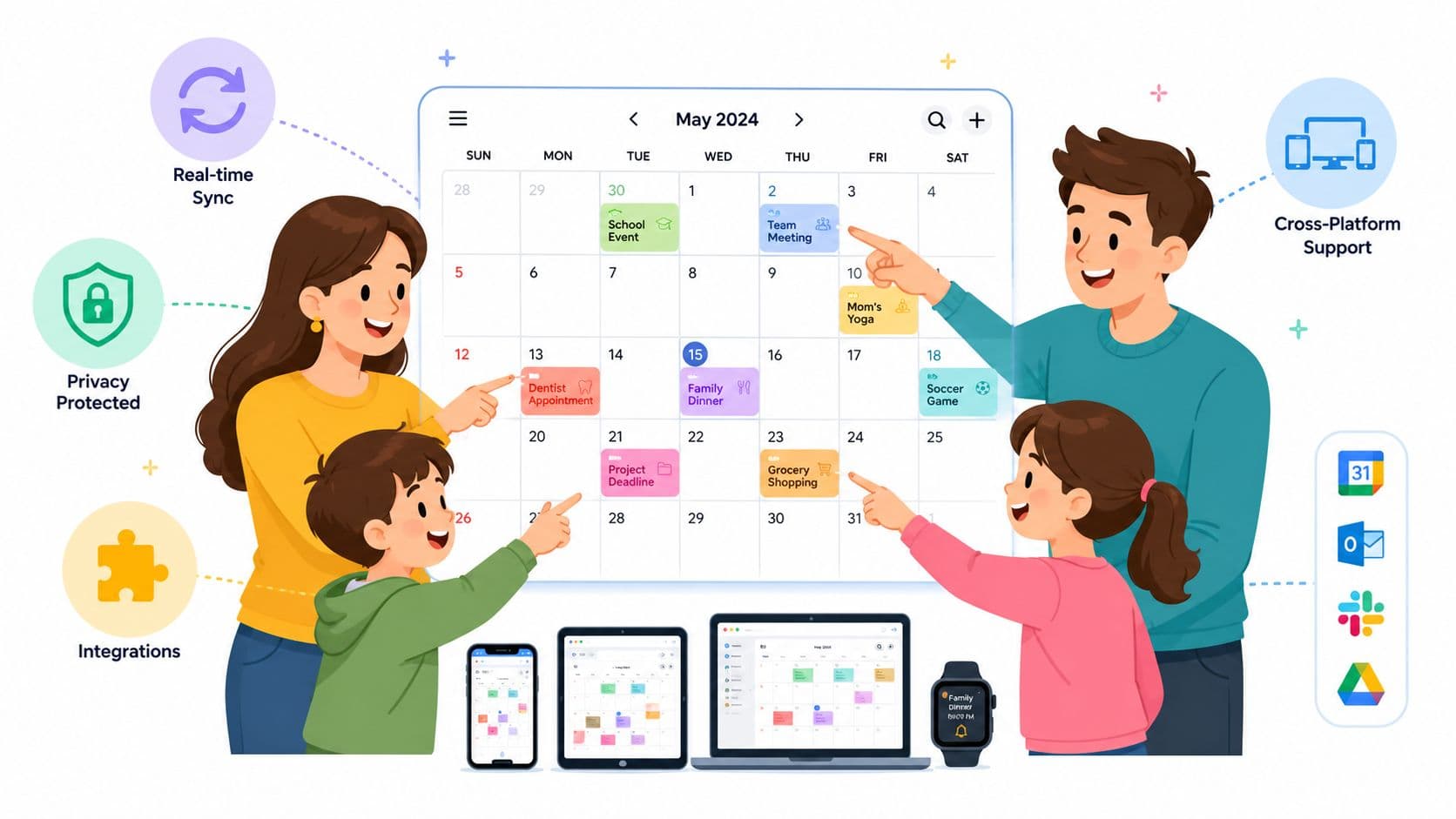
End the Scheduling Chaos: Finding Your Family's Perfect Calendar
Between soccer practice, parent-teacher conferences, and remembering whose turn it is to take out the recycling, modern family life can feel like a logistical puzzle. If you're tired of missed appointments and constant "who's doing what?" texts, you're in the right place. A dedicated family calendar app is more than just a shared schedule. It's the system that keeps the household from running on memory and panic.
The tricky part is that the best family calendar app usually isn't the one with the longest feature list. It's the one your family will open, understand, and keep updated. In real households, adoption matters more than clever design.
A lot of parents also underestimate the hidden cost of "free." Sometimes that's ads. Sometimes it's privacy trade-offs. Sometimes it's the mental burden of manually entering every practice, school event, and half-day release. If your mornings already feel rushed, even small systems help. I like pairing a shared calendar with practical routines like these stress-free morning backpack ideas.
Let's get to the apps that are worth your time.
1. Cozi Family Organizer
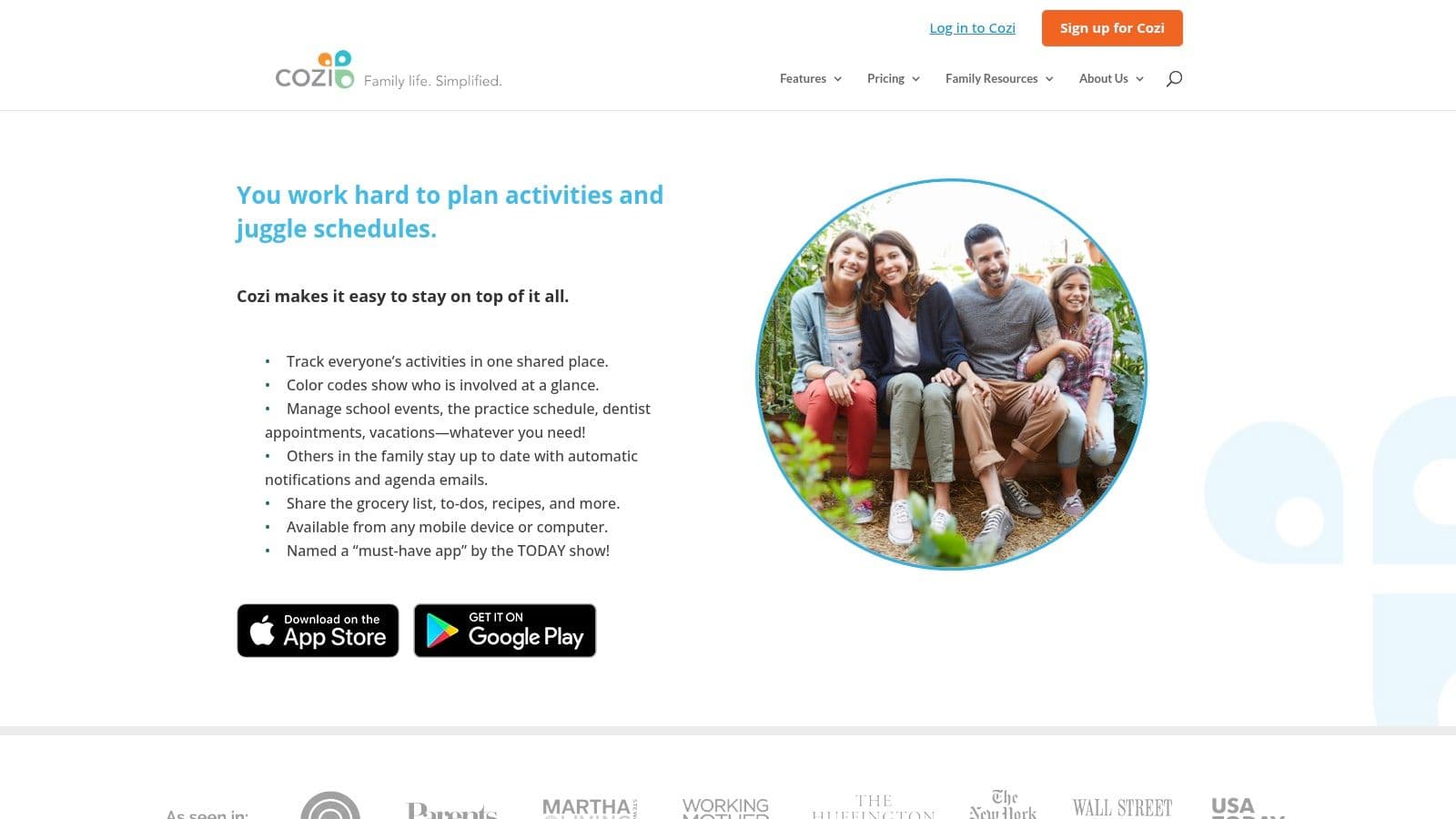
Cozi is the app I recommend when a family needs structure without a lot of setup drama. It was built for households, not retrofitted from a work calendar, and that shows in the basics: color-coded schedules, shared shopping lists, meal planning, and to-dos all live in one place.
That matters more than people think. When the grocery list and the family calendar live in separate apps, someone always forgets to check one of them.
Where Cozi works best
Cozi is a strong fit for families who want one shared hub and don't want to train everyone on a complicated system. It also has the strongest market position in the category, with an estimated 21.3% market share in 2025 and an average retention period of 38 months, according to Market Intelo's family calendar app market report. That's a useful signal. Families tend to stick with it.
A few practical trade-offs stand out:
- Best for all-in-one basics: Calendar, lists, and meal planning are all tightly connected.
- Easy household onboarding: One upgrade covers the family instead of forcing each person into a separate paid account.
- Free isn't friction-free: The free plan includes ads, which can get old fast in a daily-use app.
Practical rule: If your household struggles with consistency, choose the app that asks the fewest things of everyone.
Cozi also makes sense for parents who want a straightforward visual system, especially if ADHD or executive function challenges make family logistics harder to hold in your head. If that's your situation, this guide to the best calendar app for ADHD is worth reading alongside your family setup.
You can check it out at Cozi Family Organizer.
2. TimeTree
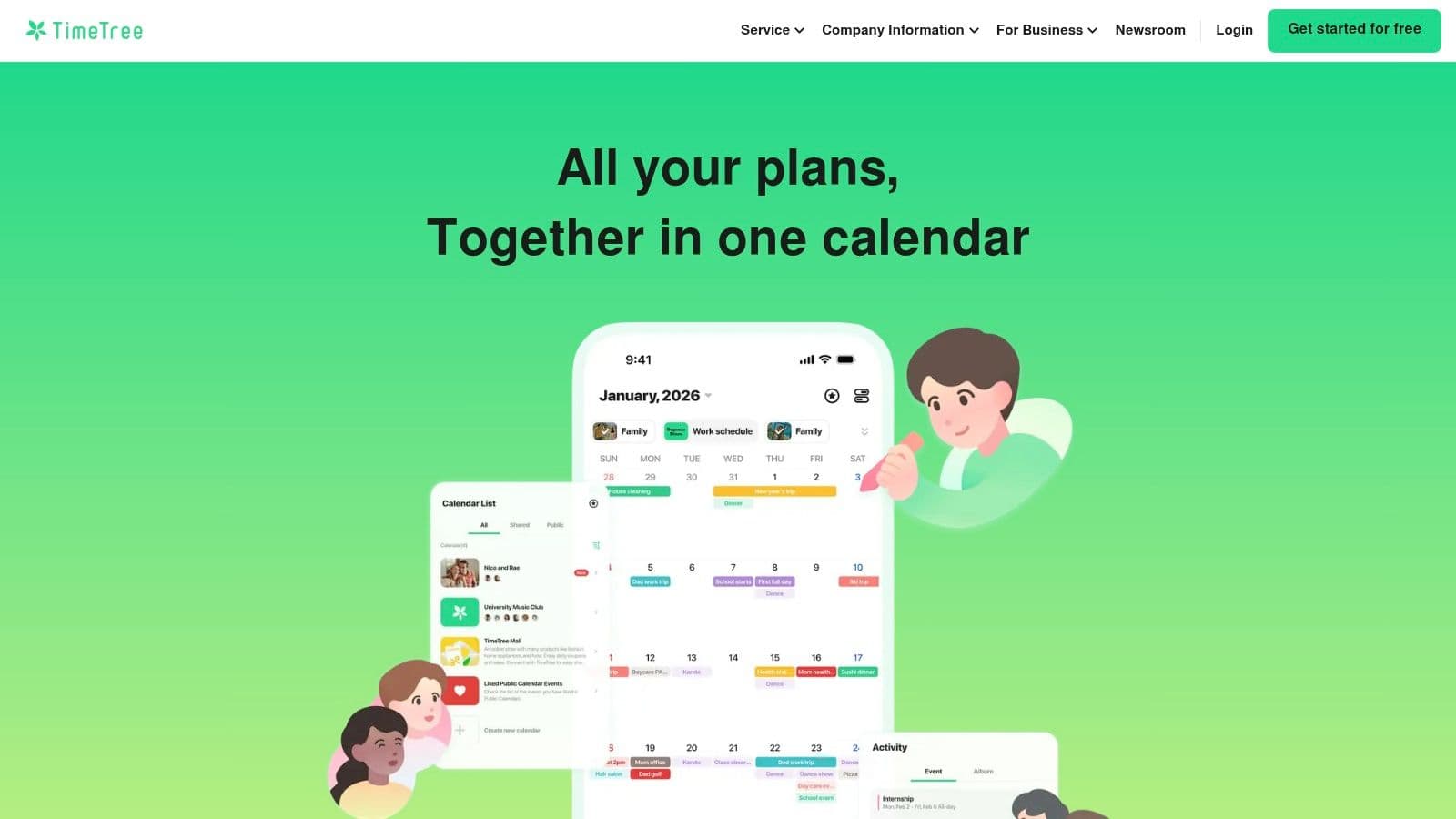
TimeTree is the app I point people to when Google Calendar feels too bare and Cozi feels too domestic. It sits in the middle nicely. It's still simple, but it gives families one feature that changes day-to-day coordination a lot: comments directly inside events.
That sounds small until you're dealing with pickup changes, field locations, and "I can take her if you're stuck in traffic" conversations.
Why families like it
TimeTree is identified as the best free dedicated family calendar option in a 2026 comparison of shared family calendar apps, with event-level chat called out as one of its standout strengths in both dedicated app roundups and broader market analysis from OneHaus. For phone-first families, that's a big advantage. Everyone can stay inside the same event instead of scattering details across texts.
It also pioneered the per-event chat model, which became an important shift in family calendar design as apps moved beyond simple date tracking, as described by Maple's 2026 family calendar analysis.
- Best for coordination around events: Comments and notes keep the logistics tied to the actual appointment.
- Good for mixed-tech households: Non-technical family members usually grasp it quickly.
- Less ideal for household management: If you want chores, grocery planning, and deeper home operations, it can feel narrow.
Put recurring school pickups, practices, and custody handoffs into separate shared calendars only if your family can manage the visual clutter. Otherwise, one calendar is usually cleaner.
If you're building your setup from scratch, this walkthrough on how to create a shared calendar can help you avoid a messy launch.
You can explore it at TimeTree.
3. FamilyWall
FamilyWall is for families who don't just want a calendar. They want a household dashboard. In practice, that means shared scheduling, lists, messaging, and location-oriented features all under one roof.
For some families, that's perfect. For others, it's too much app.
Best for mixed-platform homes
FamilyWall is one of the better options when one parent lives in Google, the other lives in Outlook, and nobody wants to rebuild their whole digital life. The syncing options are a real advantage here, especially if your household runs on a combination of personal calendars, school calendars, and work commitments.
What I like about FamilyWall is that it understands a family calendar isn't just about appointments. It's about context. If a school event changes, parents often need the schedule, the note, the shopping list, and sometimes the location detail in one place.
A few real trade-offs:
- Strong household hub: Messaging, lists, and planning features make it more than a shared calendar.
- Useful for calendar imports: Public and school calendars are especially handy for activity-heavy families.
- Premium does the heavy lifting: Many of the more compelling features sit behind the paid tier.
This is often the right choice for a family that has already outgrown the native calendar apps but doesn't want a wall-mounted display or a co-parenting-specific platform. It asks for more commitment than Google Calendar, but in return it can replace multiple lighter tools.
You can learn more at FamilyWall.
4. FamCal
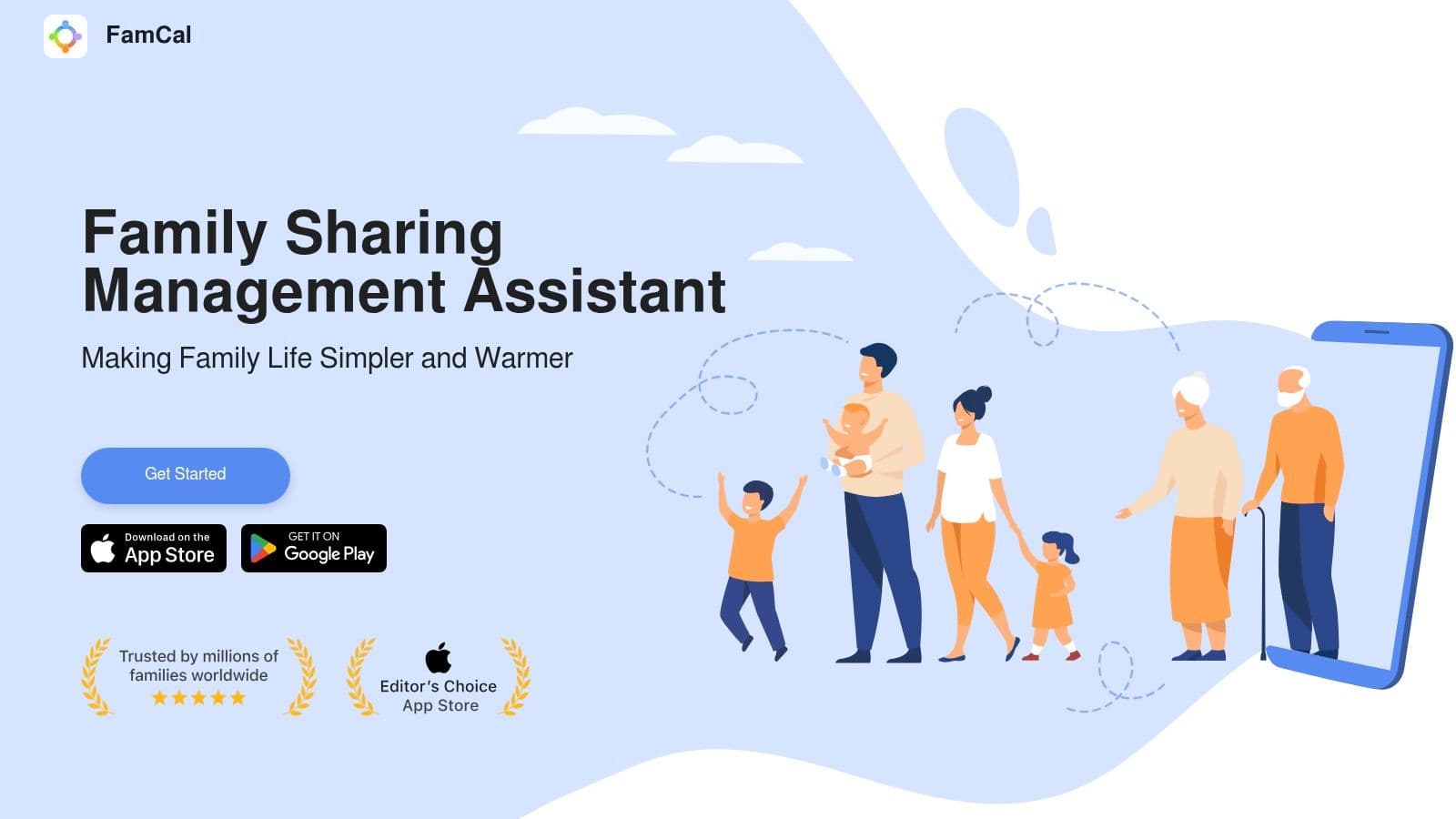
FamCal wins on simplicity. Not elegance. Not power. Simplicity.
If your family doesn't need a sprawling command center and just wants a shared calendar with tasks, notes, and contacts, FamCal stays out of the way better than most.
Best for low-friction adoption
Some apps impress adults and confuse everyone else. FamCal usually does the opposite. It gives each family member a color, keeps the interface straightforward, and avoids burying basic actions under too many menus.
That makes it a good fit for families with younger kids, grandparents in the loop, or a partner who has no interest in learning a new "system." In my experience, that last point matters a lot more than feature comparisons suggest.
- Good starter app: Shared calendar, basic lists, and notes are enough for many families.
- Less polished visually: The interface feels practical, not premium.
- Watch for upgrade prompts: Some features are gated behind in-app purchases.
The best family calendar app for a busy household isn't always the most advanced one. It's the one that nobody resists using.
FamCal isn't the app I'd choose for a highly complex home with layered school, custody, and work coordination. But for a family that wants a digital whiteboard replacement on their phones, it does the job.
You can find it at FamCal.
5. Google Family Calendar via Google Family Group and Google Calendar
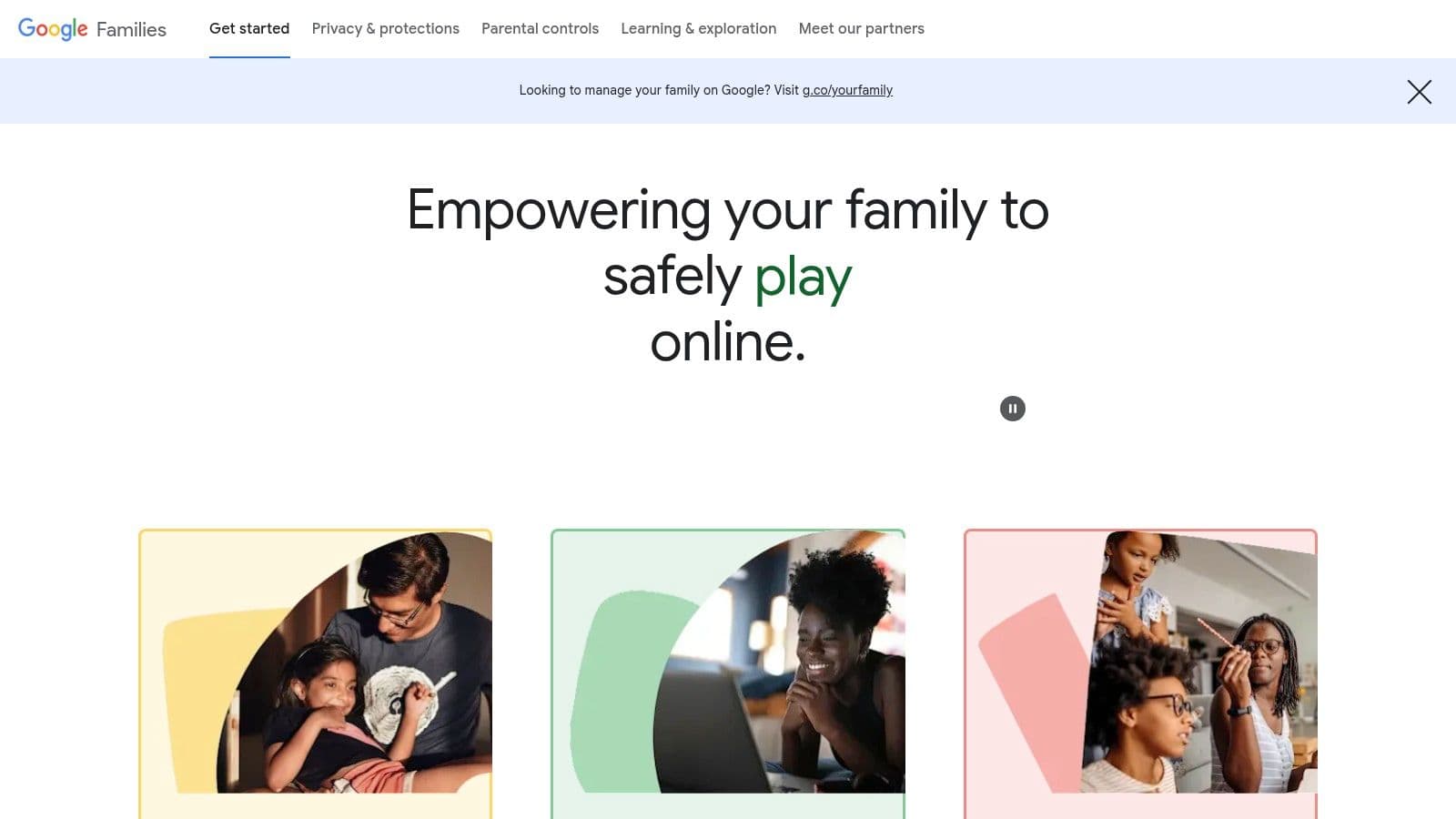
For many households, Google Calendar is the default answer because it's already there. That's not laziness. It's often the smartest move.
A 2026 market analysis found that platform ecosystems dominate this category rather than one universal winner, with Google Calendar serving as the primary free option for "Google households" because it avoids the friction of adopting another app, according to OneHaus's 2026 shared family calendar review. That's exactly what I see in practice. Existing habits beat better features all the time.
When Google is enough
If your family already uses Gmail, Android, or Google Workspace tools, the shared Family calendar is the lowest-friction path. Setup is light, cross-platform support is strong, and it works on phones, tablets, and the web.
The downside is that it's still a general calendar, not a family operations tool. You won't get built-in chores, meal planning, or family-specific workflows.
- Biggest strength: Almost no adoption barrier for Google-based families.
- Best use case: Shared visibility into school events, sports, appointments, and travel.
- Biggest weakness: Household management still spills into other apps.
Google also works well when you need outside schedules layered in. For example, families juggling athletics often connect external schedules like this guide to Google Calendar for sports teams.
If your home already has multiple overlapping calendars, this guide on how to combine Google Calendars can save you from building a cluttered mess.
Start with Google Families.
6. Apple Calendar with Family Sharing
If everyone in your house uses iPhones, Apple Calendar is hard to beat on convenience. No extra app. No extra subscription. No separate system to maintain.
For Apple-only homes, that's a serious advantage, not a compromise.
Best for Apple-only families
A 2026 benchmark review rated Apple Calendar with Family Sharing as technically superior for households exclusively using Apple devices because of native integration and zero additional subscription cost, as noted by RemindHer's family calendar app benchmarks. That's the key trade-off. You give up some family-specific features, but you gain a smoother daily experience.
This is the setup I usually recommend when the family already lives in the Apple ecosystem and doesn't need advanced chore systems or meal planners.
- Native sync is the point: iPhone, iPad, Mac, Apple Watch, and iCloud all work together cleanly.
- No separate subscription: You use existing Apple IDs instead of paying for a dedicated organizer.
- Mixed-device households may struggle: Once Android enters the picture, the experience gets less clean.
Apple Calendar isn't trying to be an all-in-one family operating system. It's a calendar. If that's enough, it's excellent. If it isn't, you'll feel the limitation pretty quickly.
You can set it up through Apple Family Sharing.
7. Microsoft Outlook Family Calendar
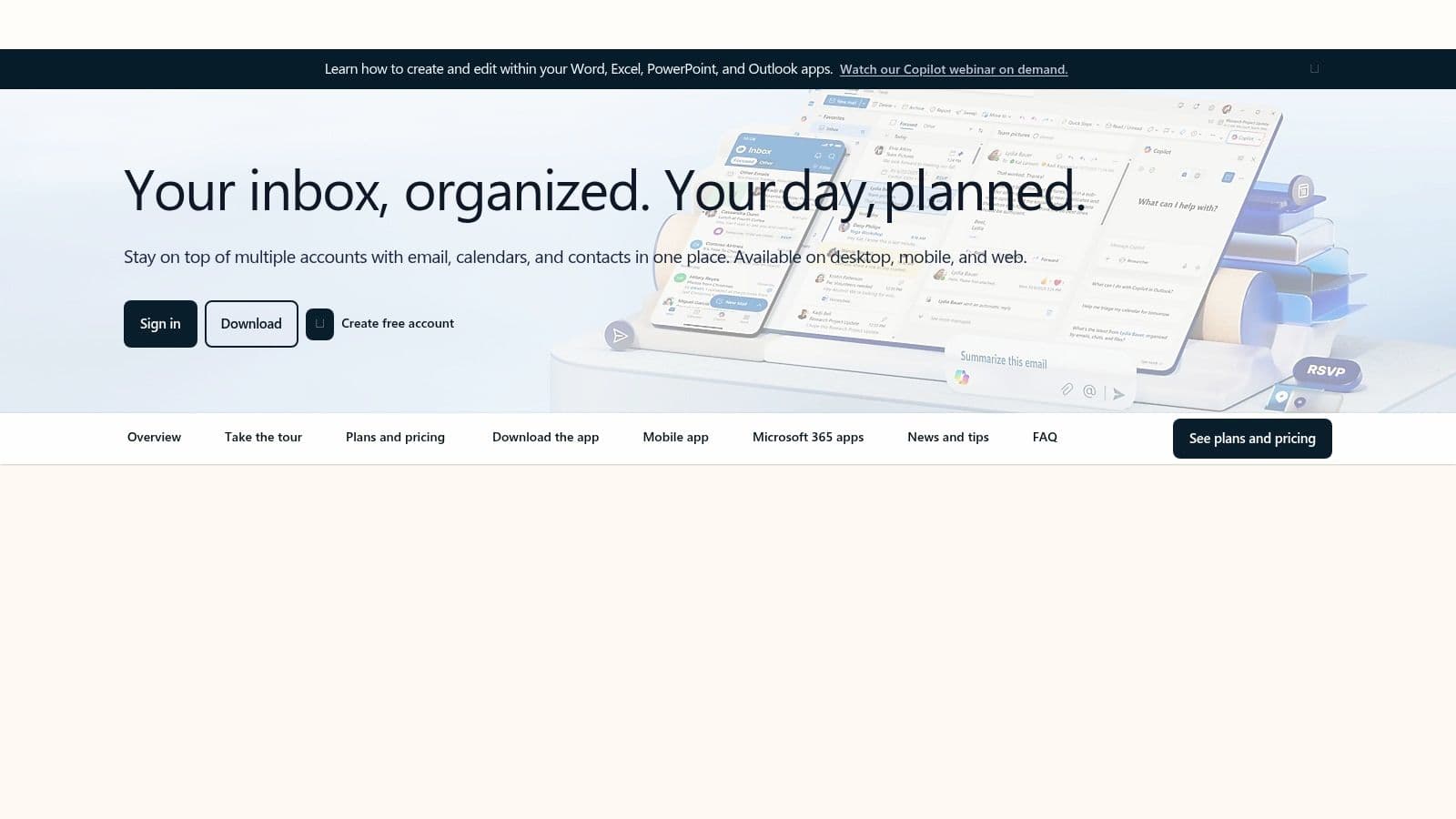
Outlook Family Calendar doesn't get talked about enough, mostly because family scheduling conversations tend to orbit Google and Apple. But for households already using Microsoft accounts, Outlook is a practical option.
It makes the most sense when a parent already spends half the day in Outlook anyway.
Best for Microsoft households
The advantage here is familiarity. If your family uses Outlook.com, Microsoft 365, or Windows tools regularly, the shared family calendar can sit alongside work and personal scheduling without forcing another app into the mix.
That overlap is helpful for professionals who need to see school pickup, work meetings, and family travel in one place. It's not flashy, but it is efficient when your life already runs through Microsoft.
A few caveats matter:
- Strongest fit for Outlook users: If you're already there, it feels natural.
- Good permissions control: Helpful if not everyone should edit everything.
- Client behavior can vary: The web and app experience are usually the safest bet.
I don't usually recommend Outlook as a first-choice family calendar for households starting from zero. But for a Microsoft-centered home, it's the cleanest answer because it doesn't ask people to switch habits.
You can use it through Outlook Calendar.
8. Skylight Calendar
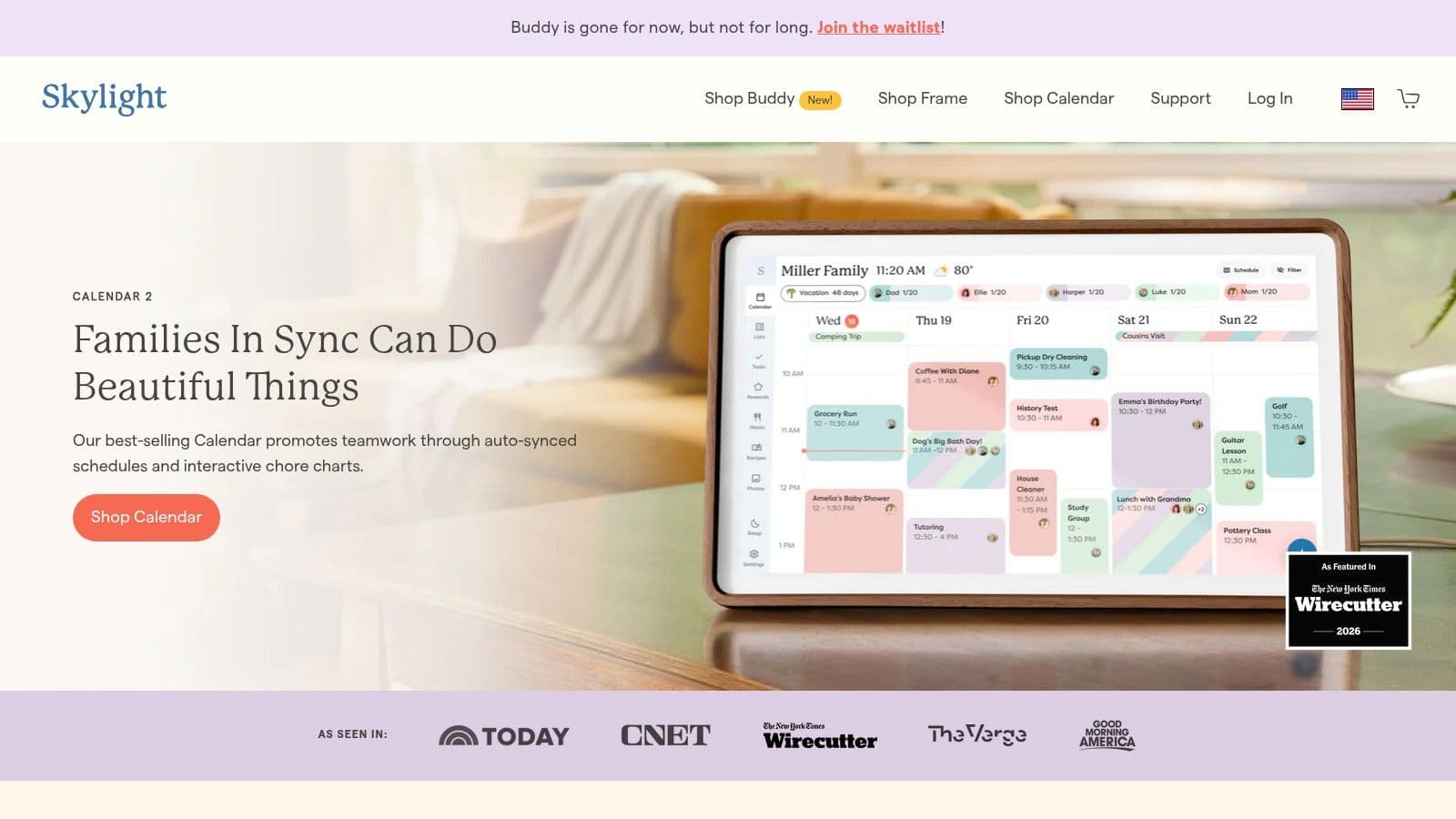
Some families don't have a phone app problem. They have a visibility problem. Nobody checks the schedule until it's too late.
That's where Skylight makes sense. It turns the family calendar into a physical object that lives in the kitchen, hallway, or command center spot everyone sees.
Best for visual planners
In 2026 hardware benchmarks, Skylight Calendar was priced at $159 to $299 with an optional $79 yearly subscription, and that setup came in at $500 lower in total cost than the premium Hearth Calendar, according to RemindHer's comparison of visible family scheduling displays. If your family wants a wall-mounted calendar, that price gap matters.
What I like most about Skylight is the behavioral side. A visible calendar changes household coordination because kids, partners, and caregivers can check it without opening an app.
- Best for glanceability: The schedule stays visible all day.
- Good for mixed ecosystems: It can sync with existing digital calendars rather than replacing them.
- Budget carefully: Hardware plus subscription is still a meaningful spend.
A shared calendar only works if people see it before the conflict happens.
Skylight isn't the best family calendar app for every household, but it's one of the best solutions for homes where the main failure point is "nobody looked." The hardware solves that in a way phone apps often don't.
You can explore the device at Skylight Calendar.
9. Any.do Family Plan
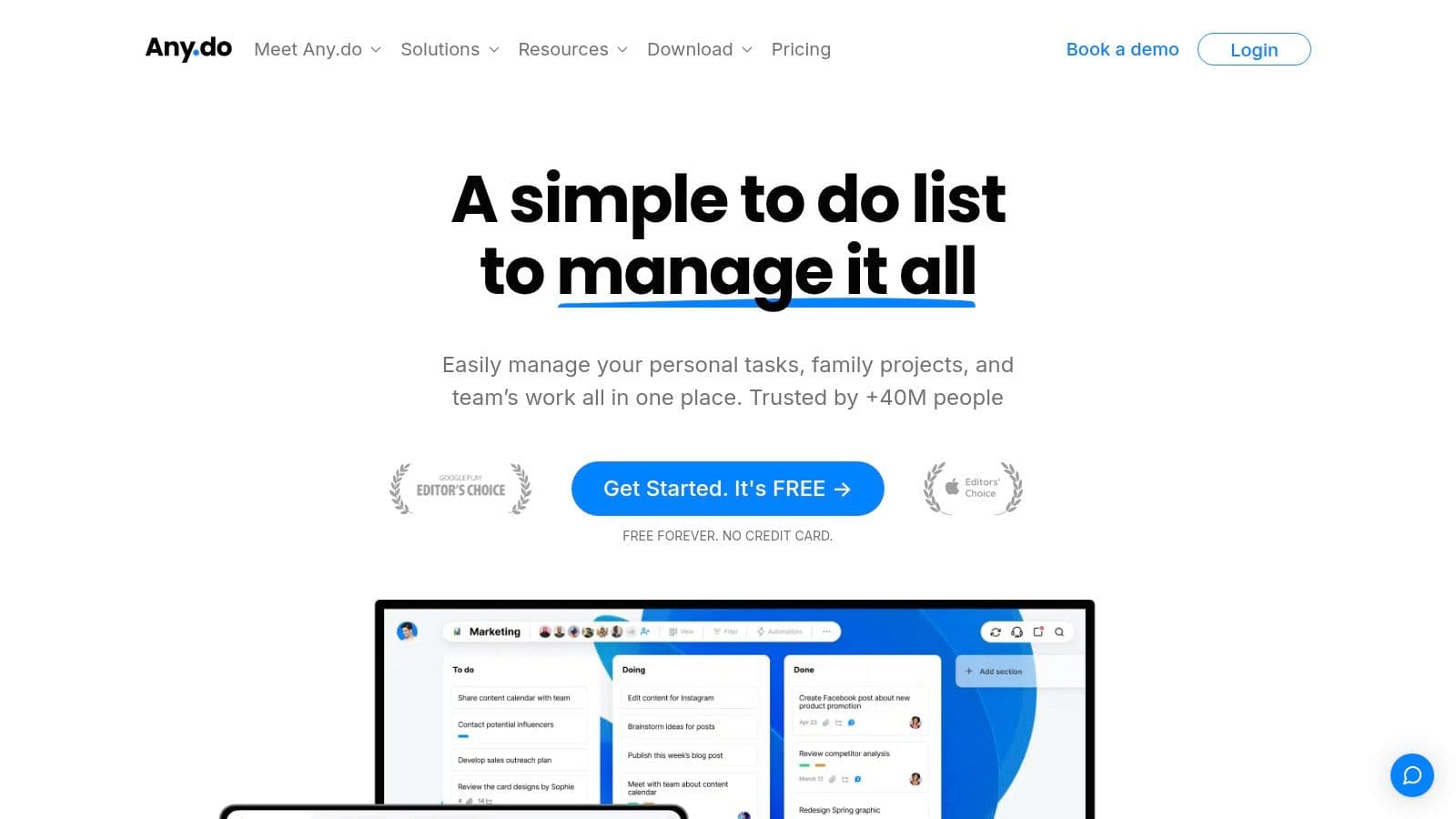
Any.do is the pick for families who think in tasks first and calendar second. If your biggest household pain isn't seeing the schedule but getting people to do the things on it, this style of app can work better than a calendar-only tool.
It behaves more like a collaboration app than a classic family organizer.
Best for chores and action items
The Family plan includes a shared space with up to four shared boards, plus calendar, grocery, and task views. That's useful when a family's real bottleneck is execution: who buys the birthday gift, who books the dentist, who handles camp forms, who picks up groceries.
I like Any.do for entrepreneurial households and busy professionals because it mirrors the way many adults already manage work. You can assign, organize, and track, then still view time-based commitments in a calendar format.
- Strongest use case: Families that need shared chores, grocery coordination, and task tracking.
- Good long-term fit: It can grow with people who already use work-style productivity apps.
- Less family-specific personality: It doesn't feel as purpose-built for home life as Cozi or FamilyWall.
One caution: pricing visibility can vary by platform and region at checkout, so I'd verify the current family plan terms before rolling it out widely.
You can look at it on Any.do.
10. OurFamilyWizard
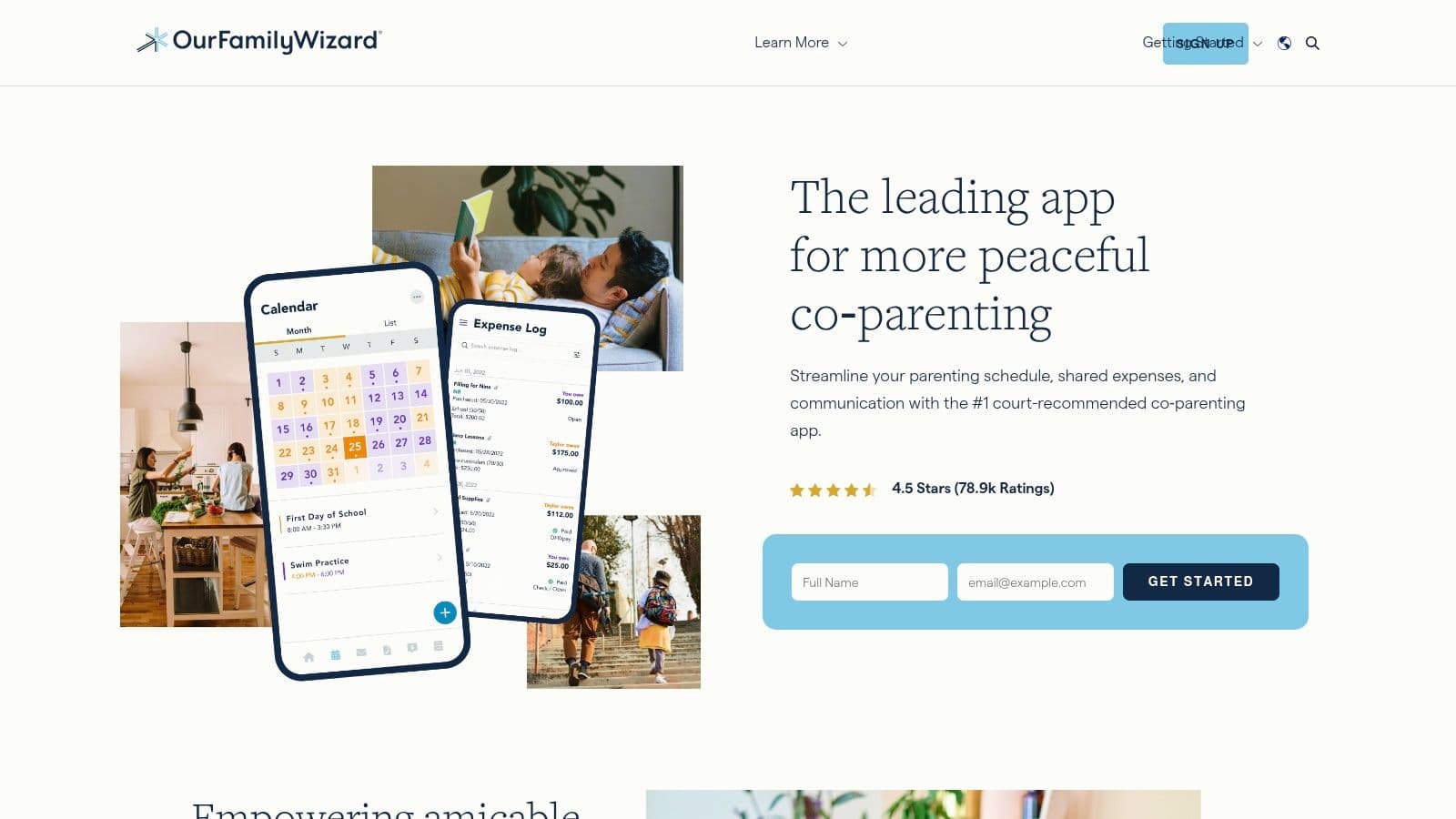
OurFamilyWizard is not trying to be cozy. That's a good thing.
If you need a co-parenting calendar with documented communication, schedule clarity, and records that can hold up under professional or legal scrutiny, this is the category leader for that job.
Best for co-parenting and documentation
The calendar is designed around parenting schedules, exchanges, holiday rotations, and change requests. The messaging system includes first-viewed timestamps and exportable records, and the platform also supports verified check-ins, expense tracking, plus free accounts for children and professionals.
That combination changes the tone of scheduling. You're not just sharing a calendar. You're creating a documented record of what was proposed, changed, seen, and agreed to.
- Best for high-conflict or court-involved co-parenting: It creates structure and accountability.
- Built for professionals too: Attorneys, mediators, and other third parties can be included where appropriate.
- Heavier than standard family apps: If you don't need documentation, it'll feel expensive and overbuilt.
This isn't the best family calendar app for a typical two-parent household under one roof. But for co-parents, especially where communication is tense or highly formal, it's often the right tool because it reduces ambiguity.
You can learn more at OurFamilyWizard.
Top 10 Family Calendar Apps, Features & Pricing Comparison
| Product | Core features | UX / Quality ★ | Value & Price 💰 | Target audience 👥 | Unique selling point ✨🏆 |
|---|---|---|---|---|---|
| Cozi Family Organizer | Shared color-coded calendar; shopping & to-dos; meal planner | ★★★★ | 💰 Free (ads); Max paid for no-ads & AI | 👥 Traditional families wanting simple hub | ✨ Purpose-built family UX; 🏆 broad US adoption |
| TimeTree | Shared calendars with comments & notes; multiple views | ★★★★ | 💰 Generous free tier; Premium removes ads | 👥 Groups/families needing easy sharing | ✨ Event comments for coordination |
| FamilyWall | Calendar + lists + messaging + location; Google/Outlook sync | ★★★ | 💰 Free basic; Premium for sync/storage/advanced | 👥 Mixed Google/Outlook households | ✨ All-in-one household hub; strong sync options |
| FamCal | Shared calendar, tasks, notes, contacts; color roles | ★★★ | 💰 Free w/ in-app purchases | 👥 Families wanting minimal setup | ✨ Low-friction, simple onboarding |
| Google Family Calendar | Auto-created shared calendar; Google ecosystem features | ★★★★ | 💰 Free (requires Google accounts) | 👥 Google-centric households | ✨ Lowest friction; excellent cross-platform integration |
| Apple Calendar (Family Sharing) | Auto shared Family calendar; iCloud sync across Apple devices | ★★★★ | 💰 Free (uses Apple IDs/iCloud) | 👥 All-Apple households | ✨ Native, reliable Apple integration; 🏆 seamless device sync |
| Microsoft Outlook Family Calendar | Shared calendar via Microsoft Family; permission controls | ★★★ | 💰 Free with Microsoft account | 👥 Outlook/Microsoft users balancing work & home | ✨ Integrates with Outlook ecosystem and work calendars |
| Skylight Calendar (hardware) | Wall-mounted display syncing multiple calendars; touch UI | ★★★★ | 💰 Upfront hardware cost; optional subscription | 👥 Homes wanting always-on, glanceable display | ✨ Physical centerpiece for household visibility; privacy-minded |
| Any.do (Family Plan) | Shared boards, integrated calendar, grocery lists, Kanban/table views | ★★★ | 💰 Family flat pricing (varies by platform) | 👥 Families needing chores + scheduling in one app | ✨ Combines tasking & calendar; team-style collaboration |
| OurFamilyWizard | Parenting-focused calendar; verified messaging; exportable logs | ★★★★ | 💰 Subscription required per parent | 👥 Co-parents & families needing documented records | ✨ Court-friendly documentation & verified check-ins; 🏆 professional-grade records |
The Right Calendar Is the One Your Family Actually Uses
After all the comparisons, the best family calendar app usually comes down to one question: what will your family reliably use on a random Tuesday? Not what looks best in a demo. Not what has the most tabs. The one that survives real life.
If your household is already deep in one ecosystem, start there. Google Calendar is still the path of least resistance for Google households, and Apple Calendar is the obvious answer for all-Apple families. That's not settling. In many homes, avoiding setup friction is what makes the system stick in the first place.
If you need more than shared visibility, dedicated apps start to pull ahead. Cozi is the practical all-rounder for families that want calendar, shopping, to-dos, and meal planning in one place. TimeTree is a smart choice when communication around each event matters more than extra household features. FamilyWall fits families who want a broader home hub, while FamCal works best for people who want something lighter and easier to adopt.
Then there are the special cases, and those matter. Skylight is excellent when the problem is visibility, not software. A wall-mounted display changes behavior because people see it. Any.do is better for families that run on tasks and collaboration rather than pure scheduling. OurFamilyWizard is in a different category entirely. For co-parenting, documentation often matters as much as convenience.
One trend worth paying attention to is manual entry fatigue. A 2026 review of family calendar tools argued that most mainstream recommendations still leave parents doing all the work of creating events, while only niche tools explicitly focus on eliminating manual entry from emails, according to Use Calendara's 2026 family calendar review. That's a real gap in this category. Free apps especially can look cost-effective until you factor in the time required to maintain them.
The same thing is happening at the product level. Family calendar apps have been shifting from standalone tools toward broader household operating systems, with 2026 described as a milestone year for convergence between calendars, meal planning, to-do lists, shared email, and project-style organization in Maple's analysis of the category's evolution. In plain terms, families don't just want to know what's happening. They want one place to manage what needs to happen next.
My advice is simple. Pick the least complicated option that solves your actual problem.
If your family misses events because no one can see the schedule, choose visibility. If everyone can see the schedule but nobody acts on it, choose a task-centered app. If tension between households is the issue, choose documentation. If your family won't install another tool, use the calendar already on their phones and build habits around that.
A solid, boring system that gets used every day beats an impressive system that nobody opens after week two.
Fluidwave helps busy people turn plans into action. If your family calendar is full but the underlying problem is still all the follow-up work, Fluidwave gives you an AI-powered task system plus human virtual assistant support to handle the next step, whether that's organizing errands, delegating admin, or keeping complex personal and work commitments from slipping through the cracks.
Focus on What Matters.
Experience lightning-fast task management with AI-powered workflows. Our automation helps busy professionals save 4+ hours weekly.