Think about your daily routine. How much time do you spend on repetitive tasks like sending follow-ups, updating spreadsheets, or moving data between apps? Workflow automation turns those chores into reliable, automated processes so your team can focus on higher-value work.
August 1, 2025 (1y ago) — last updated December 25, 2025 (8mo ago)
Workflow Automation: Boost Business Efficiency
Learn how workflow automation saves time, reduces errors, and scales operations—plus simple steps to implement it in any business.
← Back to blog
What Is Workflow Automation? Boost Business Efficiency Today
Summary: Discover what workflow automation is, how it improves productivity, and simple steps to implement it in your business. Get started now!
Introduction
Think about your daily routine. How much time do you spend on repetitive tasks like sending follow-ups, updating spreadsheets, or moving data between apps? Workflow automation turns those chores into reliable, automated processes so your team can focus on higher-value work.
So, What Is Workflow Automation, Really?

At its core, workflow automation uses technology to run a sequence of tasks automatically. It follows a simple “if this, then that” rule: a trigger starts the flow and predefined actions execute without manual intervention.
Example: onboarding a new customer manually requires creating a project, adding CRM details, sending a welcome email, and scheduling a kickoff. Automating that flow removes error-prone steps and saves time.
The real value of workflow automation is freeing your people to focus on creative problem-solving, strategy, and building stronger customer relationships.
The global workflow automation market was valued at over USD 25.22 billion in 2024 and is expected to reach roughly USD 30.61 billion by 20251. For many of the 32 million+ small businesses in the U.S., automation offers a way to scale without adding busywork for staff2.
The Building Blocks of Automation
Understanding automation is easiest when you break it into three parts: triggers, actions, and workflows.
| Component | What it is | Simple example |
|---|---|---|
| Trigger | The event that starts the process | A customer submits a contact form |
| Action | A task the system performs automatically | Send an email notification to sales |
| Workflow | The complete sequence connecting triggers and actions | Form submitted → notify sales → add lead to CRM |
Once you see these pieces, you’ll spot automation opportunities everywhere. For a deeper guide, see our overview on What Is Workflow Automation or explore related posts on our site like workflow automation for small business.
How Automated Workflows Actually Function
Think of building a workflow like snapping LEGO pieces together: choose the right bricks and assemble them in the right order. The three essential bricks are Triggers, Actions, and Logic.
- Triggers: The starting event. Without it, nothing happens.
- Actions: Tasks performed automatically after the trigger.
- Logic: Conditional rules that guide branching decisions so workflows adapt based on data.
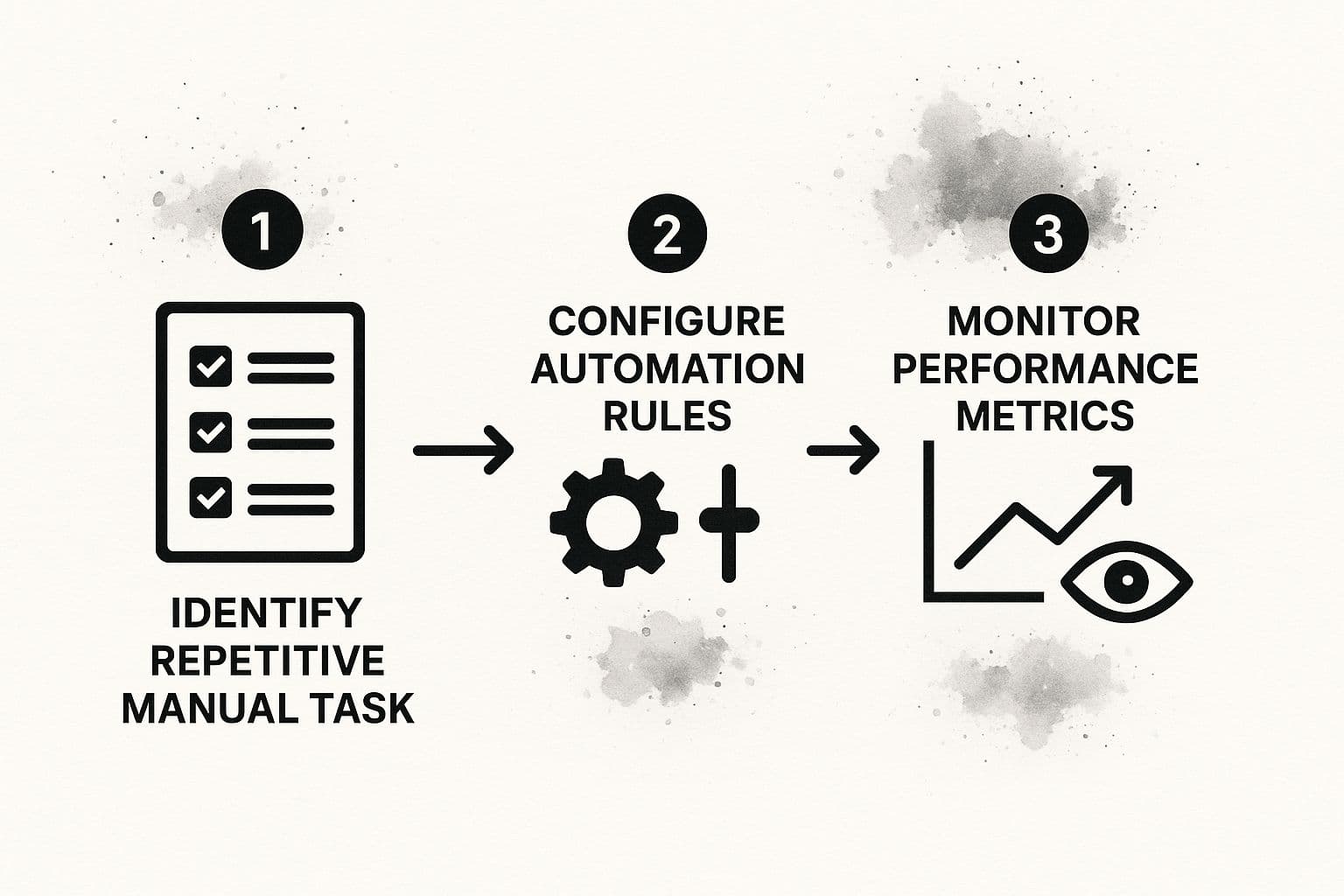
Automation is an ongoing cycle: identify tasks, configure flows, monitor results, and improve.
An Automated Workflow in Action
Example: new customer onboarding after a Premium Plan purchase.
- Trigger: Payment processes successfully via Stripe or PayPal.
- Action 1: Create a CRM profile with plan details.
- Action 2: Send a personalized welcome email with setup resources.
- Logic: If the company has over 100 employees, assign a senior account manager for a personalized welcome call.
What was a slow manual checklist becomes a fast, reliable sequence that runs the same way every time.
The True Business Impact of Automation

Automation drives measurable benefits: higher productivity, fewer errors, cleaner data, and improved employee engagement.
- Productivity: Automation removes repetitive work so teams focus on strategic tasks.
- Accuracy: Automated rules reduce manual mistakes in invoicing, order fulfillment, and data entry.
- Employee engagement: Removing grunt work increases job satisfaction and reduces turnover.
- Better decisions: Consistent data from automated systems supports clearer business insights.
Pricing for many cloud automation tools starts around $10 to $25 per month, making automation accessible to small teams4.
For tool recommendations, see our guide to essential business process automation tools.
Automation Examples You Can Use Today
Here are practical recipes to spark ideas across teams.
Marketing Team Automation
Before: A manager posts to multiple networks manually, resizes assets, and guesses best times.
After: A trigger (new blog post) pushes content to Buffer or Hootsuite, formats posts for each platform, and schedules them at peak times.
Sales Team Automation
Before: Leads sit in a form list until someone manually creates CRM records.
After: Form submissions immediately create CRM records, assign reps by territory, and send personalized follow-ups so no lead goes cold.
HR Department Automation
New hire onboarding can be automated end to end.
- Trigger: Offer letter marked “Signed.”
- Action 1: Welcome packet and payroll forms sent.
- Action 2: IT ticket created to provision a laptop.
- Action 3: New hire added to orientation calendar.
This delivers a consistent, timely experience for every employee.
The Future of Automation: AI and Human Experts Working Together
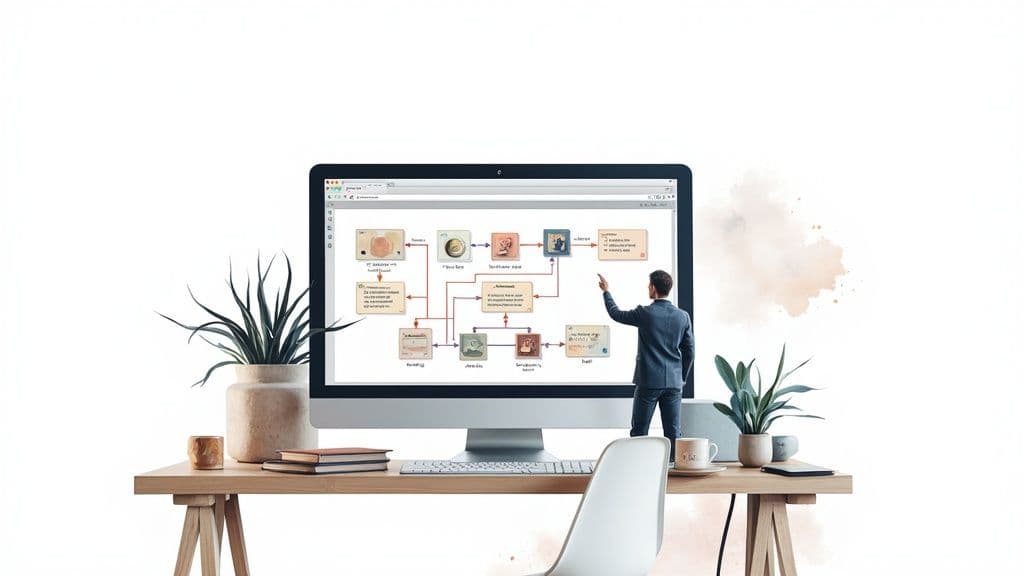
Automation is evolving. AI adds judgment and context to rule-based flows, enabling systems to read sentiment, classify documents, and score leads. The result is intelligent automation that learns and adapts.
The industry is expanding rapidly. Projections put the workflow automation market much higher over the coming decade as platforms add AI-driven capabilities3.
Human-in-the-loop models combine machine scale with human creativity. AI handles the heavy lifting while people intervene for strategy, empathy, or creative polish. Platforms that blend AI with skilled assistants offer flexible ways to get work done efficiently and thoughtfully.
Getting Started with Automation
Start small and build momentum. The process looks like this:
- Observe your team’s daily work to find repetitive, error-prone tasks.
- Pick a low-risk, high-impact process for your first automation, like auto-notifying sales of new leads.
- Choose a tool that fits your team—no-code platforms like Zapier make it easy to begin.
- Build, test with a small group, measure time saved and error reduction, then scale.
The goal is steady progress. Each small automation is a reliable asset that compounds into a more efficient company.
Common Questions About Automation
What’s the difference between task and workflow automation?
Task automation handles one isolated action, like sending a receipt. Workflow automation connects multiple tasks into an end-to-end process that runs from trigger to final outcome.
How much technical skill do I need?
Modern no-code tools let you design workflows visually. Understanding your process is more important than coding skills.
Can automation handle complex processes?
Yes. Use conditional logic to branch flows and route work based on rules, amounts, or approvals.
Quick Q&A — Common user questions
Q: How do I find the best first process to automate?
A: Ask your team where the most repetitive, time-consuming, or error-prone tasks are. Choose a low-risk, high-impact item for an early win.
Q: Will automation replace jobs?
A: Automation eliminates repetitive tasks but creates opportunities for higher-value work. The best outcome is happier, more productive teams.
Q: How do I measure success?
A: Track time saved, error reduction, response times, and user satisfaction. Small wins build the case for larger automation projects.
Ready to stop juggling tasks and start building efficient systems? Fluidwave combines smart AI automation with on-demand human assistants to handle workflows so you can focus on what matters. Get started for free today.
1.
Market values for workflow automation in 2024 and projections for 2025 are reported by Mordor Intelligence. https://www.mordorintelligence.com/industry-reports/workflow-automation-market
2.
U.S. small business counts and profiles are published by the U.S. Small Business Administration. https://www.sba.gov
3.
Long-term market projections and CAGR estimates for workflow automation are available from Coherent Market Insights. https://www.coherentmarketinsights.com/market-insight/workflow-automation-market-5607
4.
Typical pricing examples for cloud automation tools are shown on vendor pricing pages such as Zapier. https://zapier.com/pricing
Focus on What Matters.
Experience lightning-fast task management with AI-powered workflows. Our automation helps busy professionals save 4+ hours weekly.