In a distributed workforce, picking the right collaboration tools determines how well teams stay productive and aligned. This guide compares 12 leading platforms for 2025, highlights when to choose each one, and offers practical rollout tips so you can match tools to your team’s workflows and goals.12
August 20, 2025 (1y ago) — last updated December 18, 2025 (9mo ago)
Top 12 Collaboration Tools for Remote Teams 2025
Compare 12 top collaboration platforms for remote teams in 2025 — features, pricing, use cases, and rollout tips to boost productivity.
← Back to blog
Top 12 Collaboration Tools for Remote Teams 2025
Summary: Compare 12 top collaboration platforms for remote teams in 2025 — features, pricing, use cases, and rollout tips to boost productivity.
Introduction
In a distributed workforce, picking the right collaboration tools determines how well teams stay productive and aligned. This guide compares 12 leading platforms for 2025, highlights when to choose each one, and offers practical rollout tips so you can match tools to your team’s workflows and goals12.
1. Fluidwave
Fluidwave combines AI-driven task prioritization with a human-powered delegation network to form an intelligent workflow hub. It’s built to reduce operational friction for busy professionals, entrepreneurs, and distributed teams that need to focus on high-impact work.

The interface is minimalist to help users enter a productive state without distraction. Users report average time savings in weekly work hours thanks to automatic prioritization and streamlined task flows3.
Key Features & Use Cases
- AI-Powered auto-prioritization: Ranks tasks automatically — ideal for project managers juggling deadlines.
- Flexible workflow views: Table, list, calendar, Kanban, and card views for role-specific work styles.
- Integrated human delegation: Pay-per-task virtual assistant network for offloading admin tasks (availability may vary).
Practical Implementation
Consolidate projects, standardize views by role, centralize real-time updates, and set budgets and SLAs for delegated tasks to keep costs predictable.
Website: https://fluidwave.com
2. Microsoft Teams
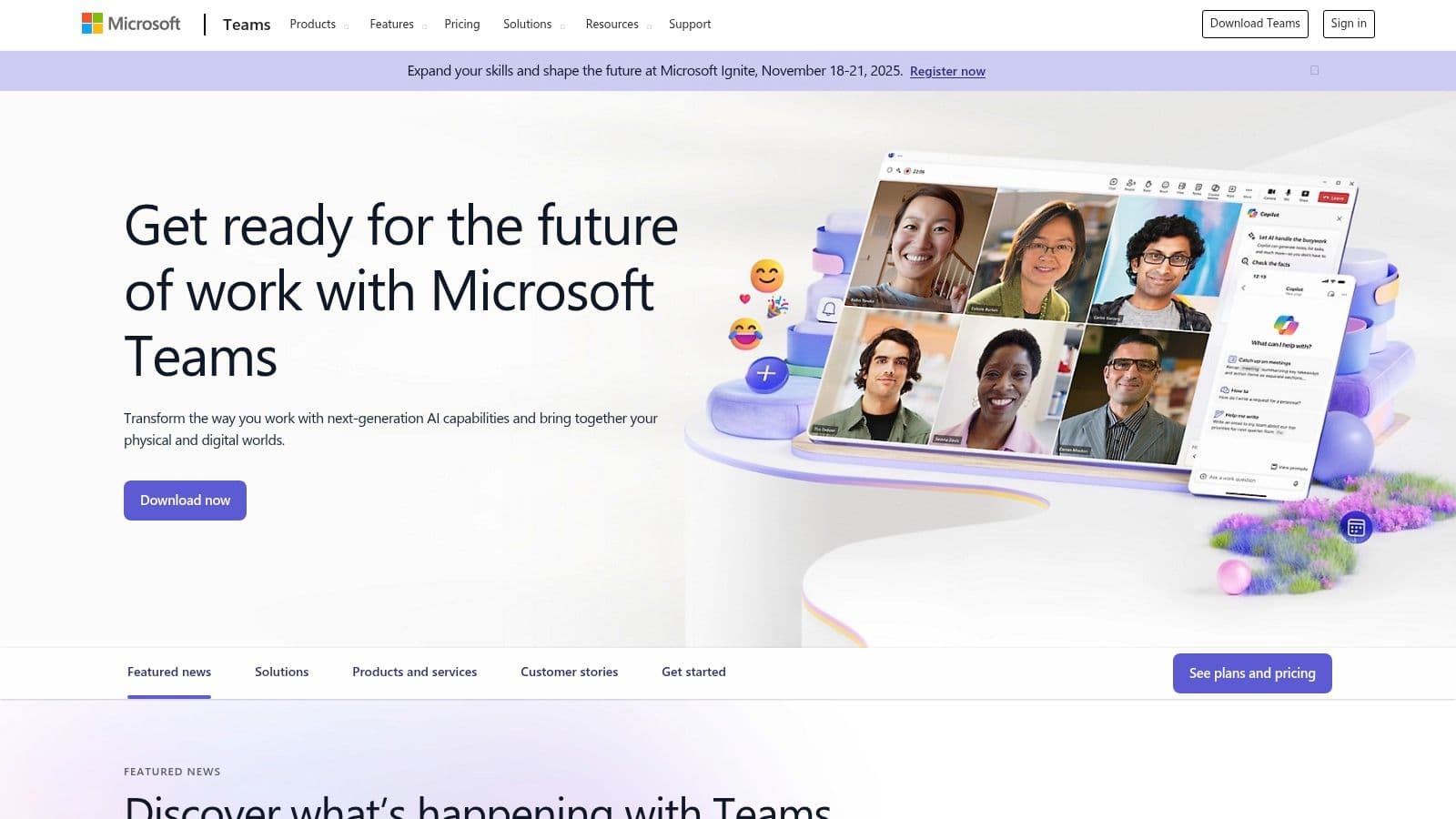
Microsoft Teams is the collaboration hub in Microsoft 365, combining chat, video, file storage, and app integrations into a single workspace. It’s a strong choice for organizations already invested in Microsoft services.
Key Considerations
- Best for: Enterprises and SMBs using Microsoft 365 that need secure, governed collaboration spaces.
- Pricing: Free tier with limited features; paid tiers through Microsoft 365 bundles.
- Limitation: Full value depends on SharePoint and OneDrive integration; licensing can be complex.
Website: https://www.microsoft.com/en-us/microsoft-teams/
3. Slack
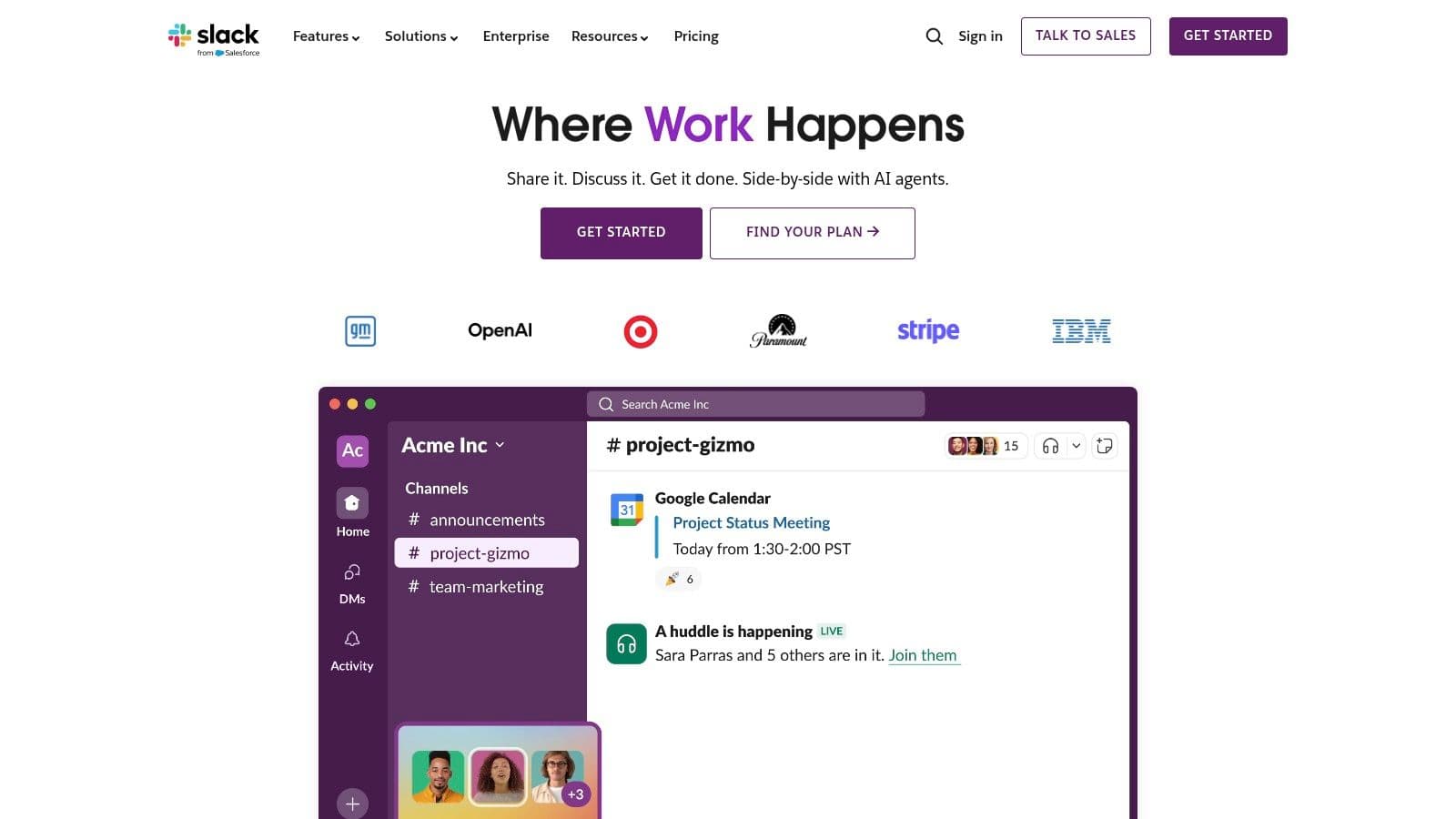
Slack popularized channel-based messaging and remains a top choice for teams that want a central communication hub with powerful search and many integrations.
Key Considerations
- Best for: Agile teams and organizations that prefer best-of-breed apps connected by a central messaging layer.
- Pricing: Free plan with limited history; paid plans scale from Pro to Enterprise Grid.
- Limitation: Per-seat pricing and weak governance can produce cluttered workspaces.
Website: https://slack.com/
4. Zoom Workplace
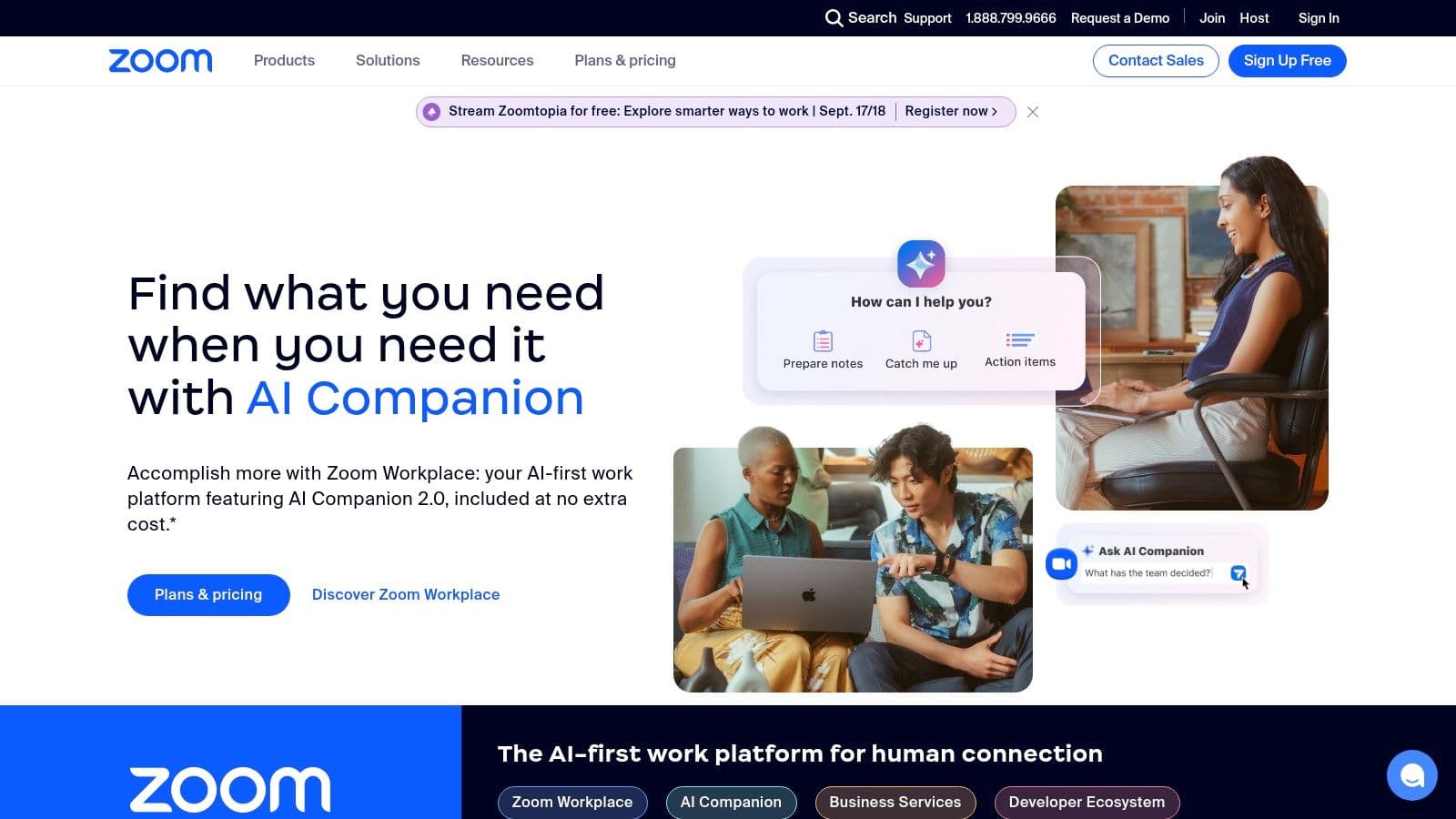
Zoom Workplace extends Zoom’s video strengths into a broader collaboration suite with chat, whiteboards, collaborative docs, and an AI Companion for meeting summaries and follow-ups.
Key Considerations
- Best for: Teams that prioritize high-quality video and frequent external collaboration.
- Pricing: Free personal plan; paid tiers from Pro to Enterprise.
- Limitation: Add-ons and marketplace apps can raise costs and require governance.
Website: https://www.zoom.com/
5. Google Workspace
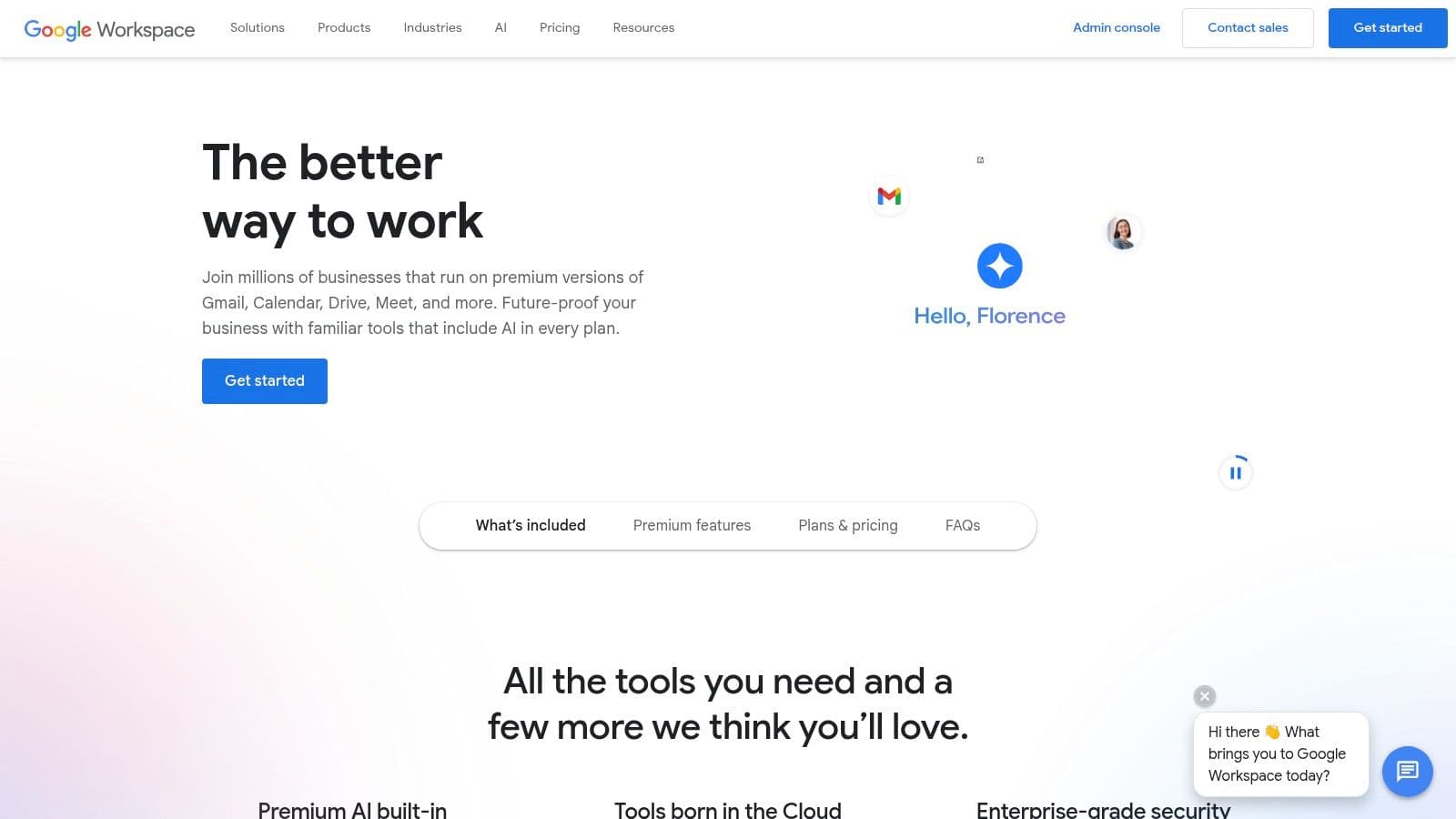
Google Workspace delivers browser-first document collaboration with Gmail, Meet, Chat, Drive, Docs, Sheets, and Slides. It’s easy to adopt and excels at real-time co-authoring.
Key Considerations
- Best for: Teams wanting cloud-first, real-time collaboration with a low barrier to entry.
- Pricing: Tiered plans that add storage and admin controls.
- Limitation: Advanced security and admin features are in higher tiers; pooled storage may need upgrades.
Website: https://workspace.google.com/
6. Asana
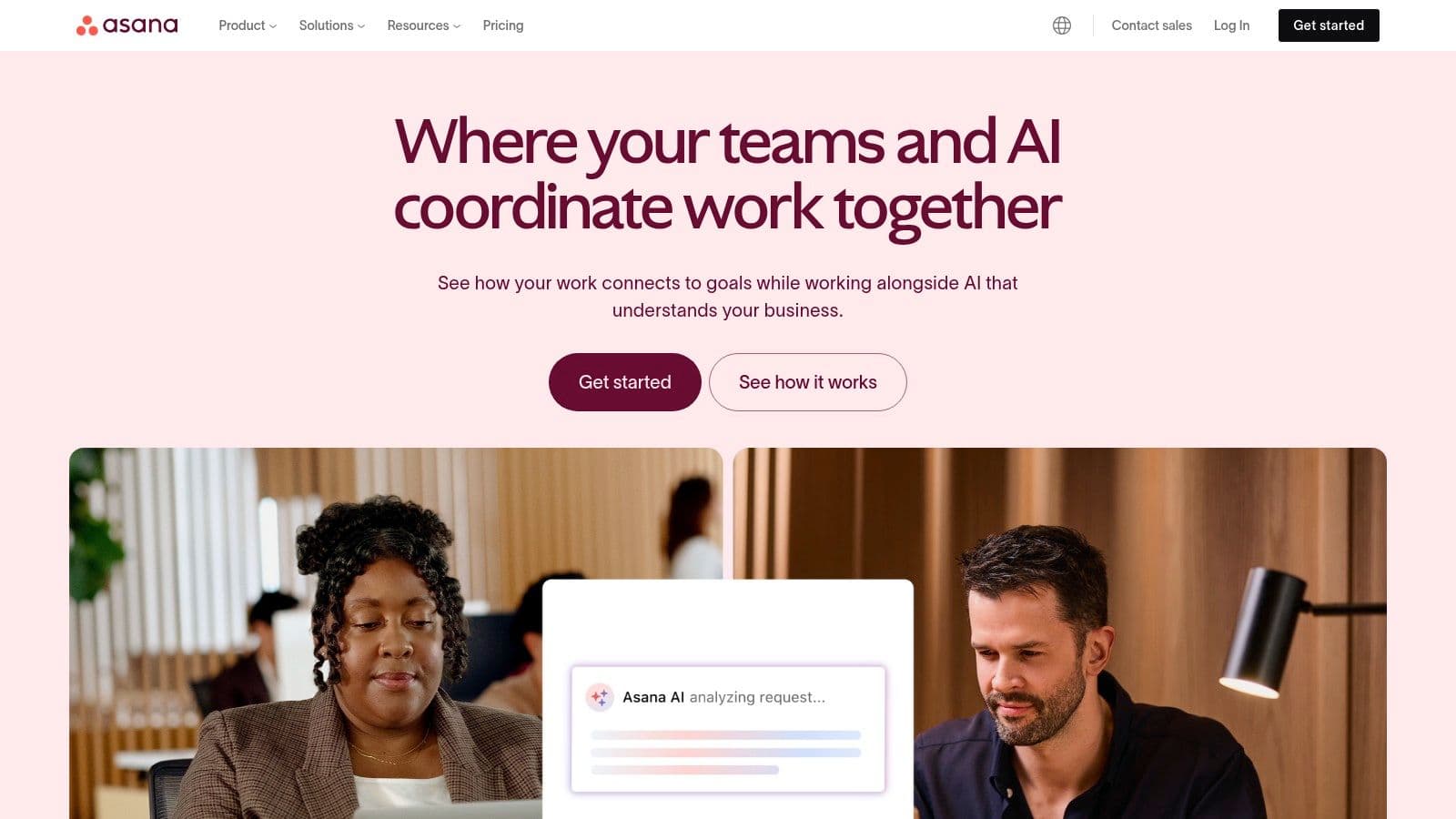
Asana helps teams manage projects from daily tasks to strategic initiatives. It’s strong on visibility, ownership, and automations that cut manual work.
Key Considerations
- Best for: Teams that need flexible project and task management with automation and reporting.
- Pricing: Free for small teams; paid plans add Portfolios, workload views, and advanced features.
- Limitation: Not a full communication platform; advanced capabilities increase cost and complexity.
Website: https://asana.com/
7. Trello
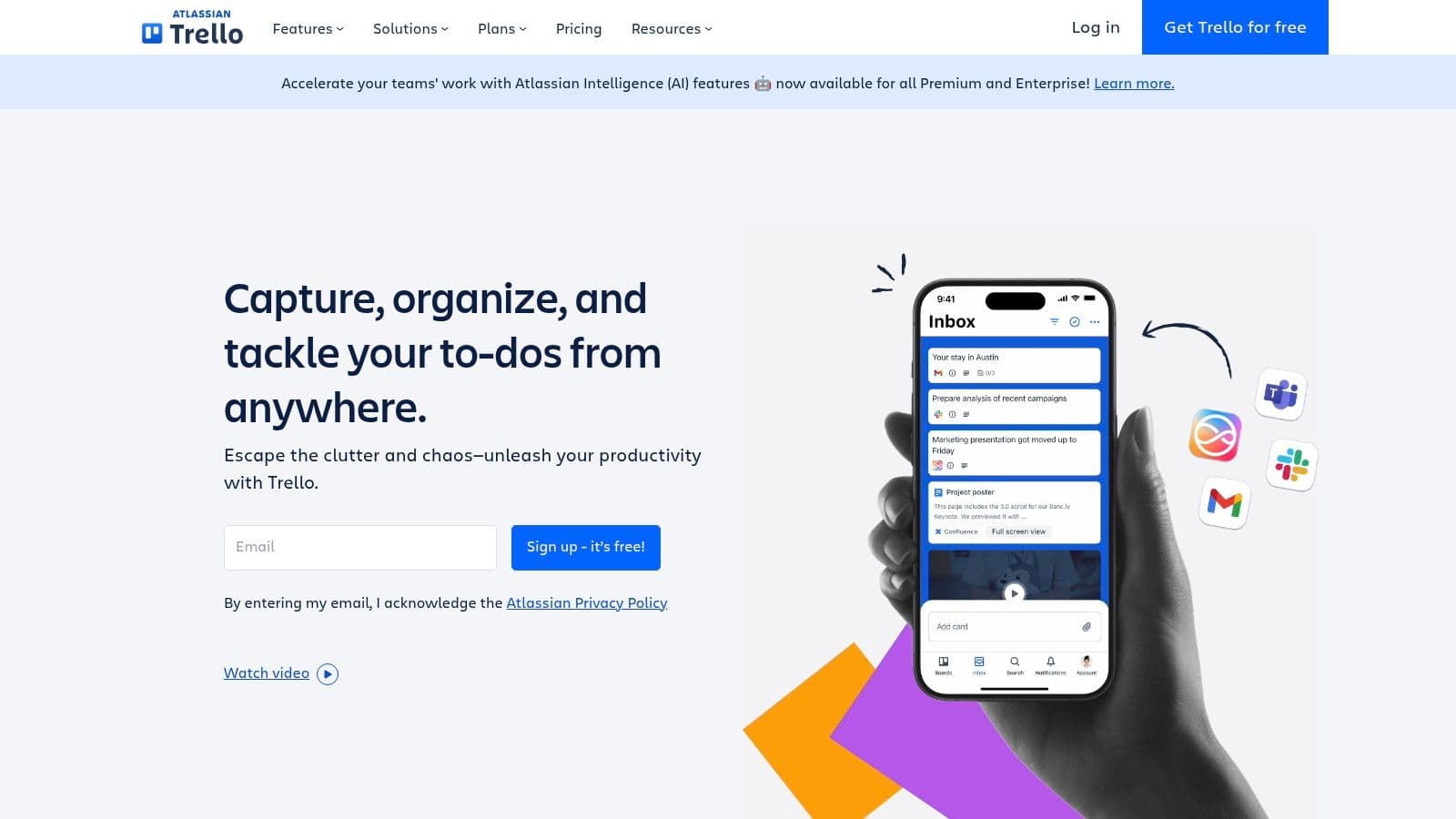
Trello uses Kanban boards and cards for a visual, easy-to-learn workflow. It’s great for lightweight projects and cross-functional teams.
Key Considerations
- Best for: Teams needing a simple visual board for tasks and small projects.
- Pricing: Generous free tier; paid tiers unlock advanced views and automation.
- Limitation: Can be limiting for very complex projects with many dependencies.
Website: https://trello.com/
8. Notion
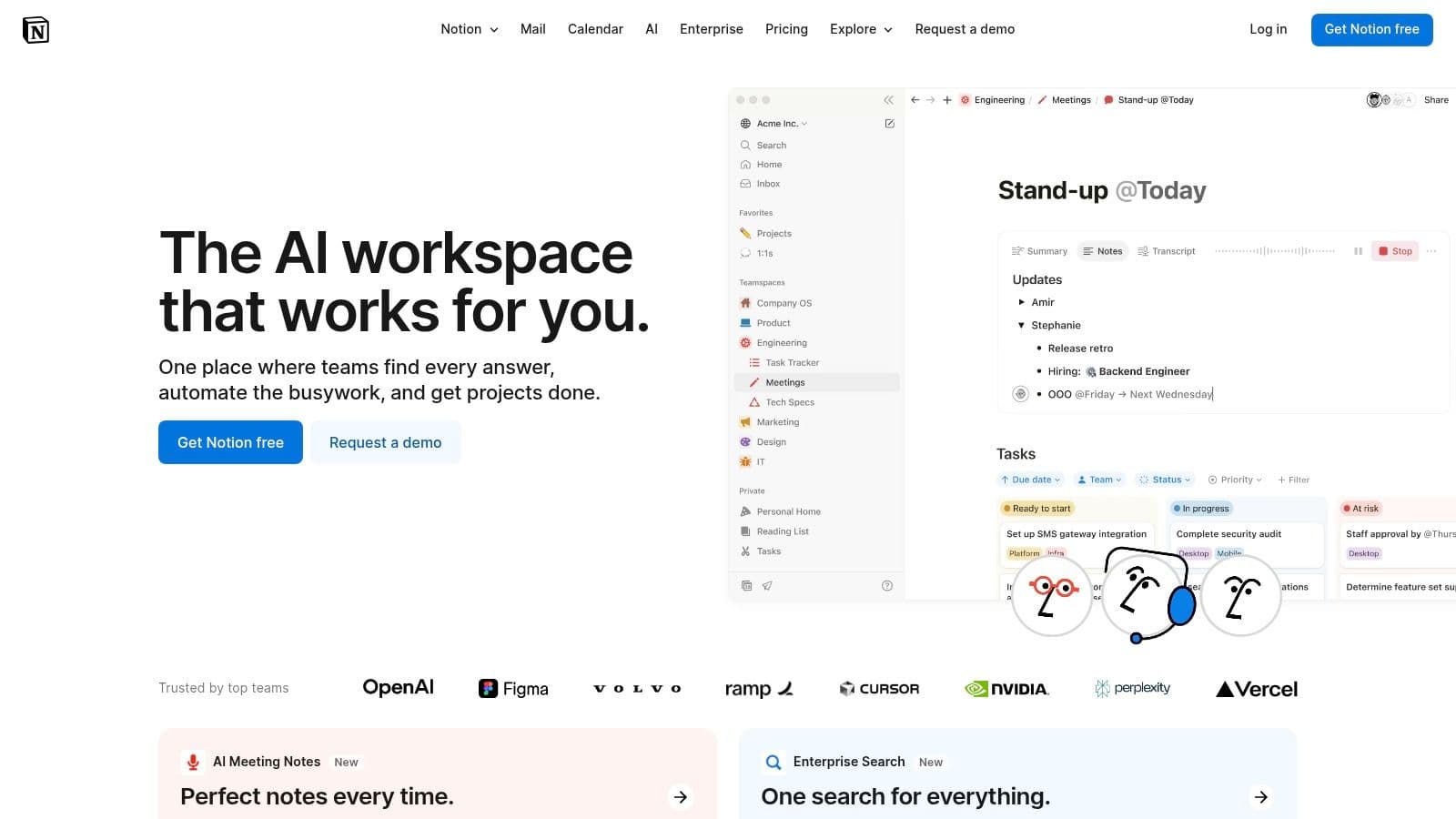
Notion blends notes, tasks, wikis, and databases into a customizable workspace. It’s ideal for centralizing knowledge and building connected workflows.
Key Considerations
- Best for: Teams building internal wikis, handbooks, and lightweight trackers.
- Pricing: Free tier for individuals; paid plans add team features and permissions.
- Limitation: Flexibility requires governance and templates to avoid chaos.
Website: https://www.notion.so/
9. Atlassian Cloud (Jira & Confluence)
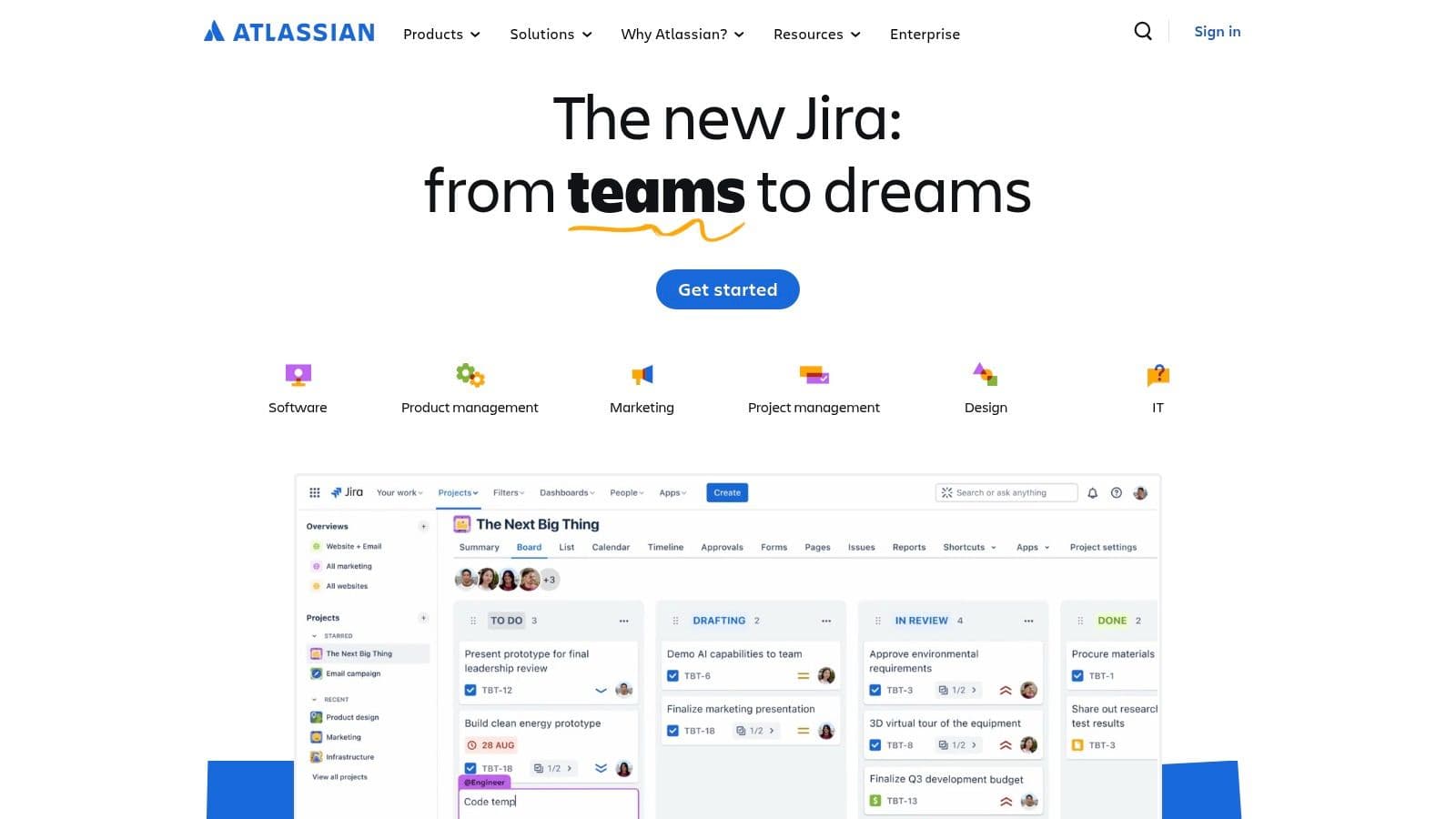
Atlassian’s Jira and Confluence offer deep configurability for agile teams, combining issue tracking with a centralized documentation hub.
Key Considerations
- Best for: Product, engineering, and IT teams that need traceability and strict tracking.
- Pricing: Free tiers for small teams; cloud pricing scales per user with Premium options.
- Limitation: Setup and governance can be time-consuming for smaller teams.
Website: https://www.atlassian.com/
10. Microsoft AppSource
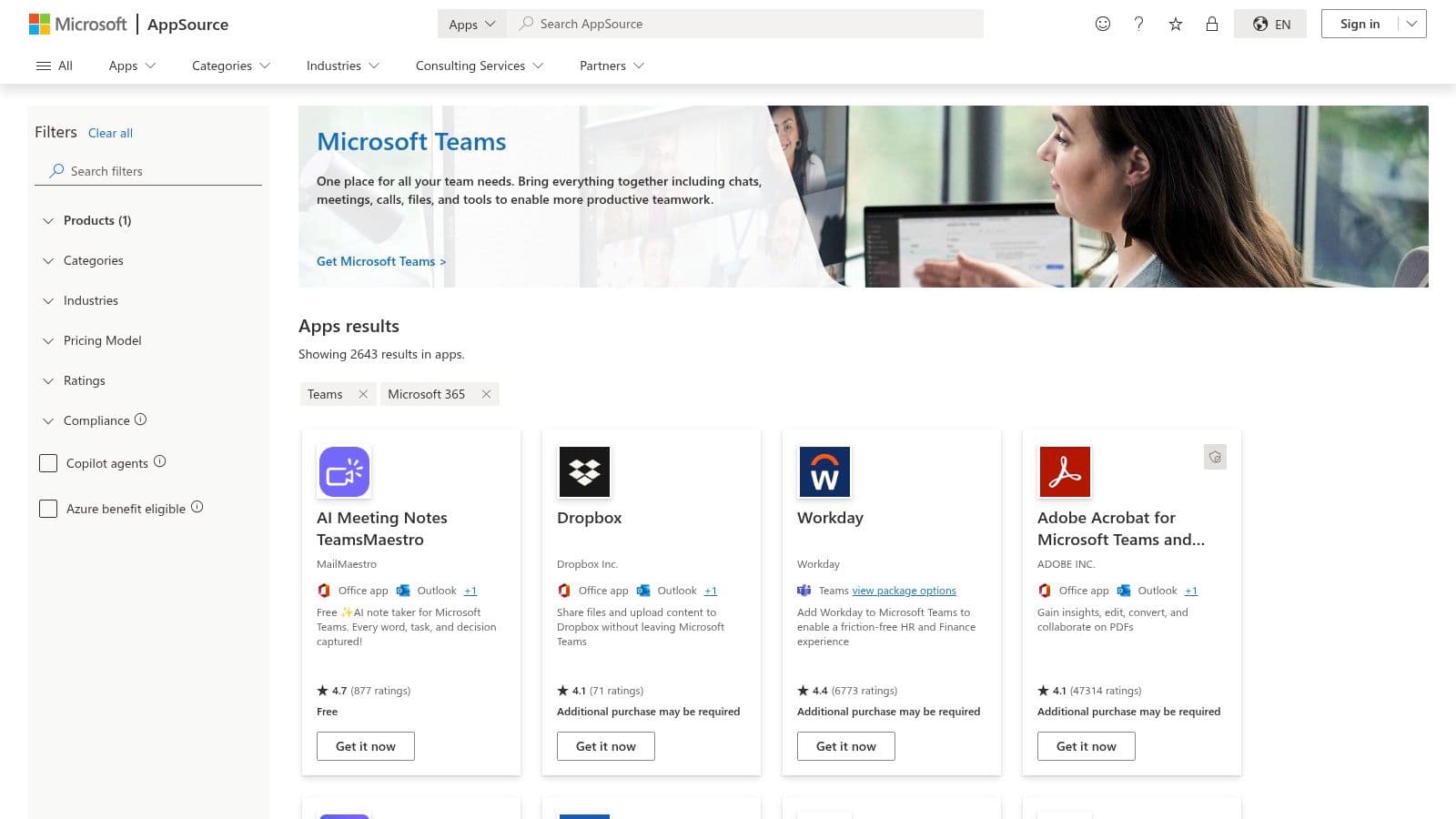
AppSource is the marketplace for Teams and Microsoft 365 apps, letting admins discover, trial, and deploy certified third-party integrations across the tenant.
Key Considerations
- Best for: Microsoft 365 admins seeking vetted apps and tenant-wide deployment.
- Pricing: Varies by publisher; many apps offer trials.
- Limitation: Quality varies; discovery can be time-consuming without a plan.
Website: https://appsource.microsoft.com/en-us/marketplace/apps?product=teams
11. Google Workspace Marketplace
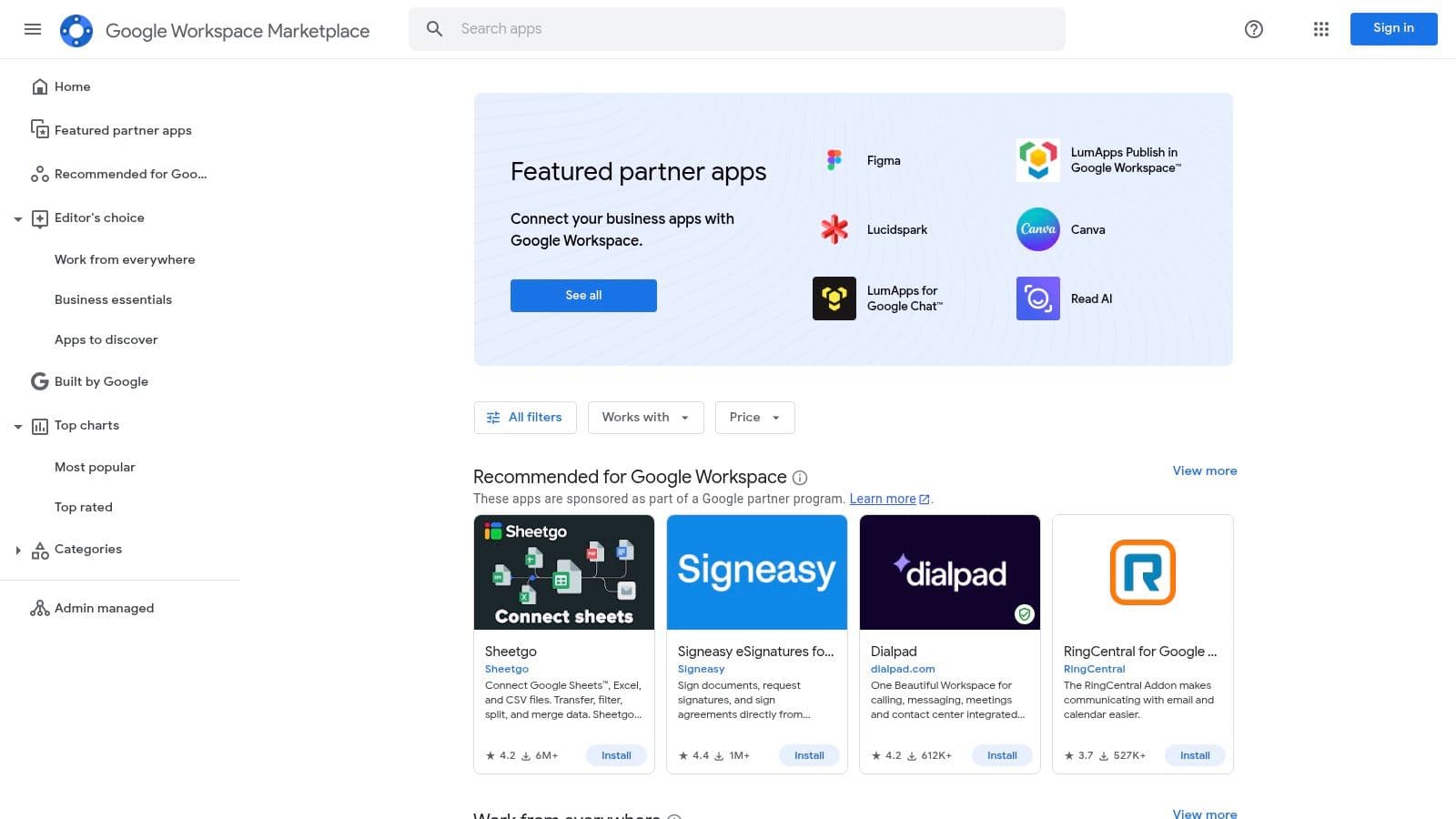
The Google Workspace Marketplace connects third-party apps to Gmail, Drive, Docs, and Meet so teams can embed specialized tools into familiar workflows.
Key Considerations
- Best for: Google Workspace administrators who want to extend native capabilities.
- Pricing: App pricing varies by publisher.
- Limitation: Integration depth and support vary by publisher.
Website: https://workspace.google.com/marketplace/
12. AWS Marketplace (Collaboration & Productivity)
AWS Marketplace helps procurement and IT teams find, purchase, and manage third-party collaboration software within AWS billing and governance frameworks.

Key Considerations
- Best for: Enterprises standardizing procurement and billing through AWS.
- Pricing: Set by vendors; supports private offers and metered billing.
- Limitation: Catalog breadth varies and may not include every preferred vendor.
Website: https://aws.amazon.com/marketplace/solutions/business-applications/what-is/collaboration-software
Comparison Snapshot
| Platform | Core Strengths | Best For | Price Range |
|---|---|---|---|
| Fluidwave | AI prioritization, human delegation | Busy pros, founders | Freemium + pay-as-needed |
| Microsoft Teams | Deep MS365 integration, governance | Enterprises | Included in MS365 bundles |
| Slack | Channel messaging, integrations | Agile teams | Freemium to Enterprise |
| Zoom Workplace | Video-first collaboration | Client-facing teams | Freemium to Enterprise |
| Google Workspace | Real-time docs, browser-first | Any size | Tiered pricing |
| Asana | Project orchestration, automation | Project teams | Freemium to Enterprise |
| Trello | Visual Kanban, ease of use | Lightweight workflows | Freemium to Premium |
| Notion | Flexible docs & databases | Knowledge hubs | Freemium to Business |
| Atlassian | Issue tracking + docs | Engineering teams | Per-user cloud pricing |
| AppSource/Marketplace/AWS | App ecosystems | Admins & procurement | Varies by app |
Choosing Your Collaboration Stack
There’s no single best tool. Start by mapping core needs: synchronous communication, structured project tracking, or a central knowledge base. Then choose platforms that excel in those areas and extend them with marketplaces and integrations.
For guidance, see the Implementation Checklist.
Implementation Checklist {#implementation-checklist}
- Run a pilot with a representative group and gather feedback.
- Define clear use cases and a playbook that specifies what each tool is for.
- Create role-based onboarding and quick-start resources in your team wiki.
- Establish governance: channel rules, response expectations, and admin controls.
- Reassess periodically and sunset tools that no longer add value.
Ready to unify tasks and communications? Visit Fluidwave to explore how an AI-enhanced hub can simplify team collaboration: https://fluidwave.com
Frequently Asked Questions
Q: How do I choose between all-in-one suites and specialized tools?
A: Map your team’s core needs first. If you need unified email, docs, and meetings, choose an all-in-one suite like Google Workspace or Microsoft Teams. If you need best-in-class project tracking or messaging, combine specialized tools like Asana or Slack with a central hub.
Q: What’s the fastest way to get teams to adopt a new tool?
A: Run a short pilot, create role-specific playbooks, and deliver guided onboarding sessions. Clear use-case rules reduce confusion and accelerate adoption.
Q: How should I measure success after rolling out a collaboration tool?
A: Track adoption rate, time-to-complete common workflows, user satisfaction, meeting load, and task cycle times. Adjust governance and integrations based on those signals.
Quick Q&A — At a Glance
Which tool is best for high-quality video and client meetings?
Zoom Workplace is the top pick for teams that require reliable video, external meetings, and integrated meeting AI features.
Which tool is best for knowledge management and internal docs?
Notion and Confluence both excel at organizing internal knowledge; choose Notion for flexibility and Confluence for tighter integration with engineering workflows.
What’s the easiest way to reduce tool clutter?
Standardize a primary communication channel, define each tool’s purpose in a playbook, and decommission redundant apps after a 30–60 day pilot.
1.
McKinsey & Company, “The future of work after COVID-19,” McKinsey, https://www.mckinsey.com/featured-insights/future-of-work
2.
Microsoft Work Trend Index, “The Next Great Disruption Is Hybrid Work — Are We Ready?” Microsoft, https://www.microsoft.com/en-us/worklab/work-trend-index
3.
Fluidwave product pages and feature announcements, https://fluidwave.com
Focus on What Matters.
Experience lightning-fast task management with AI-powered workflows. Our automation helps busy professionals save 4+ hours weekly.