Master practical strategies for tracking project progress: set meaningful milestones, measure the right metrics, choose tools people actually use, and craft reports that drive action.
June 14, 2025 (1y ago) — last updated March 8, 2026 (6mo ago)
Track Project Progress: Real-World Guide
Proven strategies to track project progress: set measurable milestones, pick tools your team will use, and turn data into decisions to keep projects on track.
← Back to blog
Why Smart Teams Still Struggle With Progress Visibility
Here's the honest truth: even experienced project managers can feel like they’re wandering in the dark. I’ve talked with PMs across tech, construction, and consulting—one consistent problem keeps coming up: tracking project progress often feels impossible. Weekly status meetings can add confusion. Fancy tracking systems can become digital graveyards full of metrics nobody uses. Team members dread progress updates because they’re asked for data they don’t have at their fingertips.
For teams using Notion, a Product Roadmap can be a practical addition to your tracking setup. Think of it as a GPS for your project—showing the route and letting you adjust course when needed.
The Disconnect Between Effort and Insight
A big reason teams struggle is the gap between the effort invested and the actual insight gained. Teams pour energy into spreadsheets, meetings, and software updates, yet still lack a clear sense of where things stand. Often they’re tracking busy work rather than progress toward real goals. Just because tasks are being checked off doesn’t mean the project is on track—it could be a fancy hamster wheel.
Another pitfall is measuring everything instead of focusing on the critical indicators that matter. That creates data overload and buries valuable signals under irrelevant numbers. It’s like trying to navigate a forest by staring at every tree instead of following the path.
This lack of visibility costs organizations. Studies show that many projects fail due to planning problems, outdated tools, and vague goals—resulting in wasted resources and lost investment1.
The Human Element of Progress Tracking
Progress tracking can feel like a performance review, which makes people anxious about sharing bad news. That leads to overly optimistic reports that hide emerging problems until they become crises. Building a culture of openness and psychological safety is essential for accurate tracking. Encourage an environment where people can share both wins and issues without fear of judgment—this fosters proactive problem-solving and stops small problems from snowballing.
Effective tracking isn’t just about tools; it’s about creating the right environment for honest communication and collaboration.
Building Your Progress Tracking Foundation That Actually Works
Dashboards and charts are useful, but they aren’t the foundation. Before you pick software, focus on scope. A clear project scope is essential—define what success looks like and which outcomes matter most. See a practical project scope template to help you get started.
Tracking project progress is about measuring the right things, not everything. Identify the key metrics that truly indicate success, then build simple processes to measure them.
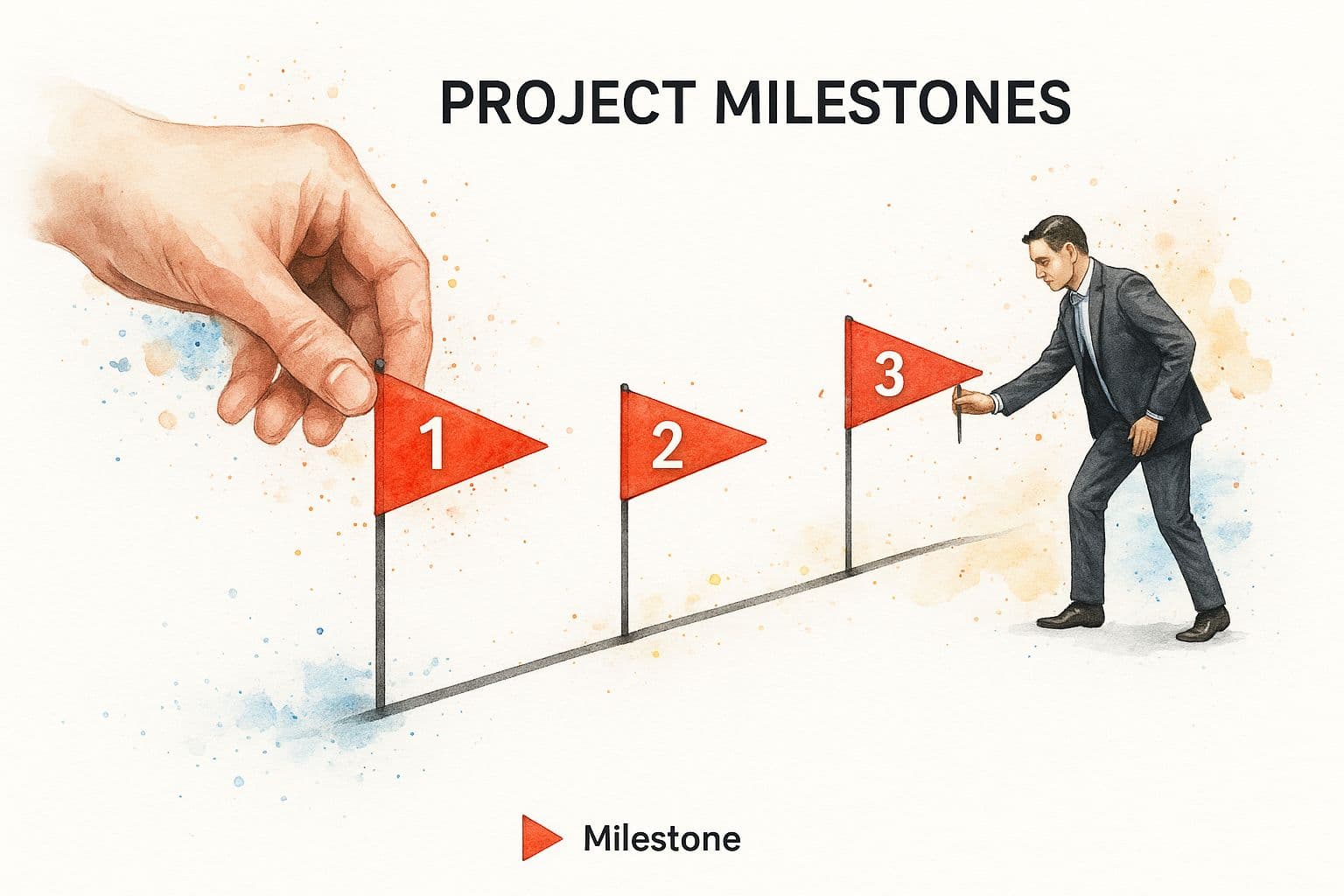
Those flags in the infographic are your milestones—critical checkpoints that show how far you’ve come and where you’re heading. It’s strategic placement, not constant motion.
Measuring What Matters: The Key to Effective Tracking
Stop trying to track everything. Focus on the vital few metrics that reflect your project goals. For a product launch, prioritize development milestones, testing progress, and marketing readiness. For other projects, choose metrics that map directly to the desired outcomes.
A useful resource on operational metrics is our operational efficiency guide.
The Art of Setting Milestones That Motivate
Milestones should be challenging but achievable. Break large goals into smaller sprints with clear deliverables. Celebrating small wins keeps teams energized and makes the project feel manageable. Clear milestones also make it easier to adjust tracking as the project evolves—flexibility is key.
| Metric Type | Best Use Case | Frequency | Team Impact |
|---|---|---|---|
| Task completion rate | Tracking individual tasks | Daily/Weekly | Reveals granular progress and bottlenecks |
| Milestone completion rate | Major project phases | Weekly/Monthly | Shows project trajectory and delays |
| Budget burn rate | Spending vs. budget | Weekly/Monthly | Prevents cost overruns |
| Customer satisfaction | Client feedback on deliverables | After major milestones | Aligns outcomes with expectations |
Choose a balanced set of metrics and track them at the right cadence so data drives decisions, not noise.
Choosing Tools That Fit Your Team’s Reality
The right tool can make or break your project. The most important factor is team adoption—choose a tool your people will actually use. A feature-packed tool is worthless if it sits unused.
From Spreadsheets to the Right Level of Sophistication
Many teams rely on spreadsheets and worry about losing history when switching tools. Most modern platforms let you import data, so you can move smoothly. Simple tools like Trello work well for small teams; larger teams may need more comprehensive platforms like Asana or solutions built for collaboration and visibility.
This screenshot shows a visual approach to managing tasks and progress, highlighting clean task assignments and progress bars for real-time visibility.
Evaluating Tools by Team Needs and Project Complexity
The best tool isn’t the one with the most features—it’s the one that fits your team’s workflow. Small teams may do great with a basic Kanban board. Complex projects may need advanced features and integrations. Choose a tool that makes the team’s workflow easier, not more complicated.
A significant share of high-performing projects use project management software, underscoring how important tools are for visibility and control2.
Avoiding Over-Engineering and Winning Buy-In
Over-engineering your tracking system creates complexity nobody wants to use. Start with essential metrics and simplify. To win buy-in, explain why the change helps team members, involve them in selecting tools, and ask for feedback. Make the tool work for the team, not the other way around.
Crafting Progress Reports People Actually Want To Read
Too many progress reports go unread. The trick isn’t more data; it’s a better story. Transform dry metrics into a narrative that answers: What happened? Why it matters? What do we do next?
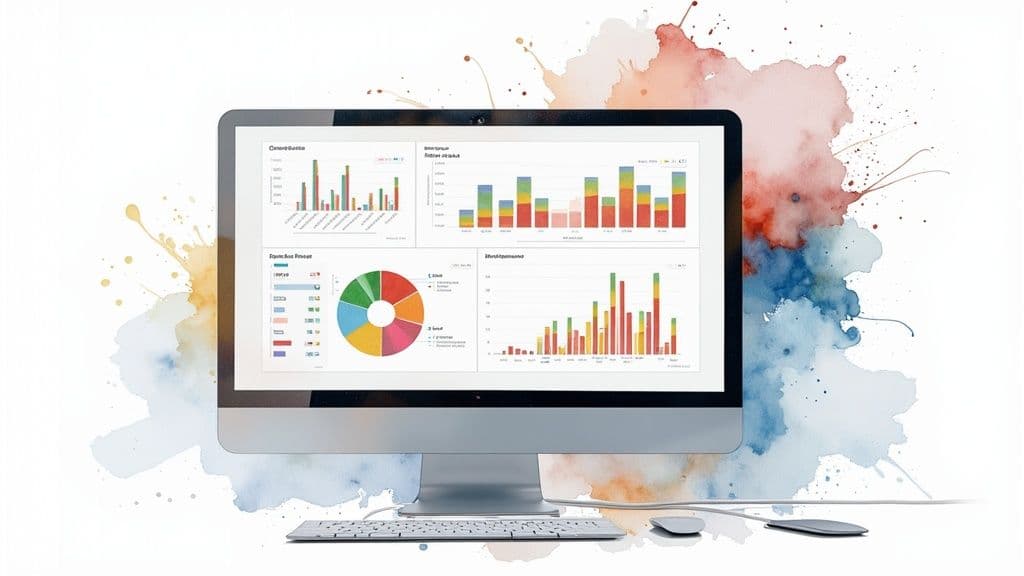
Storytelling Techniques for Engaging Reports
Celebrate victories and be transparent about challenges. Frame problems as opportunities for stakeholder input. Tailor reports to the audience—executives want high-level summaries; technical teams need detailed updates. Consider providing two versions of the same report to save time and increase relevance.
From Data to Decisions: The “What, So What, Now What?” Framework
Use this simple framework to turn data into action:
- What: The facts and key metrics.
- So What: Why the metrics matter and their impact.
- Now What: Clear next steps and owner assignments.
This approach helps stakeholders understand the “why” behind the numbers and drives decisions.
Delivering Bad News Effectively
When things go wrong, be upfront. Own the issue and present solutions. Honest communication builds trust—even when the news is bad. Offer a remediation plan and outline steps to get back on track.
| Report Element | Stakeholder Engagement | Action Rate | Time Investment |
|---|---|---|---|
| Clear, concise narrative | High | High | Moderate |
| Data visualization | Medium | Medium | Moderate |
| Detailed technical explanations | Low | Low | High |
| Actionable recommendations | High | High | Moderate |
| Problem-focused reporting without solutions | Low | Low | Low |
| Transparent communication (including challenges) | High | Medium | Moderate |
Focus on narrative, actionable recommendations, and transparency to increase engagement and drive action.
Navigating Project Curveballs With Confidence
Every project hits bumps. Tracking progress is your radar—spotting issues before they become disasters.
Identifying Early Warning Signs and Pivoting
Small shifts in key metrics—like a consistent dip in completed tasks—can be early warning signs. Investigate the “why” and act quickly: reassign work, add resources, or adjust timelines. Regularly monitor core indicators so you can course-correct early.
Maintaining Stakeholder Confidence During Turbulence
When delays happen, communicate immediately. Explain the cause, impact, and corrective actions. Regular updates during the issue keep stakeholders informed and build trust.
The Psychology of Progress Tracking During Tough Times
Major plan changes can hurt morale. Celebrate small wins and highlight adaptability. Frame setbacks as learning opportunities to help the team stay motivated and focused.
By being proactive about tracking, you can turn potential disasters into lessons and keep delivering results.
Building Sustainable Progress Tracking Habits

Consistency is the goal. Build a system that feels natural, not burdensome, and that actually provides value.
Establishing Rhythms That Fit Your Team
Fit tracking into your team’s workflow. Instead of imposing a rigid system, involve the team in designing the process. Short, frequent check-ins can replace long, dreaded meetings and keep everyone aligned without disrupting flow.
Keeping Your Tracking System Relevant
Regularly review metrics and milestones. As priorities change, update what you track. Don’t cling to outdated measures that no longer reflect project goals—be willing to adapt.
Capturing Lessons Learned and Scaling Your Approach
After projects or major milestones, document lessons learned. Start small, nail the basics, and scale as the team grows. Use past experience to refine milestones and cadence.
Troubleshooting and Maintaining Momentum
If tracking slips, identify the root cause—is the system too complex, or are team members overwhelmed? Simplify, provide training, and integrate tracking into existing routines to keep momentum.
Your Progress Tracking Implementation Roadmap
This roadmap helps you set realistic timelines and track success as you build your system.
Phase 1: Laying the Groundwork
Get team buy-in. Have an honest conversation about why better tracking matters and collect input on pain points. Define a few key metrics that reflect project health, and choose tools that match your team’s comfort level.
Phase 2: Implementing and Refining
Pilot your approach with a small team or project. Gather feedback and refine. Are the metrics useful? Is the team using the tools? Be flexible and adjust as needed.
Phase 3: Embedding and Scaling
Make tracking part of routine meetings. Celebrate wins and discuss challenges. As complexity grows, add metrics or tools gradually and consider dedicated roles for tracking.
Ready to boost productivity? Check out Fluidwave, the AI-driven task management platform that streamlines workflows and helps teams achieve more.
Frequently Asked Questions
Q: How do I choose the right progress metrics?
A: Start with the few indicators that map directly to your project goals. For a product launch, track development milestones, testing progress, and marketing readiness. Revisit metrics regularly and drop those that no longer provide value.
Q: What if my team resists a new tracking tool?
A: Involve them early. Explain benefits, offer training, and start with a pilot. Focus on tools that integrate with existing workflows and solve real pain points.
Q: How should I report problems without losing stakeholder confidence?
A: Be transparent. Explain the issue, its impact, and your proposed solutions. Use the “What, So What, Now What?” framework to keep reports actionable.
1.
https://www.breeze.pm/blog/task-management-statistics — task management statistics cited for project failure and investment loss figures.
2.
https://iseoblue.com/post/79-project-management-statistics-for-2023/ — statistic on high-performing projects using project management software.
Focus on What Matters.
Experience lightning-fast task management with AI-powered workflows. Our automation helps busy professionals save 4+ hours weekly.