Discover the best team collaboration tools free for your team in 2026. Compare Slack, Trello, & more to boost productivity.
June 4, 2026 (4mo ago)
Top 10 Team Collaboration Tools Free: 2026 Guide
Discover the best team collaboration tools free for your team in 2026. Compare Slack, Trello, & more to boost productivity.
← Back to blog
Monday, 9:07 a.m. A decision gets made in chat, the file sits in a shared drive, the follow-up task never gets assigned, and by Thursday someone is asking for a status update that should have been visible all week. That pattern is why teams start looking for free collaboration tools in the first place.
The appeal is obvious. You can put communication, task tracking, docs, or whiteboarding in one place without waiting on budget approval. The mistake is assuming any free plan will do the job. In practice, free tools break in very specific places: message history runs out, guest access gets tight, automations hit a wall, or admin controls are too thin once the team grows past a handful of people.
That is the part many roundup posts skip. A feature list does not help much if your real question is whether your team needs chat-first software like Slack or Google Chat, task-first software like Trello, Asana, ClickUp, or Fluidwave, or a docs-first workspace like Notion. The better question is simpler. Where does work stall today: conversation, coordination, documentation, or follow-through?
I'm approaching this the way a team lead does after the honeymoon period wears off. Which free tools are useful on day one, which ones stay useful after 30 days, and which ones create migration pain once your team depends on them?
That decision framework matters more than marketing language. Some teams need a lightweight chat hub and nothing else. Others need stronger task ownership, clearer priorities, or a place to map ideas before turning them into work. The right free tool is the one that fits your bottleneck and whose limits you can live with for a while.
1. Fluidwave

Fluidwave is the one I'd put in front of a busy team that doesn't just need a place to talk. It needs help deciding what to do next. That sounds basic, but most free collaboration tools are strong at communication and weak at prioritization. Fluidwave leans the other way. It's built around tasks, focus, and forward motion.
The standout is the AI-driven prioritization layer. You're not just dumping tasks into a list and hoping someone organizes them later. The system is designed to surface what matters next across table, list, calendar, Kanban, and card views. For teams that get buried in low-value admin, that matters more than another chat thread.
Where Fluidwave works best
Fluidwave fits teams that already know meetings and messaging aren't the primary bottleneck. The main bottleneck is execution after the conversation ends. That's an underserved gap in most coverage of free collaboration tools, which tends to separate chat, docs, whiteboards, and project management instead of asking which tools effectively support the handoff from decision to owner to follow-up, as noted in Range's discussion of team collaboration tools.
There's also a practical advantage in how Fluidwave handles help. The platform combines software with optional human assistance on a pay-per-task basis, rather than forcing a full subscription just to delegate occasional work. That's useful for founders, operators, and overloaded managers who don't need a permanent assistant but do need relief at specific moments.
Practical rule: If your team misses deadlines because nobody owns the next step after a meeting, prioritize a tool that starts with tasks and accountability, not chat volume.
A few trade-offs are worth saying clearly.
- Best fit: Teams that want work captured, prioritized, and visible without building a complicated PM system first.
- Less ideal: Companies that want a full enterprise collaboration suite centered on chat, compliance, and formal admin controls.
- Watch closely: The delegated-task workflow tied to the human assistant network is still rolling out as an optional integration, so the full delegation model may not be available in the same way for every user yet.
The lifetime premium upgrade is also unusual. Instead of another recurring seat cost, there's a one-time premium option, plus a refund window. I like that approach for small teams testing whether automation and smarter prioritization will stick.
If your team's biggest pain point is “we discussed it, but nobody moved it forward,” Fluidwave is the most execution-focused option on this list.
2. Slack
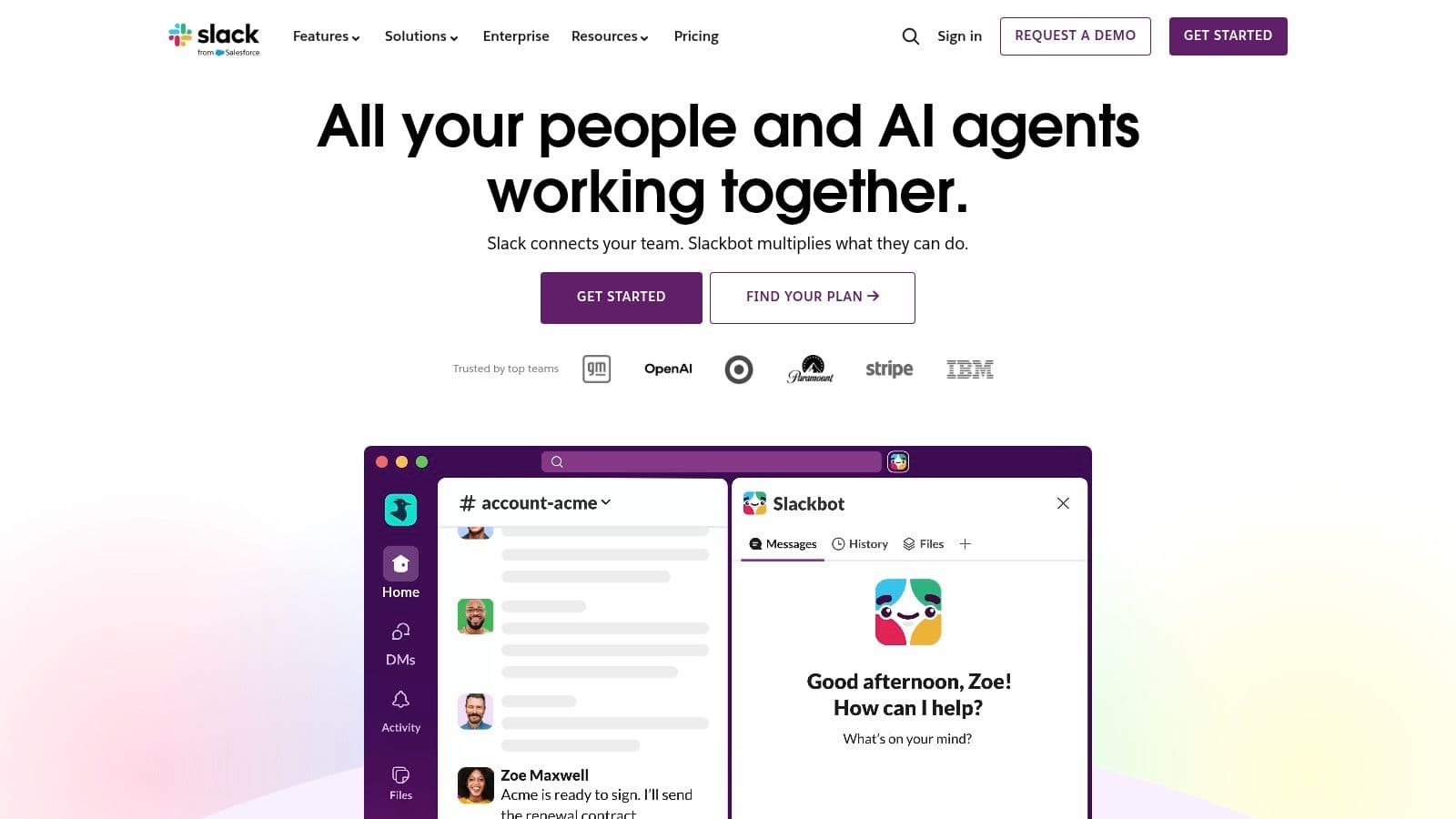
Monday starts with a familiar problem. Sales is asking for an update, support found a bug over the weekend, and product dropped feedback in three different places. Slack handles that kind of fast-moving coordination better than almost any free tool here. People understand channels quickly, replies are easy to follow, and the app ecosystem is still one of the main reasons teams adopt it early.
That said, Slack is a communication tool first. Teams that mistake it for a project system usually feel organized for two weeks, then start losing decisions in chat history.
Where Slack fits, and where the free plan gets tight
Slack works best for teams that need quick back-and-forth more than formal process. I've seen it work well for marketing teams running campaigns, support teams coordinating incidents, and operations groups that need answers fast without long meetings. Adoption is usually easy, which matters more than feature lists suggest. A free tool nobody uses is still expensive.
The free plan is enough to test channel-based communication, but the limits show up once your team depends on past context. Message and file history are restricted to a recent window, so onboarding, handoffs, and “why did we decide this?” conversations get harder over time. App limits also force trade-offs sooner than many teams expect. If your workflow depends on connecting chat to tasks, docs, forms, and approvals, free Slack starts to feel cramped.
That trade-off should drive the decision.
Choose Slack if your main problem is scattered communication and your team needs a shared place to talk now. Skip it if your bigger problem is follow-through. In that case, pair Slack with a task system, or start with a tool built around execution. If you're comparing those options, this guide to task management apps for team productivity is a useful next filter.
One more practical point. Slack stays sticky because so many other tools plug into it cleanly, including LeaveWizard's Slack integration for leave management workflows. That ecosystem matters. It can save you from replacing Slack later, but it can also tempt teams into building too much around a free workspace that no longer fits.
- Best fit: Chat-heavy teams that need fast coordination and broad integration support.
- Less ideal: Teams that need durable history, structured project ownership, or deep workflow control on the free plan.
- Watch closely: Whether important decisions are being captured outside chat. If not, Slack becomes a busy room, not a reliable system.
3. Microsoft Teams (Free)
Microsoft Teams is the practical choice when your team already works in Word, Excel, PowerPoint, and OneDrive. In that setup, Teams feels less like “another app” and more like the front door to the Microsoft environment.
The free version covers the basics well. You get chat, group meetings, and file collaboration through the web versions of Microsoft's office tools. For small teams that already trust Microsoft, that's enough to get moving without adding a separate document system.
Where it wins and where it drags
Teams is stronger than many free tools at document handoff. A file shared in conversation doesn't need to be exported somewhere else to become usable. That sounds minor, but it removes a lot of version-control mess.
The friction is speed and simplicity. Teams can feel heavier than Slack or Google Chat, especially for smaller teams that don't need formal structure. Some advanced meeting, admin, and security capabilities sit behind business plans, so the free edition works best as a lightweight on-ramp, not a forever setup for a growing company.
- Choose Teams if: Your company already lives in Microsoft 365 or plans to standardize there.
- Avoid Teams if: Your team values lightweight chat over structured integration with Microsoft docs.
- Expect friction if: You want a simple startup-style workspace with minimal setup and fewer menus.
The free meeting limits also matter if you run longer working sessions or client calls. For internal coordination, though, Teams Free is capable and sensible. I wouldn't call it the most pleasant tool on this list, but it is one of the most practical when your stack is already Microsoft-shaped.
4. Google Chat (Spaces)
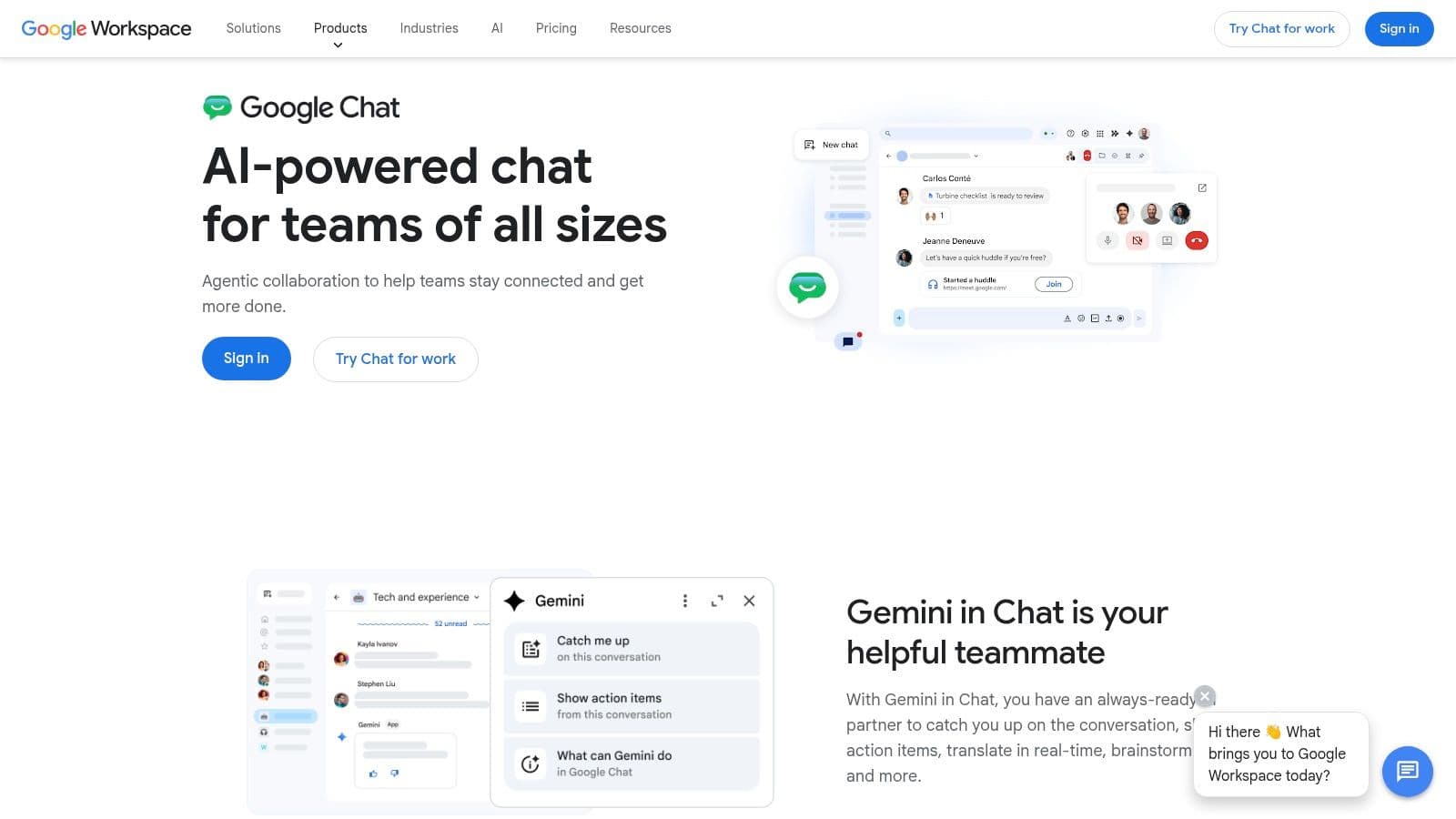
A small team is already working out of Gmail, comments are happening in Docs, meetings start in Meet, and files live in Drive. In that setup, Google Chat is often the fastest tool to adopt because nobody has to change habits first.
Google Chat works best as the communication layer inside Google Workspace, not as the center of your operating system. Spaces give teams a place for topic-based discussion, shared files, and quick Meet handoffs. That setup is useful for internal coordination, client updates, and document-heavy work where conversation usually starts from an email or a file, not from a standalone chat app.
That distinction matters.
I've found Google Chat is a strong fit for teams that write together more than they manage tasks together. If the actual work happens in Docs, Sheets, and Slides, Chat stays out of the way and keeps context close to the file. If the team needs detailed task ownership, status tracking, or multi-step workflows, Chat starts to feel thin, and a dedicated option from this guide to free task management software for small teams will usually hold up better.
Where Google Chat fits, and where it doesn't
Google Chat's free value is convenience. Setup is light. Sharing is familiar. For schools, nonprofits, agencies, and small service teams already committed to Google, that can be enough.
The trade-off is ceiling, not onboarding. Spaces are fine for discussion threads and lightweight coordination, but they do not give you much process control. You will feel that limit when projects involve approvals, reporting, cross-team dependencies, or a growing need for admin guardrails. At that point, Chat is still useful, but usually as a companion to another tool rather than the place where work gets managed.
Choose Google Chat if your team already defaults to Gmail, Drive, Docs, and Meet, and you want the lowest-friction way to communicate around that workflow.
I would skip it for teams that want their chat app to double as a serious project hub. Google Chat is practical, fast to adopt, and easy to live with. It just works best for teams that need coordination around documents, not teams trying to build operations inside the chat layer.
5. Trello
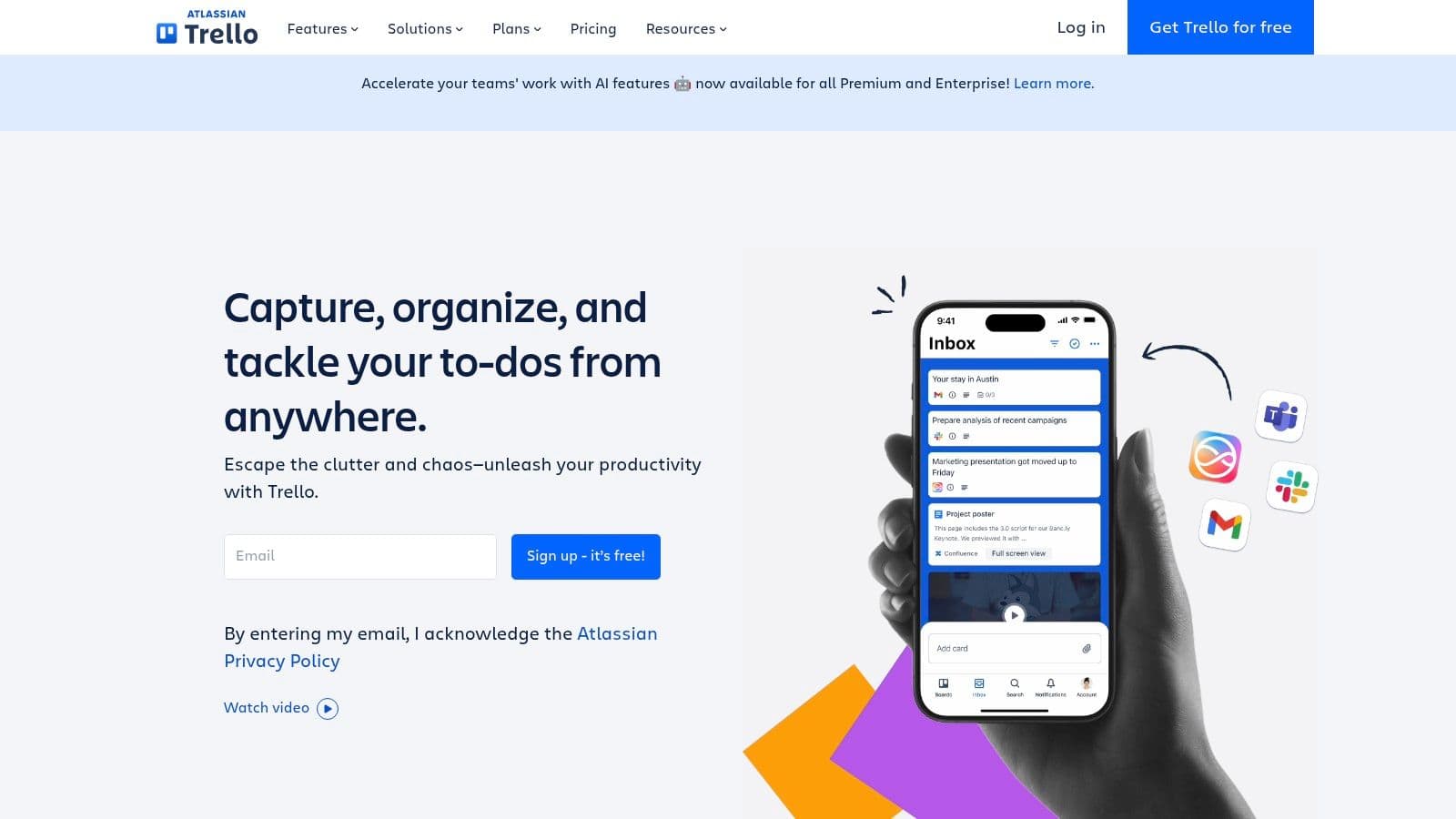
Trello is what I reach for when a team needs structure but hates project management software. It's visual, simple, and doesn't intimidate non-technical users. You can explain the whole model in a minute: boards, lists, cards, done.
That simplicity is why Trello remains one of the best free team collaboration tools for editorial calendars, hiring pipelines, lightweight operations, and content workflows. People use it because they can see the work moving.
Trello's sweet spot
The free plan gives you unlimited cards, up to 10 boards per workspace, and a modest automation allowance. That's enough for one team or one core function. It's not enough for an organization trying to run many parallel workflows in one workspace.
Trello also looks more flexible than it really is on free. Once you want advanced views, deeper reporting, or more portfolio-style oversight, you start to hit the walls. For teams comparing that trade-off, this broader guide to free task management software is useful because it shows how quickly visual simplicity can turn into feature scarcity.
Here's where Trello works best:
- Simple recurring workflows: Editorial, content, recruiting, and basic operations all map well to Kanban.
- Mixed-skill teams: People who hate complex PM tools usually adopt Trello without resistance.
- Short planning horizons: If you don't need complex roadmaps or reporting, Trello stays pleasant.
And where it doesn't:
- Multi-team environments: The board cap becomes annoying faster than people expect.
- Complex dependencies: Trello can represent them loosely, but it doesn't manage them elegantly.
- Serious reporting needs: You'll outgrow free quickly if leadership wants more than board-level visibility.
Trello is the easiest recommendation on this list for teams that need order without process theater.
6. Asana
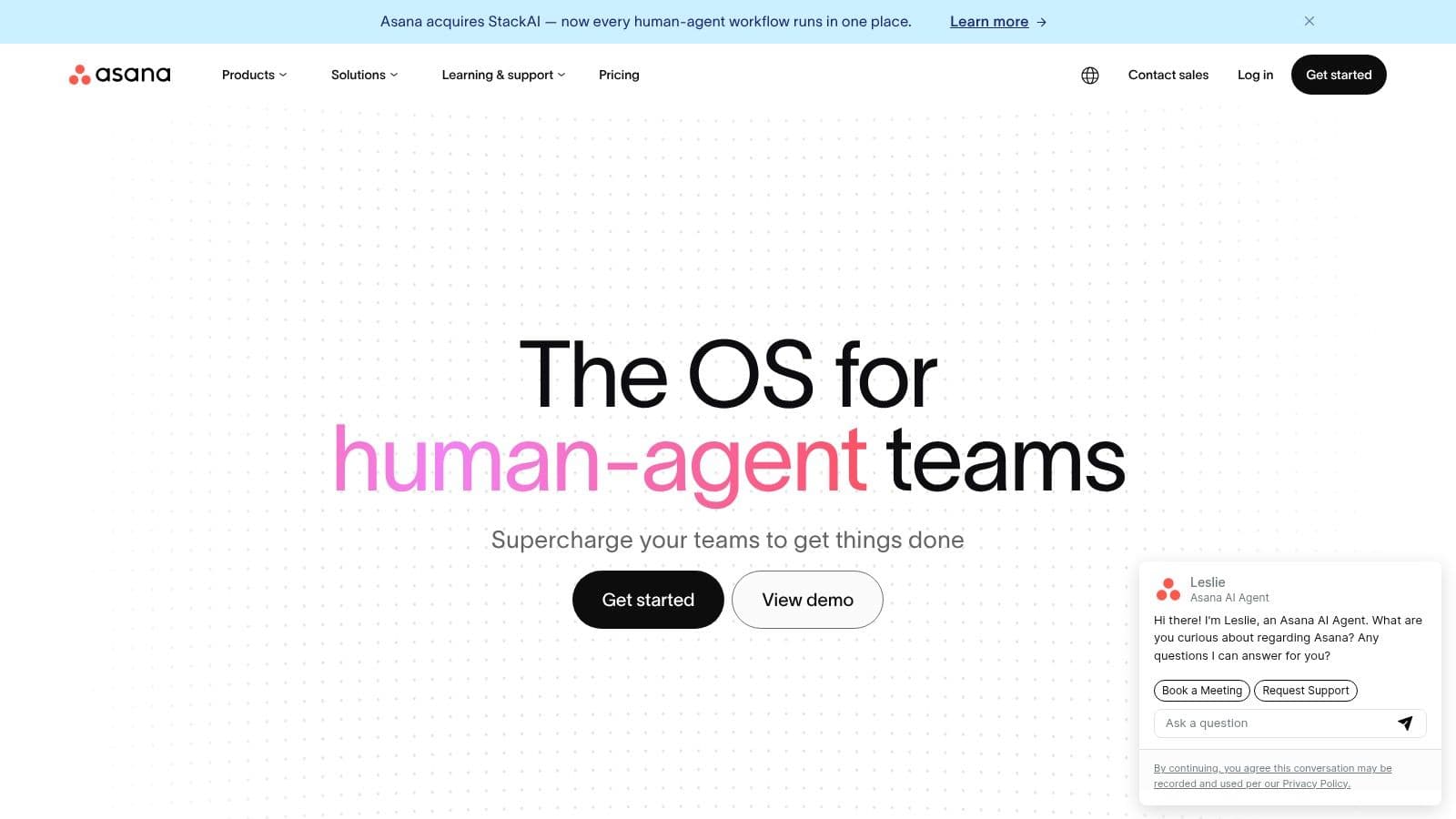
Asana is polished, mature, and very good at turning work into assigned, dated, visible tasks. I trust its task model more than most tools in this category. Ownership is clear, deadlines are clear, and the interface usually nudges teams toward better habits.
But the free plan is narrow. The current framing matters a lot: Asana's free plan is described as being for small teams of up to 15 members in current coverage of free collaboration limits. Even when that sounds workable at first, many of the features teams end up wanting from Asana over time live behind paid tiers.
Good system, selective generosity
Asana is a great fit when you want discipline without the heavier feel of Jira. It handles projects, tasks, due dates, and basic views well. If your team already works in a task-first way, Asana feels clean and focused.
Its weak point in a free comparison isn't quality. It's ceiling. Dependencies, automation, reporting, and other team-level capabilities are part of why people choose Asana in the first place. If those are central to your workflow, the free plan is more of a trial runway than a long-term home.
I'd recommend Asana to small leadership teams, founders working with an operator, or compact internal teams that need high clarity and don't mind a likely upgrade later. I wouldn't recommend it for larger free deployments where you're trying to stretch the plan indefinitely.
7. ClickUp
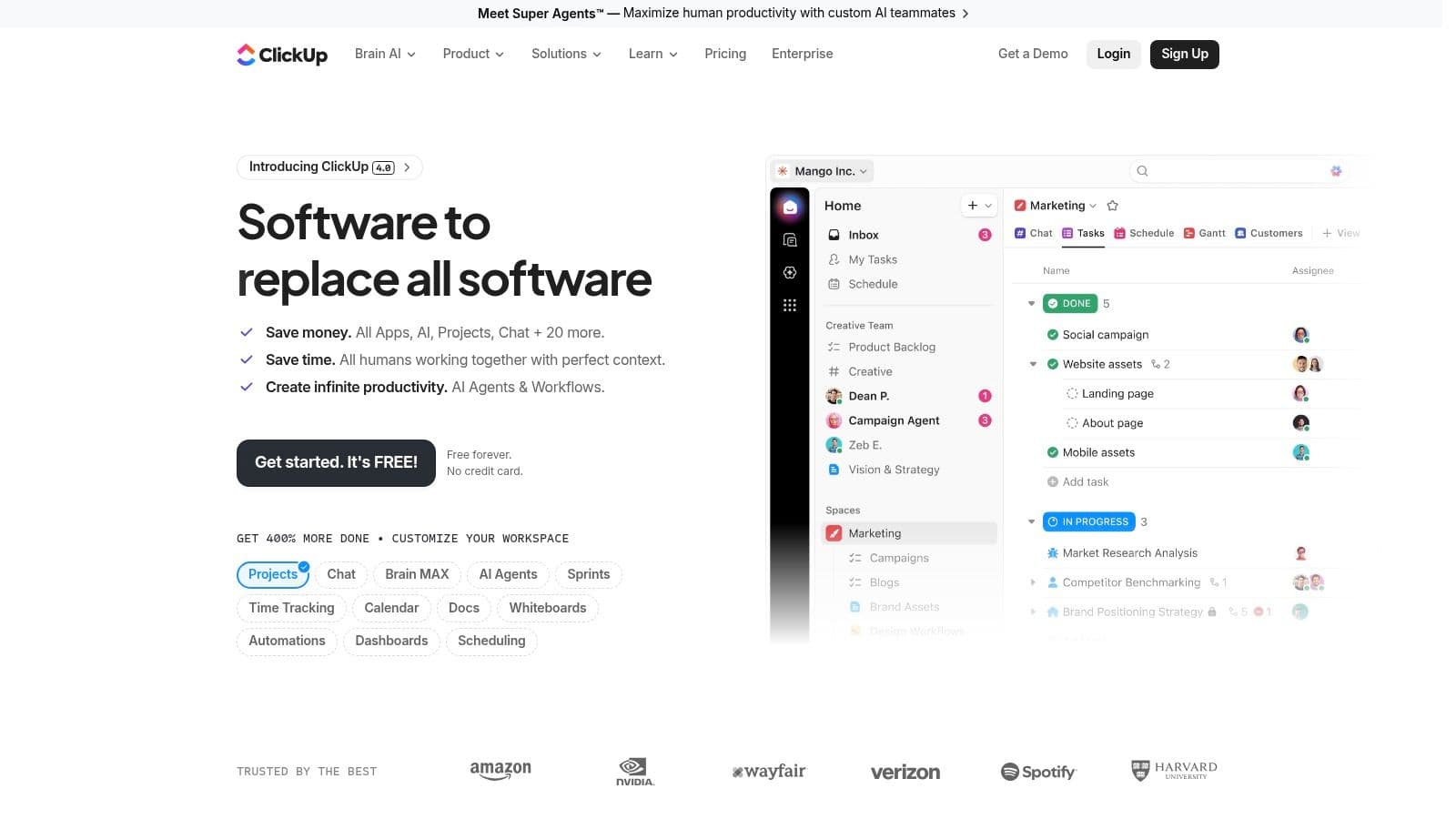
ClickUp is the most ambitious all-in-one option in this list. Tasks, docs, chat, whiteboards, views, custom fields. It tries to reduce app sprawl by pulling a lot of surfaces into one place.
For teams that are sick of stitching together separate tools, that can be a real advantage. The free plan is also generous enough to make serious testing possible, especially for small teams and individuals who want broad capability before paying.
Consolidation versus complexity
ClickUp's biggest strength is also its biggest risk. There's a lot there. If you've got someone on the team who enjoys building systems, ClickUp can become a strong workspace. If nobody owns setup, it can become a cluttered maze of lists, docs, statuses, and views.
That's the practical trade-off I've seen repeatedly with tools like this. Free collaboration software is now a standard market structure across messaging, whiteboarding, project management, and file sharing, as noted in Slack's roundup of major platforms with free tiers. But “available for free” doesn't mean “easy to run well.”
A broad tool saves money only if your team has the patience to configure it well.
ClickUp is for teams that want one hub and are willing to invest a bit of design effort up front. It's not the best choice for groups that need instant simplicity. When it clicks, it can replace multiple lightweight tools. When it doesn't, people end up avoiding half the workspace.
8. Notion
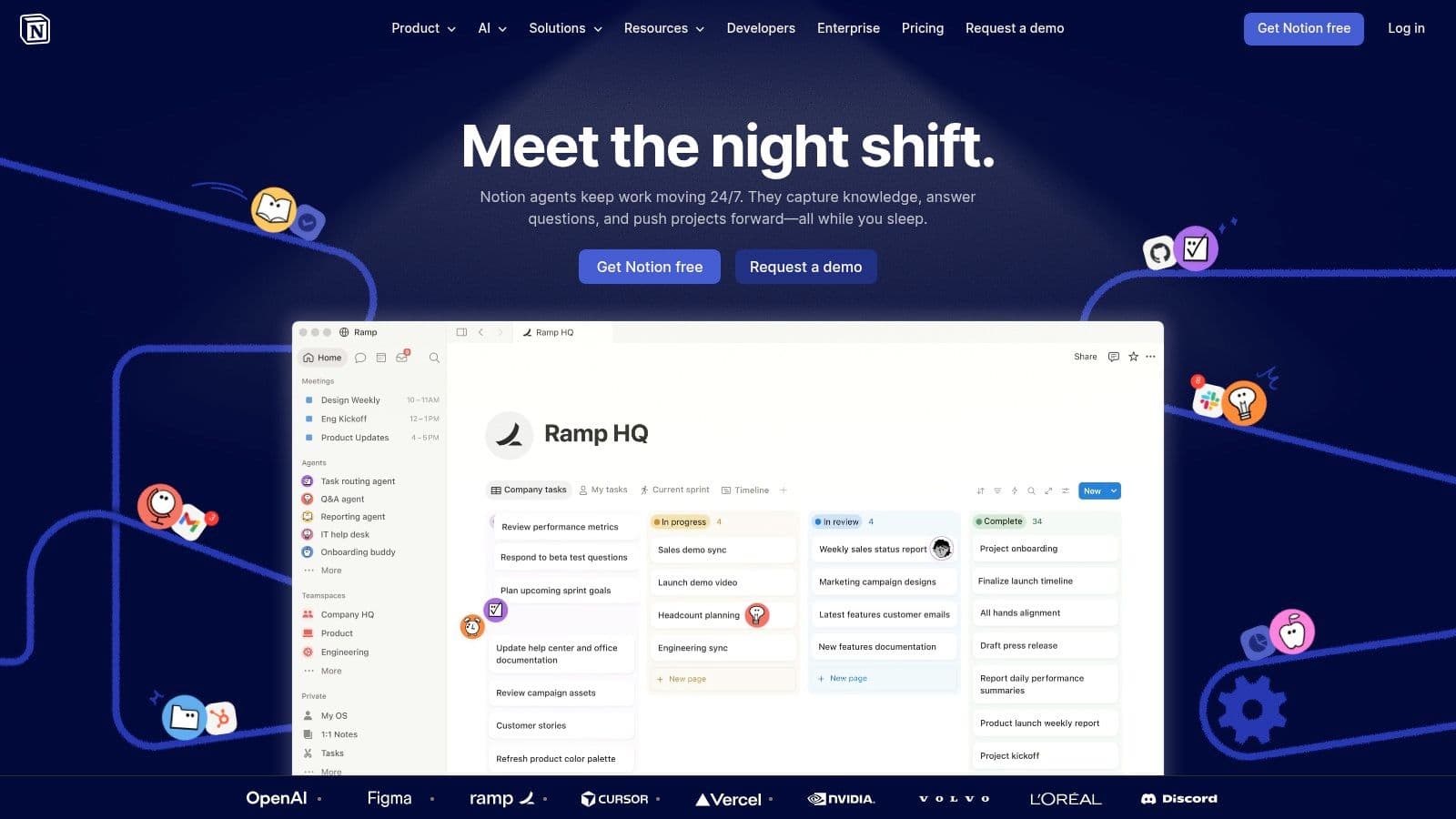
Notion is the tool teams pick when they want a workspace that can become almost anything. Wiki, project hub, notes system, lightweight CRM, meeting database, content calendar. It's flexible enough to support all of those.
That flexibility is powerful, but it cuts both ways. Notion is excellent for knowledge collaboration and decent for light project coordination. It's weaker when teams need tight operational execution with obvious ownership and minimal setup.
Best when knowledge is the work
If your work depends on documentation, shared context, SOPs, research, and evolving internal knowledge, Notion shines. Pages and databases make it easy to build systems that are readable and interconnected. It's one of the few free tools that can help a small team think clearly before it scales.
The free plan has a file upload cap and lighter collaboration controls, so teams with lots of assets or bigger operational needs will feel that quickly. Notion also asks for internal discipline. Without structure, it turns into a beautiful junk drawer.
I'd choose Notion for agencies, content teams, research-heavy teams, and startups still shaping how they work. I wouldn't choose it as the only system for a team that needs firm delivery management every day. It's a strong brain. It's not always the best backbone.
9. Miro
Miro is the best tool here for thinking together in real time. Workshops, brainstorms, mapping sessions, retros, journey maps, rough planning. If your team needs a canvas instead of a task list, Miro is usually the right call.
It's especially useful for hybrid teams because it gives remote participants a shared visual surface instead of forcing everything through voice and slides. That alone can make meetings more useful.
Great for ideation, not enough for follow-through
The free plan allows unlimited team members, but only the three most recently created boards remain editable. That tells you exactly how Miro wants to be used on free. It's a tasting menu, not a full archive of working spaces.
That's why I rarely recommend Miro as a primary collaboration hub. I recommend it as a specialist. Use it to generate alignment, then move outcomes into a tool that can carry ownership and execution. If your team is still defining collaboration more broadly, this explainer on what team collaboration actually involves is helpful because it highlights why whiteboarding alone isn't enough.
Miro is where teams discover the plan. It usually isn't where they manage the plan.
Choose it for product discovery, design work, workshops, and strategy sessions. Don't choose it as your only free collaboration environment unless your workflow is mostly visual and lightweight.
10. Jira (Atlassian)
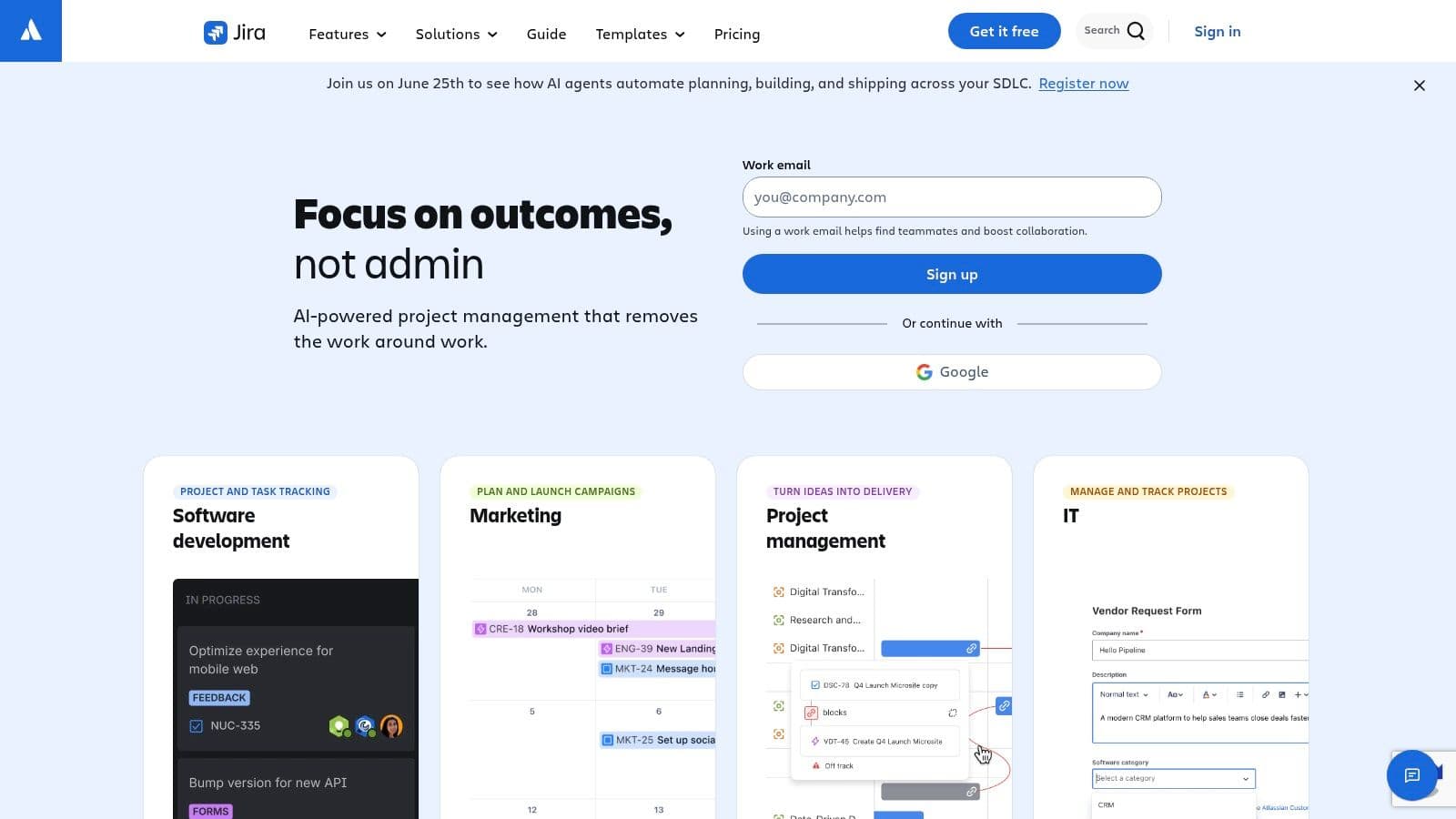
Jira earns its place when a team has outgrown lightweight task boards and needs a system that can hold real process. If work comes in as tickets, moves through defined stages, and depends on clear ownership, Jira usually fits better than simpler free tools.
The free plan gives small teams a serious starting point: Scrum and Kanban boards, backlog management, roadmaps, reporting, and basic automation. That is enough to run sprints, track bugs, and keep product work from turning into a pile of chat messages and scattered to-dos.
Built for process-heavy teams
Jira works best when the workflow already has structure. Engineering teams, product teams, and technical operations groups usually benefit fast because the tool matches how they already plan and ship work.
The trade-off is setup cost. Jira asks you to make decisions early about issue types, workflows, permissions, and naming. Get those wrong, and the tool starts to feel slower every week. Get them right, and it gives a small team real visibility into what is blocked, what is in progress, and what is shipping.
I would not hand Jira to a five-person marketing or admin team unless they already think in systems. For many non-technical groups, Trello or Asana gets them to the same outcome with less training and less resistance.
Use this rule. Choose Jira if your team needs traceability more than simplicity.
- Use Jira for: Sprint planning, bug tracking, engineering backlogs, release work, and cross-functional product delivery.
- Avoid Jira for: Teams that mainly need chat, lightweight task lists, or a quick shared workspace with little setup.
- Plan ahead for: Workflow configuration, permission cleanup, and a short onboarding period for anyone new to ticket-based work.
Jira is one of the strongest free options in this list for teams that need discipline in execution, not just a place to collect tasks.
Top 10 Free Team Collaboration Tools Comparison
| Product | Core features ✨ | UX ★ | Price & Value 💰 | Ideal Audience 👥 | USP 🏆 |
|---|---|---|---|---|---|
| Fluidwave 🏆 | AI auto‑prioritization; multi‑view (table/list/calendar/Kanban/cards); automations; pay‑per‑task human assistants | ★★★★☆, clean, distraction‑free, instant response | 💰 Free forever + $49 one‑time lifetime premium; pay‑per‑task delegation; 7‑day refund | 👥 Busy professionals & SMBs needing automation + occasional human help | 🏆 Hybrid AI + human delegation; deep‑focus flow; saves 4+ hrs/week |
| Slack | Channel & DM chat; Huddles; app integrations | ★★★★☆, familiar, chat‑first | 💰 Free: 90‑day history, 10 apps; paid for retention/admin | 👥 Chat‑centric small teams | ✨ Large app marketplace & lightweight automations |
| Microsoft Teams (Free) | Chat, channels, meetings; Office web editing via OneDrive | ★★★☆☆, integrated with Microsoft 365 | 💰 Free: 60‑min meetings, 5 GB storage; upgrade to M365 | 👥 Teams using Microsoft products | ✨ Seamless Office editing and upgrade path |
| Google Chat (Spaces) | Spaces for topic collaboration; Drive/Meet/Gmail ties | ★★★☆☆, native Google ecosystem | 💰 Free for personal accounts; Workspace adds admin features | 👥 Google Workspace‑centric teams | ✨ Deep Gmail/Drive/Calendar integration |
| Trello | Visual Kanban boards; templates; Power‑Ups | ★★★★☆, simple, approachable | 💰 Free: 10 boards/workspace, 250 automation runs/month | 👥 Visual thinkers & small project teams | ✨ Easy Kanban + rich template library |
| Asana | List/board/calendar views; task ownership; integrations | ★★★☆☆, structured, mature | 💰 Free Personal: up to 2 users; paid unlocks timeline/automation | 👥 Solopreneurs & two‑person teams | ✨ Clear task model and upgrade path for teams |
| ClickUp | Tasks, docs, whiteboards, chat; many views & features | ★★★☆☆, powerful but steeper learning curve | 💰 Free: unlimited tasks/members; limited storage (60MB) | 👥 Tech‑savvy teams consolidating tools | ✨ All‑in‑one work hub to reduce app sprawl |
| Notion | Docs & databases; customizable workspace & templates | ★★★★☆, flexible, docs‑first | 💰 Free: limited file uploads (5MB) & page history | 👥 Individuals & small teams focused on knowledge | ✨ Highly customizable docs + databases |
| Miro | Collaborative whiteboards; templates & workshop tools | ★★★★☆, excellent for ideation | 💰 Free: unlimited members; only 3 editable boards | 👥 Teams running workshops/brainstorms | ✨ Best‑in‑class real‑time whiteboarding |
| Jira (Atlassian) | Scrum/Kanban boards, backlog, basic roadmaps, automations | ★★★☆☆, powerful for dev teams, complex for others | 💰 Free up to 10 users, 2 GB storage; paid for scale | 👥 Small software/dev teams adopting Agile | ✨ Deep agile features & large app marketplace |
From Chaos to Collaboration Your Next Step
Monday morning, the team has updates in chat, decisions buried in docs, and tasks spread across three tabs. Nobody is blocked for a dramatic reason. Work just moves slower because ownership is fuzzy and the next step lives somewhere else. That is usually the main collaboration problem.
The right free tool fixes one expensive point of friction first. It does not need the longest feature list. It needs to fit the kind of work your team does every day, and it needs to stay usable once the trial period of enthusiasm is over.
A simple way to choose is to start with the bottleneck. Pick Slack or Microsoft Teams if scattered conversation is the main issue. Pick Google Chat or Notion if the team already works from documents and shared context. Pick Trello if people need a clear visual flow with very little training. Pick Jira if delivery depends on structured backlogs, sprint discipline, and engineering workflows. Pick Miro if the work starts with workshops, mapping, or fast idea generation. Pick ClickUp if the team wants to consolidate tasks, docs, and planning in one place and can tolerate a steeper setup.
The free-plan limits matter as much as the core feature set. That is where many teams make the wrong call. A chat app looks fine until message history gets tight or admin controls are too limited. A project tool feels generous until automation caps, storage limits, or user restrictions force awkward workarounds. A whiteboard is great for a workshop, then becomes less useful when the team needs a durable system for follow-through.
I have seen the same pattern repeatedly. Teams rarely fail because a tool is missing one headline feature. They fail because the handoff breaks between discussion, decision, and execution. Chat handles conversation well. Docs handle context well. Boards handle visibility well. Whiteboards handle exploration well. The trouble starts when the team assumes one free tool will cover every stage equally well.
That is why free plans work best as decision tools, not permanent answers by default. Use them to test behavior. Can the team keep tasks current? Can managers see ownership without asking in chat? Can new people understand what is in progress in under five minutes? Those are better selection criteria than a long comparison table of features.
Digital collaboration software is now basic operating infrastructure, not a nice extra. The practical question is not whether your team needs a tool. It is which limitation you can live with for the next six months without creating more admin work than the software removes.
Start small. Choose the tool that solves the daily problem that wastes the most time. Roll it out to one team, one process, or one recurring meeting cycle. Watch where work stalls, where context gets lost, and where the free tier starts pushing back. Then decide whether to add another tool, upgrade, or tighten the process you already have.
A free plan should give you clarity and momentum. If it gives you more tabs, more copying and pasting, and more status chasing, move on.
If you want a free collaboration tool built around execution instead of conversation alone, try Fluidwave. It fits busy teams that need clear priorities, visible ownership, and consistent follow-through without adding another noisy channel.
Focus on What Matters.
Experience lightning-fast task management with AI-powered workflows. Our automation helps busy professionals save 4+ hours weekly.