The right productivity tools reduce friction, centralize work, and free teams to focus on outcomes. This guide compares 12 leading platforms and gives practical recommendations to help teams choose, adopt, and measure the impact of collaboration tools in 2025.
June 17, 2025 (1y ago) — last updated March 30, 2026 (6mo ago)
Top Team Productivity Apps 2025
Compare 12 top team productivity apps—features, pros, pricing, and recommendations to boost collaboration and workflows in 2025.
← Back to blog
Top Team Productivity Apps 2025
Compare features, pricing, and real-world use cases for 12 top team productivity apps. This guide helps you pick the right tools to improve collaboration, reduce meetings, and streamline workflows in 2025.
Introduction
The right productivity tools reduce friction, centralize work, and free teams to focus on outcomes. This guide compares 12 leading platforms—Fluidwave, Slack, Asana, Trello, Notion, Microsoft Teams, ClickUp, Jira, Google Workspace, Zoom, Todoist, and Miro—and offers clear recommendations for adoption, implementation, and where each platform shines. Remote and hybrid work remain a core part of how teams operate, so choose tools that support distributed collaboration and minimize context switching3.
Quick navigation
- 1. Fluidwave
- 2. Slack
- 3. Asana
- 4. Trello
- 5. Notion
- 6. Microsoft Teams
- 7. ClickUp
- 8. Jira
- 9. Google Workspace
- 10. Zoom
- 11. Todoist
- 12. Miro
1. Fluidwave
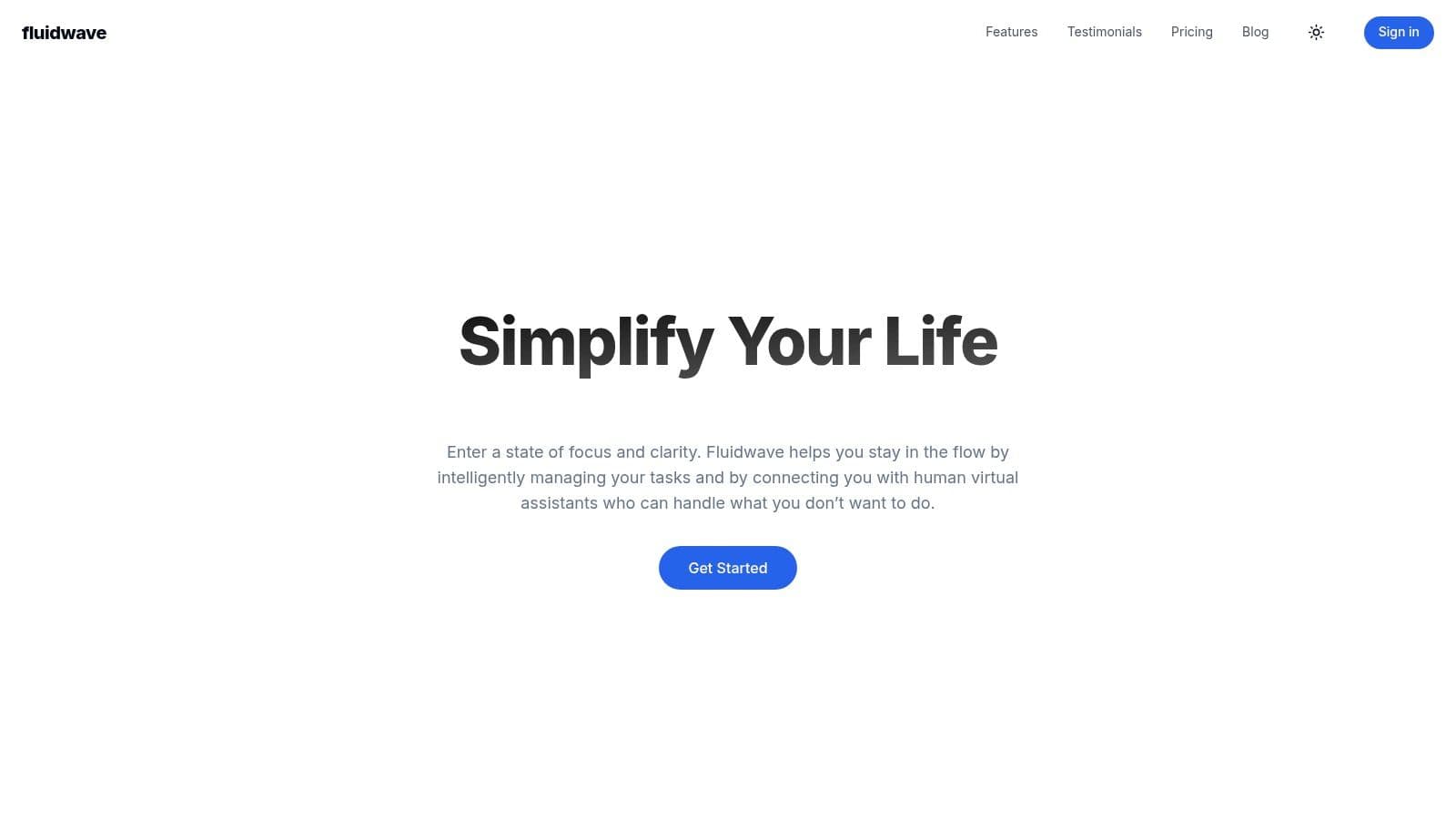
Fluidwave is an AI-powered task management platform that streamlines workflows with intelligent automation, multiple task views (table, list, calendar, Kanban, and cards), and a pay-per-task delegation model that avoids full VA subscriptions.
Features and benefits
Fluidwave’s AI-driven prioritization surfaces the most important work so teams focus on high-impact tasks. Flexible views accommodate different work styles, and the pay-per-task model keeps delegation affordable for intermittent needs.
Pros and cons
- Pros: AI prioritization, flexible task views, pay-per-task delegation, distraction-free interface, real-time collaboration.
- Cons: Limited initial VA availability, advanced AI features behind the Pro plan.
Pricing and use cases
Fluidwave has a free tier for core task management. The Pro plan ($14.99/month) unlocks advanced AI automation and prioritization. Visit https://fluidwave.com to compare plans and features.
Implementation and recommendations
Start with the free plan to map your workflow into Fluidwave. Use AI prioritization for daily planning and reserve pay-per-task delegation for intermittent help. As the VA network expands, consider the Pro plan for deeper automation.
2. Slack
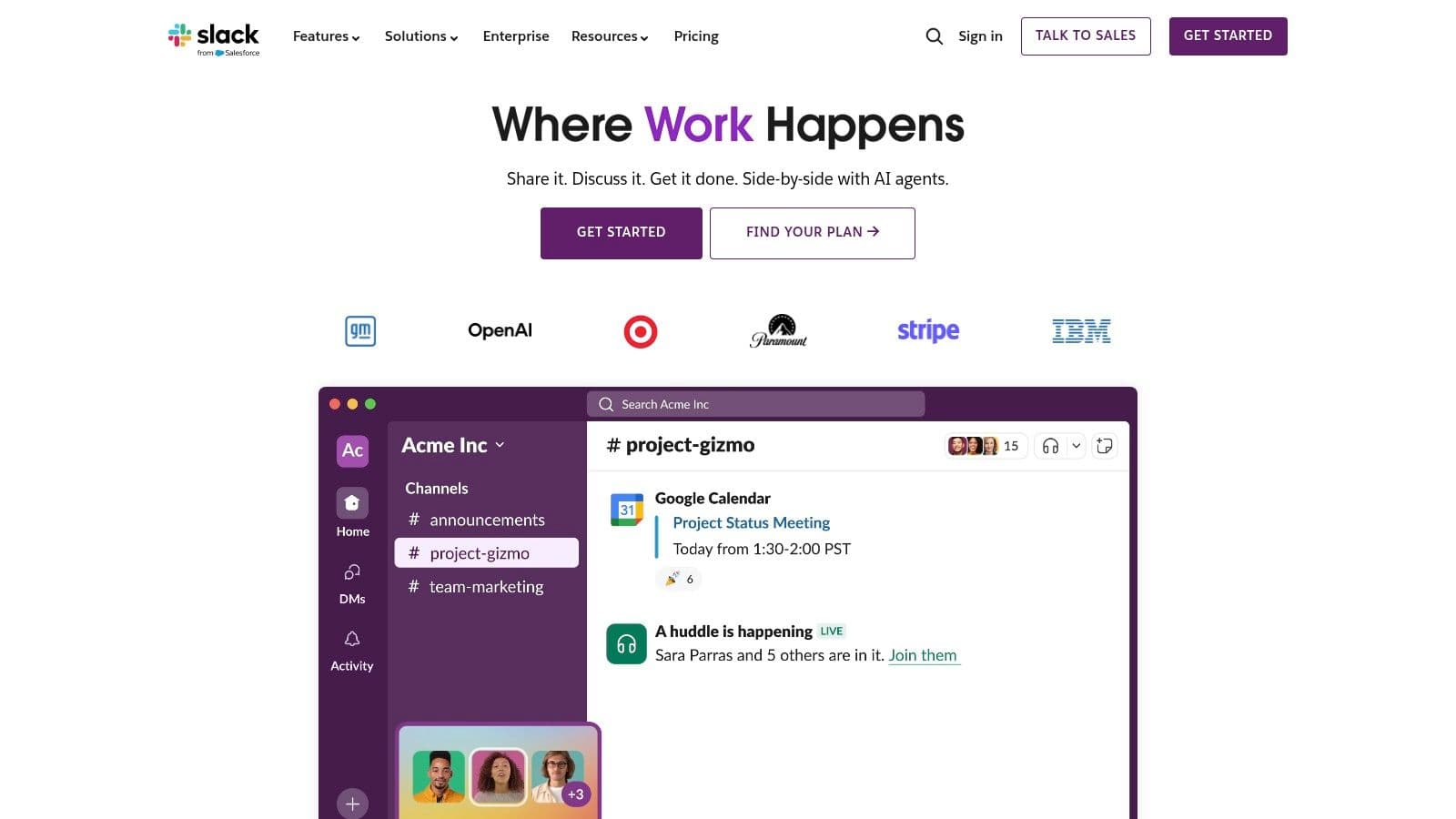
Slack is a real-time communication hub that replaces internal email with organized channels, direct messages, and many integrations—helping teams centralize conversations and make faster decisions.
Features and benefits
Channel-based messaging keeps discussions scoped by project, topic, or team. Direct messages and huddles enable fast decisions. Built-in voice/video and screen sharing work for quick syncs. Slack’s App Directory connects hundreds to thousands of tools for streamlined workflows1.
Pros and cons
- Pros: Intuitive UI, extensive integrations, effective real-time communication, powerful search.
- Cons: Free plan limits message history; channels and notifications can overwhelm without governance.
Pricing and use cases
Slack’s free tier is suitable for small teams. Paid plans unlock full message history, increased storage, and admin controls. Visit https://slack.com for pricing.
Implementation and recommendations
Create a communication policy and clear channel naming to prevent notification overload. Integrate Slack with your task and file systems (Asana, Google Drive) to reduce context switching.
3. Asana
Asana helps teams organize, track, and manage work with flexible workflows, timelines, and automation—ideal for cross-functional projects and marketing campaigns.
Features and benefits
Flexible project views (list, board, calendar) and templates accelerate setup. Automation and reporting dashboards help scale processes across teams.
Pros and cons
- Pros: User-friendly, flexible views, strong integrations, customizable workflows.
- Cons: Advanced features require paid plans; onboarding can take time for complex setups.
Pricing and use cases
Asana offers a free tier; paid plans start around $10.99 per user/month for advanced features. Use Asana for product launches, campaign planning, and cross-team project coordination.
Implementation and recommendations
Map existing workflows before migrating. Use templates for common processes and automation to eliminate repetitive steps. Integrate Asana with Slack and Google Drive to centralize communication and documents.
4. Trello
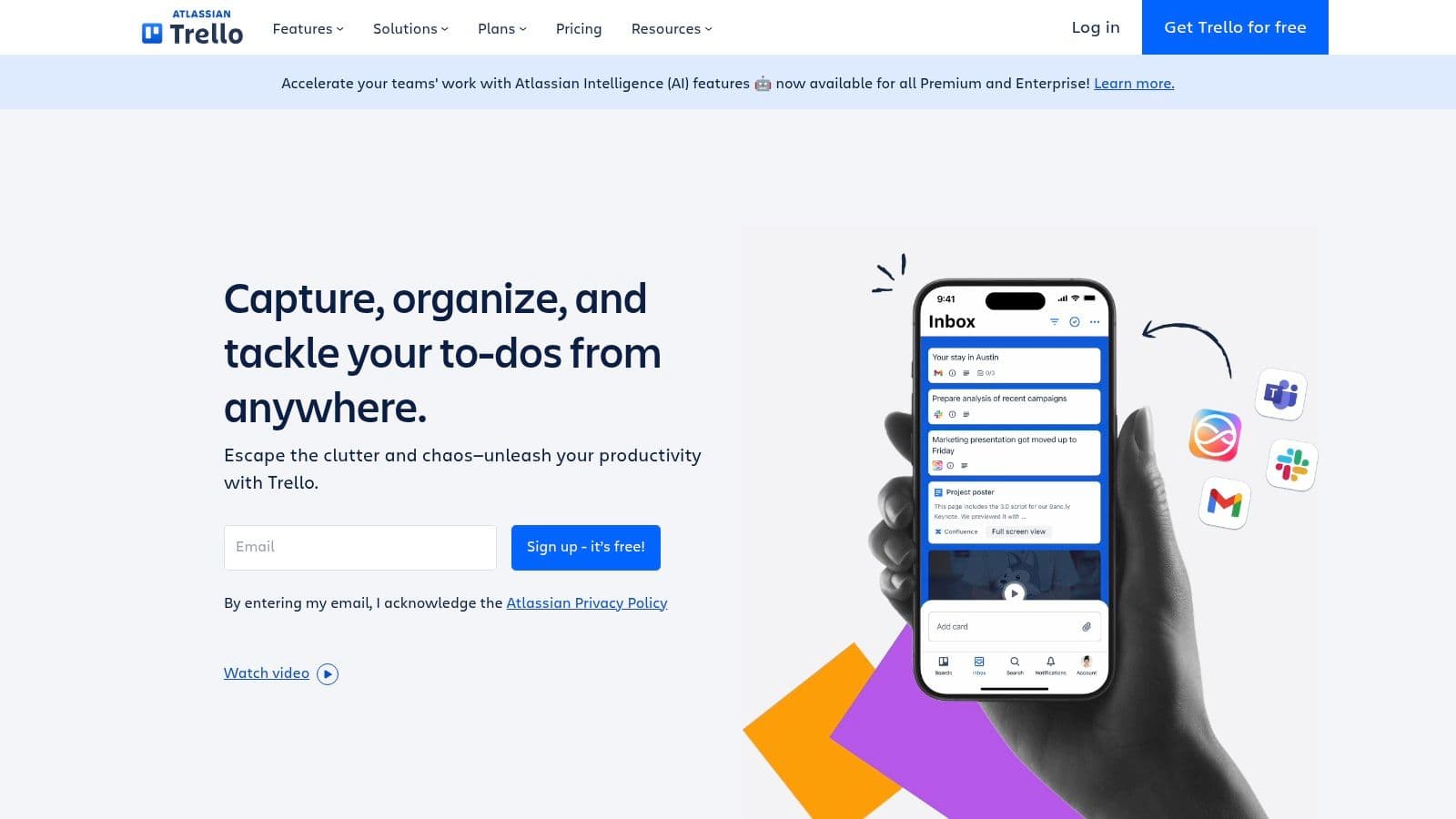
Trello is a visual Kanban tool using boards, lists, and cards to organize work. Its simplicity makes it fast to adopt for editorial calendars, sprint boards, and lightweight project tracking.
Features and benefits
Drag-and-drop cards, custom fields, and Butler automation let teams automate basic rules and keep workflow visible.
Pros and cons
- Pros: Intuitive, customizable, strong free plan, excellent mobile app.
- Cons: Limited advanced features for complex projects; boards can become cluttered.
Pricing and use cases
Trello’s free plan supports many teams; paid plans start at about $5/user/month. Best for small teams, editorial planning, and simple sprints.
Implementation and recommendations
Start with a single board per workflow and introduce automation gradually. Use labels and templates to keep large projects organized.
5. Notion
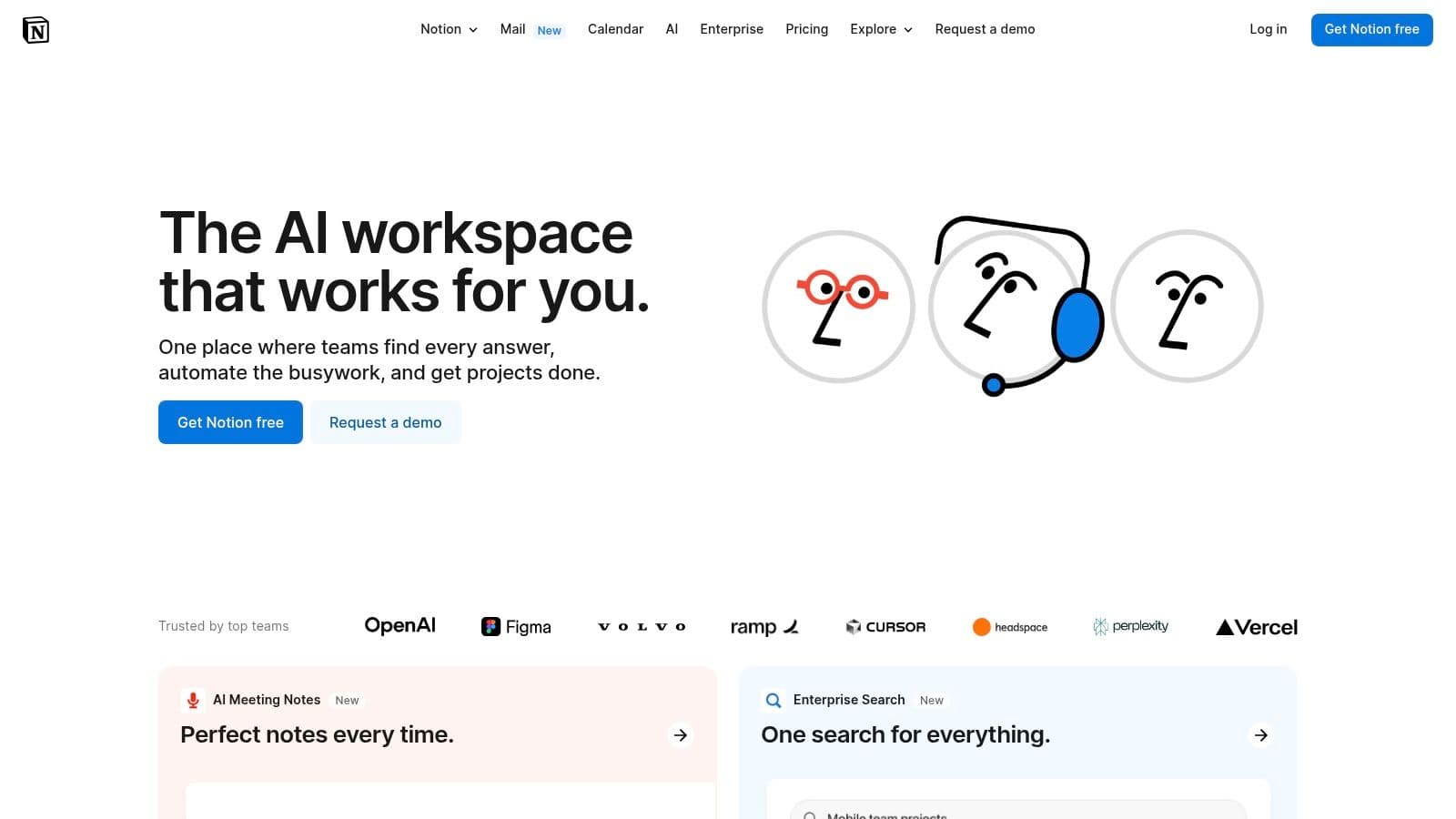
Notion is an all-in-one workspace combining notes, databases, Kanban boards, and wikis—powerful for teams that need a centralized knowledge base and lightweight project tracking.
Features and benefits
Modular blocks and templates let teams build custom workflows, internal docs, and roadmaps with real-time collaboration.
Pros and cons
- Pros: Highly customizable, rich templates, strong community support.
- Cons: Steeper learning curve; mobile and offline experiences can lag.
Pricing and use cases
Notion offers a free tier; paid plans start around $8/user/month. Use Notion for knowledge bases, onboarding docs, and combined notes + task workflows.
Implementation and recommendations
Create standard templates for recurring documents and a clear page hierarchy to avoid content sprawl. Train teams on best practices for databases and linking pages.
6. Microsoft Teams
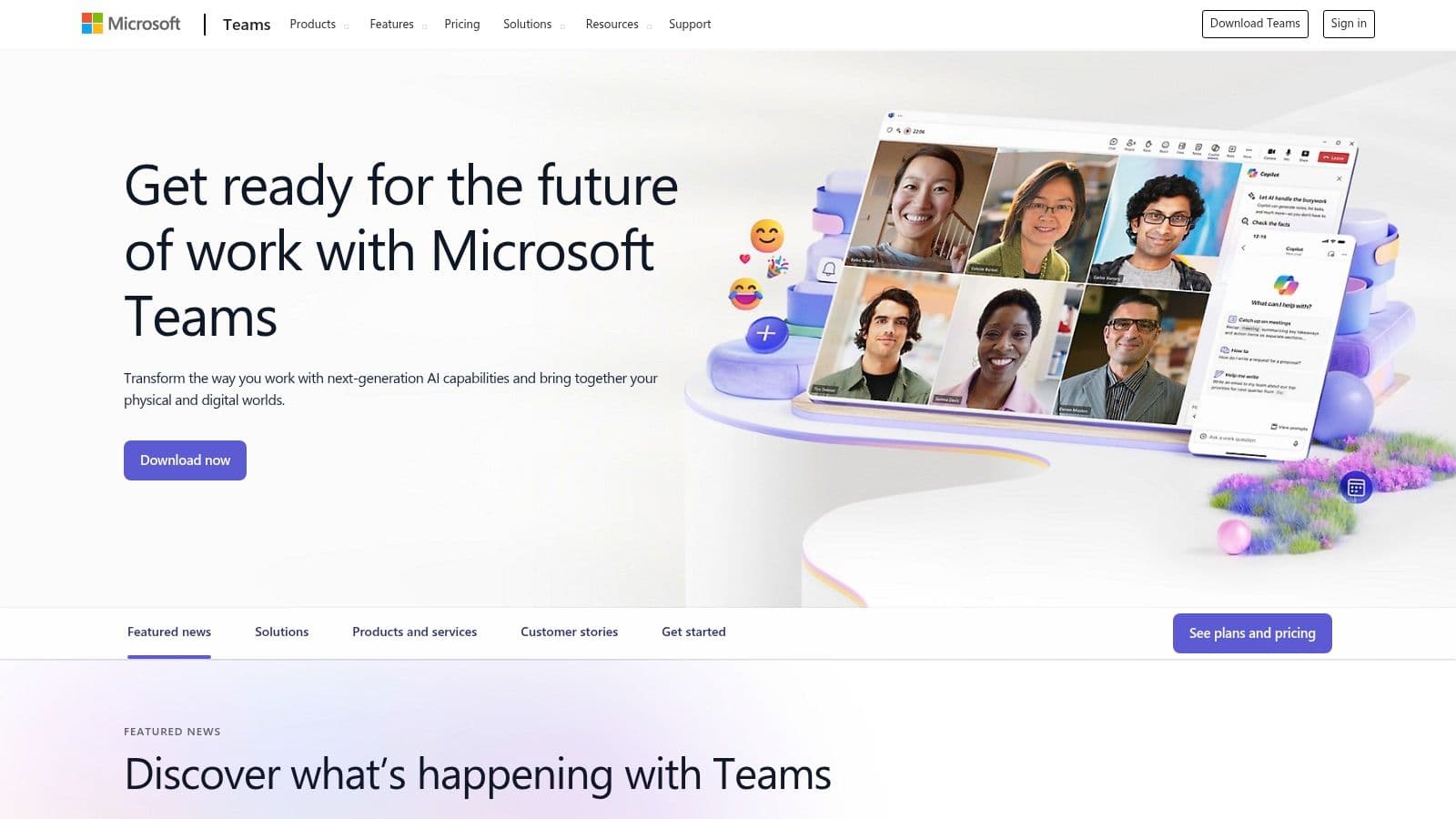
Microsoft Teams integrates chat, meetings, file storage, and Office apps into one hub—especially useful for organizations already using Microsoft 3652.
Features and benefits
Threaded chats, video conferencing, file collaboration via SharePoint/OneDrive, and enterprise security make Teams a comprehensive option for large organizations.
Pros and cons
- Pros: Deep Microsoft 365 integration, robust security, supports large meetings and webinars.
- Cons: Can feel cluttered; resource-intensive on older machines.
Pricing and use cases
Teams is included in many Microsoft 365 subscriptions; standalone tiers also exist. Ideal for enterprises and organizations standardized on Microsoft tools.
Implementation and recommendations
Organize channels by team and project. Leverage SharePoint for document governance and use Teams meetings for larger cross-functional syncs.
7. ClickUp
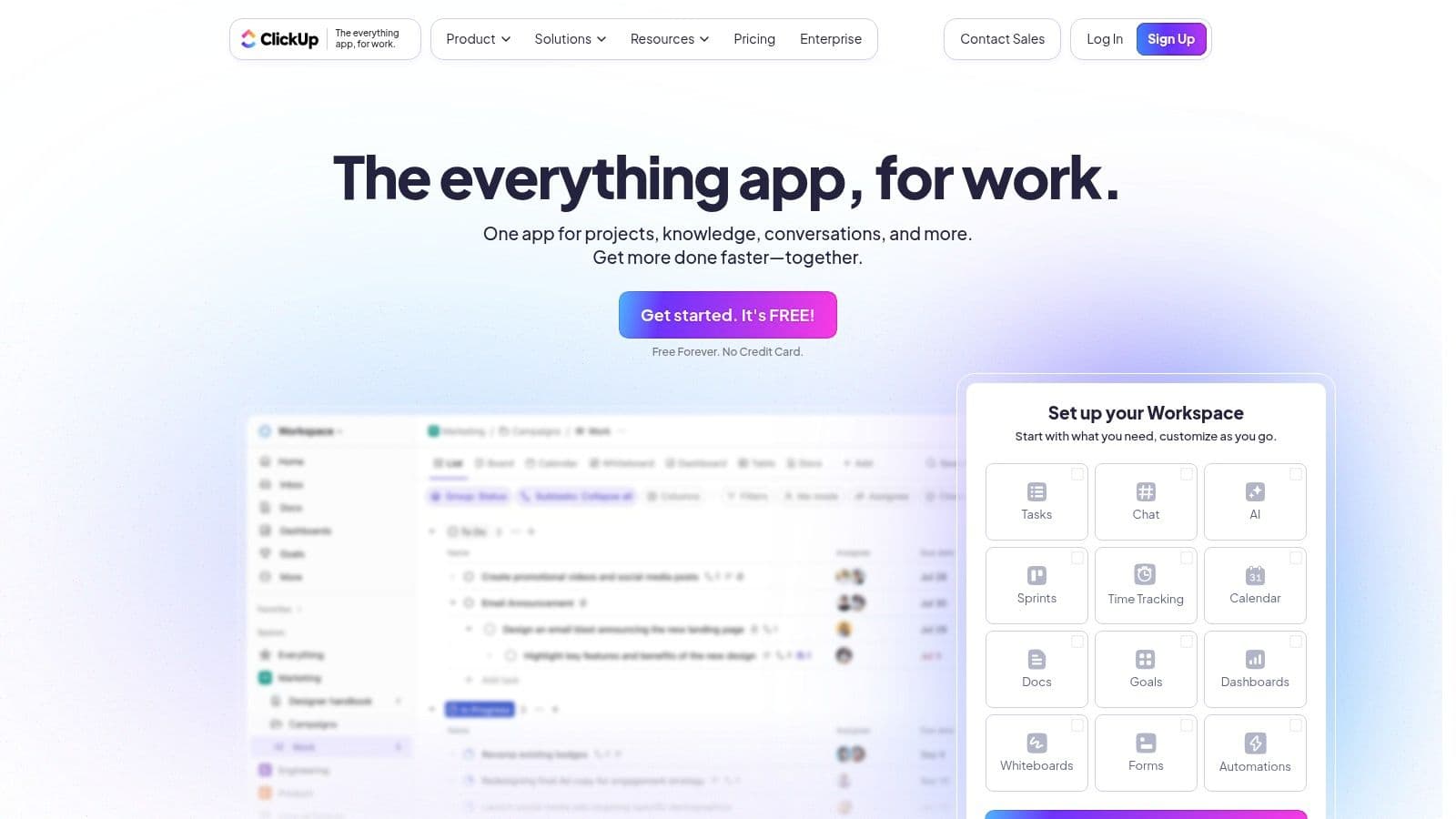
ClickUp is a highly configurable platform offering chat, whiteboards, Gantt charts, Kanban boards, and advanced reporting—designed to replace multiple point tools.
Features and benefits
Custom views, built-in docs, and powerful automations let teams tailor ClickUp to many methodologies from Agile to Waterfall.
Pros and cons
- Pros: Broad feature set, highly customizable, strong reporting.
- Cons: Can overwhelm new users; mobile app has fewer features.
Pricing and use cases
ClickUp’s free plan is generous; paid plans start around $5/user/month. Good for teams that want a single platform for planning, collaboration, and reporting.
Implementation and recommendations
Phase the rollout: enable core task features first, then add automations and dashboards. Provide role-based templates to reduce setup time.
8. Jira
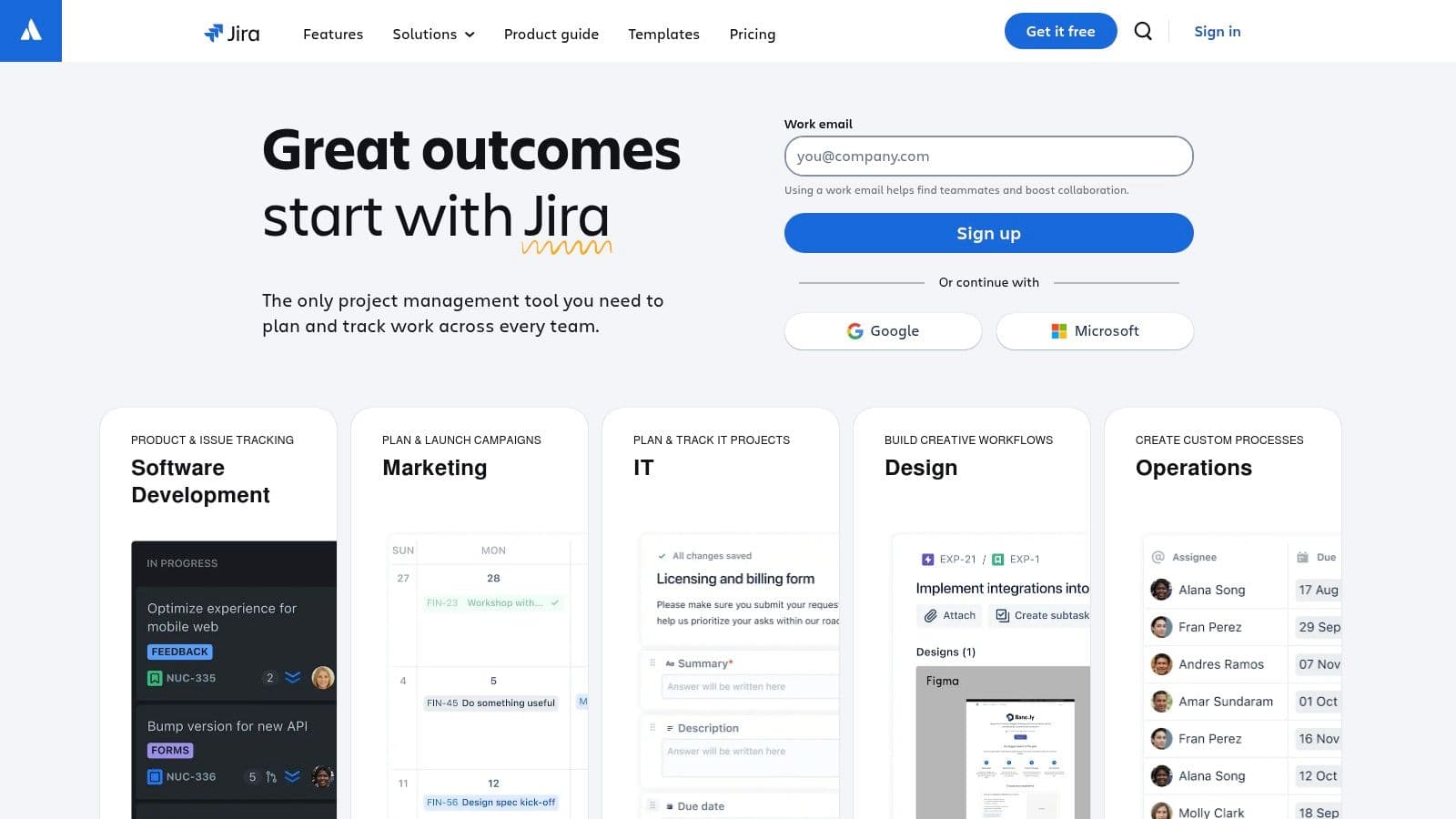
Jira is built for software teams practicing Agile. It offers customizable workflows, backlog management, and deep integrations with development tools like GitHub.
Features and benefits
Advanced reporting, release tracking, and automation help engineering teams manage sprints and complex backlogs.
Pros and cons
- Pros: Powerful for Agile teams, extensive customization, strong dev tool integrations.
- Cons: Steep learning curve; may be overkill for non-development teams.
Pricing and use cases
Jira has a free tier for small teams; paid plans scale with users and features. Use Jira for software delivery, incident tracking, and engineering roadmaps.
Implementation and recommendations
Pilot Jira with one product team first. Establish naming conventions and workflow blueprints to standardize issue types and statuses.
9. Google Workspace
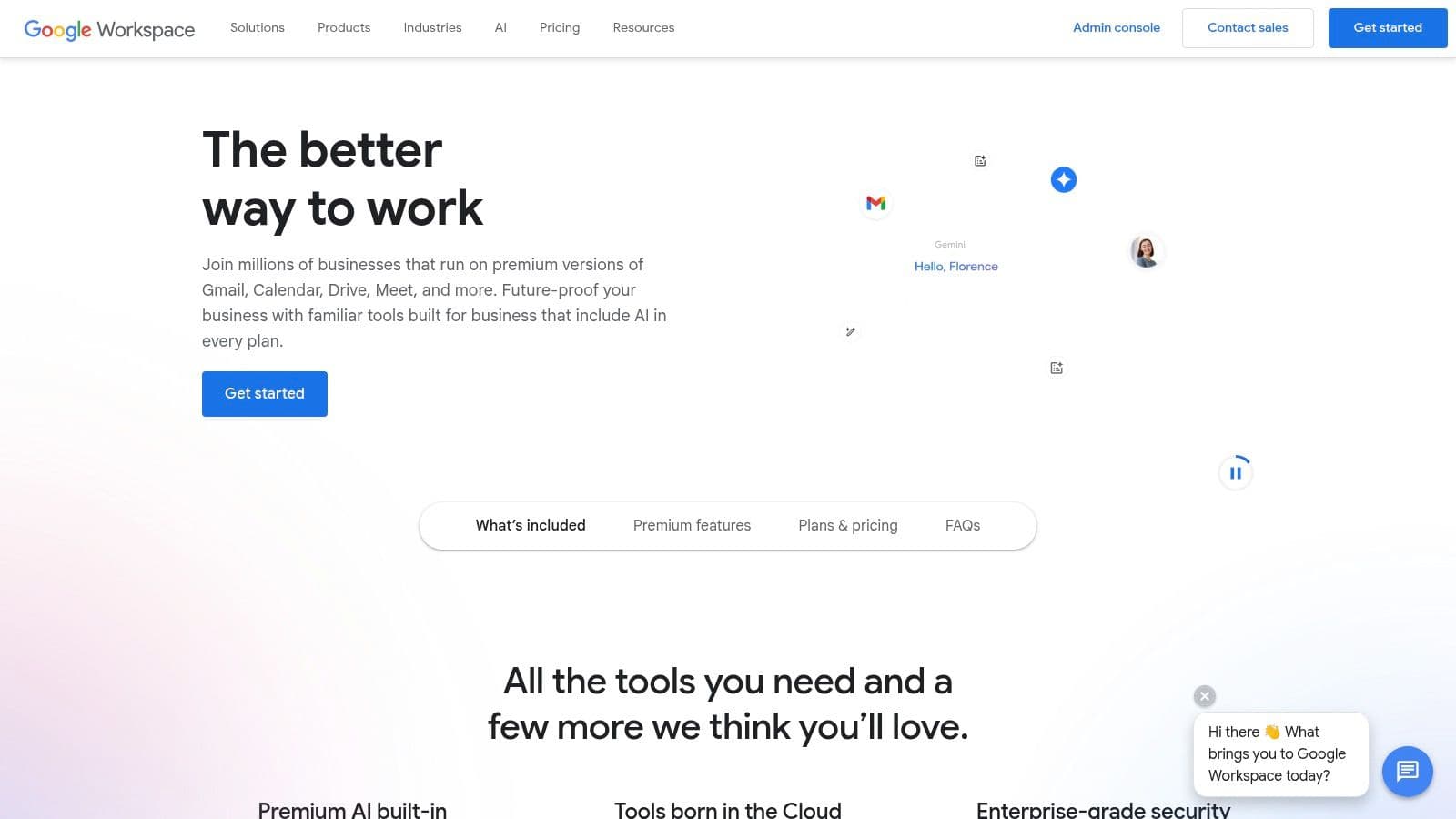
Google Workspace bundles Gmail, Drive, Docs, Sheets, Slides, Meet, and Calendar into a cloud-native productivity suite that’s easy to adopt and scales across teams.
Features and benefits
Real-time coediting, shared drives, and tight Calendar + Meet integrations reduce versioning and scheduling friction.
Pros and cons
- Pros: Seamless collaboration, accessible from any device, cost-effective entry tiers.
- Cons: Full offline use is limited; data stored on Google’s servers raises privacy questions for some organizations.
Pricing and use cases
Workspace has multiple tiers to match storage and security needs. It’s great for teams prioritizing cloud-native collaboration and simple file sharing.
Implementation and recommendations
Define shared drive structures and folder permissions up front. Use Docs and Sheets templates to standardize reports and status updates.
10. Zoom
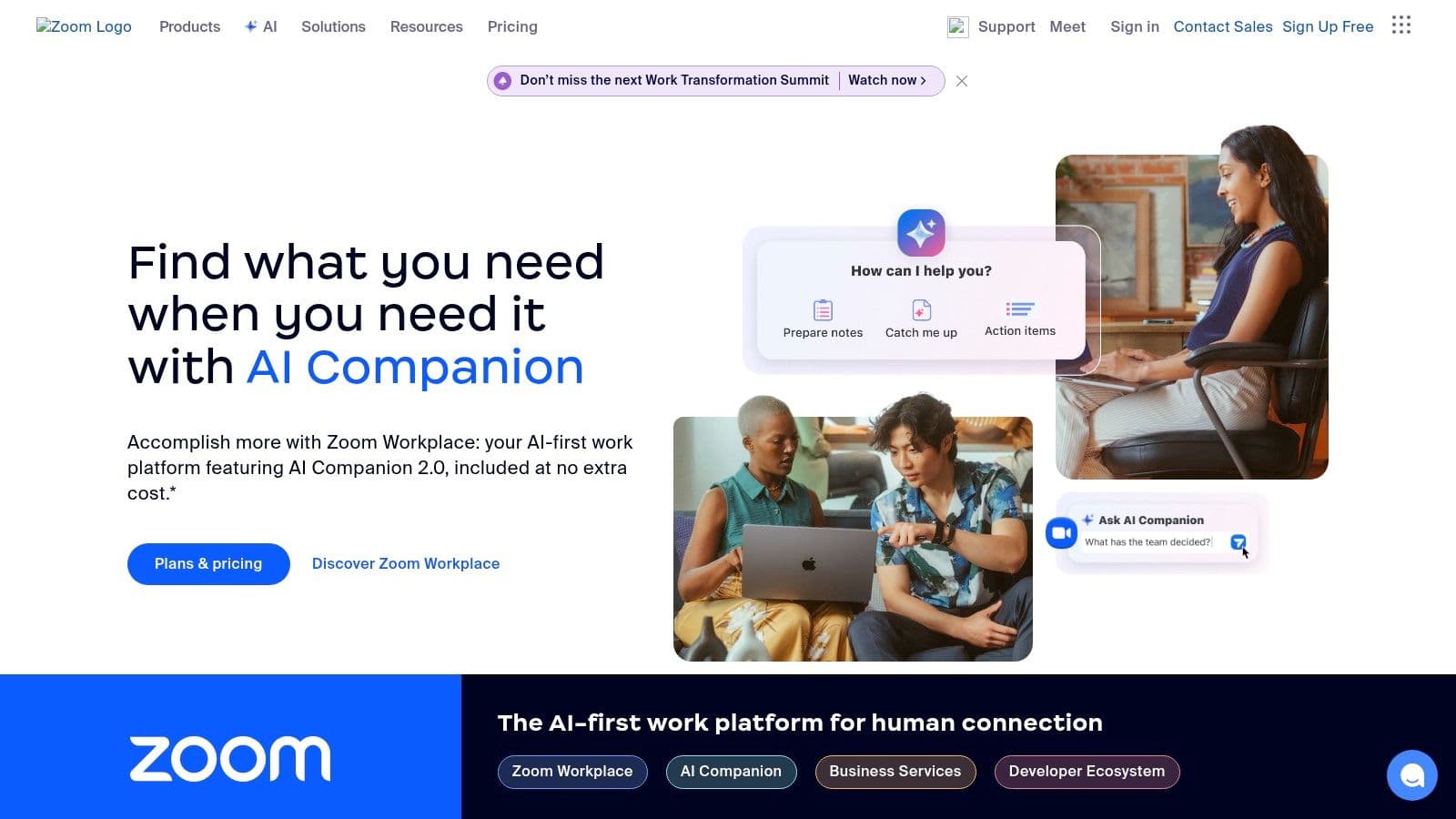
Zoom provides reliable video and audio meetings, webinars, and chat—making it a default for remote and hybrid collaboration.
Features and benefits
Screen sharing, breakout rooms, and calendar integrations make meetings more productive. Zoom scales well from quick huddles to large webinars.
Pros and cons
- Pros: High-quality audio/video, intuitive UI, strong meeting features.
- Cons: Free meetings capped at 40 minutes for groups; some users remain cautious about past security issues.
Pricing and use cases
Zoom’s paid tiers remove time limits and add recording and analytics. Use Zoom for client calls, training sessions, and large all-hands.
Implementation and recommendations
Set meeting norms (agenda, timebox, roles) and use breakout rooms for focused workshops. Integrate recording and transcripts into your knowledge base.
11. Todoist
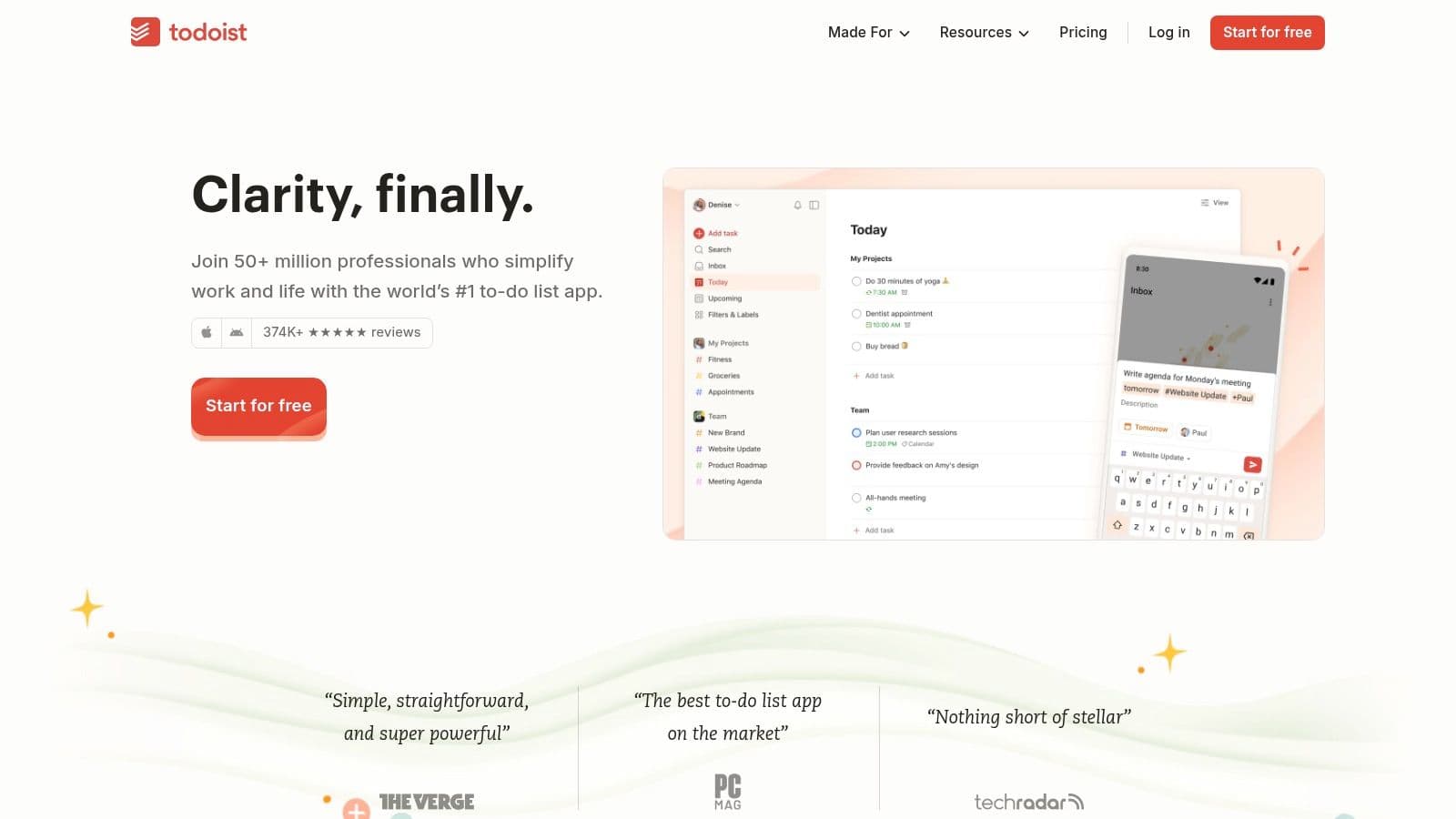
Todoist is a simple, cross-platform task manager for individuals and small teams who need lightweight task lists with powerful recurring rules and integrations.
Features and benefits
Project organization, subtasks, labels, and calendar integrations make Todoist an effective personal and small-team tool.
Pros and cons
- Pros: Clean interface, cross-platform, strong for personal productivity.
- Cons: Reminders and some advanced features require paid plans.
Pricing and use cases
Todoist offers a free plan; Pro is around $5/month and Business about $8/user/month. Use Todoist for individual task management, small-team task lists, and personal productivity systems.
Implementation and recommendations
Pair Todoist with a team-wide task board for cross-team visibility and use integrations with calendars to enforce deadlines.
12. Miro
Miro is an online collaborative whiteboard for brainstorming, journey mapping, and visual planning—ideal for distributed teams doing creative work.
Features and benefits
Templates, sticky notes, voting, and presentation mode speed up workshops and design sprints.
Pros and cons
- Pros: Highly interactive, great for creative collaboration, integrates with many productivity apps.
- Cons: Can be resource-intensive on older machines; advanced features require a learning curve.
Pricing and use cases
Miro’s free plan covers small boards; paid plans start around $8/member/month. Use Miro for design thinking, sprint planning, and visual workshops.
Implementation and recommendations
Limit board complexity for workshops and export artifacts to your central knowledge base. Pair Miro sessions with clear outcomes and follow-up tasks.
Team Productivity Apps Feature Comparison
| Platform | Core features / automation | User experience | Pricing/value | Target audience | Unique selling points |
|---|---|---|---|---|---|
| Fluidwave | AI prioritization, multi-view tasks | Focused, lightweight | Free + Pro | Busy professionals, freelancers | Pay-per-task delegation, AI prioritization |
| Slack | Channels, calls, integrations1 | Fast, searchable | Freemium | Teams focused on communication | Extensive app ecosystem |
| Asana | Timelines, automation, reporting | Flexible | Free / Paid | Project teams | Reporting dashboards |
| Trello | Boards, Butler automation | Simple, visual | Free / Paid | Small teams | Ease of use, visual workflow |
| Notion | Notes, databases, templates | Highly customizable | Free / Paid | Knowledge teams | All-in-one workspace |
| Microsoft Teams | Chat, meetings, Office integration2 | Robust, enterprise | Included in MS365 | Enterprises | Deep MS365 integration |
| ClickUp | Gantt, whiteboards, automations | Powerful, customizable | Free / Paid | Teams needing consolidation | Broad feature set |
| Jira | Agile boards, reporting | Complex, powerful | Free / Paid | Software teams | Deep dev integrations |
| Google Workspace | Docs, Drive, Meet | Seamless collaboration | Subscription | Cloud-first teams | Real-time coediting |
| Zoom | HD meetings, breakout rooms | Reliable | Freemium | Remote teams | Scalable meetings |
| Todoist | Tasks, priorities, recurrence | Minimal, fast | Free / Paid | Individuals & small teams | Personal task focus |
| Miro | Infinite canvas, templates | Interactive | Free / Paid | Creative & remote teams | Visual collaboration |
Choosing the right app
Match the platform to your team’s needs rather than chasing features. Consider team size, project complexity, budget, and integration needs. Smaller teams often prefer Trello or Todoist for simplicity; cross-functional teams may benefit from Asana or ClickUp; engineering teams typically choose Jira; organizations standardized on Microsoft should evaluate Teams; visual teams will get the most from Miro.
Key takeaways for improved productivity
- Prioritize communication hygiene: set channel rules and meeting norms.
- Centralize project tracking so status and ownership are clear.
- Start small: pilot a tool, gather feedback, and iterate.
- Use integrations to reduce context switching and automate routine work.
Implementing your chosen app effectively
Define goals, train users, run a pilot, and collect feedback. Create templates and naming conventions to standardize usage. Measure adoption and impact with simple metrics such as task completion rate, time-to-decision, and meeting time saved.
The power of optimized workflows
The right app reduces friction: better handoffs, fewer lost files, and less time in mundane coordination. Over time, optimized workflows yield faster delivery, lower stress, and more bandwidth for creative work.
Fluidwave centralizes tasks, communication, and delegation to simplify team workflows. Explore Fluidwave at https://fluidwave.com.
Q&A
Q: Which app is best for small teams on a budget?
A: Trello or Todoist are excellent starting points because of their generous free tiers and ease of use.
Q: What should engineering teams use for Agile workflows?
A: Jira is purpose-built for software teams; combine it with Slack or Teams for communication and CI/CD integrations for developer workflows.
Q: How do I avoid tool overload?
A: Limit active tools to a single source for communication, one for project tracking, and one for documents. Use integrations to surface critical items where people already work.
1.
Slack App Directory and integrations: https://slack.com/apps
2.
Microsoft 365 integration details: https://www.microsoft.com/microsoft-365
3.
Analysis of remote-work and collaboration trends: https://www.mckinsey.com/featured-insights
4.
Guidance on selecting collaboration tools and matching tools to team needs: https://www.gartner.com/en/information-technology
Focus on What Matters.
Experience lightning-fast task management with AI-powered workflows. Our automation helps busy professionals save 4+ hours weekly.