Master software project planning with our step-by-step guide. Learn to define scope, manage risks, and create actionable roadmaps that prevent project failure.
August 10, 2026 (2mo ago)
Software Project Planning: A No-Nonsense Playbook
Master software project planning with our step-by-step guide. Learn to define scope, manage risks, and create actionable roadmaps that prevent project failure.
← Back to blog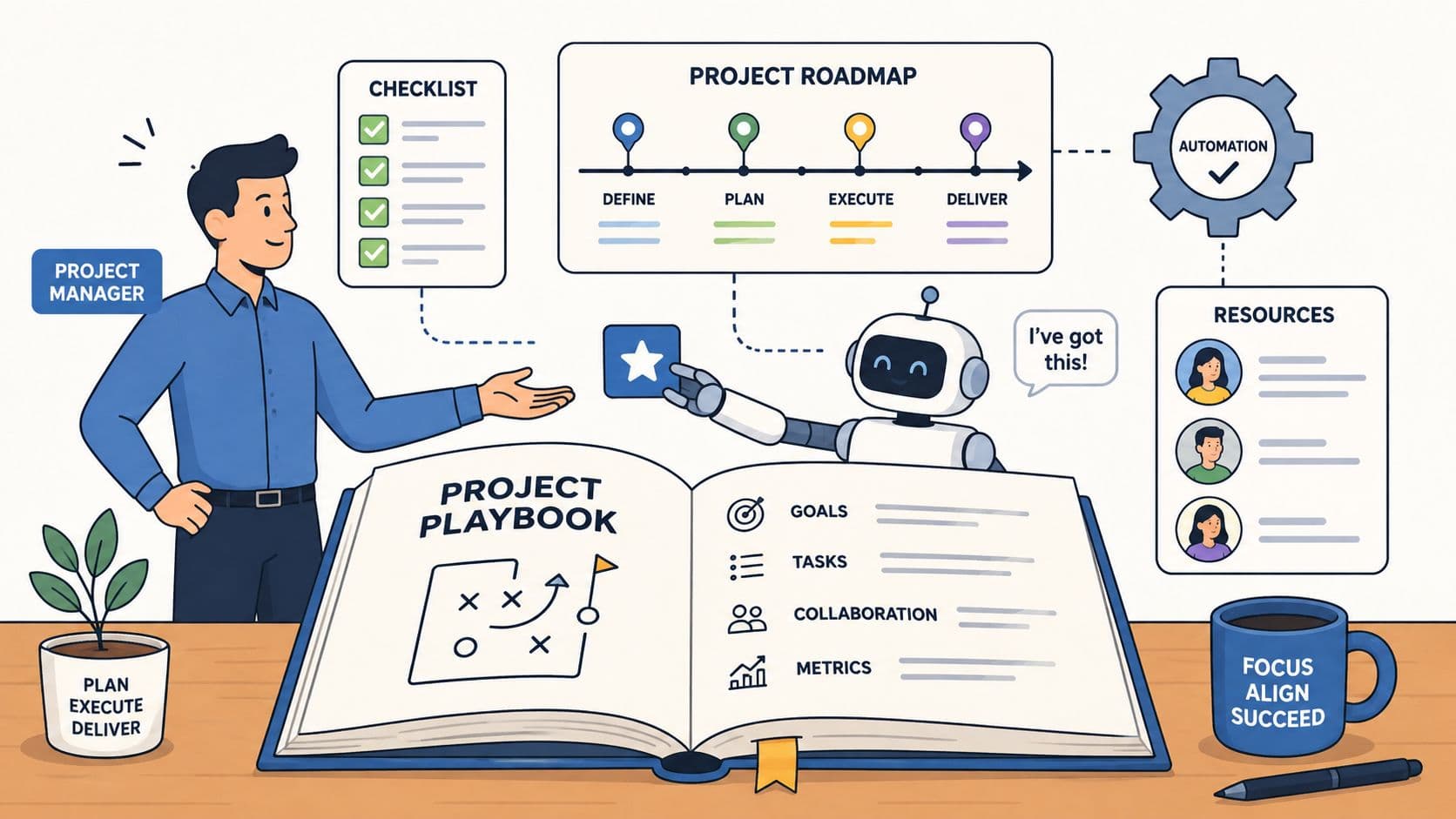
You can feel a software project slipping before anyone says it out loud. The kickoff deck looked clean, the team sounded aligned, and then the project began in earnest, with half-finished requirements, changing priorities, and a timeline nobody trusts anymore. Good software project planning isn't about making the perfect document, it's about building a system that keeps decisions clear when the work gets messy.
Why Most Software Project Plans Fail Before Day One
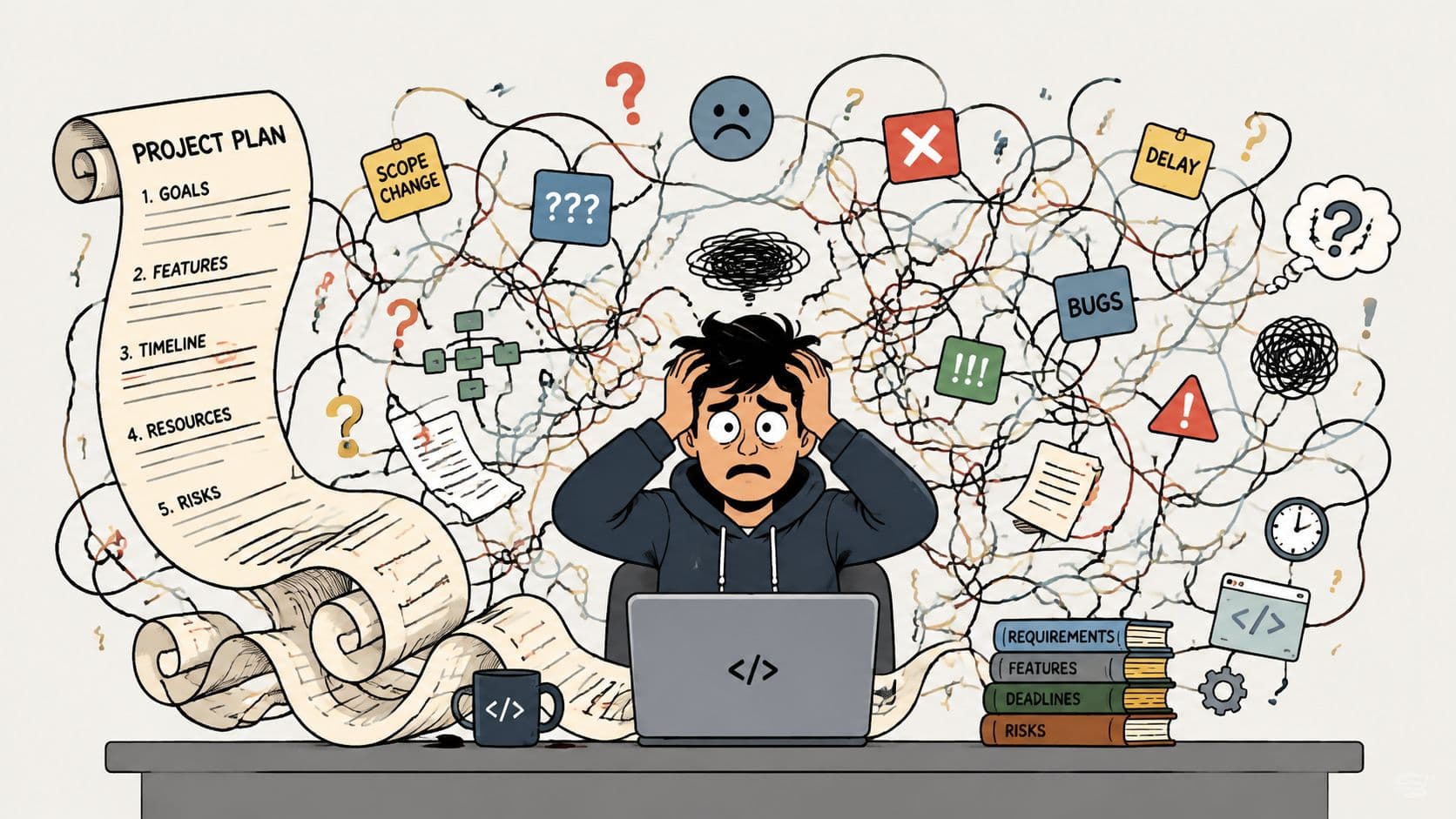
A lot of plans fail because teams treat them like a one-time deliverable instead of a control system. The plan gets written, shared, and filed away, then reality hits and everyone starts improvising. That's when scope drifts, estimates decay, and the project manager ends up managing confusion instead of work.
The bigger issue is that failure isn't rare, it's structural. McKinsey-based statistics reported in an IT project management review say only 0.5% of IT projects are on time, on budget, and deliver the intended benefits, while projects that miss at least one target typically exceed budgets by 75% and overrun schedules by 46% (Runn's IT project management statistics). That's not a small execution gap, it's a warning that weak planning has real financial and delivery consequences.
Practical rule: if the plan can't help the team make a decision on a Tuesday afternoon, it isn't a plan yet.
The useful mental shift is simple. A plan should answer what gets built, in what order, by whom, with what dependencies, and how the team will react when the work changes. Planning tools matter because they make that decision layer visible and updateable, which is why modern work management platforms have become standard infrastructure in many companies (project management software market summary).
The old mistake is writing for approval. The better move is writing for execution. That means keeping assumptions visible, revisiting them often, and using the plan to guide trade-offs before the project becomes a rescue operation. If you want a deeper look at why projects stall, this why projects fail analysis is a useful companion.
Laying the Foundation Scope Goals and Requirements
A project that starts with vague enthusiasm usually ends with vague disappointment. The fix is to separate goals, scope, and requirements before anyone touches the build. A goal is the business outcome, scope is the boundary, and requirements are the specific features or behaviors that define what “done” means.
Turn a business goal into a testable target
Take a simple mobile app. The goal might be to help customers reorder a product faster, but that alone doesn't tell the team what to build. Once the goal is clear, the scope can be narrowed to one platform, one customer segment, and one core flow, which stops the project from ballooning into a dozen unrelated ideas.
Requirements come last because they should be grounded in the agreed scope. If the app's scope is a reorder flow, then requirements can be written as measurable statements, such as login, saved order history, checkout completion, and confirmation messaging. That level of clarity matters because an empirical study found that planning and process together explained 77.5% of the variation in software project success, and that insufficient planning accounted for 39% of all project failures (study on planning and process).
Get stakeholder buy-in before the build starts
Scope creep rarely arrives as a single dramatic request. It slips in through “small” extras, unspoken assumptions, and late opinions from people who weren't in the first meeting. The safest pattern is to confirm the goal, document the boundary, and get sign-off on the requirements before implementation begins.
A simple way to keep the work clean is to ask three questions in every requirements meeting:
- What problem are we solving? Keep the conversation tied to the outcome, not the feature wish list.
- What's outside the project? Write down exclusions so they don't return later disguised as “quick additions.”
- How will we know it's done? Convert every requirement into something testable or observable.
If a stakeholder can't tell the difference between the goal and the scope, the project team will pay for that confusion later.
A virtual assistant can take on the repetitive side of this work. Stakeholder interview notes, transcript cleanup, meeting summaries, and requirement整理 all eat time that a project lead should spend on judgment calls and trade-offs. Delegating those admin-heavy pieces keeps the lead focused on alignment, risk, and sequencing, which is where the highest value resides.
Estimating Work and Prioritizing What Matters
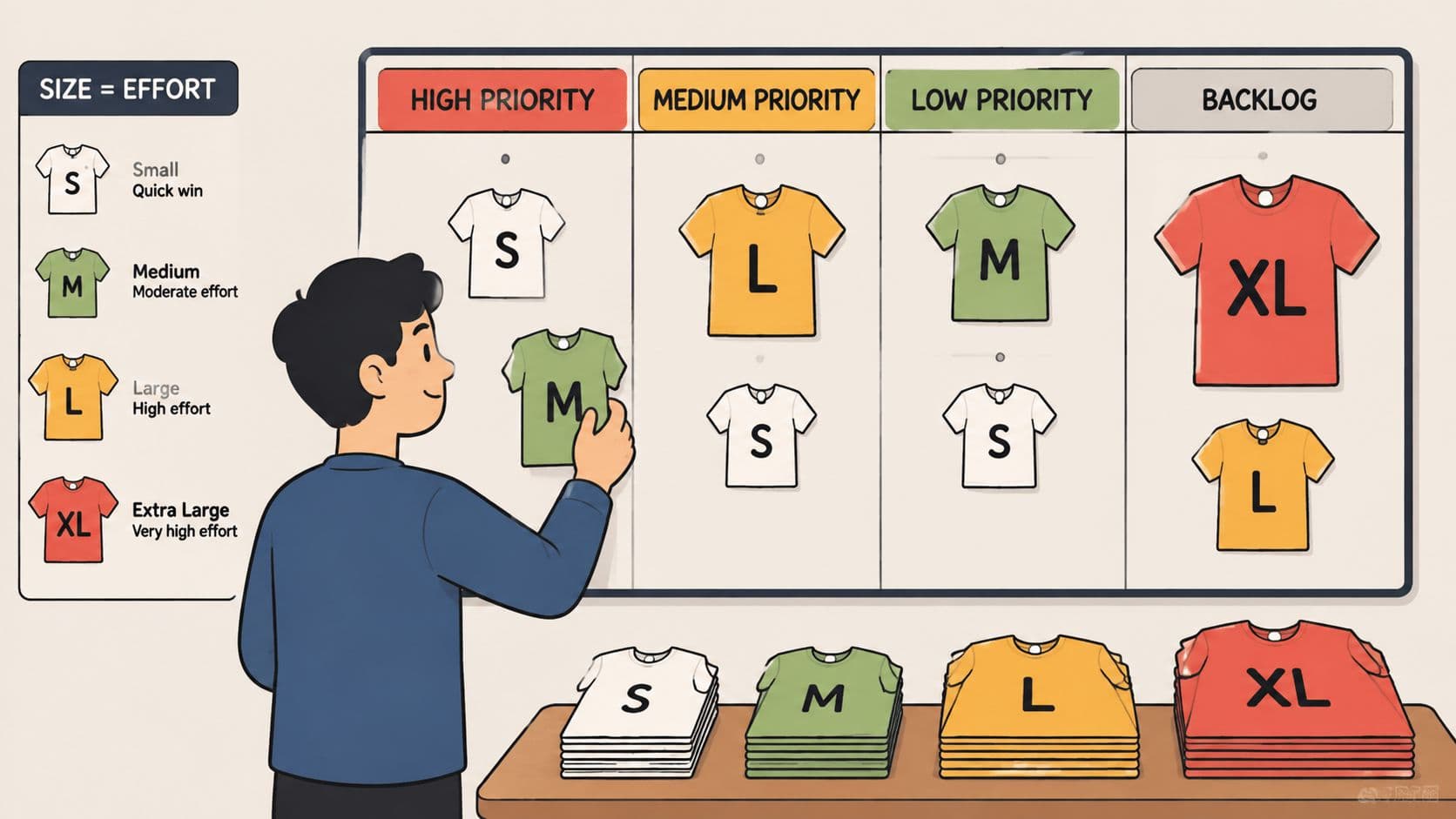
Estimation goes sideways when someone pretends precision is the same thing as accuracy. In practice, the team needs relative sizing, not false certainty. That's why methods like T-shirt sizing and planning poker work well, they force the people doing the work to compare complexity together instead of letting one manager guess in isolation.
Use estimation to expose uncertainty
A good estimate is a conversation starter, not a promise. If one story feels twice as hard as another, that relationship is often more useful than a premature number. The point is to surface unknowns early, because hidden uncertainty is what turns a plan into a surprise.
The most reliable teams I've seen treat estimates as living inputs. They capture a rough size, assign an owner, then update the estimate once the team learns more. That approach matches the practical guidance to estimate task time, track actual time, and refine the estimate as work progresses (concrete project planning guide).
Prioritize by value, not by volume
Prioritization gets cleaner when the team agrees on the decision rule upfront. MoSCoW works well when you need a plain-language split between must-have, should-have, could-have, and won't-have. RICE is better when you need a more structured comparison across candidate features, especially when reach, impact, and effort are all in play.
The mistake is using a framework as theater. If the team labels everything as a must-have, or scores items and then overrides the scores in hallway conversations, the exercise has no value. Prioritization only works when it is tied to delivery reality and revisited as new information arrives.
Fluidwave is one option for automating that kind of task routing. It can centralize tasks, set deadlines, and auto-prioritize work in one place, which is useful when the team wants the system to keep ranking work without constant manual reshuffling.
A practical workflow looks like this:
- Size the work collaboratively. Use relative effort so the team sees the trade-offs.
- Rank the items against a shared rule. Use one method consistently for the release cycle.
- Recheck the list after new information. Don't let the first ranking become permanent by accident.
The timeline estimation guide is a helpful read if you're trying to turn rough estimates into a schedule the team can defend.
Building Your Roadmap and Setting Milestones
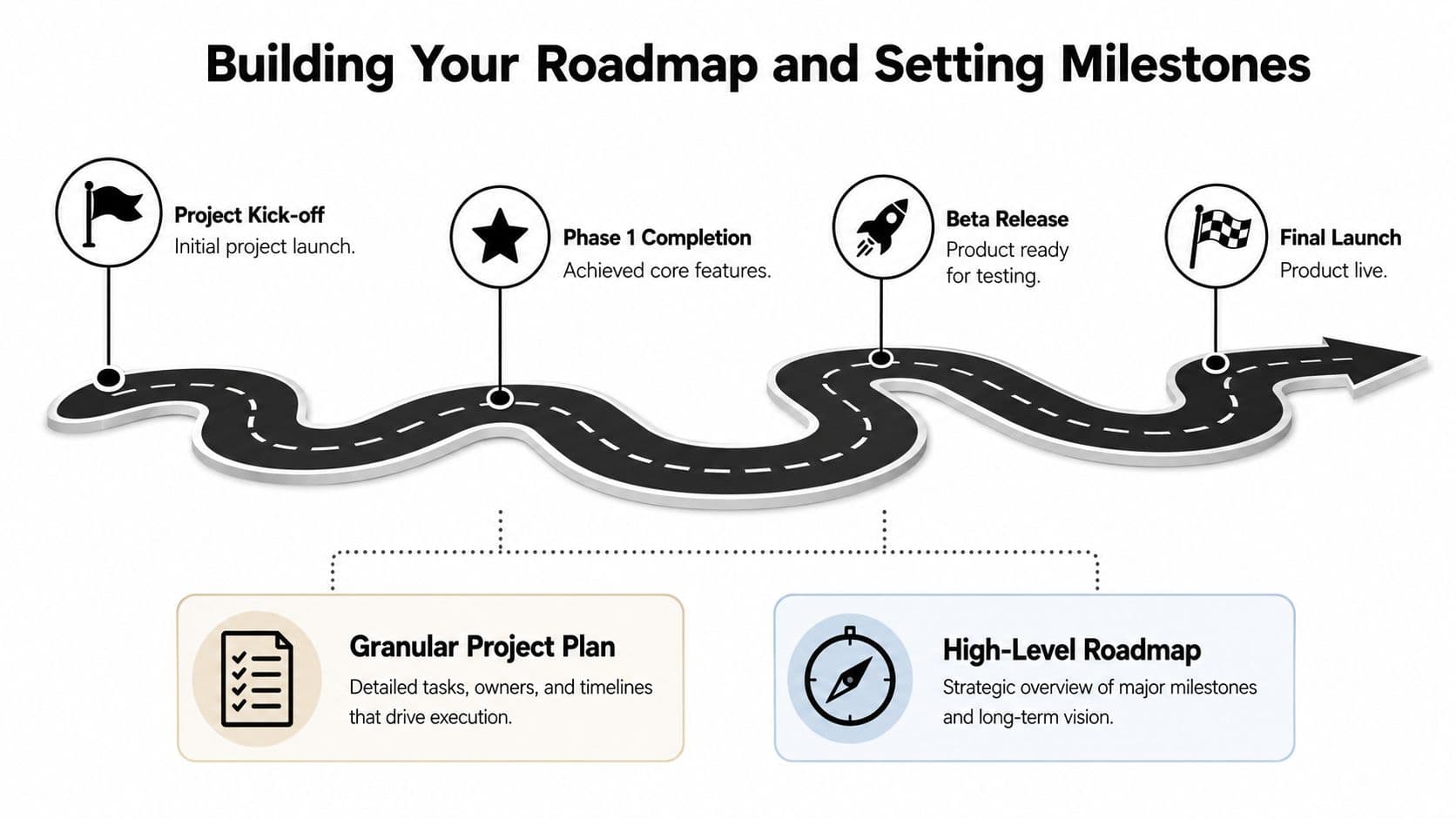
A roadmap sets direction. A project plan sets execution. Teams mix those up often, and the result is a tidy timeline that falls apart as soon as priorities shift or a dependency slips. Keep the roadmap at a higher level, and let the project plan hold the detail the team needs to work day to day.
Match the plan to the amount of uncertainty
Stable requirements justify a tighter baseline. Changing requirements call for shorter planning cycles and frequent re-estimation, because the team should not pretend it knows more than it does. That matches comparative evidence that project success depends heavily on fitting the method to the level of volatility, with Agile projects averaging 88.2% success versus 47% for Waterfall, and with outcomes shaped by market uncertainty and team experience (comparative methodology study).
Over-planning evolving work is a common failure mode. A detailed baseline can create false confidence when the product is still changing. Under-planning fixed-scope work causes a different problem, because the team already understands the dependencies and still needs a disciplined path through them.
Build milestones that prove progress
A milestone should mark value, not just time passing. “Design done” is weak unless it leads to something the team can use, review, or ship. Strong milestones tie to visible outcomes, such as a working prototype, a tested integration, or a release candidate that stakeholders can inspect.
A concrete plan should name the deliverables, the timetable for those deliverables, the responsible parties, and the dependencies among tasks (UCDavis concrete project planning). Cornell's planning guidance adds that a project plan should document scope, approach, methodology, resources, schedule, risks, and alternatives, and that the first report should include an outline plan, a preliminary timetable, process steps or sprints, milestones including deliverables, and decision points (Cornell lecture slides).
Milestone check: if a stakeholder cannot tell what changed when the milestone is reached, the milestone is probably too vague.
A roadmap stays readable when it separates the layers. Stakeholders see the major turns, the team sees the sequence of work, and the plan remains flexible enough to absorb change without collapsing into chaos.
Managing Risk and Allocating Resources
Risk management is where a plan stops being optimistic and starts being useful. Most projects don't fail because nobody cared. They fail because the team ignored the things that were likely to go wrong until those things became expensive to fix.
Treat risk as a design choice, not a panic response
A simple process works: identify the risk, assess its impact, then decide how to reduce it. That can be a bug-prone integration, a stakeholder with unclear authority, or a dependency that sits outside the team's control. The key is to write it down early, while the cost of adjustment is still low.
A lightweight risk register generally proves sufficient. Keep four fields visible, the risk itself, the likely trigger, the response owner, and the mitigation action. That format stays usable because it points to action, not just awareness.
Here's the trade-off that matters. Every hour spent managing risk is an hour not spent shipping features, but every hour skipped can turn into days of cleanup later. The best teams don't overrun themselves with process, they spend just enough time on the risks that can derail the schedule.
Allocate resources where they reduce downstream damage
Resource allocation should follow risk, not habit. If late-stage testing is a known weak point, it makes sense to give that area more attention earlier rather than waiting for release week. If documentation keeps slipping, assign ownership instead of assuming someone will “catch up” later.
That logic extends to delegation. A virtual assistant can handle manual QA coordination, update logs, prepare checklists, and chase status updates, which frees the core team to focus on architecture and implementation. The goal isn't to offshore judgment, it's to remove repetitive work from the path of the people who need to make technical decisions.
A healthy project doesn't eliminate uncertainty. It makes uncertainty visible soon enough to act on it.
Risk planning also protects morale. Teams get exhausted when every issue feels like a surprise. A visible mitigation plan gives people confidence that the project lead is already thinking about the next failure mode instead of reacting after the fact.
Your Plan in Motion Tracking and Communication
A plan that stays on paper stops helping the moment work starts changing. The essential task involves keeping the team, stakeholders, and timeline aligned without turning every update into status theater. This requires deciding what gets tracked, who can see it, and how often the plan is refreshed.
Build a communication rhythm the team can sustain
Daily stand-ups should surface blockers, not turn into a second meeting about meetings. Weekly progress updates should state what changed, what slipped, and what needs a decision. Stakeholder updates should focus on milestones, risk, and any scope change that affects delivery expectations.
A concrete software project plan should define deliverables, a timetable, the responsible parties for each deliverable, and the dependencies among tasks, while also tracking actual time spent so future estimates get better. That kind of structure turns the plan into a working system instead of a static guess.
Track signals that tell the truth
Task completion alone does not tell you whether a project is healthy. A board can look active while the critical path is slipping, and that is how teams get surprised late. The better habit is to watch progress against milestones, ownership, and time spent, then adjust the next round of planning from there.
For a practical dashboard lens, this project tracking metrics guide is worth keeping nearby. The point is to measure progress in a way that helps the lead intervene early, not just report history after the fact.
Useful standard: if a report does not trigger a decision, shorten it or drop it.
Automation helps keep the plan alive. Task updates, progress summaries, reminders, and recurring reports can run without making the project manager manually chase every status line. That frees up time for the work that cannot be delegated away, such as removing blockers, clarifying trade-offs, and protecting the project from drift.
Focus on What Matters.
Experience lightning-fast task management with AI-powered workflows. Our automation helps busy professionals save 4+ hours weekly.