Compare 10 real time collaboration tools for chat, live editing, tasks, pricing, use cases, and workflow integration, including Fluidwave.
September 14, 2026 (1mo ago)
10 Real Time Collaboration Tools for Teams
Compare 10 real time collaboration tools for chat, live editing, tasks, pricing, use cases, and workflow integration, including Fluidwave.
← Back to blog
Your team's messages are moving fast, two people are editing the same document, and a decision is taking shape in a meeting. Then the meeting ends. Someone still has to turn that decision into an assigned task, set a deadline, and make progress visible. That handoff is where many collaboration stacks lose momentum.
The best real time collaboration tools aren't interchangeable. Slack is built around conversation, Google Workspace around live co-authoring, Miro around visual workshops, and Airtable around operational data. Work management platforms such as Fluidwave focus on turning shared decisions into prioritized execution and delegation. This comparison looks at each tool's strongest collaboration job, task integration, practical use case, pricing considerations, limitations, and fit with workflows such as Fluidwave. If you're reviewing your broader stack, this guide to secure collaboration tools with Cloudvara is also useful for evaluating access and security requirements.
1. Fluidwave
Fluidwave fits teams that need collaboration to end in assigned, completed work. It combines AI-assisted task management with shared projects, live updates, comments, assignment, progress tracking, and synchronized table, list, calendar, Kanban, card, and Gantt views.
Its strongest collaboration job is execution. A team can record a decision, define the next action, assign an owner, and check progress without manually moving information from chat into a project board. AI auto-prioritization helps identify the next priority. A Pomodoro timer, focus score, and prioritization matrix support people managing distractions or competing demands. Fluidwave states on its website that its productivity tools and automation can save users more than four hours per week.
Where Fluidwave fits
Fluidwave also includes a delegation marketplace. Users can send tasks to vetted virtual assistants on a pay-per-task basis, without a subscription for delegation, and pay only for completed work. That model suits founders, executives, freelancers, and teams that want to move routine research, administration, content preparation, or operational work away from higher-value staff.
Practical rule: Use collaboration software to clarify the next action, then use Fluidwave to assign ownership and manage execution.
The trade-off is product maturity and governance. Delegation is rolling out in public beta, so availability and coverage may vary by region and scale. Fluidwave does not prominently present security certifications or detailed enterprise compliance information. Regulated organizations should confirm those requirements before using it for sensitive workflows. Frequent delegation can also create variable costs, even if pay-per-task pricing is more flexible than adding another fixed subscription.
The Free Forever tier allows teams to test core task management without a credit card. For groups that need prioritized work, synchronized views, focus support, and human assistance after a live collaboration session, Fluidwave can serve as an execution layer rather than another discussion space. Its value depends on defining which decisions become tasks and which tasks are appropriate to delegate.
2. Slack
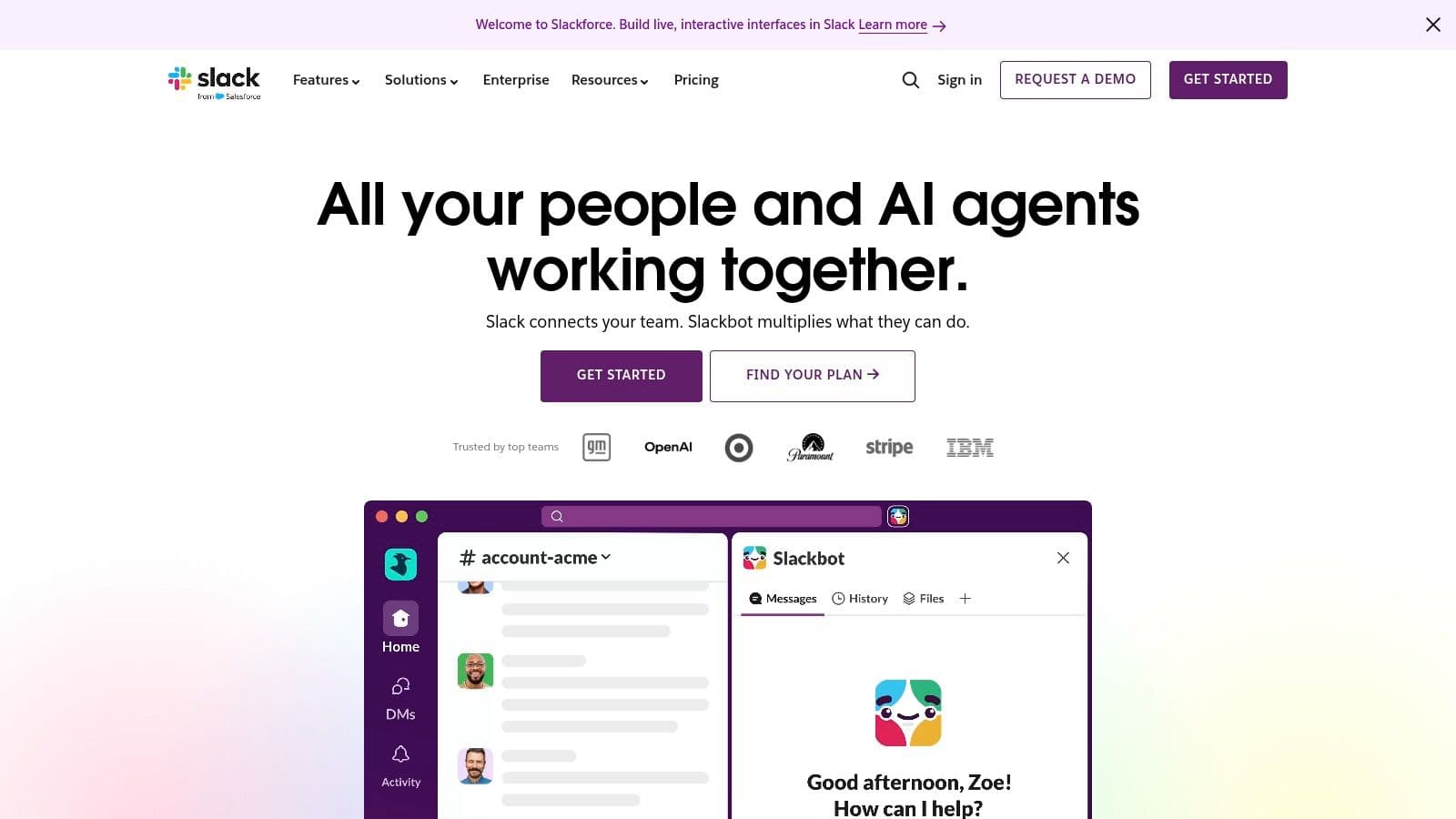
Slack is the best fit when the collaboration job is fast conversation. Channels keep project discussions grouped by client, initiative, or function, while threads preserve context better than an unstructured group chat. Huddles add lightweight audio and video, including screen sharing, when typing is slowing down a decision.
Slack also works well for external collaboration through Slack Connect. That's useful for agencies, clients, contractors, and partners who need access to a defined conversation without joining the entire internal workspace. Canvases and Lists extend Slack beyond messaging, while AI summaries, AI search, and workflow generation help people retrieve decisions and automate routine interactions.
The execution gap
Slack's strength can become its weakness. A decision may be easy to reach in a channel, but the resulting task can still disappear beneath later messages unless the team connects Slack to a dedicated work management system. Slack has broad integrations and workflows, but heavier project planning, dependencies, and delegation usually require add-ons or an external platform.
That's why teams should define what happens after a decision. A message can remain the source of discussion, while Fluidwave becomes the place for the assigned task, priority, deadline, and progress. Teams that need fewer interruptions should also establish clear rules for when a huddle is appropriate and when an asynchronous communication workflow is better.
Pricing can be difficult to compare directly because plan presentation varies by region and configuration. Slack is a strong communication hub, but it shouldn't be mistaken for a complete execution system. Use it for rapid alignment, then move durable commitments into structured work.
If your team works with Android devices or mobile-heavy workflows, you can also browse Android-related articles when evaluating complementary tools.
3. Microsoft Teams
Microsoft Teams makes the most sense for organizations already committed to Microsoft 365. Persistent chat, channels, meetings, calling, Whiteboard, Loop, and embedded Word, Excel, and PowerPoint collaboration sit inside a connected environment backed by OneDrive and SharePoint.
That integration matters when the document is the work. A team can discuss a proposal, open the live file, edit it together, review comments, and continue the conversation without moving files between unrelated systems. Meetings add recording, transcripts, and live captions, while Teams Phone and Rooms extend the platform into calling and physical meeting spaces.
Enterprise control versus simplicity
Teams is particularly attractive where administrators need broad security, identity, access, retention, and governance controls. The platform can support collaboration across departments while keeping files within Microsoft's existing storage and permission model. That reduces the number of disconnected systems an IT team has to govern.
The cost is complexity. Microsoft's licensing matrix includes multiple SKUs and add-ons, and advanced webinar or large-event capabilities may require additional licensing. Smaller teams can find the administration and configuration heavier than they need, especially if they only want chat and meetings.
Teams also needs a clear task handoff. Planner, Microsoft To Do, Loop, or an external platform can handle execution, but the team should choose one primary place for assigned work. Connecting Teams conversations to Fluidwave can help when discussions generate tasks that need prioritization, progress tracking, or delegation beyond the Microsoft workspace.
Choose Teams when Microsoft 365 is already your operating foundation and governance matters as much as usability. Don't choose it solely because it contains many features. The value comes from the connections between those features, not from enabling everything at once.
4. Google Workspace
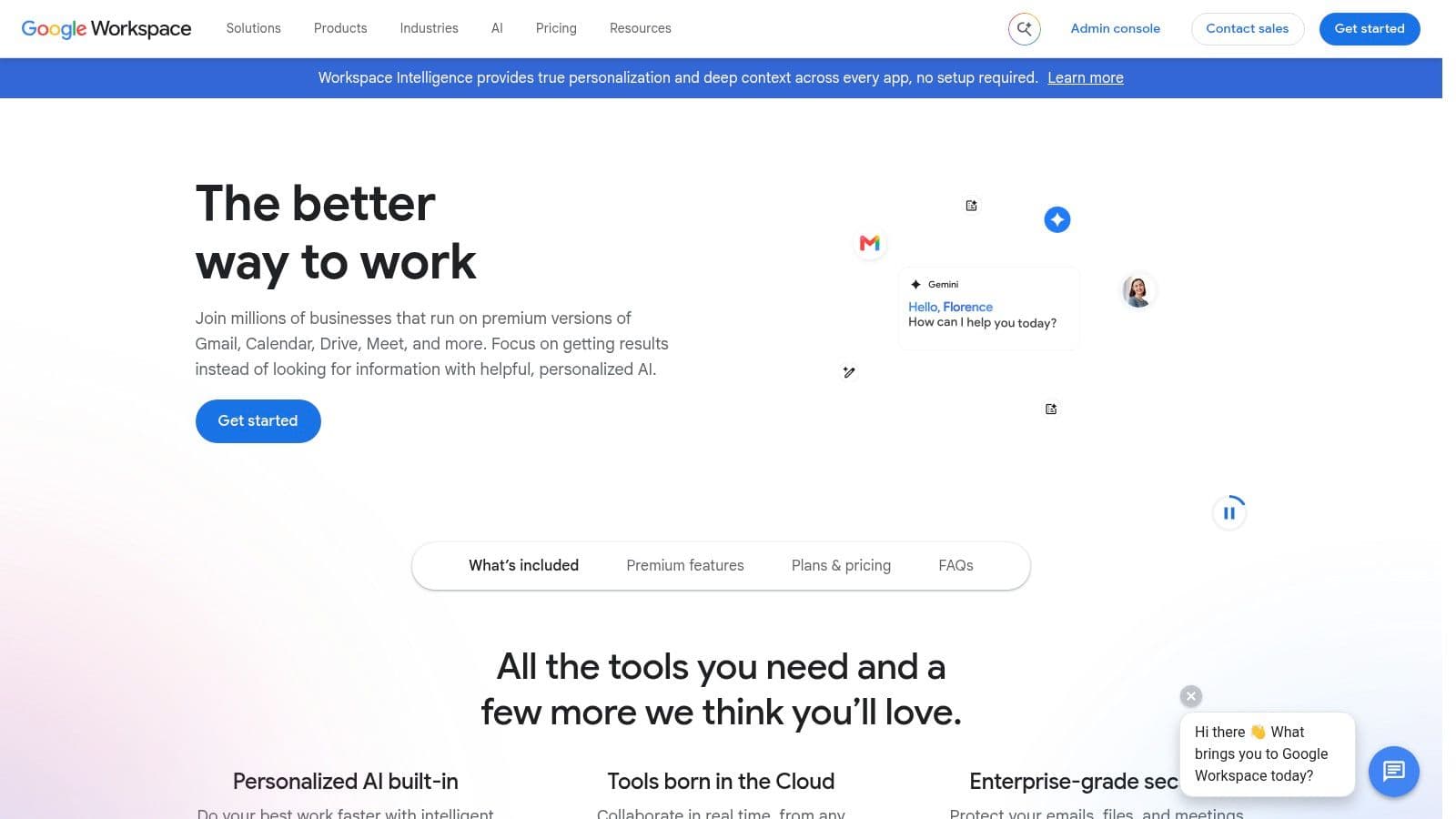
Google Workspace is the easiest choice for teams whose central collaboration activity is co-authoring documents, spreadsheets, and presentations. Docs, Sheets, and Slides support live multi-cursor editing, comments, and version history, while Google Meet provides the meeting layer around that work.
The browser-first experience lowers friction. A teammate can share a document, invite contributors, watch edits happen, and review comments without asking everyone to install a desktop application. That makes Workspace especially effective for distributed teams, external contributors, education, agencies, and organizations that prioritize quick adoption.
Strong co-authoring, lighter execution
Google Workspace is excellent at producing a shared artifact. It's less complete as a system for managing every task that follows from that artifact. A planning document may contain useful decisions, but owners, priorities, and follow-up actions can still require Google Tasks, Sheets, another project platform, or a workflow connection.
Gemini features extend across Gmail, Docs, Sheets, Slides, and Meet, giving teams AI assistance inside familiar applications. Advanced administration and security features may require higher tiers, and pricing or promotional offers vary by region and time. Buyers should test the exact plan they'll need rather than relying on a headline offer.
Calendar integration is central to the experience, particularly for teams balancing meetings with focused execution. A workflow that connects live meetings and documents to Google Calendar synchronization can reduce the chance that decisions remain trapped in notes.
Choose Google Workspace when the primary output is a living document or spreadsheet. Add a task execution layer when the team needs more than comments and version history.
5. Notion
Notion combines documents, wikis, databases, calendars, and dashboards in one flexible workspace. Its real-time editing works across pages and databases, with table, board, and timeline views that let teams represent the same information in different ways.
Notion is particularly good for teams building a lightweight operating system. A company can keep its policies, project briefs, meeting notes, product requirements, and status databases together instead of scattering them across separate applications. Teamspaces and granular permissions help organize access, while SAML SSO is available on higher tiers.
Flexibility creates responsibility
Notion's flexibility is its main advantage and its main implementation risk. Teams can design a workspace around their actual process, but without naming conventions, page ownership, database rules, and archive practices, the system can become difficult to use. Very large pages or workspaces may also require performance tuning.
Notion AI includes agents, meeting notes, and enterprise search, but some advanced AI and enterprise search capabilities require Business or Enterprise plans. That makes it important to separate the need for a collaborative knowledge base from the need for AI-heavy workflows.
Notion can manage lightweight tasks inside databases, but teams with high volumes of assigned work may benefit from a dedicated execution layer. Link decisions from Notion to Fluidwave when the next step requires priority, a clear owner, a progress state, or human delegation. That preserves Notion's strength as a knowledge environment without forcing it to become a full operations desk.
Pick Notion when your team needs connected knowledge and configurable structure. Avoid turning every page into a project board. Documentation and execution have different maintenance needs.
6. ClickUp
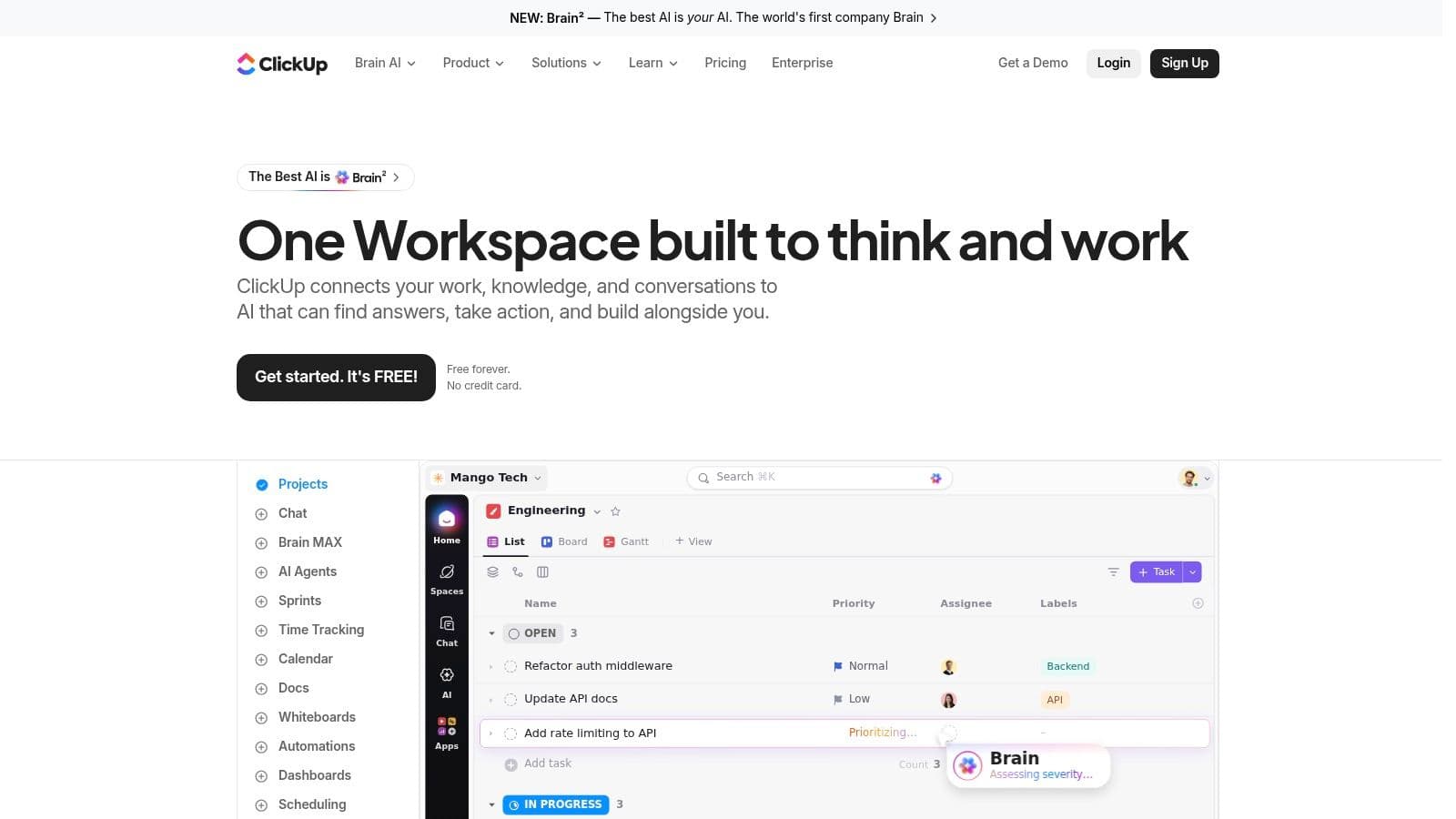
ClickUp is a broad work operating system for teams that want tasks, docs, chat, whiteboards, goals, dashboards, and automation in one product. Its task system supports custom fields and list, board, Gantt, and timeline views, while collaborative Docs and Whiteboards keep planning close to execution.
ClickUp's advantage is coverage. A marketing team can draft a brief, discuss it, create tasks, set dependencies, automate status changes, and report on progress without leaving the workspace. Brain AI, agents, and notetaker features add AI-assisted productivity options for teams that want automation embedded in daily work.
Broad coverage, real onboarding cost
ClickUp can reduce the number of separate tools a team maintains. Its base pricing is competitive for core tiers, but buyers should examine the cost of AI and advanced features carefully because the feature and pricing structure can feel confusing. The breadth also creates a learning curve. New users may see too many views, settings, statuses, and configuration choices before they understand the team's essential workflow.
A good rollout starts with a narrow operating model. Define the task hierarchy, choose a primary view, limit custom fields, and make comments actionable. A team that enables every feature at launch usually creates more noise than clarity.
ClickUp is a strong option for teams that want a consolidated work platform and have someone willing to own implementation. It may be less suitable for users who need an immediately simple interface or who plan to delegate selected tasks through a separate human-assistance marketplace. In that case, ClickUp can hold the project context while Fluidwave handles prioritized execution and delegation.
For teams that prefer a simpler visual workflow, a shared Kanban board can provide a useful reference point during evaluation.
7. monday.com
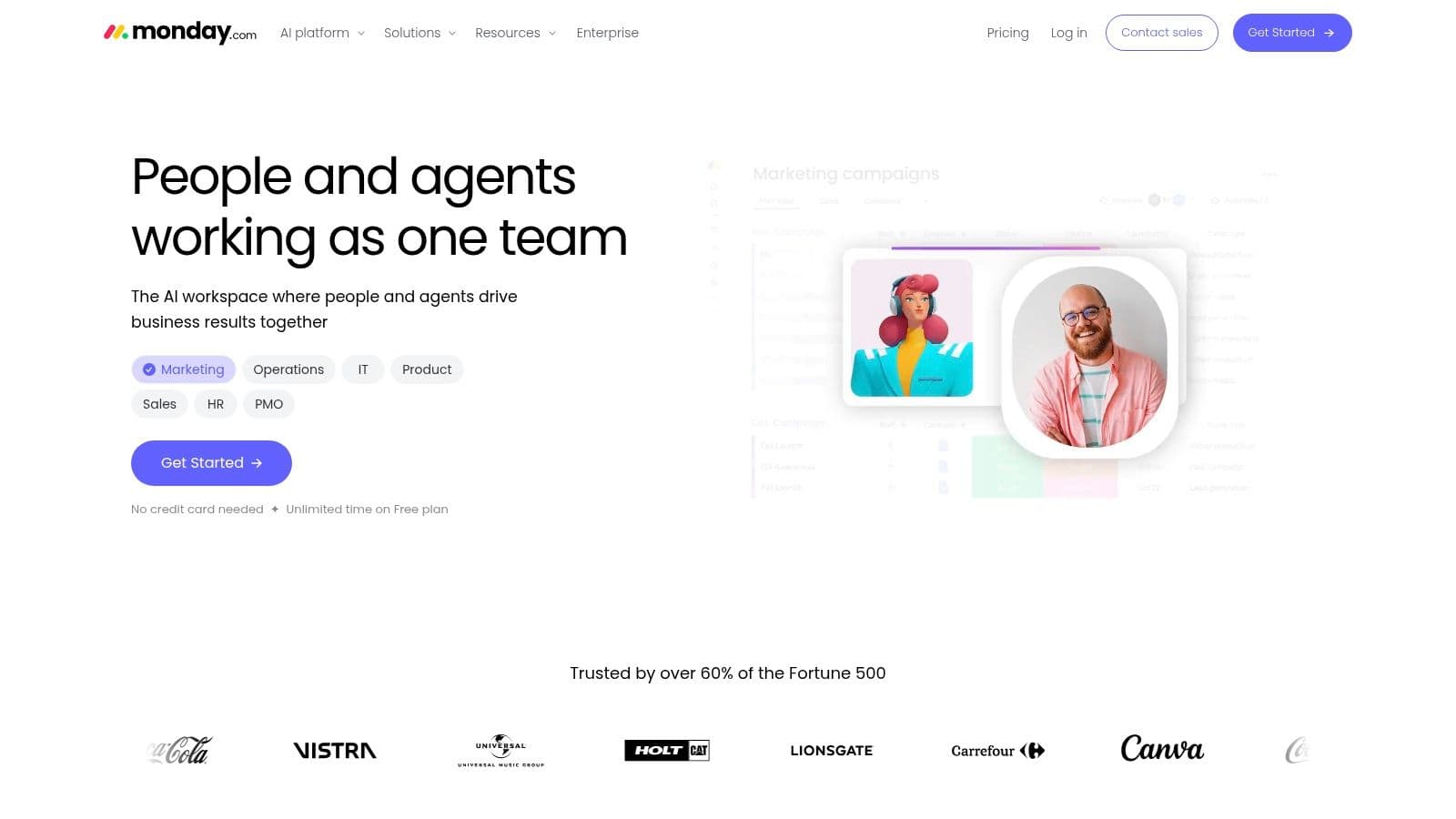
monday.com is built around visual boards, dashboards, automations, and shared workspaces. Its real-time collaboration model suits teams that need stakeholders to see status without reading long conversations. Customizable boards can represent campaigns, hiring pipelines, client work, product launches, or service queues.
The platform's polished interface and templates help teams standardize a process quickly. monday docs support co-authoring, while monday CRM, monday dev, and monday service extend the product into specialized workflows. Integrations connect board activity with other systems, which can reduce manual updates when configured carefully.
Excellent visibility, watch the plan design
monday.com works best when the team values a clear visual status layer. A manager can open a dashboard and understand workload, ownership, and blocked items without reconstructing progress from chat messages. That visibility is useful for cross-functional work where many stakeholders need updates but shouldn't edit every underlying detail.
Pricing depends on user bundles and plan configuration, and the cost can feel high as teams scale. Feature segmentation across product lines can also add complexity. Buyers should model the users, products, automations, integrations, and guest access they expect to use rather than evaluating a single board in isolation.
monday.com manages structured work well, but it isn't designed primarily as a human delegation marketplace. When a board identifies tasks that an executive, founder, or team member shouldn't personally handle, Fluidwave can provide a separate route to pay-per-task assistance. Keep the board as the visibility layer and use the delegation system for work that needs an external executor.
Choose monday.com when stakeholder visibility and repeatable board workflows matter most. Keep governance simple, or the flexibility will produce too many board variations.
8. Miro
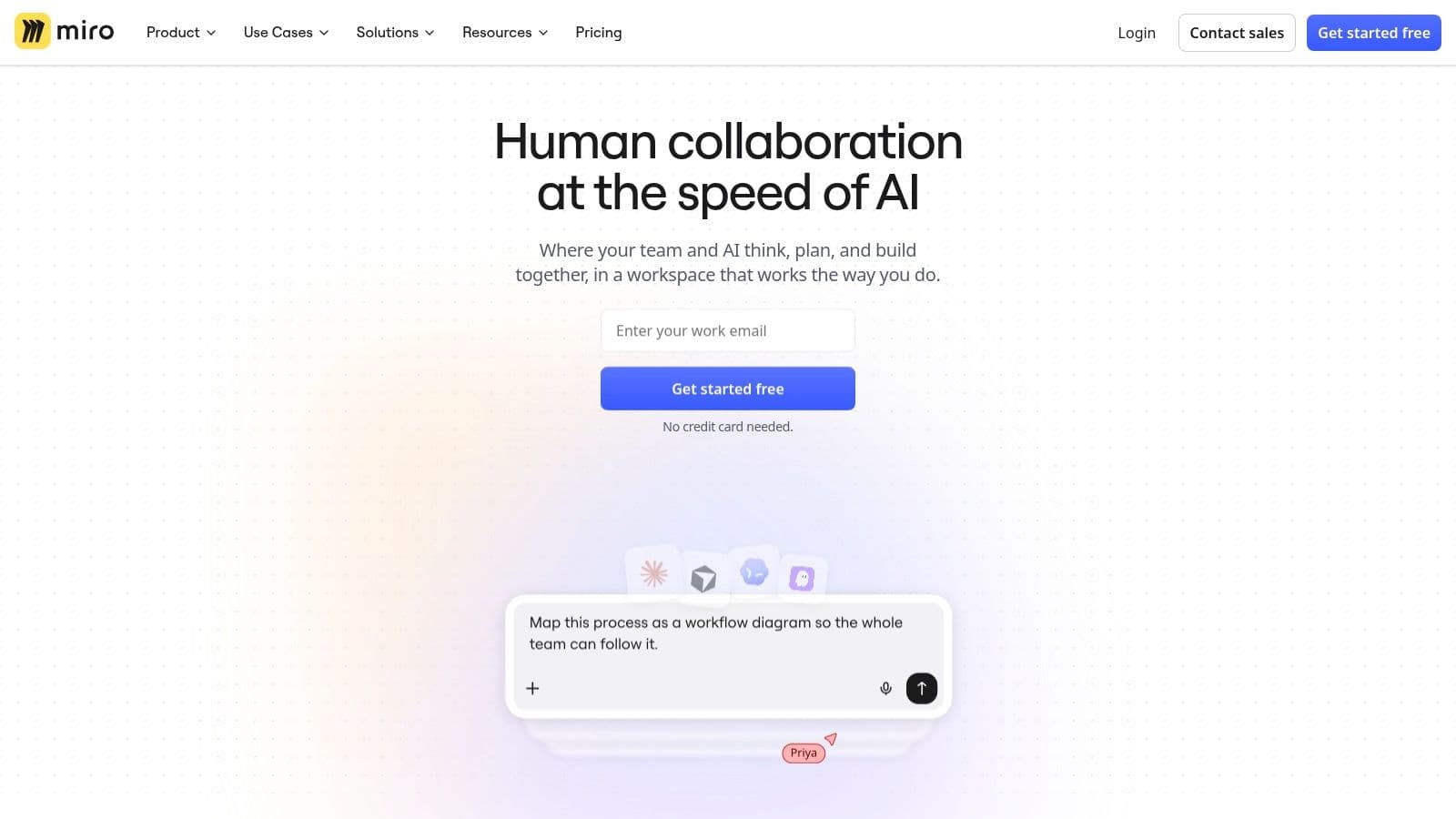
Miro is the strongest tool in this list for visual workshops. Its infinite canvas supports brainstorming, planning, diagrams, product discovery, retrospectives, and facilitated sessions where several people need to contribute at the same time.
Live multi-cursor editing, timers, voting, presentation modes, templates, and diagramming libraries support structured workshops rather than simple freeform drawing. Teams can use UML, BPMN, AWS, and Mermaid resources, then connect outcomes to tools such as Zoom, Slack, and Jira. AI features help with summaries, clustering, and workflow creation.
Turn workshop output into assigned work
Miro is excellent during the session and incomplete after it. Sticky notes, diagrams, votes, and frameworks can produce valuable decisions, but the board doesn't replace a task system with ownership, deadlines, and progress discipline. Without a deliberate closeout, teams leave with an impressive canvas and no accountable next step.
A workshop is finished when its decisions have owners, not when the board looks complete.
The practical workflow is simple. Capture ideas in Miro, cluster and vote, confirm the selected direction, then convert each approved action into a task. Fluidwave can hold those tasks, prioritize them, show progress across synchronized views, and route suitable work to a virtual assistant.
Miro's whiteboard-first focus means project management depth depends on integrations. Heavy boards may also challenge low-power devices, especially during large live sessions. Use it for discovery and alignment, not as the only system for delivery.
If your team is comparing visual planning methods, this guide to workflow visualization tools adds useful context.
9. Figma and FigJam
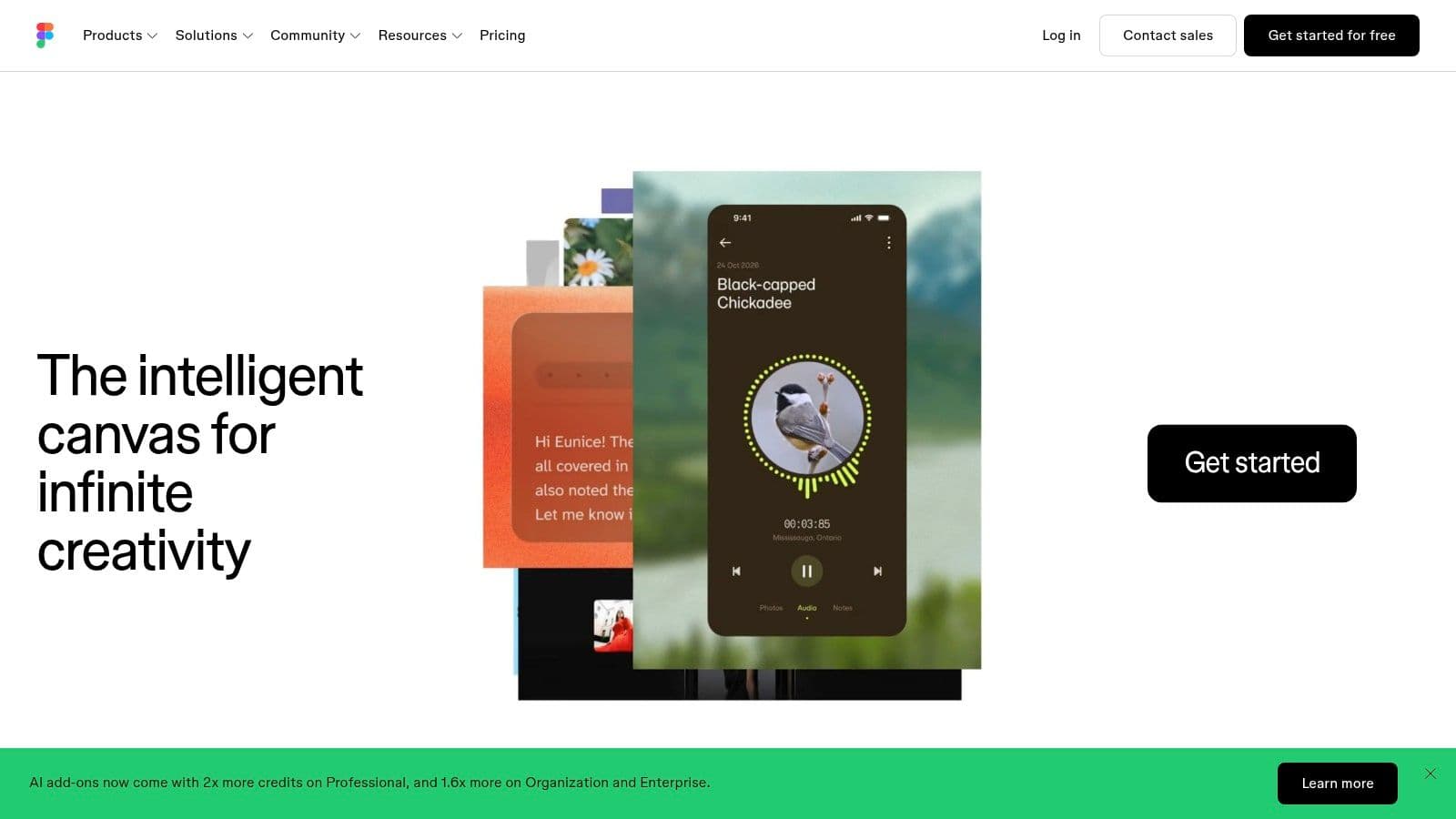
Figma is the specialist choice for real-time product design and prototyping. Multiplayer editing lets designers, product managers, engineers, and stakeholders work in the same file with presence cursors and comments. FigJam adds a collaborative whiteboard for ideation, journey mapping, and early product discussions.
The design workflow is unusually connected. Shared libraries and design systems help teams reuse approved components, while Dev Mode supports inspection and developer handoff. Stakeholders can review work in context, leave feedback, and follow changes without relying on static exports or disconnected screenshots.
The specialist tool needs an execution companion
Figma is not the right answer for every collaborator. Non-designers may need onboarding to use the editor effectively, and advanced organization features can become expensive at scale. The platform also remains focused on design artifacts, review, and handoff rather than general task execution.
A productive handoff names the implementation task, links the relevant frame, identifies the responsible person, and records acceptance criteria. Comments alone aren't enough when engineering, content, research, or operations teams must act on the decision. Fluidwave can turn those handoff points into prioritized tasks while Figma remains the source of truth for the design.
Use Figma when visual accuracy matters and several disciplines need to review the same product experience. Don't force it to serve as your company-wide project system. Its value comes from making design collaboration precise, visible, and reviewable.
10. Airtable
Airtable combines a spreadsheet-like interface with relational database capabilities and no-code interfaces. It's a strong choice when the collaboration job is maintaining shared operational data, not only exchanging messages or editing a document.
Tables, linked records, and grid, Kanban, calendar, and timeline views let teams represent connected information in ways that match the workflow. Interfaces can turn that data into lightweight internal applications, while automations handle routine updates. Permissions support controlled access, and read-only collaborators aren't billed on some plans, which can matter when many stakeholders need visibility without editing rights.
Use Airtable as the source of truth
Airtable is useful for content operations, marketing calendars, product records, inventory-style workflows, and PMO reporting. The relational structure gives teams more control than a flat spreadsheet, while the interface builder makes the information easier for different roles to use.
The trade-off is cost and long-term platform dependency. Editor seats can become expensive at higher scale, and company changes or roadmap shifts may affect fit over time. Teams should document their data model and export requirements before building critical operations entirely inside the platform.
Airtable can identify what needs attention, but it doesn't automatically ensure that every record becomes completed work. Connect operational triggers to Fluidwave when a record requires research, follow-up, review, or delegated execution. Keep Airtable responsible for structured data and Fluidwave responsible for prioritized action.
Top 10 Real-Time Collaboration Tools Comparison
| Product | Core features | UX & Productivity (★) | Price & Value (💰) | Target audience & USP (👥 ✨) |
|---|---|---|---|---|
| Fluidwave 🏆 | AI auto‑prioritization, multi‑view tasks, delegation marketplace, automations | ★★★★☆ | 💰 Free Forever + pay‑per‑task delegation | 👥 Busy pros & teams, ✨ AI + vetted human assistants for focus & completed work |
| Slack | Channels, threads, huddles, canvases, apps/workflows | ★★★★☆ | 💰 Free + per‑user paid tiers | 👥 Chat‑centric teams, ✨Extensive integrations & fast real‑time touchpoints |
| Microsoft Teams | Chat, meetings, calling, whiteboard, Office co‑authoring | ★★★★☆ | 💰 Included in M365 / enterprise SKUs | 👥 Microsoft‑standard orgs, ✨Enterprise security & deep Office integration |
| Google Workspace | Docs/Sheets/Slides real‑time co‑edit, Meet, Gemini AI | ★★★★★ | 💰 Paid per‑user tiers; simple web access | 👥 Web‑first teams, ✨Low‑friction real‑time editing + integrated AI |
| Notion | Docs, wikis, databases, multiple views, Notion AI | ★★★★☆ | 💰 Free + paid team/business plans | 👥 Knowledge & ops teams, ✨Highly flexible all‑in‑one workspace |
| ClickUp | Tasks, docs, whiteboards, automations, AI add‑ons | ★★★★☆ | 💰 Competitive base pricing; AI add‑ons extra | 👥 Teams wanting a Work OS, ✨Broad feature set to reduce app sprawl |
| monday.com | Custom boards, automations, dashboards, docs | ★★★★☆ | 💰 Tiered per‑user pricing; can scale costly | 👥 Cross‑functional teams, ✨Polished templates & scalable suites |
| Miro | Infinite whiteboard, templates, timers, voting, AI tools | ★★★★★ | 💰 Free plan; paid per‑user/board features | 👥 Workshops & design teams, ✨Best‑in‑class synchronous whiteboarding |
| Figma (Design + FigJam) | Multiplayer design, FigJam, Dev Mode, shared libraries | ★★★★★ | 💰 Free starter; org pricing for advanced features | 👥 Designers & product teams, ✨Industry standard for real‑time design |
| Airtable | Relational tables, views, interfaces, automations | ★★★★☆ | 💰 Free + per‑user paid tiers; editor seats cost | 👥 Ops/marketing/PMOs, ✨Spreadsheet‑DB hybrid for shared operational truth |
Build a Collaboration Stack That Closes the Loop
There isn't one universal winner among real time collaboration tools because teams collaborate in different ways. A support group needs rapid conversation and escalation. A legal or finance team may care more about controlled document co-authoring and administrative oversight. A product team needs live design review, while an operations team may need a shared data model that stays accurate as records change.
Start by identifying the collaboration mode that creates the most value. Use Slack when the work depends on fast conversation, threads, huddles, and external partner access. Choose Microsoft Teams when Microsoft 365, SharePoint, OneDrive, identity, and enterprise administration already define the environment. Use Google Workspace when several people need to edit the same Docs, Sheets, or Slides with minimal friction.
Then match the tool to the artifact or workflow. Notion works well for connected knowledge, documentation, and flexible databases. ClickUp and monday.com are better suited to structured work management, though each brings configuration and pricing considerations. Miro is designed for facilitated visual workshops. Figma and FigJam support design and product collaboration. Airtable provides a shared operational data backbone for teams that need linked records, interfaces, and automations.
The second pass should test the system around real work rather than feature lists. Ask where a decision is recorded, where the task is assigned, where the deadline lives, and how a manager sees blocked work. Check integrations and permissions before adoption. Enterprise teams should verify identity controls, external-account handling, access reviews, encryption, and unmanaged-device restrictions. Guidance from the Open Security Architecture collaboration pattern recommends uniquely identifiable accounts tied to verified identity, business justification for provisioning, time-bound external accounts, regular access reviews, and TLS 1.2 or higher for encrypted transport.
Performance also matters. An industry discussion of collaboration quality cites ITU G.114 guidance that voice latency should stay under 150 ms, with natural voice conversation generally requiring sub-300 ms end-to-end latency and interactive collaboration tolerating up to about 500 ms. The same source describes WebRTC as a browser-native option with typical latency of 80 to 300 ms for interactive collaboration use cases, as detailed by Aryaka's real-time collaboration performance guidance. A slow or unreliable live experience can undermine adoption regardless of the feature set.
Finally, model the cost of attention. Collaboration software has become essential infrastructure, with one industry summary reporting that the global collaboration software market reached $6.56 billion in 2023, compared with $5.80 billion in 2022, and projecting $9.49 billion in 2026. The same summary reported adoption rising from 55% in 2019 to 79% in 2021, and cited a 322% increase in online collaboration platform adoption from May 2019 to May 2020. Those figures come from Thunderbit's collaboration tools statistics summary, and they show how quickly these systems became embedded in daily work.
Adoption doesn't make every notification valuable. A 2025 survey-based report found that 45% of workers say digital tools hinder productivity, 56% experience tool fatigue weekly, and the average worker loses 51 minutes per week toggling between alerts and redundant platforms, according to Forbes' analysis of digital tool fatigue. Teams should choose fewer primary systems, define when real-time interaction is necessary, and make every important decision produce a visible next action.
That's where Fluidwave can complement the rest of the stack. It gives teams a place to prioritize work, track progress, automate recurring steps, and delegate suitable tasks to human assistants after collaboration produces the next action. Use chat hubs for coordination, document suites for co-authoring, work management platforms for accountability, and specialist tools for workshops, design, or operational data. Then make sure the loop closes in an execution system that shows what happens next.
Fluidwave combines AI task prioritization, synchronized work views, real-time progress tracking, automated workflows, and pay-per-task delegation through a network of virtual assistants. If your collaboration tools produce too many unassigned next steps, visit Fluidwave to turn decisions into prioritized work and completed tasks.
Focus on What Matters.
Experience lightning-fast task management with AI-powered workflows. Our automation helps busy professionals save 4+ hours weekly.