Discover apps for gtd that help you capture, clarify, and organize tasks to boost productivity and finally master Getting Things Done.
February 8, 2026 (8mo ago)
Discover apps for gtd: The Best Tools to Master Getting Things Done
Discover apps for gtd that help you capture, clarify, and organize tasks to boost productivity and finally master Getting Things Done.
← Back to blog
Top GTD Apps to Master Getting Things Done
Summary: Explore the best GTD apps to capture, clarify, and organize tasks, boosting productivity and helping you master Getting Things Done.
The Getting Things Done (GTD) methodology is a powerful framework for managing the relentless flow of information and tasks. It’s not just about making lists; it’s a system for externalizing your commitments to achieve a mind like water state of clarity and focus. But let’s be honest—the system is only as good as the tools you use to implement it. The ideal app should feel like a natural extension of your brain, making it effortless to capture ideas, clarify next actions, organize projects, and perform your weekly review. This guide goes beyond surface‑level feature lists to give you a real‑world analysis of the best apps for GTD. 1
We’ll dive deep into how each tool supports the core principles of David Allen’s method. You’ll find detailed breakdowns, screenshots, and direct links for each option, comparing pros, cons, and specific use cases. Our goal is to help you find that one tool that finally makes your productivity system click. 1
We’ll explore options for every type of user, from the solo practitioner to distributed teams, and for those who need ADHD‑friendly interfaces. While this roundup focuses on platforms specifically tailored for a GTD workflow, those exploring a wider range of tools to manage their tasks will find that the best free organization apps can also provide valuable alternatives. Ultimately, this resource is designed to help you build a trusted system you can rely on every single day.
1. Fluidwave
Fluidwave emerges as a standout choice for implementing GTD, blending intelligent automation with a uniquely human touch. It’s an AI‑driven, human‑assisted task management platform built for busy professionals who need to cut out the noise and sustain deep focus. Its powerful auto‑prioritization and minimalist interface surface the right task at the right time, making it one of the most effective apps for GTD available today. 2
What really sets Fluidwave apart is its hybrid model. It combines robust AI automation with a network of human virtual assistants you can hire for specific tasks on a pay‑per‑task basis. This lets you offload “do it” items from your GTD lists without committing to a costly monthly subscription, paying only for successfully completed work. This approach directly supports the GTD principle of delegating actionable items to clear your plate and focus on higher‑level priorities. The platform’s real‑time collaboration features also ensure teams stay aligned, making it a versatile tool for both individual and group productivity.
Key Strengths & GTD Implementation
- Flexible Views for Every Workflow: Fluidwave supports multiple views including Table, List, Calendar, Kanban, and Cards. This flexibility is perfect for GTD users who need to organize projects and next actions in a way that just makes sense to them.
- AI‑Powered Prioritization: The platform’s smart prioritization engine helps automate the “Organize” and “Reflect” stages of GTD. It can learn your work habits and surface critical tasks, making sure you are always working on what matters most.
- Integrated Delegation: The upcoming virtual assistant marketplace is a game‑changer for the “Engage” phase. It provides a built‑in way to delegate tasks that aren’t yours to do, a core concept of effective GTD execution.
Pricing and Access
Fluidwave offers a generous free‑forever plan that includes up to 100 tasks, making it accessible for individuals just starting with GTD. For power users, the Premium plan is priced at an affordable $10 per month when billed annually. This unlocks essential features like automation, analytics, advanced views, and priority support, which are crucial for a comprehensive GTD system.
Pros & Cons
| Pros | Cons |
|---|---|
| Unique AI + human assistant hybrid model | Full virtual assistant marketplace is still rolling out |
| Multiple flexible views to suit any workflow | Heavy users will need the paid plan for full automation |
| Distraction‑free interface promotes deep focus | Pay‑per‑task delegation costs can vary |
| Generous free tier and affordable premium plan |
Learn more at Fluidwave.com
2. Apple App Store
For anyone committed to the Apple ecosystem, the App Store is the essential starting point for finding the best native apps for GTD. It’s not just an app marketplace; it’s a highly curated, secure, and integrated platform where tools like OmniFocus, Things 3, and Todoist thrive. The web version of the App Store serves as an excellent research portal, letting you browse, read reviews, and compare features before committing to a download on your iPhone, Mac, or iPad. 3
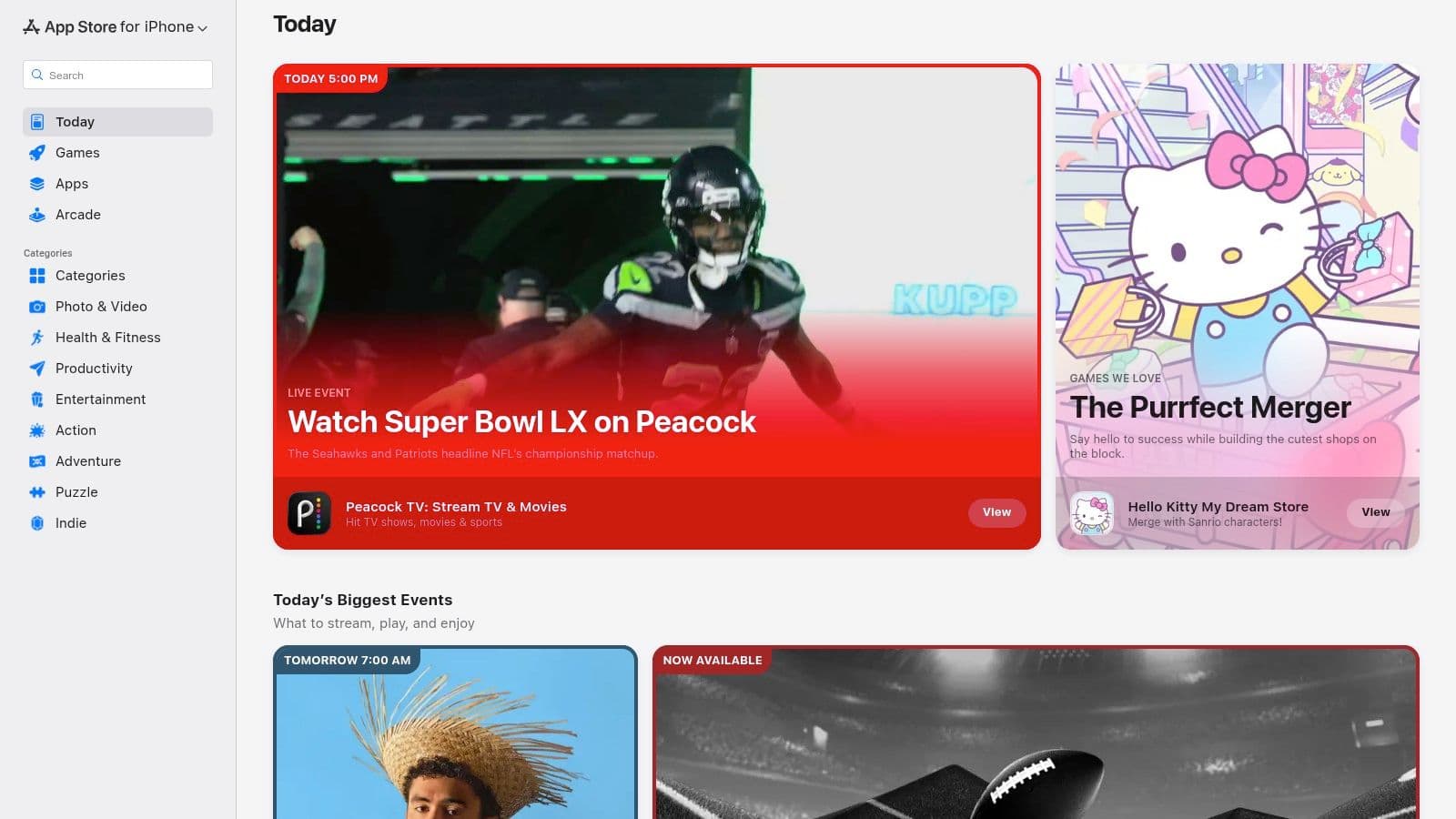
This centralized approach ensures a consistent standard of quality and privacy, as every app has to meet Apple’s tough review guidelines. Many apps here leverage deep platform integrations with Siri, Apple Calendar, and Reminders, creating a seamless workflow that feels native to the device. While you can browse online, the final purchase and installation are handed off to your device, ensuring a secure transaction. 4
Standout Qualities
The primary advantage is the ecosystem‑first design philosophy. Apps found here are often optimized for Apple hardware and software, offering a superior user experience with features like Handoff, iCloud sync, and Shortcuts automation. The unified billing and subscription management through your Apple ID also simplifies keeping track of your software expenses.
- Pros: Vast selection of premium GTD apps, strong security and privacy standards, and deep integration with native Apple features.
- Cons: Web‑based discovery only; downloads require an Apple device. Some apps require separate purchases for Mac and iOS versions.
Website: apps.apple.com
3. Google Play Store
For Android users, the Google Play Store is the definitive hub for discovering and managing a huge array of productivity tools. As the official marketplace, it offers a central spot to find top‑tier apps for GTD, including popular choices like Todoist, TickTick, and Microsoft To Do. The web interface is a powerful research tool, allowing you to filter by categories, read user reviews, and check app permissions before installing anything on your device. 5
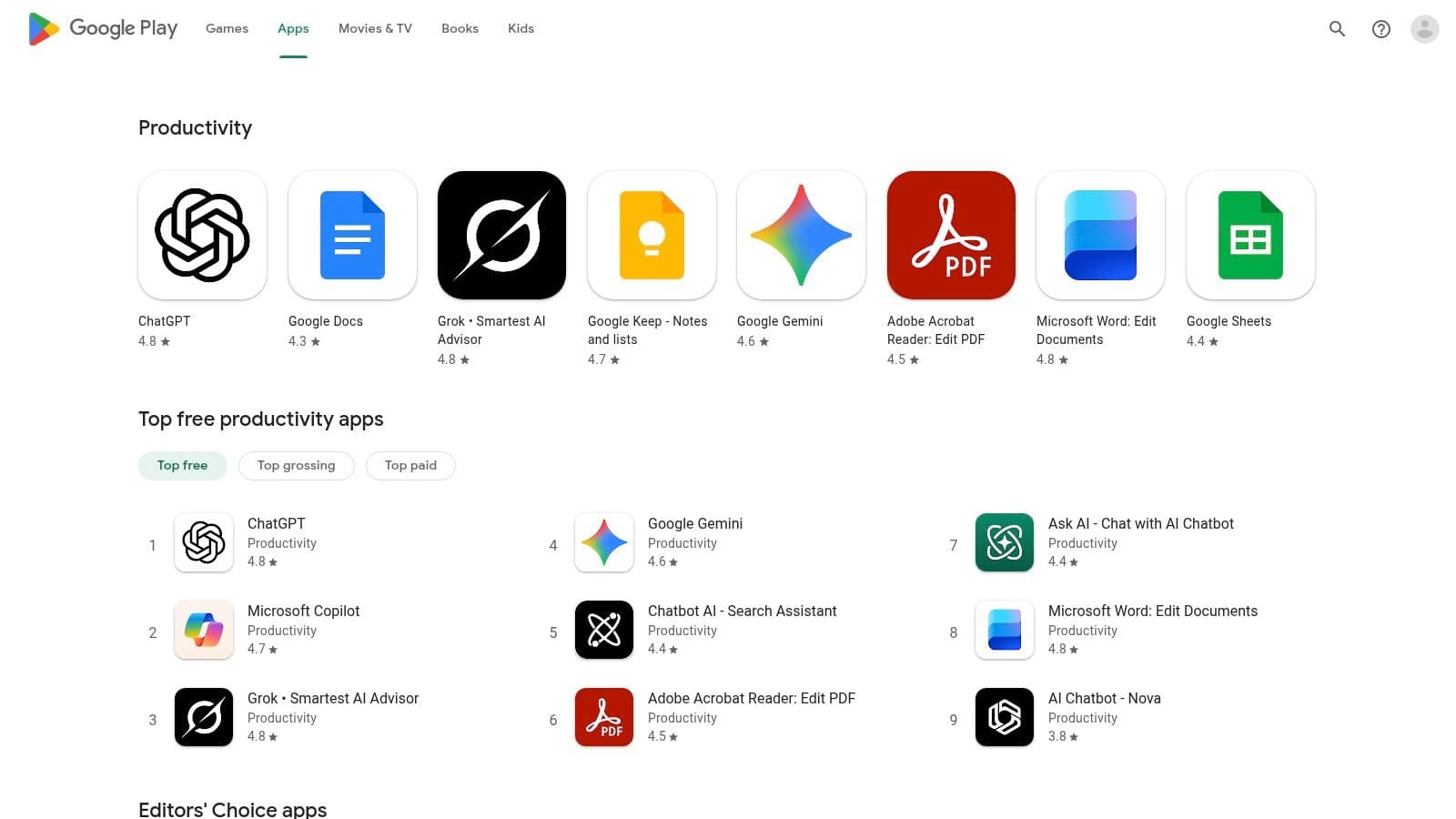
This platform streamlines the entire app lifecycle, from discovery to automatic updates, ensuring your tools stay secure and current. Features like Editors’ Choice highlights and detailed user ratings help separate high‑quality applications from the rest. While the web portal is great for browsing, the actual installation and management are handled seamlessly through the Play Store app on any Android‑powered phone, tablet, or Chromebook. 5
Standout Qualities
The primary strength of the Google Play Store is its open ecosystem and massive selection, catering to a wide range of devices and budgets. Many apps leverage deep integrations with Google Assistant, Calendar, and Gmail, creating a cohesive productivity workflow. Its unified billing system simplifies managing subscriptions, and features like the Family Library let you share paid apps with family members, adding significant value.
- Pros: Massive selection of GTD apps for Android, trusted central source with user ratings, and easy refunds within Google's policy window.
- Cons: App quality can vary widely; you have to vet permissions and reviews carefully. Advanced features are often locked behind subscriptions.
Website: play.google.com
4. Todoist
As one of the most established and versatile apps for GTD, Todoist excels at capturing, clarifying, and organizing tasks across pretty much any device you can think of. Its clean, intuitive interface and powerful natural language processing make it a top choice for both individuals and teams. You can quickly add tasks like “Review project proposal next Tuesday at 10am #work” and Todoist automatically schedules and categorizes it, which perfectly aligns with the GTD principle of frictionless capture. 6
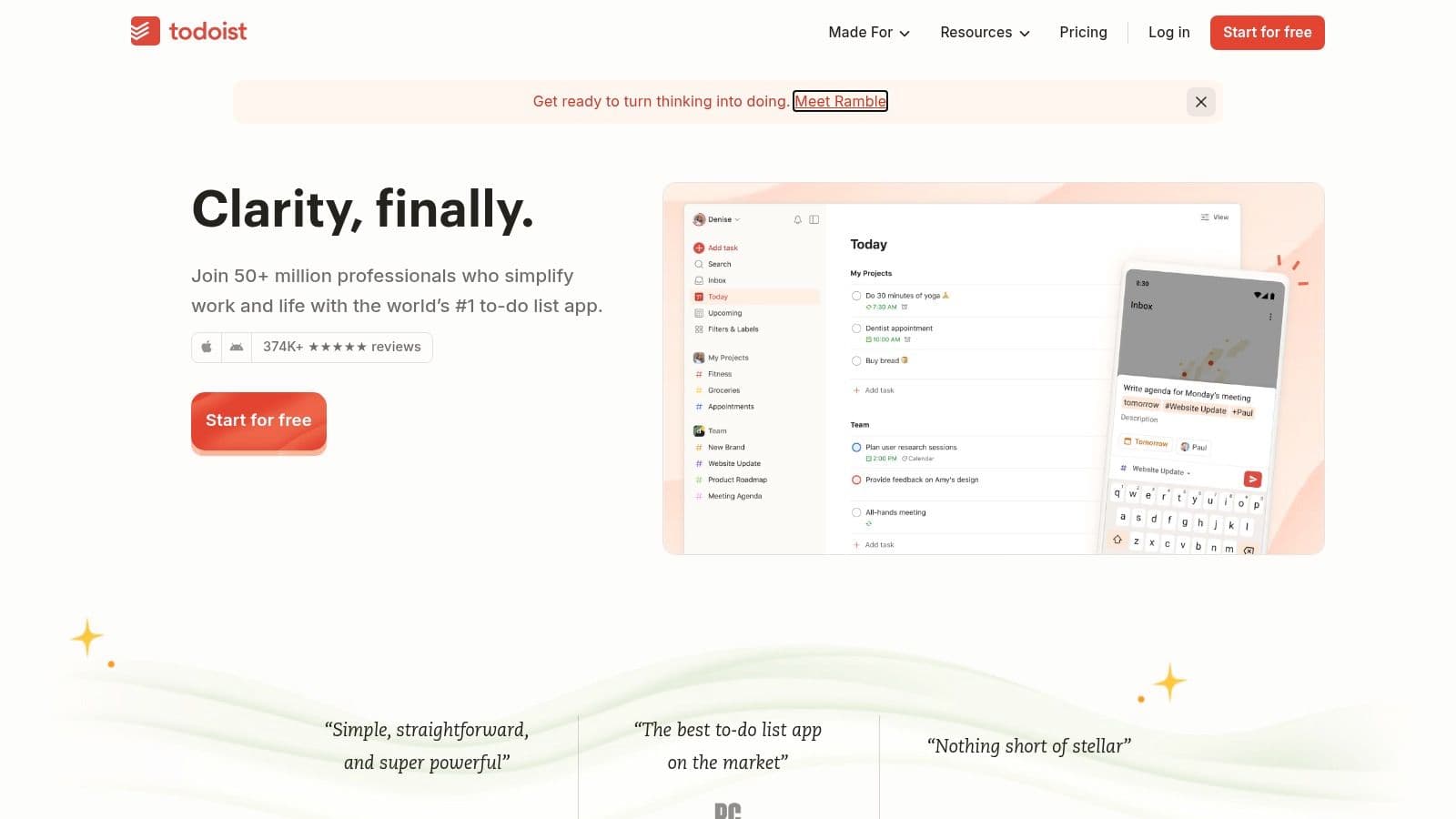
The platform offers a robust free tier that is highly functional for personal GTD systems, while its Pro and Business plans unlock advanced features like custom filters, reminders, and team collaboration tools. With views for lists, boards, and calendars, it adapts to different workflow preferences. For those evaluating different platforms, a detailed task management software comparison can help clarify where Todoist fits best. This flexibility makes it a reliable tool for implementing a comprehensive productivity system. 6
Standout Qualities
Todoist’s main strength lies in its speed and simplicity combined with deep functionality. The Quick Add feature is a standout, letting you offload thoughts from your mind instantly. Its cross‑platform synchronization is seamless, ensuring your system is always up‑to‑date whether you’re on your phone, desktop, or web browser. The extensive integration library connects Todoist to your email, calendar, and over 100 other apps, creating a central hub for all your commitments.
- Pros: Longstanding reliability and broad platform coverage, clear pricing and frequent updates, and a strong integration ecosystem.
- Cons: Advanced filters and reminders require paid tiers, and recent price adjustments may affect budgeting for teams.
Website: https://todoist.com/
5. OmniFocus
For power users who live by the Getting Things Done methodology, OmniFocus is often considered the gold standard of apps for GTD. It’s built from the ground up to support complex workflows, deeply integrating with the Apple ecosystem (Mac, iPhone, iPad, Watch) while offering a capable web companion for access elsewhere. The platform is designed for folks who need granular control over their tasks, projects, and long‑term goals. 7
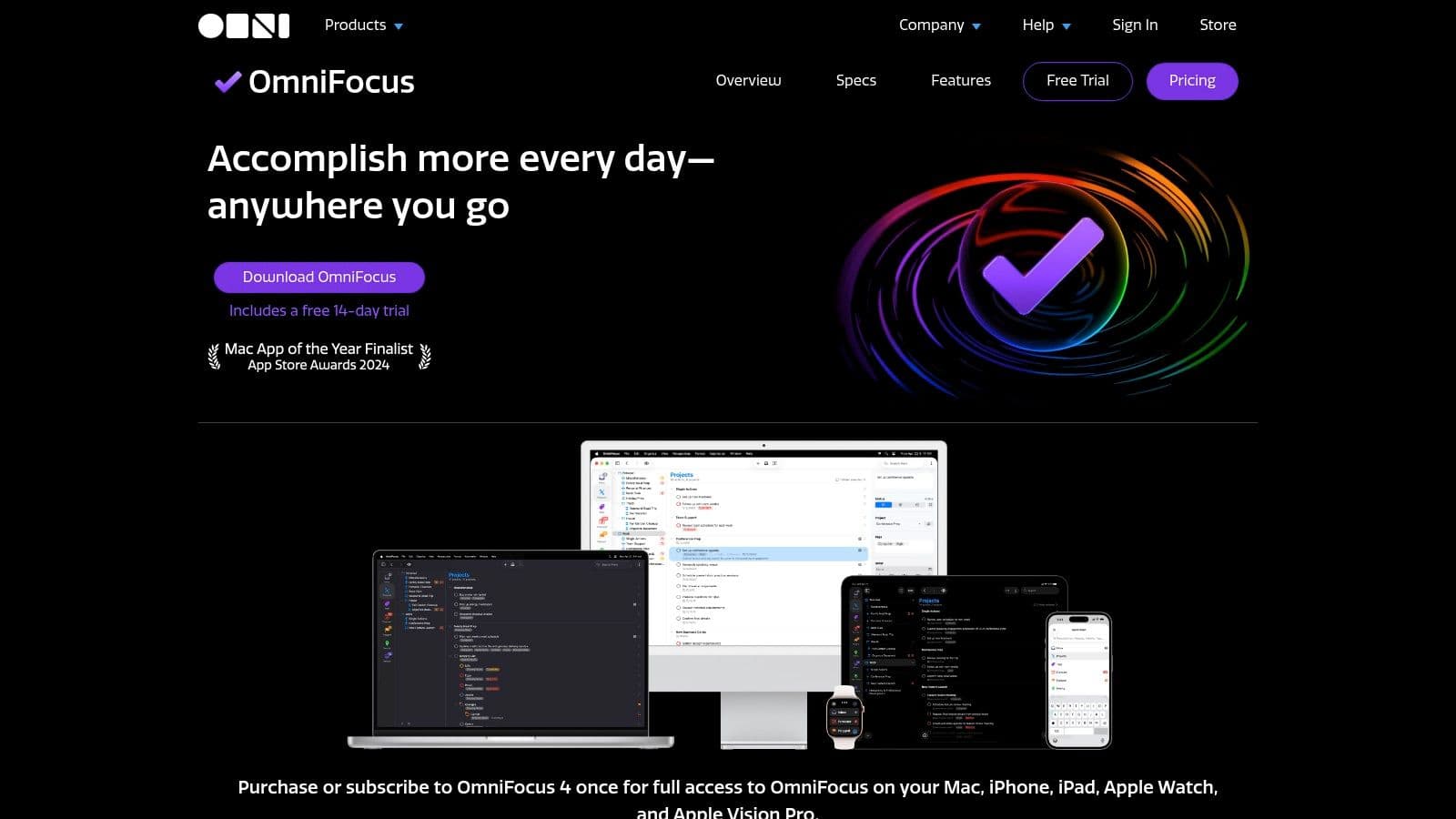
Unlike many subscription‑only apps, OmniFocus provides flexible purchasing models. You can choose a traditional perpetual license for specific platforms or opt for a cross‑platform subscription that includes Mac, iOS, and Web access. This choice empowers you to invest in the software in a way that best suits your needs, making it a sustainable part of your personal productivity system. Its dedicated features like Perspectives, a powerful Review mode, and flexible tagging mirror core GTD principles directly within the app’s structure. 7
Standout Qualities
The primary advantage of OmniFocus is its unwavering commitment to the GTD framework, offering unparalleled depth for implementation. Custom Perspectives let you create unique views of your tasks based on any combination of criteria, such as focus, due dates, or tags. The dedicated Review feature ensures you regularly process your projects, a crucial step in maintaining a trusted system.
- Pros: Flexible purchase models (perpetual or subscription), designed for complex GTD workflows at scale, and generous same‑version updates for perpetual license holders.
- Cons: Focused on the Apple ecosystem; Windows/Android users have to rely on the web version. The higher upfront cost for the Pro perpetual license can be a barrier.
Website: https://www.omnigroup.com/omnifocus/
6. Things by Cultured Code
Things is a beautifully designed, Apple‑exclusive task manager celebrated for its elegant simplicity and strong alignment with GTD principles. It excels at creating a calm, focused environment for managing your tasks without overwhelming you with features. The website serves as a detailed guide, showcasing how its structure of Areas, Projects, and Headings perfectly maps to the GTD methodology for organizing commitments and planning your next actions. 8
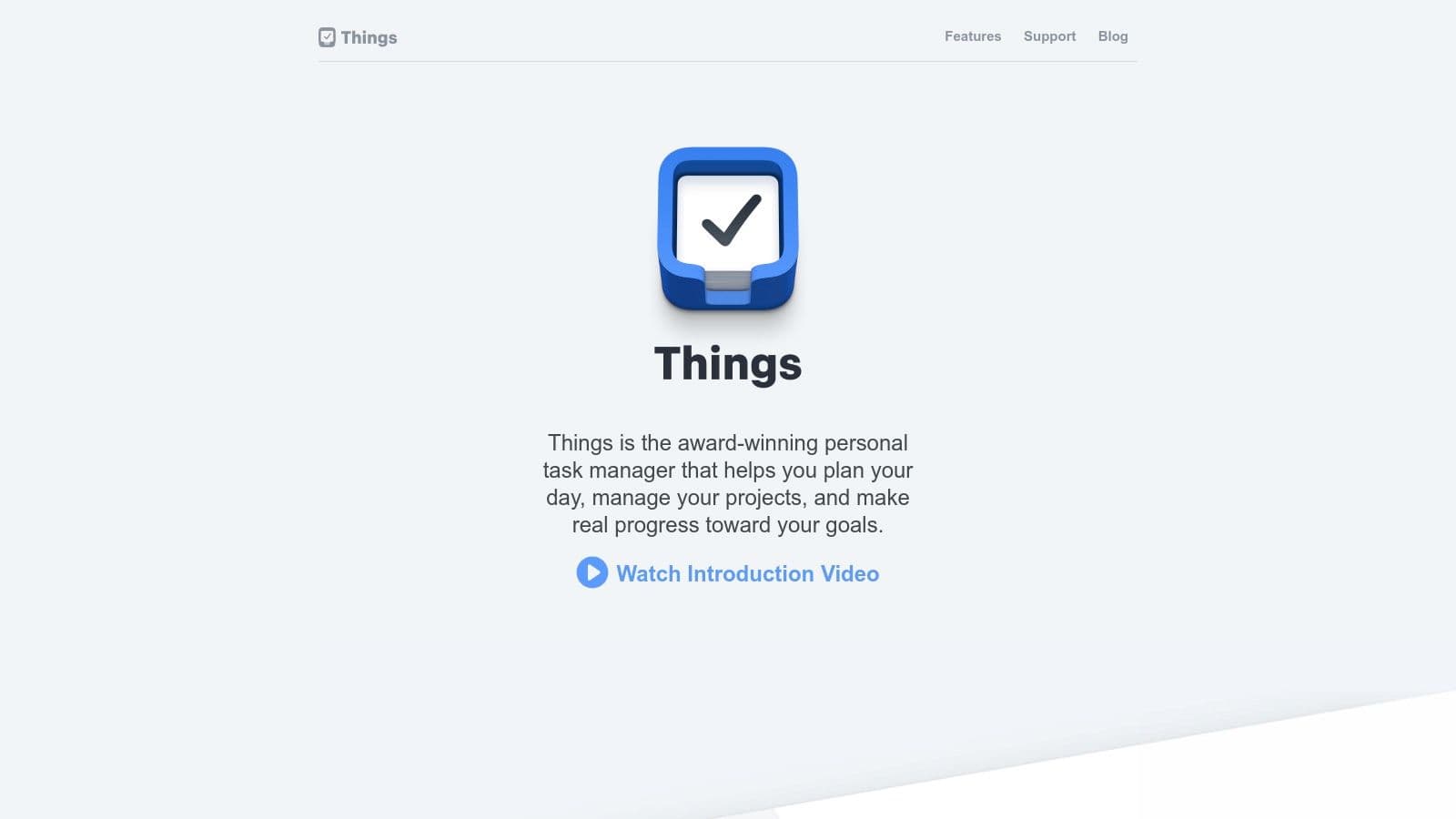
While the app itself is purchased through the App Store, the Cultured Code website provides comprehensive tutorials, a blog with productivity insights, and a clear philosophy on its design. This makes it an essential resource for potential users wanting to understand if its minimalist approach fits their workflow. It’s one of the most praised apps for GTD because it doesn’t try to be everything; it focuses on being a brilliant personal task manager. 8
Standout Qualities
The defining characteristic of Things is its distraction‑free user experience, which encourages consistent engagement, especially for the weekly review. Its quick‑capture inbox and intuitive organization help you get ideas out of your head and into a trusted system effortlessly. The one‑time purchase model is also a significant draw for users tired of subscription fatigue, offering a premium, stable tool without recurring fees. 8
- Pros: Smooth, distraction‑free UX that’s quick to adopt for GTD, no subscription required for core apps (one‑time purchase per platform), and a stable, Apple‑native experience with a strong design focus.
- Cons: Apple‑only; no web, Windows, or Android apps. Prices are shown in the App Store at checkout rather than directly on the vendor site.
Website: https://culturedcode.com/things/
7. TickTick
TickTick has evolved into a powerful, all‑in‑one productivity hub that excels as one of the most flexible apps for GTD. It successfully combines a robust task manager with a full‑featured calendar, habit tracker, and even a Pomodoro timer, making it an excellent choice for users who want to consolidate their tools. Its cross‑platform availability ensures that your GTD system is always in sync, whether you’re on a web browser, desktop, or mobile device. 9
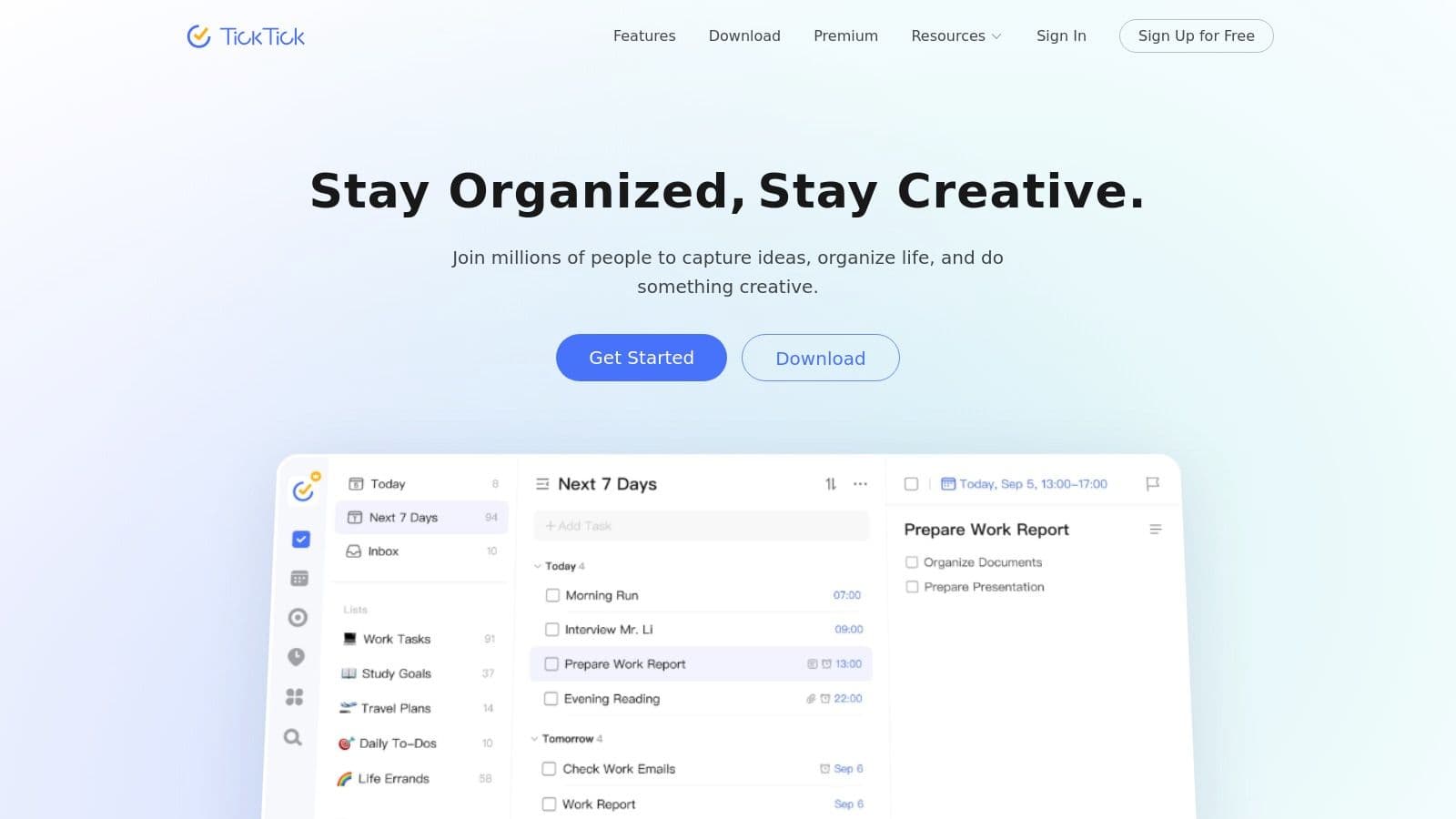
The platform’s strength is its blend of simplicity and power. New users can get started quickly, while GTD veterans can leverage advanced features like smart lists, custom filters, and tags to build a sophisticated workflow. Features like natural language parsing for task creation and multiple calendar views make processing your inbox and planning your week incredibly efficient. TickTick manages to provide this depth without feeling cluttered, maintaining a clean and intuitive interface. 9
Standout Qualities
The primary advantage of TickTick is its integration of lifestyle productivity tools directly alongside core task management. Instead of needing separate apps for focus sessions or habit building, you can manage everything in one place, creating a more holistic view of your productivity. The inclusion of an Eisenhower Matrix view and Kanban boards also provides valuable perspectives for prioritizing and organizing projects.
- Pros: Combines planning, focus tools, and habits in one app. Competitive pricing for a broad feature set ideal for solo GTD.
- Cons: Premium is subscription‑only. Some users report billing or foreign‑transaction quirks when purchasing directly from their website.
Website: https://ticktick.com/
8. Nirvana
For those who want to practice GTD by the book, Nirvana is one of the purest apps for GTD available. It was designed from the ground up to mirror David Allen’s methodology, which means you don’t need complex workarounds or customizations. Its structure is built around native GTD lists like Inbox, Next, Waiting, Scheduled, and Someday/Maybe, making it incredibly intuitive for anyone familiar with the system. 10

This web‑first platform, with clients for all major operating systems, provides a clean, distraction‑free environment to capture, clarify, organize, and engage. The interface is deliberately minimal, focusing your attention on processing your tasks rather than on tweaking settings. It offers core functionalities like Areas of Focus, tags for contexts, notes, and checklists, ensuring you have everything you need to implement a classic GTD workflow without unnecessary feature bloat. 10
Standout Qualities
Nirvana’s greatest strength is its unwavering commitment to the GTD framework, offering an exceptionally low learning curve for practitioners. You can sign up and start processing your inbox in minutes without needing to configure custom lists or views. The platform’s focus on simplicity and core GTD principles makes it a reliable tool for individual productivity, especially for users who find other, more flexible apps overwhelming.
- Pros: Very low cost and minimal learning curve for GTD users, and a clean interface focused on core GTD steps.
- Cons: Fewer enterprise or team collaboration features than larger suites, and a smaller integration ecosystem compared with apps like Todoist or Notion.
Website: https://www.nirvanahq.com/
9. Remember The Milk
A long‑standing player in the productivity space, Remember The Milk (RTM) is a powerful, cross‑platform to‑do list manager that excels at the core tenets of GTD. Its strength is its flexibility and robust feature set, which includes advanced searching, tagging, and Smart Lists. These tools let you create dynamic, context‑specific views of their tasks, such as @work or _waiting-for, which is essential for an effective GTD implementation. 11
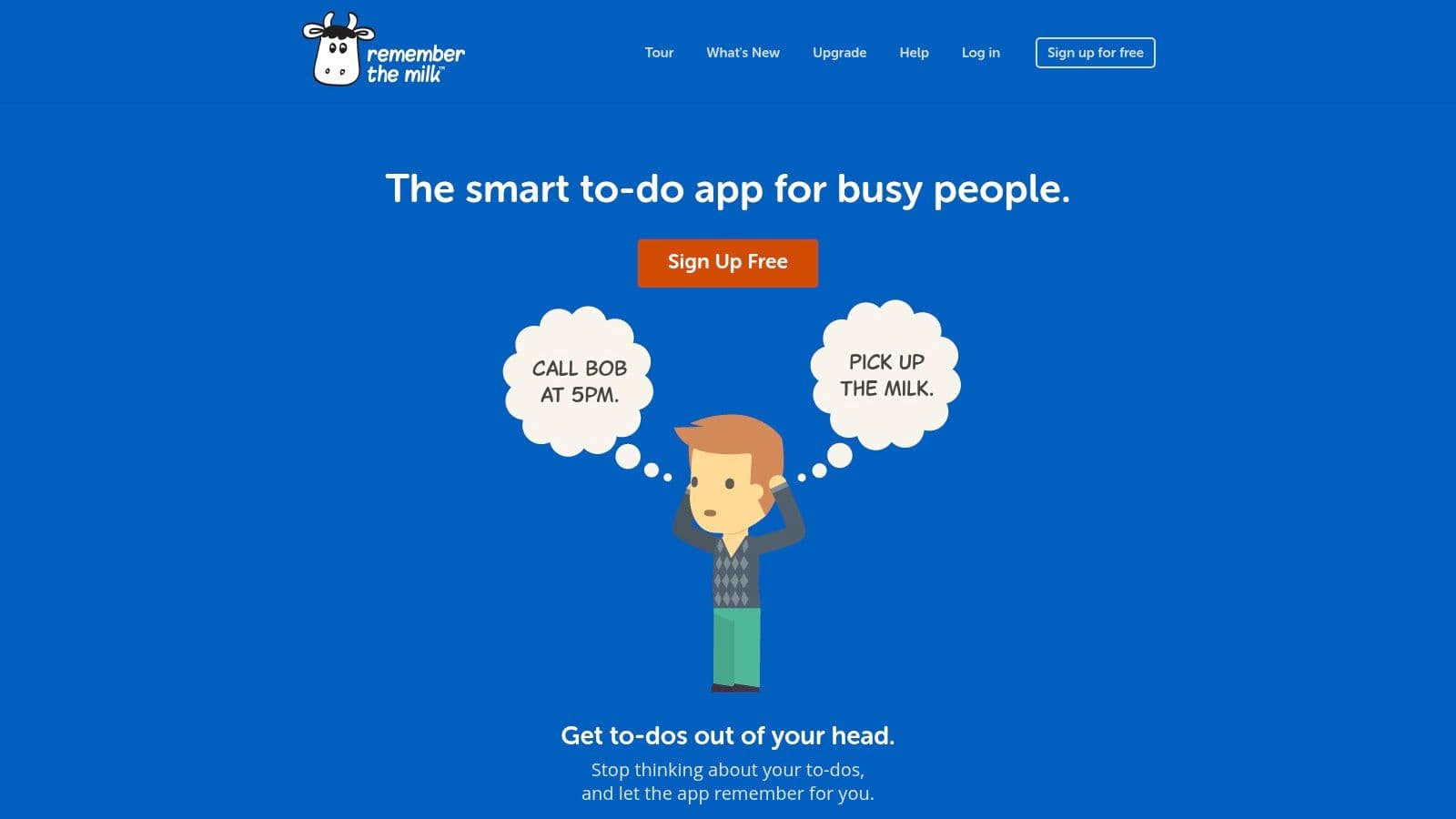
RTM’s platform‑agnostic approach ensures your system is accessible everywhere, from a web browser to native mobile apps and even an Apple Watch. Its extensive integration capabilities with services like Gmail, Google Calendar, Evernote, and automation platforms like IFTTT and Zapier make it a central hub for capturing tasks from any source. The bulk editing features are particularly useful for performing efficient weekly reviews, letting you update due dates, tags, and priorities for multiple tasks at once. 11
Standout Qualities
RTM’s greatest strength is its proven reliability and deep customization through Smart Lists. This feature uses a simple query language to let you build highly specific, saved searches that act as custom‑filtered lists. For example, you could create a list for priority:1 AND dueBefore:tomorrow AND tag:projectX to see only the most urgent tasks for a specific project, making it one of the most adaptable apps for GTD. 11
- Pros: Long track record of reliability, powerful Smart Lists for custom views, and extensive integrations with popular services.
- Cons: The interface can feel a bit dated compared to newer apps, and some of the most powerful features are locked behind a Pro subscription.
Website: https://www.rememberthemilk.com/
10. Nozbe
Nozbe is a cross‑platform task management tool designed with team collaboration and Getting Things Done principles at its core. It effectively blends project management with clear communication channels, making it one of the better apps for GTD for small teams looking to adopt the methodology collectively. Its structure around projects, tasks, and tags aligns perfectly with GTD, allowing users to capture ideas, assign them to relevant projects, and add context with tags like @errand or @computer. 12
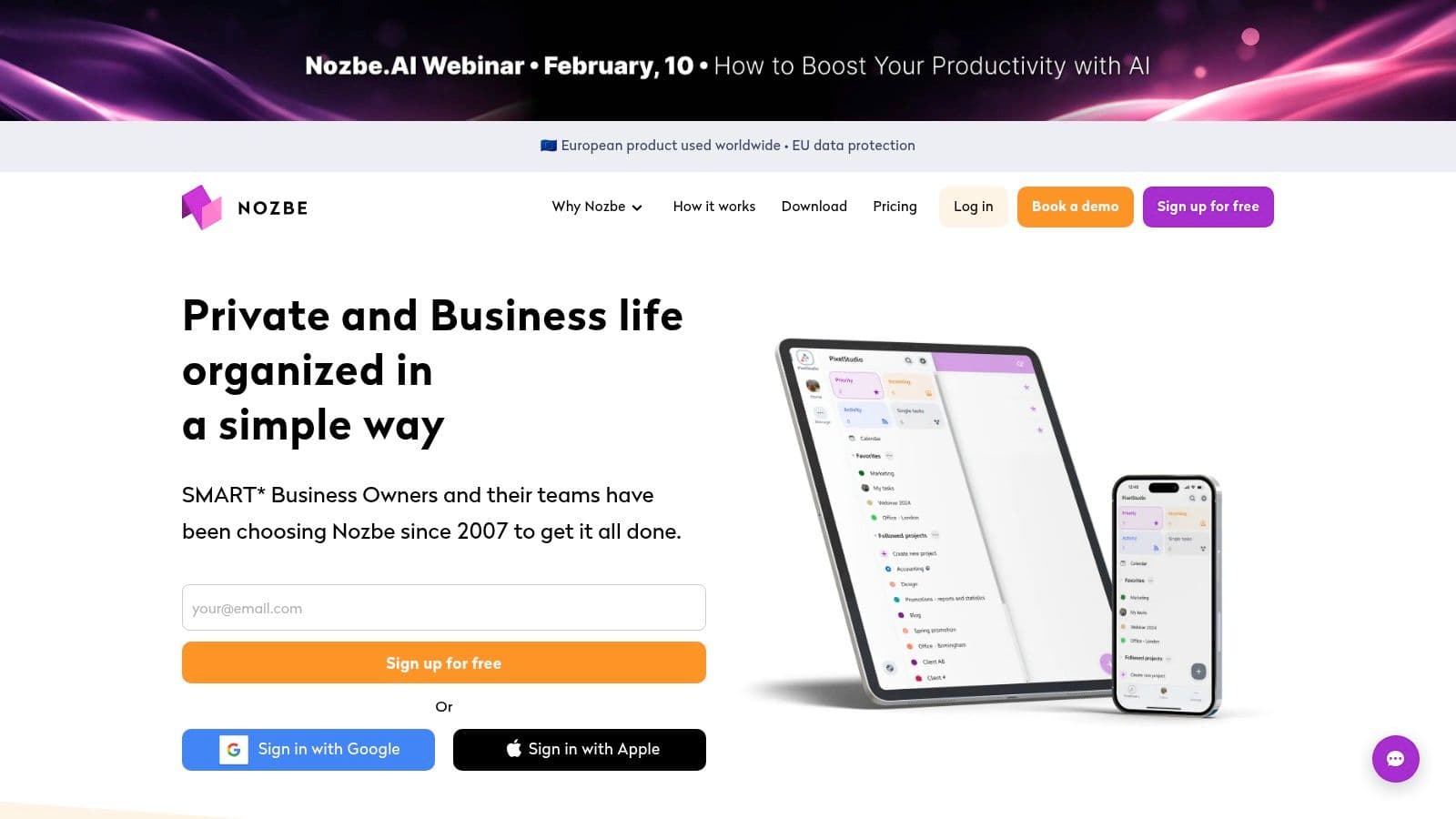
The platform supports a clean interface across web, desktop, and mobile, ensuring your system is accessible wherever you work. For teams, Nozbe facilitates shared projects, task delegation, and comments, keeping all project‑related communication in one place. Its emphasis on templates is a key feature, enabling teams to standardize recurring workflows and project setups, saving time and ensuring consistency. 12
Standout Qualities
Nozbe’s strength is its simplicity and direct application of GTD concepts in a collaborative environment. Unlike more complex project management tools, it remains focused on tasks and clear communication, preventing system bloat. The ability to manage multiple workspaces is a significant advantage for businesses or freelancers juggling different clients, allowing for clean separation between personal and professional productivity systems.
- Pros: Team‑oriented design with built‑in GTD‑friendly features, cross‑platform availability, and a straightforward free plan for small teams.
- Cons: Pricing changes are scheduled for February 2026, so you should verify current rates. Purchases through app stores may have less billing flexibility.
Website: https://nozbe.com/
11. Microsoft To Do
For individuals and teams deeply embedded in the Microsoft 365 ecosystem, Microsoft To Do is a powerful and accessible entry point for implementing GTD. It seamlessly replaces Wunderlist and integrates directly with Outlook tasks, making it incredibly simple to turn flagged emails into actionable items. This direct link between your inbox and your task list is a cornerstone of an effective GTD setup, allowing for quick processing and organization without leaving your primary communication hub. 13
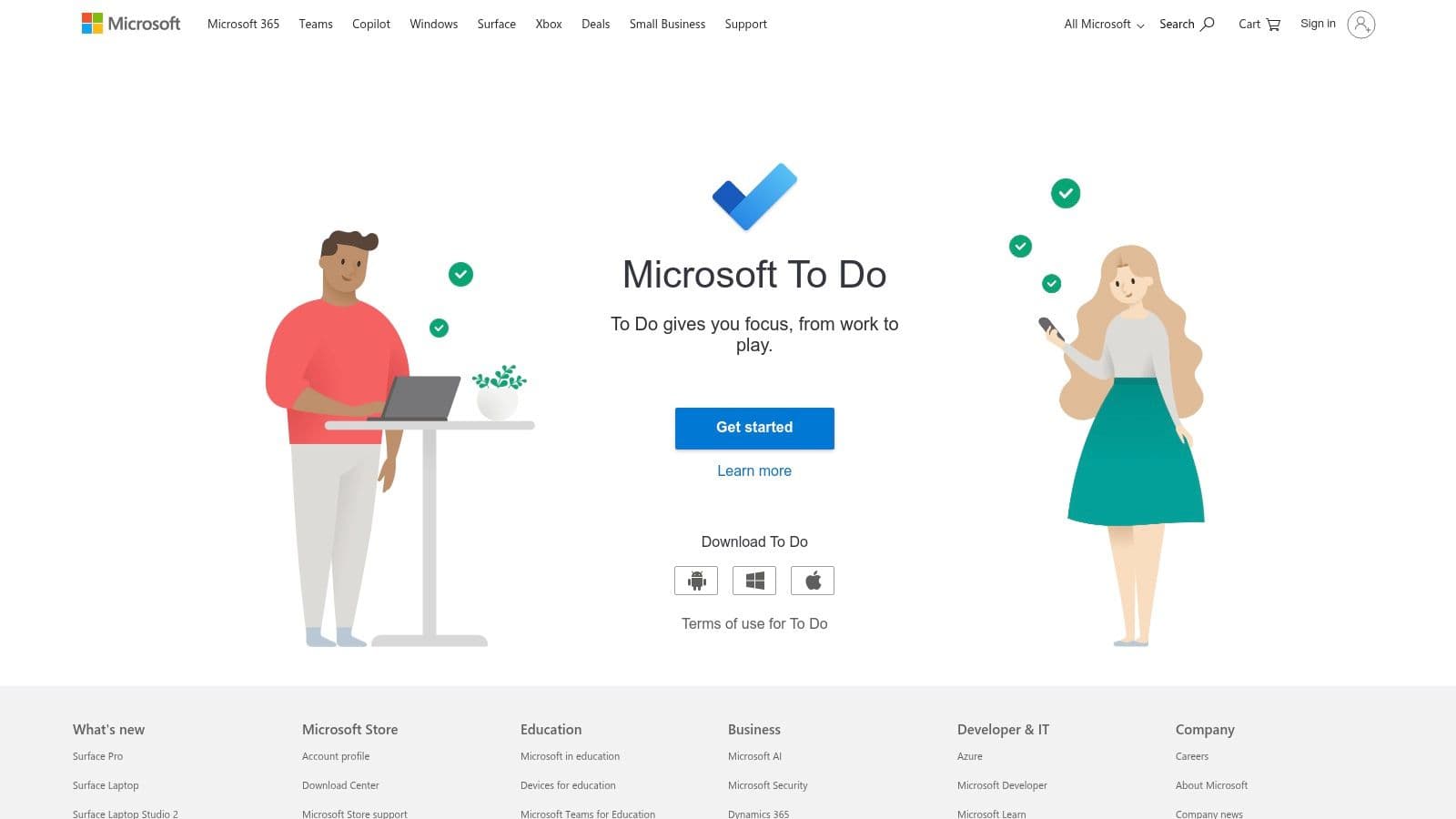
As a free tool available with any Microsoft account, it offers a clean, straightforward interface for managing lists, which can correspond to GTD contexts or projects. You can add due dates, reminders, and detailed notes, while the “My Day” feature provides a smart daily list to help you focus on your most important “Next Actions.” The platform’s strength lies in its simplicity and deep integration rather than an extensive feature set, making it one of the most practical apps for GTD for Microsoft‑centric users. 13
Standout Qualities
The killer feature is its native synchronization with Outlook and Exchange. Flagged emails appear automatically in a dedicated list, streamlining the “Collect” and “Process” stages of GTD. This synergy creates a frictionless workflow for knowledge workers who spend their day in Outlook. Its cross‑platform availability on web, desktop, and mobile ensures your lists are always accessible. 13
- Pros: No cost barrier for core GTD lists, and smooth integration with Outlook calendars and emails for Microsoft 365 users.
- Cons: Fewer advanced GTD features (like complex filters or perspectives) than premium tools. Enterprise policy controls may restrict certain features in corporate tenants.
Website: https://to-do.office.com/
12. Getting Things Done (GTD) Official Shop
While not a task management app itself, the official Getting Things Done shop is an essential resource for anyone serious about implementing the methodology correctly. It offers authoritative digital guides, organizers, and setup materials from the David Allen Company. These resources are designed to help you configure any of the apps for GTD to align perfectly with the system’s core principles of capture, clarify, organize, reflect, and engage. 14
The platform‑agnostic nature of its products means you can find guides for setting up GTD in popular tools like Todoist, Outlook, or even a simple physical notebook. This makes it an invaluable asset for standardizing the GTD process across a team or for an individual looking to build a robust foundation before committing to a specific app. If you want to understand the system’s nuances, the official guides provide the definitive workflow. 14
Standout Qualities
The primary advantage is its authenticity; the materials come directly from the creators of GTD, so you know you’re learning the methodology as it was intended. Products like the GTD Weekly Review checklist or project planning organizers provide structured templates that can be immediately applied to your workflow, removing guesswork. To deepen your understanding of the core concepts, you can explore the Getting Things Done methodology and see how these official resources fit in. 14
- Pros: Trusted, canonical resources to standardize GTD practices. Helpful for onboarding teams or for users needing structured reference materials.
- Cons: It’s a resource store, not a task app, so you still need another tool. Pricing for some guides and materials can be premium.
Website: https://gettingthingsdone.com/shop/
Top 12 GTD Apps Comparison
| Product | Core features | UX | Value / Price | Target | Unique selling points |
|---|---|---|---|---|---|
| Fluidwave | AI automations + pay‑per‑task virtual assistants; multi‑view; auto‑prioritization; real‑time collaboration | ★★★★☆ | Free‑forever (100 tasks); Premium $10/mo (billed yearly); pay‑per‑task delegation | Entrepreneurs, execs, freelancers, teams, neurodivergent | Hybrid AI + human delegation; pay‑only‑for‑completed tasks; instant‑response UI |
| Apple App Store | Curated marketplace; deep Apple OS integrations; privacy labels & reviews | ★★★★☆ | App/in‑app purchases vary; Family Sharing support | Apple‑centric users | Curated discovery, App Review & platform integrations |
| Google Play Store | Large Android catalog; Editors’ picks; auto updates | ★★★★☆ | Varies by app; subscriptions common | Android users | Broad app discovery; Editors’ Choice highlights |
| Todoist | Natural‑language input; filters, team spaces; views | ★★★★☆ | Free tier; Pro/Business subscriptions | Individuals & teams needing integrations | Strong ecosystem, reliable cross‑platform sync |
| OmniFocus | Perspectives, tags, review mode; deep Apple integration | ★★★★☆ | Perpetual license or subscription | Apple power users | Power‑user GTD features & flexible purchase models |
| Things | Areas, Projects, Headings; quick capture; Apple‑native design | ★★★★☆ | One‑time purchase per platform | Apple users seeking elegant simplicity | Polished, distraction‑free UX |
| TickTick | Tasks + calendar + Pomodoro + habits + Kanban | ★★★★☆ | Free + Premium | All‑in‑one planner users | Built‑in focus tools & timeline views |
| Nirvana | Native GTD lists (Inbox/Next/Waiting/Scheduled/Someday) | ★★★☆☆ | Low cost | GTD purists & beginners | Classic GTD structure out of the box |
| Remember The Milk | Smart Lists, robust reminders, MilkSync (Outlook) | ★★★☆☆ | Free + Pro upgrades | Power users valuing automation | Longstanding reliability & integration breadth |
| Nozbe | Projects, tags, templates, multi‑workspace | ★★★☆☆ | Free tier + paid plans | Small teams & businesses | Team templates, multi‑workspace management |
| Microsoft To Do | Lists, steps, reminders, Outlook/Exchange sync | ★★★☆☆ | Free with Microsoft account | Microsoft 365 users | Native Outlook/Exchange integration |
| GTD Official Shop | Canonical GTD guides, organizers, weekly‑review materials | ★★★★☆ | Paid resources | Onboarding teams & individuals | Official, methodology‑aligned templates & training |
Choosing Your System: From Tool to Trusted Companion
Navigating the landscape of apps for gtd can feel like a project in itself. We’ve explored a wide spectrum of tools, from the by‑the‑book precision of OmniFocus and Nirvana to the versatile, user‑friendly designs of Todoist and TickTick. Each application offers a distinct philosophy and feature set, underscoring a fundamental truth: there is no single best GTD app for everyone. The ideal choice is deeply personal, hinging on your unique workflow, cognitive style, and professional demands. 1
The journey to an effective GTD implementation is less about finding a perfect tool and more about building a trusted system. The app is merely the container; its true value is realized only when you commit to the five core habits of capturing, clarifying, organizing, reflecting, and engaging. If a tool’s interface creates friction at any of these stages, particularly during the crucial capture and weekly review processes, it will hinder your productivity rather than enhance it. The goal is to find an interface that feels like an extension of your own thinking, making it effortless to get ideas out of your head and into a system you can rely on.
Key Factors for Your Final Decision
As you weigh your options, move beyond feature lists and consider the practical realities of your daily life. Reflect on these critical questions to guide your selection:
- Ecosystem Integration: Where do you spend most of your digital life? An app with deep integration into your primary operating system, like Things for Apple users, can create a seamless, low‑friction experience.
- Collaboration Needs: Is your work primarily solo, or do you need to delegate tasks and manage team projects? Tools like Nozbe and Todoist are built with collaboration in mind, while others like OmniFocus and Things are more suited for individual productivity.
- Complexity vs. Simplicity: Are you a power user who loves adjusting every detail with tags, custom perspectives, and scripts? Or do you thrive with a clean, minimalist interface that gets out of your way? Be honest about the level of complexity you’re willing to manage.
- Cognitive Fit: Your brain’s unique wiring plays a significant role in which tool will stick. For some, visual cues and flexible layouts are non‑negotiable. When choosing your GTD system, consider tools that align with your cognitive style, such as those highlighted in this overview 1.
From Implementation to “Mind Like Water”
Remember that adopting one of these apps for gtd is the beginning, not the end. The real work lies in consistently applying the GTD methodology. Start small—focus on mastering the capture habit first, ensuring every open loop lands in your inbox. Then set aside time each day to process that inbox and schedule a non‑negotiable weekly review to keep the system current and trustworthy. This exploration has shown that modern tools are evolving. Fluidwave, for example, represents a forward‑thinking approach by integrating AI‑powered prioritization and virtual assistant support directly into the workflow. It’s designed not just to hold your tasks but to actively help you process and complete them, aligning with the GTD goal of focusing cognitive energy on execution, not administration. 1
Ultimately, your chosen app should feel less like a rigid taskmaster and more like a reliable companion on your path to clarity and control. Don’t be afraid to experiment. Use free trials, commit to one system for a few weeks, and see how it feels. The right system is the one that fades into the background, allowing you to achieve that coveted state of “mind like water” and engage with your work and life with focused, stress‑free presence.
Ready to build a GTD system that actively works for you? Fluidwave combines the principles of distraction‑free productivity with smart AI to help you capture, clarify, and engage with your tasks more effectively. Try Fluidwave today and experience a modern, intelligent approach to Getting Things Done.
FAQ
Q: What is the best GTD app for beginners?
A: For beginners, Nirvana or TickTick offer a gentle learning curve with solid core GTD workflows and helpful onboarding.
Q: Can I use GTD across multiple devices?
A: Yes. Most top GTD apps provide cross‑platform support—web, desktop, and mobile—to keep your system in sync wherever you work. 5
Q: Should I choose a paid app or a free one?
A: Start with a free tier to validate your workflow, then upgrade if you need additional perspectives, automation, or team features. 6
1.
1.
David Allen, Getting Things Done: The Art of Stress-Free Productivity. Penguin Books, 2001. [https://gettingthingsdone.com]
2.
Fluidwave product overview and hybrid AI/human delegation model. [https://fluidwave.com]
3.
Apple App Store as a curated marketplace with deep OS integrations. [https://www.apple.com/app-store/]
4.
Apple ecosystem integration and app discovery on the App Store. [https://apps.apple.com/]
5.
Google Play Store for Android apps, Editors’ Choice highlights. [https://play.google.com/store/apps/category/PRODUCTIVITY]
6.
Todoist product features: natural language, filters, and cross‑platform sync. [https://todoist.com/]
7.
OmniFocus: Perspectives, GTD‑oriented features, and Apple ecosystem integration. [https://www.omnigroup.com/omnifocus/]
8.
Things by Cultured Code: focus on Areas/Projects/Headings; Apple‑native design. [https://culturedcode.com/things/]
9.
TickTick: all‑in‑one planner with calendar, habits, and Kanban. [https://ticktick.com/]
10.
Nirvana: native GTD lists and simple interface. [https://www.nirvanahq.com/]
11.
Remember The Milk: Smart Lists, reminders, and integrations. [https://www.rememberthemilk.com/]
12.
Nozbe: templates, multi‑workspace, cross‑platform. [https://nozbe.com/]
13.
Microsoft To Do: Outlook/Exchange sync and My Day feature. [https://to-do.office.com/]
14.
GTD Official Shop resources and guides. [https://gettingthingsdone.com/shop/]
Focus on What Matters.
Experience lightning-fast task management with AI-powered workflows. Our automation helps busy professionals save 4+ hours weekly.