Acceptance criteria examples across eight common formats, with guidance on what makes each one clear, measurable, and testable.
November 16, 2026 (Today)
Acceptance Criteria Examples: 8 Testable Formats in 2026
Acceptance criteria examples across eight common formats, with guidance on what makes each one clear, measurable, and testable.
← Back to blog
A story gets marked done, the demo goes fine, and then a tester finds that a budget of zero was accepted without any warning. Nobody wrote the wrong code on purpose. The acceptance criteria never said what should happen when the amount is missing, zero, or above the cap the team sells.
That gap is expensive because "done" was a feeling, not a check. The developer saw a saved task. The product owner saw a happy path. The tester saw a hole. These acceptance criteria examples are written so that argument cannot happen twice. Each format below starts with a sample you can score pass or fail, a short test-readiness check, and a rewrite of a vague task-management requirement into something a reviewer can run.
Eight formats cover the cases that break delegated work: scenarios, checklists, business rules, failures, quality bars, numeric limits, roles, and live collaboration. Pick the one that matches the risk in the story, not the one you already know how to type.
1. Given-When-Then Scenario Criteria
Given-When-Then states a starting context, the action, and an observable result. It came out of behavior-driven development so a product owner, a developer, and a tester share one description. NASA's Software Engineering Handbook treats acceptance criteria as conditions a system must satisfy before a customer approves it, which means you test under stated inputs and compare actual results with expected outputs.
A vague story such as "As a busy executive, I want to delegate a task to an assistant so I can focus on priorities" is not testable. The scenario is.
Given a task has a budget of $40 and a 48-hour deadline, when the user submits it for delegation, then the task appears in the assistant queue with those values attached.
Test-readiness check: This passes. The precondition names money and time, the action is one submit, and the result is something you can see in a queue. "Focus on priorities" would fail the same check because no tester can observe focus.
A second behavior stays in its own scenario, which is how you keep a payment rule from hiding inside a routing rule.
Given an assistant has marked a delegated task as complete, when the user approves the work, then the payment for that single task is released and no subscription charge is applied.
Why one behavior per scenario
A peer-reviewed comparison of acceptance-test styles reported that 85% of developed-software defects originate in requirements, and in its experiment 17 tasks written as Fit tables had 1 failure while 13 tasks written as Gherkin had 5 failures. The study did not crown a winner. It did show that the wording of the test is part of the defect rate, so you review scenarios with a developer and a tester before the sprint starts.
Fluidwave rewrite: "Delegation should feel easy" becomes "Given a task titled 'Book travel' with a due date and a $40 budget, when the executive submits it, then it shows in the assistant queue with that title, date, and budget, and it does not appear in another person's queue."
Pair the scenario with a user story template so the card states the goal and the scenarios state the proof. Use business words such as pay-per-task and Kanban column, not "item" and "bucket."
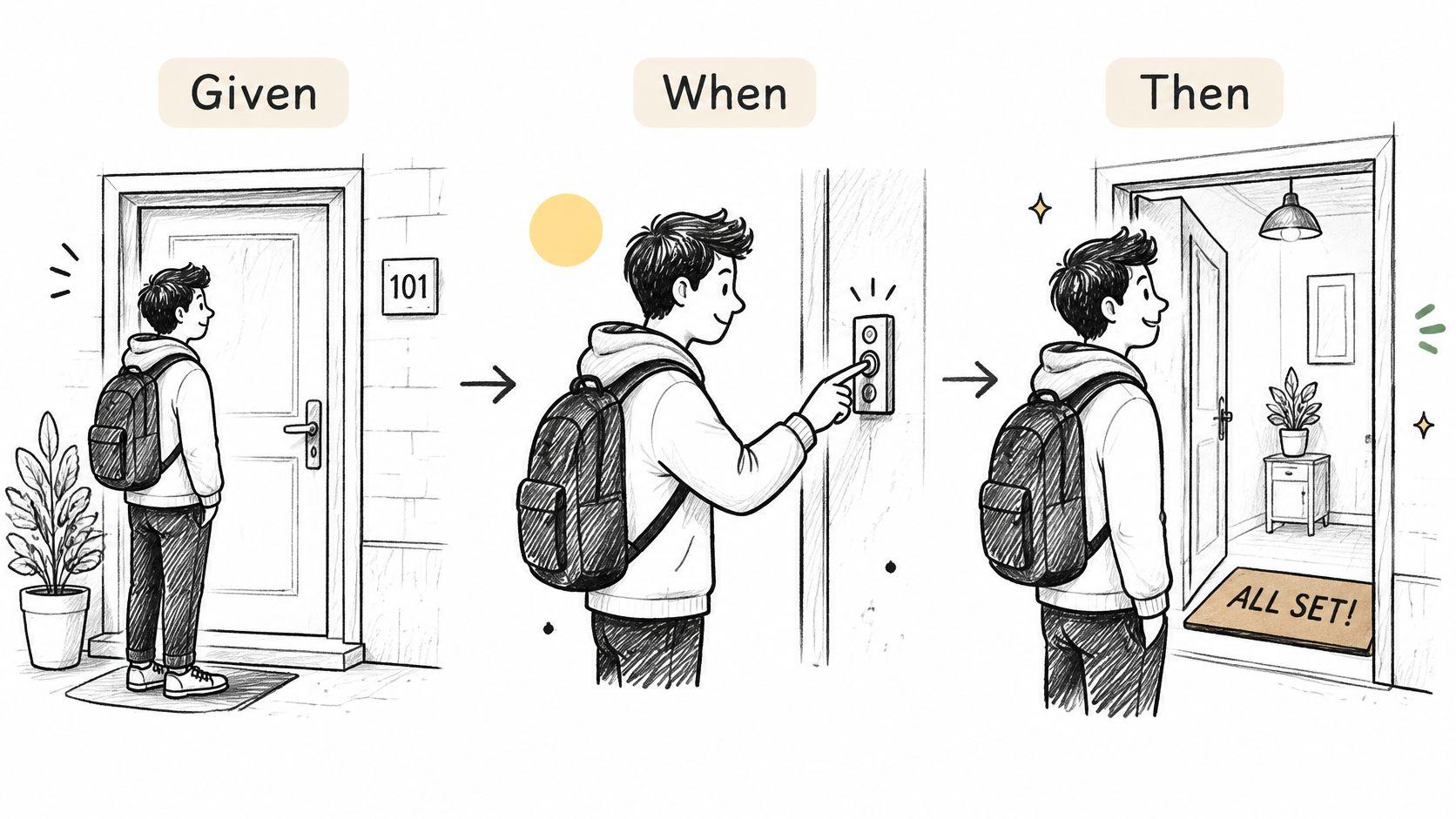
Write one outcome per scenario. If a failure could be caused by the queue, the budget, or the charge, you will not know which line broke.
2. Checklist-Style Acceptance Criteria
A task created in a Kanban view should appear in the first column of that board. That is one check, but a useful checklist separates it from the task's fields, visibility, and displayed priority. Each line should describe a result a tester can verify without inferring a sequence.
For a task that users can create across views, write:
- Title, date, and budget: A task can be created with a title, due date, and budget.
- Cross-view visibility: After saving, the task appears in the table, list, calendar, and Kanban views.
- Kanban placement: A task created from the Kanban view appears in the board's first column.
- Cards: The cards view displays the task's auto-priority value.
Test-readiness check: The fields and placement are testable because each names a specific result. Cross-view visibility needs a timing threshold if speed is part of the requirement. Without one, a task that appears after a refresh could still pass. “Fast” is not a test condition.
A checklist works best when each line can pass or fail independently. If a task appears in three views but not the fourth, the visibility check identifies the gap without obscuring whether its title or budget is correct.
A vague line, rewritten
Fluidwave rewrite: “The new task should show up everywhere quickly” becomes “After saving, the task appears in the table, list, calendar, and Kanban views within the agreed time limit. A task created from the Kanban view appears in the board's first column.”
The time limit must be chosen by the team and tested under stated conditions, such as a defined connection and list size. Without those boundaries, a timing result cannot be compared consistently.
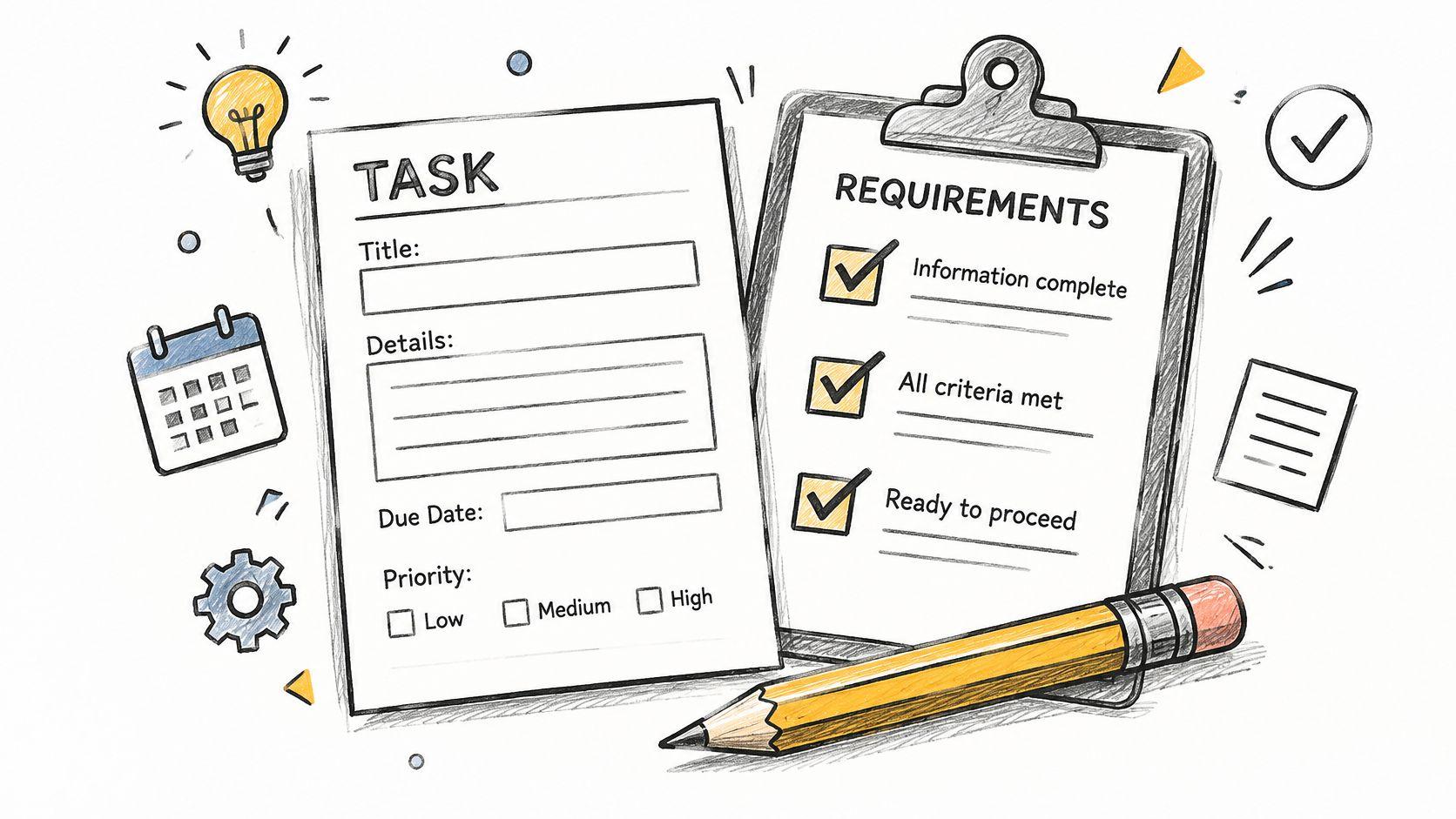
Start each checklist line with a result a tester can point to. Group related checks by view so a failed line identifies the affected part of the interface. A set of short, independent checks is easier to diagnose than a paragraph that combines fields, placement, and display behavior.
3. Business Rule Acceptance Criteria
Scenarios describe a path. Business rules describe the policy that path must obey, such as who may delegate, when money moves, and which status is illegal. The screen can change. The rule should not.
These three rules are the contract, not the click path.
A user can delegate tasks without a subscription and is charged only for completed tasks. A task with an unpaid budget cannot be moved to In Progress by an assistant. An assistant receives payment only after the delegating user approves the completed work.
Test-readiness check: The unpaid-budget rule is testable because status is visible and the forbidden move is named. "Charged fairly" is not. "Only for completed tasks" needs one more detail before a finance tester will sign it: completed means user-approved, not assistant-marked.
Name where the rule lives, the pricing page or the finance policy, so a later argument has a source. Include the boundary. If a task becomes payable at approval, say what happens when the user rejects the work or leaves it sitting. Pair each rule with one scenario so people who think in screens can still see it.
Where rules beat step-by-step criteria
Fluidwave rewrite: "No subscription is required and pricing is transparent" becomes "Delegation does not require a subscription. The user is charged the agreed task price only after they approve completed work. An assistant cannot start a task whose budget is unpaid."
That rewrite belongs next to the scope, not buried in a ticket comment. A project scope statement example is the place to park the policy, and the story then points at it instead of restating a slightly different price rule every sprint.
Practical rule: If two stories can disagree about money, the money rule is not an acceptance detail. It is a shared rule both stories must cite.
Rules fail when they describe the database. "Set the paid flag to true" tells engineering how to build it. "The user sees the charge only after approval, and the assistant sees a paid status" tells the reviewer what to look for.
4. Negative Path and Error Handling Criteria
Happy-path criteria ship the demo. They do not ship the Tuesday when a card declines, a date is in the past, or an assistant drops the work. Write the failure before you sign the success, or production will invent the message for you.
If a delegated task's payment method is declined, the task remains in Draft, the user sees a message explaining the decline, and no assistant is notified.
Test-readiness check: Pass. End state, message, and the side effect that must not happen are all named. "Show an error" fails because any red text would pass, including a stack trace.
Two more failures belong on the same story, not in a follow-up bug.
If a due date earlier than today is entered, the form blocks submission and highlights the date field. If an assistant goes offline mid-task, the task returns to the queue and the user receives a notification within 5 minutes.
In a fintech case, treating criteria as the confirmation step of the Card, Conversation, Confirmation model for three months was associated with a 40% reduction in sprint carryover, a 25% increase in team velocity, and a 60% decrease in post-release defects, as described by Visual Paradigm's case write-up. The criteria caught a three-attempt fallback before coding, which is the same move as locking the decline behavior before you build delegation.
Keep the user's answers
Fluidwave rewrite: "Handle payment errors gracefully" becomes "On decline, status stays Draft, the budget and title the user typed are still on the form, the decline reason is shown, and the assistant queue does not gain a task."
That last clause is the one teams forget. A declined task that still pings an assistant creates work you now have to cancel. For the form itself, keeping user answers after failed submits is the behavior to specify, not a nice-to-have.
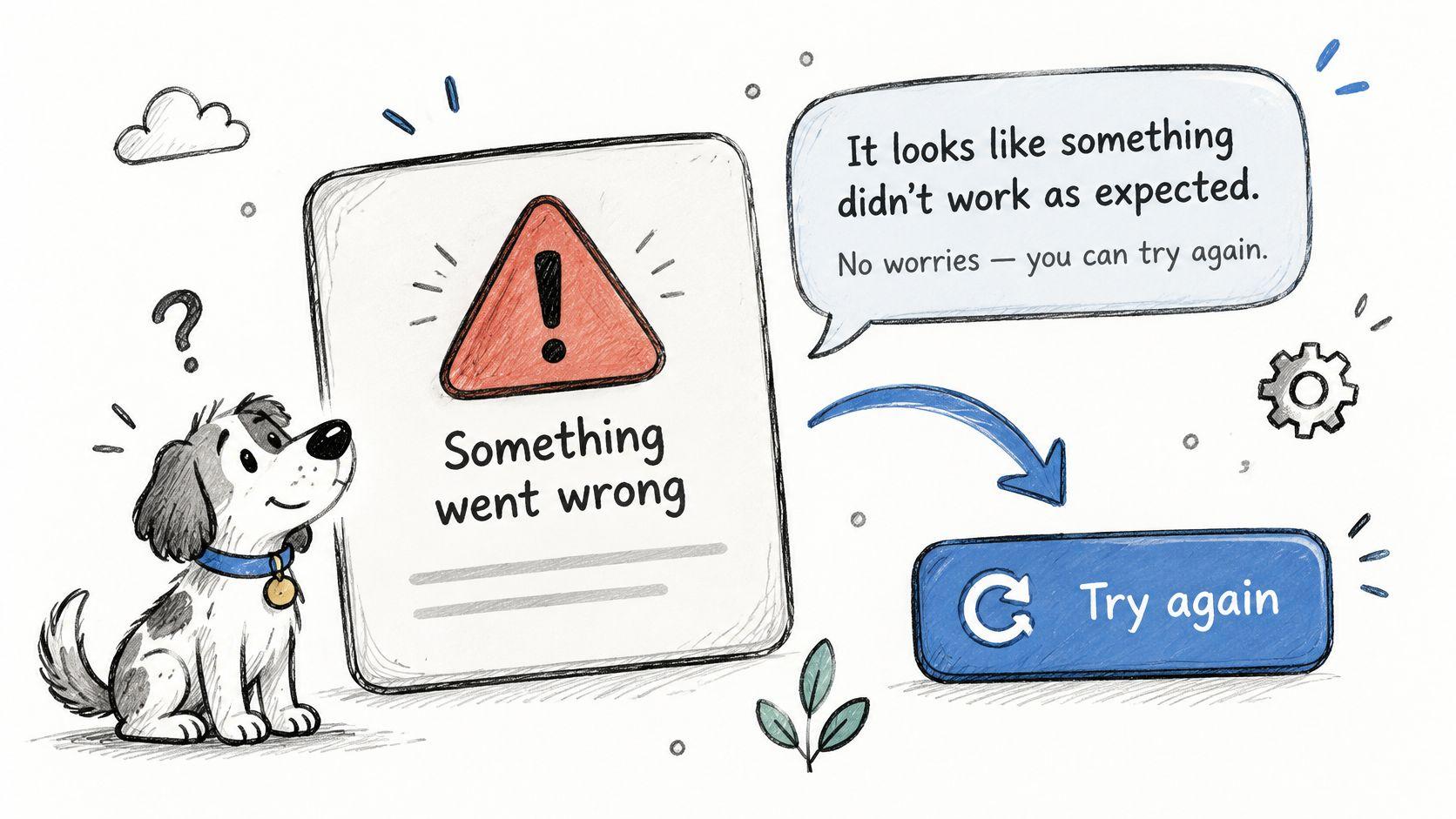
Ask what can go wrong for every success line. Then write the data state after the error, including timeouts when two people are in the task at once. A message without a state is a toast. A state without a message is a silent failure.
5. Non-Functional Acceptance Criteria
Non-functional criteria say how well the feature behaves: speed, keyboard access, and whether a notification wrecks the page the user is in. They are easy to skip because the demo still "works" when they fail. Users leave anyway, especially people who rely on a predictable layout and few interruptions.
The task list loads in under 2 seconds for a list of 500 tasks on a standard broadband connection. All task actions can be completed using only the keyboard. Notifications for delegated task updates do not interrupt the current view unless the user chooses to open them.
Test-readiness check: The load line is testable once "standard broadband" is a named condition in the test note. "Instant" and "distraction-free" are not. "Accessible" and "ADA compliant" are not either. Section 508 guidance says accessibility belongs in scope, requirements, user stories, acceptance criteria, schedule, and issue tracking, and it warns that those vague phrases are not clear, testable expectations.
A stronger accessibility line names the person, the standard, the method, and the reject condition. Given a keyboard-only user on a task form, when they submit an invalid budget, then focus moves to that field, the error is announced programmatically, and they can correct it without a mouse. If a screen reader user cannot hear the error, the story fails even though a mouse user can.
What to measure, and where
Fluidwave rewrite: "The interface should be instant, distraction-free, and deep-focus" becomes "A 500-task list loads in under 2 seconds on the agreed connection, every task action has a keyboard path, and a delegation update does not steal focus from the open task."
Record the test conditions next to the number. A 2-second result on an empty list is not the result you sold. Run the keyboard path during development, not the week of release, and use WCAG as the reference for what "announced" means.
If you cannot name the tool, the data size, and the pass line, you do not have a performance criterion yet.
Teams shipping a companion phone flow should test mobile apps before launch against the same numeric targets, not a separate, softer set. I treat a missing keyboard path as a failed story, not as polish for a later sprint, because the people who need it cannot demo around it.
6. Data-Driven Threshold Criteria
A task form can accept a budget and deadline while still leaving users unsure what they agreed to. Threshold criteria make the limits explicit: name the minimum, maximum, permitted increments, and how the system handles values outside them.
Example team rule: Task budgets must be between $5 and $500 in whole-dollar increments. Deadlines must fall between 1 hour and 90 days after submission. The task price is the amount agreed for the work.
Test-readiness check: This is testable as a team policy because it specifies the limits and increment. The price is also clear, but it does not define an assistant payout or any service fee. “A reasonable budget” and “a deadline within a few months” leave too much room for different interpretations.
The same approach works for uploads. One example rule accepts CSV files of up to 1,000 rows and 5 MB, requires both an email column and a role column, and rejects the whole file before sending invitations if either column is missing. It skips malformed email addresses and reports their row numbers, as described in this software-engineering teaching notebook. Rejecting the file and skipping individual rows are different outcomes. State which applies to each failure.
Boundaries, not slogans
Fluidwave rewrite: “The budget is validated and the deadline is sensible” becomes “For this team's task policy, budgets from $5 to $500 in whole dollars are accepted. Values below $5 or above $500 are rejected with the applicable limit in the message. Deadlines from 1 hour to 90 days after submission are accepted; earlier or later deadlines are rejected.”
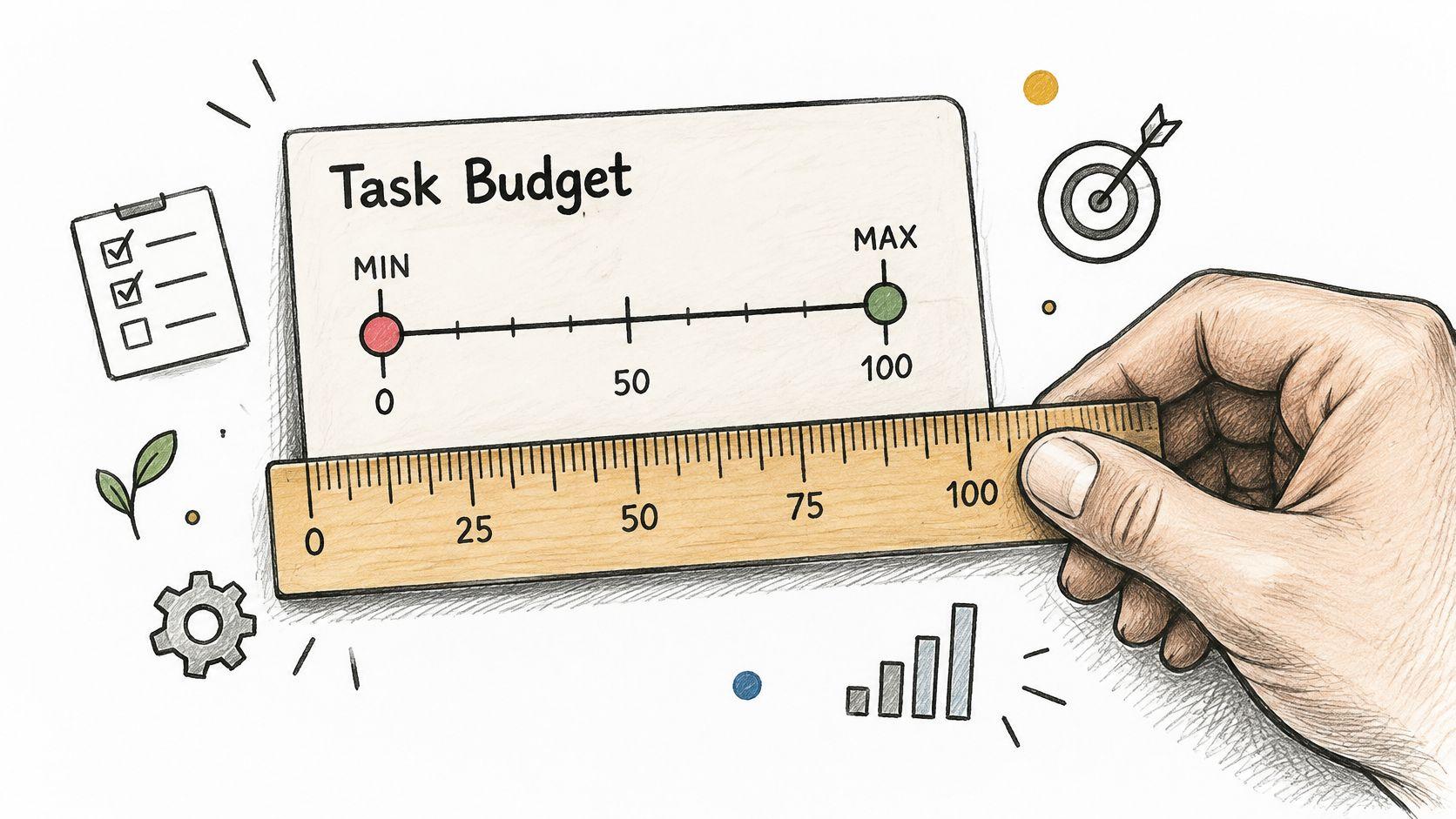
Test-readiness check: The rewrite is testable because it sets pass and fail conditions. Check the boundary values and one increment beyond each: $5, $4, $500, and $501; then 1 hour, 59 minutes, 90 days, and 91 days. Define the time zone used to interpret deadlines. These are illustrative team limits, not Fluidwave product rules.
7. Role-Based Acceptance Criteria for Multi-User Workflows
A task can look complete to its creator while remaining inaccessible to the person expected to do it. Write criteria for each role that names the action, the task or field involved, and the expected result. For a guide to how teams divide responsibility, see roles in a team.
Given an assistant is assigned a task, when they update its status, then the status is saved. When they try to edit the budget, the change is rejected.
Test-readiness check: Pass. Both the allowed action and the restricted field have observable outcomes. “Assistants have limited access” fails because it does not specify what they can or cannot change.
Add a separate criterion for each other role in the workflow.
Given a team member creates a shared task, when a manager opens the team board, then the task appears with its current status and owner. Given a freelancer can act as both a delegator and an assistant, when they switch roles, then the task list shows only tasks permitted for the active role.
Test-readiness check: These examples are testable only if the product's role model defines which tasks each role can see. Without that rule, “permitted” leaves the expected result open to interpretation.
Smartsheet's user-story examples illustrate role-specific outcomes: an assignee receives a task notification, the task appears on their list, and a manager can reassign it. The useful pattern is to name the actor, action, destination, and observable result.
Permission is a test, not a label
Fluidwave rewrite: “Everyone sees the right tasks” becomes “For each role, list the task fields it can change and the fields it cannot. For example, a criterion might allow an assistant to update status on an assigned task while preventing changes to its budget.”
That wording is a generic permission example, not a description of Fluidwave's permission settings. Test each role with an account that has that role. An administrator account can conceal access boundaries, so it cannot prove that another role is correctly restricted.
8. Acceptance Criteria for Real-Time Collaboration
When two teammates work on the same task, criteria need to define what each person sees and how the team handles conflicting edits. Without a stated conflict rule, testers can reach different conclusions about which change should remain.
When two team members change the status of the same task, the team's agreed conflict rule determines the saved status, and both members can see the resulting status.
Test-readiness check: Partly ready. The shared outcome is clear, but the team must specify its conflict rule before testing. “Handle conflicts smartly” is not testable because it does not say which edit should prevail.
A separate criterion can define the expected behavior when a connection drops. Keep it distinct from live collaboration so each condition can be tested on its own.
When a user loses connection while editing a task, the system indicates whether the changes were saved and provides a defined way to resolve any conflicting edits after reconnection.
Test-readiness check: Not ready until the team defines how users are told about saved changes and what happens when edits conflict. Those decisions affect whether a test can pass.
Fluidwave rewrite: “Teams stay in sync” becomes “A status change made by one team member appears on another team member's Kanban board. Before testing conflicting edits, the team agrees on a single rule for deciding which change is kept.”
That wording describes a checkable team outcome without promising a specific update time or conflict-handling behavior.
Test with two sessions so each person's view can be checked. For conflict testing, change the same field in both sessions and verify the agreed result. Then test different fields separately. A rule for status does not automatically define what happens to a title or budget.
How the eight acceptance criteria formats compare
| Item | Best for | Ease of automation | Main drawback |
|---|---|---|---|
| Given-When-Then Scenario Criteria | Describing clear user behaviors and outcomes | High; maps well to tools like Cucumber | Can become verbose or brittle if focused on UI steps |
| Checklist-Style Acceptance Criteria | Verifying many small, independent requirements | Moderate; items are testable but lack scenario structure | Does not show how requirements relate to user actions |
| Business Rule Acceptance Criteria | Specifying policies, pricing, eligibility, and permissions | High; rules are explicit and testable | Can overlook user experience if written only as logic |
| Negative Path and Error Handling Criteria | Defining behavior and recovery when failures occur | High; expected errors and states can be tested | Many edge cases can overwhelm the story |
| Non-Functional Acceptance Criteria | Setting measurable performance, accessibility, and security targets | Moderate; depends on suitable test tools and conditions | Targets can be difficult to measure or set realistically |
| Data-Driven Threshold Criteria | Defining precise limits for money, time, or quantities | High; supports boundary-value testing | Threshold changes can require updates across criteria |
| Role-Based Acceptance Criteria for Multi-User Workflows | Specifying permissions and behavior for different user roles | High; role-specific access can be tested | Criteria multiply and overlapping roles can create confusion |
| Acceptance Criteria for Real-Time Collaboration | Defining sync timing, conflict handling, and offline behavior | Moderate; often needs multiple devices or simulated networks | Difficult to test fully and timing depends partly on external factors |
Turning These Formats Into Criteria Your Team Will Use
Match the format to the risk. A budget, a deadline, or a fee is a threshold criterion, because a scenario that says "a valid budget" still lets zero through. A board used by executives, assistants, and managers is a role criterion, because one happy path will describe only one of those people. Anything that moves between two open sessions needs a real-time rule with a winner and a clock. Checklists earn their place on forms and views. Business rules earn their place when the policy outlives the screen.
Write the negative path before anyone signs the happy path. Decline, past dates, dropped connections, and offline assistants are not edge trivia. They are the cases your tester will find after the demo, which is how a finished story turns into another sprint. If a line uses "easy," "fast," "graceful," "smart," or "accessible" with no number, no role, and no visible result, it is not ready.
A 2025 experimental study evaluated 81 acceptance criteria across 17 user stories and reported an average relevance score of 3.99 on a five-point scale, according to the paper on arXiv. Relevance is not the same as testability. A relevant sentence can still be unscorable. Run the test-readiness check anyway: one behavior, one observable result, a boundary or an error state, and a person who did not write it able to mark pass or fail.
You do not need all eight formats on every story. You need the one that would have caught the zero-dollar budget, plus the failure next to it. Three to eight criteria is plenty. More than that usually means the story is two stories.
If your team is still working out how to track these criteria, Fluidwave offers a free forever tier, and free tools such as the Task Prioritization Matrix and Microtask Generator can help break stories into testable pieces at fluidwave.com. Put the threshold in the story before you set the budget. Put the role on the card before you invite the assistant. Then the demo and the test are checking the same sentence.
Fluidwave is an AI-driven task manager for creating, auto-prioritizing, and delegating work across table, list, calendar, Kanban, and card views, with pay-per-task assistants and no subscription required to delegate. The acceptance criteria examples above map directly onto those flows, from budget limits to role permissions and live board updates. Visit Fluidwave to create a task, set a budget and a deadline, and see the criteria you write show up as work you can accept.
Focus on What Matters.
Experience lightning-fast task management with AI-powered workflows. Our automation helps busy professionals save 4+ hours weekly.