혼란을 끝내고 명확성을 높이는 프로젝트 관리 워크플로우를 만드세요. 핵심 단계, 도구 및 자동화 비결을 배우고 모든 마감일을 여유롭게 맞추세요.
December 28, 2025 (1d ago)
프로젝트 관리 워크플로우 가이드
혼란을 끝내고 명확성을 높이는 프로젝트 관리 워크플로우를 만드세요. 핵심 단계, 도구 및 자동화 비결을 배우고 모든 마감일을 여유롭게 맞추세요.
← Back to blog
Project Management Workflow Guide
Create a project management workflow that ends chaos and boosts clarity. Learn the key stages, tools, and automation secrets to hit every deadline with ease.
Introduction
A repeatable project management workflow turns uncertainty into predictable progress. It’s the team’s playbook for moving an idea from concept to completion, reducing guesswork, preventing missed tasks, and keeping everyone aligned. This guide breaks down the essential stages, compares common methodologies, and shows how automation and delegation can free your team to focus on high-impact work.
Why a Repeatable Workflow Is Your Secret Weapon
Starting every project from scratch wastes time and energy. A clear workflow lets your team skip the process debates and dive straight into meaningful work. That clarity builds momentum, supports accountability, and makes collaboration simpler and more reliable.
When a workflow is working, it’s more than a checklist: it’s a system for moving information, approvals, and handoffs so bottlenecks get caught early and projects run smoothly.
A growing number of organizations are investing in project management tools because structured workflows drive measurable results. The global market for project management software is forecast to expand significantly in the coming years1, and most organizations now use these tools to coordinate work2.
The Real-World Impact of Structure
A solid workflow helps teams see how individual tasks connect to bigger goals, which naturally increases accountability and trust. Rather than wandering through tasks, team members understand their role and how success is measured.
“A great project management workflow transforms a complex project from a mountain of uncertainty into a series of manageable, actionable steps.”
Putting structure in place is an investment in consistent quality and repeatable results.
The 5 Essential Stages of Any Solid Workflow
Most projects follow five core stages: Initiation, Planning, Execution, Monitoring, and Closure. These stages form the skeleton of a predictable project lifecycle and apply to small and large efforts alike.
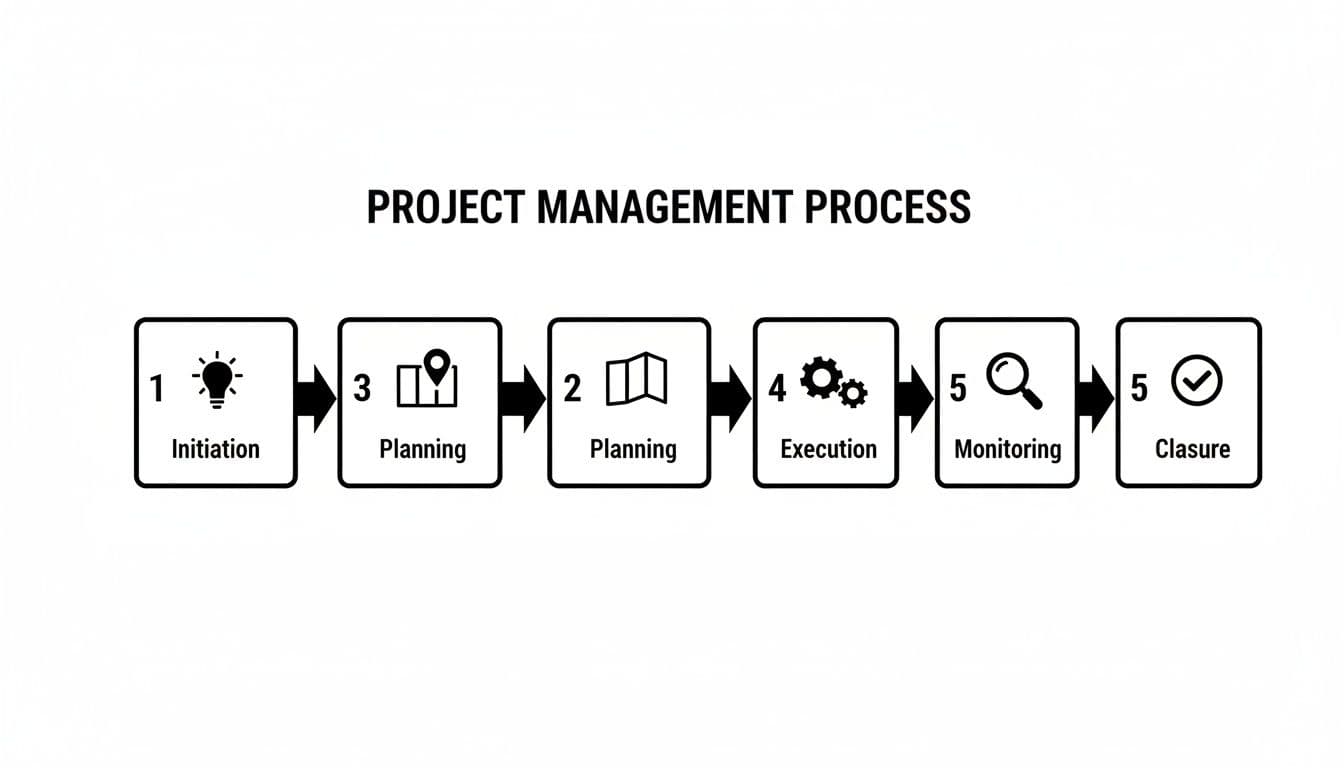
Quick reference table: stages, goals, and examples
| Stage | Primary Goal | Key Activities | Example Tool/Feature |
|---|---|---|---|
| 1. Initiation | Define purpose and secure buy-in | Draft project charter, identify stakeholders, agree high-level goals | Proposal templates, stakeholder registers |
| 2. Planning | Build a detailed roadmap | Break down work, estimate timelines, assign roles, identify risks | Gantt charts, task dependencies |
| 3. Execution | Deliver the work | Assign tasks, run kick-offs, develop deliverables, hold check-ins | Kanban boards, task assignments |
| 4. Monitoring | Track and adjust | Monitor KPIs, manage scope, report progress | Dashboards, budget tracking |
| 5. Closure | Close out and learn | Final sign-off, release resources, run retrospective | Archives, post-mortem templates |
Stage 1: Initiation
Initiation answers “why.” Before spending time or money, define the project’s purpose, scope, and value. A clear project charter locks in the high-level vision and gets stakeholder agreement. Example: “Increase qualified website leads by 20% in Q3.” A simple North Star like that aligns decisions and resources.
Stage 2: Planning
Planning answers “how.” Break goals into actionable tasks, estimate timelines and budgets, assign responsibilities, and identify risks with contingencies. Thorough planning prevents reactive firefighting later and significantly reduces the chance of failure when executed well3.
Stage 3: Execution
Execution is the doing. Teams produce deliverables while the project manager coordinates resources, communication, and impediment removal. Regular stand-ups and clear task ownership keep momentum.
Stage 4: Monitoring
Monitoring runs alongside execution. Track schedule, budget, and quality. Typical activities include measuring KPIs, controlling scope creep, and using visual tools like Kanban or Gantt to identify bottlenecks early. If a task slips, monitoring surfaces it before it creates a cascade.
Stage 5: Closure
Closure formalizes completion: obtain final sign-offs, release resources, and run a retrospective to document lessons learned. Closing the loop on what worked and what didn’t turns each project into a growth opportunity.
Choosing the Right Workflow Methodology
Pick the methodology that matches your project’s needs. The right approach shapes communication, planning, and how your team handles change.
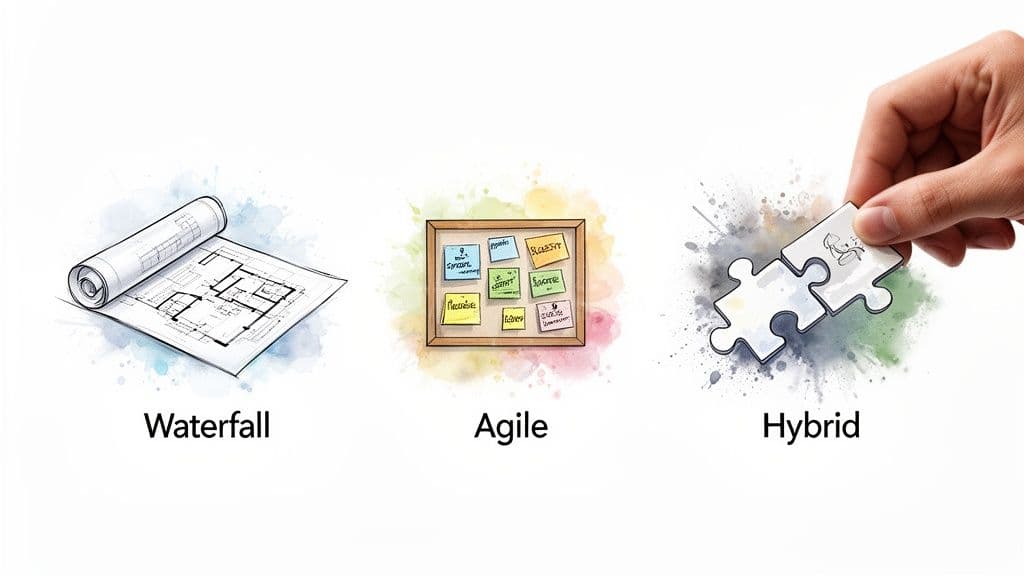
Waterfall: predictability and structure
Waterfall is linear and sequential. It’s great when requirements are fixed and upfront documentation is critical—think construction or regulated industries. Its strength is predictability; its weakness is inflexibility.
Agile: flexibility and iteration
Agile embraces change with short cycles or continuous flow. Scrum organizes work in sprints with defined roles, while Kanban focuses on visualizing flow and reducing bottlenecks. Agile is ideal for complex, evolving products and teams needing rapid feedback loops.
Hybrid: the best of both worlds
Hybrid models mix approaches—often using Waterfall for high-level planning and Agile for execution. This blend keeps stakeholders informed while empowering teams to adapt during delivery. Hybrid adoption is rising as organizations seek both structure and flexibility4.
How to Build Your Workflow in Fluidwave
Below is a practical, four-step approach to build a workflow in Fluidwave that scales with automation and delegation.
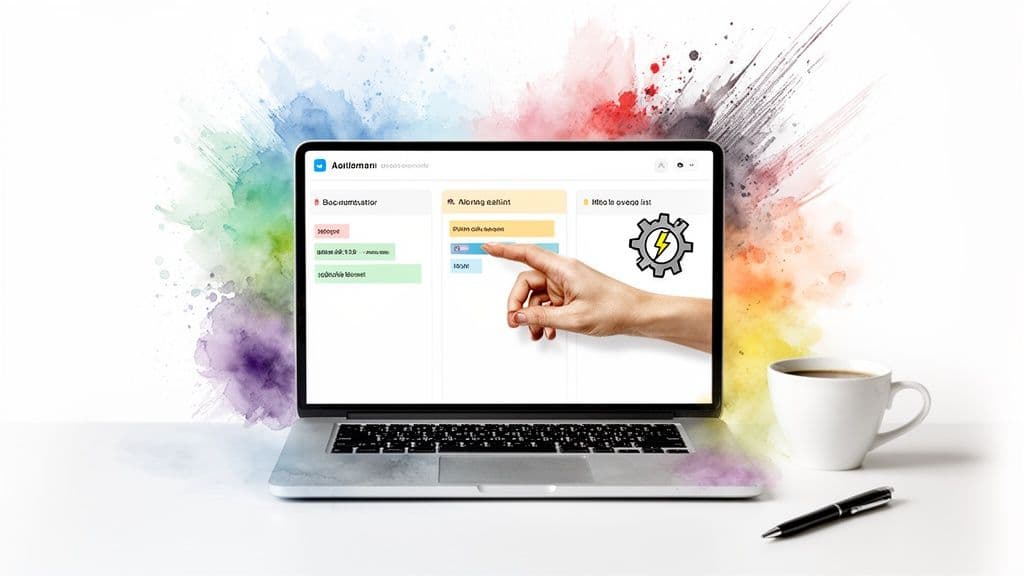
Step 1: Start with a new project
Create a clearly named project that serves as the central hub. Invite the team to give everyone visibility into goals and timelines.
Step 2: Populate and organize tasks
Turn goals into specific tasks with assignees, due dates, and priorities. Use Kanban for visual flow or List view for a linear checklist. Clear task descriptions reduce friction and rework.
Step 3: Automate repetitive actions
Define “if-then” rules to reduce manual work. Examples: auto-assign when a card moves to “In Review,” send reminders 24 hours before due dates, or move completed tasks to “Done.” Automation is a key driver of high-performing teams5.
Step 4: Delegate tasks to virtual assistants
For work that needs human judgment but not always your time, delegate to a virtual assistant. Offload research, first-draft writing, or admin tasks to keep your core team focused on strategy.
Supercharge Your Workflow with Automation and Delegation
Automation eliminates repetitive clicks and notifications; delegation scales execution without hiring. Together, they can reclaim hundreds of hours per employee and boost productivity substantially67.
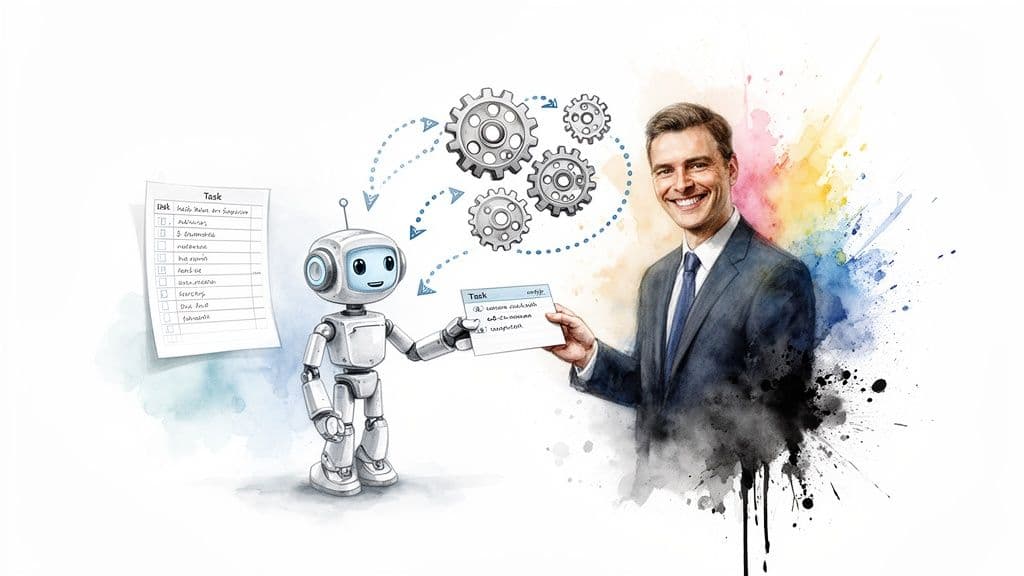
Put your workflow on autopilot
Automate recurring tasks, streamline handoffs, and trigger notifications for blocked work or missed deadlines. For implementation details, see the guide on automating tasks in Fluidwave: https://fluidwave.com/blog/how-to-automate-tasks.
Delegate strategically
Use delegation to free your time for high-impact decisions. Delegate research, first drafts, or transcription to skilled assistants so your team can focus on core priorities.
Combining automation and delegation is how teams move from task management to strategic leadership, protecting time and increasing output.
Key KPIs to Track
Measure your workflow with these core KPIs:
- Cycle time — time from work start to done.
- Throughput — tasks completed per period.
- On-time completion rate — percent of tasks finished by their due date.
Most tools surface these metrics so you can make data-driven improvements.
Frequently Asked Questions
Q: What’s the difference between a workflow and a process?
A process is the high-level “what” you want to accomplish; a workflow is the repeatable “how” that executes the process step by step. For example, “onboarding a new client” is a process; the checklist of emails, kickoff calls, and folder creation is the workflow.
Q: How do I get my team to use a new workflow?
Involve the team during design, start simple, and demonstrate value. Show how the workflow saves time, reduces confusion, and clarifies ownership. A compact workflow people actually use beats a complex one they ignore.
Q: Can I use a workflow for personal productivity?
Yes. Break a goal into repeatable stages—ideation, research, drafting, editing, publishing—and treat it like a mini-project. Tools like Fluidwave let you manage personal boards, set deadlines, and delegate small tasks.
Ready to stop managing tasks and start building an intelligent, self-running workflow? With Fluidwave, you can automate the busywork, delegate with a click, and reclaim focus for the strategic thinking that drives results. Start for free: https://fluidwave.com.
1.
Fortune Business Insights, “Project Portfolio Management Software Market Size, Share & COVID-19 Impact Analysis,” https://www.fortunebusinessinsights.com/industry-reports/project-portfolio-management-software-market-101133.
2.
Wrike, “State of Work,” https://www.wrike.com/state-of-work/.
3.
Project Management Institute, “Pulse of the Profession,” https://www.pmi.org/learning/library/pulse-of-the-profession-2021-11998.
4.
Gartner, “How to Choose the Best Project Management Approach,” https://www.gartner.com/smarterwithgartner/how-to-choose-project-management-approach.
5.
Asana, “Anatomy of Work,” https://asana.com/resources/anatomy-of-work.
6.
McKinsey & Company, “The Case for Digital Reinvention,” https://www.mckinsey.com/business-functions/strategy-and-corporate-finance/our-insights/the-case-for-digital-reinvention.
7.
Gartner, “Automation and the Future of Work,” https://www.gartner.com/smarterwithgartner/automation-future-of-work.
중요한 것에 집중하세요.
AI 기반 워크플로우로 번개처럼 빠른 작업 관리가 가능합니다. 자동화가 바쁜 전문가의 주당 4시간 이상을 절약하는 데 도움을 줍니다.