Juggling clients, deadlines, invoices, and growth is the freelance balancing act. Without a reliable system, details slip through the cracks. This guide highlights the top 12 project management tools for freelancers in 2025, with pros, cons, pricing notes, and real use cases to help you choose the right workflow.
December 14, 2025 (3mo ago) — last updated January 19, 2026 (2mo ago)
Top 12 Project Management Tools for Freelancers, 2025
Compare the best 12 project management tools for freelancers in 2025—task and time tracking, invoicing, client portals, and automation to boost productivity.
← Back to blog
Top 12 Project Management Tools for Freelancers, 2025
Summary: Compare the best 12 project management tools for freelancers in 2025—task and time tracking, invoicing, client portals, and automation to boost productivity.
Introduction
Juggling clients, deadlines, invoices, and growth is the freelance balancing act. Without a reliable system, details slip through the cracks, leading to missed deadlines, scope creep, and unhappy clients. The right project management tool becomes your command center, turning chaos into clarity and giving you back hours each week through automation and better task routing2. This guide highlights the top 12 tools for freelancers in 2025 with clear pros, cons, pricing notes, and real-world use cases so you can pick the system that fits your workflow.
1. Fluidwave
Fluidwave positions itself as an AI-driven platform that automates task creation, automatic prioritization, and routine administration, helping freelancers reclaim deep-work time. The platform states users can save four hours or more per week through automation and better task routing1.

What sets Fluidwave apart is its hybrid model: strong AI plus an integrated network of human virtual assistants you can hire per task. That flexibility helps when workload spikes without forcing a fixed monthly cost.
Key features & pricing
- Multiple views: Kanban, Calendar, List, Board, Map
- AI automation: task creation, auto-prioritization, workflow automation
- Human delegation: pay-per-task virtual assistants
Pricing:
- Free forever: up to 10 task completions per month
- Premium: $6/month billed annually for unlimited tasks and priority support
Pros:
- Powerful AI automation to cut admin time
- On-demand human assistants for variable workloads
- Clean, distraction-free interface
- Affordable premium tier
Cons:
- Assistant network availability may vary during rollout
- Free plan limited for heavier use
Best for: Freelancers who want AI-driven organization plus flexible human support.
2. ClickUp
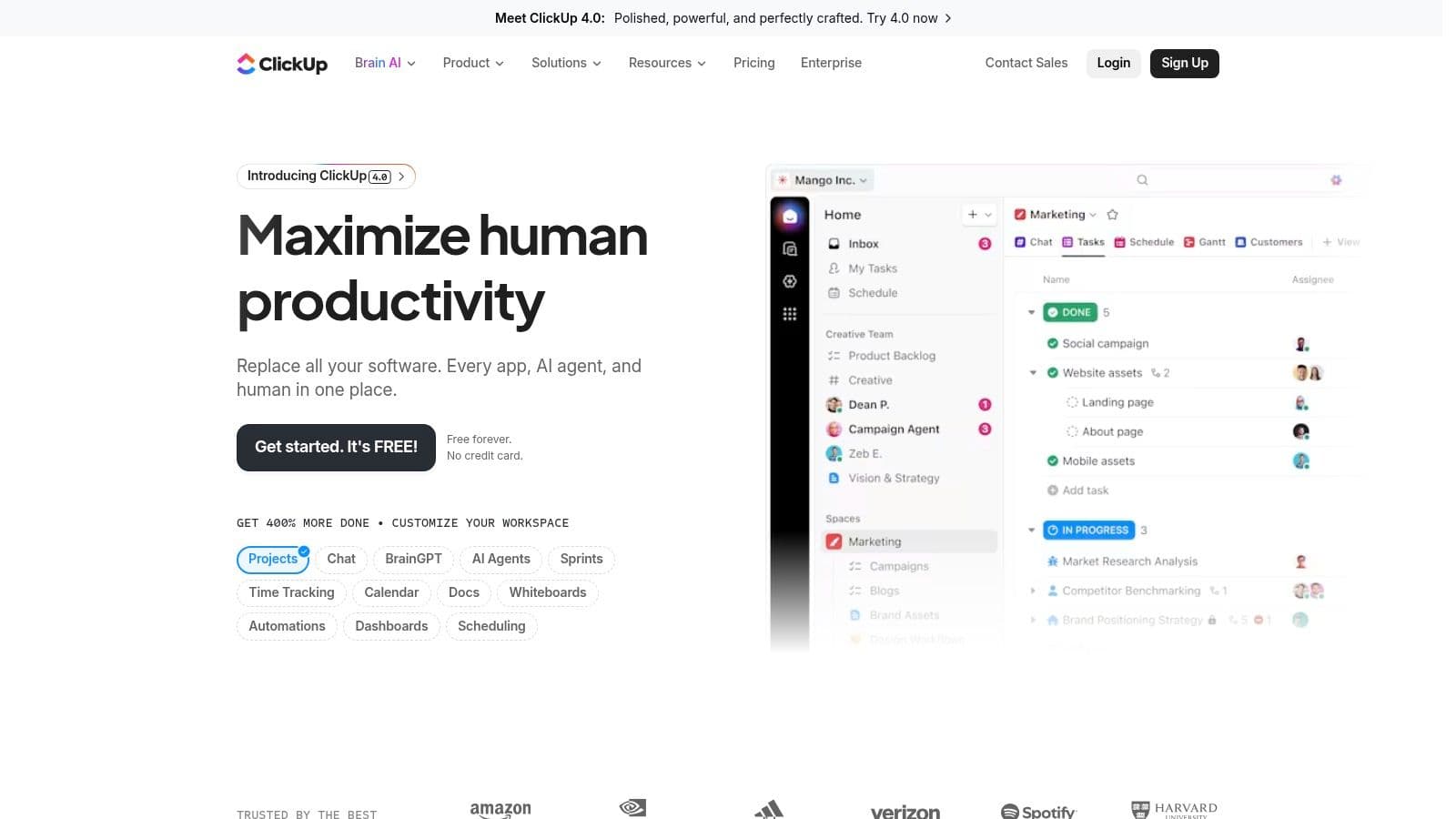
ClickUp aims to replace multiple apps with a single Work OS that includes tasks, docs, goals, whiteboards, and time tracking. Its flexibility is ideal for freelancers who want an all-in-one platform and to reduce app sprawl.
Key features for freelancers:
- Customizable views: List, Board, Calendar, Gantt
- Built-in time tracking and reports
- Docs and whiteboards for briefs and collaboration
- Extensive integrations with Slack, Google Drive, Outlook, and more
Pros:
- Generous free tier and affordable paid plans
- Centralizes many tools into one platform
- Highly customizable to match workflows
Cons:
- Can feel complex at first due to depth of features
- Some automations require higher-tier plans
Website: https://clickup.com
3. Trello
Trello uses a simple Kanban board made of cards and lists that’s very accessible for freelancers. It’s great for content calendars, client pipelines, and lightweight task tracking.
Key features:
- Boards, lists, cards with checklists, due dates, and attachments
- Butler automations for recurring actions
- Power‑Ups to extend capabilities
- Large template library
Pros:
- Extremely intuitive and fast to set up
- Generous free plan with unlimited Power‑Ups
- Ideal for visual planning
Cons:
- Advanced views require paid plans
- Can become cluttered for complex projects
Website: https://trello.com
4. Asana
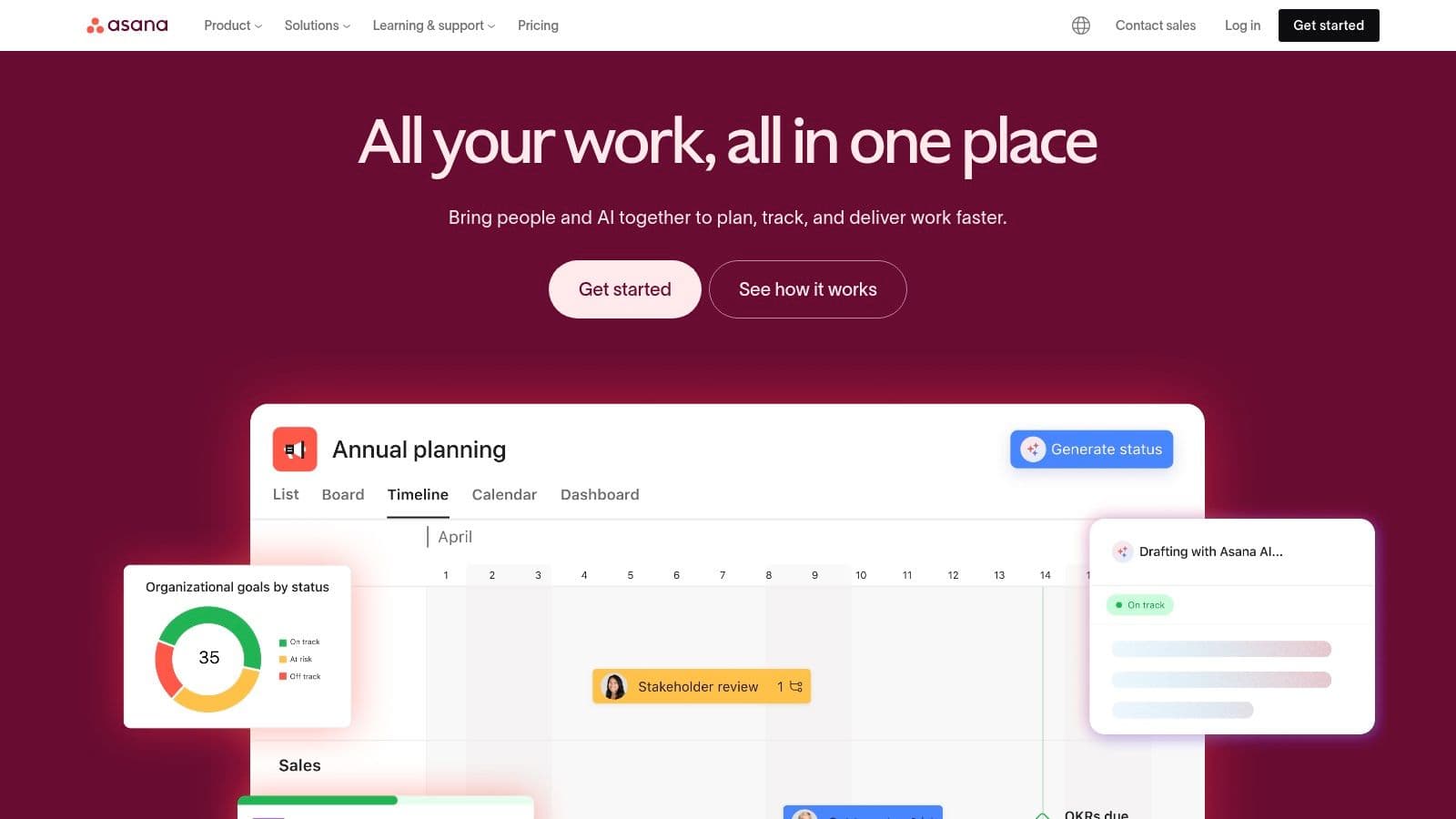
Asana focuses on clarity and structure, with timelines, workflow automation, and reporting that scale as your freelance business grows. It’s useful when you collaborate with client teams and need controlled guest access.
Key features:
- Timeline and Gantt views for planning
- Workflow Builder for automating routine steps
- Dashboards and reports for project health
- Generous guest access on paid plans
Pros:
- Robust automation and reporting
- Good for growing businesses and client collaboration
Cons:
- Most advanced features are behind paid tiers
- Native time tracking limited to higher plans
Website: https://asana.com
5. monday.com
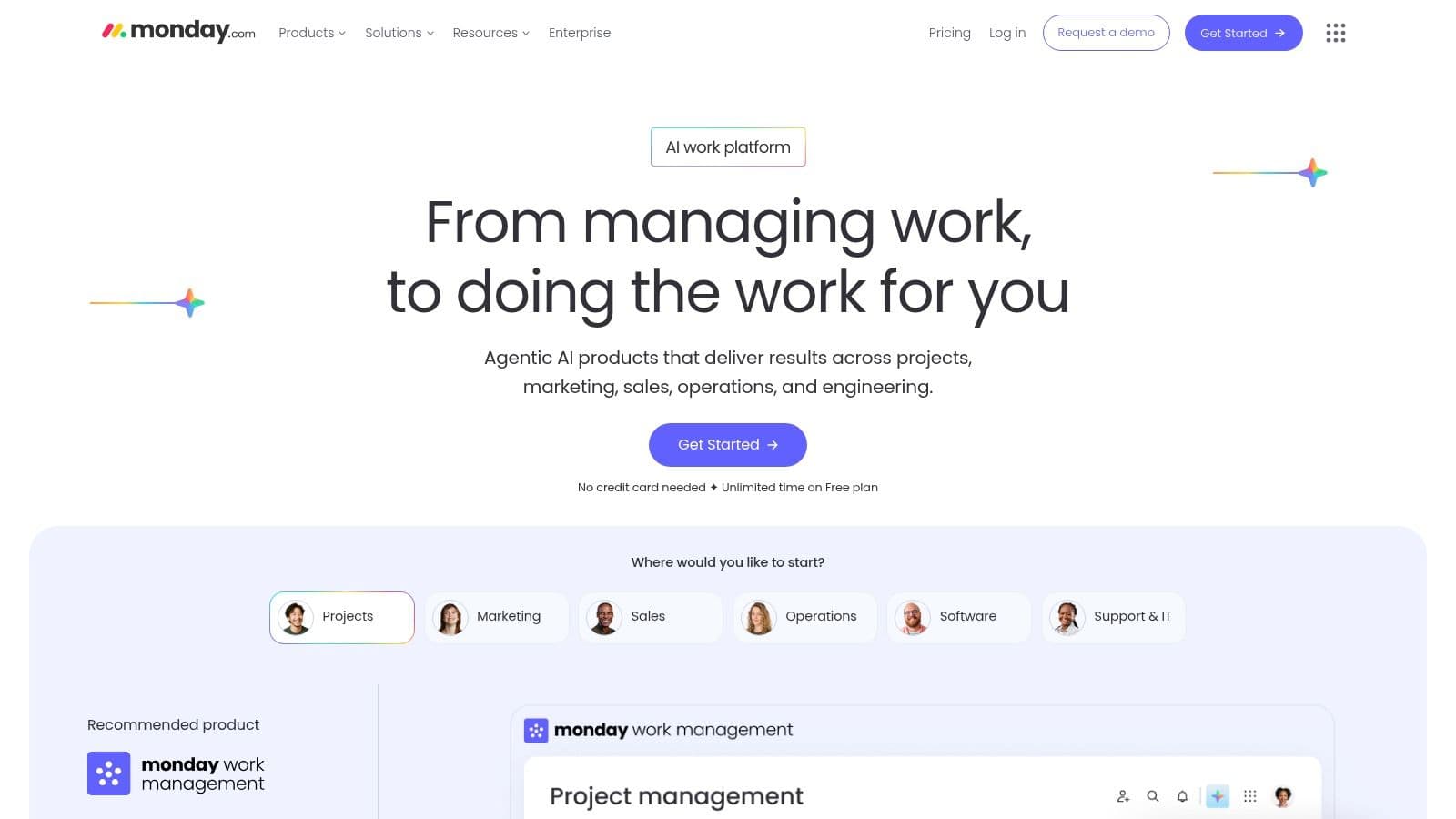
monday.com is a visual Work OS with a polished interface and template library, making it easy to present dashboards and timelines to clients.
Key features:
- Visual boards and multiple views (Kanban, Timeline, Gantt)
- Extensive templates for common workflows
- Client-oriented dashboards for status and metrics
- Automations for notifications and status changes
Pros:
- Clean UI and strong mobile apps
- Great for client presentations and templates
Cons:
- Paid plans often require a minimum number of seats
- Some features locked in higher tiers
Website: https://monday.com
6. Notion
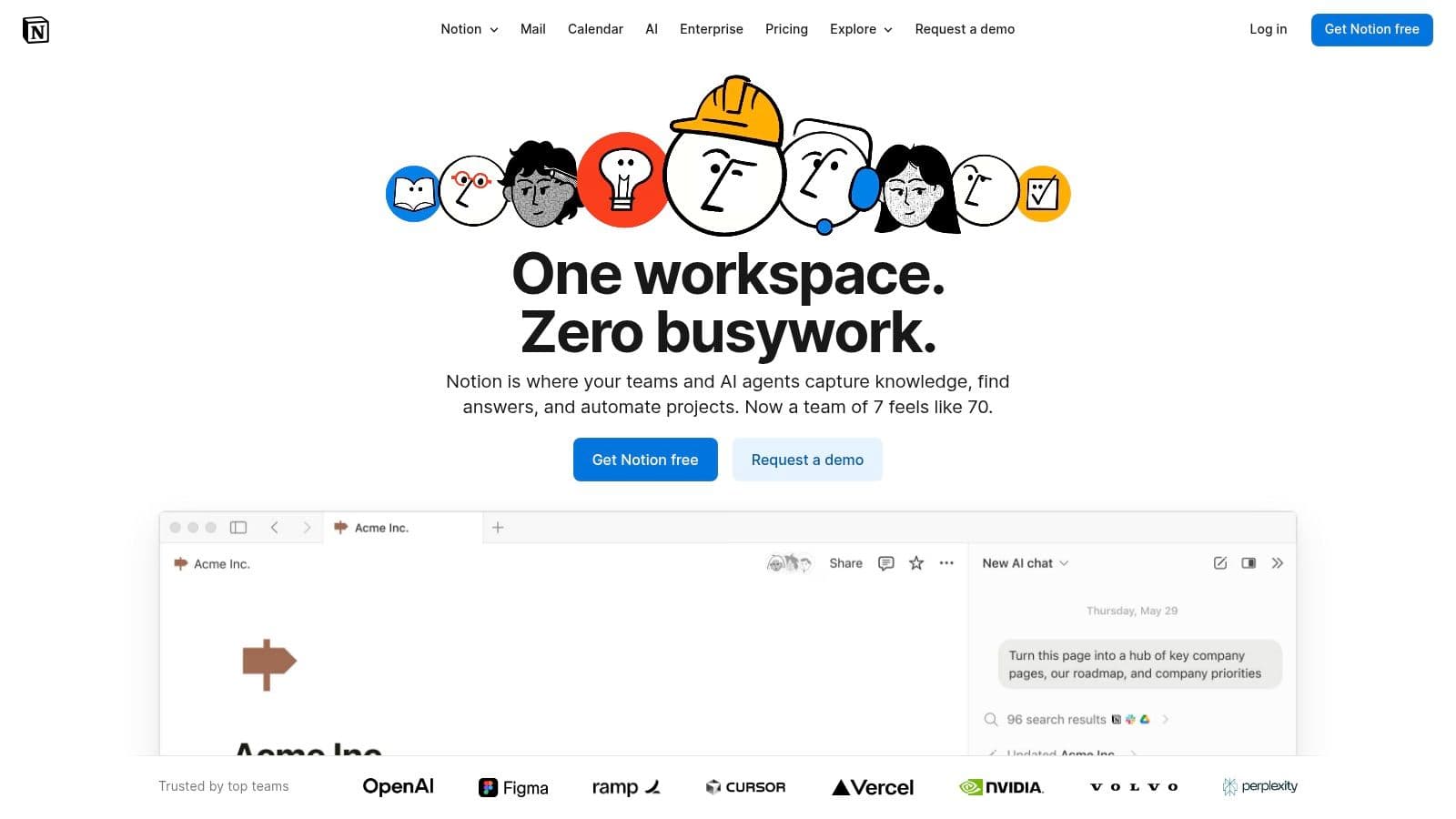
Notion is a modular workspace that combines docs, wikis, and databases. Its strength is flexibility—build custom workflows for CRM, project tracking, and knowledge management.
Key features:
- Flexible databases with multiple views
- Linked pages and internal wikis for SOPs and briefs
- Large template ecosystem
- Granular sharing and guest access
Pros:
- Highly customizable to consolidate workflows
- Affordable for solo freelancers
Cons:
- Requires setup time and planning
- Not turnkey for highly complex project management
Website: https://notion.com
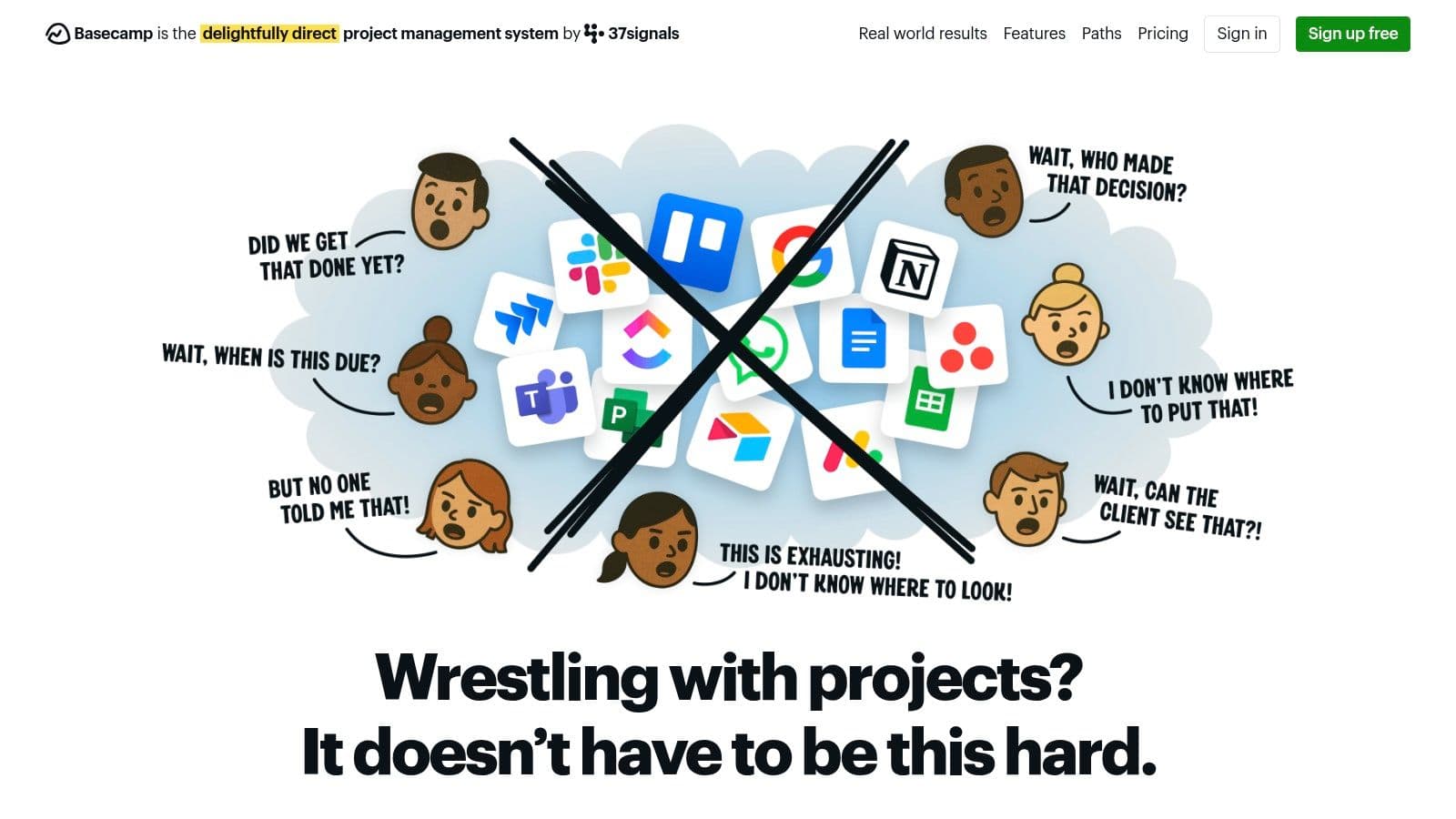
7. Basecamp
Basecamp keeps things intentionally simple: message boards, to‑dos, schedules, files, and chat in one place. It’s built to reduce complexity and centralize client communication.
Key features:
- Central project hubs for files and conversations
- Hill Charts for intuitive progress tracking
- Built-in chat (Campfire)
Pros:
- Easy for clients to learn
- Predictable flat pricing for growing freelance practices
Cons:
- Lacks advanced PM features like Gantt or native time tracking
- Opinionated workflows that may not suit everyone
Website: https://basecamp.com
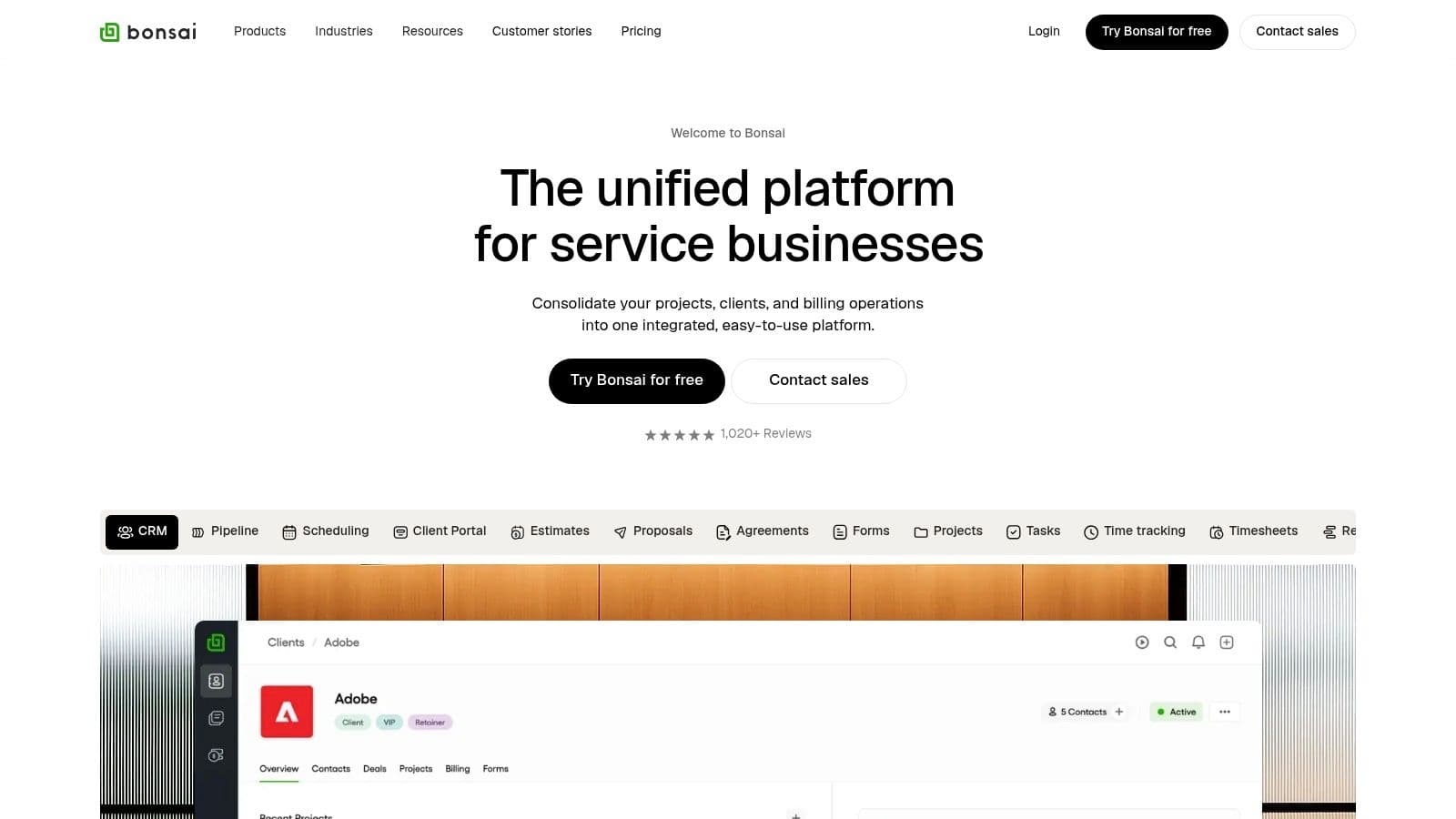
8. Bonsai
Bonsai is built for freelancers, combining proposals, contracts, invoicing, time tracking, and project tasks in one platform. It’s ideal if you want to manage the entire client lifecycle from a single place.
Key features:
- Legally binding proposals and e-signature contracts
- Invoicing and payments
- CRM and client portals
- Time tracking linked to invoices
Pros:
- End-to-end workflow from proposal to payment
- Designed for freelancers’ financial and client needs
Cons:
- Some plans require a minimum number of users
- Payment processing fees may apply
Website: https://hellobonsai.com
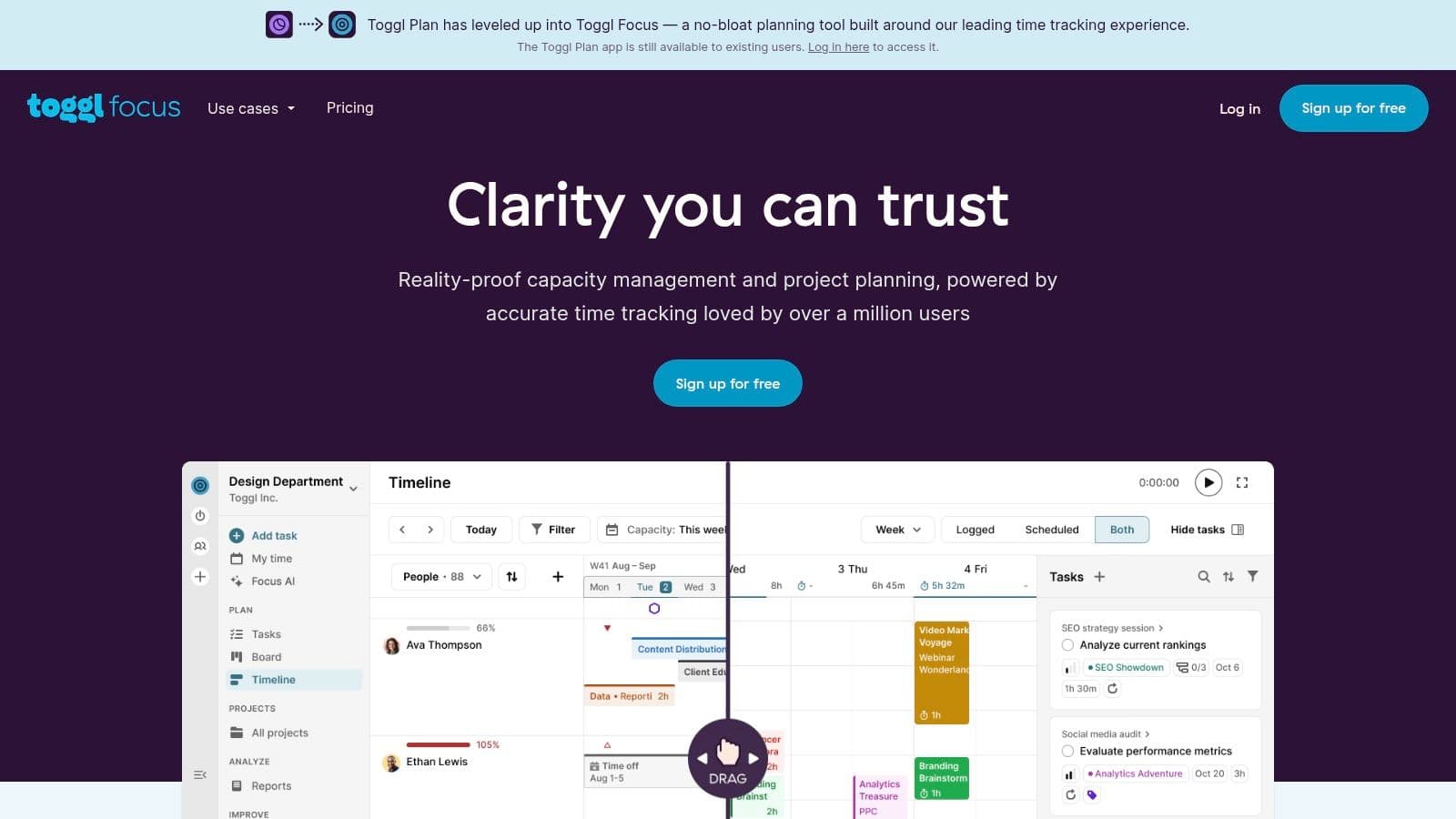
9. Toggl Plan
Toggl Plan focuses on clear visual timelines and capacity planning. It’s great for freelancers who want simple scheduling and an overview of workload rather than a feature-dense suite.
Key features:
- Visual timelines and drag‑and‑drop planning
- Workload and capacity views to avoid overbooking
- Integrates with Toggl Track for time entry
Pros:
- Fast setup and intuitive visuals
- Free plan for solo users with unlimited projects
Cons:
- Limited feature set compared with all‑in‑one suites
- Not ideal for complex dependency management
Website: https://toggl.com/plan
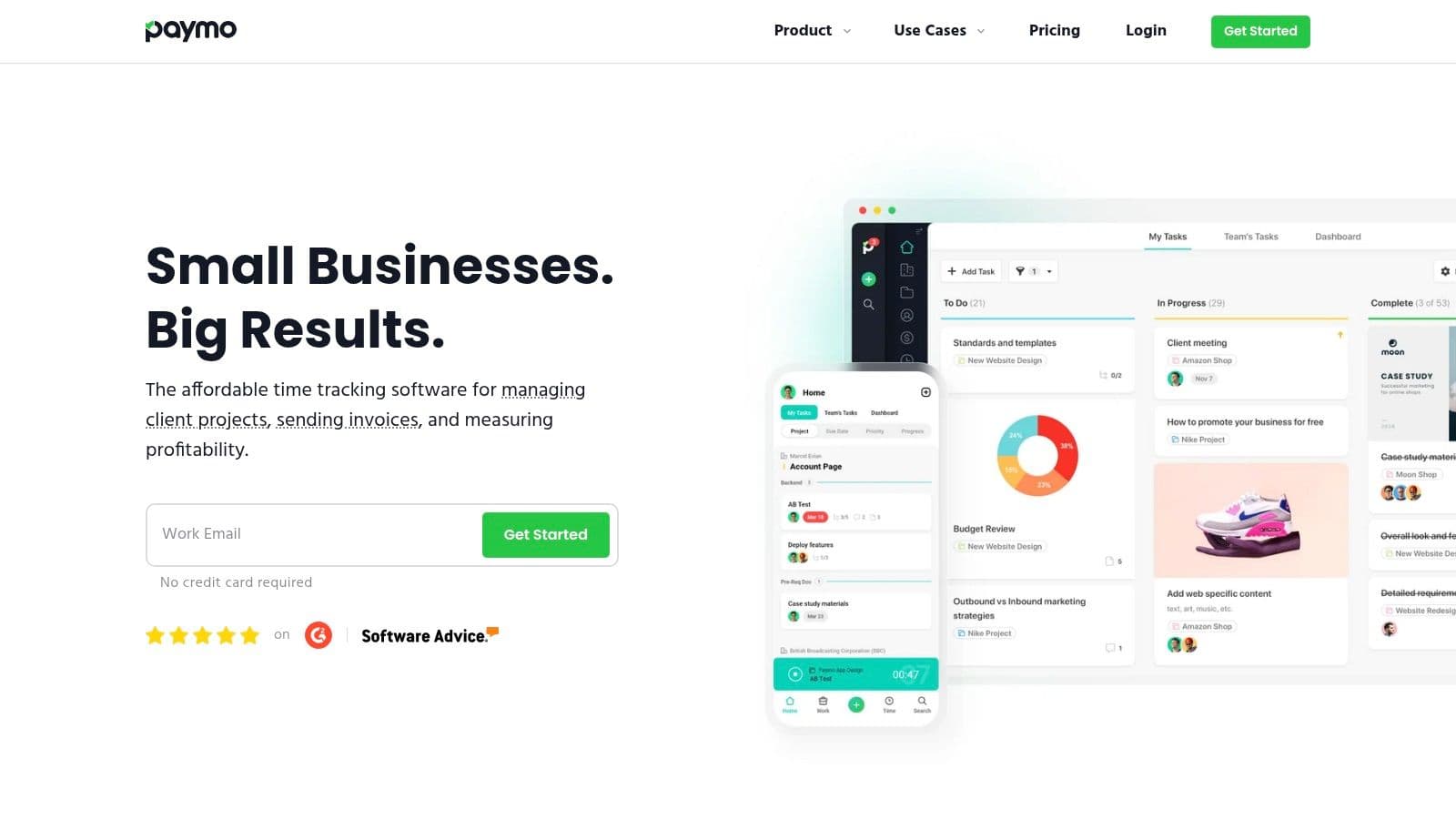
10. Paymo
Paymo ties task management, time tracking, and billing so freelancers can track hours and turn them into invoices without juggling multiple apps.
Key features:
- Estimates, expenses, invoicing, and payments
- Accurate time tracking via desktop widget and mobile app
- Multiple task views: List, Board, Board, Gantt
- Profitability reports for smarter pricing
Pros:
- Strong mix of PM and billing features
- Free plan for individuals managing a few clients
Cons:
- Advanced PM features on paid tiers
- Less suited for very large enterprise projects
Website: https://www.paymoapp.com
11. Plutio
Plutio is a business OS built for freelancers that includes proposals, contracts, projects, and invoicing with white‑label client portals to present a professional image.

Key features:
- End-to-end client management, from lead to invoice
- Branded client portals and e-signatures
- Project views: Kanban, list, timeline, calendar
- Templates and workflow automations
Pros:
- Replaces several tools with one platform
- Strong client-facing features
Cons:
- Steeper learning curve due to depth of features
- Some white-label options reserved for higher plans
Website: https://plutio.com
12. Indy
Indy bundles proposals, contracts, time tracking, tasks, and payments into a simple suite for independent professionals. It’s quick to learn and useful for freelancers who want neat client documents without heavy setup.
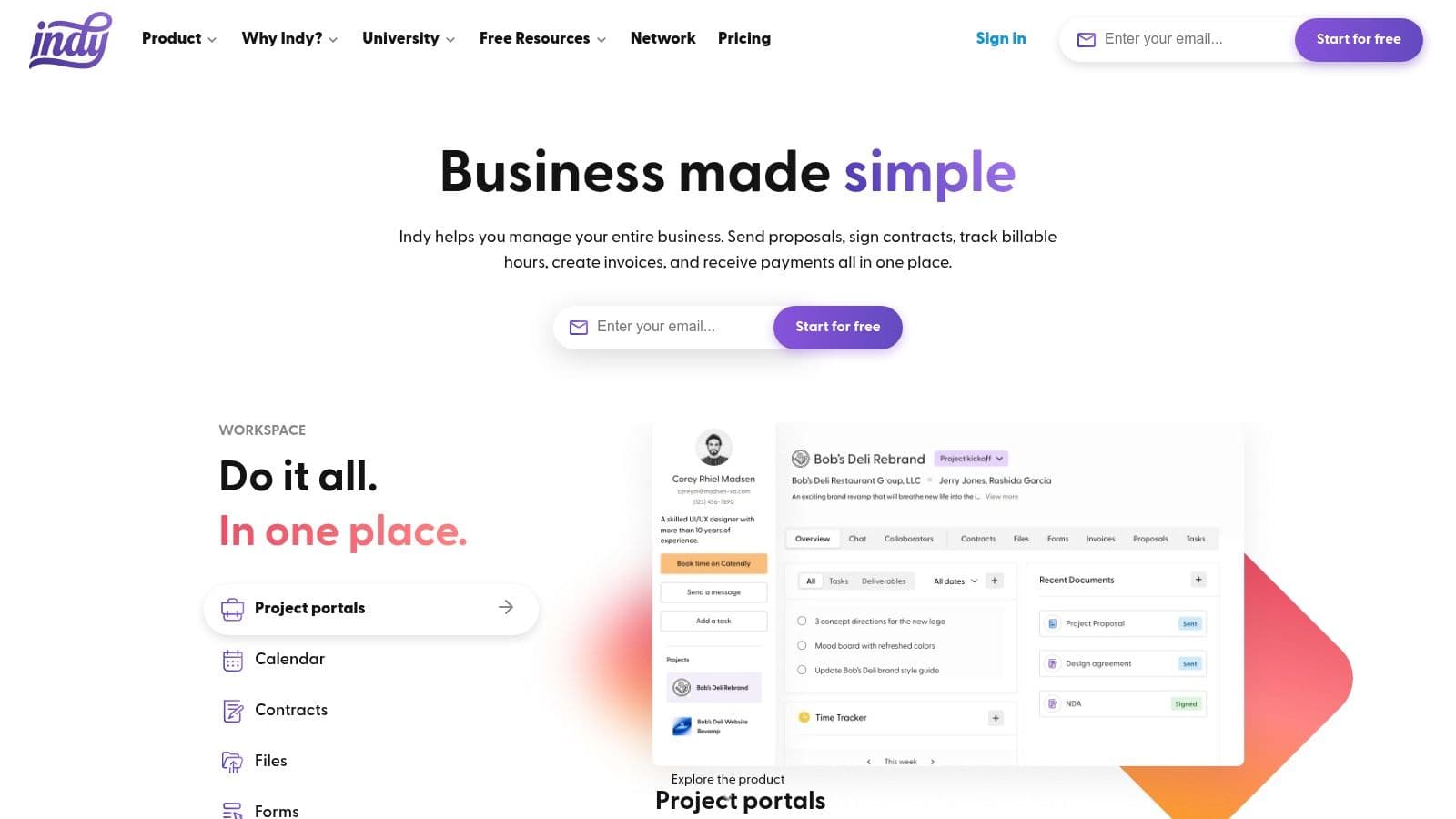
Key features:
- Proposals, contract templates, e-signatures, and invoicing
- Branded client portals
- Integrated task and time tracking with calendar sync
- Template library for quick onboarding
Pros:
- Simple end-to-end workflow
- Essential features free for new freelancers
Cons:
- Fewer integrations than larger competitors
- Not designed for very complex projects
Website: https://weareindy.com
Comparison at a glance
| Product | Core strength | Best for |
|---|---|---|
| Fluidwave | AI automation + human VAs | Freelancers who need automation and flexible human help |
| ClickUp | All‑in‑one Work OS | Freelancers who want to replace many apps |
| Trello | Simple visual Kanban | Visual planners and quick boards |
| Asana | Workflows & reporting | Freelancers collaborating with teams |
| monday.com | Visual dashboards & templates | Client presentations and polished timelines |
| Notion | Custom databases & docs | Freelancers who want a single, customizable workspace |
| Basecamp | Centralized client hubs | Simple client collaboration and clear communication |
| Bonsai | Proposals → invoices | Freelancers who want finance + PM in one tool |
| Toggl Plan | Visual scheduling | Capacity planning and simple timelines |
| Paymo | Billing + PM integration | Freelancers who need profitability visibility |
| Plutio | Branded client portals | Freelancers who want white‑label client experiences |
| Indy | Fast end‑to‑end workflow | New freelancers needing quick setup |
How to choose and commit
Choosing a tool matters less than committing to one. Avoid the shiny‑object problem by testing two options with a real client project, then stick with one platform for three to six months while you build templates, automations, and recurring workflows. Evaluate tools against these criteria:
- Scalability: Will the tool grow as you add subcontractors and services?
- Integration: Does it connect with your calendar, accounting, and communication tools?
- Client experience: If clients will log in, is the interface simple and professional?
If you want both PM features and finance workflows, consider Bonsai, Paymo, or Plutio. If you prefer maximal flexibility, try Notion or ClickUp. For low‑setup visual planning, Trello and Toggl Plan are fast and effective.
For more resources on tools and business setup, see our freelancer tools guide and a primer on business structure at /blog/freelancer-tools and /blog/incorporation-vs-sole-proprietorship.
Action plan: Get started in three steps
- Revisit needs: Decide whether you mainly need task and time tracking, client portals, or end-to-end finance workflows.
- Shortlist two tools: Run a real client project through both during trial periods.
- Commit and customize: Build templates, automate recurring tasks, and use the chosen tool daily for three months.
Quick Q&A
Q: Which tool combines invoicing and project tracking best?
A: Bonsai, Paymo, and Plutio offer the tightest integration between proposals, time tracking, and invoicing, so they’re ideal if you want one platform for the full client lifecycle.
Q: I need something simple and visual—what should I choose?
A: Trello and Toggl Plan are the fastest to set up and easiest to use for visual boards and timeline planning.
Q: How much time can automation realistically save me?
A: Automation reduces repetitive admin and rework, freeing up measurable weekly hours. Results vary, but many freelancers report significant time savings when they automate task creation, reminders, and billing workflows2.
Three concise user Q&As
Q: Can one tool replace multiple subscriptions?
A: Yes. Platforms like ClickUp, monday.com, and Plutio are built to replace several point tools by combining tasks, docs, time tracking, and sometimes billing in one place.
Q: What should I prioritize: ease of use or features?
A: Start with your biggest pain point. If admin and billing slow you down, choose a tool with built-in invoicing. If collaboration and planning are the issue, pick a highly visual PM tool. Commit and customize for best results.
Q: Will clients adapt to a shared workspace?
A: Most clients adapt quickly to simple, well-organized portals. Choose a tool with guest or client views and send a short onboarding doc to reduce friction.
1.
https://fluidwave.com/blog/how-to-automate-tasks — Fluidwave blog: practical guidance and claims about time savings from automation.
2.
https://www.mckinsey.com/featured-insights/future-of-work — Research on productivity gains from automation and process improvement.
3.
https://www.upwork.com/research/freelancing-in-america — Trends and data on freelancers’ adoption of digital tools.
Concentrez-vous sur l'essentiel.
Gérez vos tâches à une vitesse éclair grâce à des flux de travail alimentés par l'IA. Notre automatisation permet aux professionnels occupés d'économiser plus de 4 heures par semaine.