Find the best standard operating procedure sample pdf for your team. Our 2026 guide covers free, downloadable templates for HR, IT, sales, and operations.
April 11, 2026 (5mo ago)
10 Standard Operating Procedure Sample PDF Resources (2026)
Find the best standard operating procedure sample pdf for your team. Our 2026 guide covers free, downloadable templates for HR, IT, sales, and operations.
← Back to blog
Your team followed the same procedure three different ways by noon. One person skipped approval, another pulled an old file from a shared drive, and a third filled the gaps from memory because the process lived in Slack threads. That is usually when someone starts looking for a standard operating procedure sample pdf.
The search is valid. Writing from scratch takes time, and early-stage teams rarely need a polished manual before they need consistency. A good PDF gives you a usable frame fast: title, scope, roles, step order, approvals, and revision history. Then the important work starts. You adapt it to how your team hands work off, where errors happen, and who owns each decision.
The problem is that a PDF only documents a process. It does not run one.
That distinction matters. A static SOP can reduce guesswork, but it will not assign the next step, enforce approvals, alert the right person when something stalls, or show you where work keeps breaking. Teams that want fewer workarounds usually need two layers: a clean SOP document and an execution system built on top of it. That is the practical shift from document control to workflow automation.
Version control still matters. Naming rules, ownership, and revision tracking are what keep a useful SOP from turning into four conflicting copies in email, chat, and local folders. If people keep asking which file is current, the issue is not writing quality. The issue is process control.
That applies well beyond regulated operations. Safety, lab work, field service, warehouse handoffs, and admin workflows all benefit from the same discipline. Clear steps reduce improvisation. Clear owners reduce dropped handoffs. Clear revision practices keep yesterday’s workaround from becoming today’s standard.
The ten resources below are worth using for different reasons. Some give you broad template coverage. Some are strong in safety or compliance use cases. Some are plain, formal, and better than they look because they force clarity. The useful question is not which PDF looks nicest. It is which one gives you the best starting structure, how much editing it will need, and how quickly you can turn it into a repeatable, delegatable workflow in a platform like Fluidwave.
1. Smartsheet
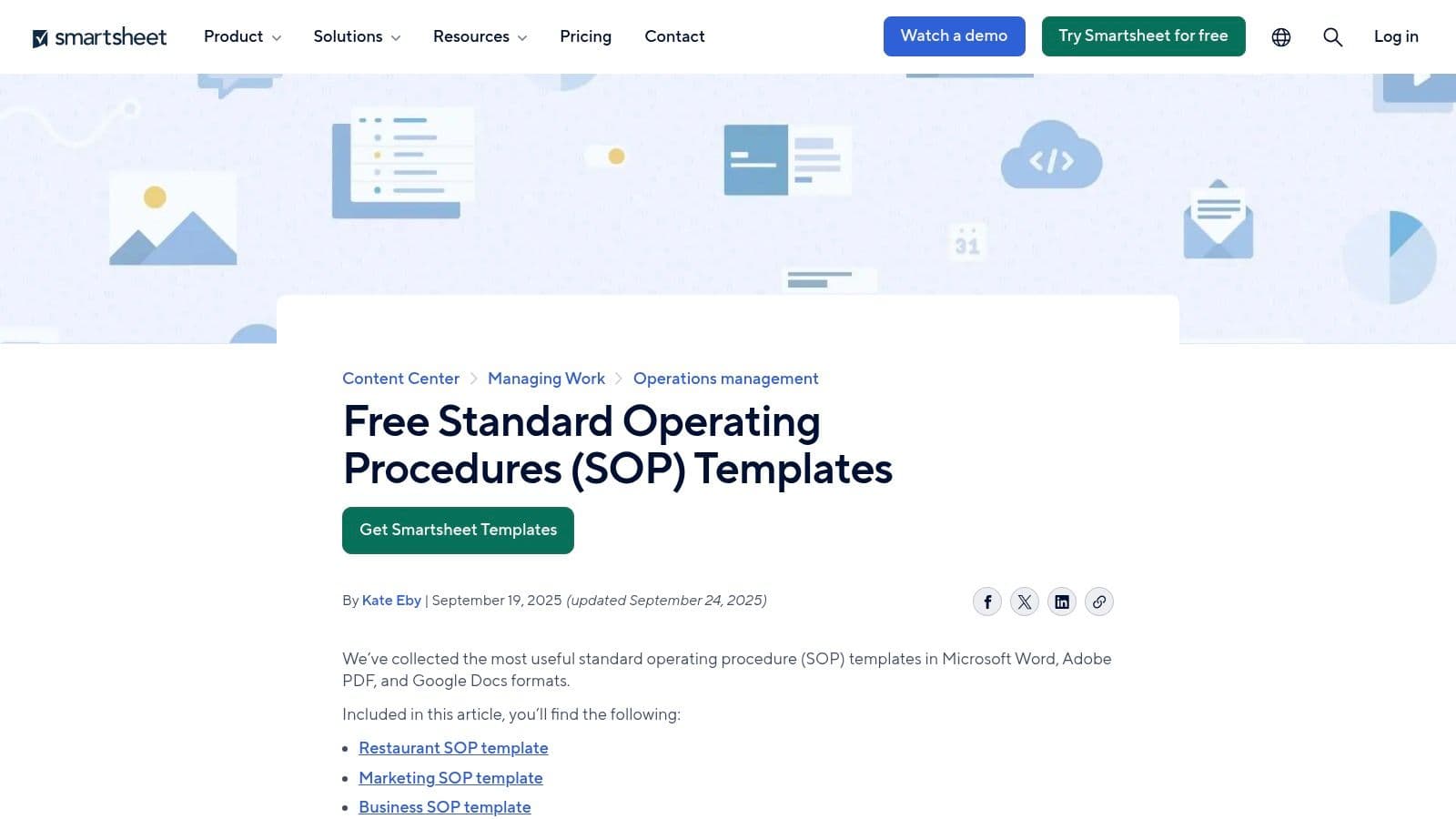
A department head needs an SOP by end of day, but the team has not agreed on the format, the approval fields, or even how detailed the steps should be. Smartsheet is a practical place to start in that situation because it gives you enough range to stop debating the shell and start editing the procedure.
Its value is volume and coverage. You can pull templates for HR, IT, operations, sales, customer service, manufacturing, and warehouse work, and many are available as direct PDF downloads. For anyone searching for a standard operating procedure sample pdf, that saves time.
Where it works best
Smartsheet is useful when the primary bottleneck is structure, not subject matter. The templates usually include the fields operations teams need to control a document properly: scope, roles, step-by-step instructions, and revision history. That makes the file credible enough to circulate internally while you sort out the details that make the procedure usable.
What I like about it:
- Wide template coverage: Good fit for teams building SOPs across several functions without hunting through multiple sites.
- Formal document structure: The layouts look like something a company can review, approve, and archive without reformatting from scratch.
- Good editing base: Ownership, approvals, and update notes already have a place, which cuts down on avoidable rewrite work.
The trade-off is straightforward. Some templates are PDF-ready, some are better suited for Word or Google Docs editing. If the immediate need is a downloadable PDF, check the file type before you promise delivery.
What to change before you use it
Smartsheet gives you a starting document, not an operational procedure. The default version still needs the details that prevent handoff failures: who owns the task, what triggers it, what exceptions break the normal flow, and who approves completion.
One test works well here. If a new employee could follow the step precisely and still create rework, the SOP needs another revision.
That matters even more in controlled environments. A lab cleanup SOP, for example, is not finished because the steps are listed in order. It needs hold points, escalation rules, and material-specific handling instructions. If your team works around regulated materials, the operational detail in this guide on handling hazardous drugs to improve safety and lab productivity is a good reminder of how quickly vague instructions turn into safety and productivity problems.
The next step is to convert the static file into assigned work. A PDF can document the process, but recurring tasks, approvals, alerts, and stalled-step visibility are what make it delegatable at scale. Teams making that shift should get clear on how workflow automation turns SOPs into active execution systems.
Smartsheet is strongest as a fast first draft. It becomes much more useful after you tailor the template to your operation and load the work into a platform that people can follow, own, and complete.
2. Connecteam
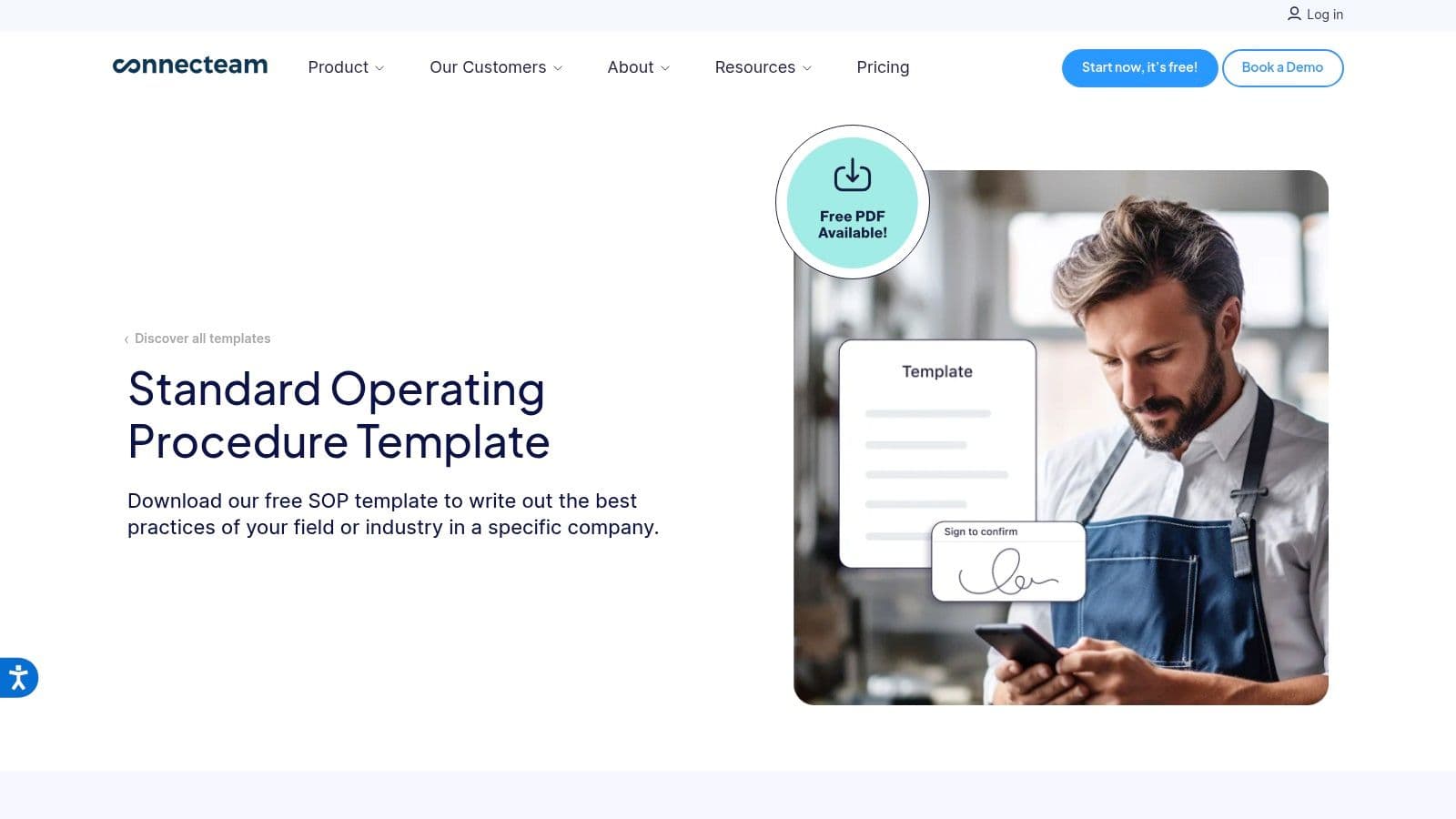
Some template pages bury the file behind forms, upsells, or vague previews. Connecteam is better than that. If you want one clean, general-purpose SOP layout and want it quickly, this is a solid pick.
The template includes versioning, approvals, and effective dates, which are the fields people often leave out until a document starts causing confusion. It also nudges you toward process mapping, which is smart. If the procedure has decision points, a wall of text won’t hold up.
Why operations teams like it
Connecteam’s layout feels current. It’s not overbuilt, and it doesn’t read like it came from a compliance archive. That makes it easier to adapt for field ops, internal admin workflows, and general business procedures.
What works:
- Fast PDF access: Useful when you need a shareable file without much setup.
- Strong control fields: Version, approval, and date fields help prevent orphaned procedures.
- Modern structure: It’s readable enough for teams that won’t tolerate formal jargon.
What doesn’t:
- Single-template limitation: If you need many specialized SOP types, you’ll outgrow it fast.
- Heavy product promotion: The page pushes the broader platform, which some teams will ignore and others will find distracting.
Best use case
Use Connecteam when the process itself is straightforward, but the team needs consistency. Think opening and closing routines, client intake, recurring admin work, or shift-based procedures.
I wouldn’t use it as-is for a highly regulated workflow. The template is too general for that. But for practical internal operations, it gives you enough structure to move quickly.
One more point worth keeping in mind. A lot of SOP content online still assumes centralized teams and static approval chains. A gap exists when you’re running distributed work. Existing templates rarely address real-time version control, asynchronous decisions, or time-zone-based exceptions, as noted in the Los Angeles emergency planning material used in the research set (Los Angeles Emergency Operations Base Plan). Connecteam doesn’t fully solve that either, but it’s light enough to adapt.
3. SafetyCulture iAuditor
A supervisor is standing on a shop floor with gloves on, trying to follow a PDF that was clearly written for a desk review. That is where static SOPs start to break down. SafetyCulture is useful because it closes part of that gap.
I use it for procedures that need two forms at once. The first is a readable SOP sample PDF for training, audits, and signoff. The second is a task-ready version that someone can complete in the field, step by step, without hunting through paragraphs.
That makes it a strong fit for inspections, cleaning routines, equipment startup, line checks, and recurring safety tasks. The platform pushes you toward action language, and that is usually the right direction for operational work.
Where it works well
SafetyCulture is at its best when the challenge is not writing the SOP. The main problem is getting the SOP followed the same way every time.
What stands out:
- Built for execution: The templates translate well from written procedure to checklist-based completion.
- Useful PDF starting point: You can start with a standard operating procedure sample pdf, then adapt it into something a team can run.
- Field-friendly structure: Steps, checks, and evidence capture are easier to apply than long policy-style sections.
The trade-off is quality control. Some templates come from the community, so the structure can be uneven. One template may have clear acceptance criteria and failure handling. Another may only give you a thin outline that still needs operational thinking.
Best use case
Use SafetyCulture when the procedure lives close to the work. If a task happens on a floor, in a vehicle, at a client site, or during an inspection round, a static PDF should be treated as the draft, not the final operating system.
That is the bigger lesson here. A good SOP sample PDF is only the starting asset. The next step is mapping decision points, failure paths, and required evidence, then turning those into an active workflow. If you need a practical way to map that handoff, this guide to flowcharts and process mapping for operational workflows is a useful companion.
A procedure that only works when nothing goes wrong is not ready for operations.
I would not choose SafetyCulture first for a board-facing policy packet or a highly formal SOP library where the document itself is the main deliverable. I would choose it when the job is to convert a template into repeatable execution, then hand that work off cleanly inside a platform like Fluidwave where tasks, ownership, and follow-through can be delegated.
4. Jotform
![Jotform](https://cdnimg.co/0a685b56-3c5c-445c-9da9-dafc4f121416/screenshots/10c3
Focus on What Matters.
Experience lightning-fast task management with AI-powered workflows. Our automation helps busy professionals save 4+ hours weekly.