Stop building from scratch. Discover the 12 best project timeline template resources—from Excel to PowerPoint—to keep your projects on track.
Do less, be more with Fluidwave
Fluidwave combines smart task prioritization with an assistant marketplace — AI and human help, all in one productivity app.
November 28, 2025 (4d ago)
12 Best Project Timeline Template Resources for 2025
Stop building from scratch. Discover the 12 best project timeline template resources—from Excel to PowerPoint—to keep your projects on track.
← Back to blog
Let's be honest, every successful project is built on a clear, solid timeline. It's the map that keeps everyone on the same page, from stakeholders to team members, making sure big milestones get hit and nobody's wasting resources. But building that map from scratch? It's a huge time-suck that pulls you away from the actual work that moves the project forward. Why start with a blank page when you can use a structure that already works?
This is where a good project timeline template** is a lifesaver. It gives you a solid foundation for seeing how tasks connect, tracking how things are going, and communicating the plan clearly to your team. A well-chosen template doesn't just save you hours of setup; it also bakes in best practices that help you dodge common headaches like scope creep and missed deadlines. For those of you looking at the bigger picture beyond just one project, our list of free product roadmap templates might be a big help, too.
This guide cuts through the noise to bring you the top 12 resources for project timeline templates. We've pulled together everything from simple Excel and Google Sheets layouts to slick Gantt charts and visually rich PowerPoint slides. Each one has screenshots, direct links, and a quick, no-fluff breakdown of what it's best for, so you can find the perfect fit for what you need. We'll also give you some ideas on how to use these templates in a modern, collaborative workflow with tools like Fluidwave. Let's find the right template to get your project off the ground.
1. Microsoft Create
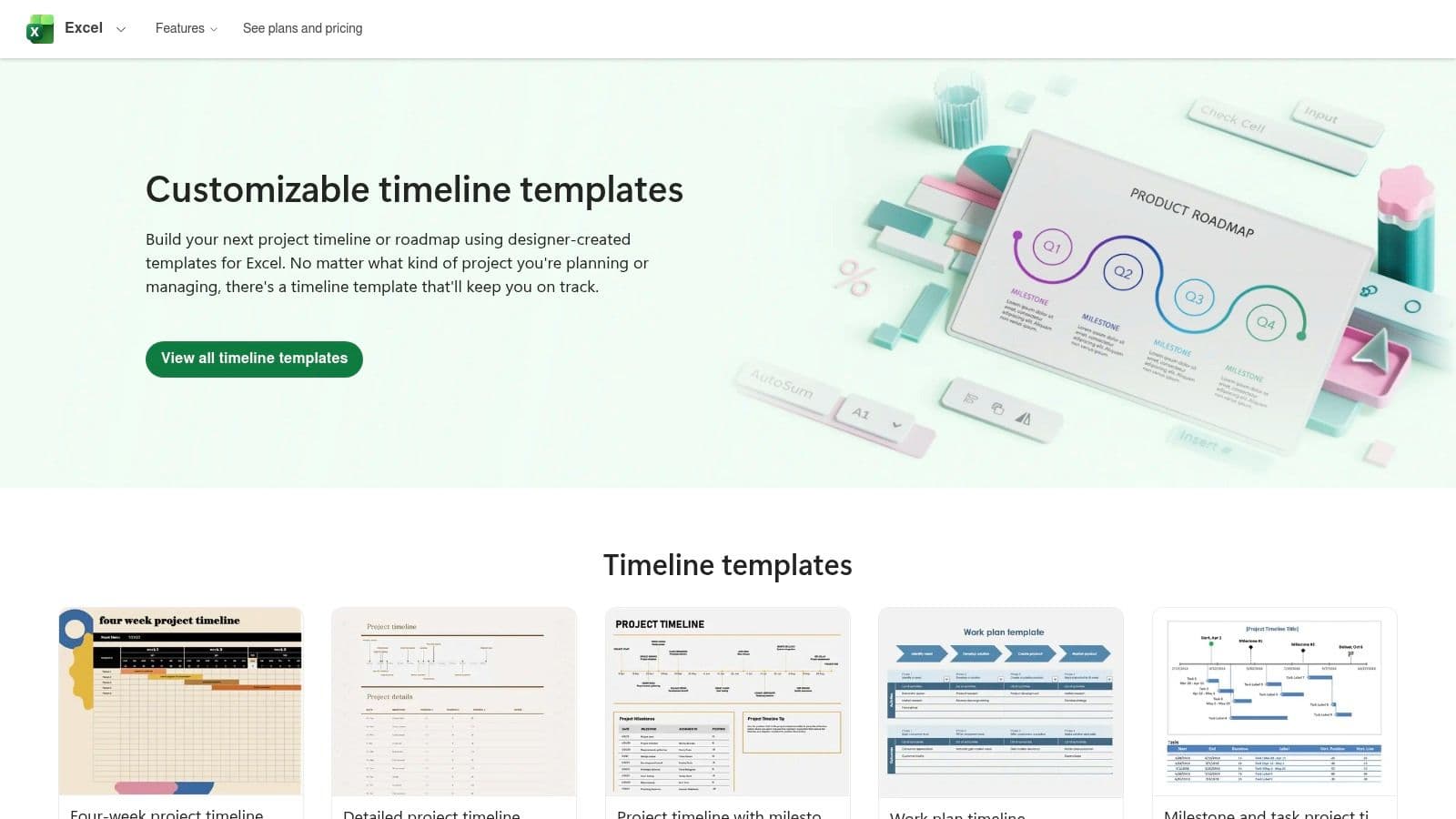
Microsoft Create is the official, first-party source for a project timeline template built to work perfectly inside the Microsoft 365 world. This platform has a huge gallery of professionally designed templates for PowerPoint, Excel, and Word, so you don't have to worry about compatibility issues. It just streamlines things for teams already using Microsoft's software. The biggest win is the seamless, one-click integration that lets you open a template directly in the app, ready to go.

This makes it a fantastic choice for creating polished, presentation-ready timelines for stakeholder meetings or detailed Gantt charts for internal tracking without having to learn a new tool. The templates are made to use native features like SmartArt and Excel’s charting tools, so customizing them feels intuitive and powerful.
Key Features & Assessment
While a lot of templates are free, you really need a Microsoft 365 subscription to unlock the full editing and collaborative power. The user experience is pretty straightforward—just a clean, searchable gallery of high-quality options, from simple milestone graphics to complex project roadmaps.
- Best Use-Case: Creating presentation-ready timelines in PowerPoint or data-driven Gantt charts in Excel for teams that live and breathe Microsoft Office.
- Unique Offering: The native SmartArt integration is great. It lets you add, remove, or shuffle timeline events with a few clicks, and the design adjusts automatically.
- Limitations: Getting fancy with the design can get complicated and requires a good handle on PowerPoint or Excel's deeper formatting tools. These templates are also built for the Microsoft ecosystem, so moving them to something like Google Slides isn't easy.
Link: Microsoft Create Timelines
2. Microsoft Create
Microsoft Create is the official, first-party source for a project timeline template built to work perfectly inside the Microsoft 365 world. This platform has a huge gallery of professionally designed templates for PowerPoint, Excel, and Word, so you don't have to worry about compatibility issues. It just streamlines things for teams already using Microsoft's software. The biggest win is the seamless, one-click integration that lets you open a template directly in the app, ready to go.

This makes it a fantastic choice for creating polished, presentation-ready timelines for stakeholder meetings or detailed Gantt charts for internal tracking without having to learn a new tool. The templates are made to use native features like SmartArt and Excel’s charting tools, so customizing them feels intuitive and powerful.
Key Features & Assessment
While a lot of templates are free, you really need a Microsoft 365 subscription to unlock the full editing and collaborative power. The user experience is pretty straightforward—just a clean, searchable gallery of high-quality options, from simple milestone graphics to complex project roadmaps.
- Best Use-Case: Creating presentation-ready timelines in PowerPoint or data-driven Gantt charts in Excel for teams that live and breathe Microsoft Office.
- Unique Offering: The native SmartArt integration is great. It lets you add, remove, or shuffle timeline events with a few clicks, and the design adjusts automatically.
- Limitations: Getting fancy with the design can get complicated and requires a good handle on PowerPoint or Excel's deeper formatting tools. These templates are also built for the Microsoft ecosystem, so moving them to something like Google Slides isn't easy.
Link: Microsoft Create Timelines
3. Office Timeline
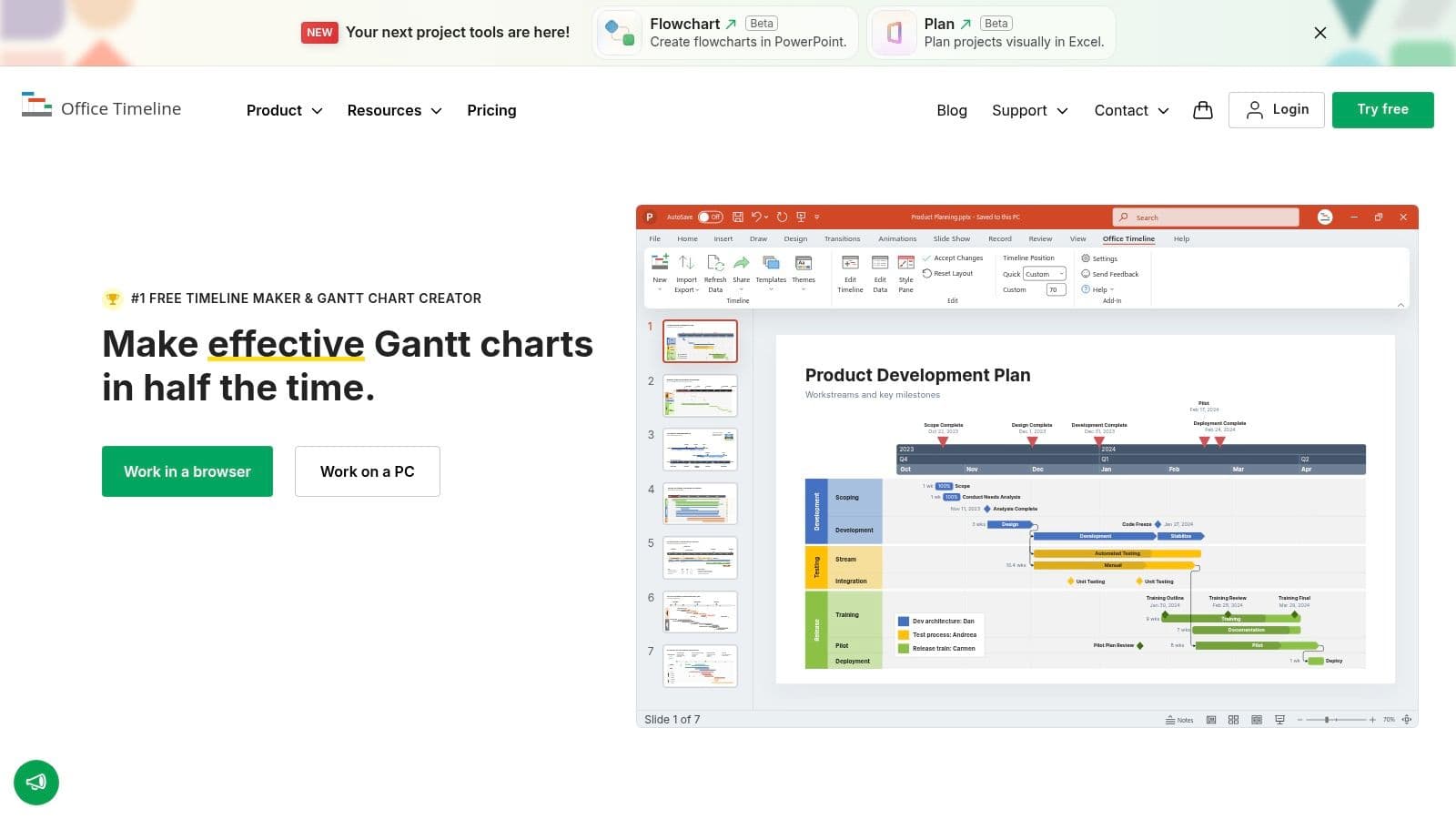
Office Timeline is a purpose-built tool for making killer-looking timelines and Gantt charts right inside PowerPoint or on its online editor. It shines where PowerPoint's built-in tools just can't keep up. It's a specialized solution for people who need to quickly whip up a polished and easy-to-understand project timeline template for executive briefings and stakeholder updates. The whole thing is designed to turn complex project data into clean, crisp timeline slides without a ton of effort.

Its real power is how deeply it integrates as a PowerPoint add-in, letting you build and update timelines without ever leaving your presentation. This makes it a super valuable tool for project managers who are constantly reporting on progress and need their visuals to look professional and current every time.
Key Features & Assessment
There's a free version for basic stuff, but to get the good features like swimlanes, dependencies, and critical path views, you'll need to pay. The user experience is really intuitive, with a step-by-step wizard that walks you through putting in your data and picking a design, which makes the whole process surprisingly fast.
- Best Use-Case: Project managers and consultants who need to create visually impressive, high-level project roadmaps and Gantt charts for executive presentations in PowerPoint.
- Unique Offering: The PowerPoint add-in is the standout feature. It lets you create and update complex timelines in real-time right inside your presentation, no exporting or importing images needed.
- Limitations: The most powerful features are locked behind a paywall. Also, there can be a weird split between what the desktop add-in can do versus the online editor, and you might need separate subscriptions depending on your plan.
Link: Office Timeline
4. Smartsheet
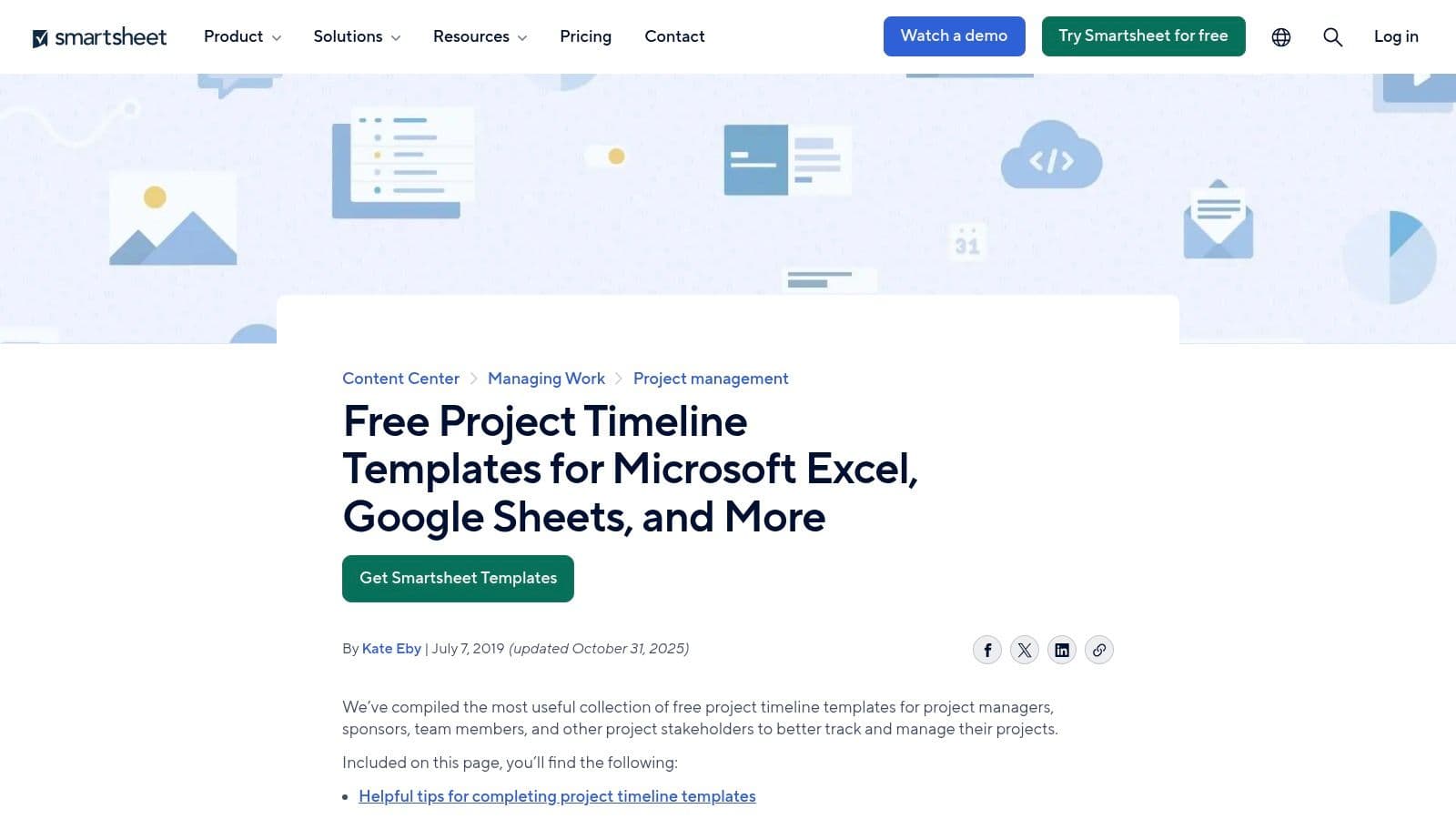
Smartsheet is a powerful hybrid solution, offering both a big library of free downloadable templates and a sophisticated online platform for full-blown project management. You can grab a free project timeline template for Excel, Google Sheets, PowerPoint, or Word if you prefer to stick with tools you already know. But the platform's real strength is how it can take you from a simple, static template to a dynamic, collaborative work management space.

This makes Smartsheet a great choice for teams that start with a basic timeline but know they'll need more advanced features—like real-time updates, dependency tracking, and automated workflows—as the project gets bigger. The templates themselves are well-documented and cover a ton of specific needs, from IT rollouts and construction schedules to big-picture portfolio roadmaps.
Key Features & Assessment
While the downloadable templates are totally free, you'll need a paid subscription to use Smartsheet's cloud platform for collaboration and advanced Gantt chart features. Using the templates is simple, but the online application has a steeper learning curve than a basic spreadsheet, which makes sense given all its extra power.
- Best Use-Case: Teams looking for a high-quality, free template with a clear and easy upgrade path to a full-featured, collaborative project management platform.
- Unique Offering: The ability to import your existing work from MS Project, Excel, or Google Sheets directly into its online timeline tool. This smooths out the transition from a static file to a live, collaborative workspace.
- Limitations: It can be a little confusing to tell the difference between the free downloadable files and what the paid online platform can do. Advanced features like drag-and-drop timelines and real-time collaboration are only available in the paid Smartsheet application.
Link: Smartsheet Project Timeline Templates
5. Vertex42
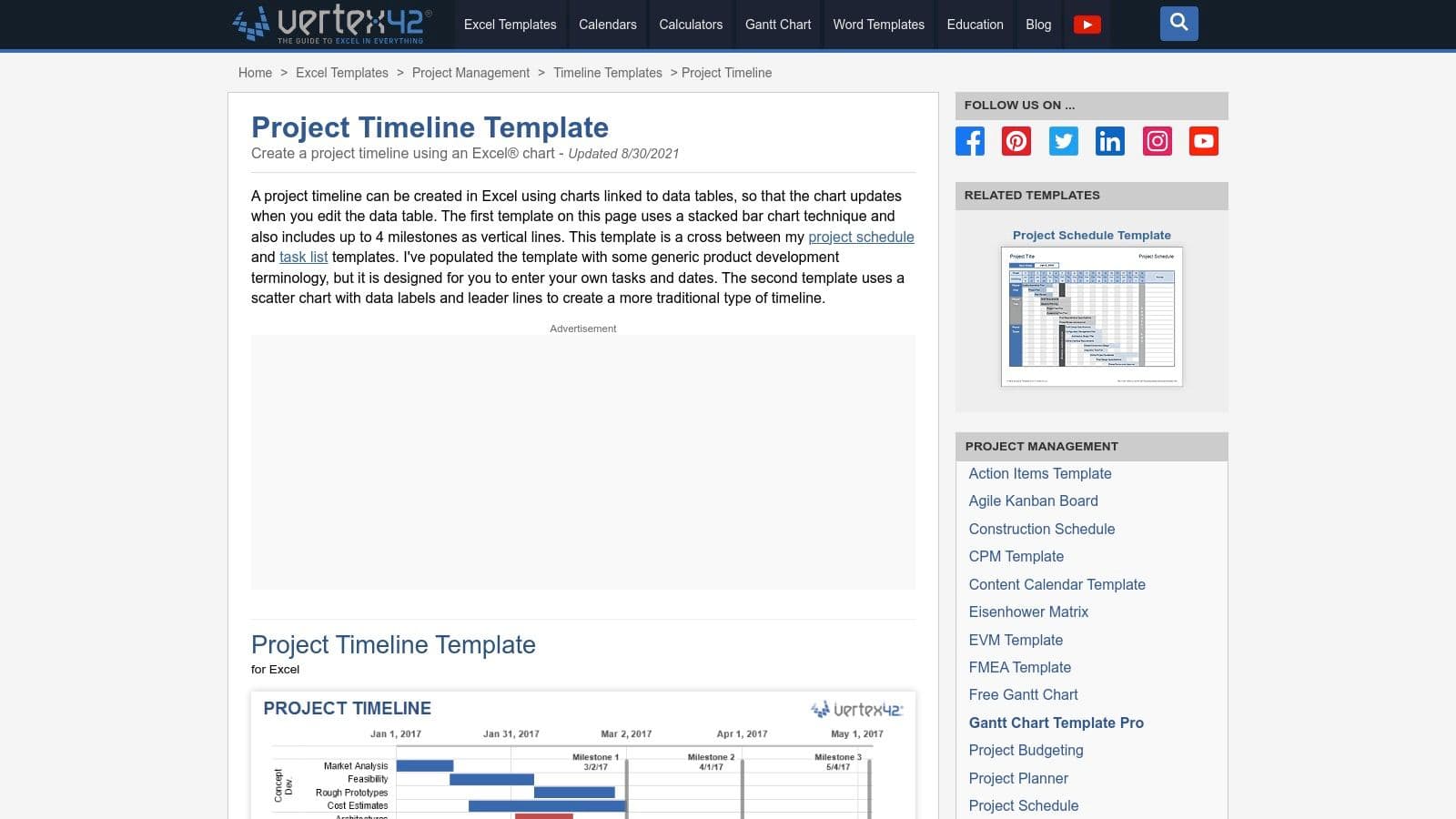
Vertex42 offers a solid collection of no-macro project timeline template options made specifically for spreadsheet fans who prefer the familiar feel of Microsoft Excel. The site is known for its clean, lightweight, and incredibly well-documented templates that work perfectly in modern versions of Excel (2013+) without needing any special add-ins. This focus on pure spreadsheet power makes it a go-to resource for creating functional bar charts, stacked bar timelines, and milestone trackers.

This approach is perfect for project managers who need a practical, data-driven tool instead of a super stylized presentation visual. The templates are designed around simple data tables, so you can quickly punch in tasks, dates, and durations, and the visual chart updates automatically. The included documentation gives you clear, step-by-step instructions, which is a huge plus for anyone not super familiar with Excel's advanced charting features.
Key Features & Assessment
All templates on Vertex42 are free for private use, but they do offer a commercial license for business use. The user experience is direct and simple: find the template you need, download it, and start working. This no-fuss process cuts out a lot of the friction you find on other sites.
- Best Use-Case: Project managers and teams who need a free, reliable, and easy-to-use Excel timeline for internal tracking and planning without needing extra software.
- Unique Offering: The templates are macro-free. This means they're secure, compatible across different systems, and won't set off security alarms in corporate environments.
- Limitations: The design is functional, not beautiful. It lacks the polished look of dedicated presentation tools. Also, the standard license is mainly for personal use, so you'll need to pay for an upgrade for most business situations.
Link: Vertex42 Project Timeline for Excel
6. ProjectManager
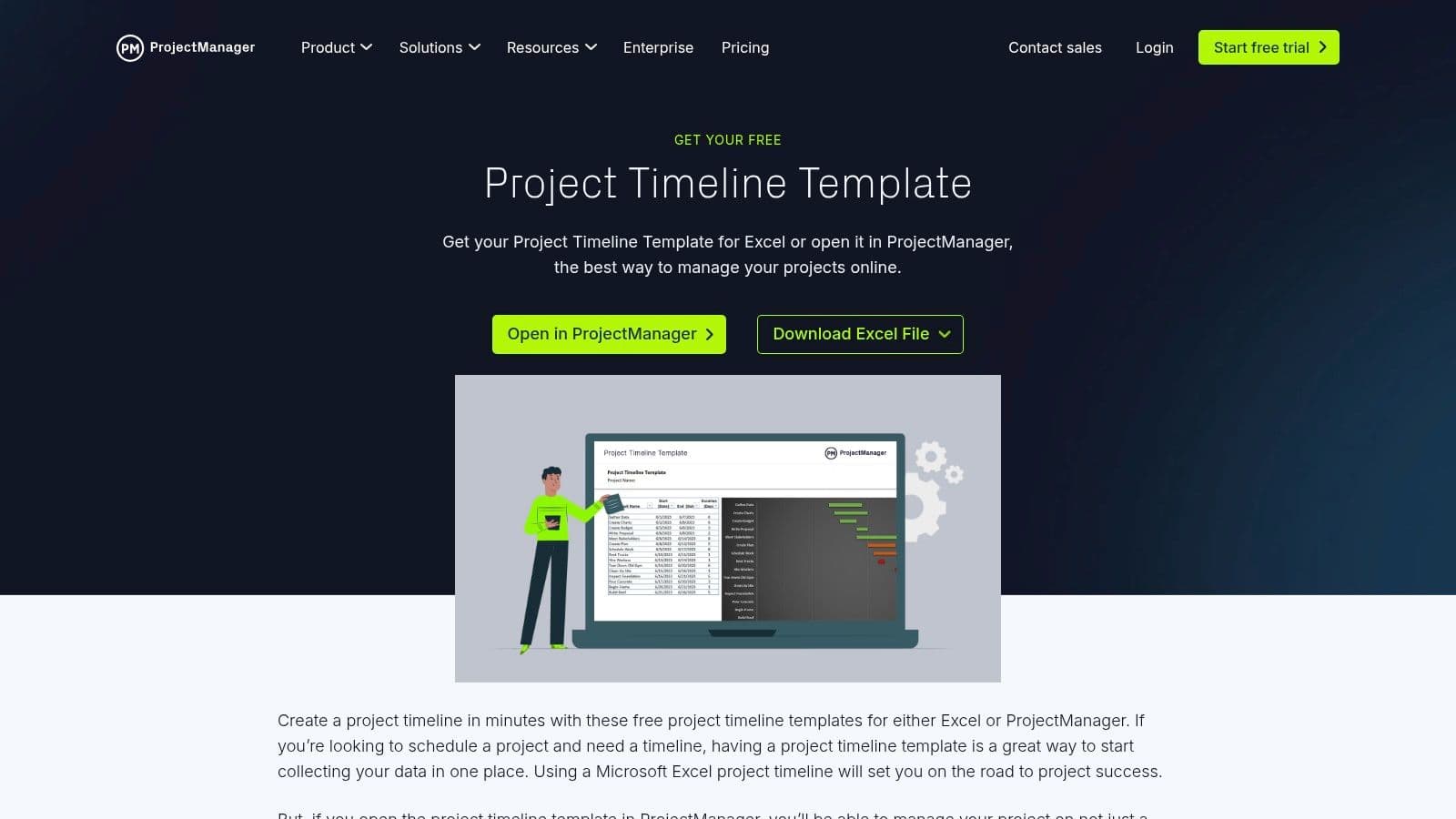
ProjectManager gives teams a practical way to get started with a functional project timeline template without having to commit to software right away. It provides a free, downloadable Excel template that automatically creates a visual timeline from a simple task list and date inputs. This "freemium" approach is great for organizations that want to standardize how they create timelines in a familiar format, while still having a clear path to upgrade to a more powerful, collaborative platform later.

The main advantage is this smooth transition. Once a project gets too big for a static spreadsheet, teams can import their existing data directly into ProjectManager's full-featured software. This gets rid of redundant data entry and gives you immediate access to dynamic Gantt charts, Kanban boards, and real-time dashboards for a much better view of your project's progress.
Key Features & Assessment
While the Excel template is a great free resource, the platform's real power is unlocked in its paid software. Using the template is easy, but moving to the full application introduces powerful tools for collaboration and reporting. The free template works as a solid foundation, making it a smart choice for those just starting to map out a new project.
- Best Use-Case: Small teams or solo project managers starting with a free Excel timeline who think they might need a full-fledged, collaborative project management tool down the road.
- Unique Offering: A clear and direct upgrade path from a static, free template to a dynamic, multi-view project management software with data import capabilities.
- Limitations: The most valuable features, like real-time collaboration and advanced dashboards, are locked behind the paid software subscription. Pricing for the full platform is quote-based, so you have to contact their sales team to get detailed figures.
Link: ProjectManager Timeline Template
7. TeamGantt
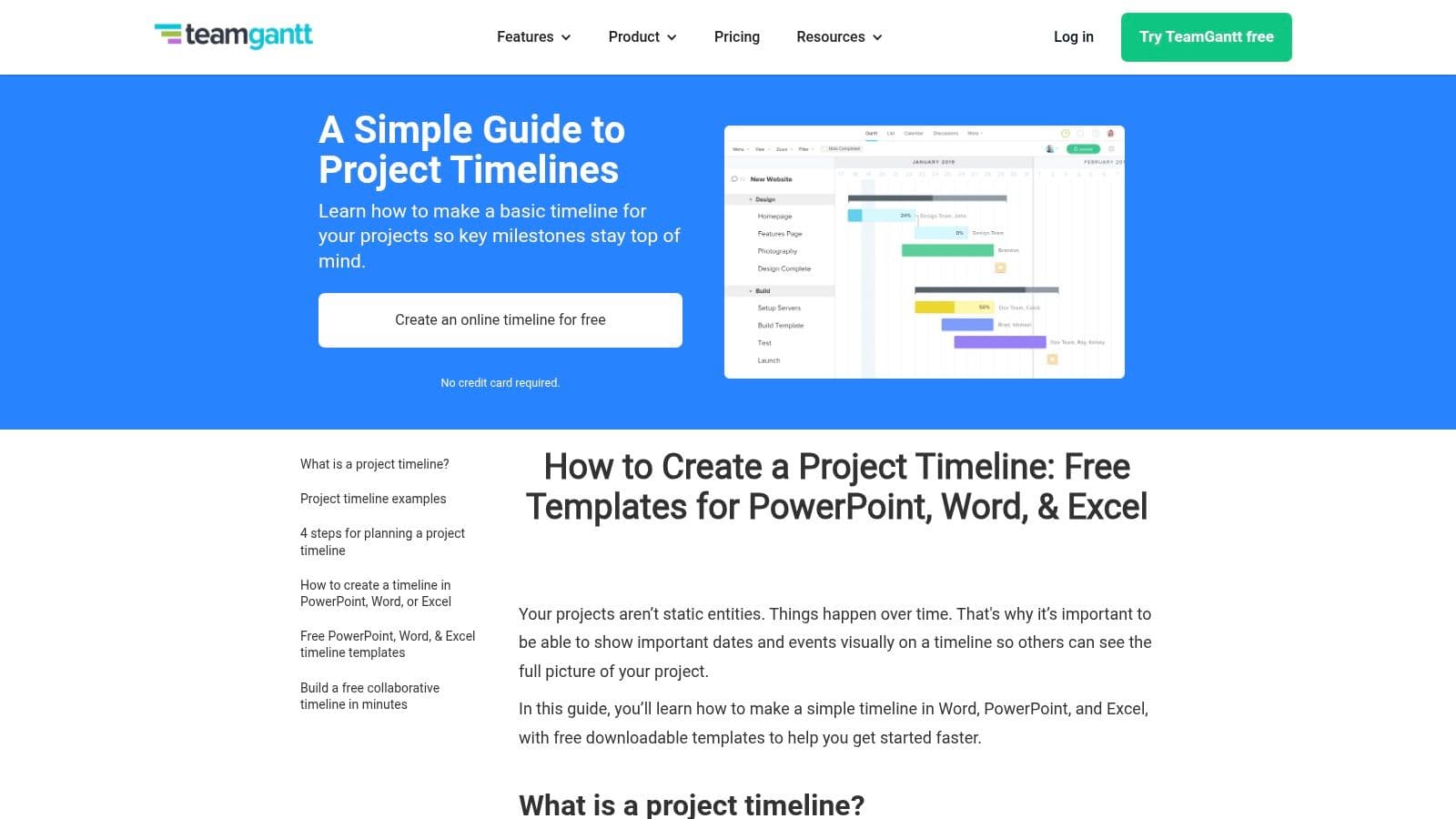
TeamGantt is a super user-friendly starting point for anyone who needs a simple project timeline template but wants an easy way to upgrade to a more powerful online tool. The platform offers free, downloadable templates for PowerPoint, Word, and Excel, but its main strength is its intuitive, web-based Gantt chart software. This hybrid approach lets people start offline with tools they already know and then move to a collaborative, cloud-based environment as the project gets more complex.

The platform is especially good for beginners, with a clean interface and drag-and-drop functionality that makes scheduling, setting milestones, and defining task dependencies a breeze. This makes it a great choice for teams that find traditional project management software a bit much but still need a structured way of tracking project progress. The visual nature of the timelines helps stakeholders quickly understand the project's status and key deadlines.
Key Features & Assessment
While the templates are free, the online software is freemium. The free plan is generous enough for small projects, but to access advanced features like portfolio management, time tracking, and full collaboration, you'll need a paid subscription. The user experience is consistently praised for being simple and having a gentle learning curve, making project setup quick and painless.
- Best Use-Case: Small to medium-sized teams looking for an easy-to-use online Gantt chart tool that also offers basic offline templates for quick planning or presentations.
- Unique Offering: The seamless transition from free, static templates to a dynamic, collaborative online project management platform without a steep learning curve.
- Limitations: The most powerful features, like workload management and advanced reporting, are locked behind the higher-priced paid plans, which could be a hurdle for larger teams on a tight budget.
Link: TeamGantt Timeline Templates
8. ClickUp Templates
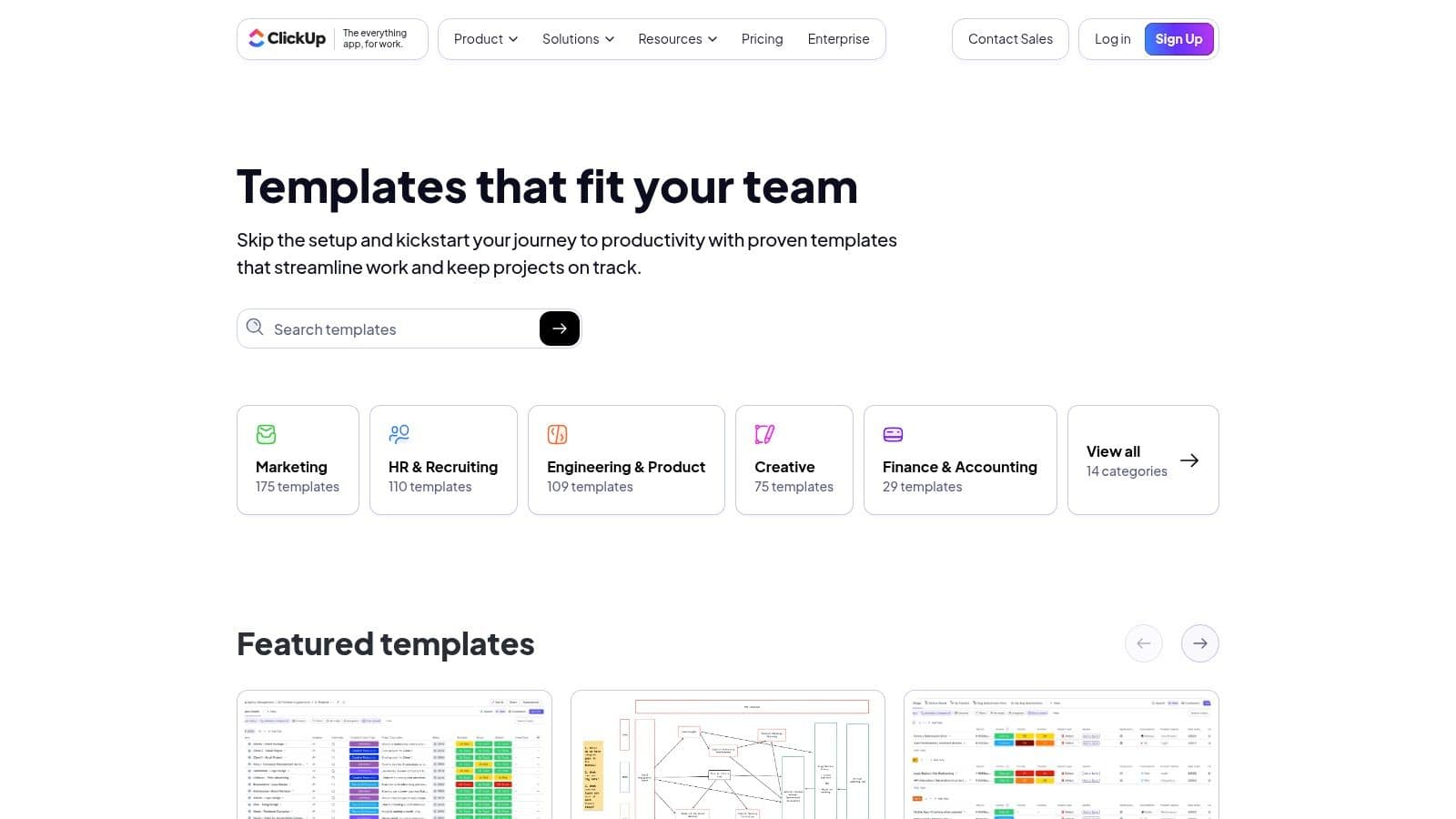
ClickUp provides a powerful alternative to standalone files by offering a project timeline template directly within its all-in-one work management platform. Instead of just a simple document, ClickUp’s templates are fully functional, pre-built project spaces, complete with custom statuses, fields, and multiple views. This integrated approach is perfect for teams looking to go all-in on a comprehensive project management tool where the timeline is a dynamic, actionable part of their daily workflow, not just a static document.

This setup lets teams hit the ground running, instantly seeing their work in Gantt, list, or calendar views without having to configure everything manually. The templates are designed to help users get started on the platform quickly and take advantage of its more advanced features, linking tasks, dependencies, and communication all in one central place.
Key Features & Assessment
ClickUp has a generous free tier, but its most powerful timeline and Gantt chart features, including dependencies and workload management, are saved for the paid plans. The platform is known for being highly customizable, which can mean a bit of a learning curve for new users, but the templates cut down that initial setup time significantly.
- Best Use-Case: Teams wanting a dynamic, integrated timeline within a comprehensive work management platform, rather than a separate template file.
- Unique Offering: Templates are pre-built project environments, not just documents. They come with multiple views (Gantt, list, calendar) and pre-set automations to speed up your workflow.
- Limitations: The best Gantt and dependency-tracking features require a paid subscription. Also, the platform’s huge feature set can be overwhelming for users who just want a simple, single-purpose timeline tool.
Link: ClickUp Templates
9. Miro
Miro turns the idea of a project timeline template into a dynamic, collaborative jam session on an infinite digital whiteboard. Unlike static templates for slides or spreadsheets, Miro is made for live workshops, brainstorming, and real-time planning. It's fantastic for creating highly visual, flexible timelines that can be built and changed together, making it a perfect tool for agile teams and stakeholder meetings where you need immediate feedback. It's less about rigid data entry and more about getting everyone on the same page visually.
With a library of pre-built timeline templates—including horizontal, vertical, and swimlane layouts—teams can get started in a snap. The platform’s real strength is its ability to connect with tools like Jira and Asana, letting you pull in tasks and create a living roadmap that shows real-time progress from other systems. This makes it a powerful central hub for visualizing project flows, even if it's not a traditional project management tool itself.
Key Features & Assessment
Miro has a freemium model, offering several templates and core features for free, with advanced functions and unlimited boards on its paid plans. The user experience is incredibly intuitive, based on drag-and-drop mechanics that feel natural and encourage creative planning. The collaborative features, like seeing everyone's cursor and built-in video chat, are top-notch.
- Best Use-Case: Collaborative planning workshops, agile sprint planning, and creating high-level visual roadmaps for stakeholder presentations where interaction is everything.
- Unique Offering: The Timeline Builder app, which gives you a structured way to create standard roadmaps on the otherwise freeform canvas, mixing flexibility with consistency.
- Limitations: While it's great for visualization, it’s not a standalone project management tool for tracking tasks or allocating resources. Exporting a clean, presentation-ready timeline for a static format like PowerPoint can sometimes take a bit of extra formatting and cleanup.
Link: Miro Timeline Templates
10. Lucidchart
Lucidchart is a collaborative diagramming platform that makes creating a clean, professional project timeline template incredibly simple. It goes beyond static spreadsheets or slides, offering a dynamic canvas where teams can visually map out project phases, milestones, and dependencies. The platform provides a rich gallery of ready-made timeline templates, including horizontal, vertical, and milestone-based layouts, all designed for clarity and impact.

Its main strength is creating presentation-ready visuals with very little effort. With intuitive drag-and-drop functionality and tons of customization options, like icons and color-coding, users can quickly create timelines that are perfect for stakeholder updates, project kickoffs, or strategic planning sessions. Since it's cloud-based, the whole team can view or edit the latest version in real time.
Key Features & Assessment
Lucidchart offers a solid free tier for individual users to try out the basic features, but you'll need a paid subscription to unlock its full collaborative power and advanced features like presentation mode. The user experience is highly intuitive, focusing on ease of use and quick visualization, making it accessible even for people who don't have a design background. Its seamless integrations with tools like Google Workspace, Microsoft Office, and Slack make it even more useful in a modern tech stack.
- Best Use-Case: Creating visually appealing and easily shareable timelines for stakeholder presentations, especially when you need to collaborate and make changes quickly.
- Unique Offering: The ability to automatically generate a timeline from imported data, which dramatically speeds up the process of visualizing complex project schedules.
- Limitations: The platform is built for diagramming and visualization, not deep project management. It's missing the resource allocation, dependency tracking, and task management features you'd find in dedicated PM software.
Link: Lucidchart Timelines
11. Canva
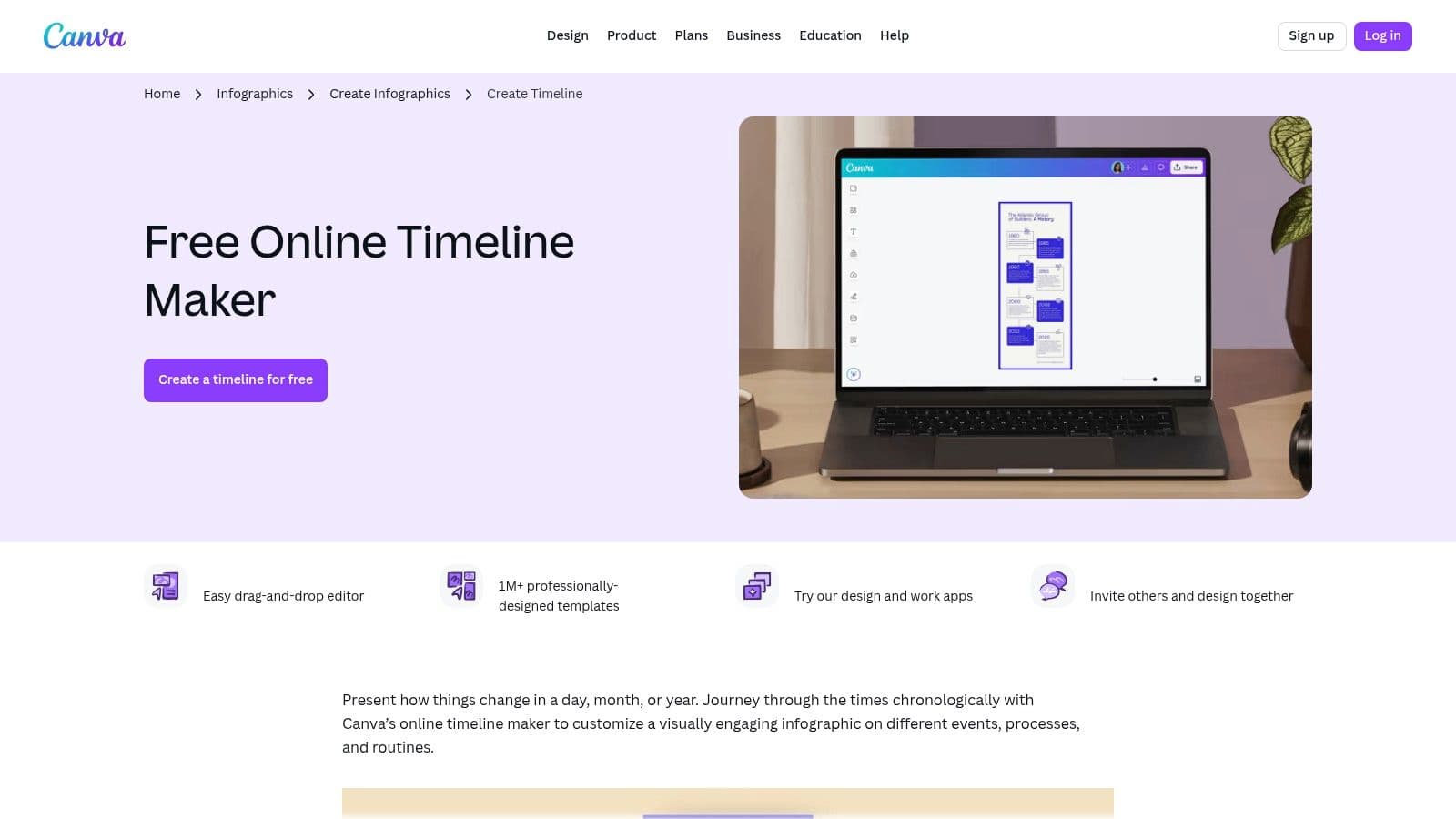
Canva is a design-focused platform that's fantastic for creating a visually stunning project timeline template with almost no effort. It has thousands of templates, from simple project roadmaps to detailed infographics, all available through an intuitive drag-and-drop editor. Its real strength is its ability to produce polished, on-brand visuals fast, making it perfect for timelines that are going into executive summaries, stakeholder presentations, or a broader project communications plan.

Unlike data-heavy tools, Canva is all about aesthetics and ease of use. You can apply your brand kit with a single click, collaborate with team members in real-time, and export your timeline in different formats like PDF, PNG, or drop it right into a presentation. This makes it the go-to choice when your main goal is clear, high-impact visual communication, not granular project tracking.
Key Features & Assessment
While a huge number of templates and assets are available for free, you'll need a Canva Pro or Teams subscription to unlock premium elements and advanced features like Brand Kits. The user experience is exceptionally smooth, allowing even non-designers to create professional-quality timelines in minutes. It's important to remember this is a powerful communication aid, not a project management tool.
- Best Use-Case: Creating high-quality, visually appealing timeline infographics for presentations, reports, and client updates where clarity and brand consistency are key.
- Unique Offering: The massive library of diverse, design-forward templates combined with an incredibly easy-to-use drag-and-drop editor that simplifies the whole creation process.
- Limitations: It's not a functional project management tool; the timelines are static visuals and don't update automatically or connect to live project data. Pricing and plan features have changed over time, which can be something for teams to consider.
Link: Canva Timeline Infographics
12. Etsy
Etsy provides a unique way to find a project timeline template by acting as a huge marketplace for independent creators. Instead of a single corporate style, you get access to thousands of downloadable templates for Excel, Google Sheets, and PowerPoint, often designed for very specific niches like event planning, construction, or creative agency workflows. This is the place to go if you're looking for a visually distinct or hyper-specialized tool that the bigger platforms might not offer.
The biggest plus is the sheer variety and affordability. You can find everything from minimalist milestone trackers to complex, multi-tab Gantt charts, often for just a few bucks. Since templates are sold by individual sellers, you can check the quality by reading customer reviews and ratings, which gives you more confidence in what you're buying before you download the file.
Key Features & Assessment
Buying on Etsy is straightforward, with instant digital downloads right after purchase. While the platform itself doesn't offer template support, many individual sellers are responsive and provide instructions or help for their specific products. The user experience is all about searching and discovering, letting you filter by file type and keyword to find the perfect fit.
- Best Use-Case: Finding an inexpensive, visually unique, or industry-specific timeline template for Excel or Google Sheets that stands out from standard corporate designs.
- Unique Offering: Access to a marketplace of designs from independent creators, with seller ratings and reviews providing a layer of community-driven quality control.
- Limitations: Quality and functionality can vary wildly from one seller to another. There's no centralized support or guarantee of updates, and whether it works with future software versions is entirely up to the original creator.
Link: Etsy Project Timeline Templates
Top 12 Project Timeline Template Comparison
| Item | Core features ✨ | Quality ★ | Price/Value 💰 | Target 👥 | Standout 🏆 |
|---|---|---|---|---|---|
| Fluidwave (app Homepage) | AI automation + vetted human assistants, multi-view tasks (table/list/calendar/Kanban/cards), auto-prioritization, real-time delegation | ★★★★☆ (AI + humans; depends on assistant availability) | 💰 Free tier; pay‑per‑task delegation (no subscription) | 👥 Busy professionals, teams needing delegation | 🏆 Hybrid AI + human execution marketplace |
| Microsoft Create | Designer timeline & roadmap templates, one‑click open in Office, SmartArt/chart support | ★★★★☆ (trusted first‑party templates) | 💰 Mostly free; best with Microsoft 365 | 👥 Office 365 users, presenters | 🏆 Seamless Microsoft 365 integration |
| Office Timeline | PowerPoint‑native timeline/Gantt, swimlanes, dependencies, critical path | ★★★★☆ (presentation‑ready) | 💰 Free/basic; pro features paid | 👥 PMs and exec presenters | 🏆 Fast, polished timeline slides |
| Smartsheet | Extensive template library, cloud Gantt/timeline, drag‑drop collaboration | ★★★★☆ (enterprise, scalable) | 💰 Many free templates; paid for full platform | 👥 Project teams, enterprises | 🏆 Template depth + scale to full WMS |
| Vertex42 | No‑macro Excel timelines, editable tables, color coding, milestone markers | ★★★☆☆ (solid spreadsheet templates) | 💰 Free/lightweight | 👥 Spreadsheet users, DIY planners | 🏆 Clean Excel templates (no add‑ins) |
| ProjectManager | Auto‑charting Excel timeline + companion PM app (Gantt/Kanban/dashboards) | ★★★☆☆ (usable template; platform upsell) | 💰 Free template; paid platform (quote) | 👥 Users wanting quick start + upgrade path | 🏆 Template → full PM platform path |
| TeamGantt | Downloadable templates + online Gantt, drag‑drop scheduling, milestones | ★★★★☆ (beginner‑friendly) | 💰 Free templates; paid online features | 👥 Beginners, small teams | 🏆 Intuitive drag‑and‑drop Gantt |
| ClickUp Templates | Prebuilt timeline/Gantt spaces with statuses, fields, multiple time views | ★★★★☆ (feature‑rich within ClickUp) | 💰 Strong value; best features in paid tiers | 👥 ClickUp teams onboarding fast | 🏆 Embedded templates + fast setup |
| Miro | Whiteboard timeline templates, Timeline Builder app, real‑time collaboration | ★★★★☆ (collaboration‑focused) | 💰 Free tier; paid for advanced | 👥 Workshops, stakeholders, creative teams | 🏆 Workshop‑friendly, flexible visuals |
| Lucidchart | Collaborative diagrams with timeline templates, easy formatting & sharing | ★★★★☆ (clean, fast visuals) | 💰 Free/basic; paid teams for advanced | 👥 Stakeholders needing presentation diagrams | 🏆 Fast, stakeholder‑ready diagrams |
| Canva | Massive timeline/infographic templates, drag‑drop editor, brand kit support | ★★★★☆ (visual polish & speed) | 💰 Many free assets; Pro for premium | 👥 Marketing, execs, designers | 🏆 On‑brand, quick executive visuals |
| Etsy | Marketplace of downloadable timeline templates across formats, seller reviews | ★★★☆☆ (varies by seller) | 💰 Low cost; frequent discounts | 👥 Niche industries, budget buyers | 🏆 Wide variety, niche‑specific options |
From Template to Action: Making Your Timeline Work for You
We've looked at a whole bunch of tools and resources, from heavy-duty project management platforms like Smartsheet and ClickUp to the design-focused templates from Canva and Miro. Each one offers a different way to visualize work, sequence tasks, and track progress. Sifting through them all reveals a basic truth: the perfect project timeline template isn't a one-size-fits-all deal.
Your ideal choice really depends on how complicated your project is, how much your team needs to collaborate, and just your personal way of working. A solo entrepreneur might find that a straightforward Vertex42 Excel template is all they need to map out a product launch. On the other hand, a remote team managing a multi-stage software build will probably lean toward the dynamic, real-time collaboration you get from a platform like TeamGantt or Miro.
Key Takeaways: Bridging the Gap Between Planning and Doing
The biggest thing we learned from this review is the difference between static and dynamic timelines. Static templates, like those from Microsoft Create or a well-designed PowerPoint slide, are amazing for initial planning, stakeholder presentations, and setting a high-level vision. They create a powerful, clear snapshot in time.
But projects are rarely static. They change. This is where dynamic tools really shine, giving you the flexibility to adapt to shifting priorities, resource issues, and unexpected problems. The real challenge for any project manager is to bridge the gap between that first, beautifully crafted plan and the messy, day-to-day reality of getting things done. A template is just a map; it doesn't drive the car.
Selecting Your Template: A Practical Checklist
To go from browsing to actually doing, think about these key factors before you settle on a specific project timeline template or tool:
- Collaboration Needs: Does your team need to comment, update statuses, and attach files right on the timeline? If so, you should prioritize collaborative platforms like ClickUp or Miro over standalone files.
- Integration with Your Workflow: How well does the template fit with the tools you're already using? A Smartsheet timeline is great on its own, but it becomes a command center when it's connected to your other essential apps.
- Reporting and Communication: How are you going to share progress with stakeholders? For formal updates, a polished template from Office Timeline or Canva might be perfect. Beyond just setting up your timeline, sharing progress is crucial, and you can make this easier with helpful resources like project status report templates.
- Maintenance Overhead: Be honest about how much time you can actually spend updating the timeline. If you're stretched thin, a simpler, less detailed template might be more sustainable than a complex Gantt chart that quickly becomes outdated.
The Real Work Begins After You Choose
At the end of the day, a project timeline is a communication tool. Its job is to create a shared understanding of what needs to happen, by when, and by whom. The most beautifully designed template is useless if it's not kept up-to-date and used regularly by the team.
You unlock its true value when your timeline becomes the single source of truth for your project’s schedule. It should be the foundation for team stand-ups, the guide for allocating resources, and the benchmark you measure progress against. The discipline of maintaining the timeline is what turns it from just a document into the very heartbeat of a successful project, making sure every team member is marching to the same rhythm.
Ready to transform your timeline from a static plan into an actionable workflow? Fluidwave combines the clarity of a visual timeline with the power of delegation, allowing you to assign tasks to AI or human assistants directly from your plan. Stop just planning the work and start getting it done by visiting Fluidwave to see how you can bring your project timeline to life.
Do less, be more with Fluidwave
Fluidwave combines smart task prioritization with an assistant marketplace — AI and human help, all in one productivity app.