Replace chaos with clarity using a proven communication plan template to align teams, clarify goals, and drive real project results. See practical examples.
January 15, 2026 (8mo ago)
Boost Your Project with a communication plan template
Replace chaos with clarity using a proven communication plan template to align teams, clarify goals, and drive real project results. See practical examples.
← Back to blog
Communication Plan Template for Project Success
Replace chaos with clarity using a proven communication plan template to align teams, clarify goals, and drive real project results. See practical examples.
Introduction
A communication plan template is your project’s playbook. It answers who needs what information, when they need it, and the best way to reach them. With a clear template, projects move from reactive firefighting to steady progress—fewer surprises, fewer status meetings, and better results.
Why Your Project Needs a Communication Plan Template

Most project setbacks come from information gaps: missed updates, unclear ownership, or the wrong level of detail for an audience. Many large transformation efforts fail when communication isn’t planned and managed strategically.1
A communication plan template isn’t extra paperwork; it’s a framework that makes communication predictable and repeatable. It answers critical questions before team members have to ask them, reduces friction, and keeps stakeholders focused on the outcomes that matter.
From Good Idea to Practical Impact
The real value of a template is standardization. Instead of reinventing your approach for every project, you start from a proven structure. That lowers decision fatigue, improves efficiency, and sets clearer expectations across the organization.
Benefits you can expect:
- Less decision fatigue—fewer daily guesses about who to update and how.
- Greater efficiency—less time hunting for information, more time doing the work.
- Clearer expectations—everyone knows what updates to expect and when.
- Proactive problem solving—issues are visible early and handled before they escalate.
Organizations that standardize communication and processes report measurable improvements in delivery and fewer surprises.2
Fostering an Inclusive and Focused Environment
A defined communication rhythm helps everyone, including neurodivergent team members, by making expectations predictable and reducing the mental load of navigating unwritten rules. When the how and when are clear, people can focus on their work and contribute at their best.
“A communication plan isn’t about controlling every conversation. It’s about creating the right conditions for the important conversations to happen.”
For practical tips on building team communication habits, see our guide on improving internal communication.
Amplify Your Plan with the Right Tools
A static document is a start; embedding your template into a task or project platform turns it into a living workflow. Turning items like “Send weekly progress report” into assigned, recurring tasks ensures updates happen on schedule and reach the right people every time.
When your plan becomes part of your workflow system, it moves from a reference into an active project control mechanism—reducing missed updates and keeping alignment tight.
The Anatomy of a Powerful Communication Plan
A strong plan acts as a concise framework, not a verbose manual. Its core elements—objectives, audience, key messages, channels, cadence, and owners—make the plan scannable and actionable.
Start with Your Objectives
Everything flows from the “why.” Your communication objectives should be specific, measurable, and tied to project outcomes. Vague goals like “keep everyone in the loop” don’t help you know when you’ve succeeded.
Weak objective: Inform stakeholders about project progress.
Strong objective: Ensure all Tier 1 stakeholders are aligned on project scope and timelines by achieving a 90% open rate on bi-weekly email reports.
Use SMART goals to turn intentions into measurable targets that guide the rest of the plan.
Know Your Stakeholders and Audience
Stakeholder analysis identifies who needs what level of detail and how they prefer to receive it. Executives usually want the 30,000-foot view; the delivery team needs task-level detail.
Tailor messages to each audience—one-size-fits-all updates tend to resonate with no one.
Nail Down Your Core Messages
Once you know the why and the who, define the handful of takeaways each audience should remember. These core messages should be adapted for different channels but remain consistent in their core meaning.
Example for a new feature launch:
- The problem the feature solves.
- The solution and primary benefit.
- The expected impact.
- The call to action.
Choose Your Channels and Set a Cadence
Decide how and when you’ll deliver messages. The right channel depends on audience and message urgency. Teams that define channels and timelines report faster decisions and clearer handoffs.2
| Channel | Best For | Audience | Frequency |
|---|---|---|---|
| Formal updates, reports, and official announcements. | Executives, clients, external stakeholders. | Weekly or Bi-weekly | |
| Slack/Teams | Quick questions, real-time discussion, informal updates. | Internal project team. | Daily or as needed |
| Project Management Tool | Task updates, status changes, documentation. | Project team and managers. | Real-time |
| All-Hands Meeting | Major milestones and strategy. | Company or department. | Monthly or Quarterly |
Measure What Matters
Define success metrics that map back to your objectives: email open rates, meeting attendance, wiki page views, or stakeholder survey feedback. Use those metrics as a feedback loop to refine cadence, channels, and message content.
Without clear measures, projects risk budget and schedule overruns. Project management research consistently links poor communication and unclear requirements to increased budget risk and rework.3
How to Create Your Reusable Communication Template
Build a flexible template you can reuse across projects. Focus on three pillars: objectives, stakeholders, and messaging. Nail those, and the rest follows.
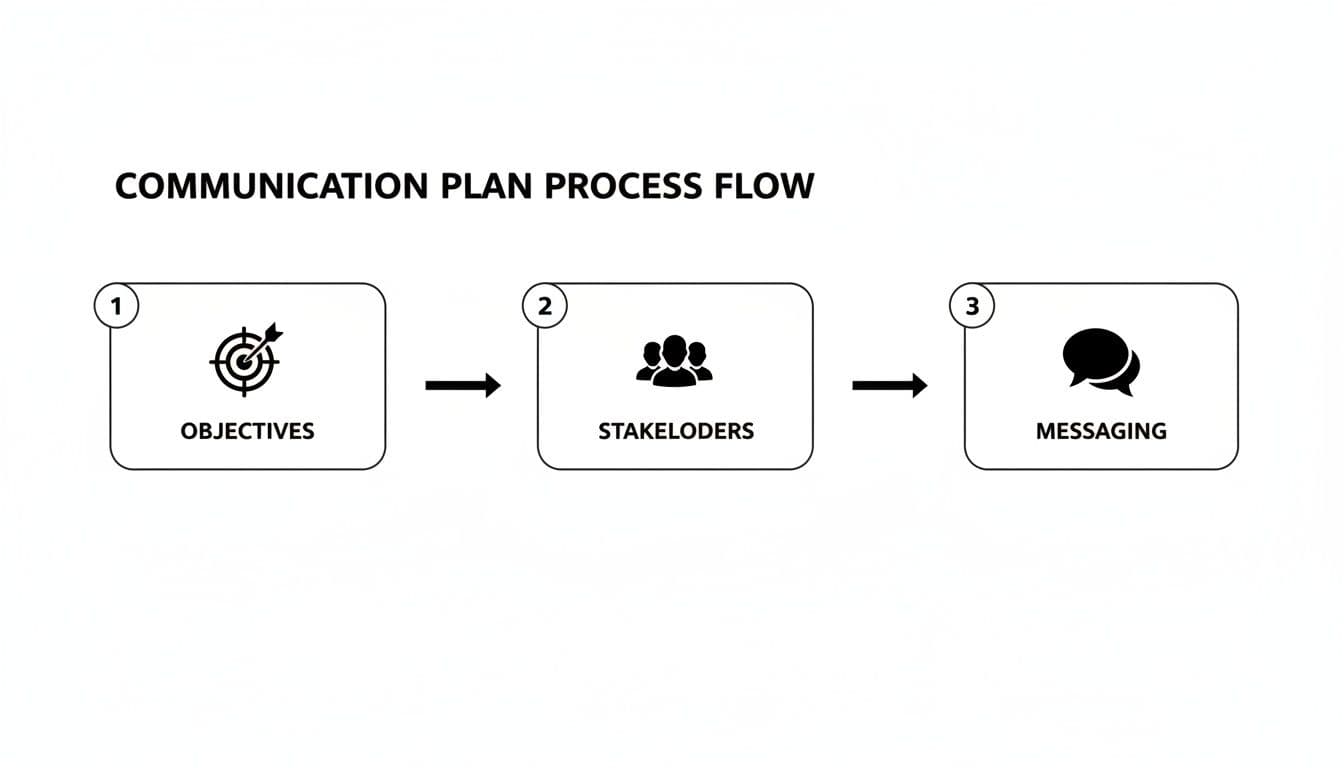
Define Your Communication Objectives with SMART Goals
Set measurable targets tied to outcomes. For example: “Ensure 90% of project team members can articulate the key milestones for the upcoming quarter by the end of the kickoff meeting.” SMART objectives give your plan focus and make evaluation straightforward.
Standardizing templates also reduces rework and speeds execution by making repeatable decisions part of your process.2
Map Out Your Key Stakeholders
Map stakeholders by influence and interest to target messaging efficiently:
- High Influence / High Interest: Sponsors and executives—frequent, high-level updates.
- High Influence / Low Interest: Department heads—keep satisfied with summary-level updates.
- Low Influence / High Interest: Project team—detailed, regular information.
- Low Influence / Low Interest: General awareness—company newsletter or bulletin.
Don’t assume communication happened just because you sent it. Map stakeholders to ensure messages are received and understood.
Establish a Realistic Communication Rhythm
Set a cadence that keeps people informed without causing inbox fatigue. A simple table in your template clarifies who sends what, how often, and who owns each message.
| Audience | Message Type | Channel | Frequency | Owner |
|---|---|---|---|---|
| Executive Team | Project Status Summary | Bi-weekly | Project Manager | |
| Project Team | Daily Stand-up Notes | Slack | Daily | Scrum Master |
| All Employees | Milestone Achievement | Company Newsletter | Monthly | Marketing |
| External Clients | Feature Launch Update | Email & In-App | As Needed | Product Team |
A clear cadence protects focus and reduces unnecessary interruptions.
Crafting Your Core Messages
For each audience and channel, list core talking points rather than full scripts. These sound bites ensure consistency across formats—from a Slack update to a full knowledge-base article.
Example framework for a feature launch:
- The Problem.
- The Solution.
- The Impact.
- The Call to Action.
Adapting Your Template for High-Stakes Scenarios
A master template becomes invaluable when adapted for specific scenarios: executive briefings, internal team alignment, and crisis response. Treat the template as a flexible foundation you modify, not a rigid one-size-fits-all document.
Tailoring Communications for Executive Leadership
Executives need concise updates that answer “so what?” Use one-page summaries, link progress to business impact, and surface risks with recommended actions. Visuals and clear KPIs are far more effective than long narrative reports.
Keeping Your Internal Project Team Aligned
Your internal variant should include daily and weekly touchpoints, a centralized hub for documentation, and clear escalation paths. A centralized space—like a Confluence page or your project channel—serves as the single source of truth.2
| Element | Description | Purpose |
|---|---|---|
| Daily Stand-ups | 15-minute updates on progress and blockers. | Solve small problems fast. |
| Weekly Deep Dives | Detailed weekly progress and next steps. | Align on priorities and context. |
| Centralized Hub | Single source of project truth. | Easy access to decisions, docs, and status. |
Building a Rapid-Response Crisis Plan
A crisis template should be lean and actionable: a designated crisis team, pre-approved holding statements, and a clear escalation protocol. Having this ready preserves response speed and protects reputation when every minute counts.
Turning Your Plan Into an Automated Workflow
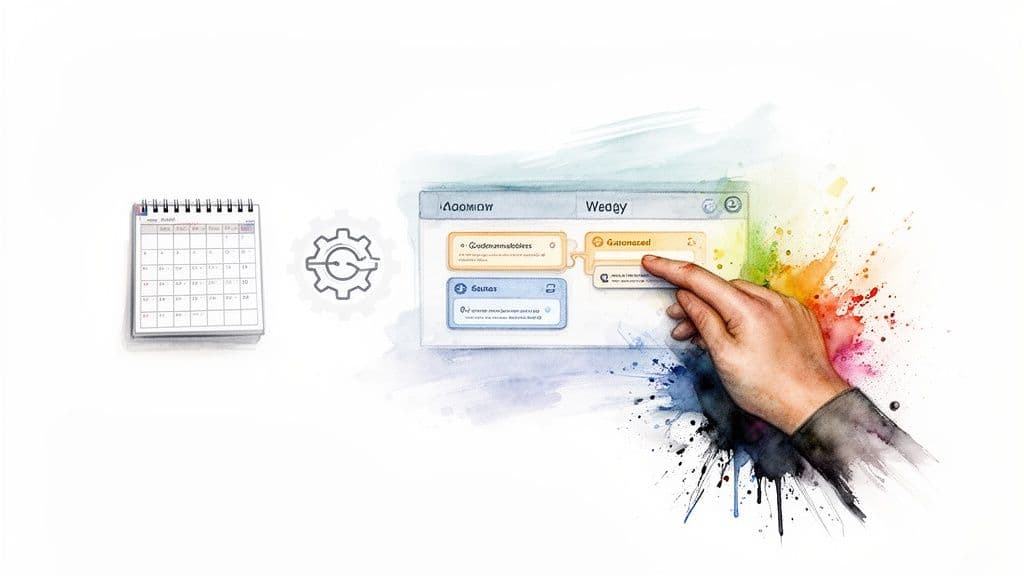
The biggest gains come when you embed the template in your project system. Recurring communication tasks become automated reminders with an owner and a due date, so updates happen without manual chasing. Automation and templates free up time for strategy while keeping execution reliable.4
Visual boards and calendar views help you spot bottlenecks and move messages from draft to delivery without extra status meetings. Delegation becomes simpler, and you can scale communication by assigning repeatable tasks to contractors or virtual assistants.
Answering Your Top Communication Plan Questions
How Long Should a Communication Plan Be?
As long as it needs to be—and no longer. Most effective plans are 1–4 pages: concise enough to be used, comprehensive enough to be relied on.
How Often Should I Update the Plan?
Treat the plan as a living document. Review at major milestones and whenever scope, stakeholders, or timelines change.
How Do I Get My Team to Actually Use the Plan?
Involve the team in building the plan. When people help craft the rhythm and formats, they take ownership and the plan becomes a tool that makes their work easier.
Ready to turn your plan into a seamless, automated workflow? With Fluidwave, you can transform your communication strategy into actionable tasks, delegate responsibilities, and keep stakeholders in sync without manual effort. Get started with Fluidwave today.
Common Questions (Q&A)
Q: What’s the first step to creating a communication plan template? A: Start by defining clear, measurable objectives (SMART goals) that tie to project outcomes.
Q: How do I choose the right channels for different audiences? A: Match channel formality and cadence to audience needs—executives get concise emails, teams get real-time tools, and documents live in a central hub.
Q: How can automation improve communications? A: Automations turn recurring updates into assigned tasks with deadlines and notifications, reducing manual follow-up and missed updates.4
1.
“Why do so many transformations fail?” Harvard Business Review. https://hbr.org/2016/06/why-do-so-many-transformations-fail
2.
Atlassian, “How to create a communication plan.” https://www.atlassian.com/team-playbook/plays/communication-plan
3.
Project Management Institute (PMI), Pulse of the Profession—research on project outcomes and the impact of process and communication on budget and schedule. https://www.pmi.org/learning/thought-leadership/pulse
4.
Zapier, “Automation statistics and trends.” https://zapier.com/blog/automation-statistics/
Focus on What Matters.
Experience lightning-fast task management with AI-powered workflows. Our automation helps busy professionals save 4+ hours weekly.