Finding the right task management app can feel like a project in itself. When teams juggle scattered spreadsheets, missed deadlines, and unclear ownership, productivity suffers. The right tool does more than track tasks—it creates a single source of truth, boosts communication, and gives managers visibility to keep work moving. The goal here is simple: match tools to how your team works, not force you into a one‑size‑fits‑all system. This guide cuts through the noise with real‑world assessments of the top contenders, focusing on practical strengths, limitations, and best‑for scenarios so you can match each tool to your team’s needs. You’ll find breakdowns of Asana, ClickUp, Trello, Jira, Notion, and Fluidwave, plus trusted resources to help you evaluate options. Inside you’ll also find getting‑started tips, pricing notes, and direct links for each app.
November 19, 2025 (11mo ago) — last updated March 5, 2026 (7mo ago)
Best Task Management Apps for Teams 2025
Compare top task management apps for teams in 2025—discover features, pricing, and ideal use cases to pick the right tool.
← Back to blog
The Best Task Management Apps for Teams: Top Picks for 2025
Discover the best task management apps for teams in 2025. This guide compares top tools by features, pricing, and best‑for scenarios to help you pick the right fit.
Finding the right task management app can feel like a project in itself. When teams juggle scattered spreadsheets, missed deadlines, and unclear ownership, productivity suffers. The right tool does more than track tasks—it creates a single source of truth, boosts communication, and gives managers visibility to keep work moving. The goal here is simple: match tools to how your team works, not force you into a one‑size‑fits‑all system.
This guide cuts through the noise with real‑world assessments of the top contenders. We focus on practical strengths, limitations, and “best‑for” scenarios so you can match each tool to your team’s needs. You’ll find breakdowns of Asana, ClickUp, Trello, Jira, Notion, and our top recommendation, Fluidwave, plus trusted resources to help you evaluate options. Includes actionable pricing notes, getting‑started tips, and direct links for each app.
Inside this guide, you’ll find:
- Detailed breakdowns of leading apps like Asana, ClickUp, and Fluidwave.
- Honest pros and cons that focus on practical strengths and limitations.
- “Best‑for” scenarios to match the right tool with your team type.
- Clear pricing notes, getting‑started tips, and direct links for each app.
Our goal is simple: give you the insights you need to pick a tool that will genuinely make your team more productive and collaborative. Let’s find the right fit.
1. Fluidwave
Fluidwave positions itself as an AI‑powered productivity hub for teams that want to focus on deep work and delegate efficiently. The platform’s AI assistant organizes and prioritizes tasks so teams always know what to tackle next, which reduces routine planning overhead. That combination of automation and human‑in‑the‑loop features helps teams cut admin time and spend more time on high‑value work.
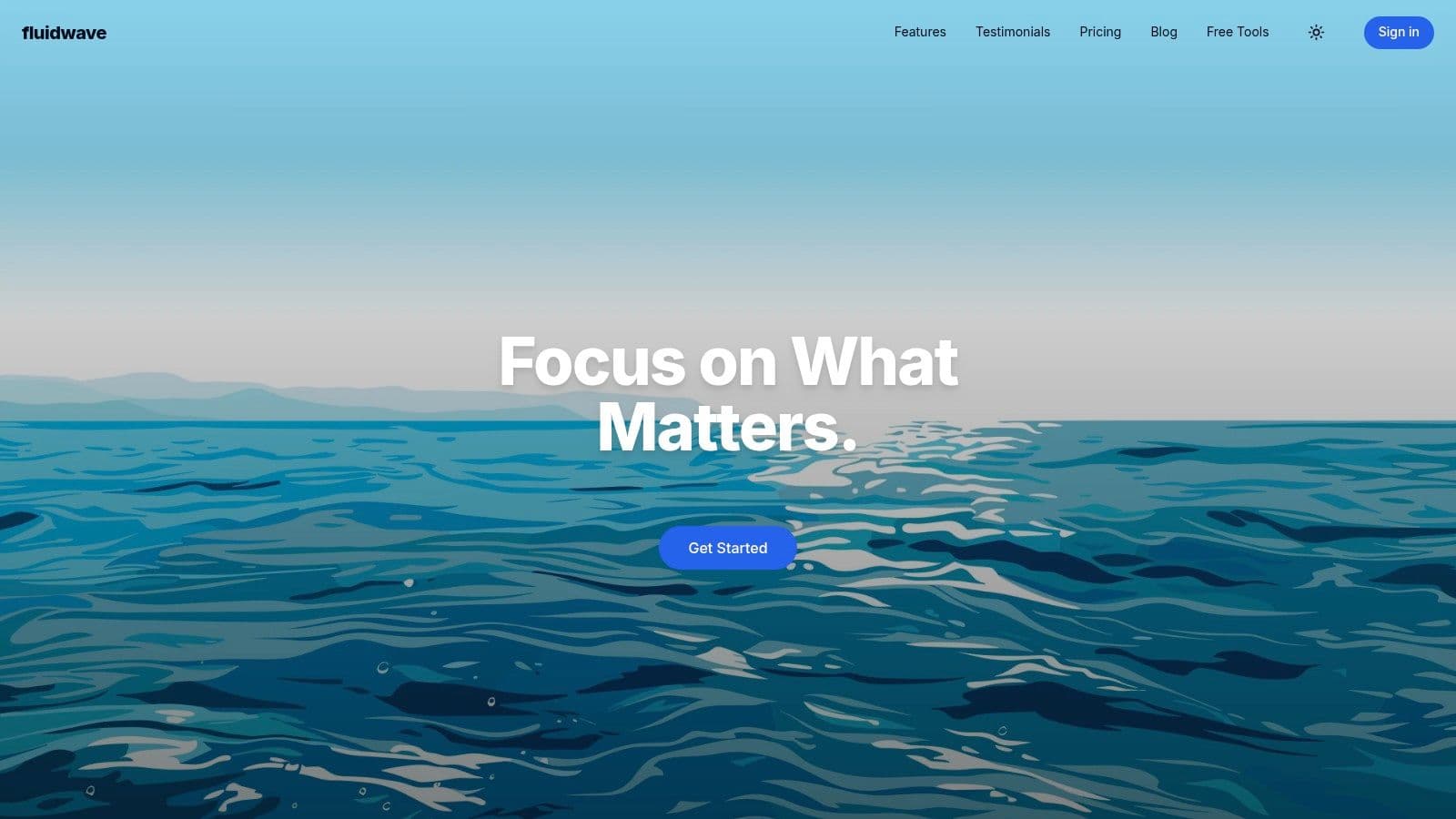 Fluidwave is built for sustained focus with a clean, quick interface and multiple views that adapt to different workflows. It’s a strong contender for teams that need structure and flexibility. Fluidwave review (internal link)
Key features and use cases
- AI‑assisted workflow: The AI highlights high‑impact tasks so teams can stay aligned on priorities without constant check‑ins.
- Flexible visualization: Table, List, Calendar, Kanban, and Card views support different team workflows.
- Integrated collaboration: Shared workspaces, real‑time progress tracking, and integrations with tools like Google Calendar.
- Human Assistant Marketplace (coming soon): Delegate routine tasks to vetted virtual assistants on a pay‑per‑task basis.
Pricing and value proposition
Fluidwave’s core platform is free forever. A one‑time Premium upgrade removes upgrade popups for $34.95. The lack of recurring subscription fees gives teams predictable costs and strong value.
Pros
- AI plus human assistance offers a compelling mix.
- Free‑forever plan and affordable one‑time premium upgrade.
- Multiple project views to suit different workflows.
- Designed to minimize distractions and help users focus.
Cons
- Human‑assistant marketplace is still coming soon.
- Public details on data handling for delegated tasks are limited.
Website: https://fluidwave.com
2. Asana
Asana scales well and brings clarity to complex projects. It’s a strong choice for teams expecting to grow because it offers project and portfolio management, templates, and automation for routine processes.
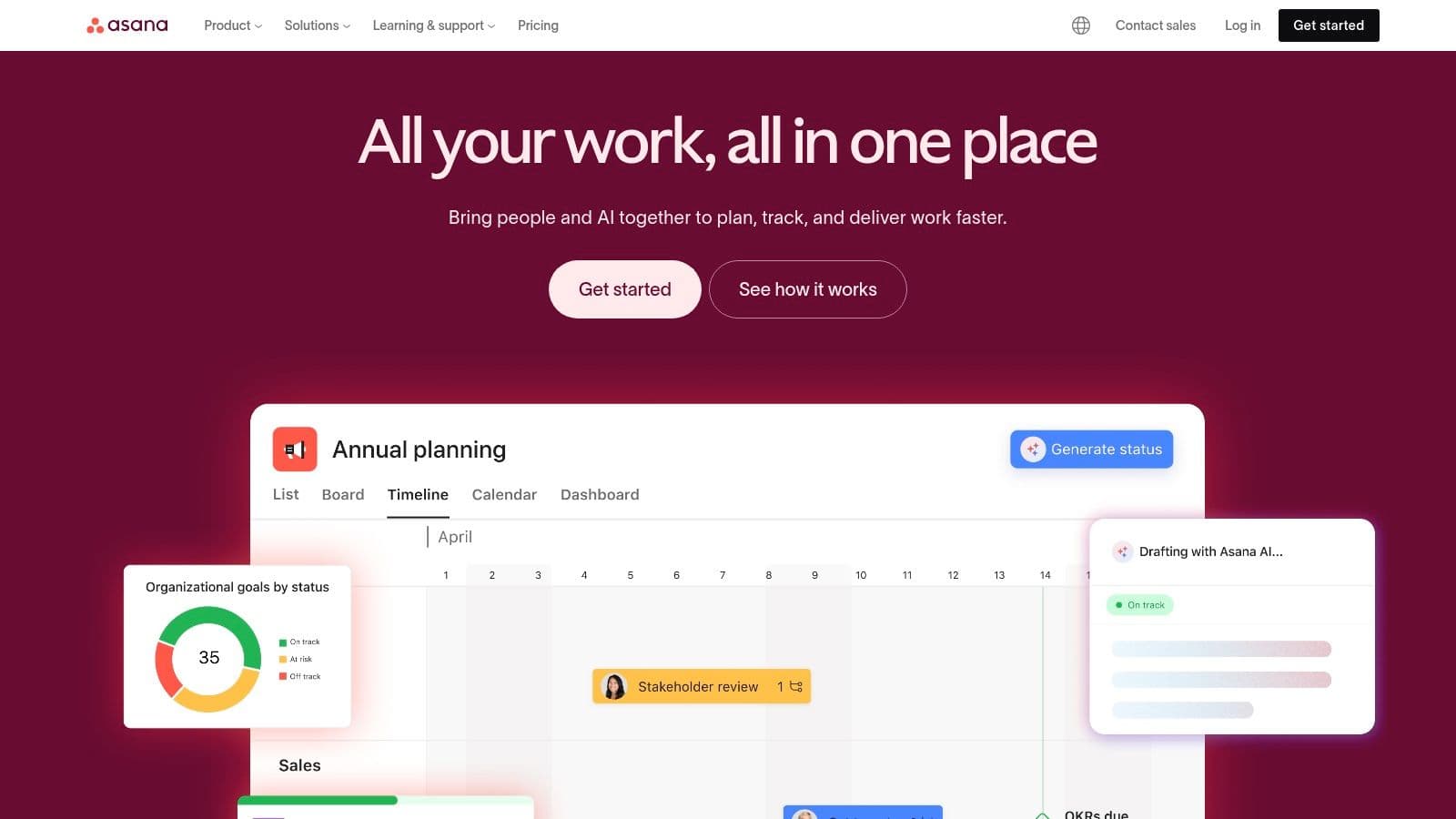 Asana’s visual flexibility—List, Board, Timeline, and Calendar—combined with automation rules helps teams cut manual work. Portfolio and Workload give managers a high‑level view of project health and capacity.
Key features & considerations
- Views & flexibility: Multiple project views, including Gantt‑style Timelines.
- Automation: Custom rules to automate recurring tasks.
- Goal tracking: Link tasks to company goals with the Goals feature.
- Integrations: Connects to Slack, Google Drive, Microsoft Teams, and more.
Pros
- Scales from small teams to large organizations.
- Strong templates and user onboarding.
Cons
- Advanced features are on higher‑tier plans.
- Costs increase as headcount and feature needs grow.
Website: https://asana.com
3. monday.com Work Management
monday.com is a visual, flexible Work OS with a large template library. It suits teams that value ease of use and visual clarity, from content calendars to complex product launches.
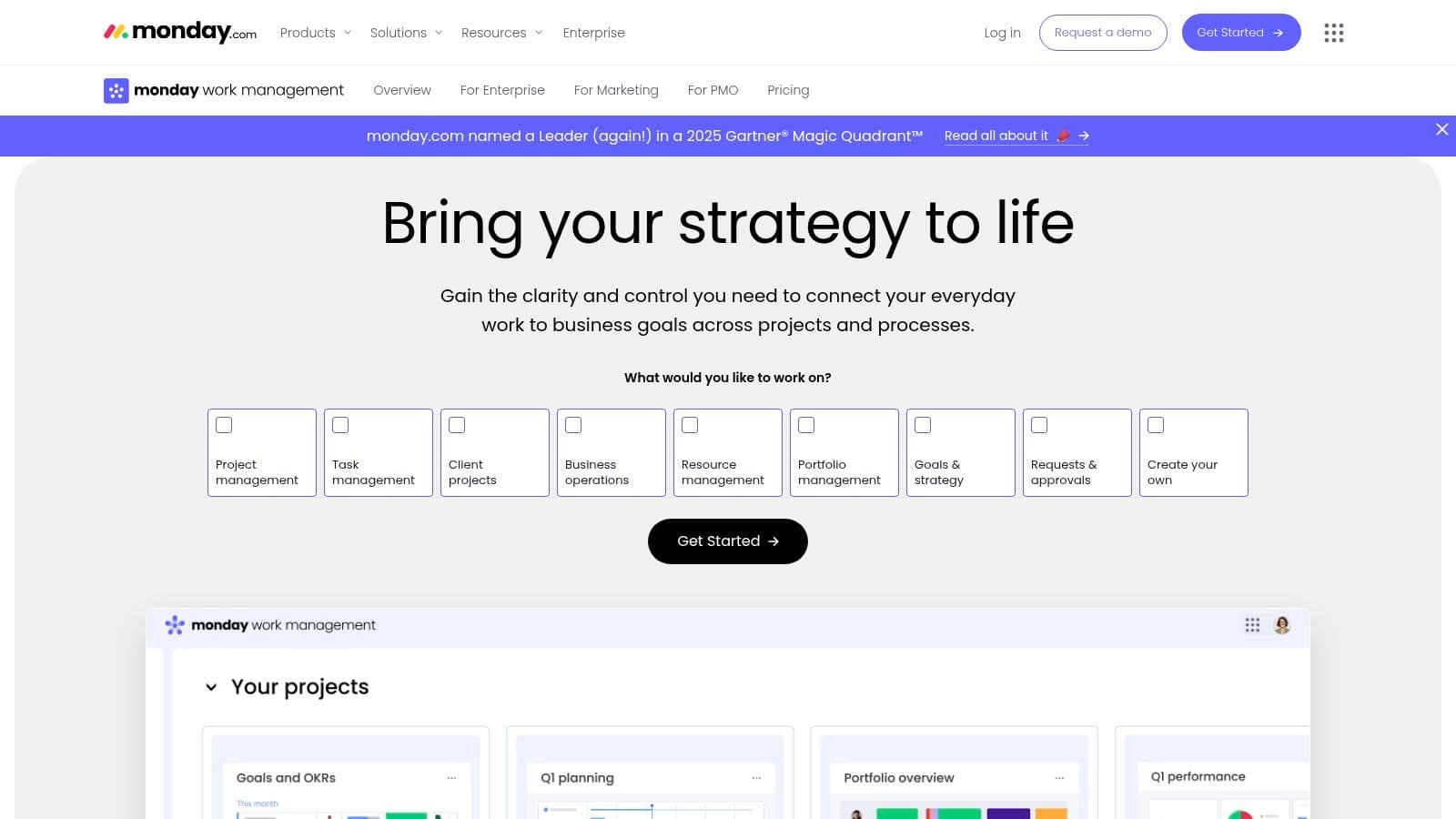 Customizable boards, automation recipes, and Dashboards let teams standardize workflows and visualize KPIs across projects.
Key features & considerations
- Customizable boards and multiple views.
- Automation and integrations with common tools.
- Dashboards for high‑level reporting.
- Built‑in AI to generate tasks and summarize updates.
Pros
- Intuitive, colorful interface.
- Flexible for different use cases.
Cons
- 3‑seat minimum on some plans can raise costs for very small teams.
- Advanced features require higher‑tier plans.
Website: https://monday.com/work-management
4. ClickUp
ClickUp aims to be an all‑in‑one work hub, integrating tasks, Docs, goals, time tracking, and more. It offers deep customization at a competitive price, making it a good fit for teams that want breadth without enterprise costs.
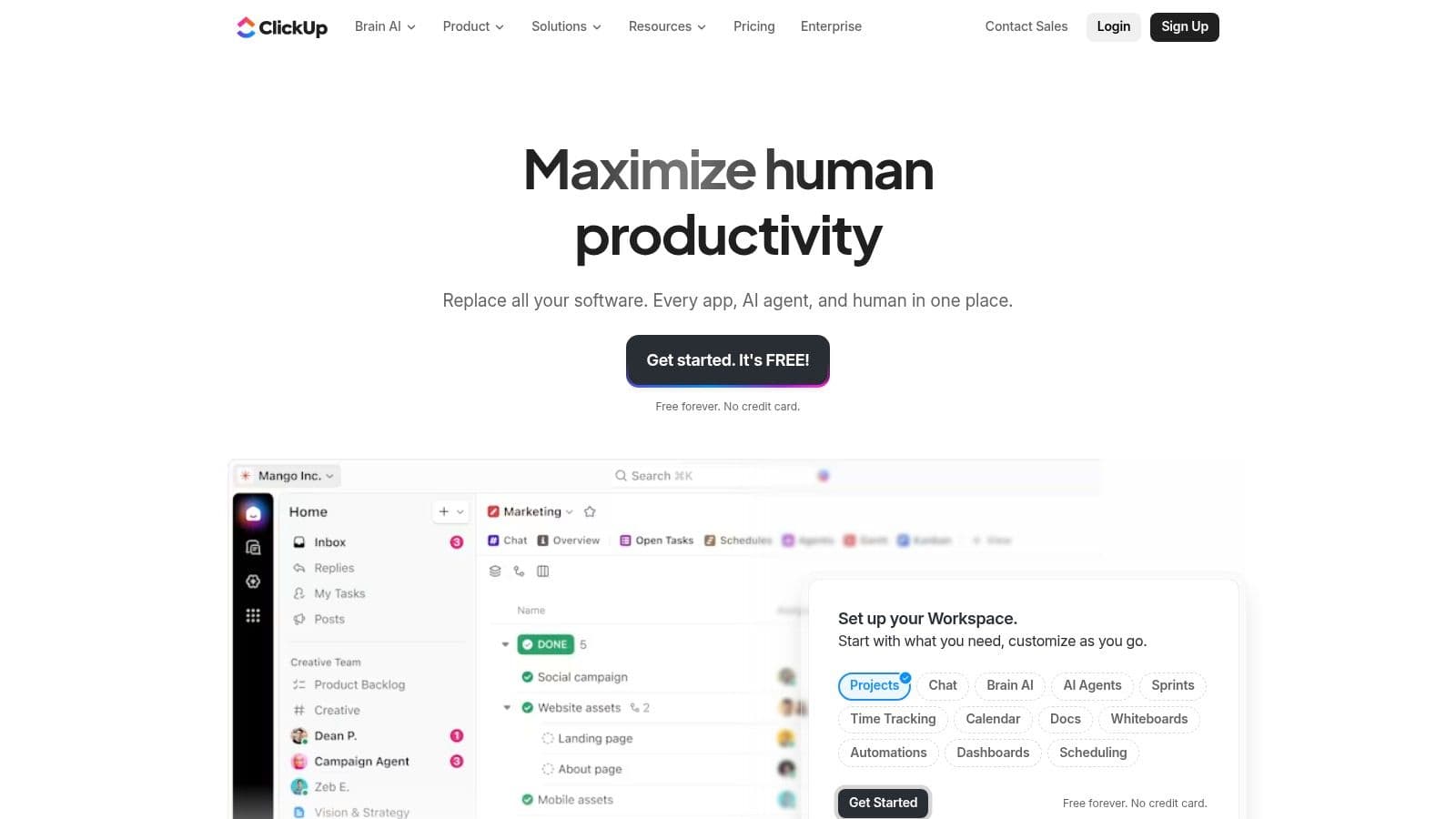 ClickUp’s flexibility supports varied workflows, and built‑in time tracking and Docs add value even on lower tiers.
Key features & considerations
- All‑in‑one workspace with tasks, Docs, and goals.
- Deep customization with custom fields and statuses.
- Multiple views and built‑in time tracking.
Pros
- Excellent value and frequent updates.
- Highly customizable to suit many workflows.
Cons
- Can feel overwhelming for teams that need simplicity.
- Performance can lag in very large workspaces.
Website: https://clickup.com
5. Trello
Trello uses a simple, Kanban‑first approach and is ideal for teams that want a lightweight, visual tool. Its board‑and‑card system is easy to learn and supported by a large marketplace of Power‑Ups.
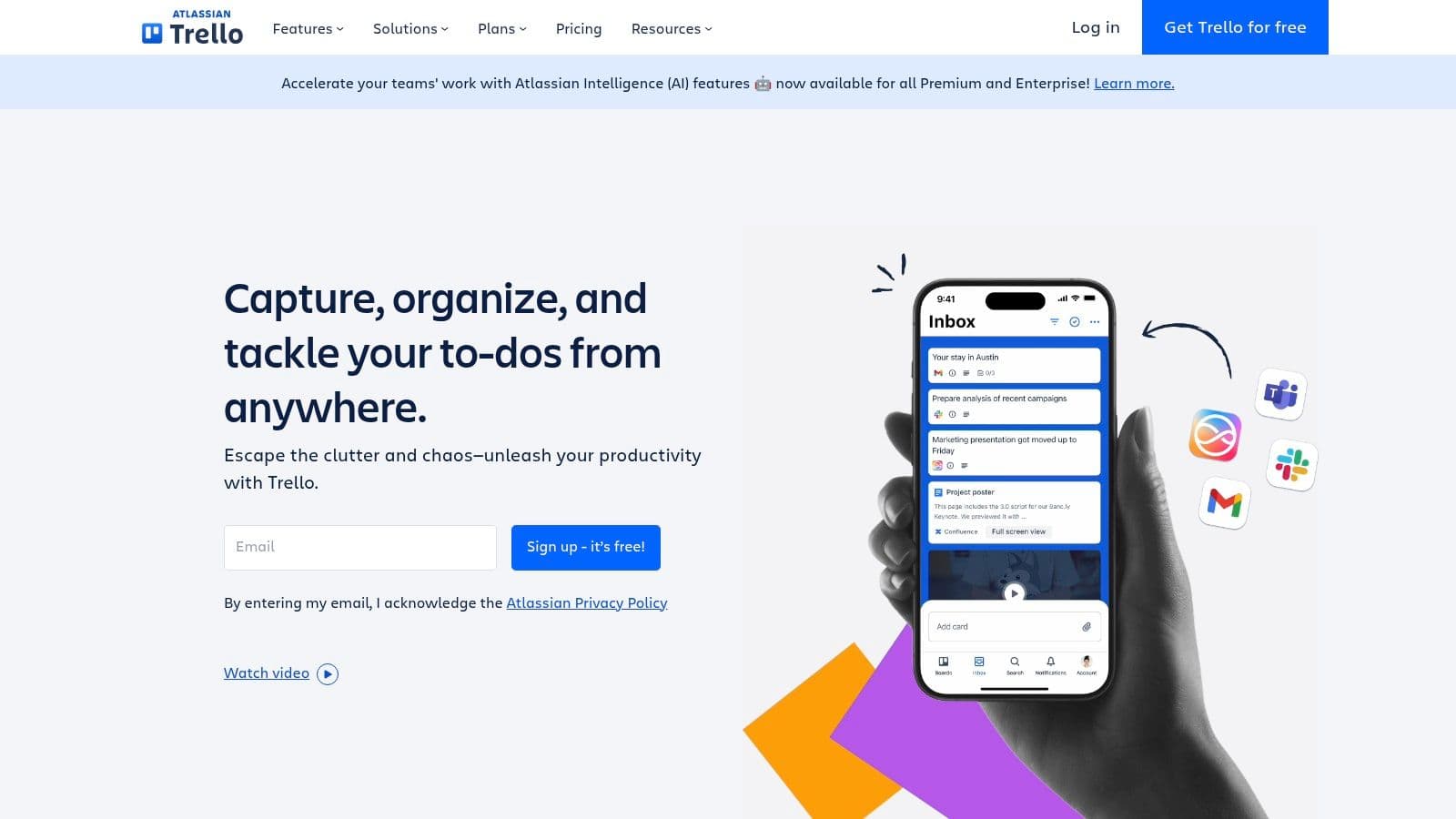 Butler automation and Power‑Ups let teams add automation and integrations as needed. Trello’s generous free plan makes it a common choice for small teams and personal projects.
Key features & considerations
- Kanban boards with checklists, due dates, and attachments.
- Butler automation for no‑code rules and commands.
- Power‑Ups marketplace for integrations and advanced features.
Pros
- Extremely easy to adopt.
- Flexible with many integrations.
Cons
- Limited reporting and resource management compared with larger suites.
- Advanced views locked behind paid plans.
Website: https://trello.com
6. Jira Software
Jira is the standard for software development teams, with powerful Agile features like Scrum and Kanban boards, backlog management, and detailed reporting. It’s highly configurable for complex engineering workflows.
Jira’s advanced workflows and reporting support sprint planning and release management, but non‑technical teams often find the learning curve steep.
Key features & considerations
- Agile boards tailored to Scrum and Kanban.
- Advanced workflows and issue tracking.
- Backlog management and detailed reporting.
Pros
- Industry standard for engineering teams.
- Extensive integrations with the Atlassian ecosystem.
Cons
- Steep learning curve for non‑technical users.
- Administration grows more complex at scale.
Website: https://www.atlassian.com/software/jira
7. Microsoft Planner
Microsoft Planner works well for organizations invested in Microsoft 365. It offers Kanban‑style boards and integrates tightly with Teams, Outlook, and SharePoint for centralized user management and compliance.
Planner is simple to use for basic task tracking and can scale with Project for the web for more advanced features.
Key features & considerations
- Grid, Board, Schedule, and Charts views.
- Native Microsoft 365 integration.
- Scales with Project add‑ons for advanced PM features.
Pros
- Seamless for Microsoft 365 customers.
- Centralized security and administration.
Cons
- Many features require a Microsoft 365 subscription or Project add‑ons.
Website: https://www.microsoft.com/microsoft-365/planner
8. Wrike
Wrike suits teams that need granular control and enterprise‑level work management. It’s especially strong for marketing, PMOs, and service teams that require approvals, resource planning, and detailed reporting.
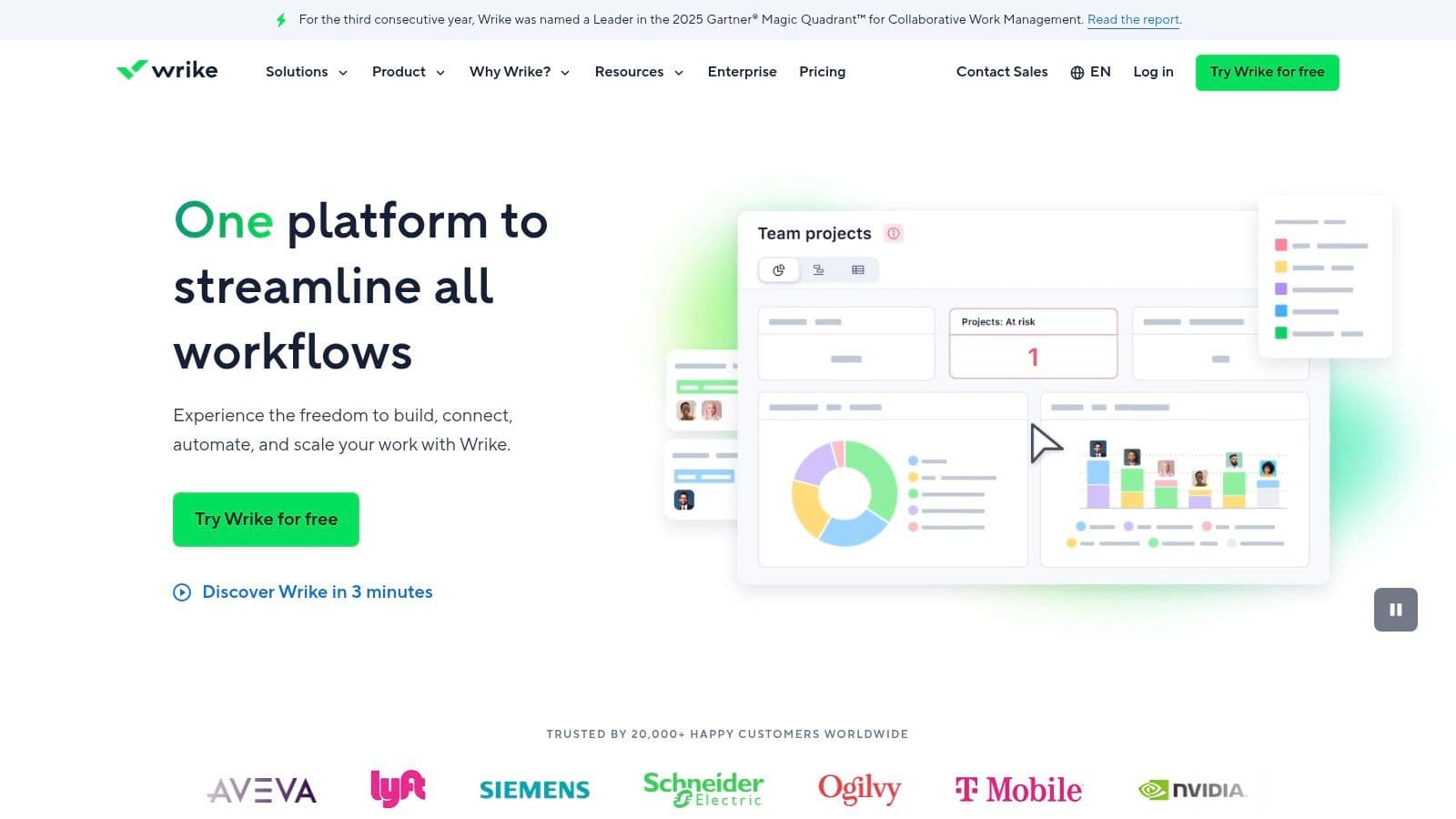 Wrike’s request forms, custom workflows, and proofing tools centralize intake and creative review, though the interface can feel dense for newcomers.
Key features & considerations
- Custom workflows and request forms.
- Resource management and approvals.
- Advanced reporting and dashboards.
Pros
- Strong for marketing and PMO environments.
- Enterprise‑grade security and governance.
Cons
- Feature‑rich UI can overwhelm simple teams.
- Core resource planning tools require higher‑tier plans.
Website: https://www.wrike.com
9. Smartsheet
Smartsheet blends spreadsheets with project management, making it ideal for teams that rely on grid‑style data and formulas. It’s powerful for reporting, dashboards, and automation across data‑heavy projects.
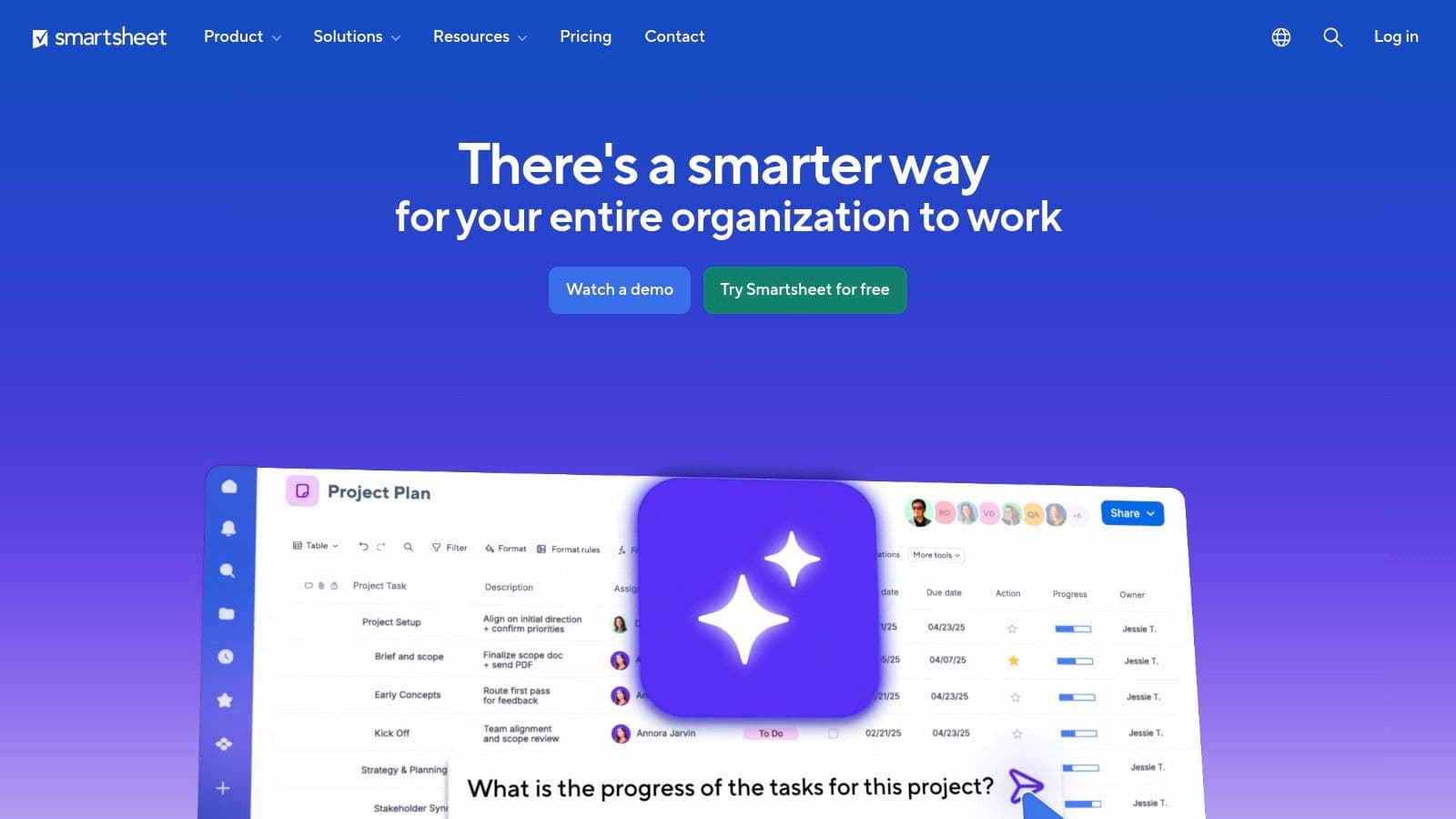 Smartsheet offers grid, Gantt, card, and calendar views, real‑time dashboards, and powerful automation and integrations.
Key features & considerations
- Grid, Gantt, Card, and Calendar views.
- Real‑time dashboards and reporting.
- Powerful automation and integrations.
Pros
- Excel‑like familiarity and strong reporting.
- Good automation allowances on lower tiers.
Cons
- Feels heavyweight compared with simple task managers.
- Most powerful features are in higher‑priced plans.
Website: https://www.smartsheet.com
10. Notion
Notion is an all‑in‑one workspace combining notes, docs, and databases. It’s a great choice for teams that want to connect documentation and task work in one place.
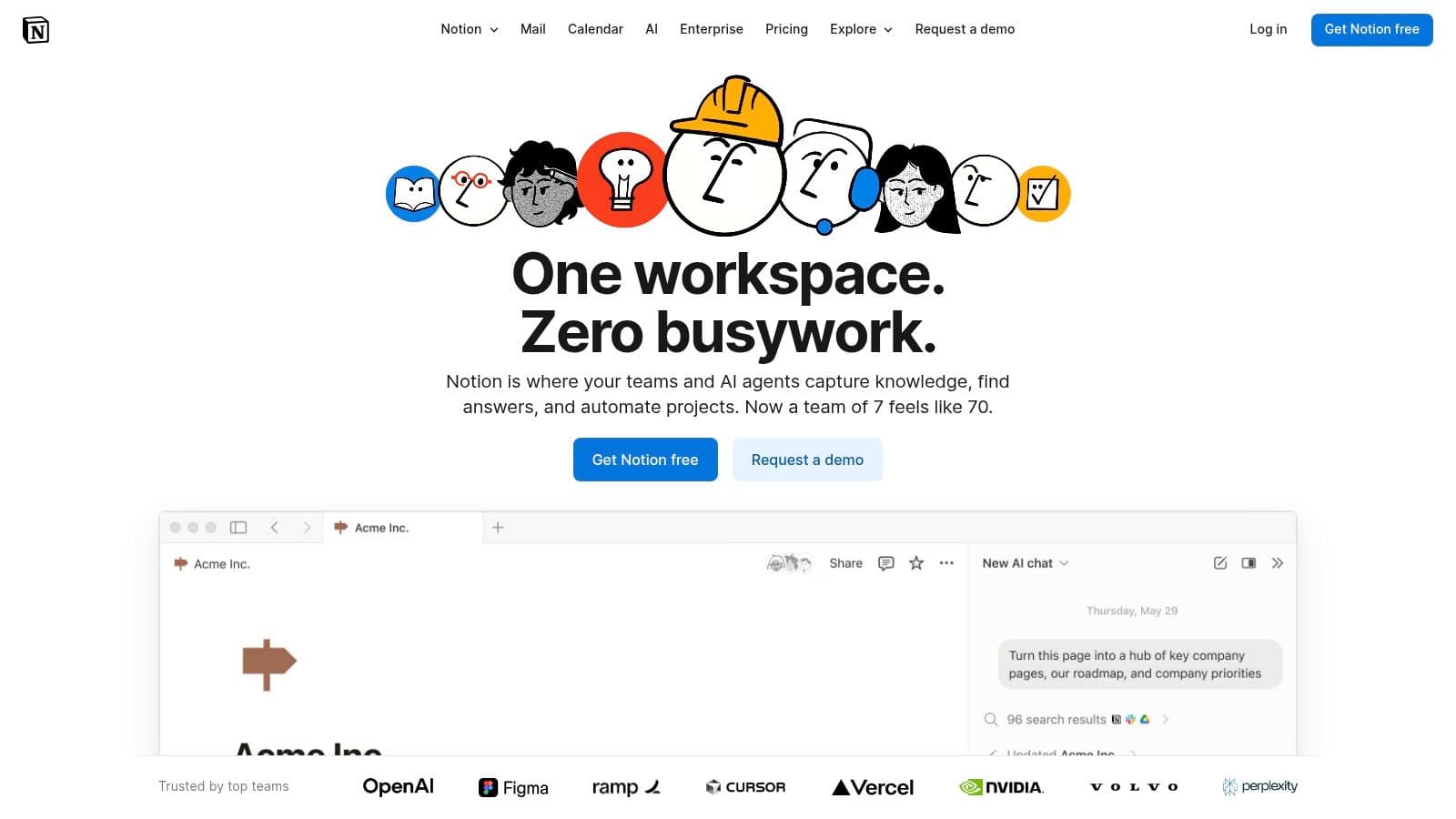 Notion’s databases and Teamspaces let teams build custom workflows, though it requires upfront structure to stay organized.
Key features & considerations
- Custom databases with multiple views.
- Teamspaces and granular permissions.
- Notion AI for summaries and content generation.
Pros
- Excellent for combined docs and task workflows.
- Clean, minimalist interface that’s highly customizable.
Cons
- Requires setup and governance to scale.
- Advanced security features are for higher tiers.
Website: https://www.notion.so
11. G2 — Task Management Software category
G2 is a marketplace of crowd‑sourced user reviews and a helpful starting point for shortlisting tools. You can filter by company size, industry, and features to find tools that match your needs. G2’s Grid Reports show market leaders and high performers based on verified reviews and satisfaction scores.
Key features & considerations
- Crowd‑sourced reviews and comparison grids.
- Advanced filtering by company size and features.
- Direct links to vendor trial pages.
Pros
- Great for shortlisting and real‑user sentiment.
Cons
- Sponsored placements can influence visibility.
Website: https://www.g2.com/categories/task-management-software
12. Capterra — Task Management Software directory
Capterra offers buyer‑focused comparisons, pricing ranges, and user reviews. It’s useful for quick feature and price scans, and its editorial guides provide organized starting points.

Website: https://www.capterra.com/task-management-software/
Feature comparison (quick view)
| Product | Core features | UX & quality | Value & pricing | Best for |
|---|---|---|---|---|
| Fluidwave | AI prioritization, automations, multiple views | Focused, fast | Free forever, one‑time premium | Small teams, busy professionals |
| Asana | Timelines, automations, portfolios | Polished, scalable | Freemium, paid tiers | Growing orgs, cross‑functional projects |
| monday.com | Visual boards, automations, dashboards | Intuitive, visual | Tiered pricing | Cross‑functional teams |
| ClickUp | Tasks, Docs, goals, time tracking | Feature‑rich | Generous free tier | Teams needing all‑in‑one hub |
| Trello | Kanban, Power‑Ups, Butler | Lightweight | Freemium | Small teams, simple workflows |
| Jira | Agile boards, backlog, reporting | Dev‑focused | Free small teams, paid tiers | Software teams |
| Planner | MS365 integration, Kanban | Familiar for MS users | Included in 365 | Organizations on Microsoft 365 |
| Wrike | Workflows, resource planning | Robust for PMO | Tiered pricing | Marketing, PMO |
| Smartsheet | Sheet‑based PM, dashboards | Excel‑like | Per‑user pricing | Data‑heavy teams |
| Notion | Databases, docs, teamspaces | Flexible | Freemium | Teams combining docs and tasks |
Final thoughts
There’s no single, universally best task management app for teams. The right choice depends on your team’s workflows, culture, and growth plans. Prioritize adoption and a gentle learning curve, think about scalability, and make sure the tool integrates with your existing systems.
- Adoption beats features: a simple tool everyone uses is better than a complex one that gathers dust.
- Plan for growth: choose a platform that can scale with your needs.
- Integrations matter: reduce context switching by connecting your task manager to the tools your team already uses.
- Define your problems first: let your pain points guide the feature checklist.
Action plan: shortlist two or three tools, run short pilot projects, and evaluate real usage before committing. If you’re aiming for a visually oriented or creative workflow, consider a tailored comparison of project management software for creative agencies to find solutions optimized for design assets and feedback cycles. Ready to test a smarter approach? Try Fluidwave’s free plan and see how AI‑assisted prioritization can shape your team’s workflow.
Frequently Asked Questions
Q: Which task management app is best for small teams on a budget?
A: Trello and Fluidwave are strong options. Trello’s free tier and Power‑Ups let small teams start quickly, and Fluidwave’s free‑forever plan with a low one‑time premium makes it an excellent low‑cost choice for teams that want AI‑assisted prioritization.
Q: What should we prioritize when choosing a task manager?
A: Prioritize adoption, integrations, and scalability. Choose a tool your team will use daily, that connects with your tech stack, and that can grow with your processes.
Q: How can we evaluate a tool before committing?
A: Shortlist two or three options, run small pilot projects with representative users, and measure adoption, time saved on admin tasks, and clarity of ownership. Use vendor trials and crowd‑sourced review sites for extra data.
Focus on What Matters.
Experience lightning-fast task management with AI-powered workflows. Our automation helps busy professionals save 4+ hours weekly.