Juggling clients, deadlines, invoices, and business growth is the classic freelancer balancing act. The right project management tool becomes your command center, turning chaos into clarity and giving you back hours each week through automation and better workflows.
December 14, 2025 (10mo ago) — last updated April 7, 2026 (6mo ago)
Best Project Management Tools for Freelancers 2025
Compare the 12 best project management tools for freelancers in 2025 to manage clients, track time, and streamline invoicing—find the right fit fast.
← Back to blog
Best Project Management Tools for Freelancers 2025
Compare the top 12 project management tools for freelancers—task tracking, invoicing, time tracking, and client portals to boost productivity.
Introduction
Juggling clients, deadlines, invoices, and business growth is the classic freelancer balancing act. Without a reliable system it’s easy for details to slip through the cracks, causing missed deadlines, scope creep, and unhappy clients. The right project management tool becomes your command center, turning chaos into clarity and giving you back hours each week through automation and better workflows2. This guide highlights the top 12 tools for freelancers in 2025 with clear pros, cons, pricing notes, and real-world use cases so you can pick the system that fits your workflow.
1. Fluidwave
Fluidwave positions itself as an AI-driven platform that automates task creation, auto-prioritization, and routine admin—helping freelancers reclaim focused time. The platform claims users can save four or more hours per week through automation and better task routing1.

What sets Fluidwave apart is the hybrid model: powerful AI plus an integrated network of human virtual assistants you can hire on a pay-per-task basis. That flexibility helps when your workload spikes without forcing a fixed monthly cost.
Key features & pricing
- Multiple views: Kanban, Calendar, List, Table, Card
- AI automation: task creation, auto-prioritization, workflow automation
- Human delegation: pay-per-task virtual assistants
Pricing:
- Free Forever: up to 10 task completions per month
- Premium: $6/month (billed annually) for unlimited tasks and priority support
Pros:
- Strong AI automation to reduce admin time
- On-demand human assistants for variable workloads
- Clean, distraction-free interface
- Affordable premium tier
Cons:
- Human VA network availability may vary during rollout
- Free plan is limited to light usage
Best for: Freelancers who want AI-driven organization plus flexible human support.
2. ClickUp
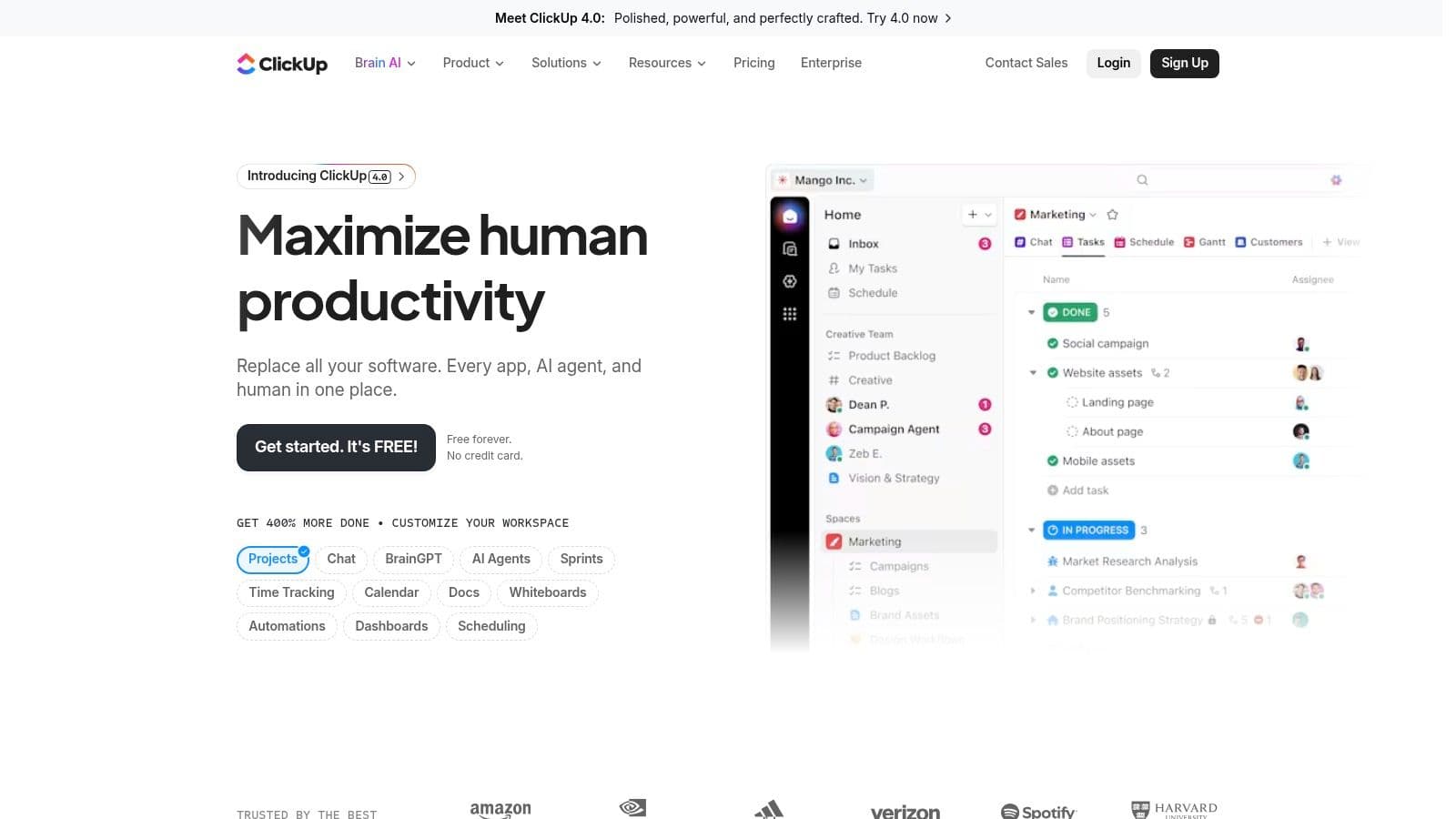
ClickUp aims to replace multiple apps with a single Work OS that includes tasks, docs, goals, whiteboards, and time tracking. Its flexibility makes it ideal for freelancers who need an all-in-one platform and want to reduce subscription bloat.
Key features for freelancers:
- Customizable views: List, Board, Calendar, Gantt
- Built-in time tracking and reporting
- Docs and Whiteboards for briefs and collaboration
- Extensive integrations with Slack, Google Drive, Outlook, and more
Pros:
- Generous free tier and affordable paid plans
- Reduces app switching by centralizing tools
- Highly customizable to match workflows
Cons:
- Can be overwhelming at first due to feature depth
- Some automations locked behind higher-tier plans
Website: https://clickup.com
3. Trello
Trello uses a Kanban-style board of cards and lists that’s extremely approachable for freelancers. It’s ideal for content calendars, client pipelines, and simple task tracking.
Key features:
- Boards, Lists, Cards with checklists, due dates, attachments
- Butler automations for recurring actions
- Power‑Ups to extend functionality
- Large library of templates
Pros:
- Extremely intuitive and quick to set up
- Generous free plan with unlimited Power‑Ups
- Great for visual planners
Cons:
- Advanced views require paid plans
- Can become cluttered for highly complex projects
Website: https://trello.com
4. Asana
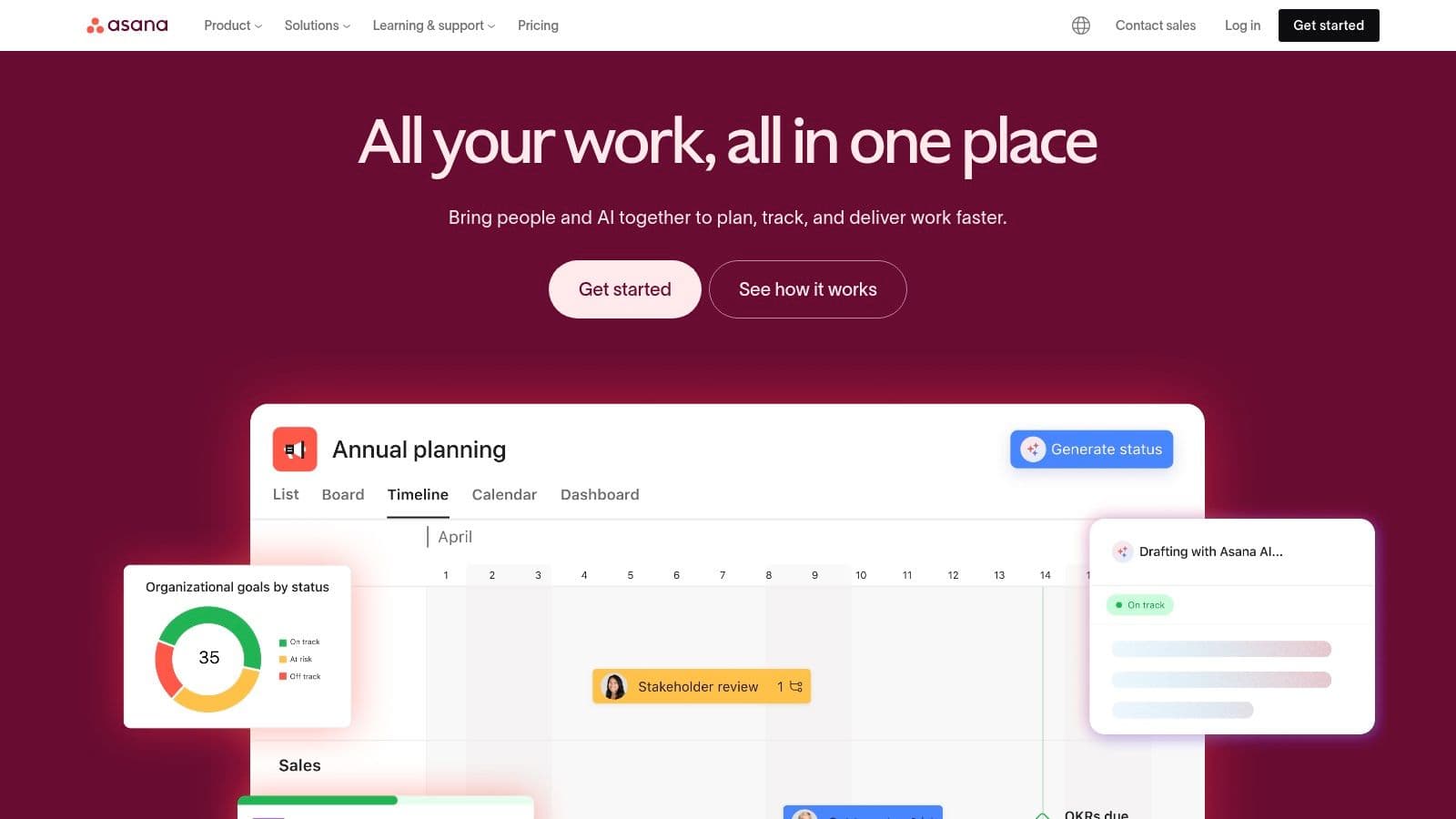
Asana is built for clarity and structure, with timelines, workflow automation, and reporting that scale well as your freelance business grows. It’s especially useful when you work with client teams and need controlled guest access.
Key features:
- Timeline and Gantt views for scheduling
- Workflow Builder to automate routine steps
- Dashboards and reporting for project health
- Generous guest access on paid plans
Pros:
- Robust automation and reporting
- Good for scaling businesses and client collaboration
Cons:
- Most advanced features are on paid tiers
- Native time tracking limited to higher plans
Website: https://asana.com
5. monday.com
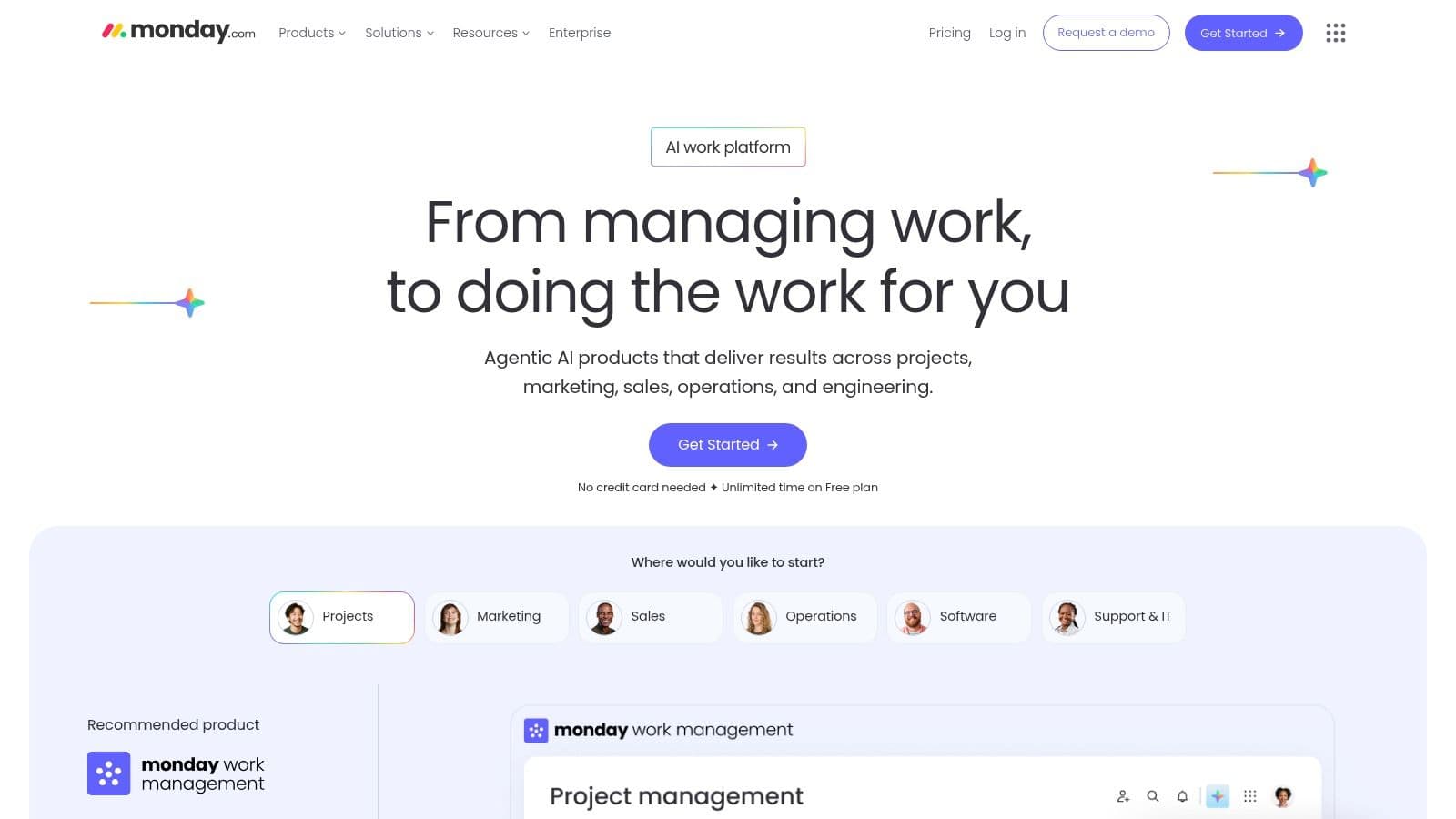
monday.com is a visual Work OS with a polished interface and template library, making it easy to present professional dashboards and timelines to clients.
Key features:
- Visual boards and multiple views (Kanban, Timeline, Gantt)
- Extensive templates for common workflows
- Client-facing dashboards for status and metrics
- Automations for notifications and status changes
Pros:
- Polished UI and strong mobile apps
- Excellent for client presentations and templates
Cons:
- Paid plans often require a minimum seat count
- Some features gated in higher tiers
Website: https://monday.com
6. Notion
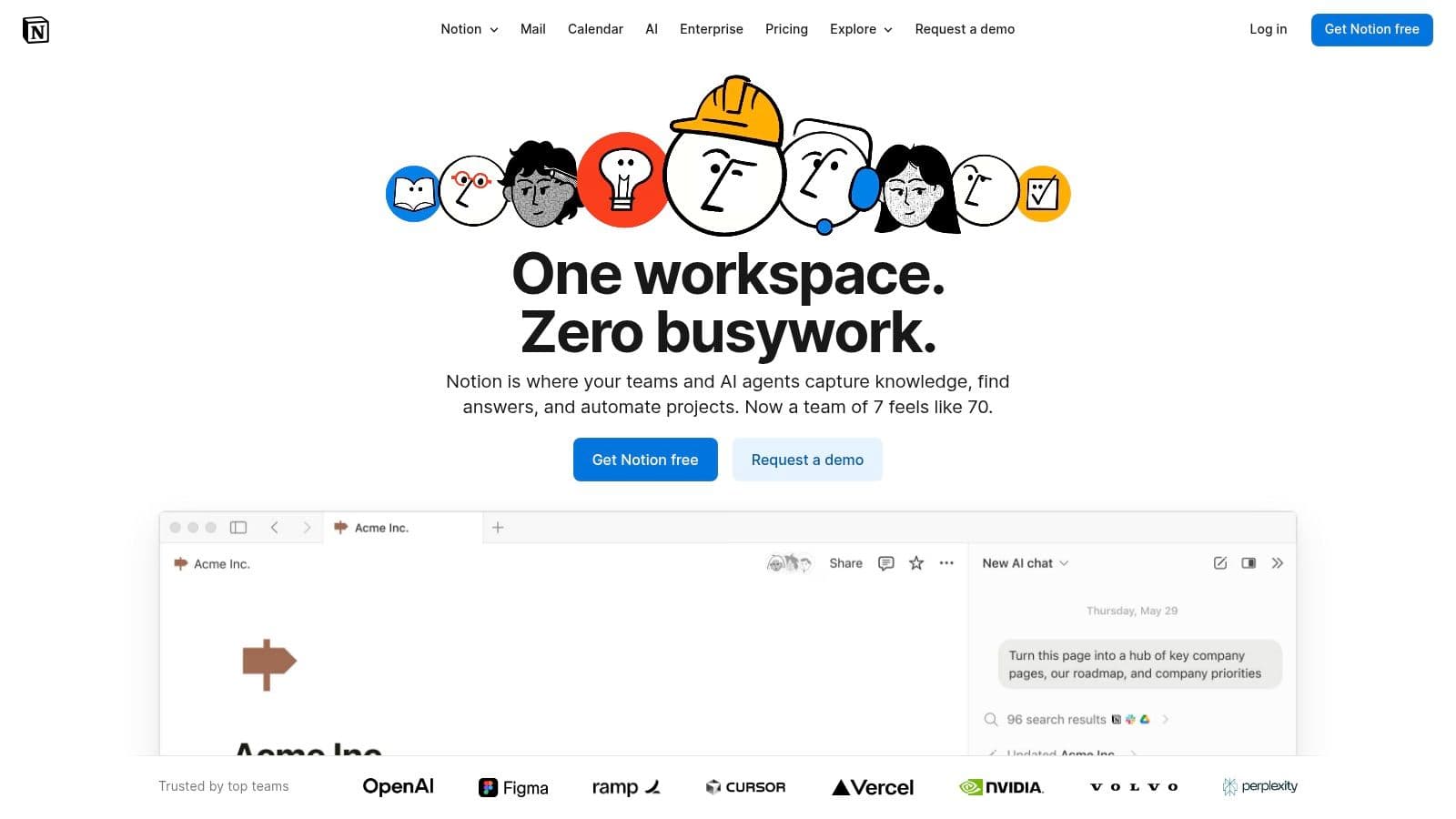
Notion is a modular workspace that combines documents, wikis, and databases. Its strength is flexibility: you can build bespoke workflows for CRM, project tracking, and knowledge management.
Key features:
- Flexible databases with multiple views
- Linked pages and internal wikis for SOPs and briefs
- Large template ecosystem
- Granular sharing and guest access
Pros:
- Highly customizable to consolidate workflows
- Affordable for solo freelancers
Cons:
- Requires setup time and planning
- Not an out‑of‑the‑box PM solution for very complex projects
Website: https://notion.com
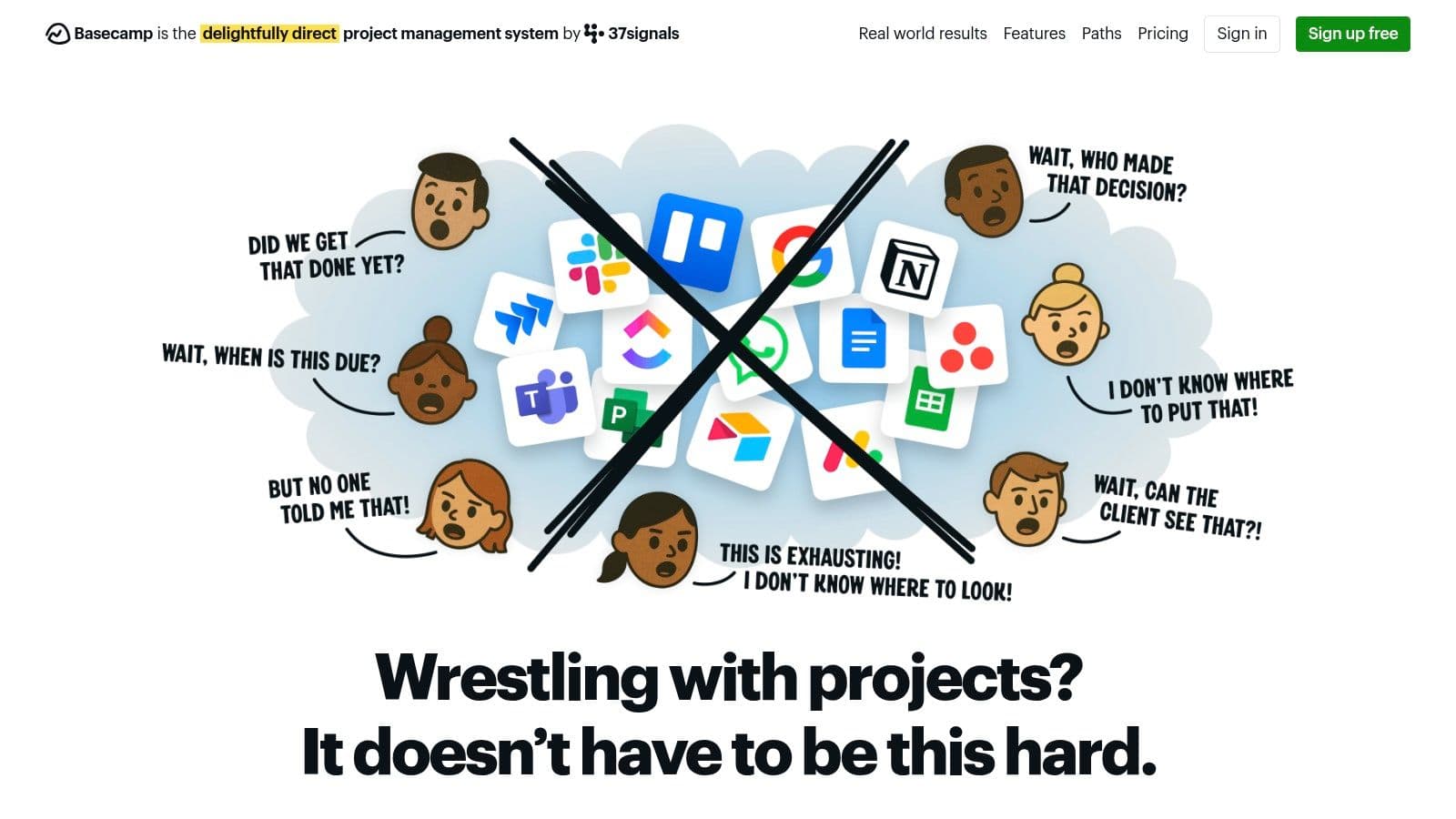
7. Basecamp
Basecamp is intentionally simple: message boards, to‑dos, schedules, files, and chat in a single space. It’s designed to reduce complexity and centralize client communication.
Key features:
- Centralized project hubs for files and communication
- Hill Charts for intuitive progress tracking
- Built-in chat (Campfire)
Pros:
- Simple for clients to learn
- Predictable flat pricing for growing freelance practices
Cons:
- Lacks advanced PM features like Gantt or native time tracking
- Opinionated workflow may not fit everyone
Website: https://basecamp.com
8. Bonsai
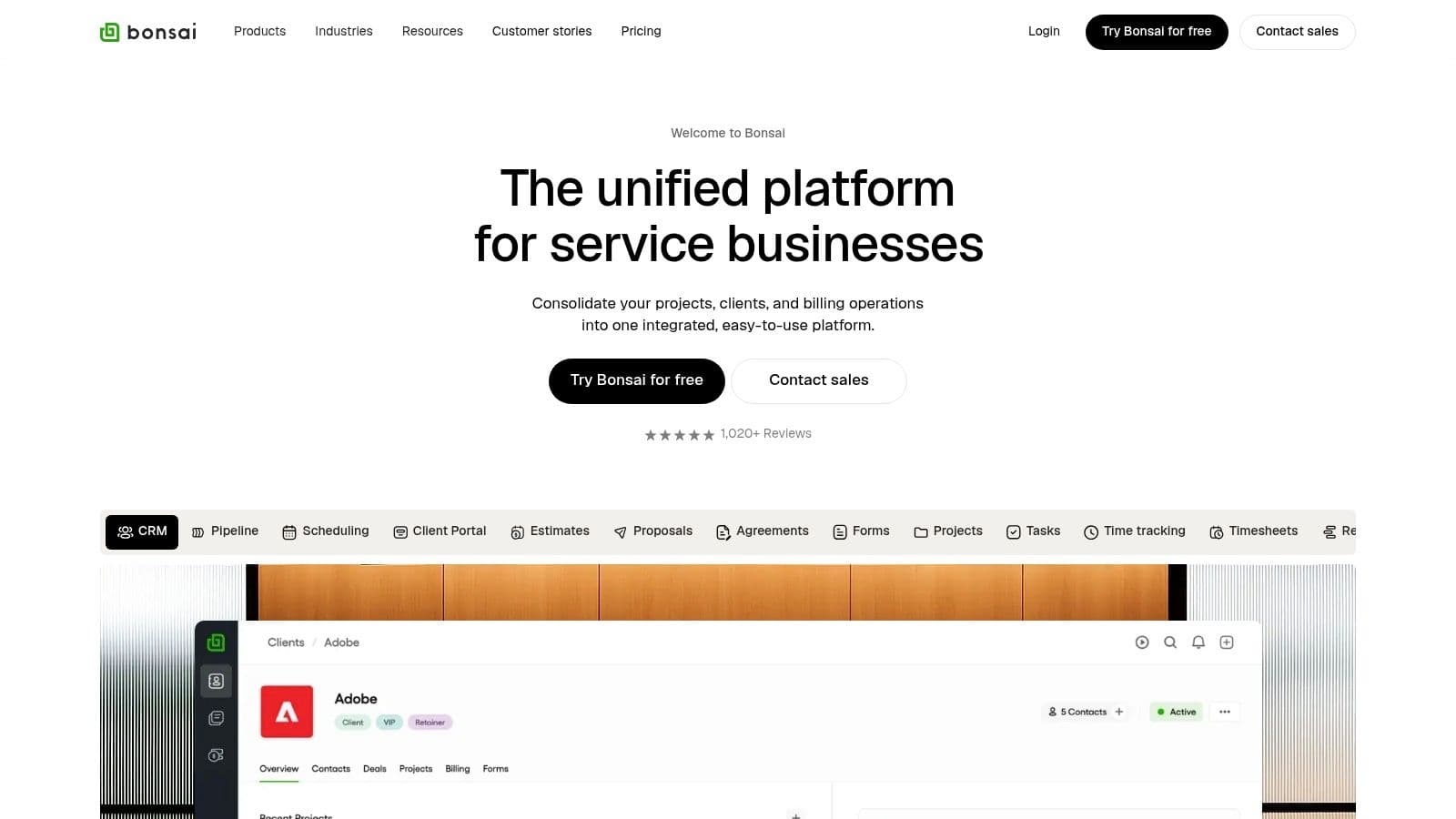
Bonsai is built specifically for freelancers, combining proposals, contracts, invoicing, time tracking, and project tasks into one platform—ideal if you want to manage the entire client lifecycle in one place.
Key features:
- Proposals and legally binding e-sign contracts
- Integrated invoicing and payments
- Client CRM and client portals
- Time tracking tied to invoices
Pros:
- End-to-end workflow from proposal to payment
- Built for freelancers’ finance and client needs
Cons:
- Some tiers have minimum user counts
- Payment processing fees may apply
Website: https://hellobonsai.com
9. Toggl Plan
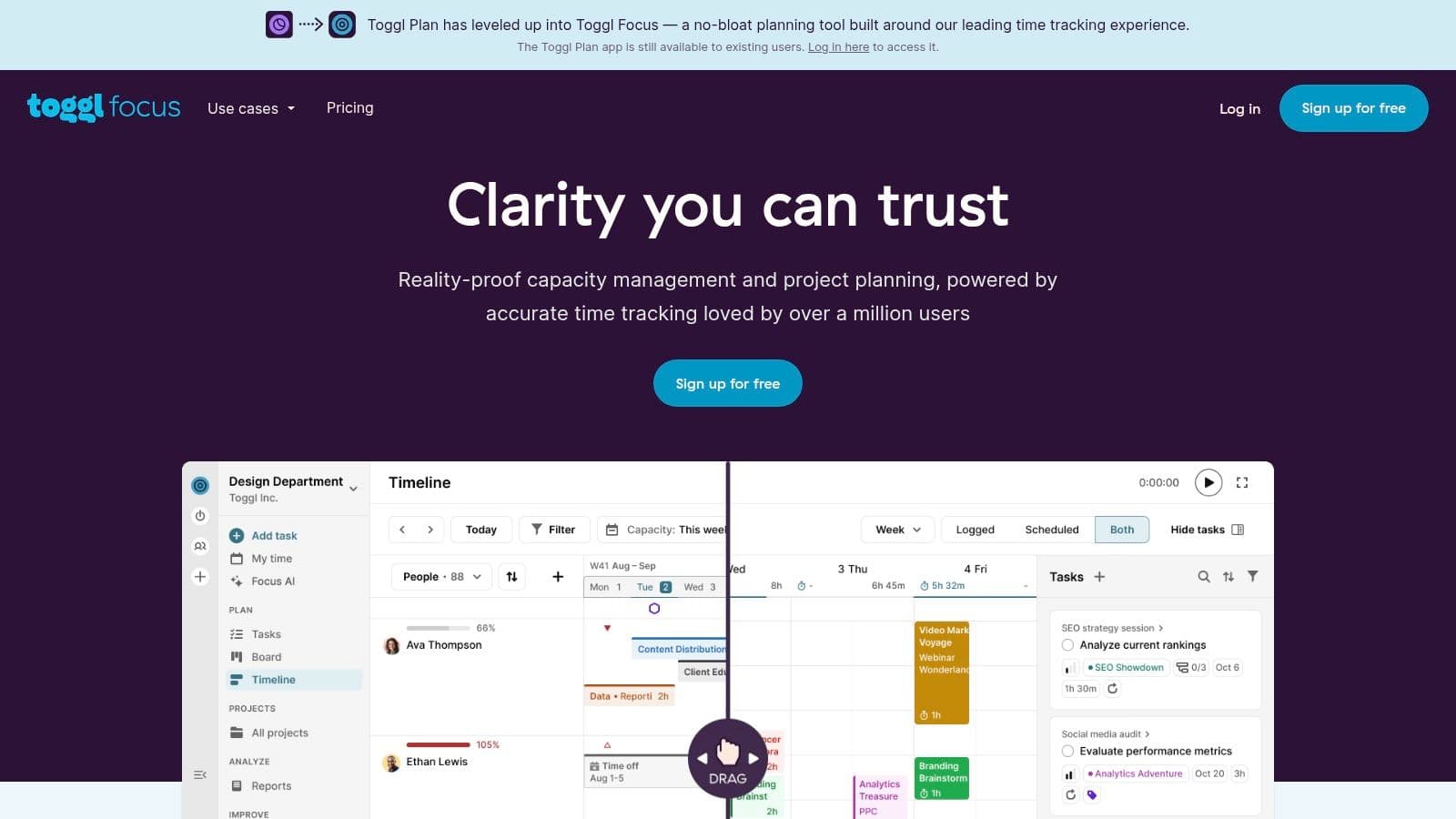
Toggl Plan focuses on clear visual timelines and capacity planning. It’s great for freelancers who need simple scheduling and workload overviews rather than a bloated feature set.
Key features:
- Visual timelines and drag-and-drop scheduling
- Workload and capacity views to avoid overbooking
- Integrates with Toggl Track for time logging
Pros:
- Fast setup and intuitive visuals
- Free plan for solo users with unlimited projects
Cons:
- Limited feature set compared with all-in-one suites
- Less suited to highly complex dependency management
Website: https://toggl.com/plan
10. Paymo
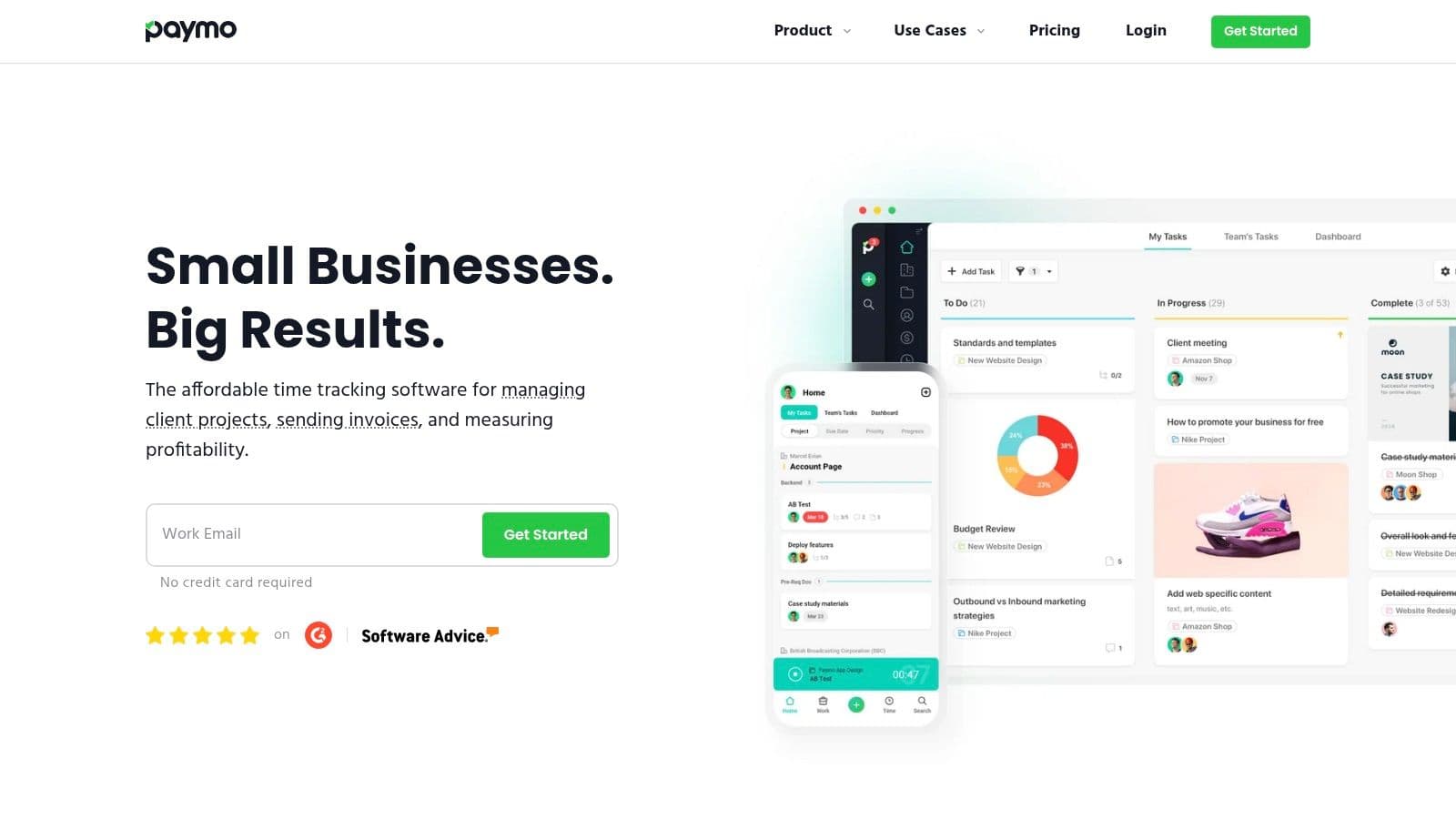
Paymo connects task management, time tracking, and invoicing so freelancers can track hours and convert them into invoices without juggling separate apps.
Key features:
- Estimates, expenses, invoicing, and payments
- Accurate time tracking via desktop widget and mobile app
- Multiple task views: List, Table, Board, Gantt
- Profitability reports for better pricing decisions
Pros:
- Strong combination of PM and billing
- Free plan for individuals managing a few clients
Cons:
- Advanced PM features in paid tiers
- Less suited to large enterprise-style projects
Website: https://www.paymoapp.com
11. Plutio
Plutio is a freelancer-first business OS that covers proposals, contracts, projects, and invoicing with white‑label client portals to present a professional brand experience.

Key features:
- End-to-end client management from lead to invoice
- Branded client portals and e-signatures
- Project views: Kanban, list, timeline, calendar
- Templates and workflow automations
Pros:
- Replaces multiple tools with one platform
- Excellent client-facing features
Cons:
- Steeper learning curve due to feature depth
- Some white‑labeling features on higher tiers
Website: https://plutio.com
12. Indy
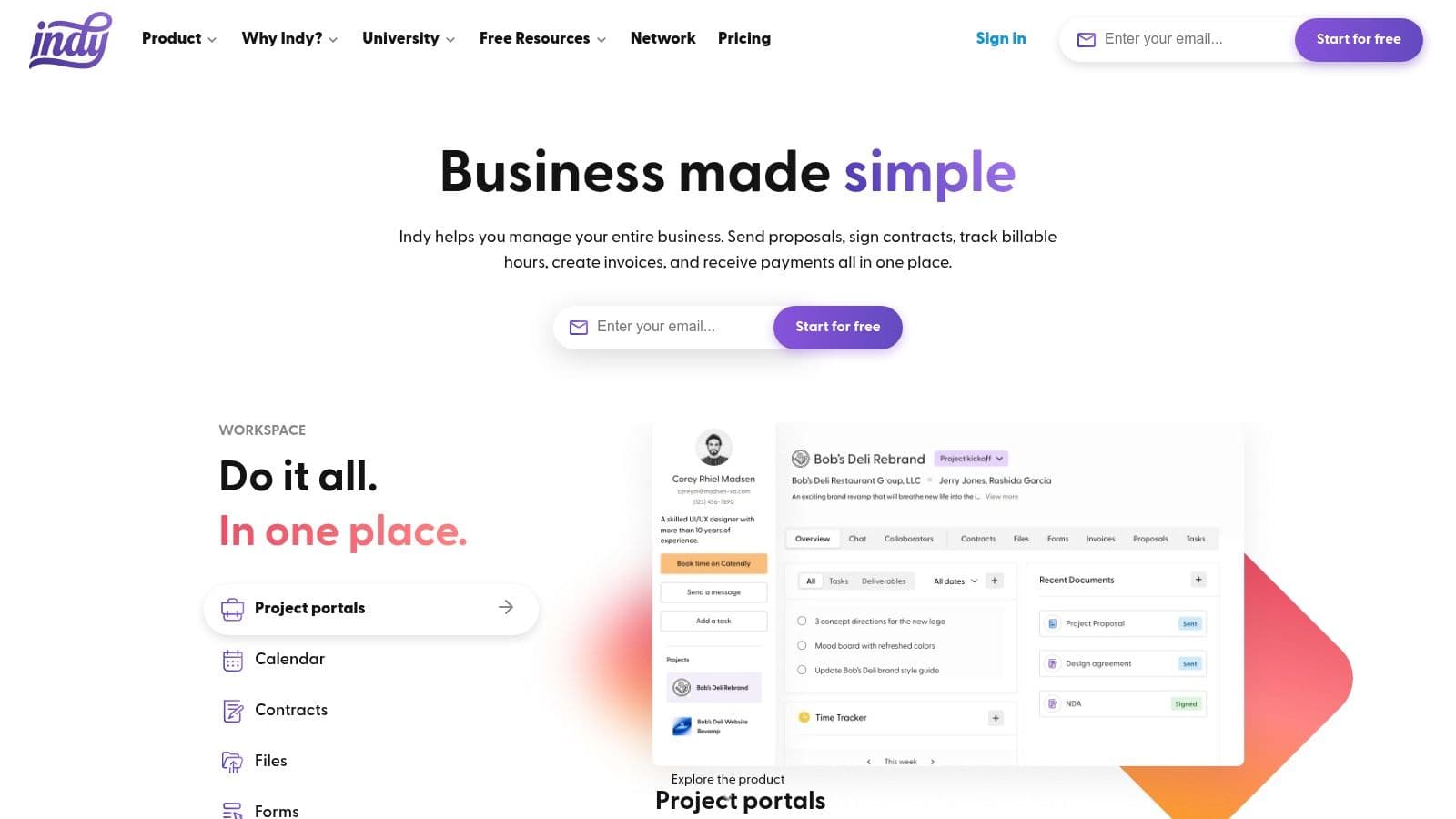
Indy bundles proposals, contracts, time tracking, tasks, and payments into a straightforward suite built for independent professionals. It’s fast to onboard and useful for freelancers who want polished client documents without heavy setup.
Key features:
- Proposals, contract templates, e-signatures, and invoicing
- Branded client portals
- Integrated task and time tracking with calendar sync
- Template library for fast onboarding
Pros:
- Simple, end-to-end client workflow
- Free essentials for new freelancers
Cons:
- Fewer integrations than larger competitors
- Not built for very complex projects
Website: https://weareindy.com
Comparison at a glance
| Product | Core strength | Best for |
|---|---|---|
| Fluidwave | AI automation + human VAs | Freelancers who need automation and flexible human help |
| ClickUp | All‑in‑one Work OS | Freelancers who want to replace many apps |
| Trello | Simple visual Kanban | Visual planners and quick boards |
| Asana | Workflows & reporting | Freelancers collaborating with teams |
| monday.com | Visual dashboards & templates | Client presentations and polished timelines |
| Notion | Custom databases & docs | Freelancers who want a single, customizable workspace |
| Basecamp | Centralized client hubs | Simple client collaboration and clear communication |
| Bonsai | Proposals → invoices | Freelancers who want finance + PM in one tool |
| Toggl Plan | Visual scheduling | Capacity planning and simple timelines |
| Paymo | Billing + PM integration | Freelancers who need profitability visibility |
| Plutio | Branded client portals | Freelancers who want white‑label client experiences |
| Indy | Fast end-to-end workflow | New freelancers needing quick setup |
How to choose and commit
Choosing a tool matters less than committing to one. Avoid shiny-object syndrome by testing two options with a real client project, then stick with your chosen platform for three to six months while you build templates, automations, and recurring workflows. Revisit these criteria when deciding:
- Scalability: Will the tool grow as you add subcontractors and services?
- Integration: Does it connect with your calendar, accounting, and communication tools?
- Client experience: If clients will log in, is the interface simple and professional?
If you want both PM features and finance workflows, consider Bonsai, Paymo, or Plutio. If you prefer maximal flexibility, try Notion or ClickUp. For low-setup visual planning, Trello and Toggl Plan are fast and effective.
For additional resources on freelancer tools and business setup, see our guide to freelancer tools and a primer on Canadian business structures at /blog/freelancer-tools and /blog/incorporation-vs-sole-proprietorship.
Action plan: Get started in three steps
- Revisit needs: Define whether you mainly need task/time tracking, client portals, or end-to-end finance workflows.
- Shortlist two tools: Run a real client project through both during trial periods.
- Commit and customize: Build templates, automate recurring tasks, and use the tool daily for three months.
Frequently asked questions
Q: Which tool is best for combining invoicing and project tracking?
A: Bonsai, Paymo, and Plutio offer the tightest integration between proposals, time tracking, and invoicing—ideal if you want one platform to handle the full client lifecycle.
Q: I need something simple and visual—what should I choose?
A: Trello and Toggl Plan are the fastest to set up and easiest to use for visual boards and timeline planning.
Q: How much time can automation realistically save me?
A: Automation can reduce repetitive admin and rework, freeing up significant time. Individual savings vary, but automation and task routing often deliver measurable weekly time savings for freelancers relying on PM tools2.
Quick Q&A: 3 concise questions freelancers ask
Q: What should I prioritize when choosing a tool?
A: Prioritize the features you’ll actually use: reliable time tracking if you bill hourly, invoicing if you want fewer apps, or strong templates and automation if you repeat workflows.
Q: How long should I test a tool before committing?
A: Run two tools in parallel on live projects for 1–2 months, then commit to one for at least three months to build templates and habits.
Q: Can a freelancer replace multiple apps with one tool?
A: Yes. Tools like ClickUp, Bonsai, and Plutio are designed to replace several apps, but expect a setup period to consolidate workflows.
Ready to streamline your freelance business? Try two of these platforms on a real client project and commit to the one that helps you save time and reduce client friction.
1.
https://fluidwave.com/blog/how-to-automate-tasks — Fluidwave blog: practical tips and claims about time savings from automation.
2.
https://www.mckinsey.com/featured-insights/future-of-work — Research on productivity gains from automation and process improvements.
3.
https://www.upwork.com/research/freelancing-in-america — Trends and data on freelance use of digital tools and platforms.
Focus on What Matters.
Experience lightning-fast task management with AI-powered workflows. Our automation helps busy professionals save 4+ hours weekly.