Discover the 12 best apps for independent contractors in 2026. Streamline invoicing, time tracking, project management, & tax help to boost your biz.
April 6, 2026 (6mo ago)
Best Apps for Independent contractors: 2026 Edition
Discover the 12 best apps for independent contractors in 2026. Streamline invoicing, time tracking, project management, & tax help to boost your biz.
← Back to blog
Going it alone as an independent contractor means you're the CEO, accountant, project manager, and sales team all rolled into one. Trying to juggle all those hats means your administrative tasks can quickly eat up your billable hours. This is where a solid tech stack becomes your best friend. Finding the right tools isn't just about making things easier; it's about building a business that actually lasts and makes money.
This guide is here to help you find the best apps for independent contractors to take care of everything from invoicing and time tracking to dealing with contracts and finances. We'll skip the generic feature lists and give you a real, practical look at each app. You’ll get a breakdown of who each tool is really for, its actual strengths and weaknesses, and what you can expect it to cost you.
Our goal is to give you a clear, straightforward path to a more organized and efficient freelance business. We’ll check out some all-in-one platforms as well as specialized apps you can mix and match to create a setup that works for you. Each listing has direct links and the key details you need to make a good decision fast, so you can spend less time on paperwork and more time on the work that actually pays the bills. While this article focuses on a global and US-based audience, for a comprehensive overview of general tools and resources, you might also find useful a guide to the essential self-employment apps for UK freelancers. Let’s find the right tools for your business.
1. Fluidwave
Fluidwave really shines as a powerful, all-in-one platform for independent contractors trying to get a handle on their workday. It's more than just a simple task list; it has an AI-driven engine that automatically figures out what you should work on next. This main feature is built to cut down on the mental energy you waste deciding what to do, letting you just dive into productive work. Its clean, distraction-free interface is made for speed and focus, which is a huge plus when you're juggling multiple clients and projects.

One of the coolest things about it is the planned integration of a human virtual assistant network. The pay-per-task delegation model is perfect for independent contractors because it gives you a simple way to offload admin or repetitive tasks without getting locked into a monthly subscription or hiring someone. You just pay for the work that gets done, which makes it a flexible way to handle a fluctuating workload. This setup helps you focus on high-value, billable work while assistants take care of the rest. Good project management is a key skill for freelancers, and Fluidwave gives you the tools to get good at it. You can learn more by reading their guide on project management for freelancers.
Expert Insight: Fluidwave’s mix of AI auto-prioritization and a pay-per-task delegation model is a pretty unique solution. It tackles two of the biggest headaches for contractors: managing a monster to-do list and affordably getting help when you need it.
Key Features & Pricing
- AI Auto-Prioritization: Automatically organizes your tasks across multiple views (Kanban, calendar, list) so you always know what's most important.
- Pay-Per-Task Delegation: Access to a network of human virtual assistants for specific tasks. This feature is noted as launching soon.
- Built-in Productivity Tools: Comes with a Pomodoro timer, focus scores, and other tools to help you work smarter and save a claimed 4+ hours a week.
- Pricing: There’s a free-forever plan for up to 100 tasks. The Premium plan is $10/month (billed annually), which unlocks automation, analytics, and advanced features.
Pros & Cons
| Pros | Cons |
|---|---|
| AI-driven prioritization saves time and mental energy. | The full virtual assistant marketplace is a future release, so you might not get immediate access. |
| Unique pay-per-task delegation model offers flexible, affordable support. | The free plan is capped at 100 tasks, so heavy users will need to upgrade. |
| Affordable pricing with a solid free tier makes it easy to get started. | As with any human-powered service, the quality and consistency of virtual assistants can be a mixed bag. |
| Distraction-free UI designed for deep focus and efficiency. |
Website: https://fluidwave.com
2. HoneyBook
HoneyBook is an end-to-end clientflow management platform made for independent contractors who need something more than just invoicing. It's great at handling the entire client journey, from the first inquiry and lead capture to proposals, contracts, scheduling, and finally, getting paid. This makes it a beast for creatives, coaches, and home service pros who want to pull all their admin tools into one single, clean system.
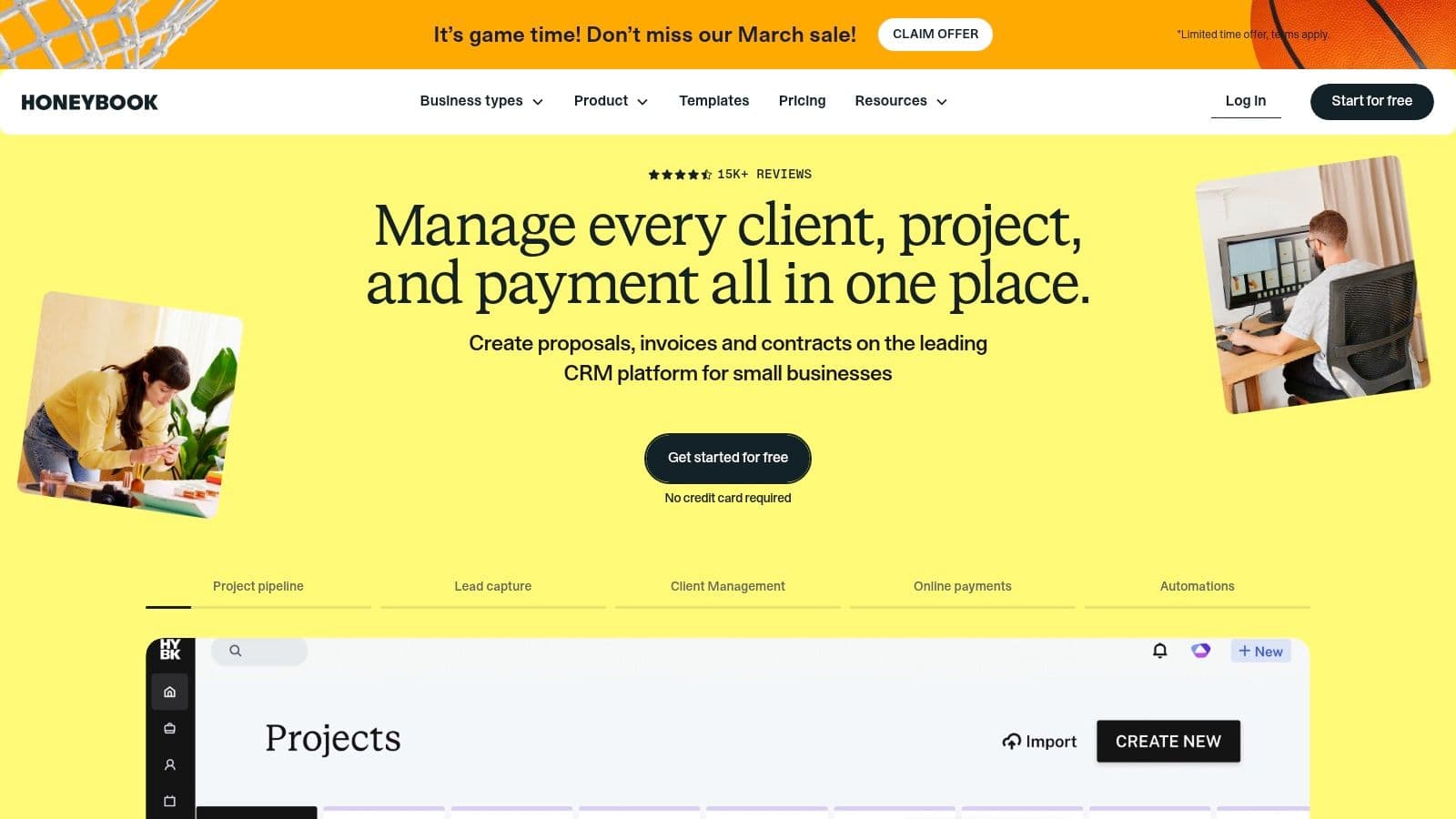
The platform’s best feature is its interactive proposal file, which smartly bundles a professional quote, a legal contract, and an invoice into one smooth document. A potential client can check out the scope, sign the agreement, and make the first payment all in one go. This really cuts down on the back-and-forth and gets projects started faster. Its built-in scheduler and automated reminders also help get rid of the endless emails trying to find a meeting time.
Pros & Cons
| Pros | Cons |
|---|---|
| A true all-in-one for the entire client lifecycle | Can be overkill if you just need simple invoicing |
| Excellent US-based support, available 7 days a week | Payment processing fees apply (2.9% + 25¢ for cards) |
| Free file setup service to convert your existing docs | Plans can be pricey for contractors on a tight budget |
Pricing
HoneyBook offers three main subscription tiers, usually with discounts if you pay for the year:
- Starter: $19/month
- Essentials: $39/month
- Premium: $79/month
Website
3. Bonsai
Bonsai is a business management suite built from the ground up for freelancers and solo contractors. It gives you an integrated set of tools for handling client relationships, proposals, contracts, time tracking, and invoicing, all from one dashboard. Unlike more complicated accounting systems, Bonsai zeroes in on the essential admin tasks that independent pros deal with every day. This makes it a lighter and more user-friendly choice for people who don't need full double-entry bookkeeping.
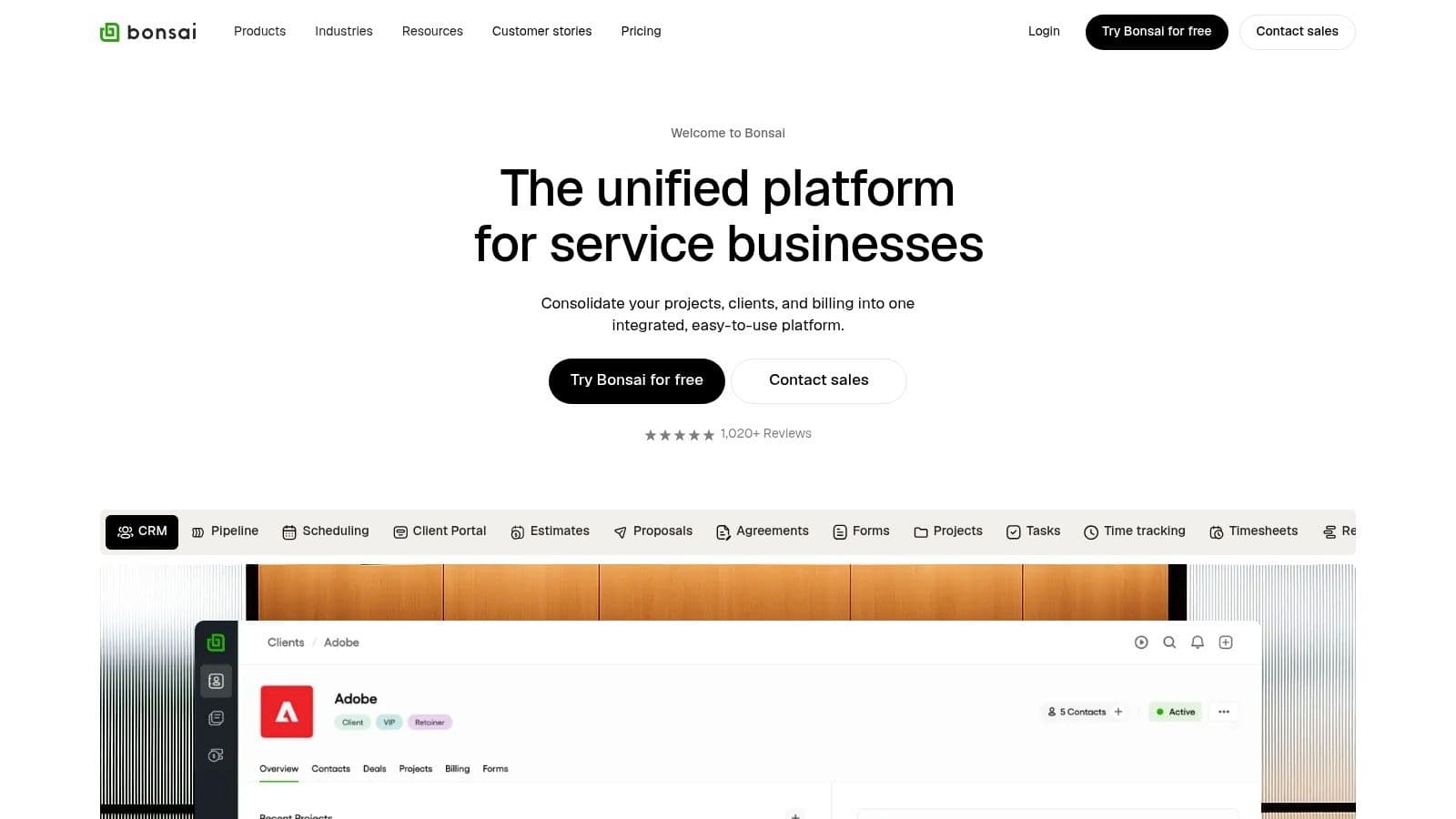
The platform’s strength is in its streamlined workflows and professional templates. You can whip up a polished proposal, send out a contract for e-signature, and get an invoice ready in minutes. The time tracking is tied directly to projects, so you can generate accurate invoices with just a few clicks. For contractors juggling multiple opportunities, the pipeline and workload views give you a great look at your business's health and what's coming up, making it one of the best apps for independent contractors who need to see their whole sales cycle at a glance.
Pros & Cons
| Pros | Cons |
|---|---|
| Streamlined for solo contractors and small teams; quick to set up | Not a full double-entry accounting system, so you might still need an accountant |
| Strong library of vetted legal and financial templates | Some advanced options are only on the more expensive plans |
| Clear tiering that lets your subscription grow with your business | Can feel limited for larger agencies or complex service businesses |
Pricing
Bonsai has three subscription plans, with discounts for annual billing:
- Starter: $25/month
- Professional: $39/month
- Business: $79/month
Website
4. FreshBooks
FreshBooks has been a favorite for a long time among independent contractors who need serious accounting tools but don't want the headache of learning enterprise software. It finds a nice middle ground between easy-to-use invoicing and solid bookkeeping, making it one of the best apps for independent contractors managing their own money. The platform lets you create professional invoices, track your billable hours against projects, snap pictures of receipts with your phone, and run detailed financial reports.
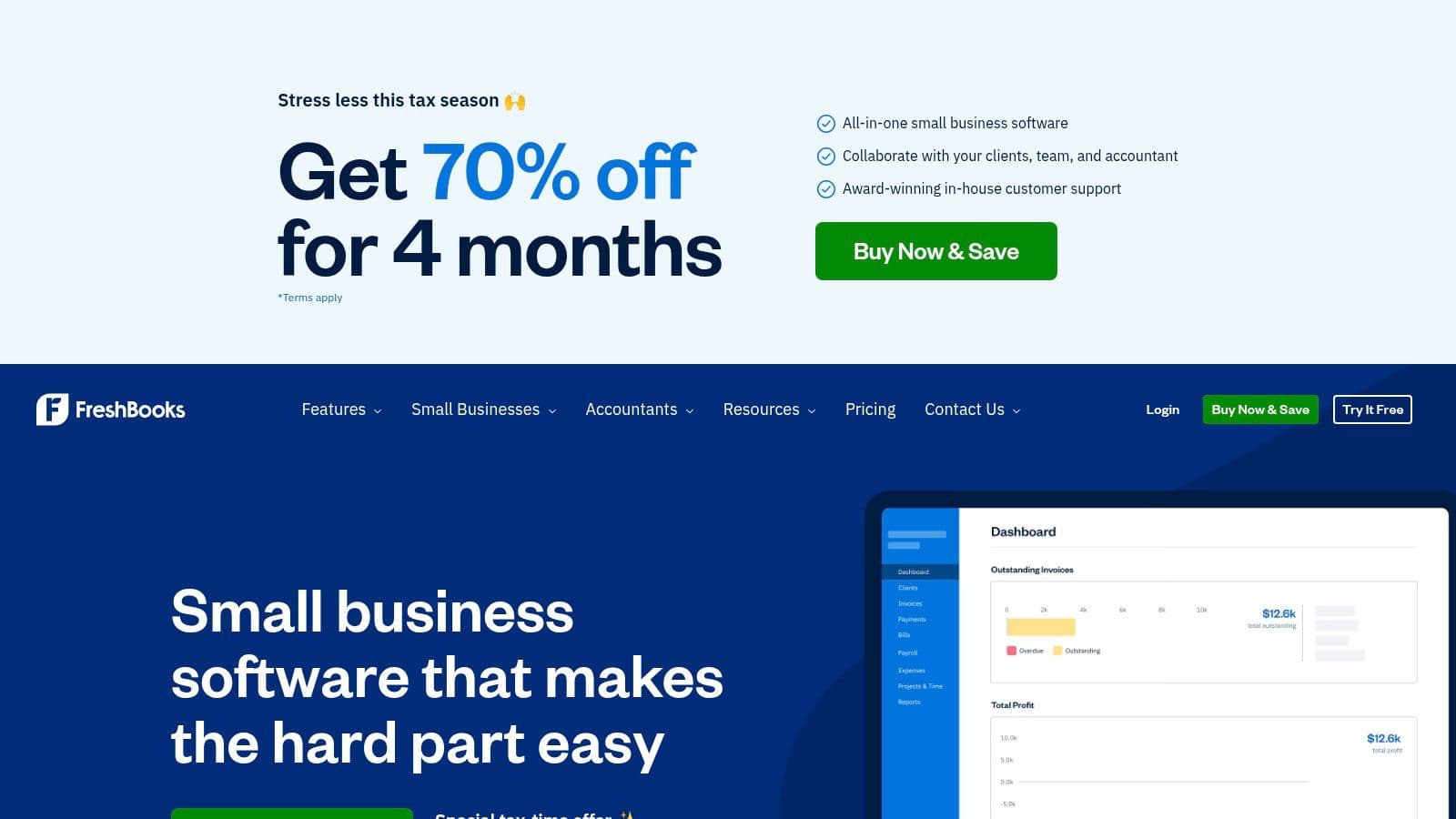
Its real strength is making accounting feel less intimidating. Features like automated payment reminders, late fee application, and recurring invoices save a ton of admin time. For project-based work, you can easily turn an estimate into an invoice and track how profitable a project is to see where your time is best spent. The interface is clean, the mobile app does everything you need, and it’s really designed to help non-accountants feel confident about their books.
Pros & Cons
| Pros | Cons |
|---|---|
| Very approachable UI for contractors just starting out | Client limits on the cheaper pricing tiers |
| Good reporting and client management for solo pros | Full payroll costs extra as an add-on |
| Frequent promotions and a 30-day money-back guarantee | Some advanced accounting features are only on higher tiers |
Pricing
FreshBooks has several plans, with discounts for paying annually:
- Lite: $19/month (up to 5 clients)
- Plus: $33/month (up to 50 clients)
- Premium: $60/month (unlimited clients)
Website
5. Wave
For independent contractors who are on a tight budget or just getting started, Wave is an amazing accounting and invoicing platform. It really stands out by offering its main set of tools for free, which is a huge deal compared to competitors that all have subscription fees. The platform covers the basics like unlimited income and expense tracking, professional invoicing, and creating simple business reports, which makes it one of the best apps for independent contractors who need real functionality without paying for it upfront.
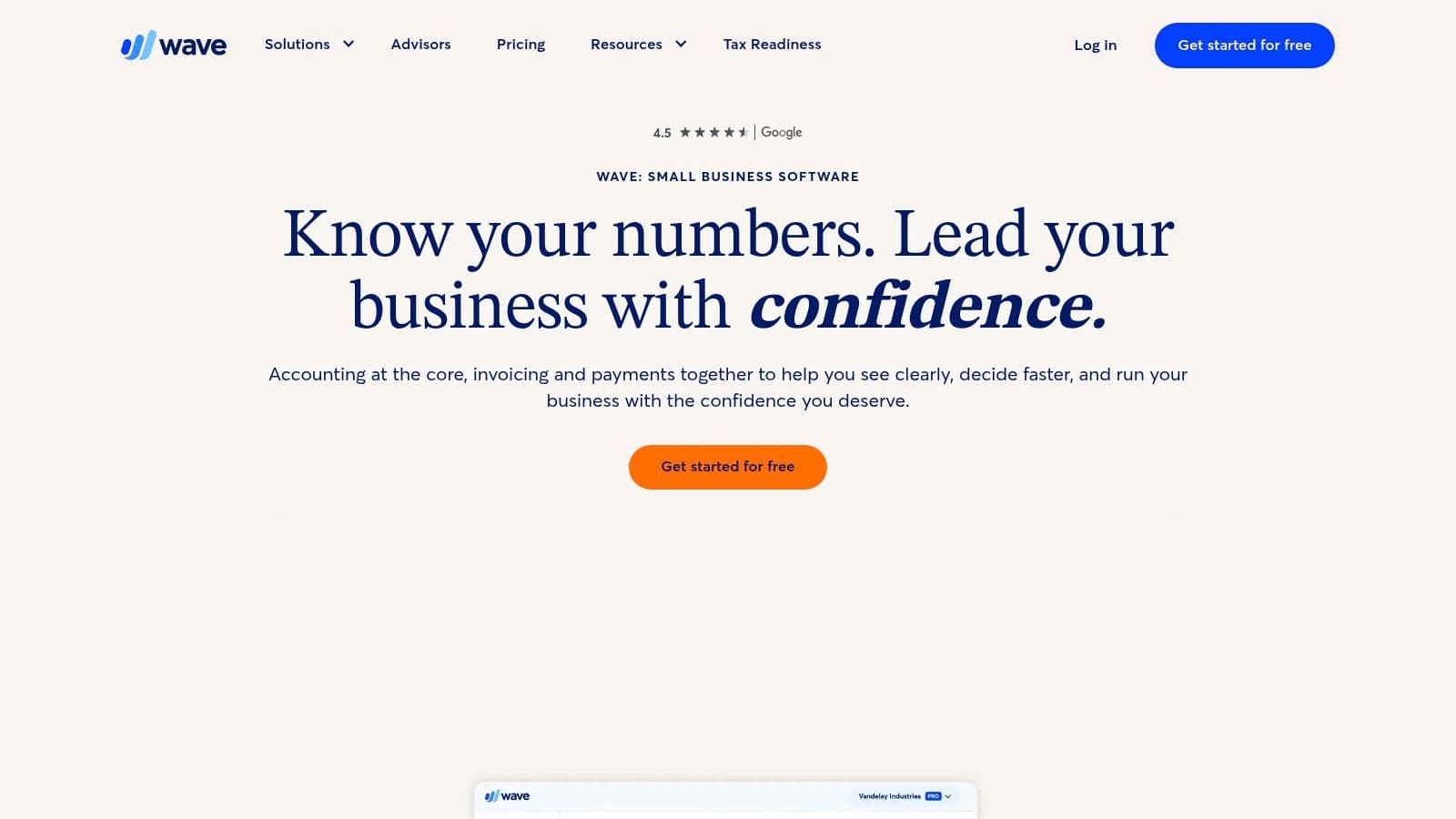
The platform is built for simplicity. You can connect your bank accounts to automatically pull in transactions and categorize them for tax time. While the main accounting features are free, Wave makes its money through optional, paid services. You can take online payments via credit card or bank transfer (for a fee) right from your invoices, which helps you get paid faster. For contractors who end up hiring people, Wave offers payroll services with automated tax filing in supported states. You can also get paid bookkeeping and coaching from Wave Advisors if you need a professional to look things over.
Pros & Cons
| Pros | Cons |
|---|---|
| Core accounting and invoicing tools are 100% free | Payroll availability and pricing vary by state |
| Clean, user-friendly interface is quick to learn | Lacks some of the advanced automation you find in paid suites |
| Scales with paid services like payroll and advisory | Mobile app has more limited functionality than the web app |
Pricing
Wave's core services are free, with costs for add-ons:
- Invoicing & Accounting: Free
- Online Payments: 2.9% + 60¢ for most cards; 3.4% + 60¢ for Amex; 1% for bank payments ($1 min. fee)
- Payroll: Starts at $20 or $40/month base fee + $6 per person, depending on the state
Website
6. Square Invoices
Square Invoices is a quick, flexible invoicing and payments platform that's perfect for contractors who need a simple way to get paid without signing up for a monthly subscription. It lets you send unlimited professional invoices, set up recurring billing for retainer clients, and take a bunch of different payment methods, including credit cards and ACH bank transfers. Its strength is in its simplicity and how well it works with Square’s other payment tools.
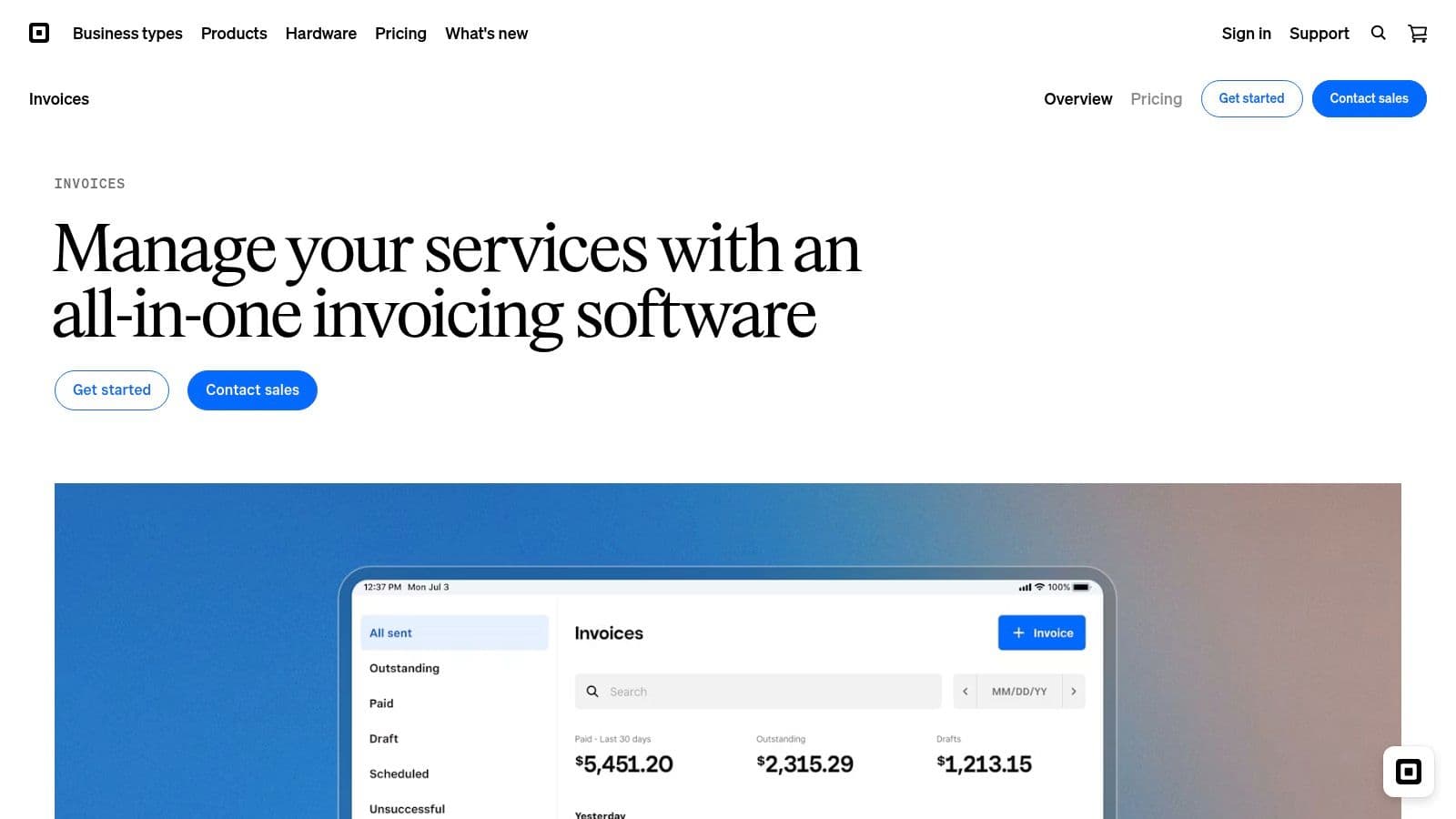
The platform stands out because of its accessible "pay-as-you-go" model, making it one of the best apps for independent contractors who are just starting out or have an inconsistent flow of projects. You can create and send professional estimates that turn into invoices with one click, ask for deposits, and set up automatic payment reminders to cut down on manual follow-up. For bigger projects, the ability to schedule milestone-based invoices helps keep your cash flow steady throughout the job.
Pros & Cons
| Pros | Cons |
|---|---|
| No monthly fee on the Free plan, just transaction fees | You need the higher-tier plans to get lower processing rates |
| A strong ecosystem if you also use Square POS or other tools | Not a full accounting system, so you'll need to pair it with one |
| ACH option is often cheaper for high-ticket invoices | Instant transfers cost an additional fee |
Pricing
Square has a powerful free option and paid plans for more features:
- Free: 2.9% + 30¢ per card payment, no monthly fee.
- Plus: $20/month, with lower processing fees (2.9% + 30¢ online) and advanced features.
Website
7. Stripe Invoicing
For independent contractors who are already using Stripe or need a powerful, developer-friendly way to invoice, Stripe Invoicing is a no-brainer. Built on the super-solid Stripe Payments platform, it goes way beyond just creating invoices to offer a full suite of accounts receivable tools. It’s really made for businesses that plan to scale, giving you hosted invoice pages, automated reminders, and smart reconciliation.
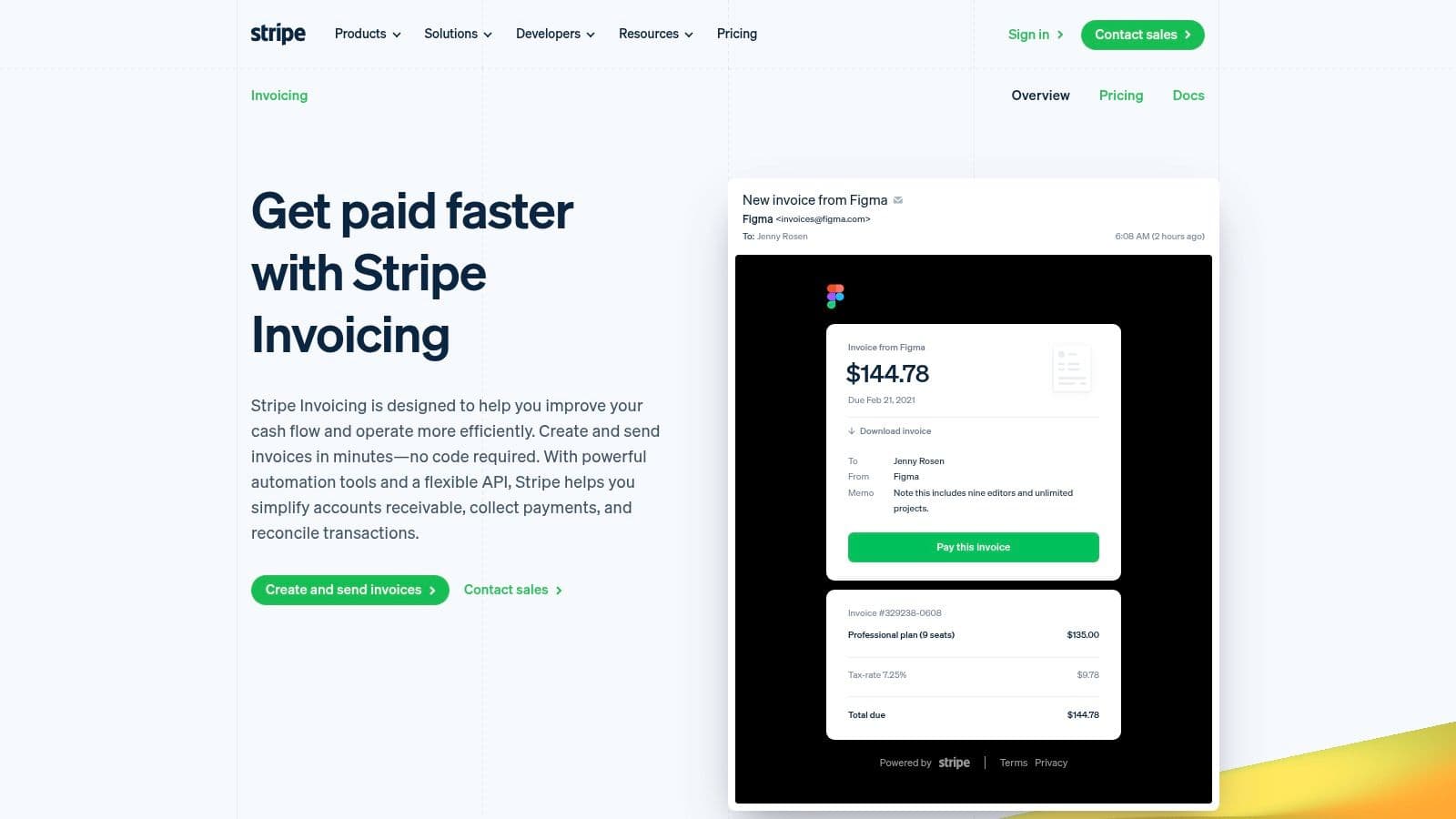
The platform’s strength is its automation and flexibility. You can make branded invoices with secure payment links, and the system automatically reconciles payments, which means less manual bookkeeping for you. For contractors with complicated needs, its API lets you customize things deeply and integrate it into your existing workflows. Add-ons like Stripe Tax can handle sales tax, VAT, and GST calculations automatically. While Stripe is a powerhouse, it's worth comparing it with other top invoicing software for contractors to find the best fit for your specific business needs.
Pros & Cons
| Pros | Cons |
|---|---|
| Industrial-grade reliability and deep integrations as you grow | Has a learning curve if you just need to send a simple invoice |
| Strong support for ACH and global payment methods | Per-invoice fees apply on paid plans, plus standard processing fees |
| Flexible API for creating custom flows and automation | Can get more expensive than simpler, all-in-one tools |
Pricing
Stripe Invoicing has two main plans based on features:
- Invoicing Starter: No monthly fee. 0.4% per paid invoice.
- Invoicing Plus: $25/month. 0.5% per paid invoice. Includes advanced features like auto-reconciliation and quote-to-invoice conversion.
- Standard payment processing fees (e.g., 2.9% + 30¢ for card payments) apply to both plans.
Website
8. Toggl Track
Toggl Track has become the go-to for simple but effective time tracking, which makes it one of the best apps for independent contractors who bill by the hour. Its main strength is its "one-click" timer, which you can use on a web app, desktop clients, mobile apps, and browser extensions. This lets you start, stop, and tag your time from wherever you are without messing up your workflow, making sure every billable minute gets counted.

Beyond just timing, the platform has useful features like idle detection, which gives you a nudge if you've been inactive, and automated tracking that can start the timer based on keywords or specific software you open. Its reports are clean and professional, letting you easily create timesheets to share with clients for transparent billing. For those looking to improve focus, the built-in Pomodoro timer can be a great help, and you can explore more time management techniques to use along with it.
Pros & Cons
| Pros | Cons |
|---|---|
| Excellent user experience and you can learn it fast | Most collaboration and analytics tools require a paid plan |
| Generous Free plan for solo contractors or small teams | Free plan organizations may be deleted if they're inactive |
| Strong reporting and over 145 integrations | Automated tracking features are limited to the desktop apps |
Pricing
Toggl Track has a plan for every stage of a contractor's business:
- Free: Up to 5 users, with unlimited time tracking, projects, and clients.
- Starter: $10/month per user, adding billable rates and time rounding.
- Premium: $20/month per user, with advanced features like profitability tracking and time audits.
Website
9. Everlance
Everlance is a specialized app that focuses on one of the biggest and most annoying tasks for independent contractors: tracking mileage and expenses for tax deductions or reimbursements. It makes this whole process simpler with automatic, GPS-based mileage detection that runs quietly in the background on your phone. This makes it a must-have tool for delivery drivers, real estate agents, consultants, and any freelancer who travels a lot for business.

The platform's strength is that you can pretty much set it and forget it. Once you set it up, it logs every trip, and you can classify them as business or personal with a simple swipe. Besides mileage, you can also track other business expenses by uploading receipts, and Everlance will generate IRS-ready reports for you at tax time. This takes the guesswork and manual data entry out of claiming valuable deductions, making it one of the best apps for independent contractors who need accurate financial records.
Pros & Cons
| Pros | Cons |
|---|---|
| Free tier includes 30 auto-detected trips per month | Unlimited automatic detection requires a paid subscription |
| Simple user interface and clear, exportable reports | Some advanced reporting features are only in the higher tiers |
| Designed specifically to produce IRS-compliant logs | The app's primary focus is narrow; it's not an all-in-one solution |
Pricing
Everlance has a free plan and paid subscriptions for more frequent drivers:
- Free: Includes 30 automatic trips per month.
- Premium: $10/month (for unlimited automatic trips and advanced features).
- Premium Plus: $12/month (adds 1-on-1 training and premium support).
- Business/Teams: Custom pricing.
Website
10. Calendly
Calendly is a specialized scheduling tool made to get rid of the time-sucking back-and-forth of booking meetings. It works on a simple idea: you set your availability, and clients pick a time that works for them from your live calendar. This makes it one of the best apps for independent contractors who often book discovery calls, client consultations, or paid coaching sessions, since it automates a key admin task.
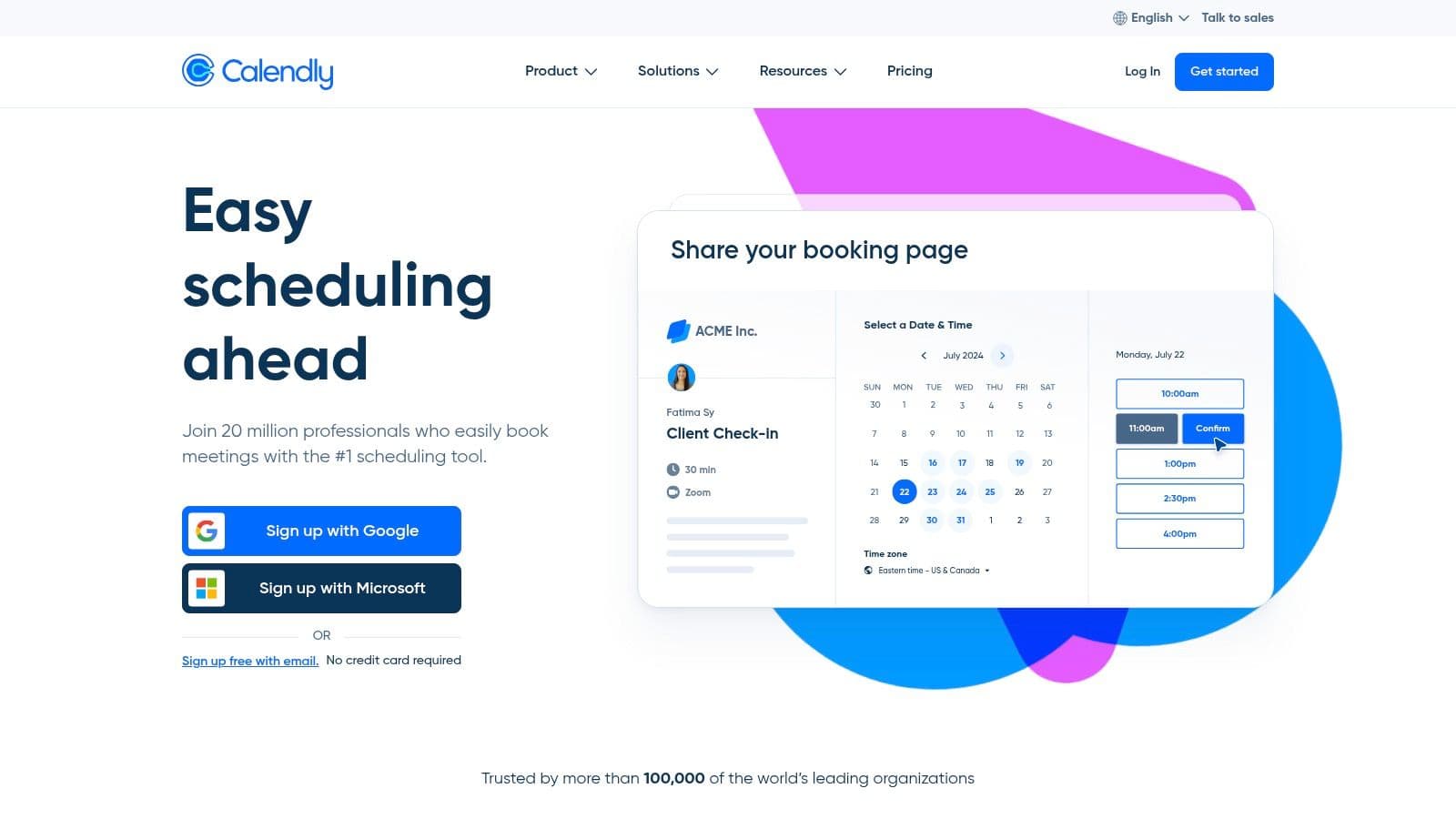
The platform's strength is in its deep customization and integrations. You can create different event types for various services, each with its own duration, location (in-person or virtual via Zoom/Meet), and custom questions to ask beforehand. Automated reminders, follow-ups, and calendar buffers make sure you never get double-booked and that no-shows are kept to a minimum. For paid sessions, Calendly connects directly with Stripe and PayPal, letting clients pay when they book.
Pros & Cons
| Pros | Cons |
|---|---|
| Saves a ton of time by letting clients book themselves | Advanced routing and branding require a paid subscription |
| Robust integrations connect to your existing CRM and payment tools | Free version is limited to one event type |
| Scales well from solo freelancers to large teams | Some features like SMS reminders cost extra |
Pricing
Calendly has a free-forever plan along with several paid tiers:
- Free: Basic scheduling with one event type.
- Standard: $12/seat/month for multiple event types and custom branding.
- Teams: $20/seat/month adds team scheduling and routing features.
- Enterprise: Custom pricing for advanced security and admin needs.
Website
11. Dropbox Sign
Dropbox Sign (which used to be HelloSign) gives you a focused and affordable way to get legally binding electronic signatures. While some platforms bundle e-signatures with other client management features, Dropbox Sign focuses on doing one thing well: getting documents signed quickly and securely. This makes it a great value for independent contractors who need to send contracts, NDAs, and proposals for signature often but don't want to pay for a clunky, enterprise-level system.
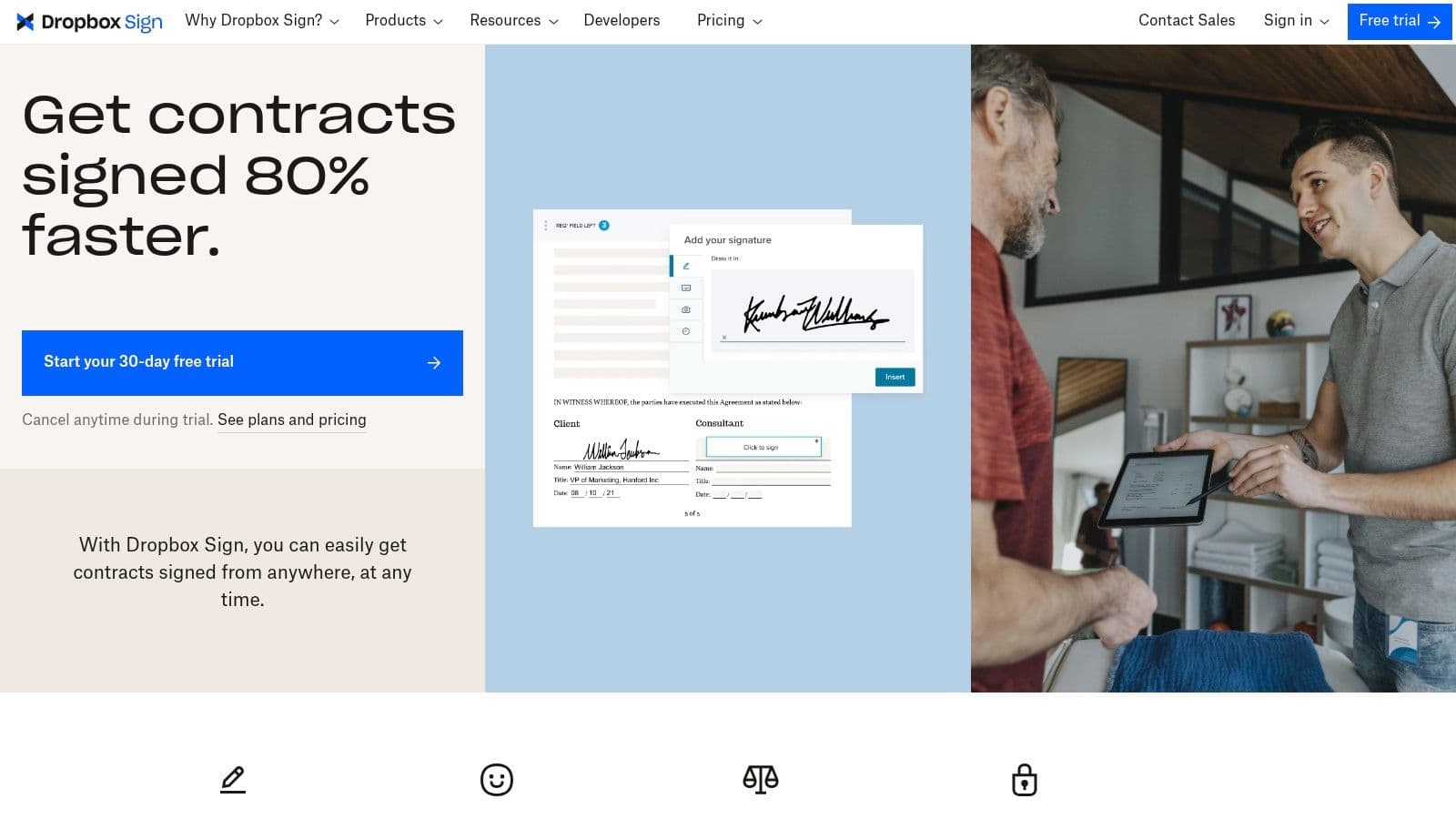
Its main strength is its simplicity and generous limits. Even on its cheapest paid plan, it offers unlimited signature requests, which is something that usually costs a lot more with competitors. The user interface is clean, making it easy for both you and your clients to get through the signing process without needing to create an account. The platform also gives you a clear audit trail for each document, which records every action from viewing to signing, making sure everything is legally compliant and giving you peace of mind. For contractors who need a reliable, no-fuss tool, Dropbox Sign is one of the best apps for independent contractors focused purely on getting documents signed.
Pros & Cons
| Pros | Cons |
|---|---|
| Clear, lower-cost tiers compared to many e-sign tools | API access and some advanced features are only on higher tiers |
| Simple UI and quick setup for independent contractors | Fewer deep enterprise features than competitors like DocuSign |
| Covers all the essential e-signature features for freelancers | Branding customization is limited on the base paid plan |
Pricing
Dropbox Sign has a free plan with limited sends and three main paid tiers:
- Essentials: $20/month
- Dropbox One + eSign: $31/month
- Standard: $30/user/month
Website
12. Gusto (Contractor-Only plan)
Gusto is mostly known as a full-service payroll and HR platform, but its Contractor-Only plan is one of the best apps for independent contractors who are growing and need to pay their own 1099 teams. This plan is made for businesses that rely on freelancers, consultants, and other contractors but don't have any W-2 employees. It simplifies the whole payment process, from collecting W-9s and making direct deposits to automatically generating and filing 1099-NECs at the end of the year, all while keeping you compliant without the complexity of a full payroll system.
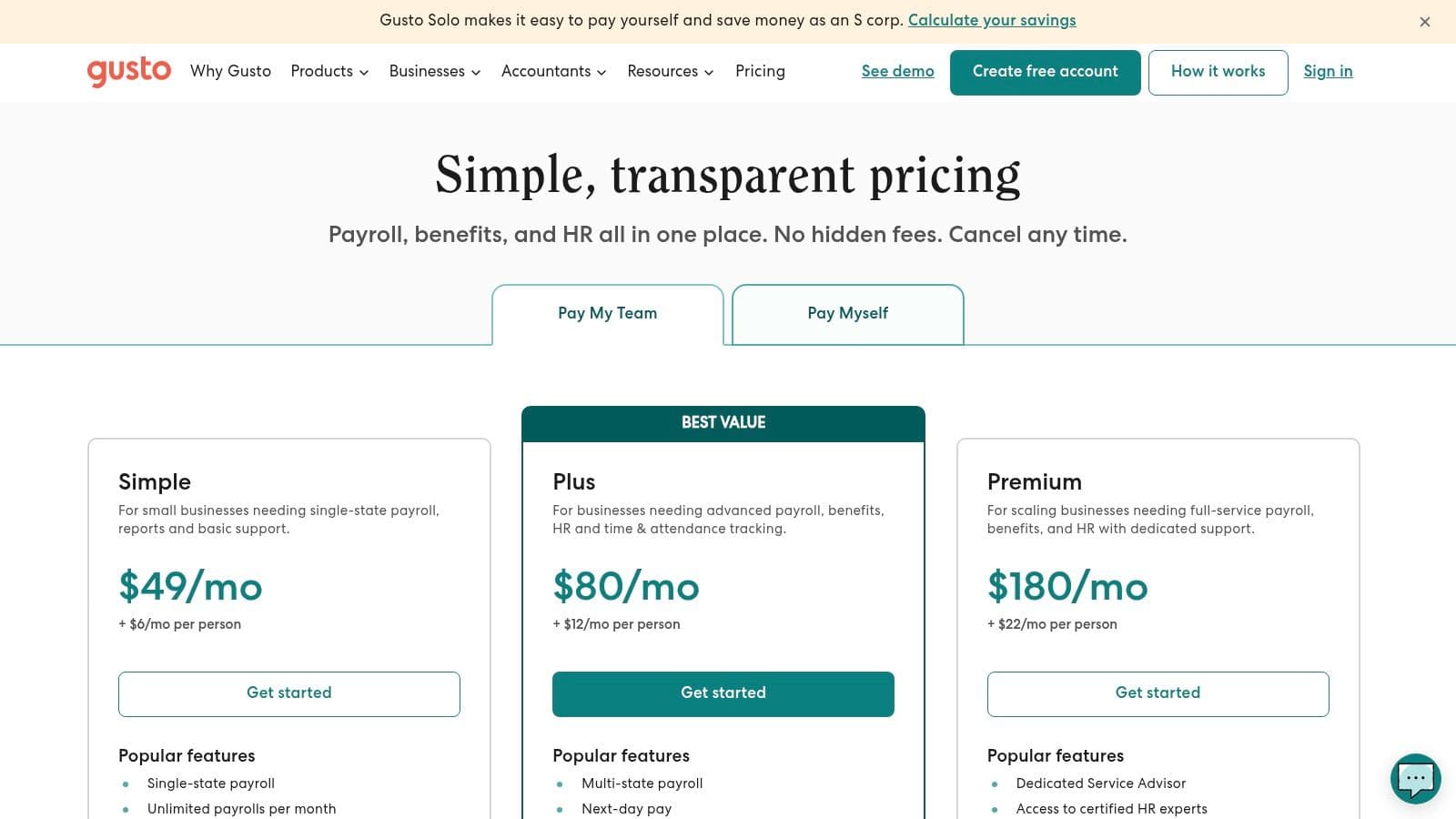
What makes this special is its focus on compliant, professional payouts. It handles new-hire reporting where it's needed and lets you make unlimited contractor payments across all 50 U.S. states. A big plus is the platform's ability to scale; if your business grows and you hire full-time employees, you can easily switch to one of Gusto's full payroll plans without having to move all your data. The platform also has an add-on for paying international contractors, making it a solid choice for businesses with a global team.
Pros & Cons
| Pros | Cons |
|---|---|
| Purpose-built for paying 1099 contractors | The base fee plus a per-contractor cost can add up |
| Clear, transparent per-contractor pricing model | Faster payment options are only on the higher-tier plans |
| Part of a broader HR ecosystem for future growth | Can be more than you need for just one or two contractors |
Pricing
Gusto's plan for contractors is straightforward and pay-as-you-go:
- Contractor Only: $35/month base price + $6/month per active contractor paid.
Website
Top 12 Apps for Independent Contractors — Feature Comparison
| Product | Core features | Quality (★) | Price / Value (💰) | Target (👥) | Unique selling point (✨) |
|---|---|---|---|---|---|
| Fluidwave 🏆 | AI auto-prioritization, multi-view tasks, pay‑per‑task VA | ★★★★★ | 💰 Free‑forever (100 tasks); Premium $10/mo (annual) | 👥 Busy pros, founders, teams, freelancers, ADHD | ✨ AI + human delegation, deep‑focus UI, saves 4+ hrs/week |
| HoneyBook | Proposals, contracts, scheduler, invoices | ★★★★☆ | 💰 Paid plans; payment fees (2.9%+25¢ card) | 👥 Creatives, coaches, small service teams | ✨ End‑to‑end clientflow (quote→contract→pay) |
| Bonsai | Proposals, e‑contracts, invoicing, time tracking | ★★★★☆ | 💰 Tiered freelancer plans | 👥 Solo contractors, small teams | ✨ Freelancer‑first templates & pipeline views |
| FreshBooks | Invoicing, expenses, time tracking, reporting | ★★★★☆ | 💰 Paid tiers; promos; payroll add‑ons | 👥 Contractors wanting approachable bookkeeping | ✨ Very user‑friendly UI & mobile support |
| Wave | Free accounting & invoicing, optional payroll | ★★★☆☆ | 💰 Core tools $0; fees for payments/payroll | 👥 Budget‑conscious freelancers | ✨ $0 core accounting and unlimited invoices |
| Square Invoices | Unlimited invoices, recurring, deposits, payments | ★★★★☆ | 💰 Free plan; pay‑per‑transaction fees | 👥 Contractors using Square ecosystem | ✨ No monthly fee; tight POS/payments integration |
| Stripe Invoicing | Hosted invoices, automations, API & tax add‑ons | ★★★★☆ | 💰 Per‑invoice + Stripe processing fees | 👥 Developers, scaling businesses | ✨ Industrial‑grade API, global payments & Stripe Tax |
| Toggl Track | Real‑time/manual time, auto detection, Pomodoro | ★★★★☆ | 💰 Generous Free; paid for advanced reports | 👥 Hourly contractors, agencies | ✨ Auto time detection & granular reports |
| Everlance | Auto GPS mileage, expense capture, IRS exports | ★★★★☆ | 💰 Free limited; paid for unlimited trips | 👥 Freelancers who track mileage | ✨ IRS‑ready mileage logs and audit exports |
| Calendly | Booking, routing rules, reminders, integrations | ★★★★☆ | 💰 Free tier; paid for advanced routing/branding | 👥 Consultants, coaches, teams | ✨ Eliminates scheduling back‑and‑forth; many integrations |
| Dropbox Sign | E‑signatures, templates, audit trails, integrations | ★★★★☆ | 💰 Affordable tiers; API on higher plans | 👥 Contractors needing frequent signatures | ✨ Low‑cost, simple e‑sign with audit trails |
| Gusto (Contractor) | Contractor payments, 1099s, global add‑on | ★★★★☆ | 💰 Base fee + per‑contractor pricing | 👥 Businesses paying 1099 contractors | ✨ Purpose‑built contractor payroll & compliance |
Final Thoughts
We’ve covered a lot of ground, looking at some of the best apps out there for independent contractors. From all-in-one platforms like HoneyBook and Bonsai to specialized tools like Toggl Track for time management and Everlance for expense tracking, you've got a lot of options. The main thing to remember is that there's no single "perfect" app setup for every freelancer. The right mix of tools really depends on your specific business needs, how many clients you have, and how you like to work.
What works for a freelance writer with a few big projects is going to be totally different from what a virtual assistant needs to juggle multiple clients and random tasks. The key is to stop being reactive and scattered and start being proactive and organized. Your goal should be to build a tech stack that not only solves your current admin headaches but can also grow with you as your business gets bigger.
How to Choose Your Ideal App Stack
Picking the right tools can feel like a lot, so start by figuring out your biggest pain points. Are you spending way too much time making invoices? Is tracking your billable hours a constant nightmare? Answering these questions will show you which type of app you need to look for first.
Think about these things as you make your choice:
- Your Stage of Business: Are you just starting out and need a free or cheap option like Wave or Square Invoices? Or are you an established pro ready to invest in a more serious system like FreshBooks or HoneyBook to handle a growing client list?
- Complexity of Your Work: If your work is mostly simple, one-off projects, a basic invoicing tool might be all you need. If you manage complex, multi-stage projects with a bunch of different people involved, a real project management app or an all-in-one platform with client portals will be a better fit.
- Integration Capabilities: The best app setups are all connected. Before you commit to a tool, check out its list of integrations. Does it connect to your accounting software, your calendar, and your payment processor? A well-integrated system saves you from manually moving data between different apps. This is where a central hub like Fluidwave becomes incredibly useful, acting as the glue for your whole operation.
A Phased Approach to Implementation
You don't need to adopt every app on this list overnight. Taking it slow is often more effective and won't mess up your workflow.
- Start with One Core Problem: Pick your biggest admin bottleneck and find a tool to fix it. If invoicing is your main issue, start with an invoicing app.
- Test and Learn: Use the free trial period for all it's worth. Run a real project through the app, from proposal to payment, to see how it feels in practice. Don't just click around the features; use it for actual work.
- Build Out Your Stack: Once you have a core tool you like, look for the next piece of the puzzle. Does your new invoicing app connect with a time tracker? Can you link it to your accounting software? Build your system one piece at a time, making sure each new tool works well with the others.
At the end of the day, the best apps for independent contractors are the ones that just work in the background, letting you focus on what you do best: delivering great work for your clients. By carefully picking and setting up the right tools, you can get your time back, cut down on admin headaches, and build a more profitable and sustainable independent business.
Ready to unify your workflow and create a central command center for all your apps and client work? Fluidwave is designed to bring your scattered tools, documents, and communications into one organized space. Instead of jumping between tabs, you can build a custom dashboard that gives you and your clients a single source of truth for every project. Get started with Fluidwave today and see how a truly integrated system can support your independent career.
Focus on What Matters.
Experience lightning-fast task management with AI-powered workflows. Our automation helps busy professionals save 4+ hours weekly.