We’re swamped with tasks, meetings, and notifications, and that constant context switching erodes focus and output. AI tools now help automate routine work, organize priorities, and free you for deeper work, so you can get more done with less friction. This guide cuts through the hype to show the best AI tools for productivity in 2025, how they fit different use cases, and which to try first.
September 21, 2025 (1y ago) — last updated March 15, 2026 (7mo ago)
Top AI Productivity Tools for 2025
Discover the top AI productivity tools for 2025—compare features, pricing, and use cases to streamline workflows and save time.
← Back to blog
Top AI Productivity Tools for 2025
Summary: Discover the top AI productivity tools for 2025—compare features, pricing, and use cases to streamline workflows and save time.
Introduction
We’re swamped with tasks, meetings, and notifications, and that constant context switching erodes focus and output. AI tools now help automate routine work, organize priorities, and free you for deeper work, so you can get more done with less friction. This guide cuts through the hype to show the best AI tools for productivity in 2025, how they fit different use cases, and which to try first1.
1. Fluidwave: The All-in-One Command Center for Your Tasks
Fluidwave isn’t just a to‑do list; it’s a productivity command center that pairs automated task prioritization with human-in-the-loop delegation. Its AI analyzes your workload, deadlines, and priorities to surface the most important task now, reducing decision fatigue.

Key strengths and use cases:
- Hybrid intelligence that blends AI prioritization with flexible delegation, ideal for founders, project leads, and busy freelancers.
- Multiple visualization modes (Kanban, lists, timelines) that fit diverse workflows.
- Planned pay-per-task marketplace for scaling with on-demand human help.
Practical considerations:
| Aspect | Details |
|---|---|
| Best For | Professionals, entrepreneurs, and teams who want a single system for task management and delegation. |
| Pricing | Free-forever plan with core features. |
| Pros | AI + human delegation model; flexible views; strong free tier. |
| Cons | Full marketplace features are rolling out; learning curve for power users. |
Website: https://fluidwave.com
2. OpenAI – ChatGPT
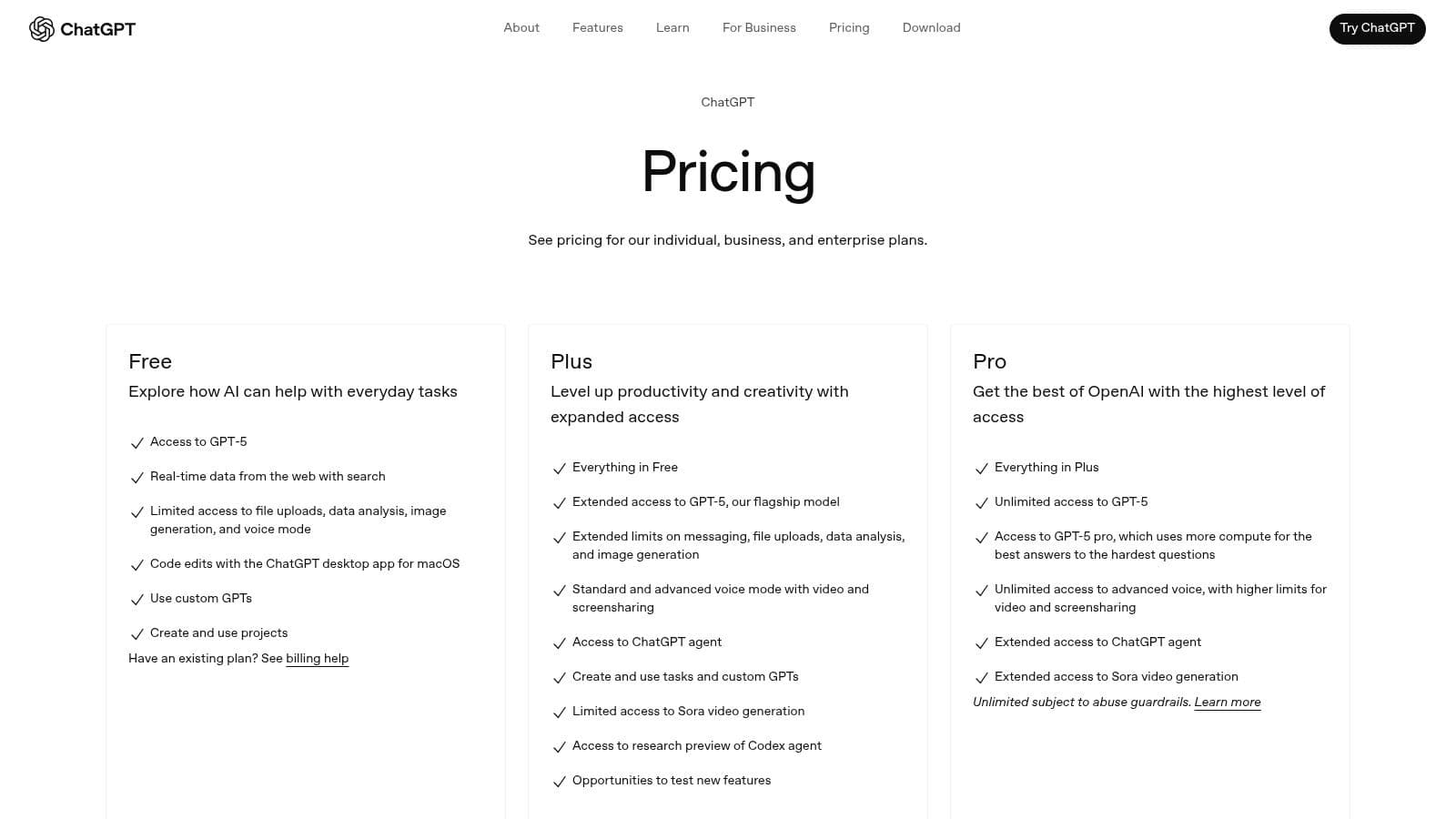
ChatGPT has evolved from a chatbot into a versatile productivity workspace for drafting, brainstorming, coding help, and data analysis. It’s useful for creating client proposals, summarizing research, and generating code snippets. ChatGPT reached mass adoption quickly, gaining 100 million monthly users within months of launch, which shows how rapidly teams embraced conversational AI for daily work2.
Key details:
- Best for individuals and teams who need a flexible AI assistant for writing, research, and analysis.
- Pros: Multimodal inputs, Custom GPTs, and business plans with admin controls and privacy terms.
- Cons: Enterprise-grade controls and higher usage limits come in paid tiers.
Website: https://openai.com/pricing
3. Microsoft Copilot
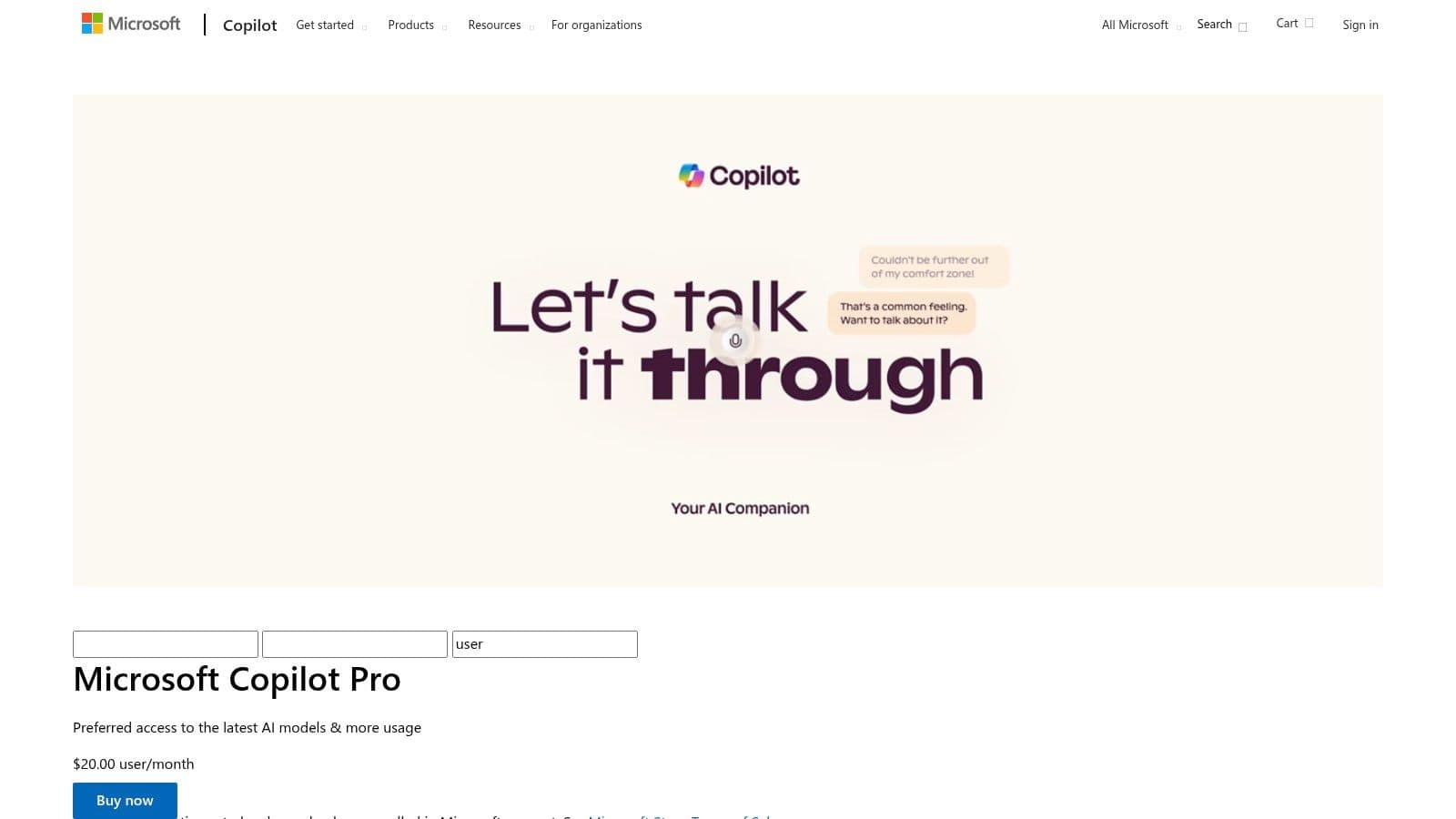
Microsoft Copilot embeds AI inside Word, Excel, Teams, and other Microsoft 365 apps, delivering contextual help using your work data. That in-app experience keeps you inside familiar workflows, so you can draft documents, analyze spreadsheets, and summarize meetings without switching tools.
Key details:
- Best for businesses already using Microsoft 365 who want native AI features.
- Pros: Deep Office integration, enterprise security and compliance, and Copilot Studio for custom agents.
- Cons: Requires qualifying Microsoft 365 licenses; some features are still rolling out.
Website: https://www.microsoft.com/en-us/microsoft-365/ai5
4. Google Workspace with Gemini
Google Workspace with Gemini brings AI into Gmail, Docs, Sheets, and Meet so you get drafting, summarization, and formula help where you already work. That low-friction approach reduces the need to learn new apps and accelerates team adoption.

Key details:
- Best for teams already in Google Workspace that want built-in AI assistance.
- Pros: Native integration, strong enterprise security and compliance controls.
- Cons: Feature rollouts can be gradual and may require admin enablement.
Website: https://workspace.google.com/4
5. Notion
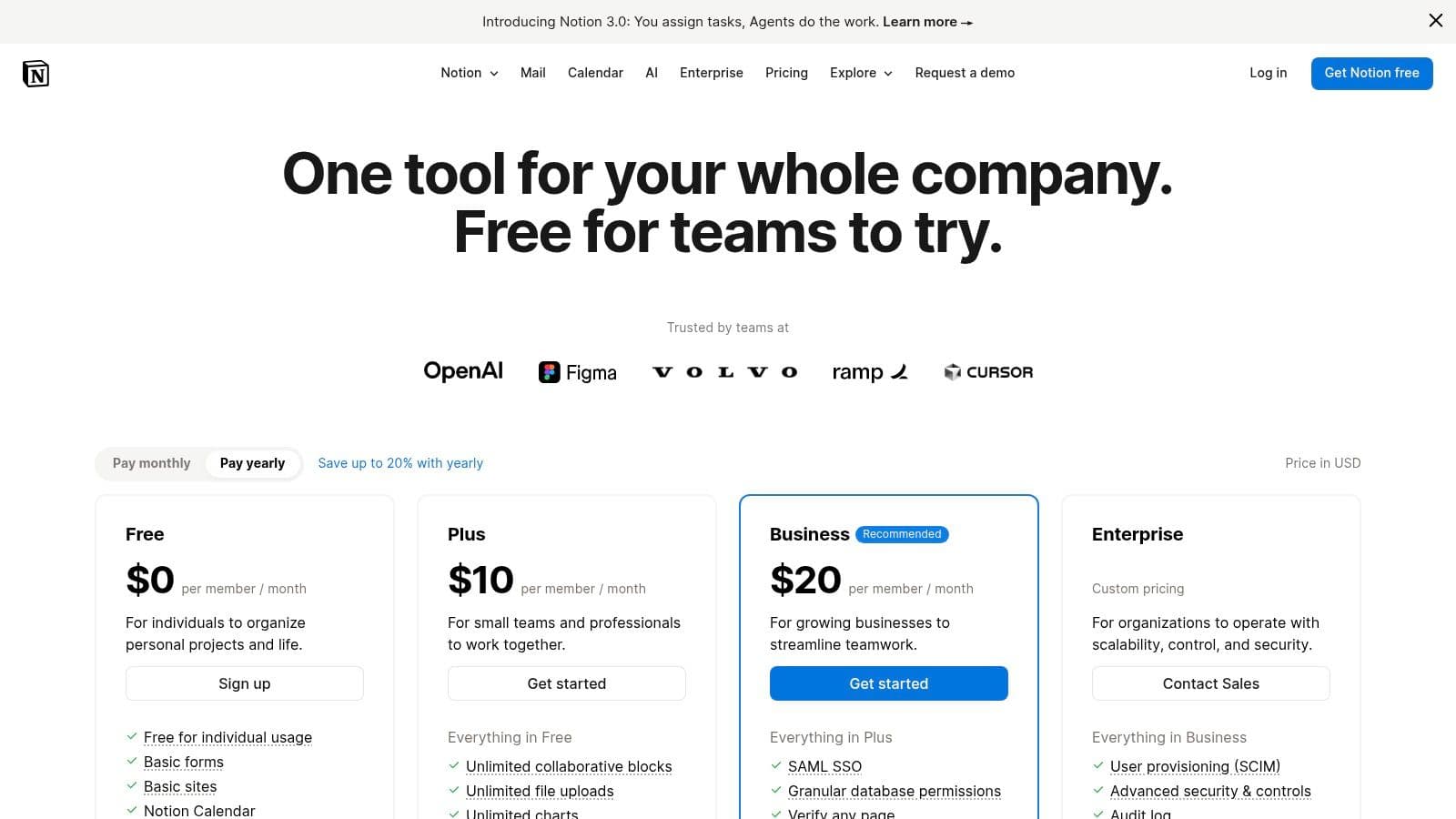
Notion combines notes, databases, and project tracking, with Notion AI adding drafting and summarization inside your workspace. It’s a great single place for knowledge management and lightweight project management, especially for teams that value structure and flexibility.
Key details:
- Best for teams and individuals who want an all-in-one workspace with AI writing help.
- Pros: Pages + databases + AI assistance in one place; good integrations with Slack and GitHub.
- Cons: Very large workspaces can slow down without careful organization.
Website: https://www.notion.so/pricing
6. Zapier
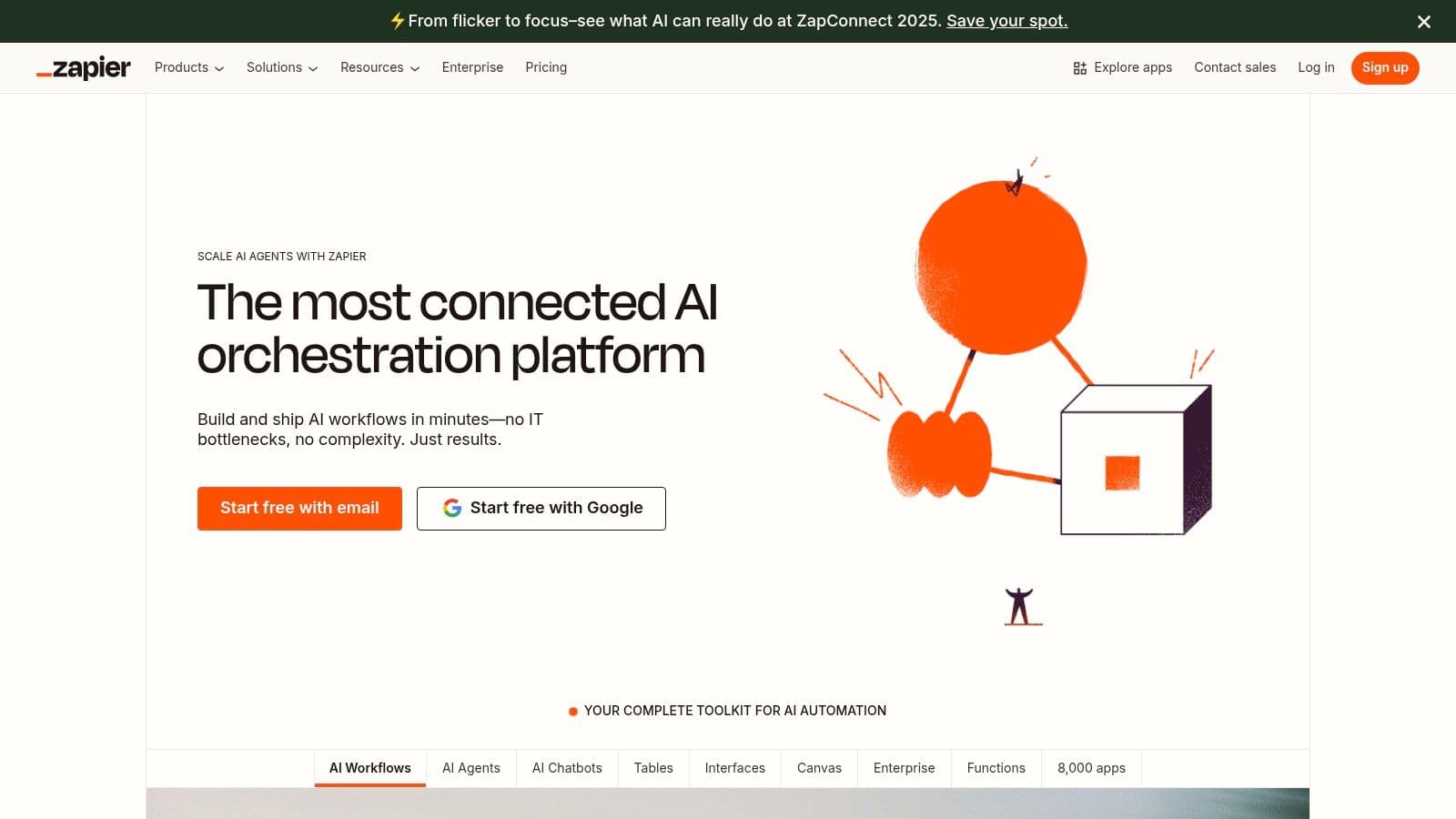
Zapier is a no-code automation leader that connects thousands of apps and now includes AI-powered Agents that can act across your workflows. Its breadth of integrations makes it powerful for automating repetitive tasks across your software stack3.
Key details:
- Best for teams automating multi-app workflows.
- Pros: Extensive app ecosystem, mature automation features, Interfaces and Tables for custom tooling.
- Cons: Costs can rise with heavy usage or advanced agent tasks.
Website: https://zapier.com/
7. Slack
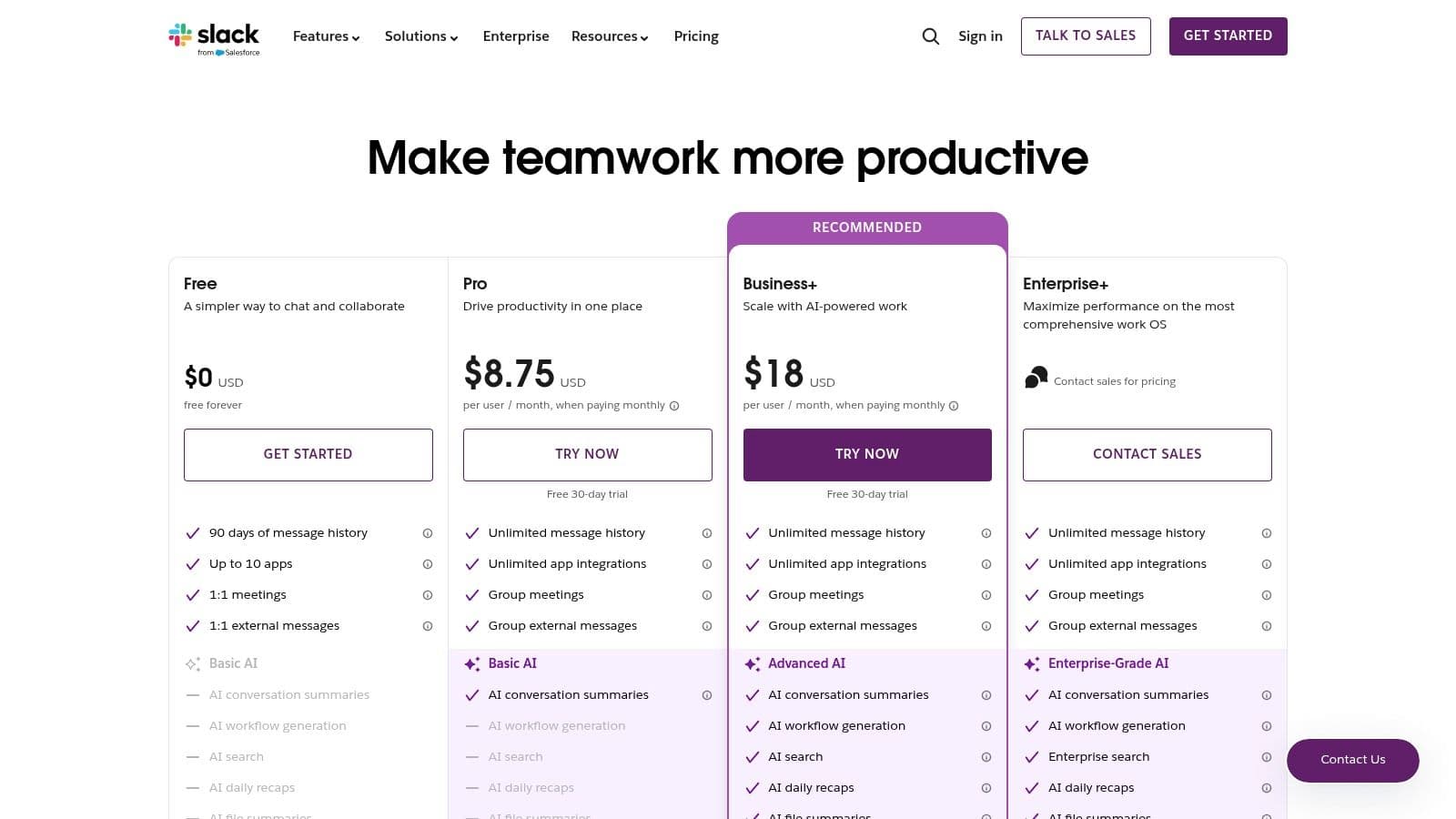
Slack now includes AI that summarizes long threads, captures notes from meetings, and answers questions using chat history and connected apps. That keeps teams focused by reducing the time spent searching for context.
Key details:
- Best for teams that communicate heavily in chat and want AI inside that flow.
- Pros: Context-aware features inside conversations; AI-powered search across messages and files.
- Cons: Most advanced AI features are on higher-cost plans.
Website: https://slack.com/pricing
8. Grammarly
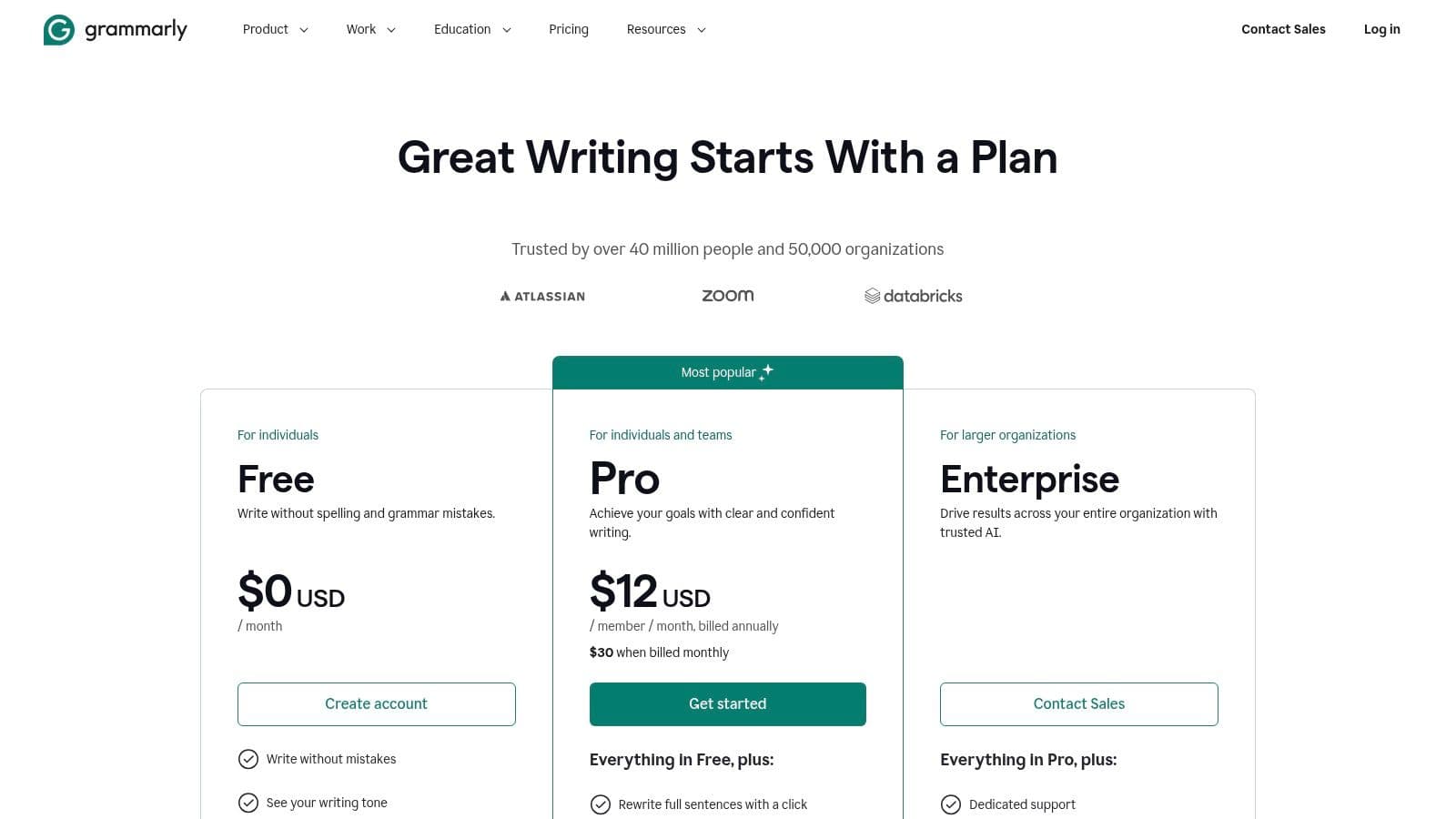
Grammarly is a writing assistant that improves clarity, tone, and style in real time. Beyond grammar, it helps teams keep brand voice consistent and speeds up content creation with generative features.
Key details:
- Best for professionals and teams focused on polished written communication.
- Pros: Browser extensions, integrations across apps, team style guides and analytics.
- Cons: Advanced collaboration and reporting require higher-tier plans.
Website: https://www.grammarly.com/plans
9. Google Workspace Marketplace
The Marketplace is an admin-friendly hub for finding AI apps that plug into Google Workspace. Admins can deploy vetted tools company-wide, turning Workspace into a custom AI-enabled productivity platform.

Key details:
- Best for Google Workspace admins who need curated, domain-installable apps.
- Pros: Tight integration with Google accounts and admin controls.
- Cons: Third-party app quality varies; always check permissions and reviews.
Website: https://workspace.google.com/marketplace/category/productivity
10. Microsoft AppSource
AppSource is Microsoft’s enterprise marketplace for add-ins that work with Teams, Microsoft 365, and Dynamics. It’s geared toward IT and procurement teams who need vetted, compliant solutions for enterprise environments.

Key details:
- Best for enterprise IT managers deploying vetted AI add-ins.
- Pros: Centralized buying, trials, and tenant-wide deployments with Microsoft compliance.
- Cons: Marketplace is enterprise-focused and can feel crowded for individual buyers.
Website: https://appsource.microsoft.com/en-us/home?category=ai-machine-learning
11. G2
G2 is a software marketplace with millions of verified user reviews. It’s a useful research tool when you want real-world feedback on AI tools and to compare alternatives side by side.
Key details:
- Best for buyers researching AI and productivity software.
- Pros: Large pool of verified reviews and buyer guides.
- Cons: Sponsored placements can influence visibility; read reviews critically.
Website: https://www.g2.com/categories/ai-software
12. Capterra
Capterra offers curated lists and price snapshots that help small and medium businesses compare AI productivity tools quickly. It’s practical for budget-conscious buyers who need straightforward comparisons.
Key details:
- Best for SMBs comparing budget-friendly AI solutions.
- Pros: Clear pricing views, user reviews, and vendor trial links.
- Cons: Some listings may lag behind vendor sites, so double-check details.
Website: https://www.capterra.com/
Comparison Snapshot
| Product | Core strength | Best for |
|---|---|---|
| Fluidwave | AI prioritization plus human delegation | Busy pros, teams, freelancers |
| ChatGPT | Multimodal assistant for writing and research | Individual creators, teams |
| Microsoft Copilot | In-app AI for Office workflows | Microsoft-centric enterprises |
| Google Workspace + Gemini | Native AI across Google apps | Google-centric teams |
| Notion | Notes + projects + AI writing | Teams needing structure and creativity |
| Zapier | Cross-app automation and AI agents | Teams automating workflows |
| Slack | AI in team communication | Chat-driven teams |
| Grammarly | Writing quality and consistency | Professionals, marketing teams |
| Marketplaces (Google/AppSource) | Curated, admin-deployable apps | IT and procurement teams |
| G2 / Capterra | Research and verified reviews | Buyers evaluating options |
How to Choose the Right AI Productivity Tool
Start by identifying the single biggest bottleneck in your workflow. Is it writing, repetitive tasks, meeting follow-up, or knowledge organization? Solve that one problem first, then grow from there. Prioritize tools that integrate with your existing apps, have a clear security posture, and offer a gentle onboarding path for your team.
Practical checklist:
- Integration: Can it connect to your calendar, email, and main project tools?
- Impact: Does it solve a clear time sink or quality problem?
- Adoption: Is the learning curve low enough for your team to actually use it?
- Security: Does the vendor offer enterprise controls and privacy assurances?
By choosing tools that feel like an extension of your day-to-day workflow, you turn AI from a distraction into a productivity multiplier.
Q&A — Quick Answers to Common Questions
Q: Which AI tool is best for individual productivity?
A: Start with a versatile assistant like ChatGPT for drafting and brainstorming, plus Grammarly for polished writing. If you manage tasks, add Fluidwave or Notion for centralized task and knowledge management.
Q: How do I roll out AI tools across a team?
A: Pilot a single use case, measure time saved or quality improvement, iterate, then expand. Use admin-deployable marketplaces (Google Workspace Marketplace or Microsoft AppSource) for consistent rollout.
Q: Are these AI tools secure for business use?
A: Many vendors offer enterprise plans with admin controls, compliance certifications, and clear data-use policies. Review each provider’s security pages and choose paid business plans when handling sensitive data45.
Ready to unify your workflow and harness an integrated AI assistant? Explore how Fluidwave combines task management, knowledge bases, and intelligent automation into a single platform designed to reduce friction and boost output. Start streamlining your productivity with Fluidwave today.
1.
McKinsey, “The State of AI in 2023,” Global Survey, 2023. https://www.mckinsey.com/featured-insights/artificial-intelligence/global-survey-the-state-of-ai-in-2023
2.
Will Oremus, “ChatGPT hits 100 million monthly active users,” The Verge, January 31, 2023. https://www.theverge.com/2023/1/31/23579740/openai-chatgpt-100-million-users-monthly
3.
Zapier, Apps Directory. https://zapier.com/apps
4.
Google Workspace, Security & Compliance. https://workspace.google.com/security/
5.
Microsoft, Microsoft 365 AI (Copilot) overview. https://www.microsoft.com/en-us/microsoft-365/ai
Focus on What Matters.
Experience lightning-fast task management with AI-powered workflows. Our automation helps busy professionals save 4+ hours weekly.