Discover the 10 best AI project management tools of 2026. A detailed review of Asana, ClickUp, Fluidwave, and more to automate tasks and boost productivity.
June 2, 2026 (4mo ago)
10 Best AI Project Management Tools for 2026
Discover the 10 best AI project management tools of 2026. A detailed review of Asana, ClickUp, Fluidwave, and more to automate tasks and boost productivity.
← Back to blog
You start Monday with a clean plan. Dependencies are mapped, owners are assigned, and the timeline looks realistic. By Tuesday afternoon, someone has dropped in a “small urgent request,” two stakeholders want status updates in different formats, and half the team is working around meetings instead of through work.
That's the point where traditional project management systems start to show their limits. Static plans age fast. Manual updates pile up. The project manager becomes a human routing layer, rewriting task lists, chasing context, and translating the same information for five different people.
AI project management tools are supposed to fix that. Sometimes they do. Sometimes they just generate more admin in a shinier interface.
The market is moving fast enough that it's worth taking seriously. A 2024 industry compilation said the global market for AI in project management was expected to reach US$5.7 billion by 2028 with 17.3% CAGR. That same compilation found project professionals most often valued automating tasks, better resource allocation, and more accurate metrics. In other words, buyers aren't just looking for clever summaries. They want less coordination drag.
If you're comparing the best AI project management tools right now, the key question isn't “which app has AI?” Almost all of them do. The better question is what job you need done: time-blocking, sprint execution, portfolio oversight, meeting-to-task conversion, or offloading work entirely.
For teams also watching spend, it's worth comparing these tools against other budget-friendly software for team collaboration. Price creep is real once AI credits, add-ons, and premium tiers enter the picture.
1. Fluidwave

Monday starts with 40 small asks across email, chat, and your task list. None of them are hard on their own. Together, they wreck the day. Fluidwave is built for that kind of workload.
Its job-to-be-done is different from a standard PM suite. Instead of only organizing tasks, it helps reduce the amount of work that stays on your plate. That matters for solo operators, founders, chiefs of staff, and small teams where the actual problem is not planning complexity. It is too many loose ends, too much context switching, and too little time to finish deep work.
Best for overloaded operators and neurodivergent users
Fluidwave fits people who need the next action to be obvious fast. The interface gives multiple ways to view the same work, including table, list, calendar, Kanban, and cards. That flexibility is more useful than it sounds. In practice, different views reduce friction for different brains. Someone who tracks progress visually may want Kanban. Someone who gets overwhelmed by board clutter may work better from a simple list.
That accessibility angle is one reason this tool stands out in a comparison of AI PM software. Neurodivergent users often care less about feature breadth than about low-noise design, fast response times, and clear prioritization. Fluidwave does those basics well.
If your team is trying to build better focus habits around AI, its own guide on using AI for productivity without adding more admin is aligned with how the product is used day to day.
Where the time savings come from
Fluidwave's AI helps at the triage layer. It can turn rough inputs into tasks, break larger work into smaller steps, and surface priorities based on urgency. That saves time in a specific workflow: capture, clarify, rank, act.
The bigger differentiator is delegation. Fluidwave pairs AI task management with access to human assistants on a pay-per-task basis. For the right user, that changes the value of the tool. You are not just deciding what matters next. You are deciding what should leave your queue entirely.
I've found that model works best for repetitive but annoying tasks such as inbox cleanup, research formatting, scheduling follow-ups, and document prep. It works less well for ambiguous work that lives mostly in your head. If the brief is vague, handoff quality drops and the saved time disappears into revisions.
Trade-offs
Fluidwave is a strong fit when work is messy, fast-changing, and personally owned. It is less convincing if you need formal governance, layered approvals, or portfolio reporting across many departments.
A few practical trade-offs stand out:
- Strong for execution relief: Good fit for founders, freelancers, operators, and lean teams trying to cut task overload.
- Weaker for PMO structure: Teams that need strict controls, audit trails, or advanced cross-project reporting will likely outgrow it.
- Delegation requires clear inputs: Pay-per-task is flexible, but clear briefs are the difference between relief and rework.
- Feature depth depends on your use case: If you need sprint planning, complex dependencies, or enterprise resource management, other tools on this list go further.
Fluidwave has a free tier, and Premium is listed at $10 per month billed yearly. That pricing makes it realistic to test the core workflow before deciding whether the delegation layer fits your team.
Use Fluidwave if your real job is to cut task overload, keep priorities visible, and offload routine work without hiring a full-time assistant.
2. Asana
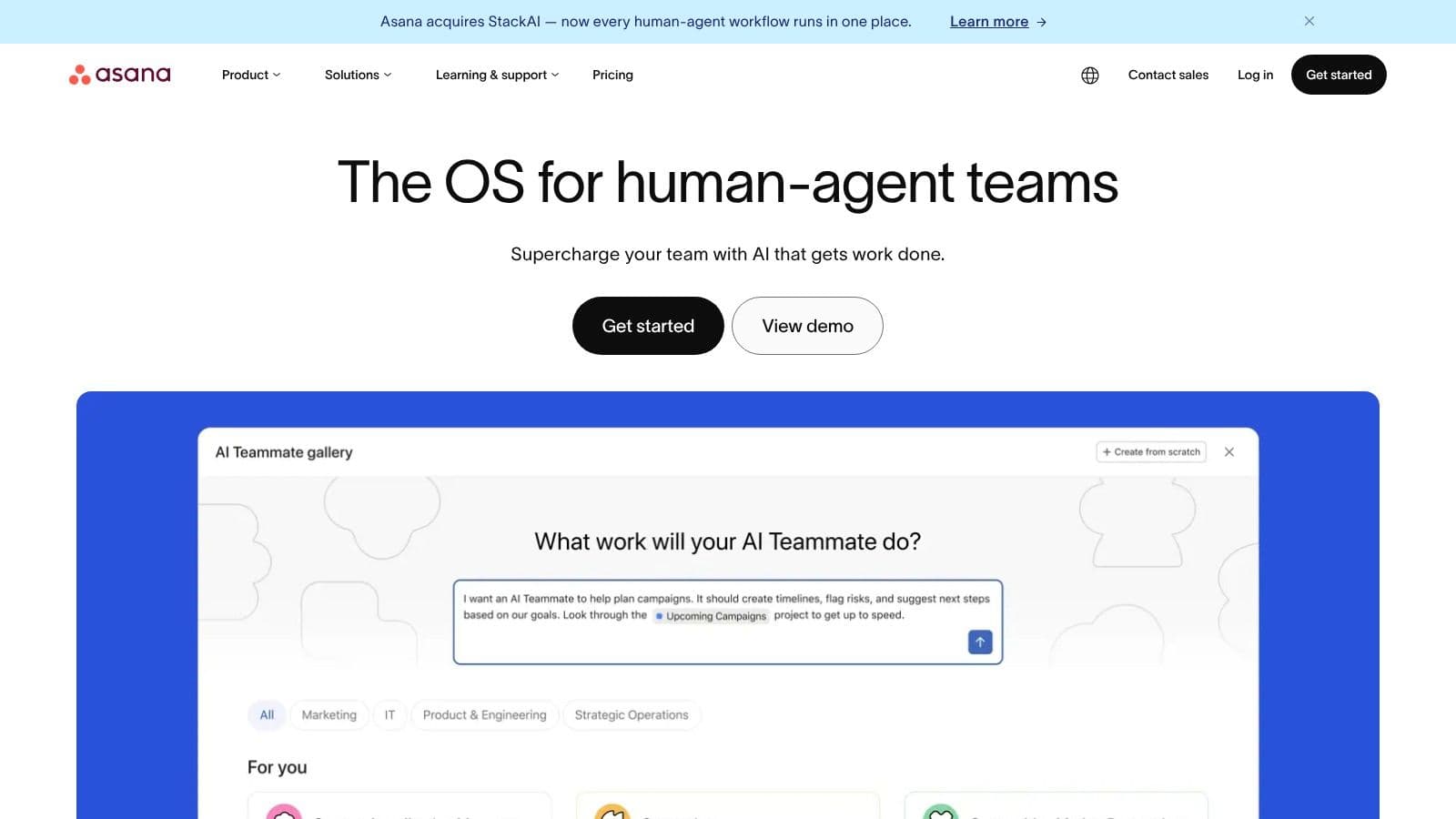
Monday morning. Leadership wants a status update by noon, design changed scope late Friday, and three teams are each tracking the same launch in different ways. Asana fits that job well. It gives one system for coordinating cross-functional work, turning scattered updates into something a PM, team lead, and executive can all use.
Asana Intelligence covers the practical AI tasks first. It summarizes project activity, drafts status updates, suggests tasks, and flags work that may be slipping. AI Studio is the bigger step up. It lets teams build role-specific workflows and automations inside Asana, which matters if the goal is not just faster writing but less manual project admin.
The best use case is clear. Asana works for organizations that already have defined teams, recurring processes, and a real need for portfolio visibility. Product launches, campaign operations, internal transformation work, and multi-team roadmaps are a strong fit. The job-to-be-done is keeping many contributors aligned without forcing everyone into the same view of the work.
That also makes Asana a practical option for teams exploring AI-powered workflow automation for recurring operational work. The time savings usually come from three places: less status-chasing, faster project setup, and earlier detection of risks before they become deadline problems.
Accessibility deserves a real mention here, not a token one. Asana's interface is cleaner than many all-in-one platforms, which can help users who struggle with visual clutter or too many competing controls. At the same time, large projects with many custom fields, rules, and views can still become noisy. For neurodivergent users, the experience depends a lot on whether the workspace is configured with restraint.
Where Asana earns its keep
Asana is strongest when a project manager needs to run execution and reporting from the same system. I would use it when the team needs dependable timelines, ownership clarity, and leadership-ready updates without building a custom stack.
A few practical advantages stand out:
- Strong for cross-functional coordination: Different teams can work from lists, boards, or timelines without breaking shared project structure.
- Useful AI for PM workflows: Summaries and drafted updates save time when the volume of project activity is high.
- Good portfolio visibility: Program managers and department leads can monitor progress across initiatives without piecing reports together manually.
- Better governance than lighter tools: Larger organizations usually prefer Asana when they need more control over process consistency.
Where it falls short
Asana asks for more process discipline than simpler tools. Teams that resist structure often end up with partial adoption, which weakens reporting and makes the AI outputs less useful.
The pricing can also climb once advanced AI and higher-tier features enter the conversation. Buyers should compare cost against hours saved in reporting, coordination, and project setup, not against seat price alone.
It is also not the best choice for every working style. People who manage their day from a calendar, or solo operators who need fast personal execution more than team alignment, often get more value from a scheduler-first tool.
Use Asana when the job is aligning multiple teams, reducing status friction, and turning project activity into decision-ready visibility.
3. monday.com
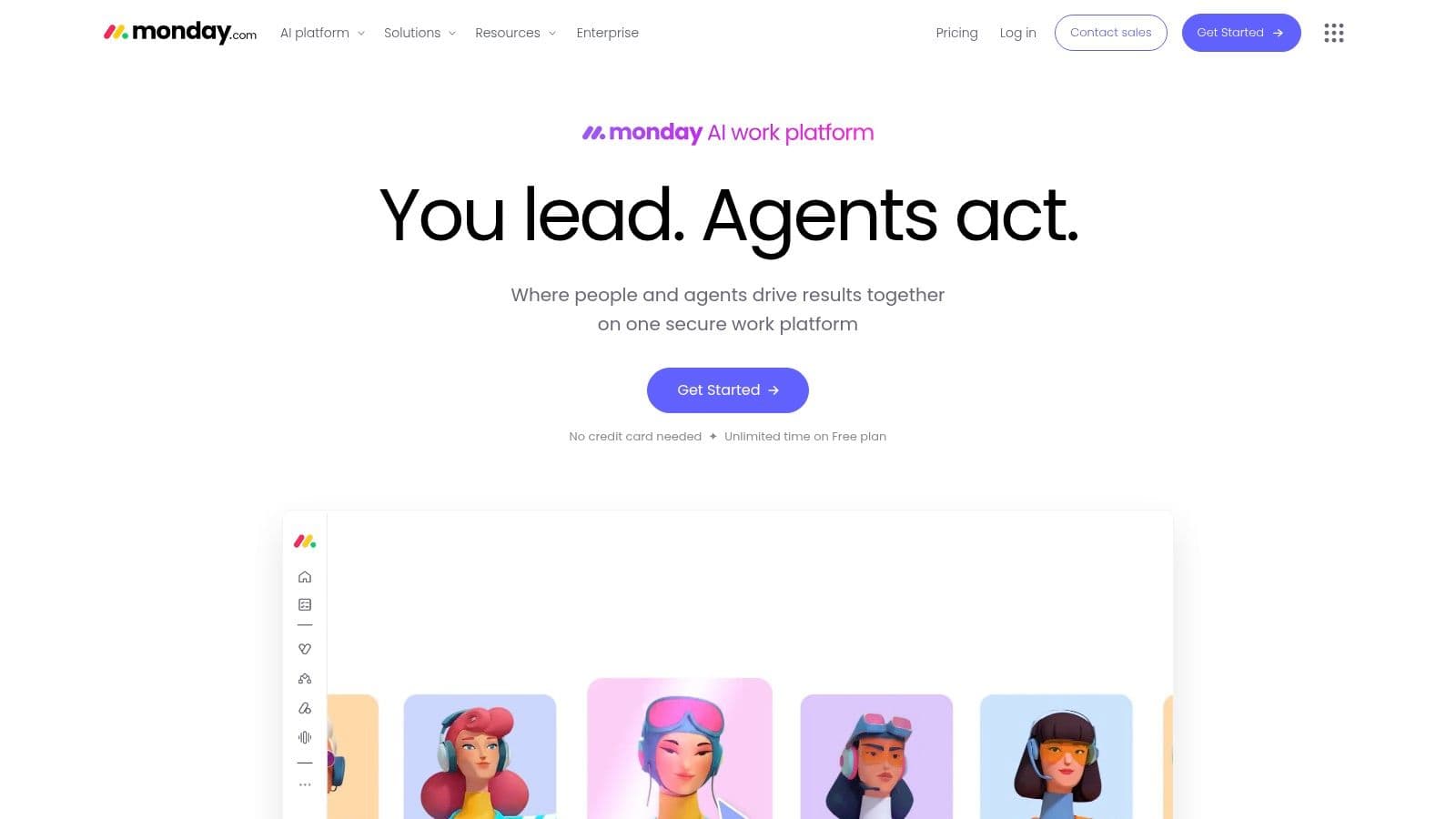
monday.com is for teams that want a configurable operating system, not just a task manager. Some people love that. Some people overbuild in it within a week.
Sidekick AI fits the monday style well because it's embedded across boards, workflows, and related products. You can use it to draft plans, summarize work, analyze data, and trigger automations without switching mental context as much as you do in more fragmented systems.
The best fit for monday.com
This is a good option for business teams that want templates first and customization second. Sales ops, marketing, client delivery, and internal operations teams often land here because monday can stretch across workflows without becoming fully bespoke on day one.
Its biggest practical advantage is speed to first usable system. If you need to stand up a process quickly, monday's template ecosystem helps. Then Sidekick AI adds support for content generation, summaries, and workflow actions inside the same environment.
That makes it a reasonable choice for teams exploring AI-powered workflow automation in daily operations, especially if they want low-code flexibility without moving into a database builder.
What to watch
monday.com can get complicated fast once you start layering boards, automations, dashboards, and AI usage rules. It's not hard to start. It is easy to create a messy system if nobody owns the architecture.
- Fast setup: Strong for teams that need momentum quickly.
- Broad use cases: Work management, CRM, and other workflows can sit under one umbrella.
- AI costs may not stay simple: Some AI usage depends on credits or add-ons.
- Accessibility varies by setup: Teams can create clear visual systems here, but dense boards can become overstimulating for some users.
Use monday.com if the job is building a flexible team operating layer with AI inside the flow of work, not bolted on afterward.
4. ClickUp
A common ClickUp scenario looks like this. The team has tasks in one tool, meeting notes in another, SOPs in scattered docs, and status updates buried in chat. ClickUp works best when the key task is pulling that sprawl into one operating system and then using AI to reduce the manual handoff work inside it.
That job-to-be-done matters more than the feature list. ClickUp gives teams tasks, docs, goals, whiteboards, dashboards, chat, and AI in one place. The upside is fewer context switches. The cost is a larger interface, more settings, and a higher setup burden than simpler tools.
ClickUp Brain is what makes the platform interesting for project leads, not just admins. It can summarize project updates, draft docs, answer questions from workspace context, and help turn messy inputs into usable work items. In practice, that means a PM can move faster from meeting notes to assigned tasks, from a long thread to a status summary, or from a rough request to a first-pass brief. Teams evaluating AI task management workflows that connect tasks, docs, and team context should pay attention to that part.
Best for teams replacing tool sprawl with one configurable workspace
ClickUp is a strong fit for operations teams, agencies, product groups, and cross-functional departments that want one system for planning and execution. I would choose it when the team needs docs and tasks tied together tightly enough that AI can work across both.
That is the practical difference. AI is more useful when it can see the work, the notes, and the reference material in the same environment.
A typical workflow looks like this:
- A meeting note lands in a doc.
- ClickUp Brain summarizes the discussion and drafts follow-up actions.
- The PM converts those actions into tasks, adds owners and dates, and links them to the relevant project space.
- The team asks AI for a project summary later without digging through notes and comment threads.
That can save real time. It also reduces the usual copy-paste work between docs, chat, and task boards.
What to watch
ClickUp asks more from the team than many buyers expect. The platform can support very different working styles, but that flexibility cuts both ways. A disciplined admin can shape a clean system. A team without naming conventions, view rules, and ownership can end up with clutter fast.
The accessibility trade-off is real too. Some neurodivergent users do well with ClickUp because it supports multiple views, detailed structure, and strong documentation in one place. Others find the visual density distracting, especially in heavily customized spaces with too many statuses, fields, and widgets. This is one of the tools where implementation quality has a direct effect on usability.
A few practical takeaways:
- Strong for consolidation: Good choice when work, knowledge, and updates need to live together.
- High ceiling for customization: Useful for teams with an operations owner who will maintain the system.
- AI is more helpful when your workspace is clean: Messy data produces messy outputs.
- Pricing and limits need a close read: AI access and usage can be less straightforward than the core plan suggests.
Use ClickUp if the job is centralizing execution and knowledge so AI can help the team move work forward, not just summarize it.
5. Jira Software
Jira Software is still the default serious choice for software teams that care about structure, traceability, and scale. The AI layer matters, but the bigger story is that Jira already owns the workflow where technical execution happens.
Atlassian Intelligence improves issue creation, summaries, and natural-language actions. Rovo extends that into search, chat, and agents across Jira, Confluence, and the wider Atlassian environment. For engineering organizations, that means AI can work against the actual system of record rather than a sidecar app.
Best for engineering teams that need control
Jira is not the best general-purpose tool for every team. It is, however, very good when software delivery is the center of the project and process consistency matters more than aesthetic simplicity.
Governance is a major reason it stays on shortlists. Neutral guidance from Atlassian says buyers should evaluate true AI capabilities, smooth integration, reporting and analytics, ease of adoption, and especially data privacy in AI project management tools. That's the right lens. A lot of AI PM content obsesses over automation but barely touches what happens when sensitive project data flows through those systems.
The practical downside
Jira can be heavy, especially outside engineering. Product, support, and operations teams can work in Jira, but they often need a lot more admin discipline to keep it usable.
- Strongest governance and compliance posture: Good fit for regulated or larger software organizations.
- Deep ecosystem: Jira gets more valuable if you also use Confluence and other Atlassian tools.
- Higher-tier AI access: Some of the best capabilities are tied to more advanced cloud plans.
- Needs active governance: AI agents and automation rules can create noise if nobody owns the ruleset.
Use Jira when the job is running software delivery with strong controls, not making project management feel friendlier.
6. Wrike
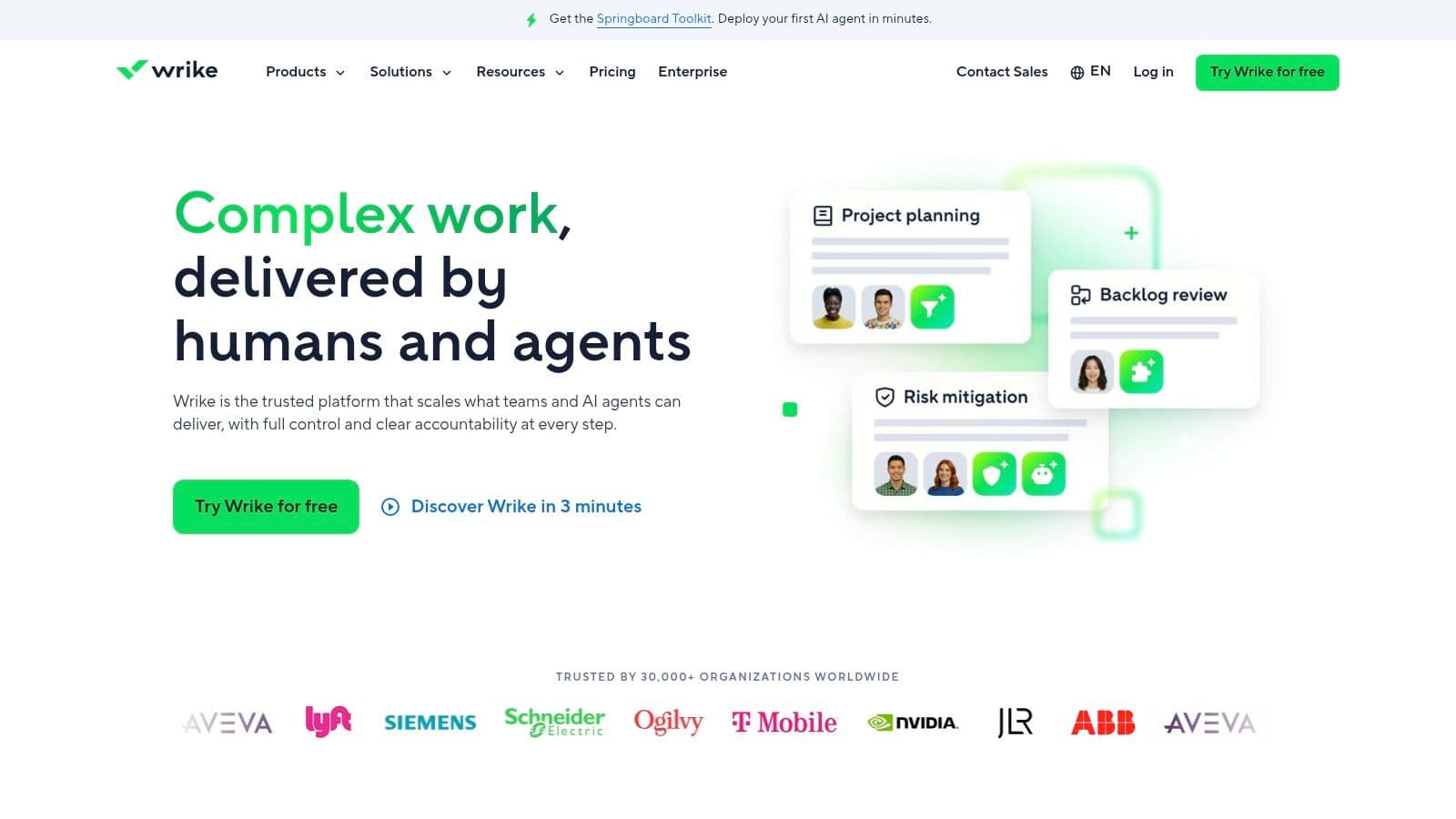
Wrike sits in an interesting middle ground. It has enough enterprise seriousness for large teams, but it's still approachable for marketing, operations, and creative groups that need approvals, proofing, and cross-team coordination.
Its AI stack includes summaries, writing help, risk detection, and agent-style support. Wrike also deserves credit for being more explicit than many vendors about AI usage tiers and allowances. Buyers need that clarity because AI pricing gets murky fast.
Why teams choose Wrike
Wrike tends to work best where work crosses departments and needs structured handoffs. Marketing campaign production is a good example. So is operations work that moves through intake, review, approval, and launch.
The PM advantage here isn't flashy AI. It's that AI sits inside a platform already designed for coordinated execution, approvals, and permission control. That's often more useful than a tool that can write updates but can't manage the review path around them.
What gets in the way
Wrike can feel deep when you first open it. New users often need a little guidance to understand the hierarchy and where work should live.
- Good for creative and operational workflows: Proofing and approvals still matter a lot in these teams.
- Enterprise-friendly controls: Permissions and structure are solid.
- AI access is tiered: Advanced capability may depend on higher AI allowances.
- Not the simplest user experience: Some smaller teams will feel the weight.
Use Wrike if your work needs structure, approvals, and AI support without moving fully into a developer-style environment.
7. Smartsheet
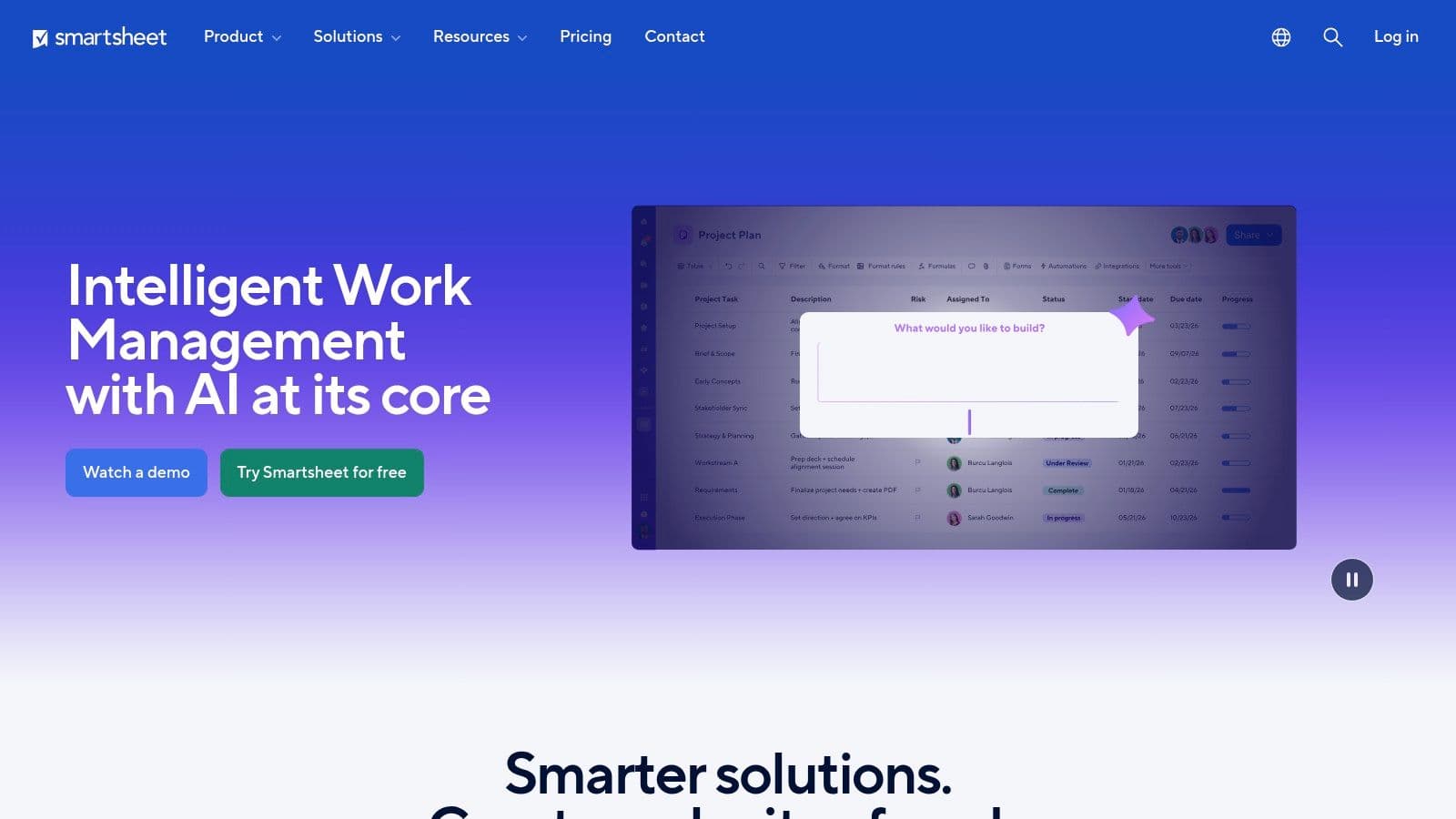
Smartsheet is what I recommend when a PMO or operations team still thinks in rows, columns, dependencies, and rollups. That's not a criticism. For a lot of organizations, spreadsheet logic is still the clearest way to manage real work.
Smartsheet AI helps with formula generation, text drafting, summaries, charts, and setup. The value isn't that it turns Smartsheet into a futuristic assistant. The value is that it reduces friction inside a format many teams already trust.
The right job-to-be-done
If your team needs grid, Gantt, board, and calendar views tied to the same underlying structure, Smartsheet is still one of the more practical choices. It works especially well for PMOs, operations teams, and program managers who need predictable visibility more than modern workspace aesthetics.
That spreadsheet-first approach can also be easier for some neurodivergent users who prefer rigid structure and explicit logic. For others, it feels visually dense. This is one of those tools where accessibility depends heavily on the person, not just the feature set.
Smartsheet works when the team wants AI assistance without changing how it fundamentally thinks about planning.
What to watch before buying
Smartsheet's plan details matter. Automation limits, guest access, and AI inclusions vary enough that procurement should read the feature tables closely.
- Very strong for structured planning: Especially useful for PMOs and operations.
- Familiar metaphor: Spreadsheet-native teams usually adopt it faster.
- Can get expensive higher up: Buyers often feel the jump at advanced tiers.
- Less ideal for free-form collaboration: Teams that live in docs and brainstorm spaces may want something looser.
Use Smartsheet when the job is operational planning with structure first and AI acceleration second.
8. Motion
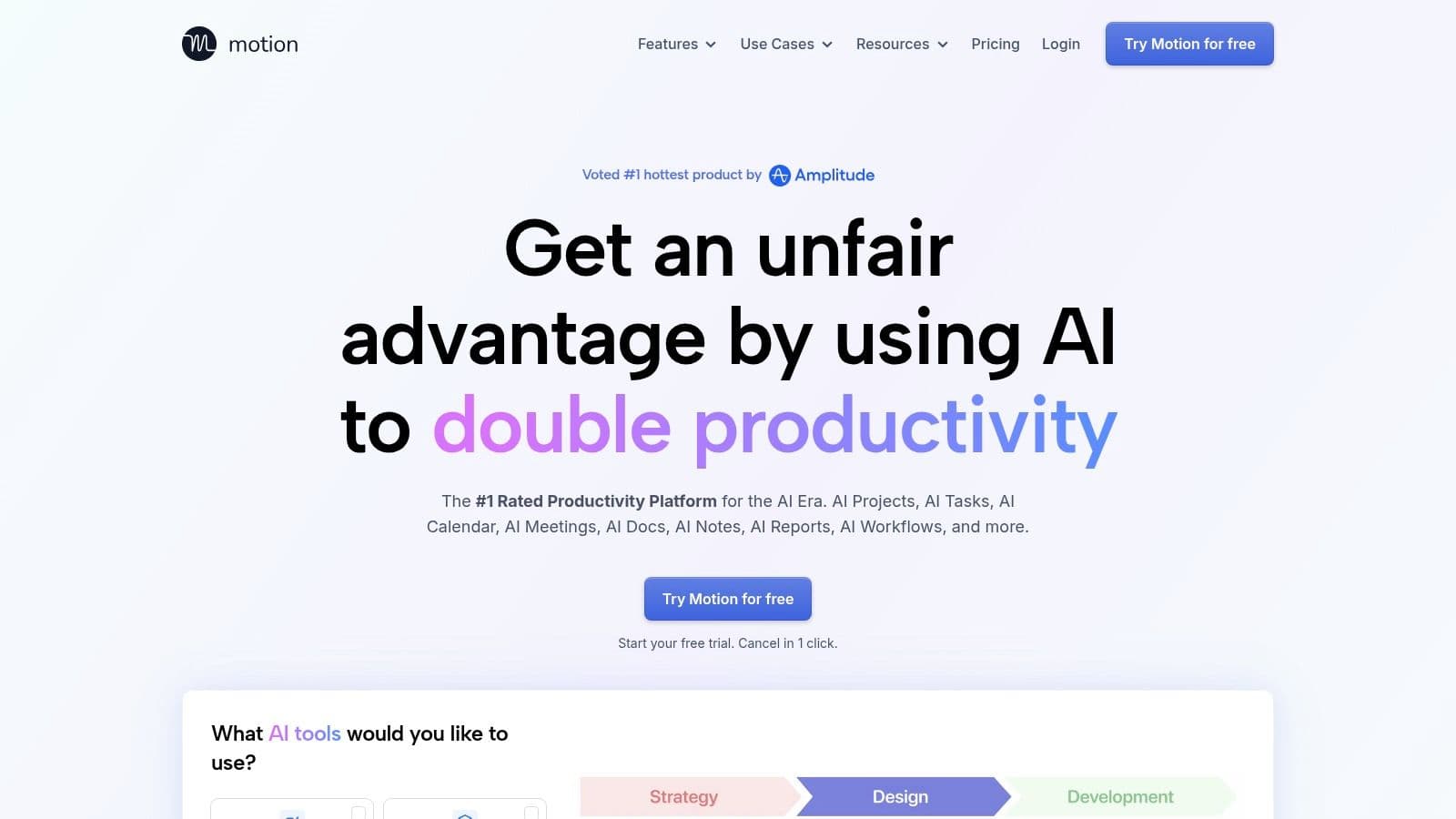
Motion is for people who don't need another task list. They need their week to stop collapsing.
Its core strength is AI scheduling. Tasks and meetings land on the calendar, priorities shift, and the tool keeps trying to make the workday executable instead of merely well-documented. That makes it one of the most useful options for individuals and lean teams who feel calendar pressure more than process complexity.
Why Motion feels different
Most PM tools tell you what's due. Motion tries to tell you when the work will happen.
That difference maps to a real market gap. Some current guides note that the category is split between auto-scheduling tools, guided planning tools, and all-in-one workspace platforms, which is why buyers need to match the tool to the workflow instead of assuming AI itself is the answer, as discussed in this Morgen comparison of AI project management tools.
For people with ADHD or chronic context-switching problems, scheduler-first design can be a major win. If the system keeps reshaping the day around reality, you spend less energy rebuilding your own plan.
Where Motion struggles
Motion isn't the best pick for formal portfolio management. It can coordinate team work, but that's not where it's strongest.
- Excellent for time-blocked execution: Strong fit for founders, executives, and small teams.
- Useful replacement effect: For some users, it can reduce dependence on separate task and calendar tools.
- Pricing criticism exists: Buyers should pay attention to current plan structure.
- Less governance depth: If you need PMO reporting and layered controls, look elsewhere.
Use Motion when the job is protecting actual work time, not just tracking commitments.
9. Notion
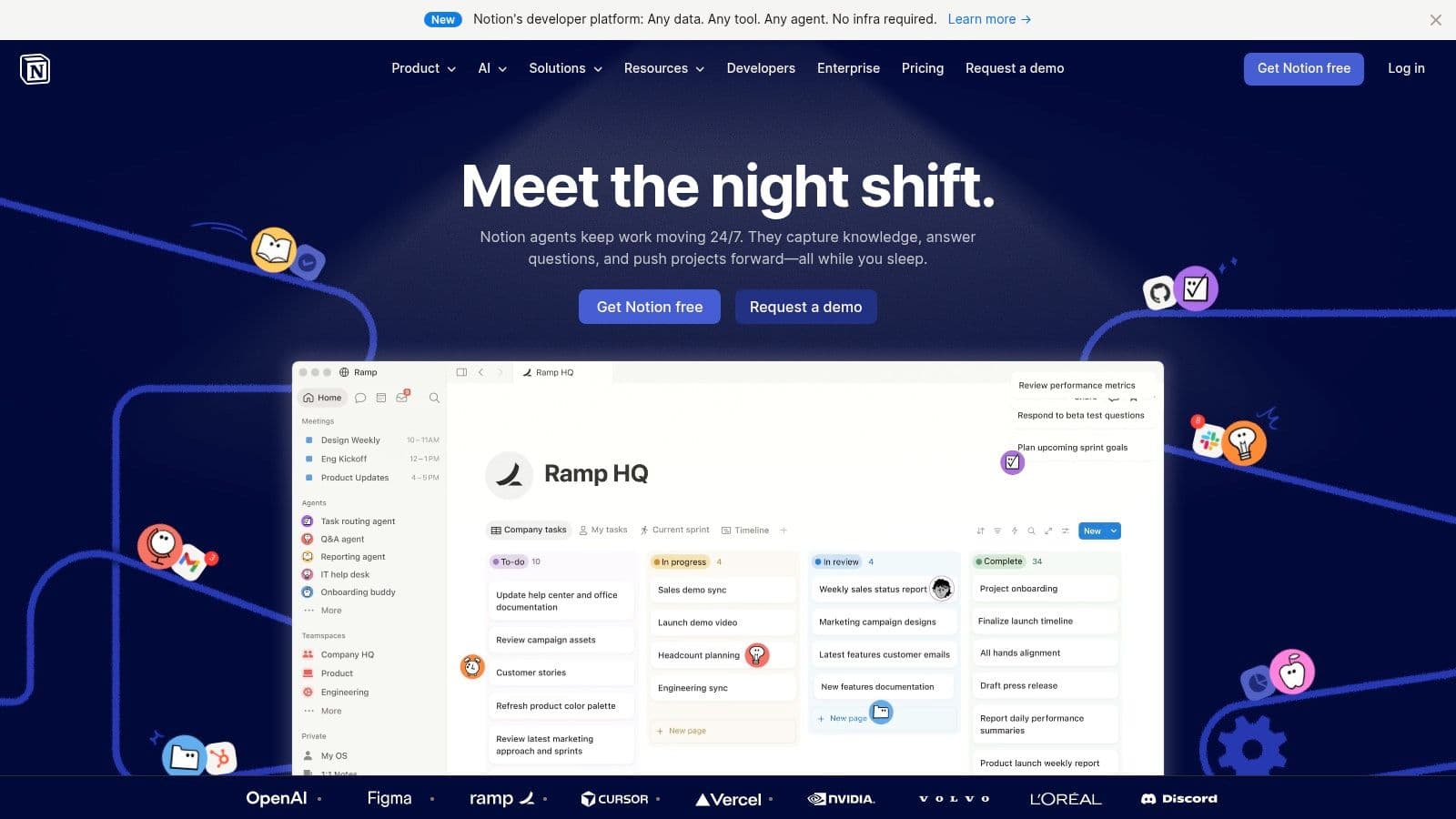
Notion is a strong option for teams that want project management to live close to documentation, meeting notes, and knowledge management. It's less opinionated than a traditional PM suite, which is exactly why some teams love it and others end up rebuilding basic project structure from scratch.
Notion AI helps with writing, summarization, meeting notes, autofill, and more advanced automation paths. The AI is useful, but Notion's real advantage is that context is already nearby if your team documents well.
Best for documentation-heavy teams
If your work starts in docs and then turns into projects, Notion fits naturally. Product teams, content teams, research groups, and startups often work this way. They don't want separate systems for thinking and execution.
Notion also keeps appearing among the most commonly recommended platforms in independent 2026 roundups because it balances AI assistance with workspace flexibility, as noted earlier in broader coverage of leading tools.
The catch with Notion
Flexibility is expensive in a different way. You may not pay for it only in money. You pay for it in design decisions, maintenance, and consistency.
- Excellent for knowledge-rich workflows: Docs, projects, and notes can live together.
- Highly customizable: Teams can shape it around their operating model.
- Advanced AI may add usage costs: Credit-based approaches can sting power users.
- Limited native PMO depth: Portfolio-heavy organizations may outgrow it.
Use Notion when the job is connecting project execution to team knowledge without forcing everyone into a rigid project framework.
10. Airtable
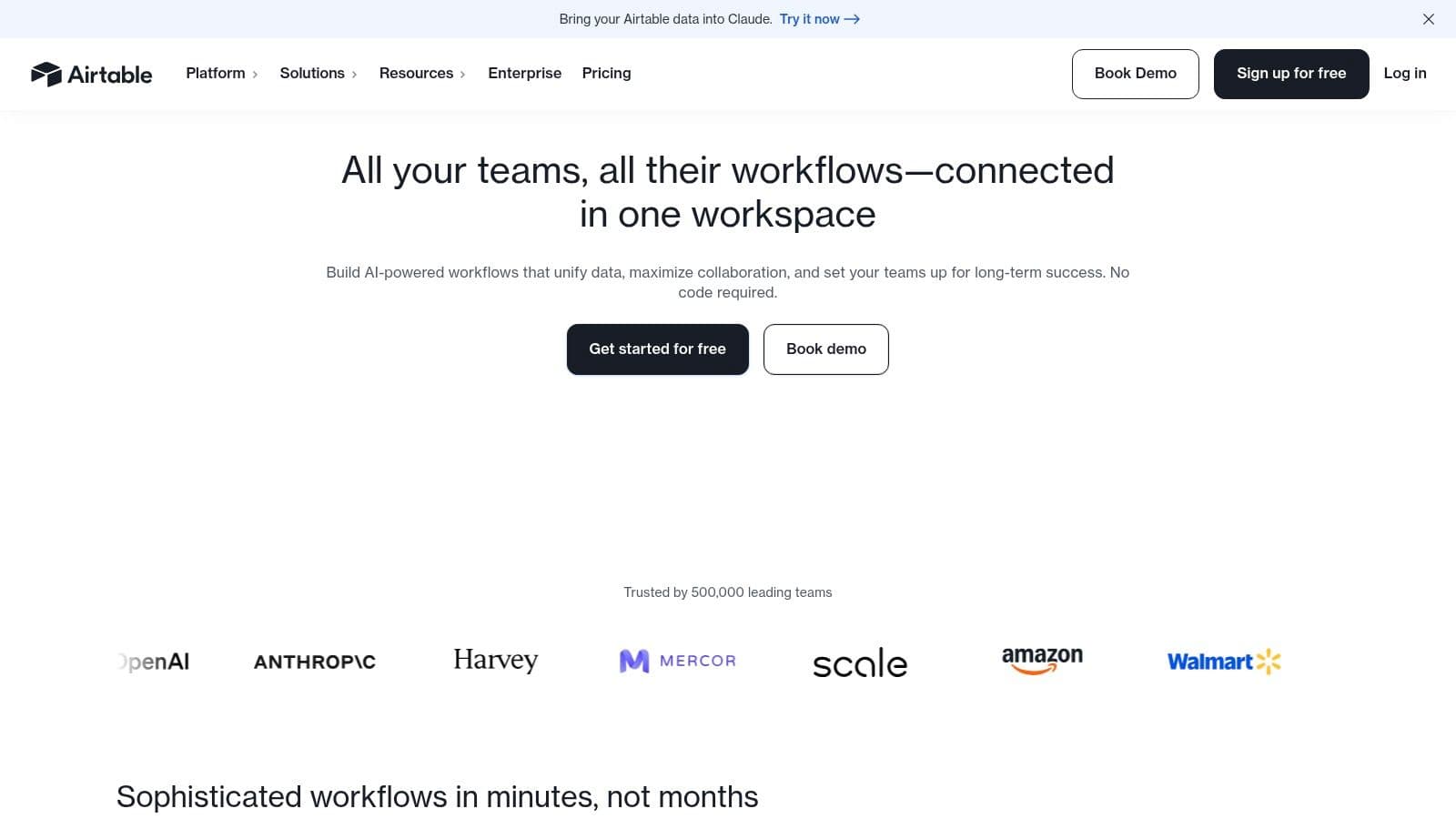
A product ops lead needs one system to track launches, vendor requests, creative reviews, and campaign assets. A standard project board usually breaks here. Airtable fits this kind of work because you can model the process as data first, then layer views, automations, and AI on top.
That job-to-be-done matters more than the feature list. Airtable works best when the team needs a custom operating system, not just a task list.
Its AI tools handle field generation, classification, summaries, and workflow support inside the base you already built. In practice, that saves time when teams are triaging intake forms, tagging requests, drafting status notes, or turning messy records into something usable. The value is not that AI runs the project for you. The value is that it reduces the manual cleanup work that custom systems usually create.
Best for custom operations workflows
Airtable is a strong fit for teams sitting between project management and operations. I usually recommend it for marketing ops, PMOs with unusual intake logic, internal services teams, and cross-functional groups that need more structure than a spreadsheet but less rigidity than a classic PM suite.
It can also be a better accessibility choice for some neurodivergent users than overloaded all-in-one tools, because teams can simplify the interface to the few fields and views people need. That benefit depends on setup quality. A clean base is calm and usable. A cluttered base becomes hard to parse fast.
The trade-off with Airtable
Airtable rewards good system design. If no one owns the architecture, field logic, permissions, and naming conventions, the workspace gets messy quickly.
- Strong fit for bespoke workflows: You can build project tracking around your real process instead of forcing the process into a preset template.
- AI is useful in context: Classification, summaries, and autofill save real admin time when records are already structured well.
- Pricing can climb: Per-seat costs and AI usage can become expensive for larger teams or heavy automation use.
- Setup burden is real: Someone has to design the schema, maintain it, and keep the experience readable for the team.
Use Airtable when the job is building a customized workflow system where AI helps process, route, and summarize structured work.
Top 10 AI Project Management Tools Comparison
| Product | Core features | UX & Quality ★ | Value / Price 💰 | Target audience 👥 | Unique selling point ✨ |
|---|---|---|---|---|---|
| Fluidwave 🏆 | AI + vetted human assistants, multi‑view tasks, auto‑prioritization, automation templates | ★★★★☆ | 💰 Free Forever; Premium $10/mo (yrly); pay‑per‑task delegation | 👥 Busy professionals, founders, PMs, freelancers, neurodivergent users | ✨ Hybrid AI + pay‑per‑task human marketplace; distraction‑free deep‑focus UI |
| Asana (Asana Intelligence + AI Studio) | AI summaries, risk signals, AI Studio, portfolio & reporting | ★★★★☆ | 💰 Enterprise pricing; AI Studio add‑on | 👥 Cross‑functional teams, enterprises | ✨ Strong portfolio/reporting and enterprise governance |
| monday.com (Sidekick AI) | Sidekick AI, AI blocks, low‑code apps, templates | ★★★★ | 💰 Mid‑tier pricing; credits/add‑ons for some AI | 👥 Business teams, ops, CRM, sales | ✨ Broad template ecosystem + low‑code customization |
| ClickUp (ClickUp Brain) | Workspace‑aware Brain, AI agents, cross‑app search, docs & goals | ★★★★☆ | 💰 Feature‑rich plans; AI as paid add‑on | 👥 Teams wanting all‑in‑one hub & rapid AI | ✨ Very feature‑rich PM hub with fast AI innovation |
| Jira Software (Atlassian Intelligence & Rovo) | AI issue summaries, Rovo agents, cross‑product analytics | ★★★★ | 💰 Cloud Premium/Enterprise tiers for top AI features | 👥 Engineering teams, regulated orgs, enterprises | ✨ Deep DevOps ecosystem and enterprise compliance |
| Wrike (Wrike AI & Agents) | Tiered AI access, summaries, risk detection, approvals | ★★★★ | 💰 Tiered AI allowances; enterprise pricing | 👥 Marketing, operations, project teams | ✨ Clear AI tiering + proofing/approval workflows |
| Smartsheet (Smartsheet AI) | Grid/Gantt/board views, AI formula & project setup helpers | ★★★★ | 💰 Plan‑dependent automation/guest limits | 👥 PMOs, operations, portfolio managers | ✨ Spreadsheet metaphor that scales to program level |
| Motion (AI scheduling + PM) | AI auto‑scheduling, calendar integration, workload leveling | ★★★★ | 💰 Subscription/credit complexities reported | 👥 Individual contributors, lean teams | ✨ Auto time‑blocking that merges calendar + tasks |
| Notion (Notion Projects + Notion AI) | Docs + DBs with inline AI, templates, agents (credit‑based) | ★★★★ | 💰 Flexible plans; AI credits for advanced uses | 👥 Knowledge workers, small teams, creators | ✨ Highly customizable workspace + AI writing aids |
| Airtable (Airtable with AI) | Database‑first views, AI field generation, automations & interfaces | ★★★★ | 💰 Per‑seat + AI credits can scale cost | 👥 Teams building bespoke PM apps & automations | ✨ Flexible no‑code DB apps with documented AI billing |
Your Next Action Choosing the Right AI Co-Pilot
Monday morning. A launch is slipping, three people want updates, engineering has a blocker, and your task board is technically accurate but still not helping you decide what to do first. That is the ultimate selection test for an AI project management tool. The right one should reduce decision load, speed up routine coordination, and fit the kind of work your team does.
Start with the job-to-be-done, not the feature list.
A campaign team usually needs AI to turn briefs into tasks, draft status updates, surface risks before deadlines move, and keep reviews from stalling. In that setup, Asana, Wrike, and monday.com tend to be better fits than a calendar-first tool. If the same team also depends on heavy documentation, meeting notes, and living specs, Notion starts to make more sense.
Software delivery is a different job. Sprint planning, issue triage, backlog hygiene, handoffs, and release visibility all depend on tight links between tickets, documentation, and delivery systems. Jira remains the practical choice for engineering-led teams that need control and traceability. ClickUp can cover more ground across functions, but it asks for more setup discipline, clearer workspace rules, and ongoing admin attention than many teams expect.
Small teams have a different bottleneck. The problem is often not reporting depth. It is context switching, missed priorities, and too many open loops. Motion works well when the main need is automatic scheduling and protected focus time. Fluidwave is better suited to people who need help deciding what matters next and, at times, handing work off instead of just rearranging it.
That difference matters because AI saves time in specific workflows, not in abstract product demos. Good AI helps with first drafts, triage, summaries, and prioritization. Weak AI adds another review layer and more output to sort through.
Accessibility should be part of the decision too. Teams with neurodivergent users often do better with tools that make task state obvious, reduce visual clutter, support multiple views, and avoid burying priorities under notifications and dense menus. That is one reason the comparison matrix in this guide matters. A tool can be feature-rich and still create friction for people who need calmer interfaces, clearer hierarchy, or stronger structure.
The market is also maturing. One market analysis valued AI in project management at USD 3.55 billion in 2025 and projected USD 14.45 billion by 2034. That is not a reason to buy faster. It is a reason to evaluate more carefully, because vendors are shipping AI into products with very different levels of reliability, control, and practical usefulness.
A few recommendations hold up in real use:
- For enterprise governance and cross-functional coordination: Asana is a safer choice when many departments need shared visibility and standardized workflows.
- For software-heavy teams with stricter process control: Jira usually fits better, especially where engineering systems and auditability matter.
- For time-blocked personal execution: Motion is the clearest answer if scheduling is the problem you need to solve.
- For flexible systems built around docs or databases: Notion and Airtable are strong options, but they reward teams willing to design their own operating model.
- For approval-heavy delivery work: Wrike and monday.com are dependable choices for structured execution.
- For overloaded professionals who need prioritization and occasional delegation: Fluidwave offers a distinct model compared with standard task tools.
Before you commit, test one live workflow. Use a real sprint, a real campaign, or a real weekly operations cycle. Check how the AI handles intake, priority changes, summaries, ownership, and exceptions. Then check the less visible part. Permissions, review requirements, notification volume, and whether the system reduces cognitive load for the people using it every day.
That is the standard. The right AI co-pilot should help your team finish work with less drag, not produce a faster version of the same mess.
If you want a tool that doesn't stop at organizing work, try Fluidwave. It combines AI prioritization, flexible task views, and pay-per-task human delegation in a way most project tools don't. Start with the free tier, test how it handles your real backlog, and add premium features or delegation only when they save you time.
Focus on What Matters.
Experience lightning-fast task management with AI-powered workflows. Our automation helps busy professionals save 4+ hours weekly.