Discover the best AI productivity tools to automate tasks, manage projects, and save hours. Our 2026 guide reviews the top 12 apps for professionals.
January 19, 2026 (4mo ago)
The 12 Best AI Productivity Tools to Supercharge Your Workflow in 2026
Discover the best AI productivity tools to automate tasks, manage projects, and save hours. Our 2026 guide reviews the top 12 apps for professionals.
← Back to blog
Top 12 AI Productivity Tools for 2026
Discover the best AI productivity tools to automate tasks, manage projects, and save hours. Our 2026 guide reviews the top 12 apps for professionals.
Introduction
The modern professional’s toolkit is no longer just a calendar and an email client. Today’s best tools combine automation, context-aware assistance, and seamless integrations to reclaim time and sharpen focus. AI adoption is accelerating across industries, with many organizations already using AI in at least one function2. This guide cuts through the noise and gives a practical roadmap to the 12 platforms that consistently deliver AI-driven efficiency.
We focus on real-world use cases, clear strengths and limitations, and the ideal user profile for each tool. Every entry includes key features, pricing, pros and cons, and direct links so you can evaluate fit quickly.
1. Fluidwave
Fluidwave tops this list by combining AI task management with an on-demand marketplace of human virtual assistants. Its hybrid model helps organize, prioritize, and delegate work from a single interface. The company reports its automation features can save users more than four hours per week1.

Key Features and Benefits
- AI auto-prioritization that reduces decision fatigue.
- Integrated pay-per-task human delegation marketplace.
- Multi-view task management (Kanban, calendar, list, table, cards).
- Focus-oriented UI for deep work.
Practical Use Case
An entrepreneur planning a product launch can map out critical path items and delegate secondary research tasks to a virtual assistant on a pay-per-task basis, keeping the core team aligned in real time. Learn more: https://fluidwave.com/blog/how-to-use-ai-for-productivity.
Pricing and Access
- Free Forever: up to 100 tasks.
- Premium: $10 per month (billed annually at $120).
Pros:
- Innovative AI + human hybrid model.
- Pay-per-task delegation avoids retainer fees.
- Clean, distraction-free interface.
- Generous free tier.
Cons:
- Assistant marketplace availability may be limited in launch regions.
- Delegated work incurs extra cost.
Website: https://fluidwave.com
2. Notion
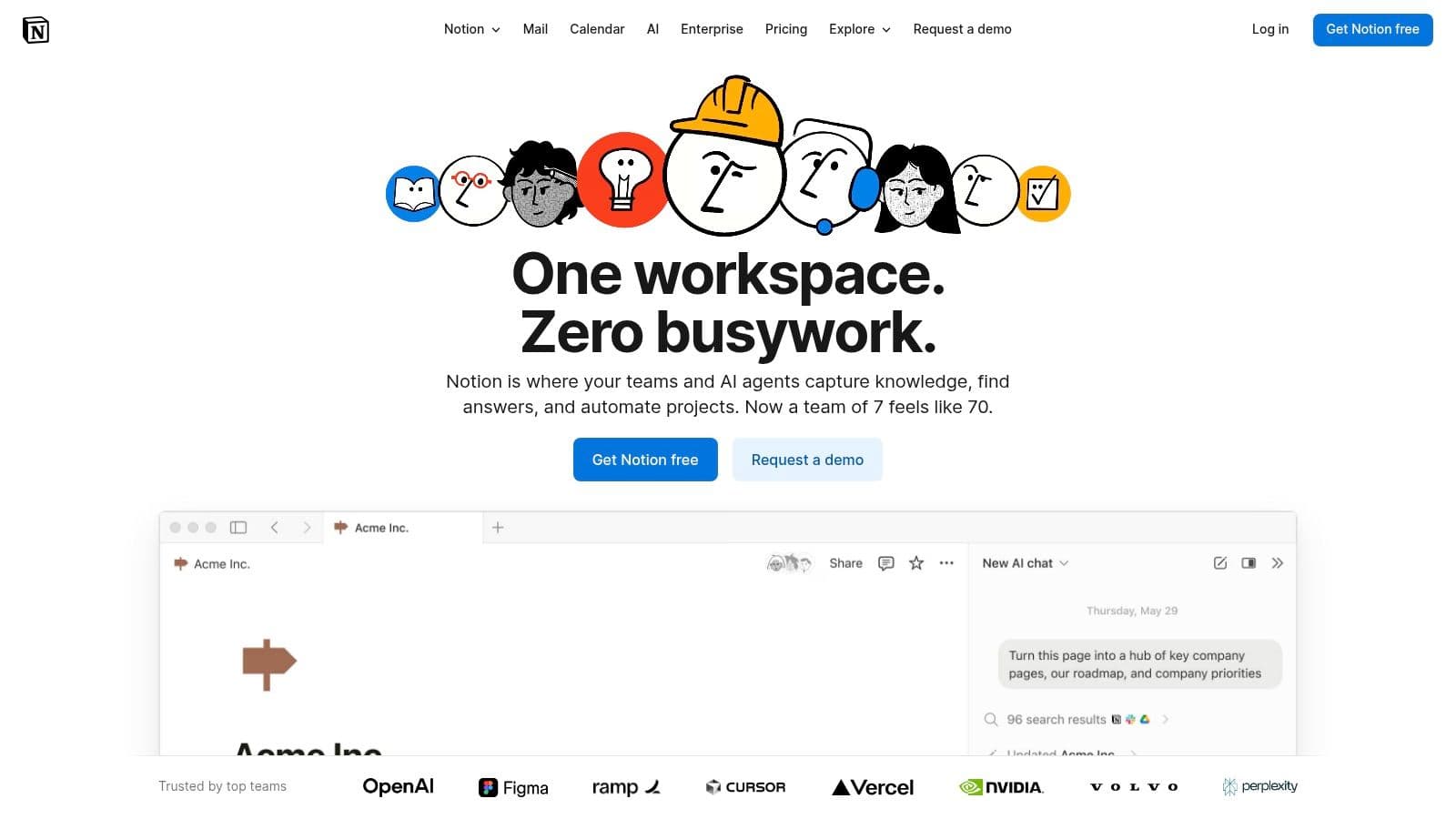
Notion is an all-in-one workspace that embeds AI directly into documents and databases, reducing app switching and consolidating notes, wikis, and project plans.
Key Features & Analysis
- Notion AI works inline to summarize text, draft content, and extract action items.
- Enterprise search connects external sources to build a knowledge base.
- Flexible databases with multiple views.
- Strong security and collaboration controls.
Pricing and Availability
- Free: limited blocks; AI is an add-on.
- Plus: $8/user/month; Notion AI add-on $10/user/month.
- Business & Enterprise: include AI in higher tiers.
Pros:
- All-in-one workspace.
- Highly customizable.
Cons:
- Powerful features require paid tiers.
- Can sprawl without governance.
Website: https://www.notion.com
3. Microsoft Copilot for Microsoft 365
Copilot brings AI into Word, Excel, PowerPoint, Outlook, and Teams so users can draft documents, analyze data, and summarize meetings inside familiar apps3.
Key Features & Analysis
- Inline assistance across Office apps (drafting, formulas, visuals).
- Meeting summaries and action items in Teams.
- Enterprise-grade security and centralized administration.
Pricing and Availability
Requires eligible Microsoft 365 license plus Copilot add-on (pricing varies). Check Microsoft for current details.
Pros:
- Native integration with widely used apps.
- Leverages existing enterprise security.
Cons:
- Requires additional licensing.
- Rollout and availability can vary by tenant and region.
Website: https://www.microsoft.com/microsoft-365/copilot
4. Google Workspace with Gemini
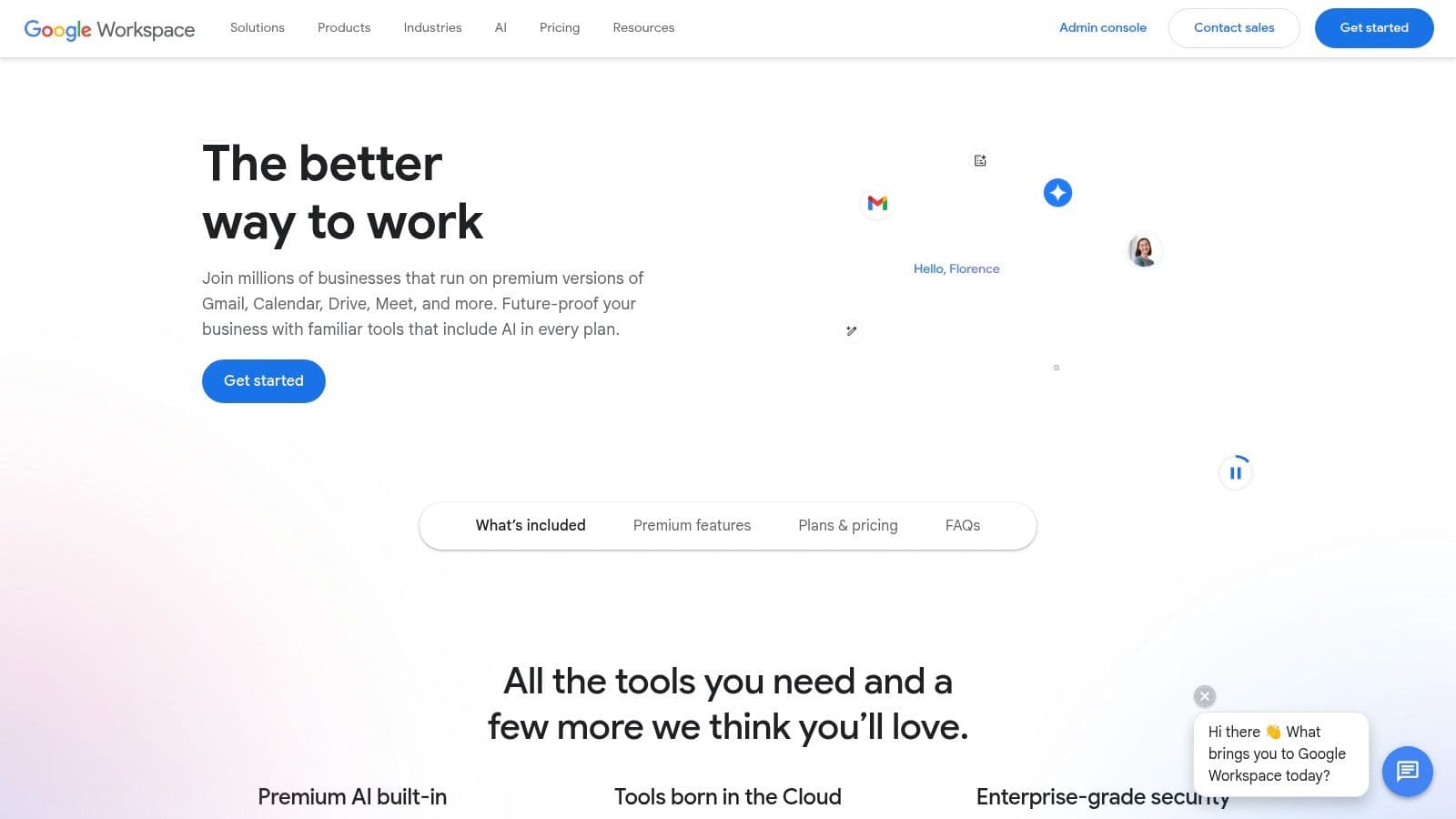
Gemini integrates AI into Gmail, Docs, Sheets, Slides, and Meet so teams can draft content, summarize docs, and generate project plans where they already work.
Key Features & Analysis
- Embedded AI assistance like “Help me write” and smart fill in Sheets.
- Real-time meeting transcription and summaries in Meet.
- Admin controls and privacy commitments for Workspace customers.
Pricing and Availability
Gemini is offered as an add-on to Business and Enterprise plans; pricing and feature caps vary by tier.
Pros:
- Seamless for Google-first teams.
- Contextual AI embedded in workflows.
Cons:
- Feature limits depend on plan tier.
- Less impactful for teams not deep in Google’s ecosystem.
Website: https://workspace.google.com
5. ClickUp (with ClickUp Brain)
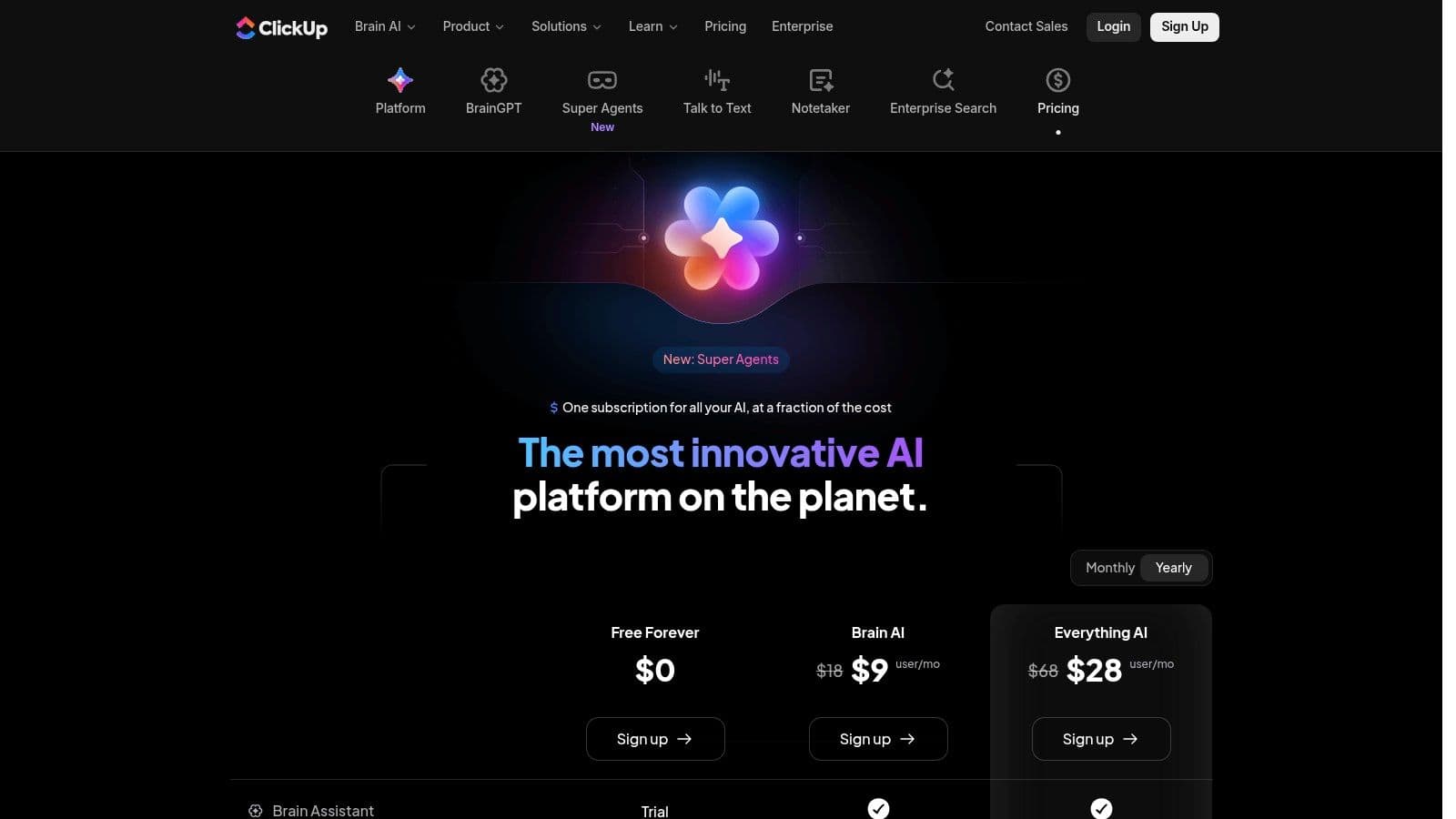
ClickUp’s native AI layer, ClickUp Brain, is integrated across tasks, docs, and workflows, helping teams generate project plans, summarize discussions, and prioritize work without exporting data.
Key Features & Analysis
- Summaries, subtask generation, assignment suggestions.
- Knowledge assistant searching across tasks and docs.
- Add-ons for transcription and advanced notetaking.
Pricing and Availability
ClickUp Brain is an add-on available on all plans; pricing varies by team size and feature set.
Pros:
- Deep project management with contextual AI.
- Competitive AI pricing.
Cons:
- Large feature set can be time-consuming to configure.
- Add-ons and credit pricing add complexity for heavy users.
Website: https://clickup.com/brain/pricing
6. Slack (with Slack AI)
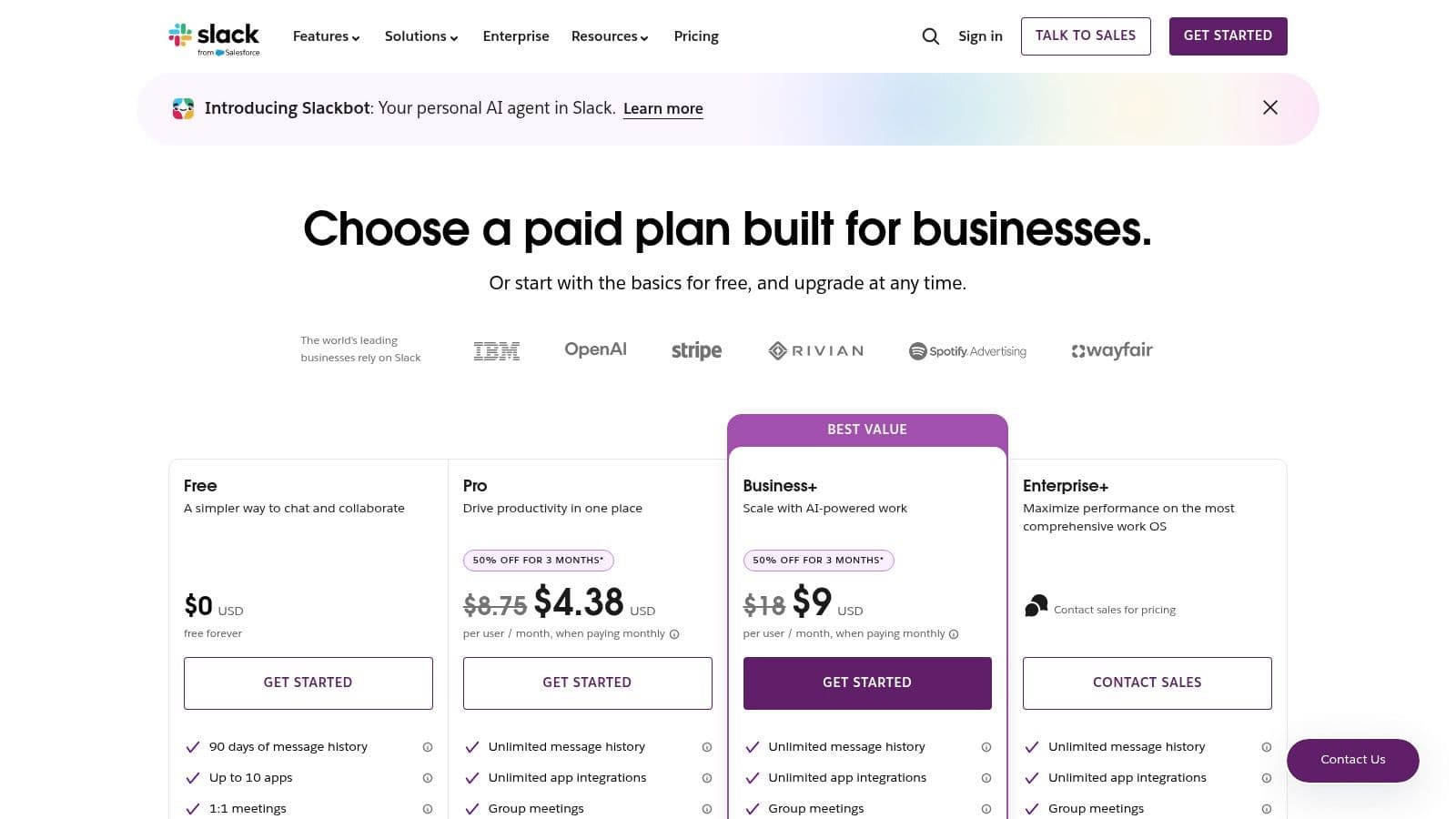
Slack AI turns channels and threads into actionable knowledge with one-click summaries, natural-language search, and AI-generated workflows.
Key Features & Analysis
- Conversation summaries and daily recaps.
- Natural-language search across workspace content.
- Describe a process and generate a workflow automatically.
Pricing and Availability
Slack AI is included in higher-tier paid plans; free plan does not include AI features.
Pros:
- AI embedded in real-time communication.
- Large integration ecosystem.
Cons:
- Advanced AI features in more expensive tiers.
- Cost can be significant for large teams.
Website: https://slack.com/pricing
7. Zapier
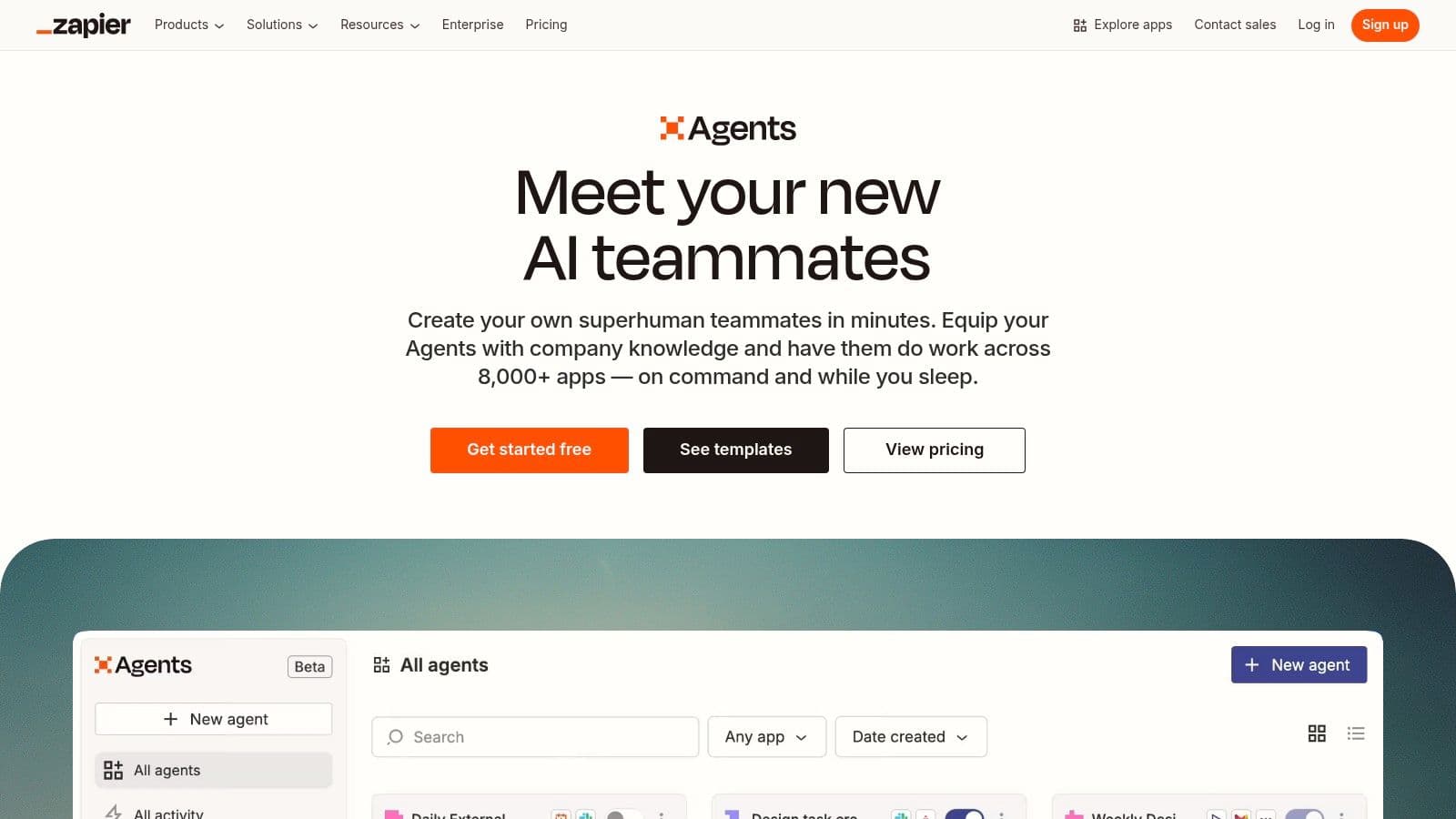
Zapier connects thousands of apps and now supports agent-like automations that can reason across steps, making complex, no-code automations possible for non-developers.
Key Features & Analysis
- Zapier Agents create autonomous multi-step automations.
- Massive app ecosystem with a visual no-code editor.
- Interfaces and Tables let you build simple internal tools.
Pricing and Availability
Usage-based pricing that scales with task and agent usage; free tier available with limited tasks.
Pros:
- Unmatched connectivity for automation.
- Accessible to non-developers.
Cons:
- Costs scale with usage.
- Complex Zaps need governance and debugging.
Website: https://zapier.com/agents
8. Airtable (with Airtable AI)
Airtable combines relational databases with a no-code UI builder and integrated AI, making it a strong choice for building custom operational apps.
Key Features & Analysis
- Native AI for summarization and generation within fields.
- Relational databases with Interfaces for tailored stakeholder views.
- Admin controls that let teams select models and manage costs.
Pricing and Availability
AI features are credit-based and mainly available on paid team plans.
Pros:
- Powerful DB + UI builder.
- Good for cross-team operational apps.
Cons:
- Credit-based billing can confuse buyers.
- Can be overkill for simple task tracking.
Website: https://www.airtable.com
9. Superhuman
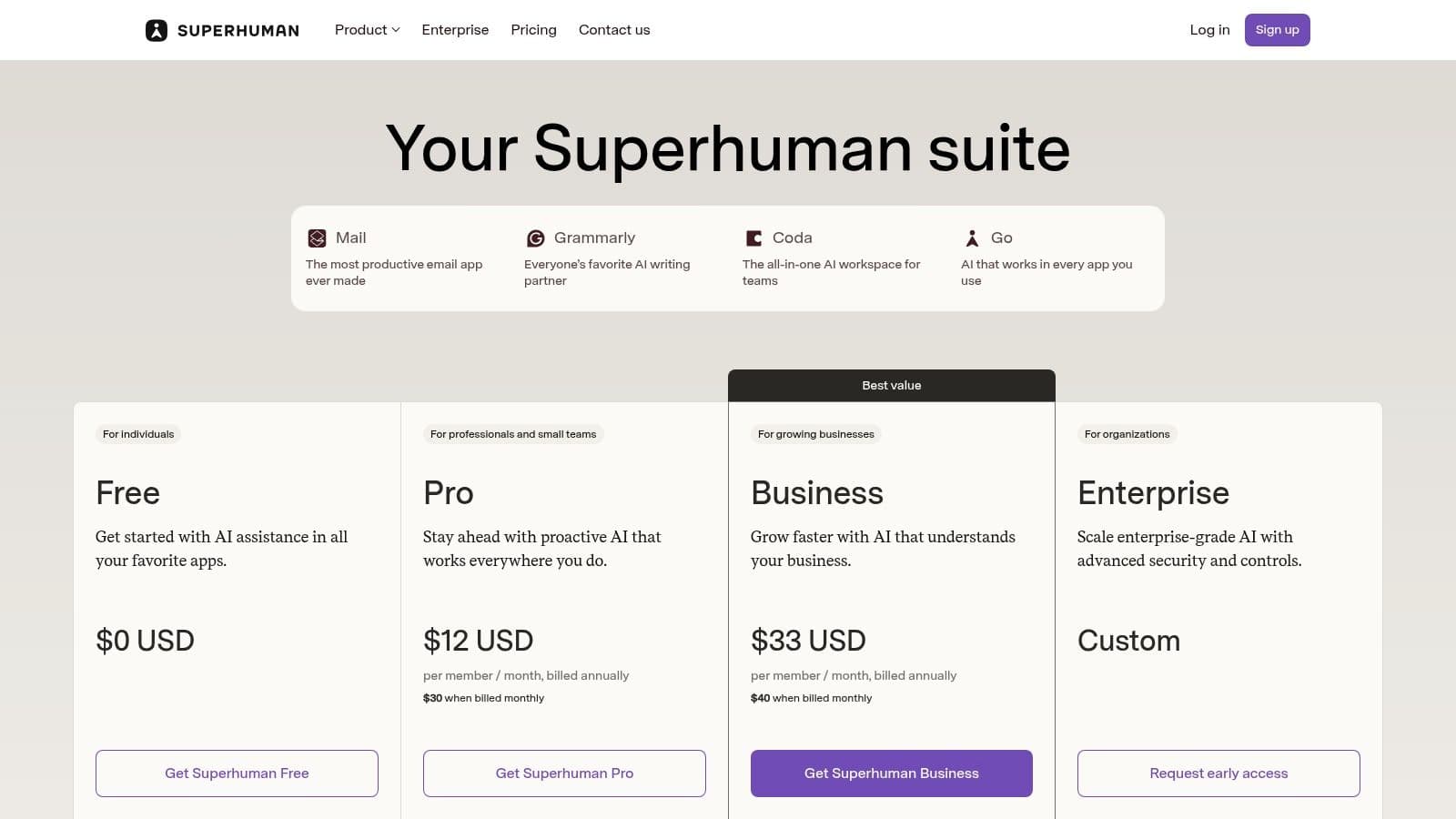
Superhuman focuses on speed and quality in email and writing workflows, with AI drafting, tone control, and fast triage to turn email into an advantage.
Key Features & Analysis
- AI-powered drafting and one-click rewrites.
- Keyboard-driven high-speed email triage.
- Integrated Coda docs for workflow automation.
Pricing and Availability
Per-seat pricing for individuals and teams; enterprise plans include SSO and advanced security.
Pros:
- Exceptional speed for email workflows.
- Deep CRM integrations.
Cons:
- Best value when adopting the full suite.
- Can be costly for small teams.
Website: https://superhuman.com/plans
10. Todoist (with Todoist Assist)
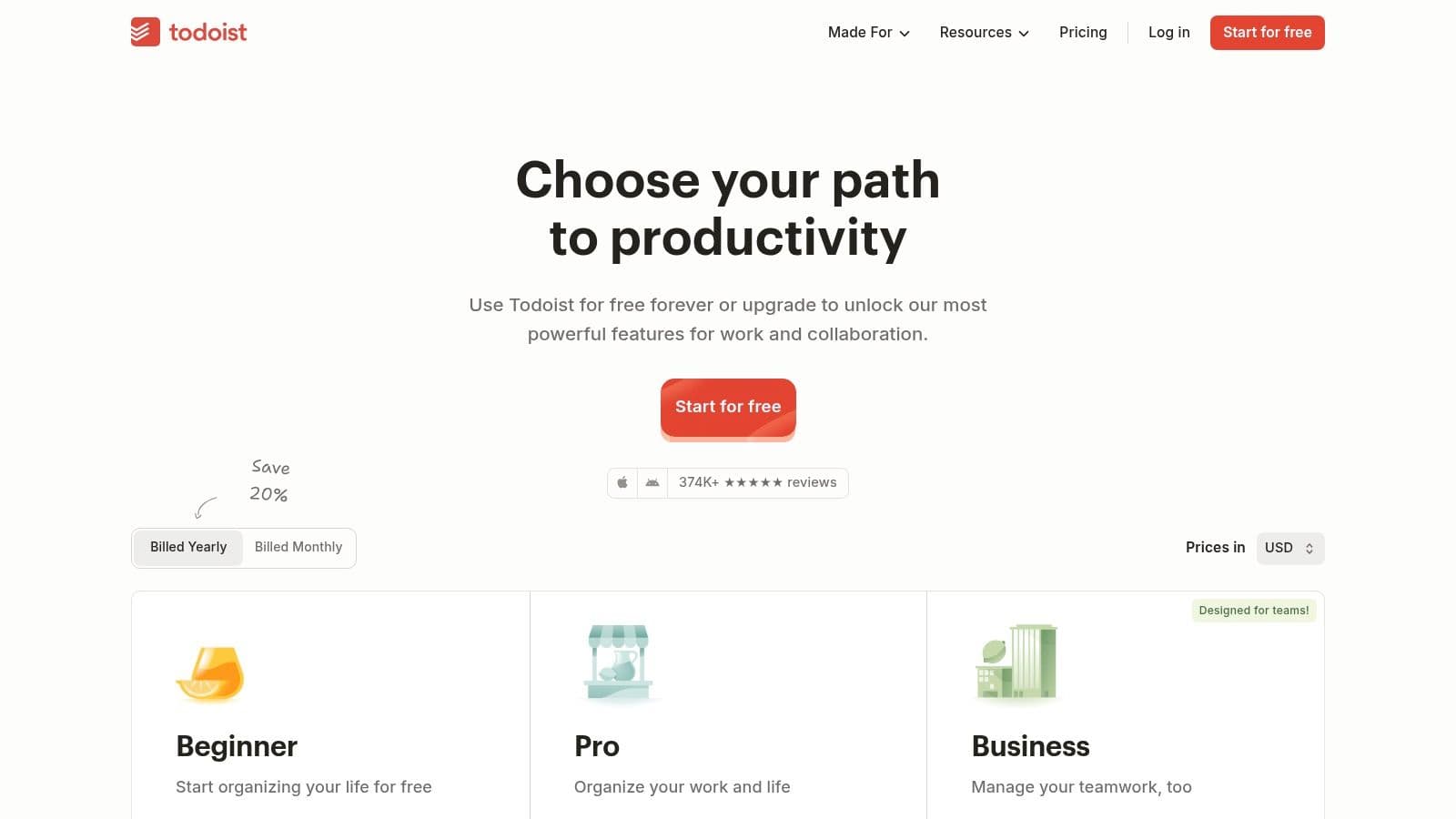
Todoist keeps task management simple while offering an optional AI layer, Assist, to generate sub-tasks, rephrase items, and suggest filters.
Key Features & Analysis
- Assist helps break down goals into actionable steps.
- Natural language input for quick scheduling.
- Reliable cross-platform sync.
Pricing and Availability
Free plan with limited Assist usage; Pro and Business tiers unlock more features and Assist capacity.
Pros:
- Low learning curve and dependable syncing.
- Optional, unobtrusive AI.
Cons:
- AI features are simpler than suite-level tools.
- Deeper automation requires external integrations.
Website: https://todoist.com
11. Asana (with Asana Intelligence)
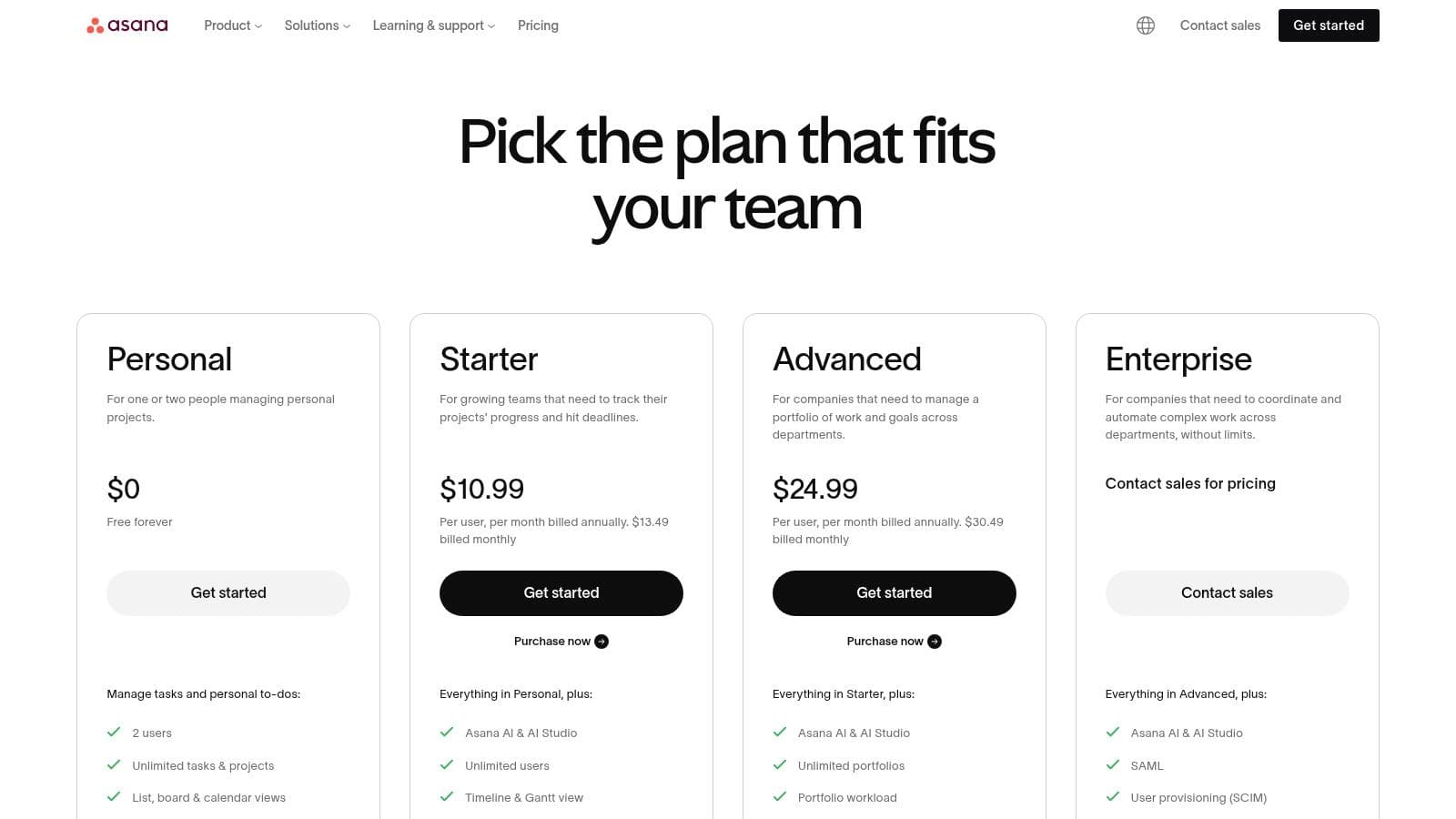
Asana couples mature work management features with AI suggestions that draft plans, summarize status, and surface risks to keep teams aligned.
Key Features & Analysis
- AI-generated project briefs, suggested fields, and natural-language answers about progress.
- Timelines, Portfolios, Workload, and Goals for connecting tasks to strategy.
- Automations that combine AI suggestions with rule-based workflows.
Pricing and Availability
Asana Intelligence is included in paid plans; heavy AI usage may require additional credits.
Pros:
- Strong PM UX enhanced by AI.
- Scales from small teams to large portfolios.
Cons:
- Heavy AI usage can add cost.
- May feel structured for teams preferring freeform workflows.
Website: https://asana.com/pricing
12. monday.com (with monday AI)
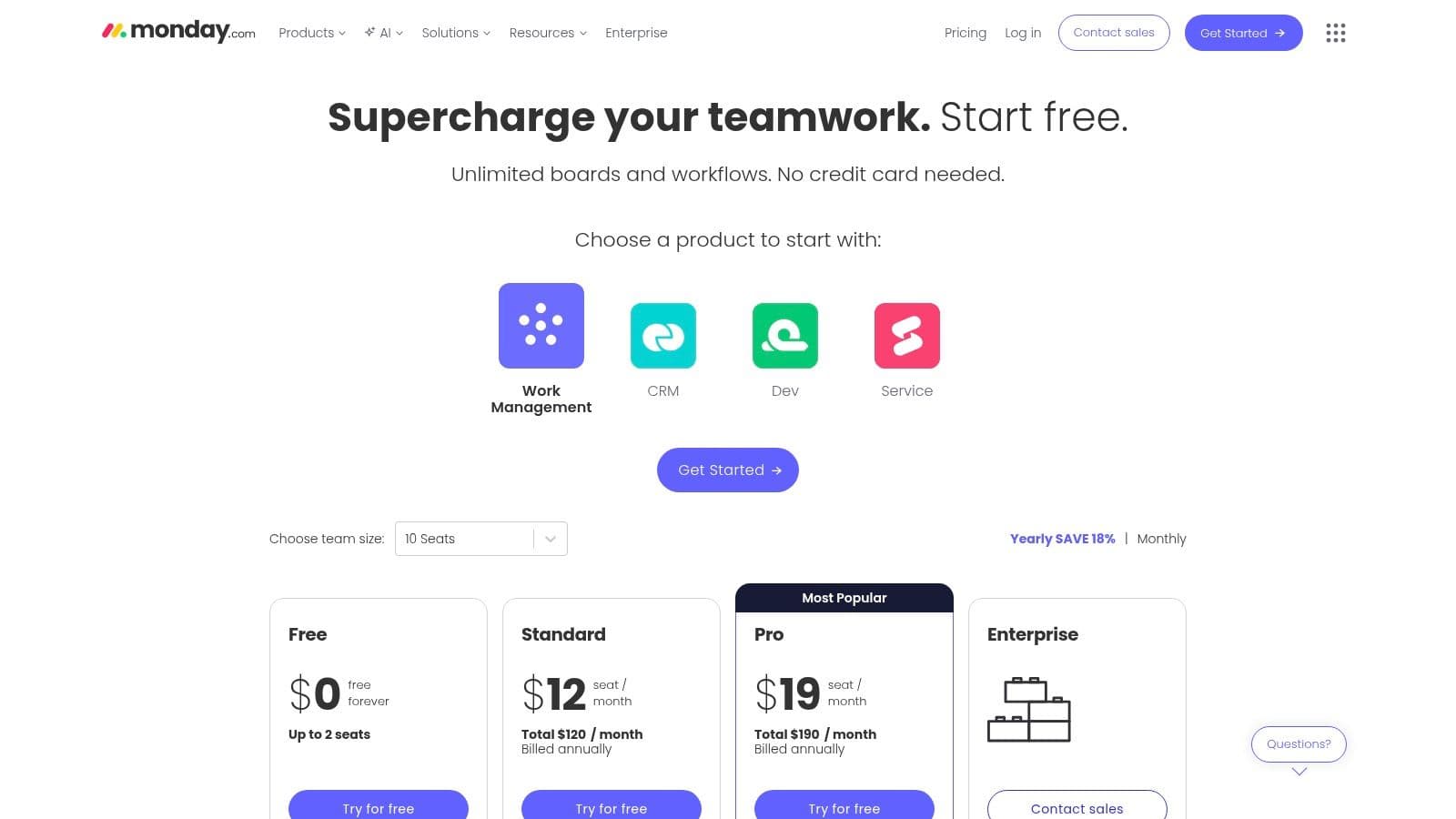
monday.com embeds AI into its Work OS for project management, CRM, and service workflows, offering generative text, summaries, and ticket triage.
Key Features & Analysis
- Generative writing and rephrasing directly in item updates.
- AI-assisted automations and formula generation from text.
- Ticket triage that routes requests automatically.
Pricing and Availability
Paid tiers with a credit-based AI add-on; trial credits typically available.
Pros:
- Highly visual and flexible Work OS.
- Modular templates for many workflows.
Cons:
- Credit model requires monitoring.
- Some advanced features require higher tiers.
Website: https://monday.com/pricing
Top 12 AI Productivity Tools Comparison
| Product | Core features | AI & unique features | UX / Quality | Pricing & value | Target audience |
|---|---|---|---|---|---|
| Fluidwave | Multi‑view tasks, automations, prioritization | AI prioritization + human assistant marketplace | 4.5★ | Free tier; Premium $10/mo | Busy professionals & founders |
| Notion | Docs, databases, templates | Inline Notion AI agent | 4★ | Free tier; AI add-on | Knowledge workers |
| Microsoft Copilot | Word/Excel/Teams integration | Native in-app AI assistance | 4★ | Copilot add-on + M365 | Enterprise orgs |
| Google Workspace | Gmail/Docs/Sheets with Gemini | Embedded Gemini features | 4★ | Add-on tiers | Google-first teams |
| ClickUp | PM, timelines, docs | ClickUp Brain contextual AI | 4★ | AI add-on available | PM teams |
| Slack | Messaging, workflows | Summaries, AI search, workflow gen | 4★ | Paid tiers | Real-time teams |
| Zapier | No-code automations | Zapier Agents | 4★ | Usage-based pricing | Ops & automators |
| Airtable | Relational DBs + UI | Airtable AI with credits | 4★ | Credit-based AI | Custom ops apps |
| Superhuman | Email & writing speed | AI drafting & triage | 4★ | Per-seat pricing | Executives & sales |
| Todoist | Task manager | Todoist Assist | 4★ | Freemium; Pro $4/mo | Individuals & small teams |
| Asana | Projects, portfolios | Asana Intelligence | 4★ | Tiered plans | Teams scaling work |
| monday.com | Boards & dashboards | monday AI & automations | 4★ | Credit-based AI | Configurable teams |
Final Thoughts
The real value in AI tools comes from integration. Platforms that embed AI inside the apps you already use tend to reduce friction and see higher adoption. Start by identifying a single pain point—email, meetings, or task management—pilot one tool, measure its impact, and then expand. For neurodivergent users and professionals who rely on external support for executive function, features such as automated task breakdown, natural-language input, and proactive reminders are especially important.
Key Takeaways for Choosing Your AI Toolkit
- Start with your biggest pain points.
- Prioritize tools that integrate with your existing stack.
- Be realistic about the learning curve and onboarding time.
- For users who need help with focus and planning, look for features that break down work and reduce decision load.
Your Next Steps to AI-Powered Productivity
- Select one high-impact area to improve.
- Pilot a single tool from this list using a free trial or entry plan.
- Measure time saved, mental load reduction, and quality improvements.
- Expand and integrate once you confirm clear benefits.
Ultimately, the best AI productivity tools help you focus on strategic, creative work by handling repetitive tasks and organizing context so you can do your best thinking.
Ready to move beyond managing tasks and start orchestrating outcomes? Fluidwave offers AI matching with virtual assistants to help you delegate work and amplify impact. Explore Fluidwave: https://fluidwave.com
Frequently Asked Questions
Q: Which AI tool is best for email and drafting? A: Superhuman is built specifically to speed up email workflows with AI drafting and triage, while platform suites like Microsoft Copilot and Google Workspace also offer strong in-app drafting within their email and document tools.
Q: How do I choose an AI tool for my team? A: Start with the workflow you want to improve, check integration with your current stack, evaluate the learning curve, and run a short pilot to measure real impact.
Q: Are these AI tools secure for business use? A: Many vendors offer enterprise controls, SSO, and admin policies. For sensitive data, verify provider security, data residency, and compliance details on the vendor’s site.
1.
Fluidwave, “How to Use AI for Productivity,” https://fluidwave.com/blog/how-to-use-ai-for-productivity.
2.
McKinsey & Company, “The State of AI in 2023,” Global AI survey, https://www.mckinsey.com/featured-insights/artificial-intelligence/global-survey-the-state-of-ai-in-2023.
3.
Microsoft, “Copilot in Microsoft 365,” product page, https://www.microsoft.com/microsoft-365/copilot.
Focus on What Matters.
Experience lightning-fast task management with AI-powered workflows. Our automation helps busy professionals save 4+ hours weekly.