Discover the best AI productivity apps for 2026. Our ranked list covers top tools for focus, task management, and team collaboration to boost your efficiency.
January 28, 2026 (7mo ago)
The 12 Best AI Productivity Apps to Supercharge Your Workflow in 2026
Discover the best AI productivity apps for 2026. Our ranked list covers top tools for focus, task management, and team collaboration to boost your efficiency.
← Back to blog
Title: 12 Best AI Productivity Apps for 2026
Summary: Ranked AI productivity apps for 2026—tools for focus, task management, collaboration, and automation to boost efficiency and save time.
Introduction: Discover the top AI productivity apps for 2026 and find the right mix of tools to reduce busywork, improve focus, and streamline collaboration. This guide highlights real use cases, pros and cons, pricing, and who will benefit most, so you can pick the apps that actually move the needle for your work.1
1. Fluidwave
Best AI-human hybrid for delegated productivity
Fluidwave earns the top spot for combining automated prioritization with optional human task delegation. The app auto-prioritizes tasks, offers distraction-minimizing views, and lets you hand off paid tasks to vetted virtual assistants when work needs a human touch. It’s designed to help users reclaim deep-focus time and reduce administrative overhead.2

Standout feature
Integrated AI-plus-human delegation for pay-per-task assistance.
Analysis and details
- Ideal for: busy professionals, executives, entrepreneurs, and teams that need both automation and human delegation.
- Pricing: Free Forever plan up to 100 tasks; Premium $10/month billed annually; pay-per-task for assistants.2
Pros
- Hybrid model combines automation with human flexibility.
- Multiple views (Table, List, Kanban, Calendar, Card) support different workflows.
- Focus-first interface for deep work.
Cons
- Some advanced delegation features are rolling out and may be limited for early users.
- Most automation and custom prioritization require Premium.
Website: https://fluidwave.com
2. Apple App Store (Productivity)
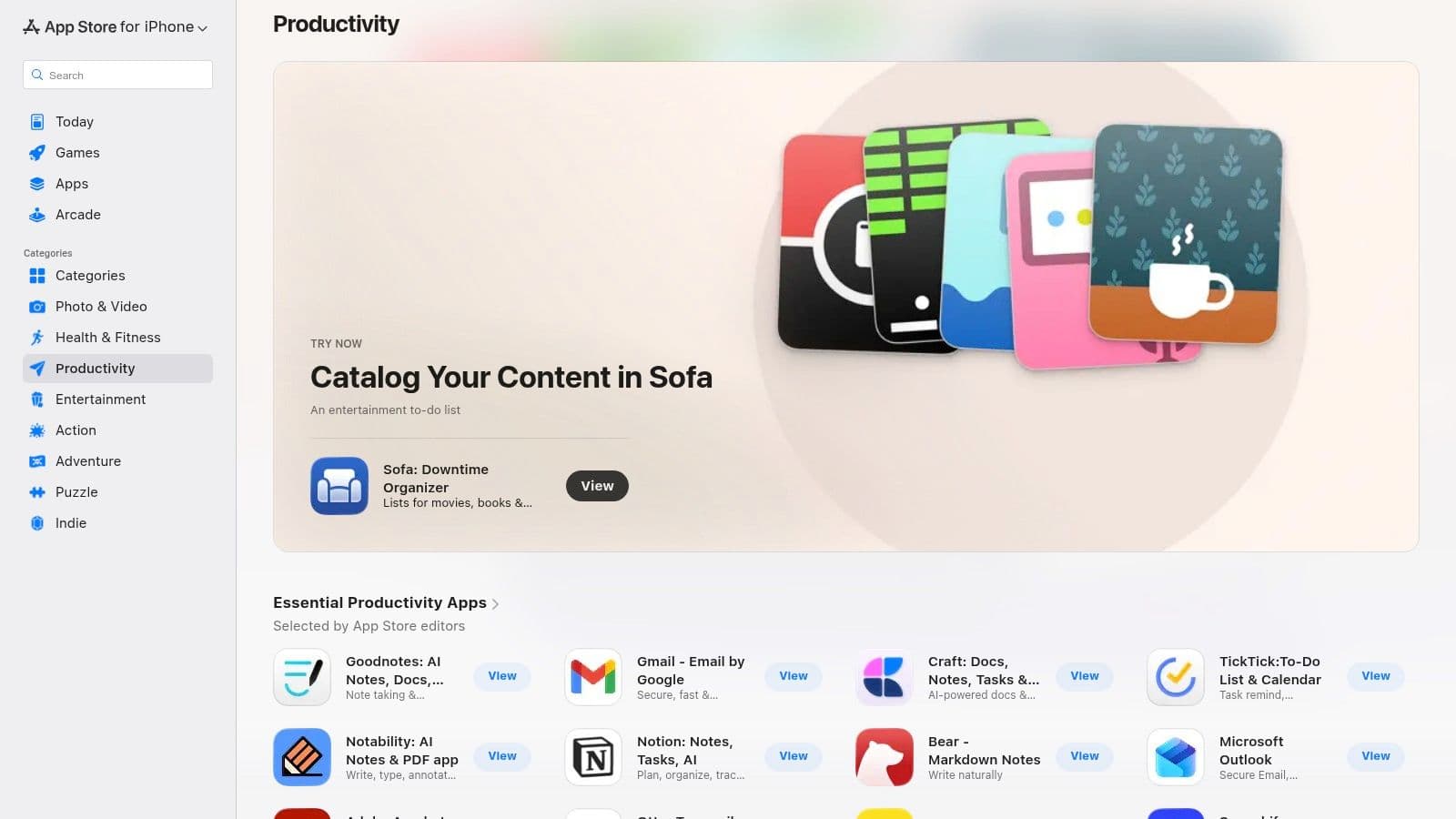
The App Store is a curated discovery hub for iPhone, iPad, and Mac users. Its editorial picks, category charts, and strict security checks make it a reliable place to find quality AI-powered apps.
Key details
- Ideal for: individuals and teams in the Apple ecosystem.
- Standout feature: editorial curation and high security standards.
Practical tip: Browse the “Today” and category tabs to spot editor-picked AI tools.
Website: https://apps.apple.com/us/iphone/grouping/25244
3. Google Play Store (Productivity)
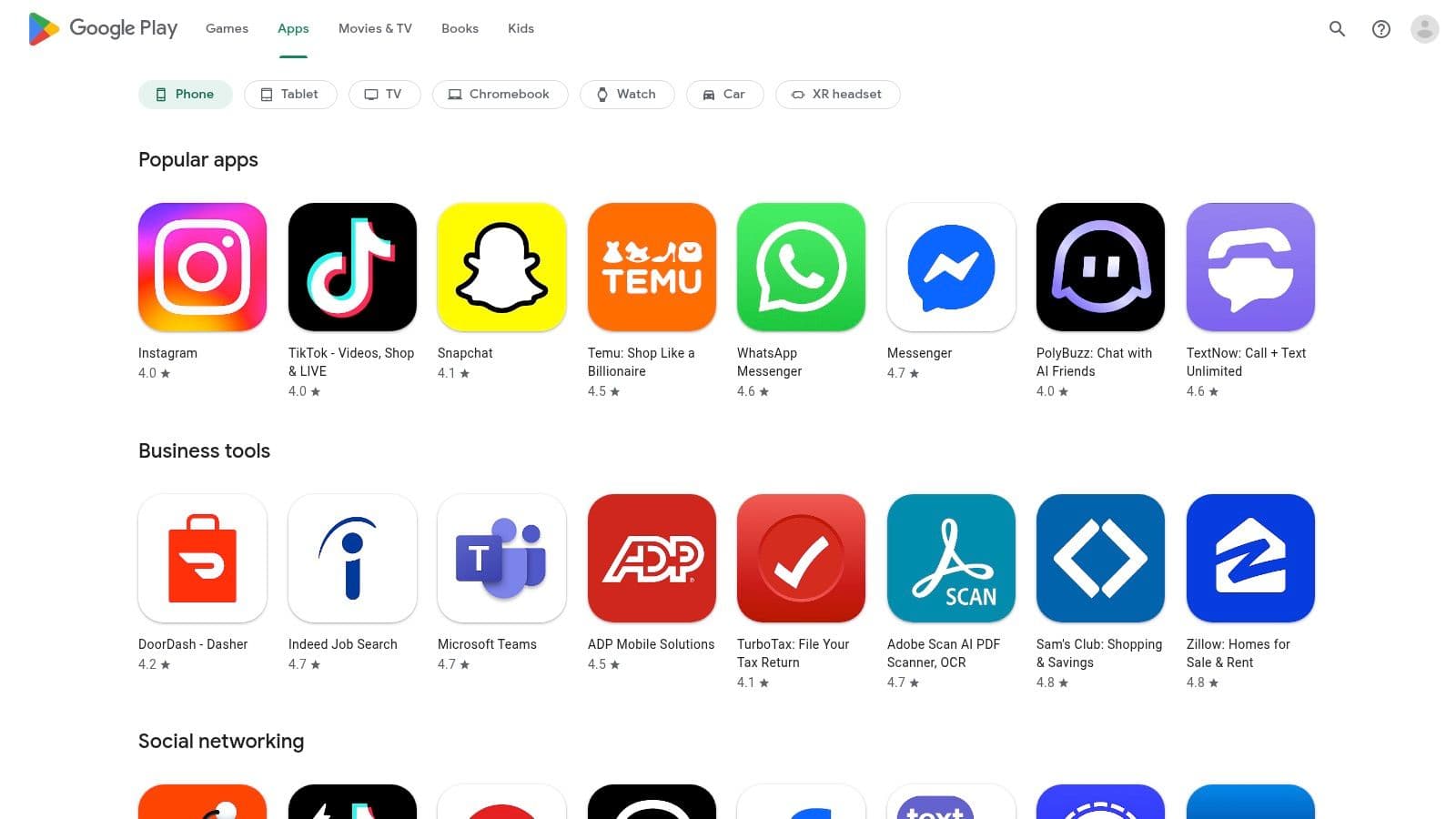
Android users will find the Play Store’s massive catalog valuable for discovering AI note-takers, schedulers, and focus tools. Powerful search and account-level library sync make it easy to manage apps across devices.
Key details
- Ideal for: Android and Google Workspace users.
- Standout feature: enormous selection, including indie AI apps.
Practical tip: Read the “What’s New” notes to see developer activity and feature updates.
Website: https://play.google.com/store/apps
4. Chrome Web Store – AI productivity extensions
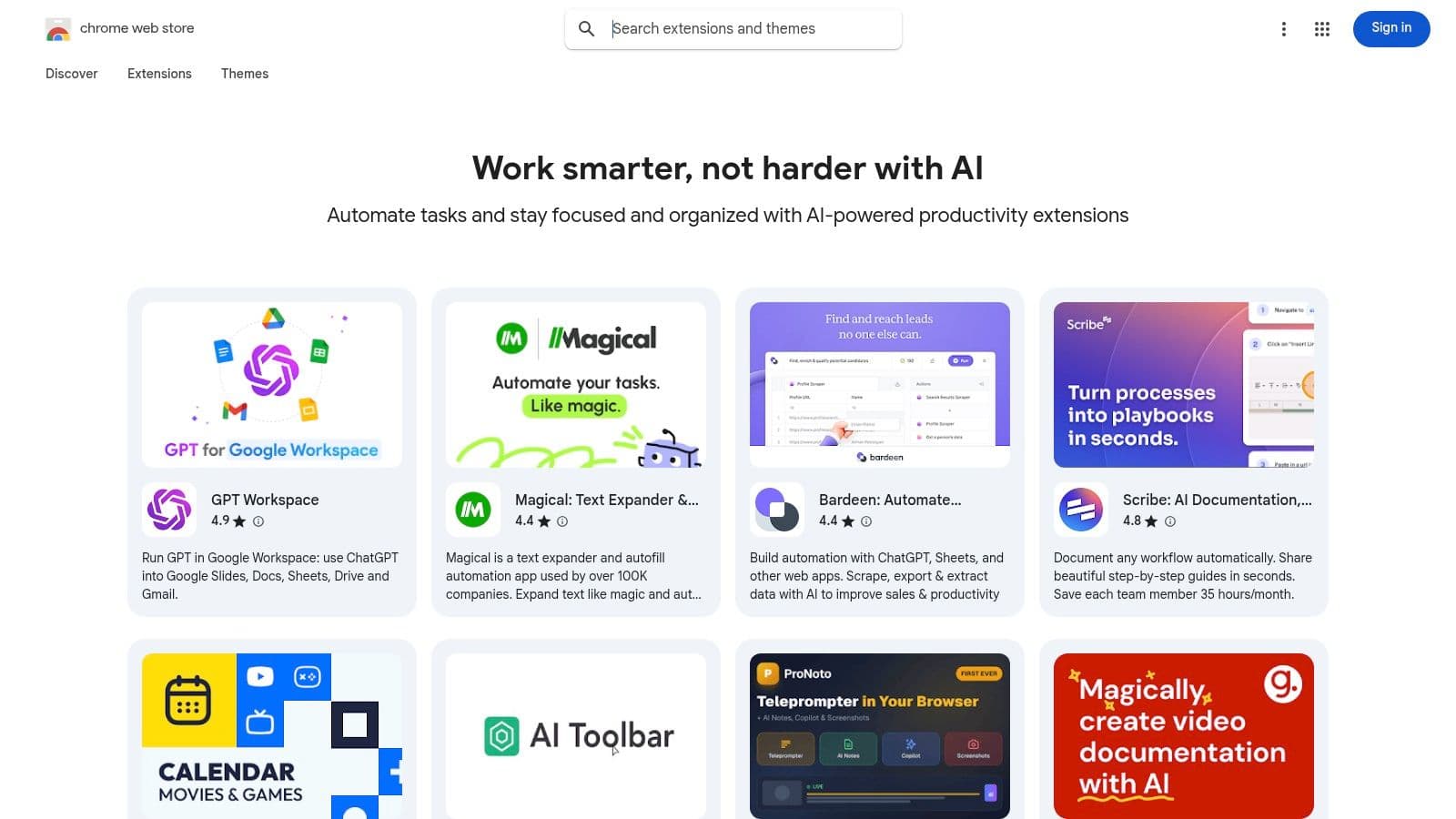
If your work lives in the browser, Chrome extensions add AI features directly into the apps you use. From summarizing articles to drafting messages in Gmail, extensions can boost efficiency without leaving your tab.
Key details
- Ideal for: researchers, writers, and professionals who work in web apps.
- Standout feature: one-click install to add AI features to sites like Google Docs and Gmail.
Practical tip: Regularly review and disable unused extensions to keep your browser fast.
Website: https://chromewebstore.google.com/collection/ai_productivity?utm_source=openai
5. Microsoft AppSource
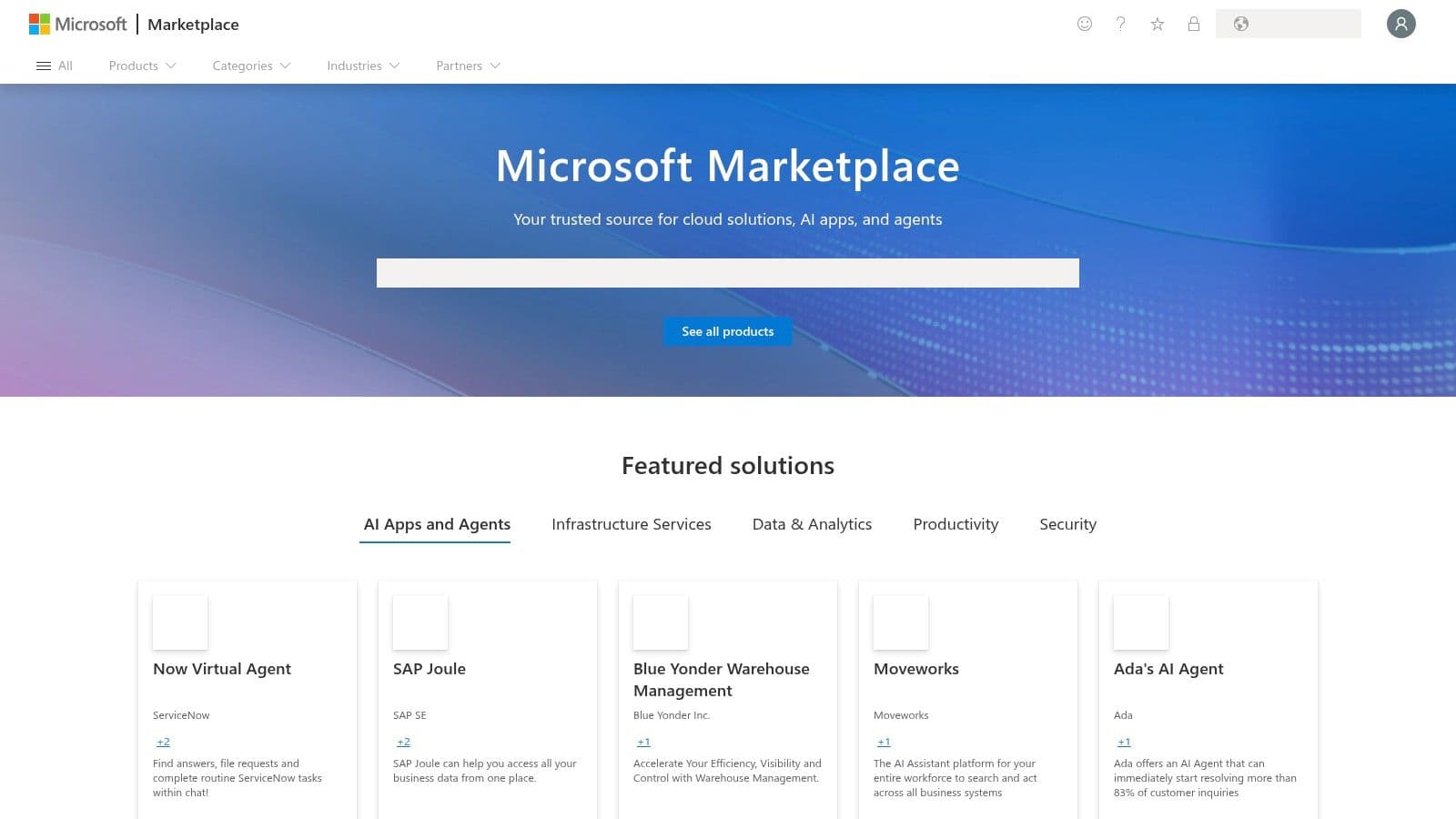
AppSource is the enterprise marketplace for Microsoft 365 and Dynamics add-ins. It’s a good fit for organizations that need verified, deployable AI tools with compliance controls.
Key details
- Ideal for: IT-managed teams and enterprises using Microsoft 365.
- Standout feature: deployment guidance and enterprise compliance controls.
Practical tip: Use the “Free trial” filter to test AI add-ins before company-wide rollouts.
Website: https://appsource.microsoft.com
6. Product Hunt – Artificial Intelligence topic
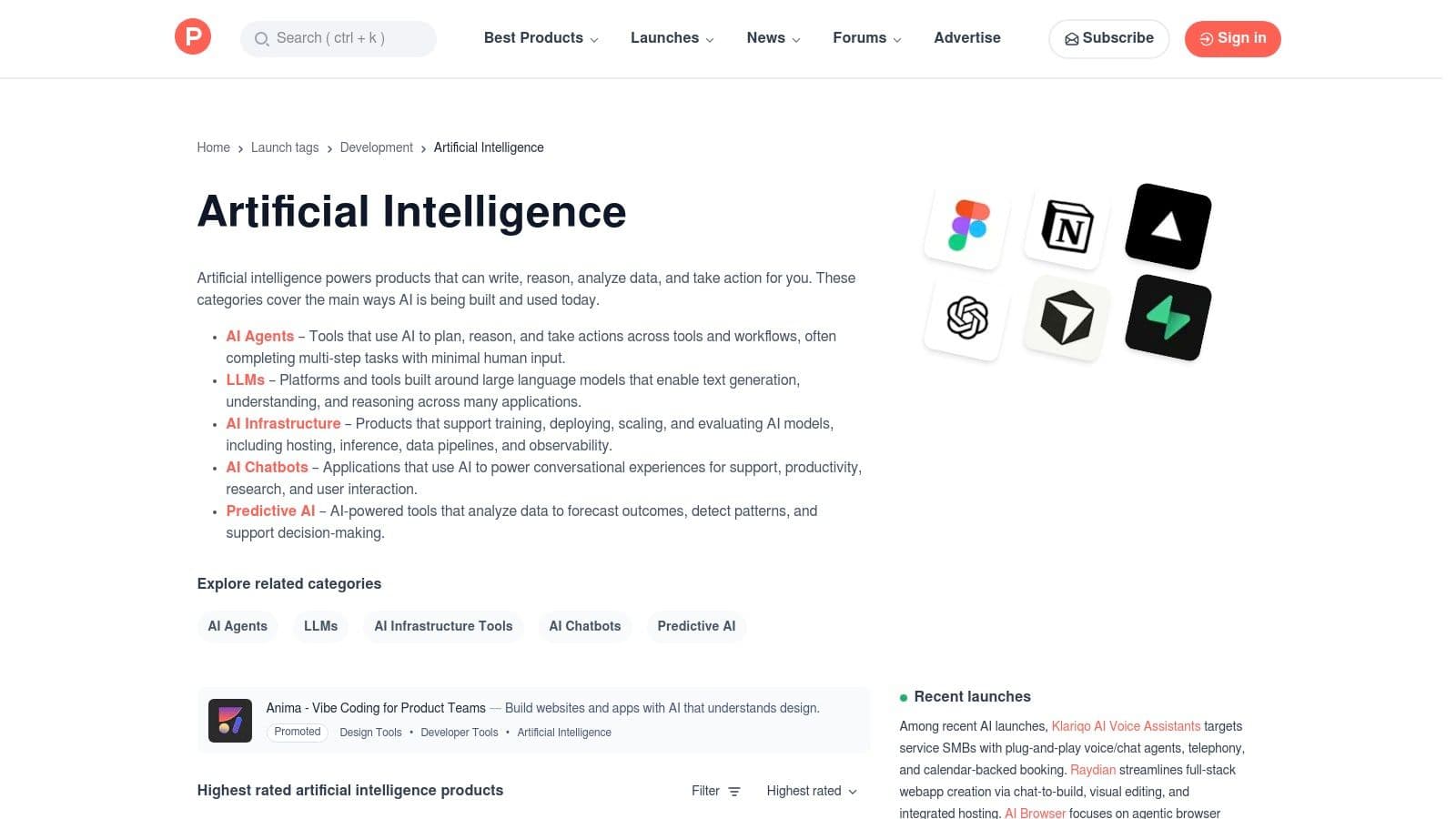
Product Hunt is where many new AI tools debut. It’s great for early adopters who want to test or invest in cutting-edge productivity apps the day they launch.
Key details
- Ideal for: startup founders, makers, and tech-savvy professionals.
- Standout feature: direct access to makers and early feedback.
Practical tip: Read discussion threads to separate genuinely useful launches from hype.
Website: https://www.producthunt.com/topics/artificial-intelligence
7. G2 – Collaboration & Productivity and AI categories
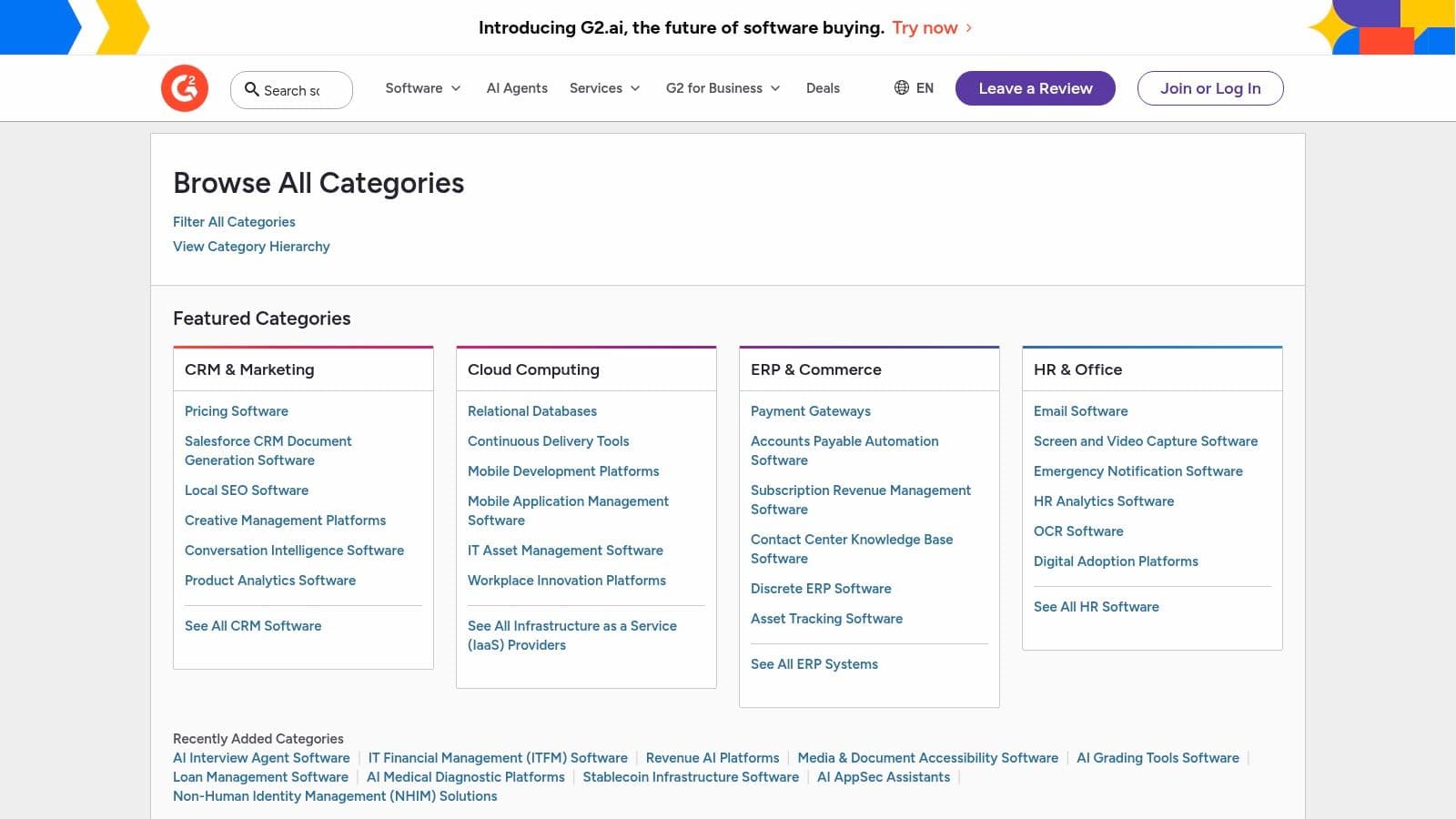
G2 is invaluable for comparing tools using verified user reviews and category grids. It’s a research-first resource for teams that need objective user feedback before buying.
Key details
- Ideal for: procurement teams and software buyers.
- Standout feature: in-depth comparisons and verified reviews.
Practical tip: Use the grid view to find leaders and niche innovators, then read reviews for feature-level insights.
Website: https://www.g2.com/categories
8. Capterra – Productivity and top AI productivity tools
Capterra provides buyer guides, side-by-side comparisons, and a large SMB-focused review base. It’s useful for teams that need to shortlist tools by features and deployment type.
Key details
- Ideal for: small and mid-sized businesses evaluating options.
- Standout feature: robust filters for features, pricing model, and deployment.
Practical tip: Verify pricing on the vendor site after shortlisting to avoid surprises.
Website: https://www.capterra.com/productivity-software/
9. Setapp
Setapp bundles hundreds of Mac and iOS apps under a single subscription, which can be cost-effective for power users who need several niche tools rather than a single app.
Key details
- Ideal for: Mac and iOS professionals who use multiple specialized apps.
- Standout feature: one subscription unlocks many full-version apps.
Practical tip: Explore Setapp Collections to find curated app bundles for specific workflows.
Website: https://setapp.com/en?utm_source=openai
10. Notion – Notion AI
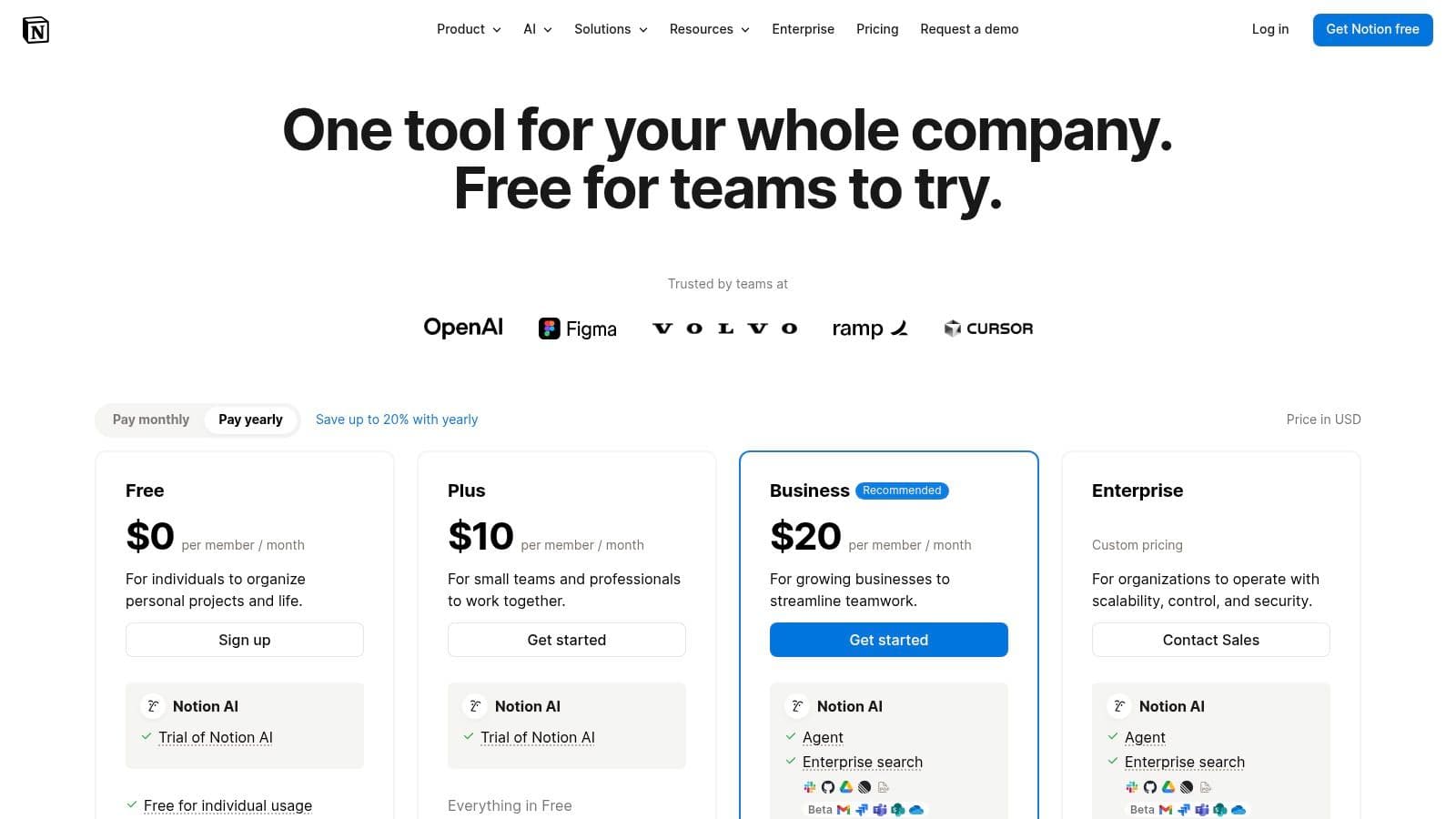
Notion AI brings generative capabilities into docs, databases, and tasks. For teams using Notion as a knowledge base and project hub, Notion AI can summarize long pages, draft content, and autofill database fields.
Key details
- Ideal for: teams that centralize docs and tasks in Notion.
- Standout feature: context-aware AI across your workspace.
Practical tip: Use AI autofill to populate summaries or tags across many database entries at once.4
Website: https://www.notion.com/pricing?utm_source=openai
11. ClickUp – ClickUp Brain (AI)
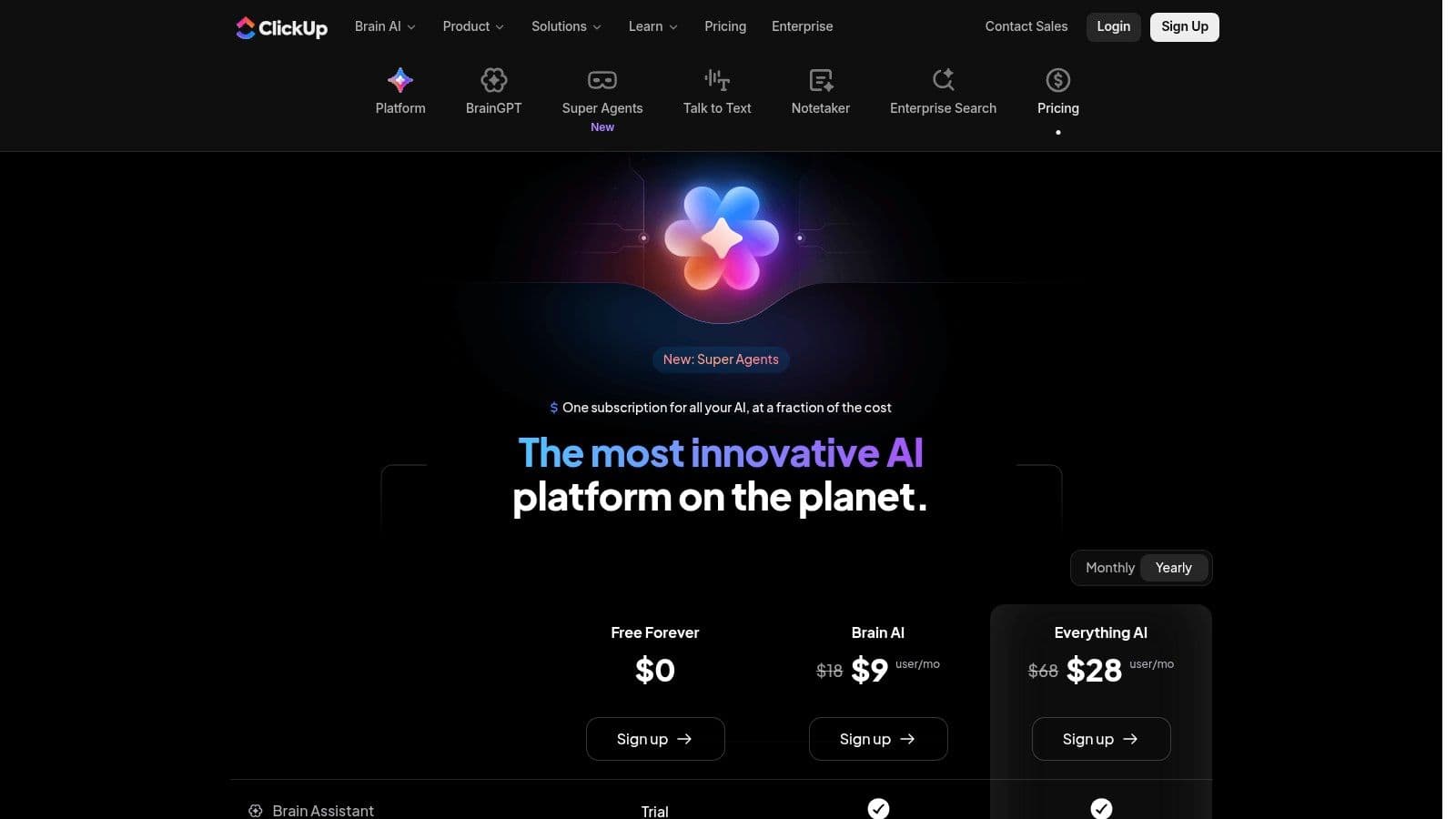
ClickUp Brain integrates AI into tasks, docs, and workflows so teams can summarize threads, generate briefs, and create subtasks automatically. Custom AI Agents and a credit-based model let teams scale usage.
Key details
- Ideal for: project managers and teams that want AI inside their task system.
- Standout feature: custom agents trained on your knowledge base.
Practical tip: Start by using AI summaries on long tasks to save catch-up time.
Website: https://clickup.com/brain/pricing
12. Microsoft 365 Copilot
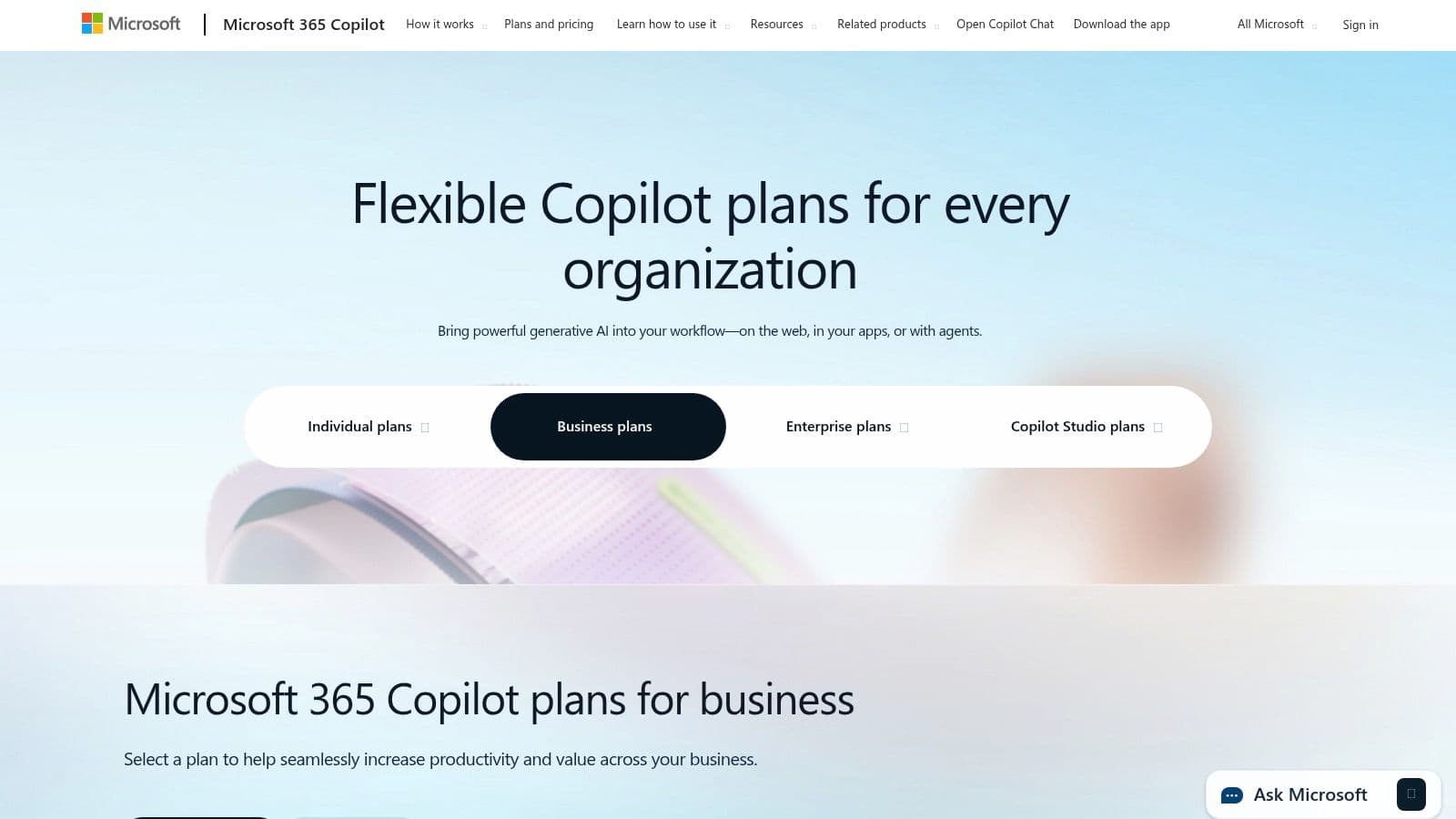
Copilot embeds AI into Word, Excel, PowerPoint, Outlook, and Teams and is designed for enterprise environments. It uses organizational data to generate relevant summaries, draft materials, and analyze data while meeting enterprise security and compliance standards.3
Key details
- Ideal for: organizations standardized on Microsoft 365.
- Standout feature: work-grounded AI that leverages org data.
Practical tip: Use Copilot in Teams to generate meeting recaps and action items for people who missed the meeting.
Website: https://www.microsoft.com/microsoft-365/copilot/pricing?utm_source=openai
Top 12 AI productivity resources comparison
| Product | Core features | UX & Quality | Value & Pricing | Target audience | Unique selling points |
|---|---|---|---|---|---|
| Fluidwave | AI prioritization, multiple views, human delegation | 4/5 | Free tier; Premium $10/mo; pay-per-task | Busy professionals & small teams | AI + human helper model |
| Apple App Store | Curated apps, editor picks | 4/5 | Varies by app | Apple users | Trusted curation |
| Google Play Store | Huge selection, one-tap installs | 3/5 | Varies by app | Android users | Wide choice |
| Chrome Web Store | AI extensions for web apps | 3/5 | Mostly free | Browser-centric users | Instant web augmentation |
| Microsoft AppSource | Microsoft add-ins, compliance | 4/5 | Varies | Enterprises | Tenant deploy & compliance |
| Product Hunt | New product discovery | 3/5 | Free | Early adopters | Launch-day access |
| G2 | Verified reviews, comparisons | 4/5 | Free | Buyers & procurement | In-depth review data |
| Capterra | Buyer guides, filters | 4/5 | Free | SMBs | Side-by-side comparisons |
| Setapp | Curated Mac/iOS app bundle | 4/5 | Subscription | Mac power users | One-subscription access |
| Notion AI | AI across docs & DBs | 4/5 | Add-on tiers | Teams using Notion | Context-aware AI |
| ClickUp Brain | AI for tasks & docs | 4/5 | Freemium + credits | Project teams | Custom agents & credits |
| Microsoft 365 Copilot | AI in core Office apps | 4/5 | Add-on pricing | Enterprises | Org-data grounded AI |
How to choose the right AI tool
Start by clarifying your biggest bottleneck. Are you buried in email, struggling to keep a team aligned, or wasting time on repetitive admin tasks? Match that pain point to the tool that targets it. Consider your tech stack, budget, and whether a single all-in-one platform or a set of specialist tools will fit your workflow.
A practical approach
- Identify one repetitive task to automate first.
- Test with a short trial or free plan.
- Measure time saved and adjust usage gradually.
This stepwise approach helps you build trust in the tool without overhauling your entire workflow overnight.
3 common questions (Q&A)
Q: Which AI tool saves the most time?
A: Time savings depend on the task. Hybrid platforms that combine automation with human delegation, like Fluidwave, can produce outsized time savings for administrative workload, while integrated assistants like Copilot or Notion AI are better for content summarization and knowledge work.23
Q: How should teams evaluate enterprise AI tools?
A: Prioritize security, compliance, and native integrations with your existing stack. Use marketplaces like Microsoft AppSource and review platforms like G2 to compare deployment options and verified user feedback.
Q: What’s the safest way to start using AI at work?
A: Start with low-risk, repetitive tasks and use trial periods. Limit AI access to non-sensitive data until you’ve validated outputs and reviewed vendor security practices.3
Ready to reclaim deep work time? Let Fluidwave handle routine tasks and delegate the rest so you can focus on higher-impact work. Discover more at https://fluidwave.com
1.
McKinsey & Company, “How generative AI could affect your workplace,” McKinsey, accessed January 2026, https://www.mckinsey.com/featured-insights/generative-ai/how-generative-ai-could-affect-your-workplace.
2.
Fluidwave, “How to use AI for productivity,” Fluidwave Blog, accessed January 2026, https://fluidwave.com/blog/how-to-use-ai-for-productivity.
3.
Microsoft, “Introducing Microsoft 365 Copilot,” Microsoft 365 Blog, March 16, 2023, accessed January 2026, https://www.microsoft.com/en-us/microsoft-365/blog/2023/03/16/introducing-microsoft-365-copilot/.
4.
Notion, “Notion AI,” Notion Product Page, accessed January 2026, https://www.notion.com/product/ai.
Focus on What Matters.
Experience lightning-fast task management with AI-powered workflows. Our automation helps busy professionals save 4+ hours weekly.