Explore the best apps for personal assistants in 2026 - covering task management, scheduling, and automation to boost your productivity.
February 12, 2026 (3mo ago)
Apps for Personal Assistants: Discover the Best apps for personal assistants
Explore the best apps for personal assistants in 2026 - covering task management, scheduling, and automation to boost your productivity.
← Back to blog
Introduction
In today’s fast-paced professional world, a personal or executive assistant’s value goes beyond managing a calendar. It’s about being a strategic partner, a productivity multiplier, and a master of efficiency. The right digital toolkit is what separates a good assistant from an indispensable one. This guide highlights the essential apps for personal assistants in 2026, focusing on task management, scheduling, and automation to help you work smarter and reclaim time for high‑impact work.
I’m not just listing features here; I’m sharing real‑world scenarios and practical assessments to help you build a tech stack that supports both you and the person you assist, whether you’re backing a single executive or an entire team. If you’re exploring operational foundations for virtual assistance, you can gain extra context from resources like how to start a virtual assistant business.
1. Fluidwave
Fluidwave bills itself as an all‑in‑one productivity hub, making it a strong choice among the best apps for personal assistants. It combines AI‑powered task automation with a flexible on‑demand network of human assistants. This hybrid model lets you streamline your own workload while outsourcing tasks without locking you into a monthly subscription.

Its real strength lies in an intelligent system that auto‑prioritizes tasks and helps you enter a state of deep focus. Fluidwave supports multiple ways to organize your work (Kanban, calendar, and list views) and adapts to your personal workflow, not the other way around. This makes it ideal for busy professionals, founders, and anyone looking to reclaim significant time in their week.
Key Differentiators & Use Cases
Fluidwave shines by integrating productivity tools directly into its task management interface. Features like a built‑in Pomodoro timer, AI‑driven prioritizers, and project generators help reduce context switching and keep you in a productive flow.
- Ideal Use Case: A startup founder can manage an entire workload—from high‑level strategy to daily to‑dos. The AI can automate recurring reports, while pay‑per‑task delegation can outsource market research or appointment scheduling, with costs tied to completed work.
- Unique Feature: The pay‑per‑task delegation network offers virtual‑assistant benefits without fixed overhead, a huge advantage for freelancers or small teams with changing support needs.
- Pricing: Fluidwave offers a Free Forever plan for up to 100 tasks. Premium is $10 per month (billed annually at $120), unlocking automation, analytics, and priority support.
| Pros | Cons |
|---|---|
| Hybrid AI + Human Support: Flexible automation plus a VA network for smart outsourcing. | Delegation network access may be phased in during rollout and not available to all users immediately. |
| Deep Focus UI: Multiple views designed to minimize distractions. | Variable outsourcing costs can fluctuate month to month if you rely heavily on pay‑per‑task tasks. |
| Generous Free Tier: Access to core task management features without a paywall. |
2. Apple App Store (Productivity category)
For personal assistants living in the Apple ecosystem, the App Store’s Productivity category is a great starting point. It’s a curated marketplace rather than a single app, helping you discover, purchase, and manage essential software that enhances your workflow. Its editorial curation and vetting process save you from vetting unreliable apps.
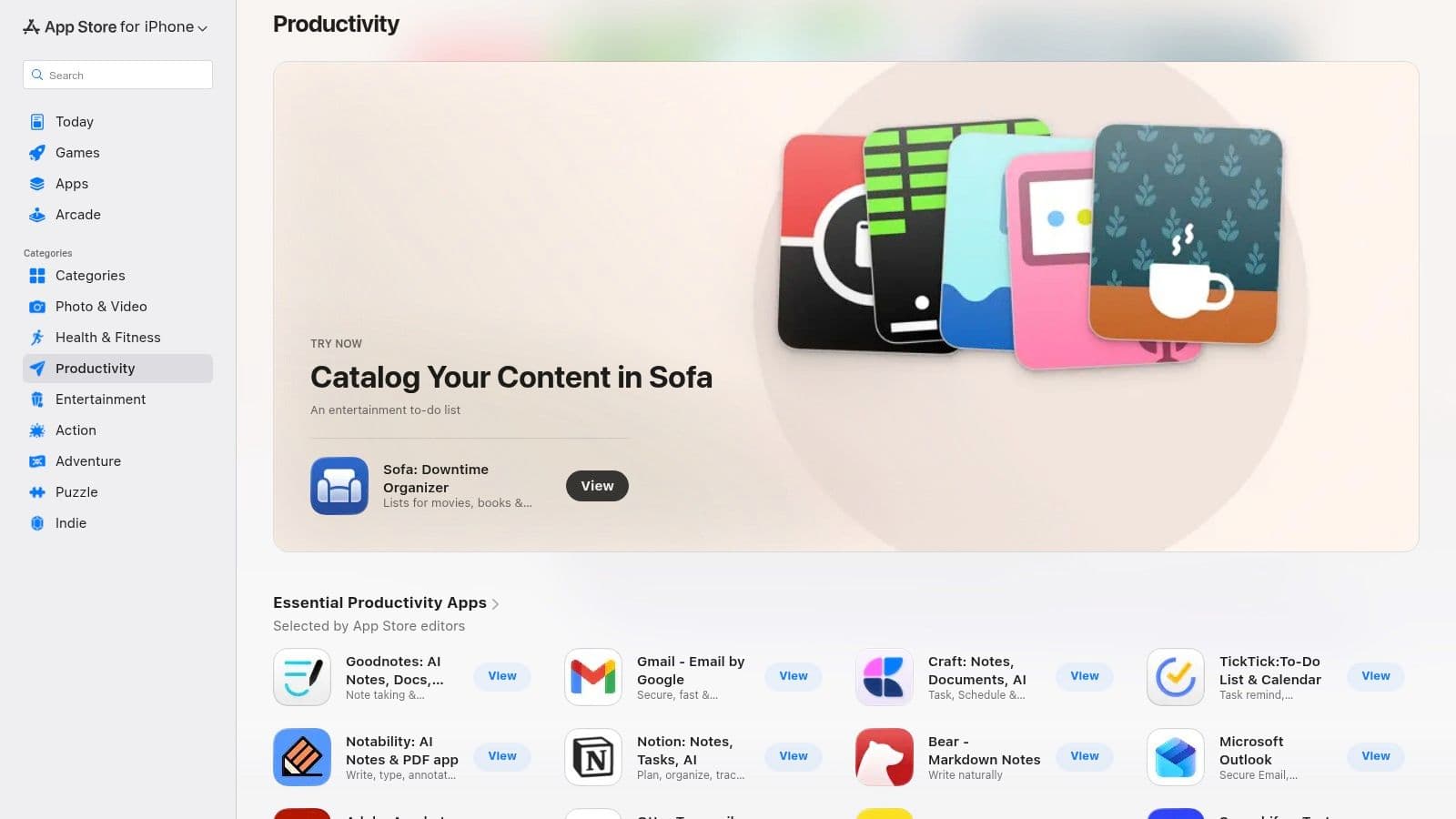
This platform excels at simplifying admin tasks like managing purchases and subscriptions tied to a single Apple ID, which makes expense tracking easier. The deep integration with iOS, iPadOS, and macOS enables powerful automations with Siri Shortcuts and at‑a‑glance info via Home Screen widgets.
Key Features & Use Cases
- Editorial Collections: Discover curated lists like “The Best To‑Do Apps” or “Powerful Email Clients” to quickly find high‑quality options.
- Unified Subscription Management: Handle all app subscriptions in one place, reducing forgotten renewals.
- Seamless Device Integration: Use Siri to add tasks, view meetings on widgets, and quickly jump into apps from the home screen.
- Robust App Reviews: Lean on trusted user reviews and ratings to choose the best apps for your needs.
| Pros | Cons |
|---|---|
| Strong curation and safety standards | Limited to Apple devices |
| Centralized billing and subscriptions | Pro‑grade apps can require costly subscriptions |
| Excellent integration with native OS features | No cross‑platform compatibility for Android/Windows users |
Visit the Apple App Store Productivity Category to explore curated collections.
3. Google Play Store (Productivity category)
For personal assistants who work primarily in Android or ChromeOS, the Google Play Store’s Productivity category is your hub for essential tools. It’s a massive, open marketplace with a broad mix of automation apps and task managers. Its biggest advantage is the sheer volume of apps and the tight integration with Google Workspace.
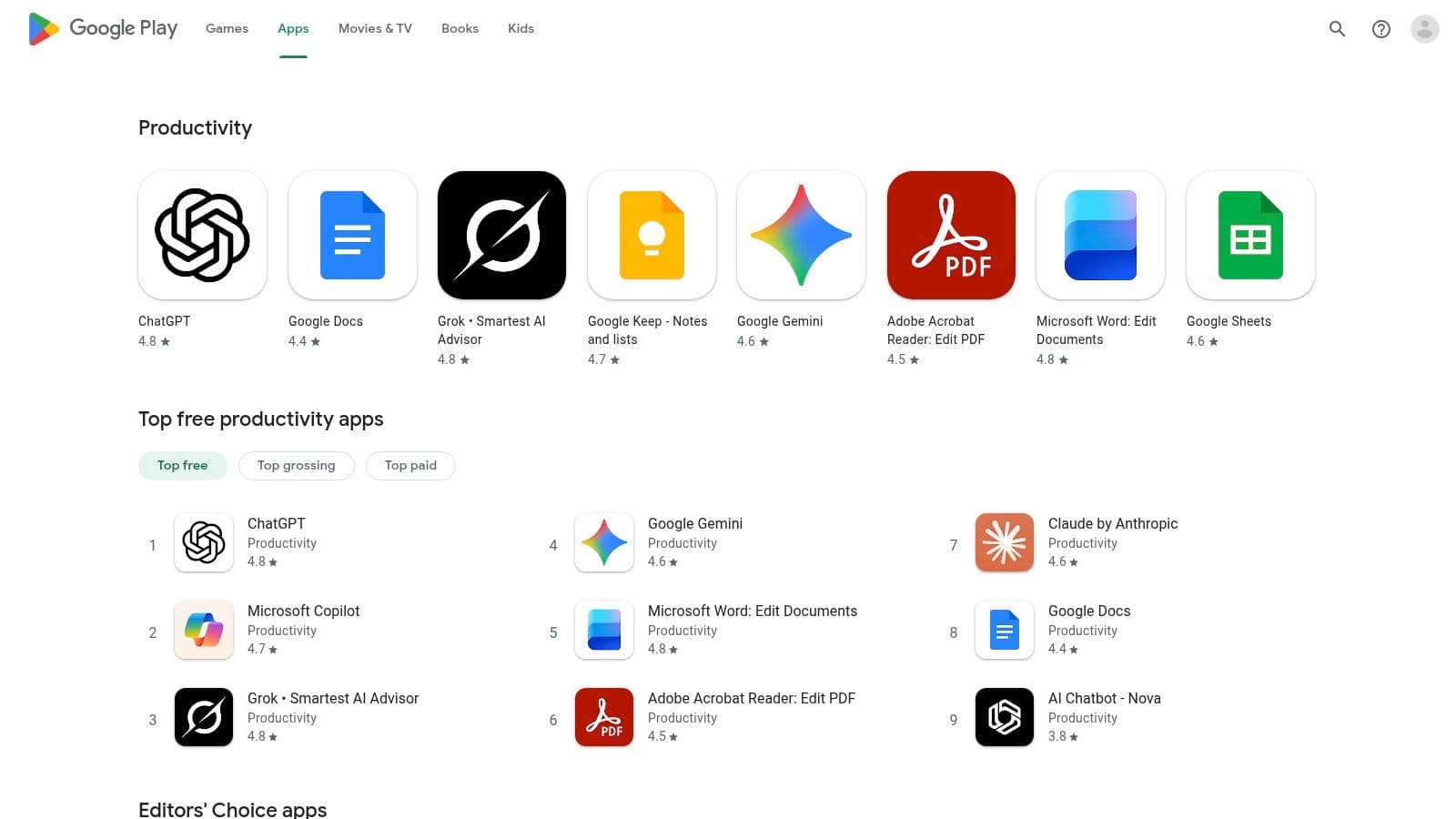
The platform curates lists like Editors’ Choice and top charts to help you find quality options quickly. For teams, Google Play for Work lets you control app distribution, while Family Library simplifies sharing paid apps. The open nature of Play makes a wide variety of specialized apps available, often faster than other ecosystems.
Key Features & Use Cases
- Massive App Catalog: Access tools for a wide range of assistant tasks, including unique options you won’t find elsewhere.
- Editors’ Recommendations: Quick access to high‑quality and popular productivity apps via curated lists.
- Google Workspace Integration: Connects with Gmail, Calendar, and Drive to improve workflows.
- Enterprise and Family Sharing: Roll out apps across a team or share purchases with family.
| Pros | Cons |
|---|---|
| Vast catalog for every need | App quality varies; vetting is essential |
| Great Google ecosystem integration | Regional restrictions and device compatibility can vary |
| Easy installation and straightforward refunds | Discovery can be overwhelming without curated lists |
Visit the Google Play Store Productivity Category to browse the catalog.
4. Notion
Notion is an all‑in‑one workspace that combines notes, tasks, databases, and internal wikis into a single, customizable platform. For personal and executive assistants, it acts as a central nervous system for managing complex projects, SOPs, and to‑do lists. Its block‑based setup lets you build a tailored system that fits your executive’s or team’s workflow instead of forcing you into a rigid structure.
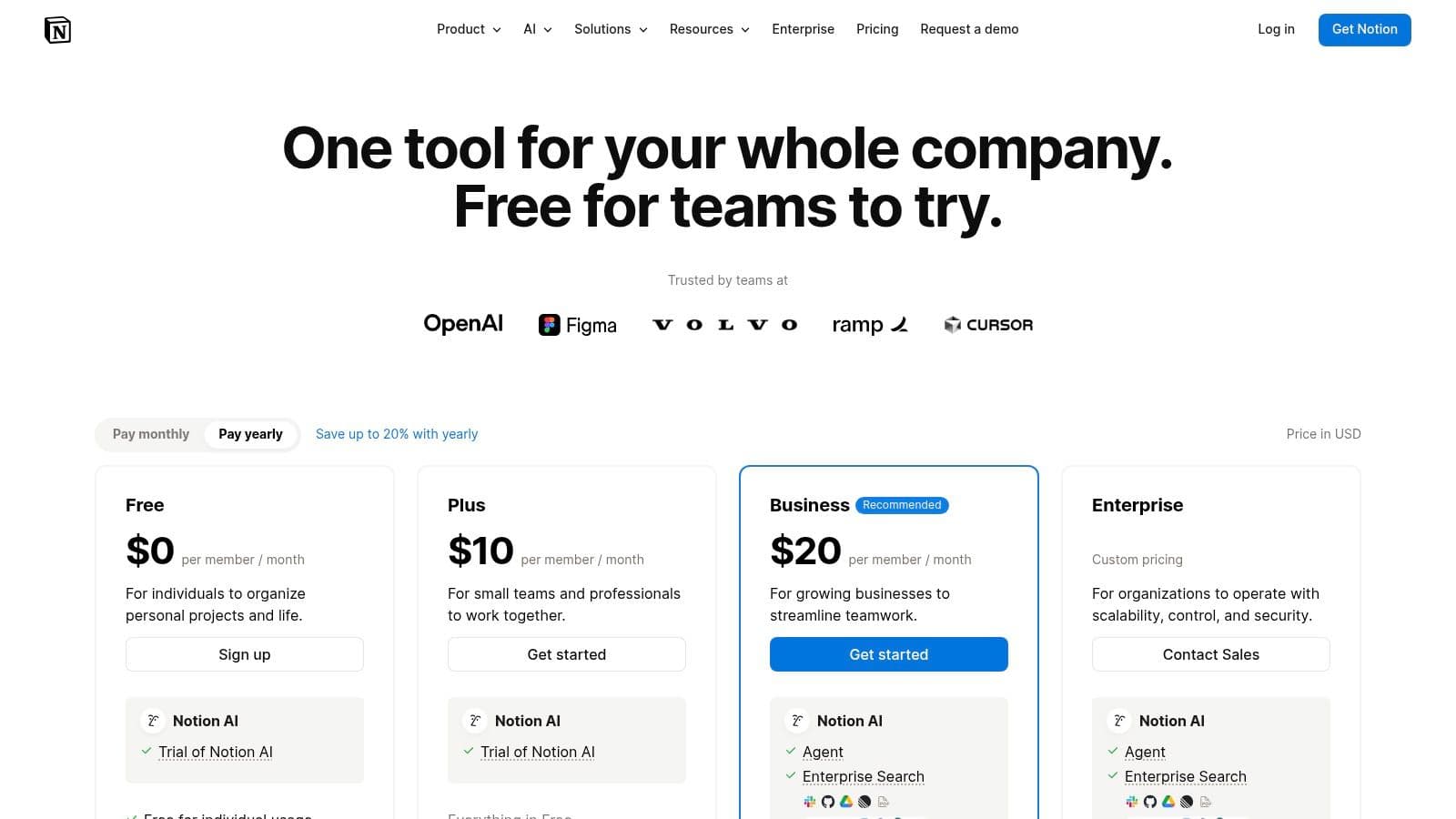
Notion shines as a single source of truth, helping you manage project databases with dependencies, draft communications with Notion AI, and publish public status pages for stakeholders—all from one platform. The ability to create shared spaces with precise permissions makes it ideal for confidential information and collaborative workflows.
Key Features & Use Cases
- Flexible Databases: Build trackers for tasks, contacts, or expenses with custom properties and multiple views.
- Notion AI: Summarize meeting notes, draft emails, translate text, or pull action items automatically.
- Shared Teamspaces: Create a centralized knowledge base or project hub with controlled access.
- Public Pages: Publish simple pages to the web for FAQs, roadmaps, or intake forms.
| Pros | Cons |
|---|---|
| Highly flexible for personal and team workflows | Requires setup time to build effective systems |
| Combines knowledge base and task tracking | Offline access can be limited to certain pages |
| Robust AI features speed up administration | Can get messy without a clear structure from the start |
Visit Notion to explore pricing and features.
5. Todoist
If you value speed, simplicity, and cross‑platform reliability, Todoist is a top‑tier task manager. It excels at quick task capture and natural language input, like “Schedule dentist appointment for next Tuesday at 2 PM.” Its clean interface makes managing personal tasks and delegated items easy without a steep learning curve.
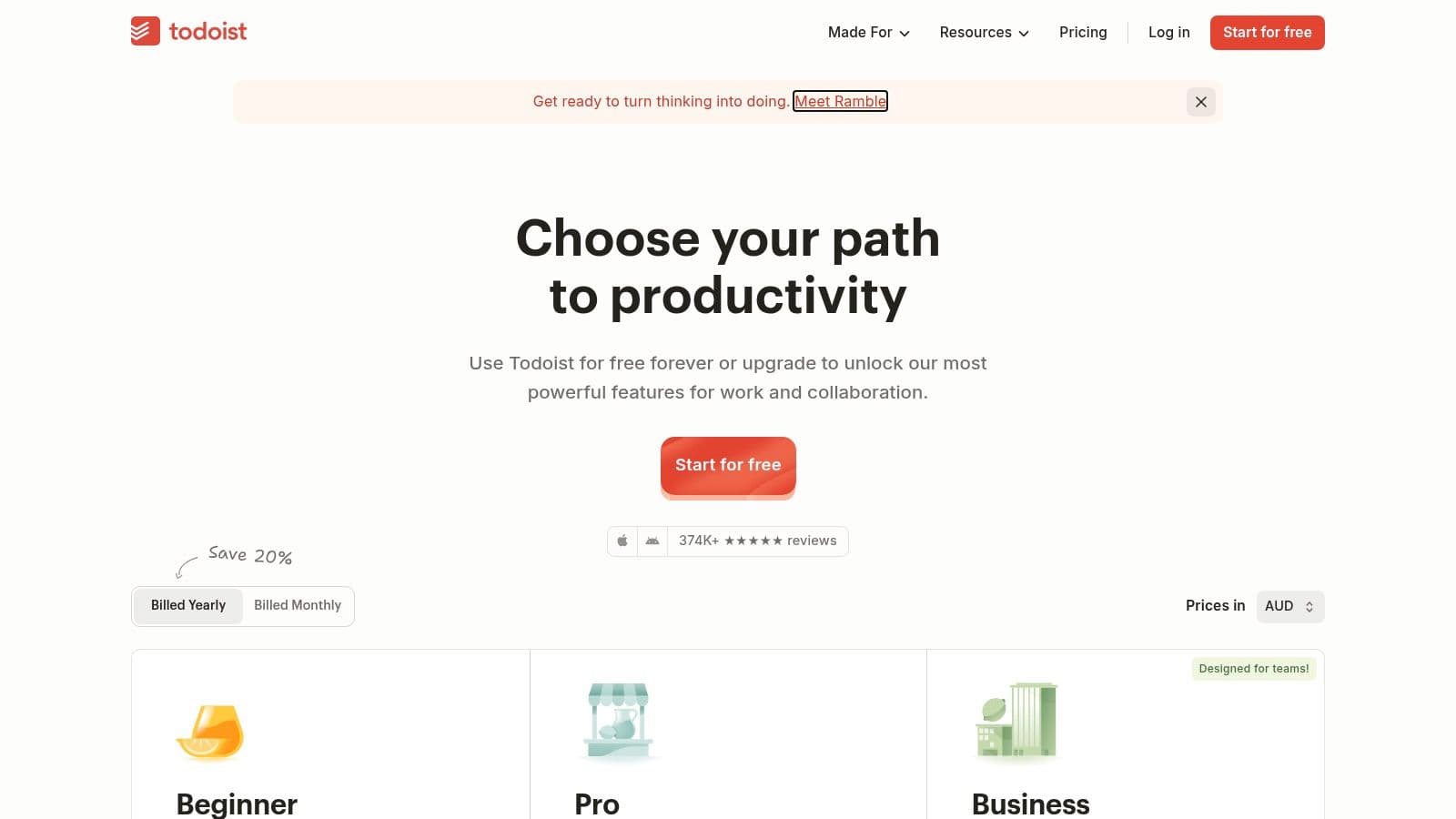
Todoist is great for collaboration on shared projects with executives or teammates. Assign tasks, due dates, and track progress within shared projects. Its powerful filters and labels help you create focused views, such as a high‑priority list that pulls tasks from multiple projects.
Key Features & Use Cases
- Natural Language Input: Add tasks with dates, priorities, and assignments in one line.
- Shared Projects: Create client or initiative folders and delegate tasks directly.
- Custom Filters & Labels: Organize with labels like @phone_call and build focused views.
- Cross‑Platform Sync: Access tasks across web, desktop, and mobile.
| Pros | Cons |
|---|---|
| Fast, simple, and widely adopted | Advanced reporting and automation are lighter than full PM suites |
| Easy to share tasks with executives | Some premium features require paid tiers |
| Strong natural language processing for quick entry | Kanban view is basic compared with heavier tools |
Visit Todoist to see pricing options.
6. Calendly
Calendly standardizes scheduling, cutting back‑and‑forth emails and making booking simple for both teams and external guests. For personal assistants, it’s a lifesaver for managing an executive’s calendar, coordinating group meetings, and handling paid consultations. Its core strength is ease of use: a recipient can book a time in just a few clicks, which is incredibly efficient when coordinating complex schedules.
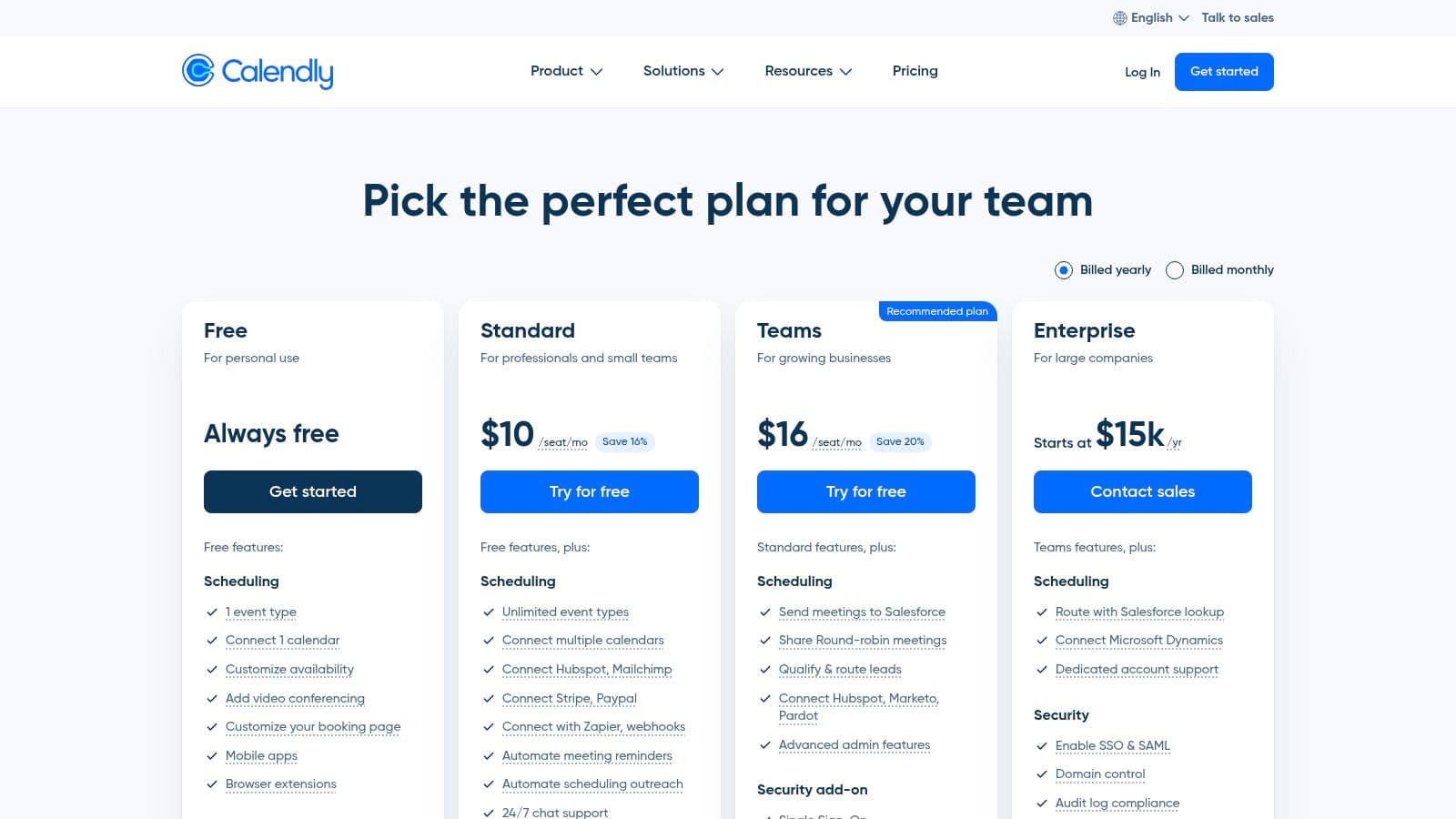
Calendly connects to major calendar services (Google, Outlook, iCloud) and updates in real time to prevent double bookings. For assistants managing multiple executives or team events, features like round‑robin scheduling and collective availability save substantial time.
Key Features & Use Cases
- Automated Scheduling Links: Create links for different meeting types and share them with contacts.
- Team & Collective Events: Schedule meetings around group availability or assign meetings with round‑robin logic.
- Payment Integration: Accept payments for consultations or services at booking time.
- Workflow Automation: Send reminders, follow‑ups, and thank‑you messages to cut manual communications.
| Pros | Cons |
|---|---|
| Low friction for external guests | Higher‑tier plans needed for routing and branding |
| Reduces scheduling emails | Free plan is limited for professional use |
| Strong video conferencing integrations | Branding customization limited on lower tiers |
Visit Calendly to explore scheduling features.
7. Motion
Motion acts as an intelligent command center for complex, shifting schedules. It uses AI to plan your day, scheduling tasks and meetings to optimize focus time. Its strength is automatic reorganization when priorities shift or new meetings arise, saving you the manual calendar juggling.
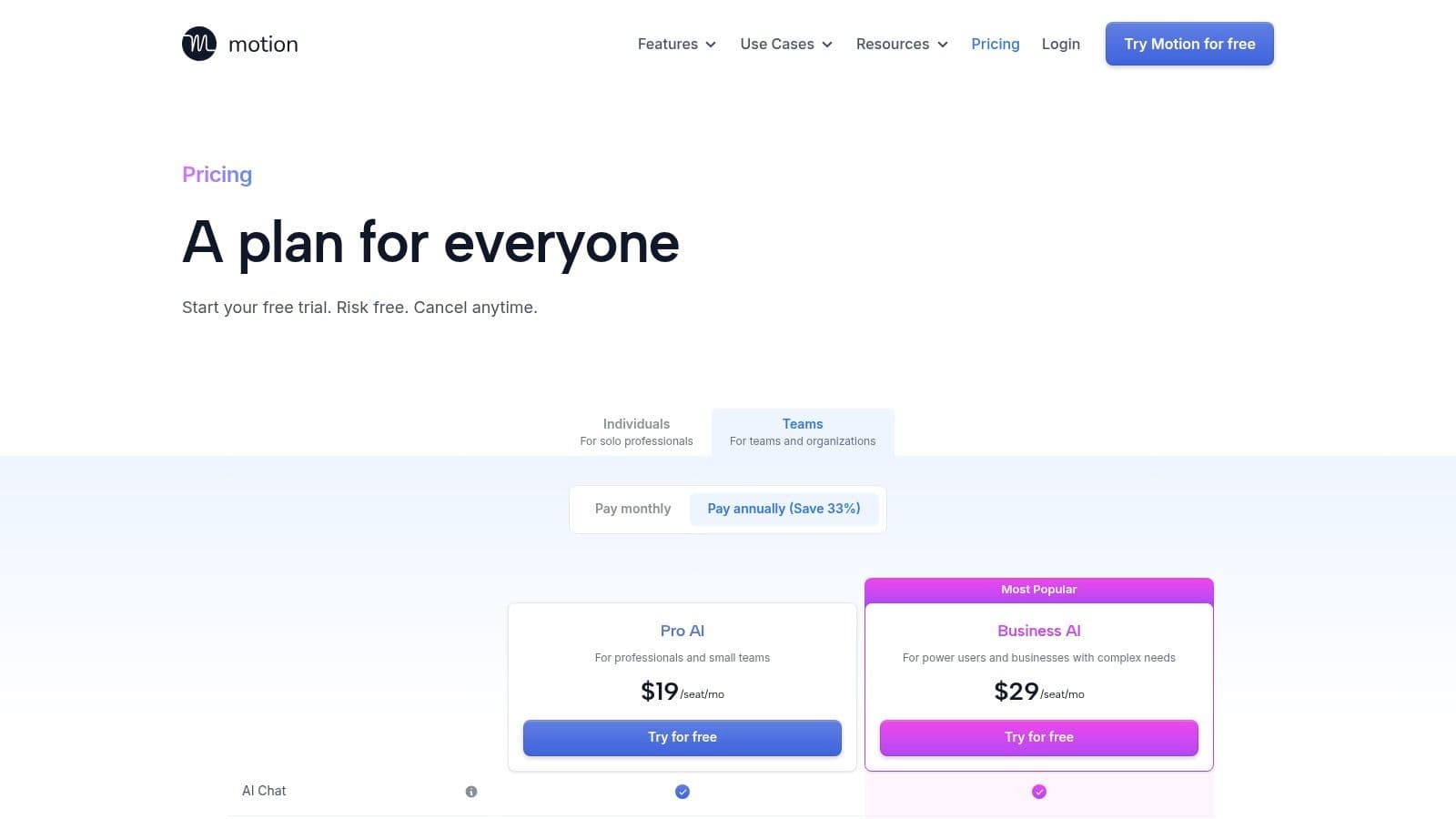
Motion excels at turning long to‑do lists into a concrete, time‑blocked plan. By integrating your calendar, tasks, and project management, it provides a single source of truth for what needs doing and when. For a practical sense of how AI can fit into workflows, explore resources about AI personal assistants in modern tasks.
Key Features & Use Cases
- AI Task & Project Manager: Prioritizes and schedules tasks into open calendar slots based on deadlines and importance.
- Intelligent Calendar: Creates a dynamic daily plan that protects focus time around meetings.
- Integrated Notes & Docs: Link meeting notes and project plans to the relevant tasks.
- Team Capacity Planning: Offers insights into team availability and workload.
| Pros | Cons |
|---|---|
| Auto‑blocking mindfully protects focus | Learning curve to tune AI scheduling preferences |
| Consolidates calendar, tasks, and docs | Best value with team adoption |
| Dynamic rescheduling reduces conflicts | Individual plans lack team dashboards |
Visit Motion to see how AI can shape your workday.
8. Reclaim.ai
Reclaim.ai defends calendars by intelligently scheduling focus time, meetings, and habits around existing commitments. Its strength is flexibility: it creates adaptive schedules that protect productive time while accommodating urgent meetings, making it one of the most proactive apps for personal assistants managing complex diaries.
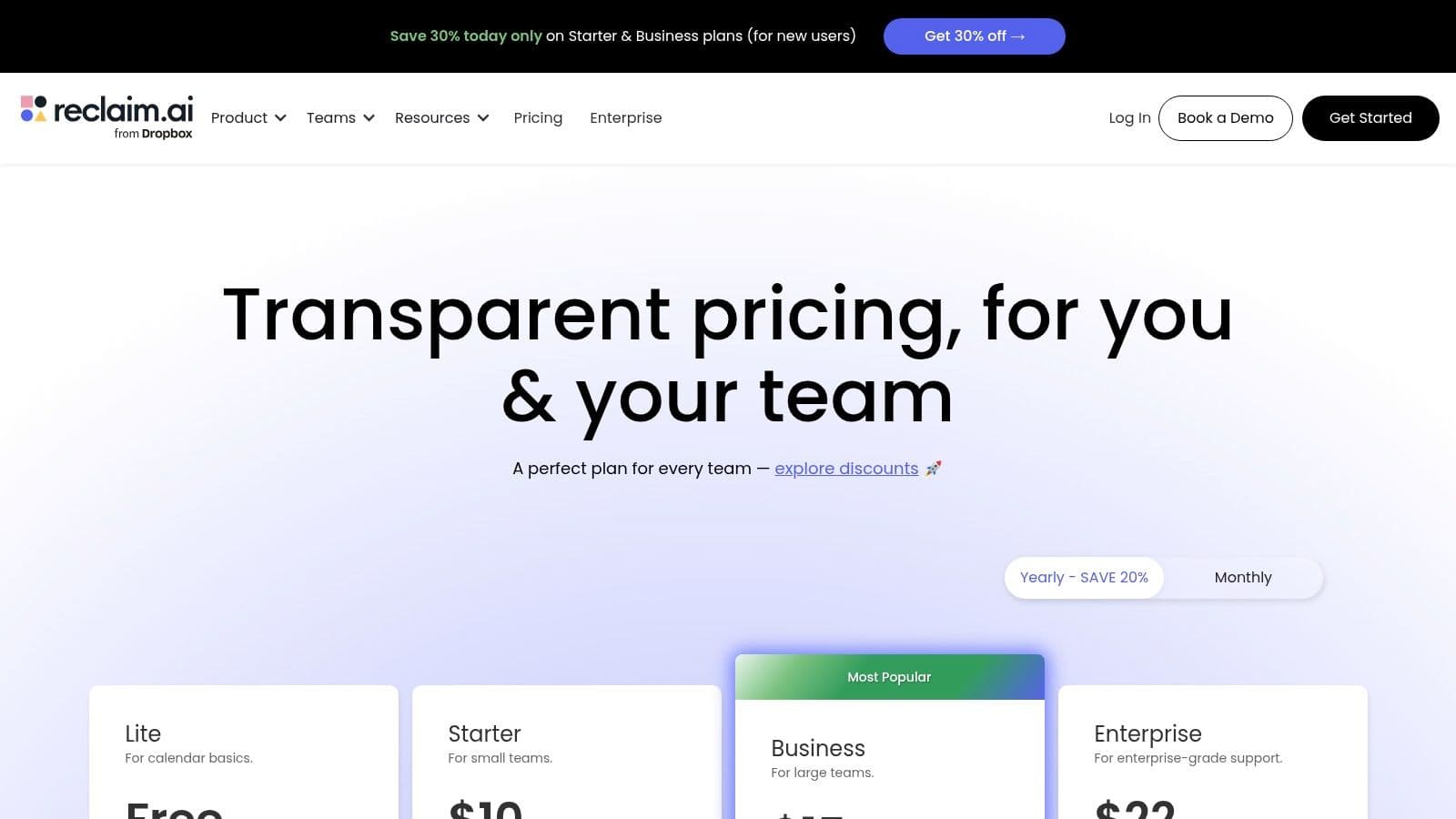
Reclaim.ai excels at collaboration between an assistant and an executive. You can set priorities and scheduling rules, while Reclaim handles calendar reorganization as new events come in. This automated approach reduces the back‑and‑forth of scheduling and keeps high‑priority work and personal habits from getting pushed aside.
Key Features & Use Cases
- Automatic Time Blocking: Define tasks, habits, and focus blocks; Reclaim finds the best times.
- Smart Meetings & Scheduling Links: Share mutual‑time links that minimize conflicts.
- Delegated Assistant Access: EAs can connect to and manage an executive’s calendar.
- Deep Integrations: Syncs tasks from tools like Asana, Todoist, and ClickUp as calendar blocks.
| Pros | Cons |
|---|---|
| Reclaims focus time on busy calendars | Best when used within the Google ecosystem; Microsoft 365 support is evolving |
| Delegation features boost EA collaboration | Most powerful team features are paid tiers |
| Automatically adapts to changing schedules | Learning curve to set up rules effectively |
Visit Reclaim.ai for smart scheduling insights and plans.
9. Sunsama
Sunsama is a daily planner designed for assistants who feel buried under endless to‑do lists. It guides you through a structured daily planning ritual, helping you pull tasks from Asana, Trello, and email into one focused view. Its core strength is an emphasis on intentional planning and realistic capacity, encouraging time‑boxing and sustainable pacing.
The platform’s calendar‑based interface helps prevent over‑scheduling and supports a calm, focused workday. Sunsama helps you start with a clear plan and end with a mindful shutdown, making it a strong choice for assistants seeking a steadier rhythm.
Key Features & Use Cases
- Daily Planning Ritual: A guided process to plan your day, set objectives, and conduct a shutdown routine.
- Unified Task Inbox: Pull tasks from multiple apps into one place for easy scheduling.
- Focus Mode: A timer and minimal UI to help you concentrate on one task at a time.
- Time‑Boxing & Capacity: Estimate time for tasks to visualize your workload and avoid overcommitment.
| Pros | Cons |
|---|---|
| Promotes sustainable pacing and realistic daily plans | Collaboration features are lighter than full PM suites |
| Clean UX reduces overwhelm | Some premium features require onboarding and pricing planning |
| Excellent integrations with major task and email apps | May feel rigid for teams preferring more flexible workflows |
Visit the Sunsama Website to start a free trial and cultivate a more intentional workday.
10. Zapier
Zapier is the quintessential no‑code automation platform, acting as the connective tissue across thousands of apps you use daily. Instead of manual data movement, you can build automated workflows—"Zaps"—to handle repetitive tasks. Its power lies in a vast library of integrations that lets you connect calendars, PM tools, email, and more without writing code.
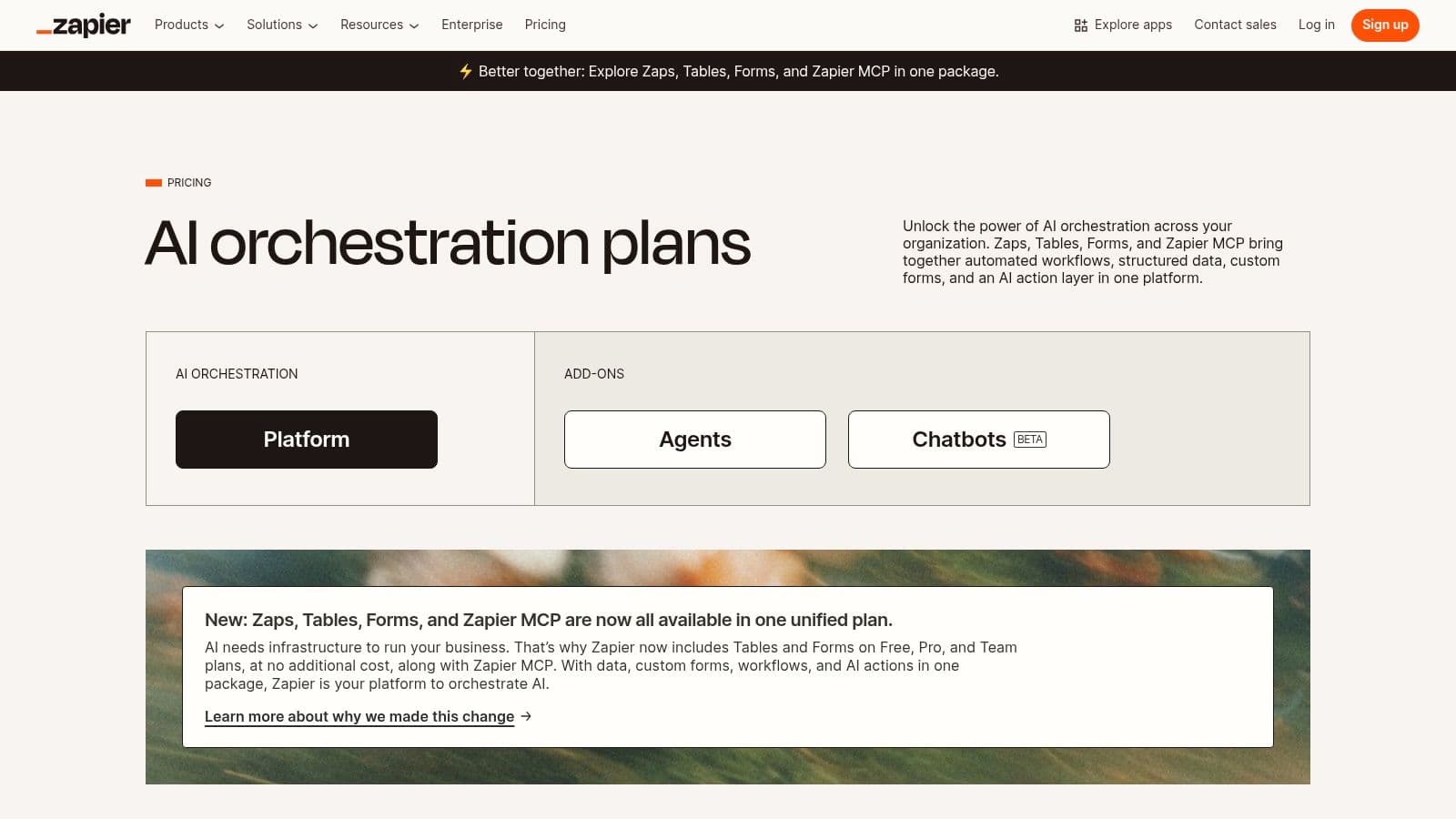
Zapier turns personal assistants into workflow architects, saving hours and reducing human error. For example, you can auto‑create a task in your PM app when a specific email lands in Gmail or log meeting notes into a Notion database. To master practical automation, explore examples like powerful Zapier automation ideas.
Key Features & Use Cases
- Multi‑Step Zaps: Build complex workflows with conditional logic.
- Massive App Ecosystem: Connects Slack, Google Calendar, Trello, and thousands more.
- Zapier Tables & Interfaces: Capture form data and manage it in a simple database.
- AI Orchestration: Use AI to summarize emails, draft responses, or analyze data.
| Pros | Cons |
|---|---|
| Large library of 6,000+ app integrations | High‑volume task usage can become costly |
| Intuitive workflow builder | Complex Zaps require careful design and monitoring |
| Reliable with version history | Some triggers have a delay on lower tiers |
Visit Zapier to start building your first automated workflow.
11. IFTTT
IFTTT, which stands for “If This Then That,” is a simple gateway into automation for personal assistants. Its strength is accessibility, with a broad library of pre‑built Applets that connect everyday apps and devices through straightforward logic. You can automate everyday tasks—like adding a calendar event to a to‑do list or saving email attachments to cloud storage—without writing code.
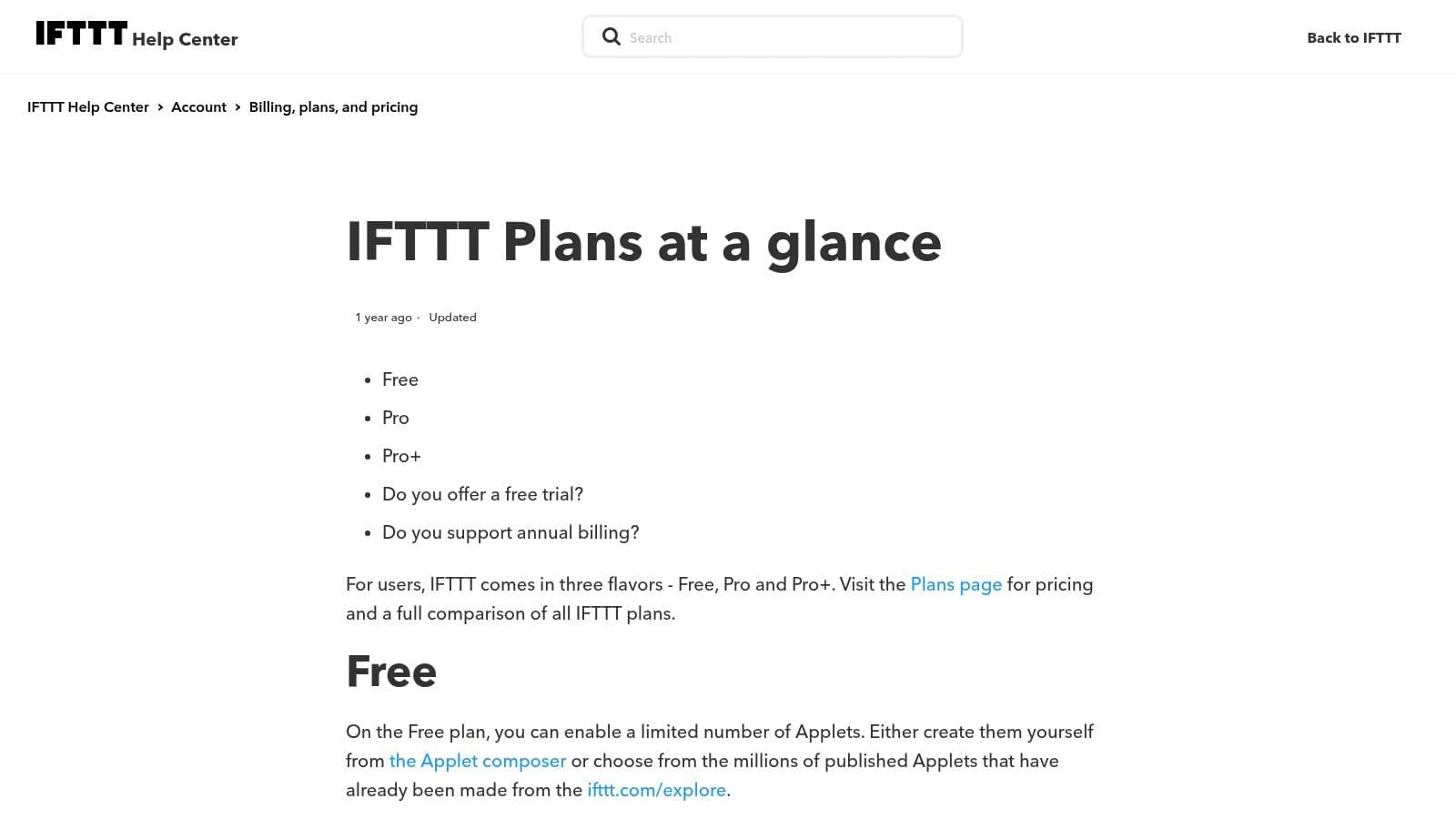
IFTTT Pro+ unlocks more powerful features, such as filter code and multi‑account connections, making it a versatile option for assistants who manage both personal and professional digital lives.
Key Features & Use Cases
- Extensive Applet Library: Find automation recipes like syncing new calendar events to a task list.
- Multi‑Action Applets: Trigger multiple actions across services with a single event.
- Filter Code & Queries (Pro+): Fine‑tune when automations run with advanced logic.
- AI Service Integration: Connect AI tools on higher tiers for smarter workflows.
| Pros | Cons |
|---|---|
| Easy to set up for quick automation | Fewer business‑grade tools than Zapier |
| Large library of consumer integrations | Complex logic may require paid Pro+ tier |
| Quick to start for lightweight automations | Free tier is limited for professional use |
Explore IFTTT Plans to determine the best fit for you.
12. Superhuman
Superhuman is a premium, speed‑focused email client built for executives and assistants drowning in messages. Its philosophy centers on making email processing fast and efficient with a keyboard‑first interface, powerful shortcuts, and AI features. The result is inbox triage that helps you reach “inbox zero” faster.
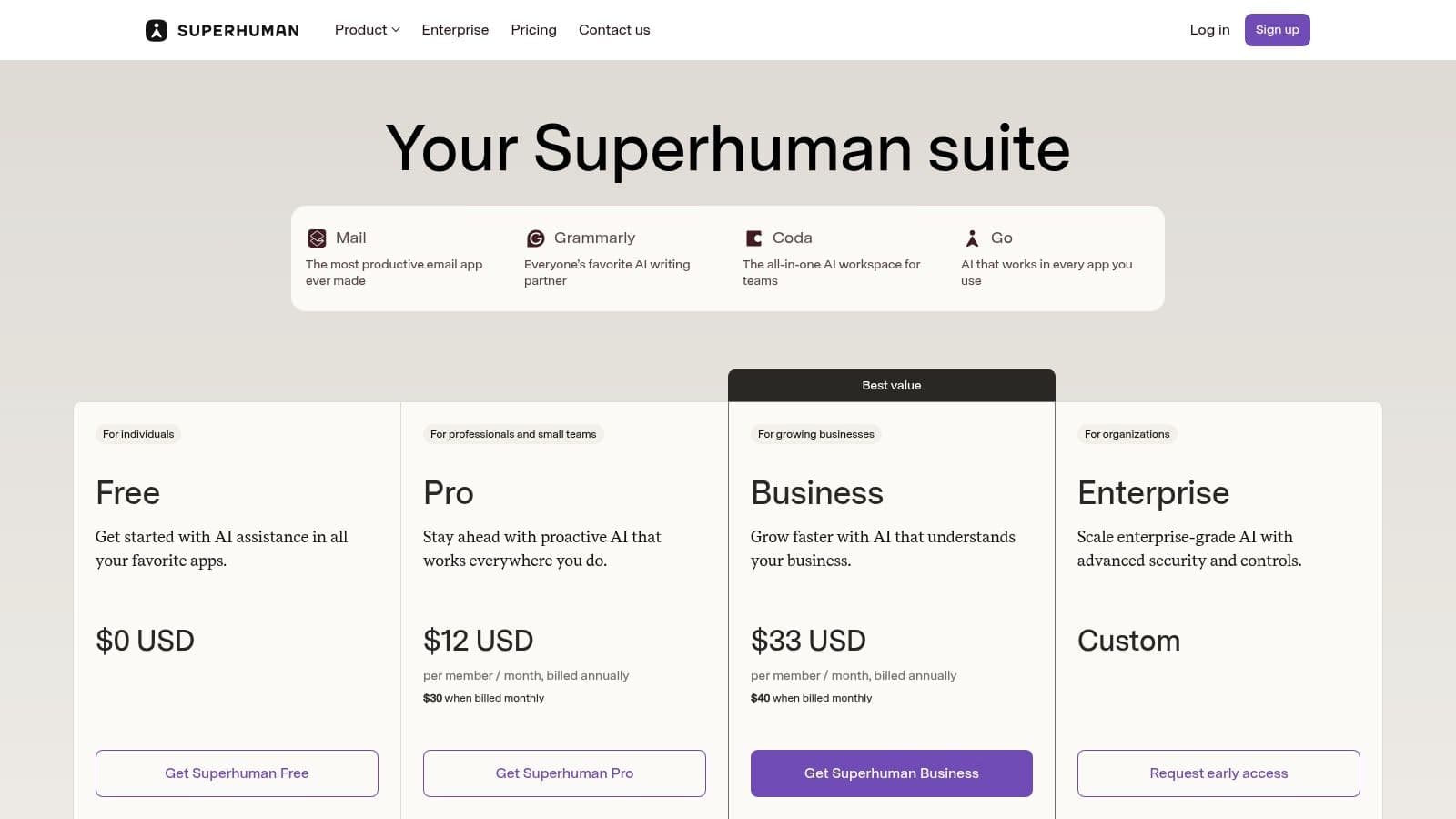
This tool’s magic lies in bringing AI into your email workflow. You can draft, rewrite, and summarize messages quickly, and AI assistance extends to other apps for consistent productivity across your stack.
Key Features & Use Cases
- AI‑Powered Drafting: Generate replies, summarize threads, or translate text.
- Keyboard‑First Workflow: Navigate, archive, reply, and snooze with shortcuts.
- Split Inbox: Automatically separate important messages from newsletters and invites.
- Cross‑App AI: Extend AI help to other apps like Google Docs or Notion.
| Pros | Cons |
|---|---|
| Helps achieve inbox zero quickly | Best value with full keyboard‑first workflow |
| AI drafting and follow‑ups speed responses | Pro tier often needed for advanced features |
| Minimalist interface reduces distraction | Premium pricing may be a barrier |
Visit Superhuman to see how AI features can transform your email management.
Top 12 Personal‑Assistant Apps: Feature Comparison
| Product | Key features (✨) | UX / Quality (★) | Price / Value (💰) | Target audience (👥) |
|---|---|---|---|---|
| Fluidwave 🏆 | ✨ AI auto‑prioritization, multi‑view (table/list/calendar/Kanban/cards), pay‑per‑task VA network, automation & focus tools | ★★★★★ Fast, distraction‑free; automation claims 4+ hrs/week saved | 💰 Free Forever (100 tasks); Premium $10/mo (annual); pay‑per‑task delegation | 👥 Professionals, founders, EAs, freelancers, neurodivergent users |
| Apple App Store (Productivity) | ✨ Curated editorial picks, iOS integrations (Siri, Widgets, Focus) | ★★★★ Strong curation & reviews; vetted apps | 💰 App pricing varies; in‑app purchases/subscriptions common | 👥 iOS users seeking vetted productivity apps |
| Google Play Store (Productivity) | ✨ Massive catalog, Google Workspace integrations, Chromebook support | ★★★ Varied app quality; broad device reach | 💰 Many free apps; in‑app purchases common | 👥 Android/Chromebook users, Google Workspace teams |
| Notion | ✨ Flexible databases, Notion AI, shared teamspaces, forms | ★★★★ Highly flexible; powerful but needs setup | 💰 Free tier; paid plans for teams/advanced features | 👥 EAs, knowledge managers, teams centralizing docs & tasks |
| Todoist | ✨ Fast task capture, shared projects, natural language dates, integrations | ★★★★ Simple, reliable UX across devices | 💰 Free tier; Premium for advanced features | 👥 Assistants, individuals, small teams needing quick tasking |
| Calendly | ✨ Booking links, multi‑calendar, team routing, payments & integrations | ★★★★ Low friction for guests; reduces scheduling email | 💰 Free tier; paid plans for routing/branding | 👥 EAs, schedulers, sales & consults |
| Motion | ✨ AI auto‑scheduling, auto‑blocking focus time, project planning | ★★★★ Excellent for protecting focus; learning curve to tune | 💰 Paid plans; best value with team adoption | 👥 Assistants managing calendars & focus time |
| Reclaim.ai | ✨ Smart time‑blocking, habit scheduling, delegated EA access | ★★★★ Purpose‑built to reclaim focus time | 💰 Free/basic; paid tiers for team features | 👥 Executive assistants, busy professionals |
| Sunsama | ✨ Daily planner with time‑boxing, integrations, analytics (premium) | ★★★★ Clean UX; encourages realistic daily planning | 💰 Paid subscription; trial available | 👥 Assistants preferring structured daily rituals, neurodivergent-friendly |
| Zapier | ✨ No‑code multi‑step automations, webhooks, wide app ecosystem | ★★★★ Extremely powerful; complex Zaps need care | 💰 Free tier; paid by tasks/complexity | 👥 Assistants automating cross‑app workflows, ops teams |
| IFTTT | ✨ Prebuilt Applets, quick triggers for consumer workflows | ★★★ Simple, very quick to set up | 💰 Free/Pro+ tiers for advanced features | 👥 Personal assistants, lightweight automations |
| Superhuman | ✨ Keyboard‑first email, AI drafting, fast triage workflows | ★★★★ Speed‑focused; helps reach inbox zero | 💰 Premium paid subscription | 👥 Executives and EAs managing high‑volume email |
Choosing the Right Tools for Your Workflow
Navigating the wide world of productivity software can feel overwhelming. The goal isn’t to adopt every new platform but to build a cohesive toolkit that fits your workflow. Tools like Notion offer exceptional flexibility for knowledge management, while dedicated schedulers like Calendly and Reclaim.ai can automate hours of admin work, freeing you for higher‑impact tasks.
The best approach is to implement changes gradually. Identify the single biggest bottleneck in your current process and start there. If email overwhelm is your pain point, Superhuman or Notion can help unify tasks and notes; if scheduling eats your day, Calendly or Reclaim.ai may be the best starting point. Start with one or two tools and expand as you gain confidence and proof of value.
How to Build Your Ideal App Stack
Before committing to a new tool, utilize free trials to test how it fits into your daily routine. Consider these questions while evaluating:
- Integration is Paramount: Your tools must talk to each other. A powerful task manager is far more valuable if it syncs with your calendar. This is where platforms like Zapier and IFTTT shine as the glue that makes your system seamless.
- Focus on Your Core Needs: An EA supporting a startup founder will have different requirements than one managing a creative professional’s schedule. Choose apps that solve your specific problems, not just what’s popular.
- Simplicity Over Features: It’s easy to be wowed by a feature‑rich tool. But complexity can slow you down. Often the best tool does one or two things exceptionally well and is easy to use from day one.
The Path to Peak Productivity
The best apps for personal assistants are the ones that fade into the background, letting you focus on providing exceptional support. Your digital toolkit should feel like an extension of your own skills, a quiet partner handling tedious work so you can anticipate needs and act as a true strategic partner.
The journey to a perfect setup is iterative. As your role evolves, re‑evaluate your tools and stay adaptable. With deliberate tool selection, you can transform from a reactive task‑doer into a proactive, indispensable asset.
Ready to unify your tasks, projects, and client management into one streamlined system? Fluidwave is designed to be the central hub for assistants, consolidating core functions of several apps into a single, intuitive platform. Start your free trial of Fluidwave today.
Quick Q&As
Q: What are the must‑have apps for personal assistants in 2026?
A: Start with a reliable scheduling tool (Calendly or Reclaim.ai) and a flexible task/schedule hub (Notion or Todoist). Add automation with Zapier or IFTTT to connect your stack, then choose a primary email client like Superhuman if email is a major focus.
Q: How should I test new tools without disrupting my workflow?
A: Try one new tool at a time, use free trials first, and measure impact on time saved or task completion. Keep a simple success metric and roll out gradually.
Q: Are automation tools secure for executive data?
A: Yes, but always review vendor security practices, enable role‑based access, and use MFA. Implement data governance policies and audit trails where available.
1.
Zapier offers 6,000+ app integrations enabling no‑code automation across tools. Zapier Pricing
2.
IFTTT Pro+ includes advanced features like filter code and multi‑account connections. IFTTT Plans
3.
McKinsey Global Institute, “The productivity potential of AI in the workplace,” accessible at McKinsey AI Productivity.
Focus on What Matters.
Experience lightning-fast task management with AI-powered workflows. Our automation helps busy professionals save 4+ hours weekly.