Discover the top AI tools for project management. Our 2026 guide reviews 12 platforms to automate tasks, predict risks, and boost team productivity.
February 11, 2026 (8mo ago)
The 12 Best AI Tools for Project Management in 2026
Discover the top AI tools for project management. Our 2026 guide reviews 12 platforms to automate tasks, predict risks, and boost team productivity.
← Back to blog
Top 12 AI Tools for Project Management 2026
Project management now hinges on balancing strategic thinking with streamlined execution. In 2026, AI-powered platforms promise to automate routine tasks, forecast bottlenecks, and give teams clearer priorities. This guide cuts through marketing hype to compare 12 AI tools—from established leaders to flexible newcomers—so you can pick the one that most naturally fits your team’s workflow.
AI adoption in project management has shown efficiency gains of up to 30% on average, depending on workflow and adoption level1.
We’ll break down the AI features of tools like Asana, ClickUp, and Fluidwave to show you how they actually work in real-world settings. Each review covers:
- A look at standout AI capabilities
- Who they’re best for, from enterprise teams to freelancers
- Pros and cons based on real-world usage
- Direct links and visuals so you can evaluate quickly
Our goal is to provide the information you need to choose the AI project management tool that fits your team’s size, goals, and workflow. Let’s explore the tools shaping the future of collaborative work.
1. Fluidwave
Fluidwave stands out as an AI-first task management platform built for professionals who want to reclaim focus and boost efficiency. Its distinctive edge is blending smart automation with a human-touch marketplace, creating a complete system for modern project management. The platform’s strongest feature is auto-prioritization, helping you see what matters most right now and reducing decision fatigue.

Key Features and Use Cases
Fluidwave blends AI-driven productivity tools with a marketplace of human virtual assistants. This hybrid approach helps busy founders, project managers, and freelancers delegate tasks without hiring full-time staff.
- AI Auto-Prioritization: The system surfaces the most important tasks first, reducing cognitive load.
- Hybrid AI + Human Delegation: When an algorithm can’t handle a task, you can delegate to vetted virtual assistants inside the platform.
- Multi-View Task Organization: Switch between Kanban, calendar, list, and table views to match your workflow.
- Focus-Enhancing Tools: Pomodoro timer and a focus-score to help sustain deep work sessions.
Why It’s a Top Choice
Fluidwave’s dual-mode marketplace enables both AI automation and human support, creating a scalable, flexible workflow. The platform emphasizes automation and workflow optimization, with claims of saving users several hours per week. For those who want practical efficiency gains, its resources on automated project management offer useful perspectives.
Pricing is approachable. A Free Forever plan handles up to 100 tasks, letting teams test core features. The Premium plan adds analytics, custom prioritization, and unlimited tasks for about $10/month when billed annually.
Pros
- Hybrid AI + human assistant marketplace
- Flexible UI with multiple project views
- Free tier plus clear, affordable premium options
- Time-saving automation and workflow optimization
- Some virtual assistant integrations are still in development
- Pay-per-task costs for delegation can vary with usage
Website: https://fluidwave.com
2. Asana
Asana is a heavyweight in the PM space, evolving from a work management tool into a highly capable platform with built-in AI. Its AI features feel like a natural extension of your daily workflows rather than an add-on, which makes adoption easier across teams.
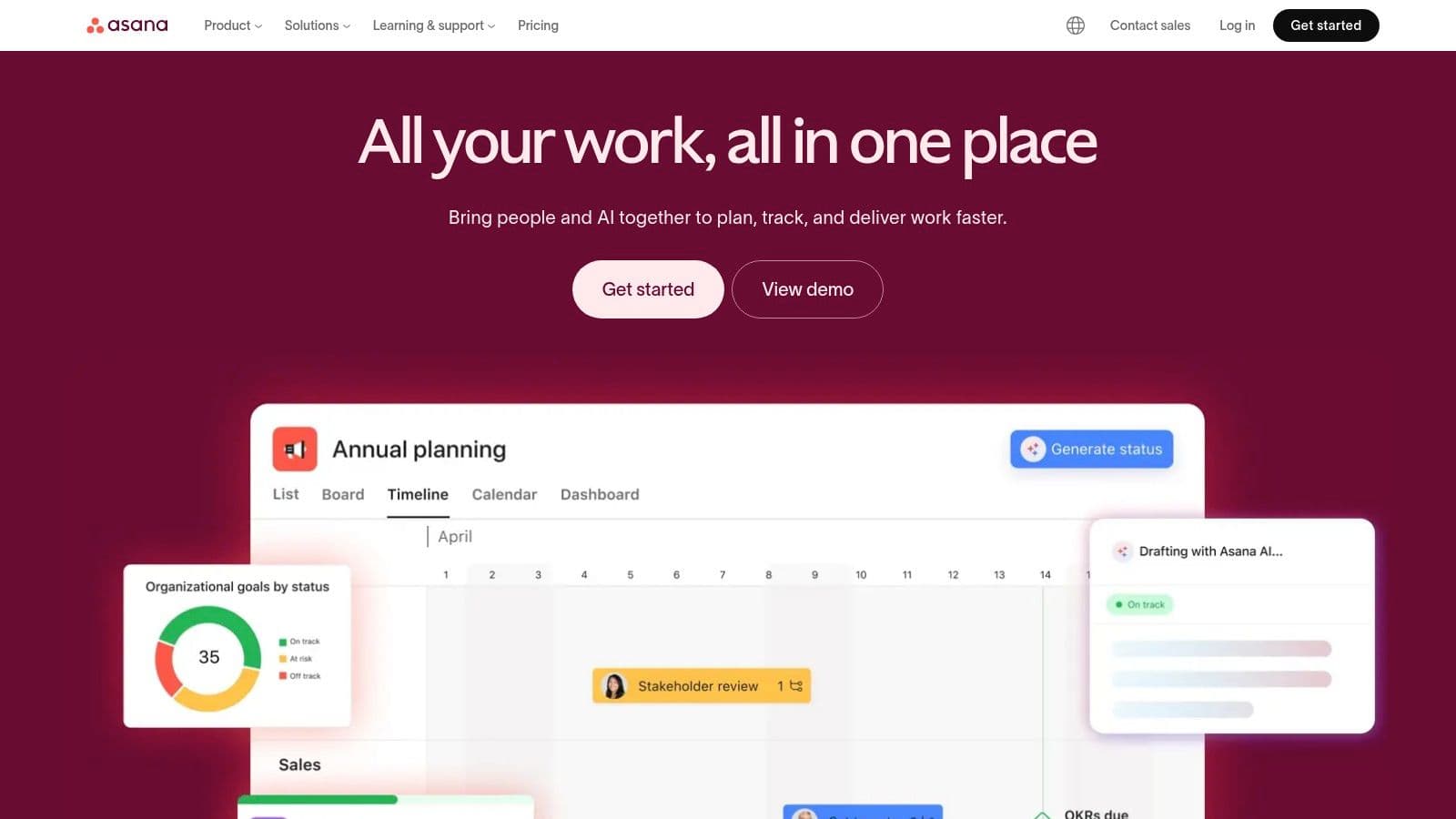
With Asana AI, you can auto-generate project plans, craft smarter tasks with clear sub-steps, and draft status updates based on activity. Its AI-powered summaries provide quick overviews of long threads or entire projects, a real time-saver for executives who need the big picture fast. The platform’s risk-detection capabilities also flag potential delays early, helping teams stay proactive.
Key Details & Use Cases
- Standout AI Feature: Smart goals for drafting objectives and Smart answers for instant context without digging through threads.
- Best For: Medium to large teams needing scalable, feature-rich AI for workflow optimization and reporting.
- Pricing: AI features start with the Starter plan and higher tiers unlock portfolio and goal-management tools.
- Integrations: Connects with hundreds of apps including Salesforce, Tableau, Slack, and Adobe Creative Cloud.
| Pros | Cons |
|---|---|
| Deep project and portfolio management features | Per-user pricing can be pricey for large teams |
| Built‑in AI from Starter plan onward | The breadth of features can be overwhelming for new users |
Website: https://asana.com
3. monday.com
monday.com has embedded monday AI across its Work OS, extending AI capabilities into CRM, development, and service products. This unified approach means AI-powered help with everything from summarizing updates to automating data entry, all in one place.
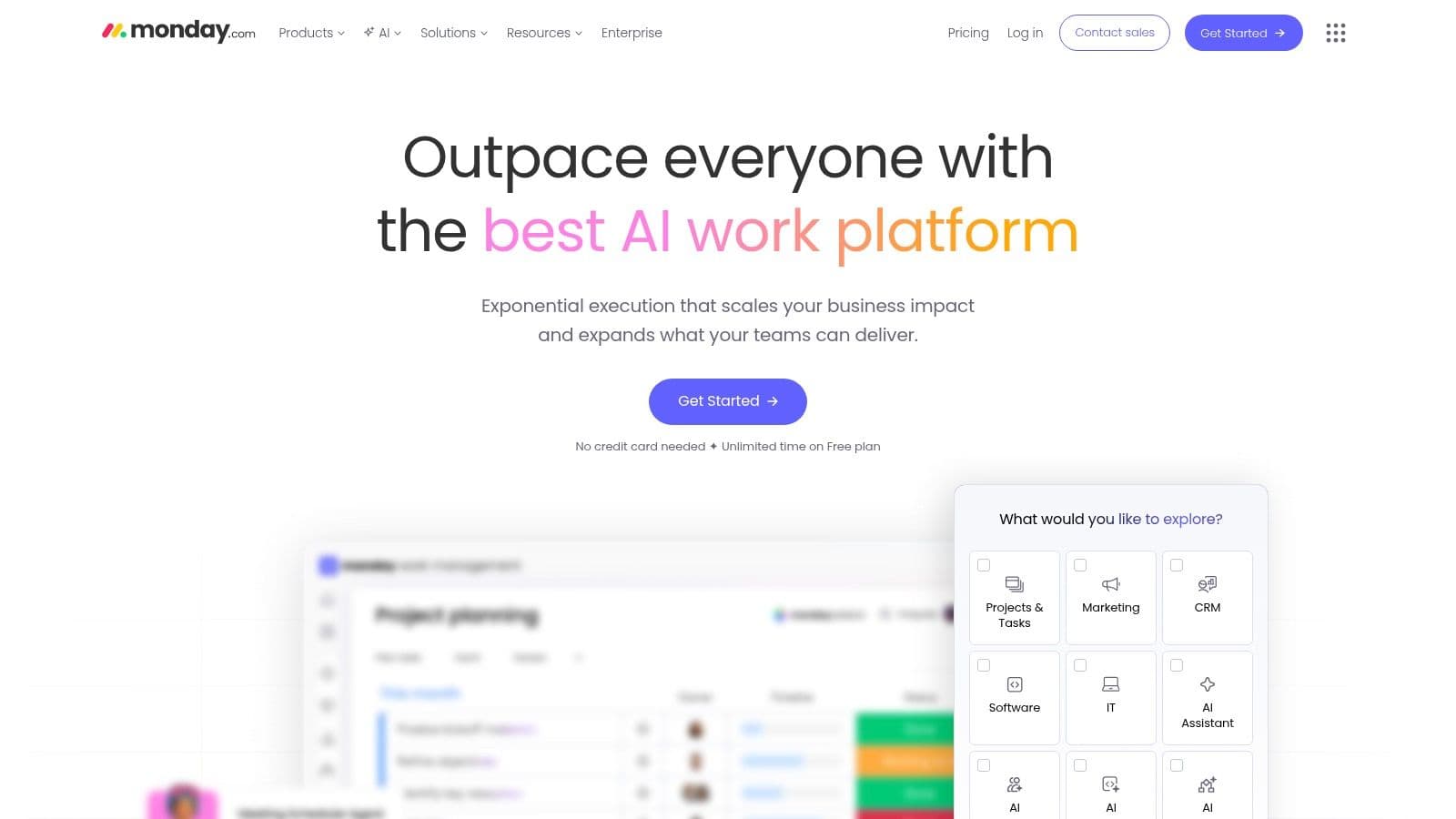
The AI Assistant, Sidekick, handles chat queries, content creation, and task automation. Admins can tightly control AI usage to keep governance strong. AI blocks in the workflow builder and AI column autofills are practical for reducing repetitive work.
Key Details & Use Cases
- Standout AI Feature: AI Assistant (Sidekick) and AI-powered automations built directly into workflows.
- Best For: Organizations seeking a highly customizable Work OS with AI across PM, CRM, and other teams.
- Pricing: AI features are available in trial form on all plans; paid access starts with the Standard plan.
- Integrations: Large marketplace including Slack, Dropbox, Salesforce, and Zapier.
| Pros | Cons |
|---|---|
| Broad AI coverage across PM, CRM, dev, and service products | AI features rely on a credit system that can be confusing |
| Strong admin controls for enabling/disabling AI | Pricing and credits can be tricky to optimize |
Website: https://monday.com
4. ClickUp
ClickUp markets itself as the one platform to replace them all, and its AI strategy lives up to that claim. It’s built around ClickUp Brain across tasks, docs, chat, and goals, delivering a unified AI experience with a transparent, modular model. It offers add-on plans with clear credit amounts so teams can decide how much AI to use and even connect to external models like ChatGPT or Claude for flexibility.
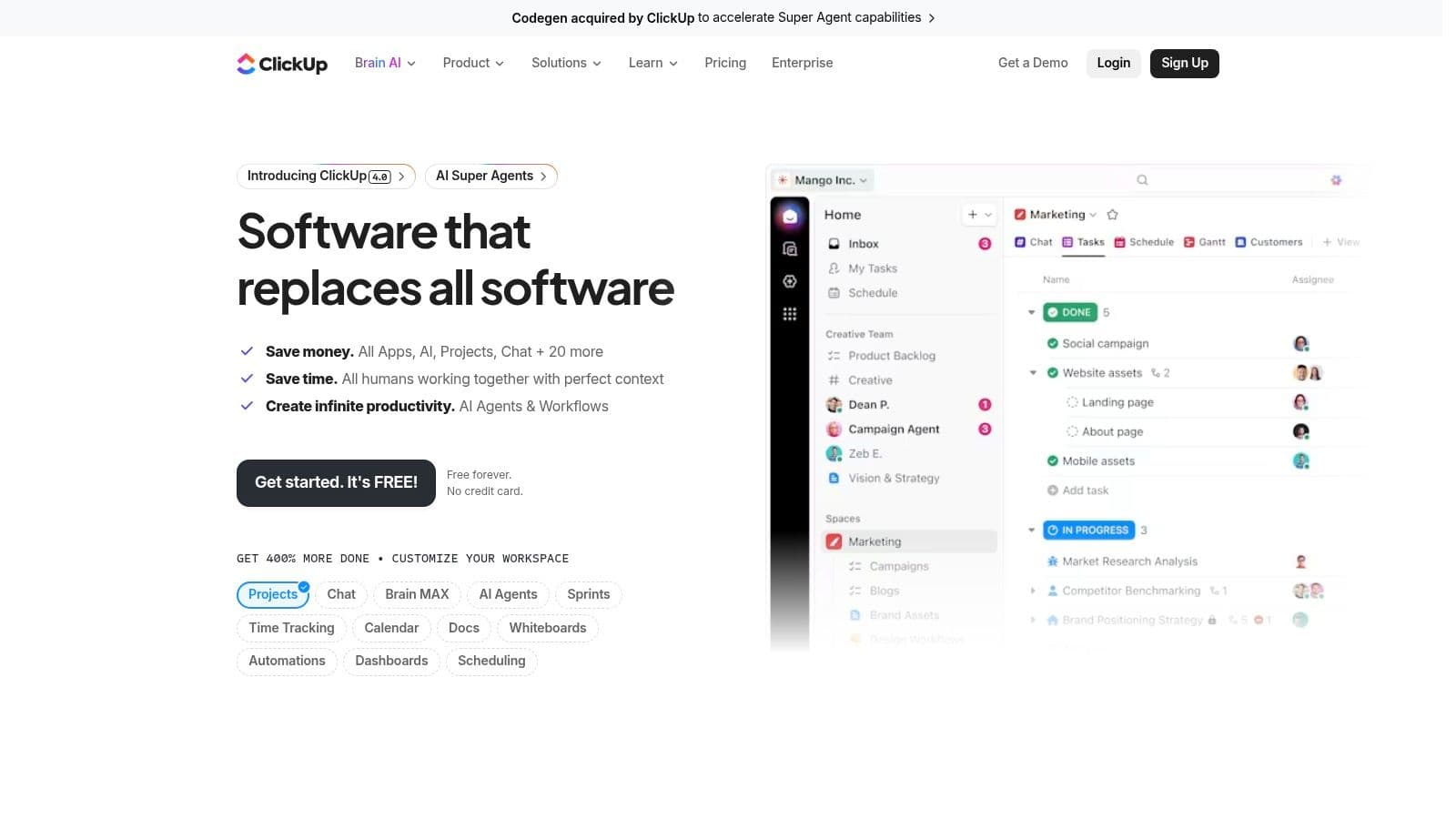
ClickUp’s AI features are extensive: autonomous agents to manage workflows, an AI Notetaker for meetings, and powerful deep search that connects information across your workspace. Ambient Answers delivers relevant context without prompting, and AI-powered custom fields can categorize or analyze task data automatically. This makes it one of the most capable AI tools for deeply integrated project work.
Key Details & Use Cases
- Standout AI Feature: Centralized AI Hub with Super/Autopilot Agents that automate multi‑step workflows across the platform.
- Best For: Tech‑savvy teams that want a highly customizable, all‑in‑one PM and collaboration platform.
- Pricing: AI is a paid add-on with credit pools; plans are flexible to fit different AI usage levels.
- Integrations: More than 1,000 integrations including GitHub, Slack, Google Drive, HubSpot, and Zapier.
| Pros | Cons |
|---|---|
| Rich AI feature set spanning docs, tasks, chat, and dashboards | AI features require an add-on plan; learning curve can be steep |
| Transparent AI plans with clear credit allocations | The breadth of features may overwhelm new teams |
Website: https://clickup.com
5. Notion
Notion has solidified its place as a flexible all‑in‑one workspace, combining docs, databases, and project management. Notion AI is deeply woven into every part of the platform, acting like a collaborative partner that drafts content, summarizes project docs, and auto‑fills database properties—transforming a blank page into a structured plan almost instantly.
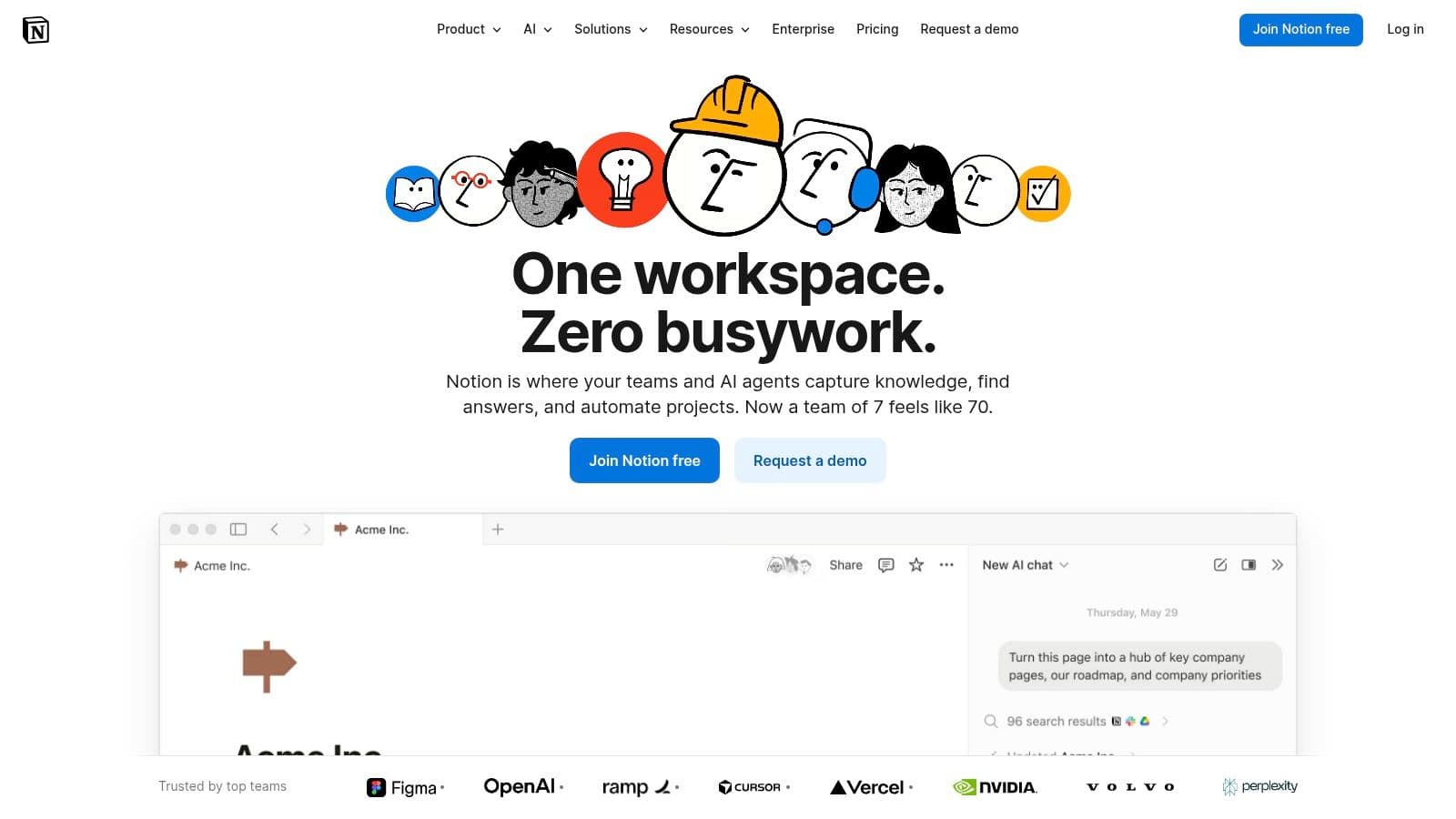
Notion AI excels for teams that live in documents and data. It can generate meeting summaries from raw notes, turn action items into tasks, and use workspace-aware search to pull context from multiple places. If you’re looking to weave these capabilities into your daily routine, you can explore related productivity strategies in our linked content.
Key Details & Use Cases
- Standout AI Feature: AI Autofill for databases lets you populate multiple rows with summaries, keywords, or action items across hundreds of entries.
- Best For: Knowledge‑driven teams that need a highly customizable workspace where docs and PM live together.
- Pricing: Notion AI is available as an add-on on paid plans; higher tiers include full AI usage.
- Integrations: Strong integrations with Slack, Jira, GitHub, Figma, plus a robust API.
| Pros | Cons |
|---|---|
| Native AI across docs, tasks, and databases | Full AI access requires higher-tier plans or add-ons |
| Strong governance and admin controls | Setting up advanced PM views can take time |
Website: https://www.notion.com
6. Atlassian Jira
Jira remains a powerhouse for software development and issue tracking, and its AI layer (including Rovo) strengthens its PM capabilities. Jira’s strength lies in its structured approach to work, now enhanced by AI that understands project context. You can generate status reports, summarize long issue threads, and draft responses based on project data.
The AI tooling also supports building complex automation rules and workflows using natural language prompts, making powerful customization accessible. For technical teams, AI can assist with refining Jira Query Language (JQL) statements to create precise filters and reports.
Key Details & Use Cases
- Standout AI Feature: Natural‑language automation and queries; Rovo’s AI agents summarize progress and flag risks across Atlassian tools.
- Best For: Software, IT, and business teams already in the Atlassian ecosystem needing robust reporting and automation.
- Pricing: AI features vary by plan and rollout; many enhancements appear in Premium and Enterprise tiers.
- Integrations: Tight integration with Confluence, Bitbucket, Trello, and thousands of apps in the Atlassian Marketplace.
| Pros | Cons |
|---|---|
| Deep ecosystem and strong engineering-focused integrations | Can be complex to set up and learn |
| AI features embedded in core workflows | Availability depends on plan and rollout schedule |
Website: https://www.atlassian.com/software/jira
7. Trello
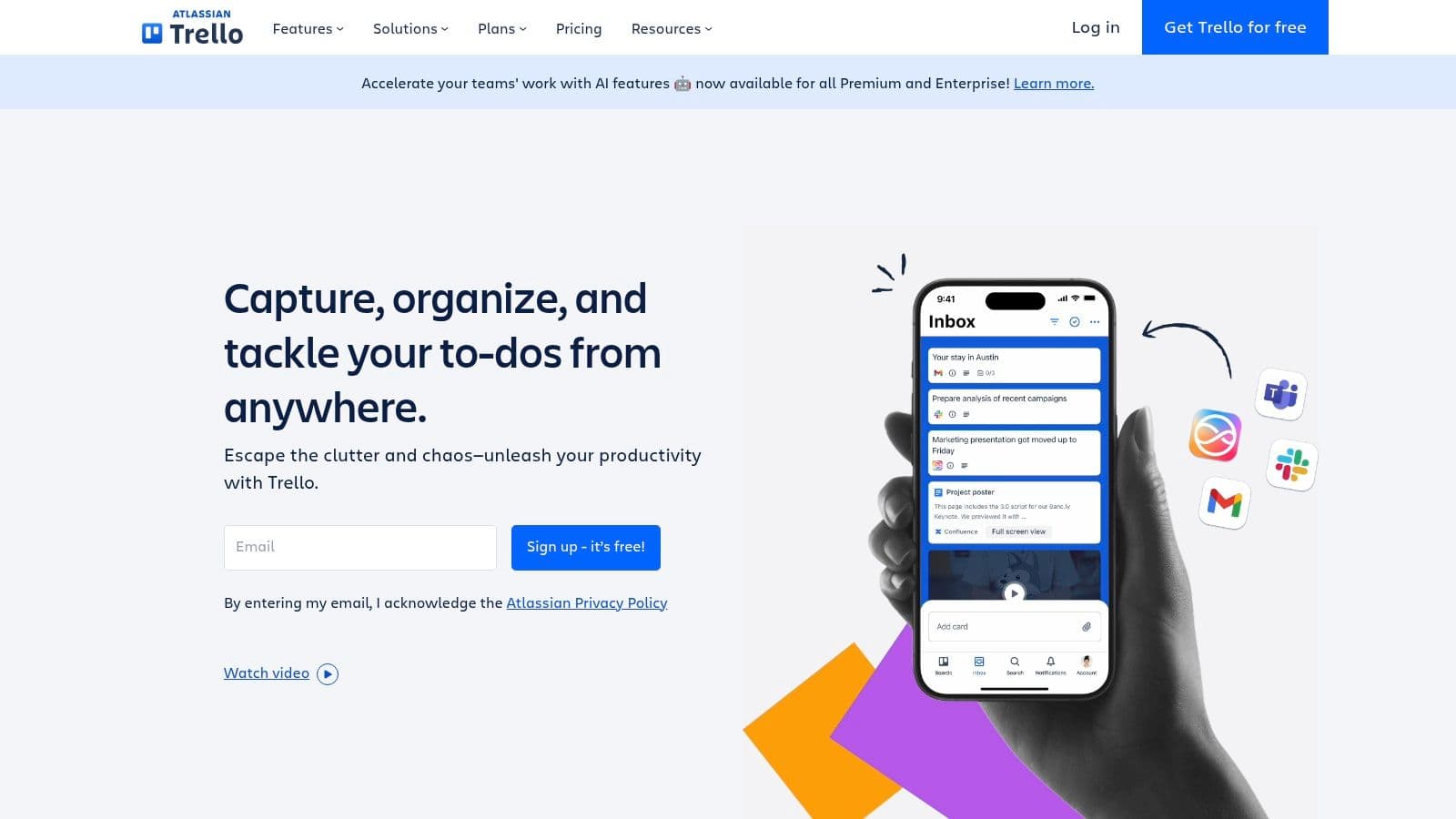
Trello’s Kanban-centric approach remains a favorite for individuals and small teams. The platform is adding AI to make planning and organizing smoother without sacrificing its signature simplicity. AI-enabled features focus on quick summaries and prompting task lists directly inside a card, helping teams stay aligned with minimal friction. Premium plans provide unlimited automations for more powerful workflows.
Key Details & Use Cases
- Standout AI Feature: AI-assisted summaries within cards and auto-generated checklists from prompts.
- Best For: Individuals and small teams preferring a visual PM workflow with easy automation.
- Pricing: Premium plan includes AI features and unlimited automations.
- Integrations: 200+ Power-Ups to connect with apps like Jira, Slack, Google Drive, and Salesforce.
| Pros | Cons |
|---|---|
| Extremely easy for individuals and small teams to adopt | Not ideal for complex portfolio or large-scale resource management |
| Affordable Premium tier with strong automation | Some AI features in beta or staged rollout |
Website: https://trello.com
8. Wrike
Wrike positions itself as an enterprise-grade PMO and portfolio management platform, with Wrike Copilot providing AI‑driven insights across your project portfolio. The AI integration supports high‑level PMO tasks, professional services automation, and actionable data‑driven recommendations to optimize resource allocation and budgeting.
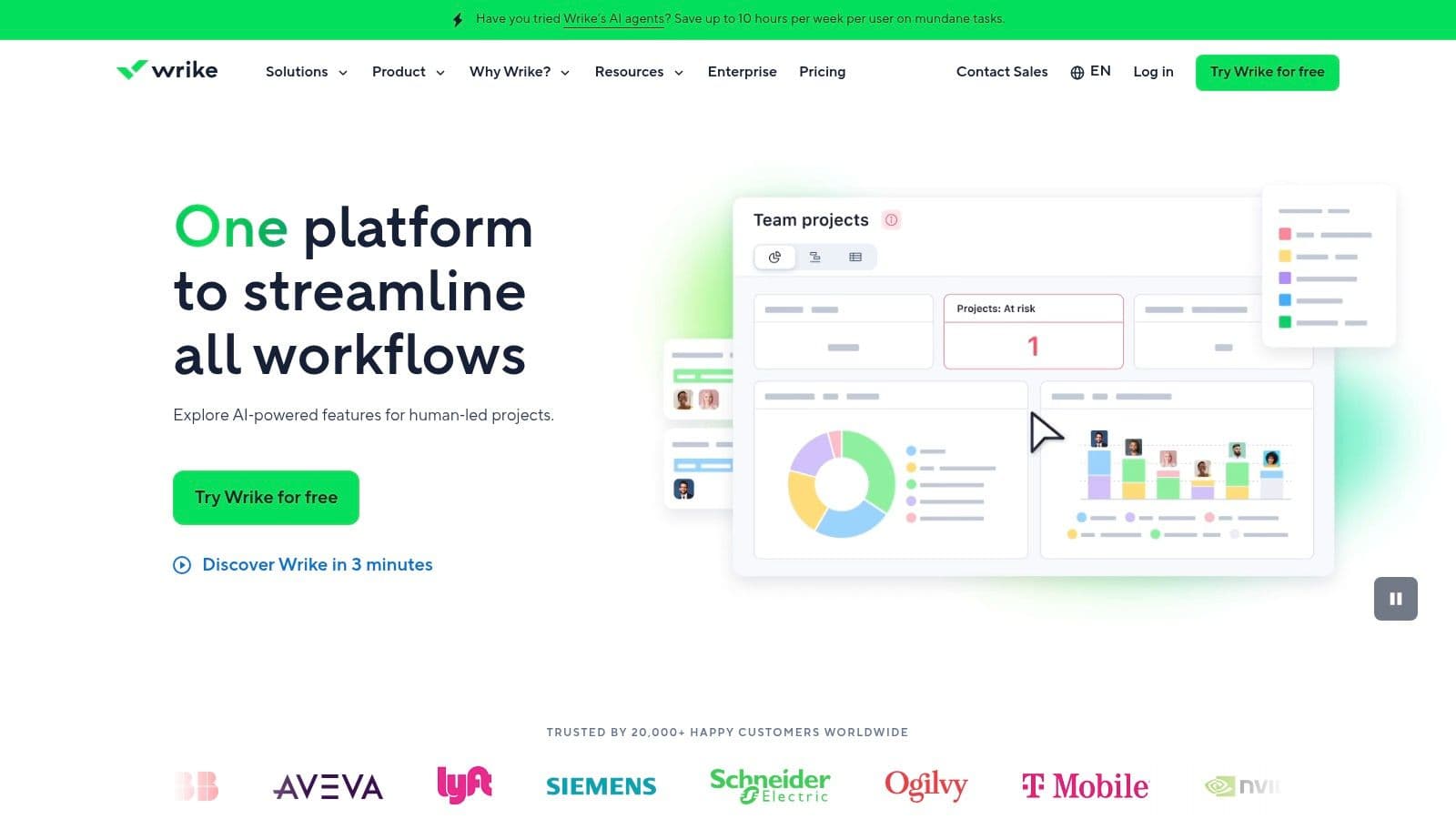
Wrike emphasizes proactive risk spotting, recommended actions from live data, and customizable AI agents for automating specific workflows. This makes it a strong pick for PMOs and larger teams seeking strategic AI insights.
Key Details & Use Cases
- Standout AI Feature: Wrike Copilot answers questions about live project data and can summarize progress across the portfolio.
- Best For: PMOs, professional services teams, and large enterprises needing robust portfolio and resource management.
- Pricing: AI features are typically part of Business plans and above (starting around $24.80/user/month); check current packaging for 2026 updates.
- Integrations: 400+ pre-built integrations with Salesforce, Microsoft Teams, Tableau, and more.
| Pros | Cons |
|---|---|
| Robust portfolio and resource management for services and PMOs | Higher tiers are the best value and can be expensive |
| Clear AI roadmap with customizable agents | New AI packaging in 2026 may affect contracts or pricing |
Website: https://www.wrike.com
9. Smartsheet
Smartsheet combines a familiar spreadsheet interface with powerful AI-enabled automation. AI features span advanced formula generation to instant data summaries, making it practical for data‑heavy teams that need governance and scalability. Smartsheet’s governance tools, like Smart Hub, help administrators enforce AI usage policies and security controls.
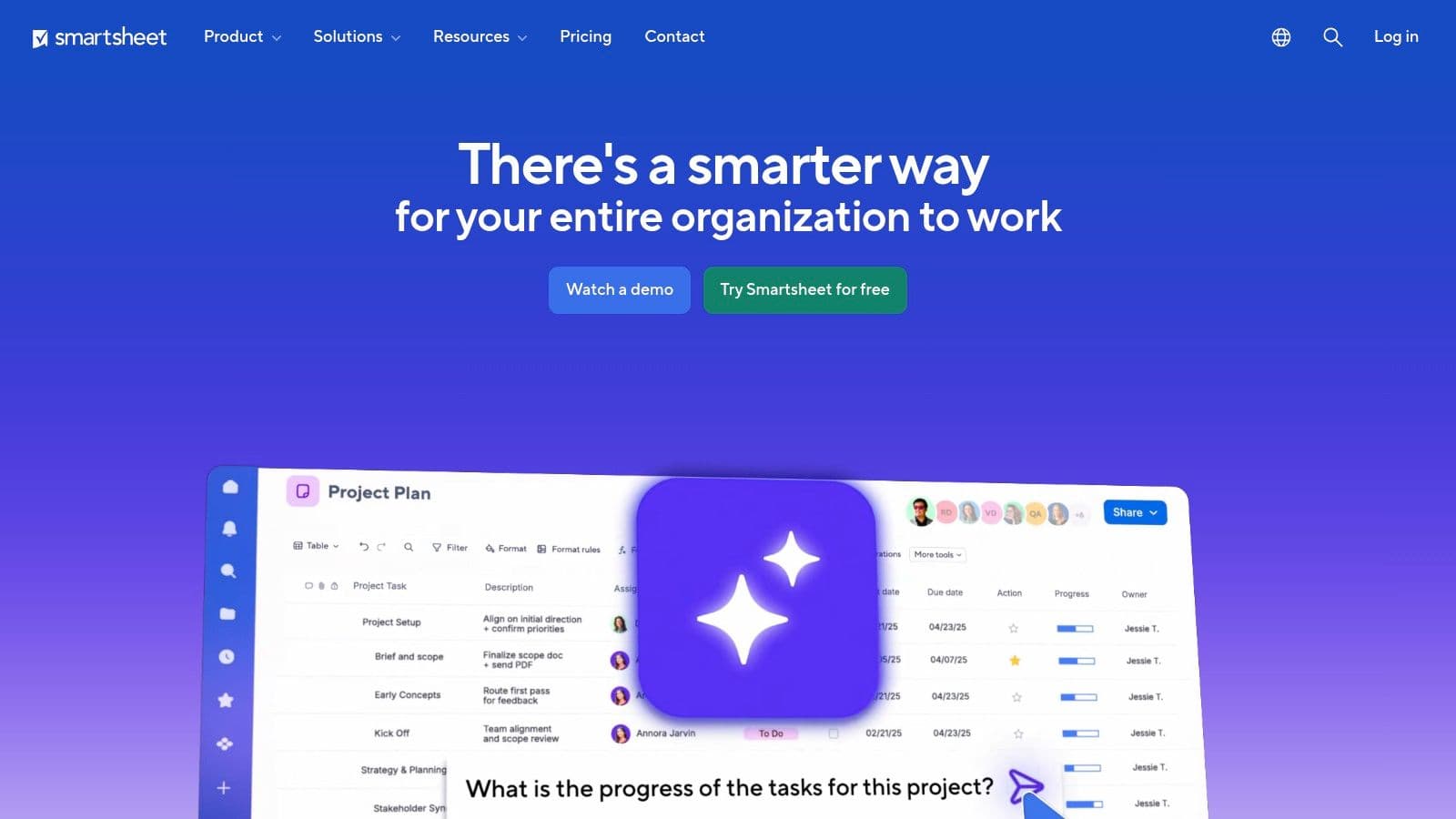
Key strengths include AI-driven formulas and text generation that work inside sheets, plus governance features to keep AI usage aligned with compliance needs. This makes Smartsheet attractive for enterprises that need both flexibility and control.
Key Details & Use Cases
- Standout AI Feature: AI formula generation and the ability to generate project summaries from sheet data.
- Best For: Data‑driven teams needing governance and automation within a spreadsheet-like interface.
- Pricing: Core plans start around $7/user/month; advanced AI features appear on higher plans.
- Integrations: Microsoft 365, Google Workspace, Slack, Jira, with a preview connector for Copilot.
| Pros | Cons |
|---|---|
| Familiar spreadsheet model is easy to adopt | AI-heavy features are mainly in higher-tier plans |
| Strong governance and a Microsoft 365 Copilot connector | Some AI features have consolidated into centralized workflows |
Website: https://www.smartsheet.com
10. Airtable
Airtable goes beyond traditional PM tools by acting as an AI-native platform for building custom workflows and apps. It gives teams the blocks needed to design unique project management systems, powered by AI. This approach emphasizes flexibility and customization, making it ideal for teams that want to tailor a PM solution to their exact processes.
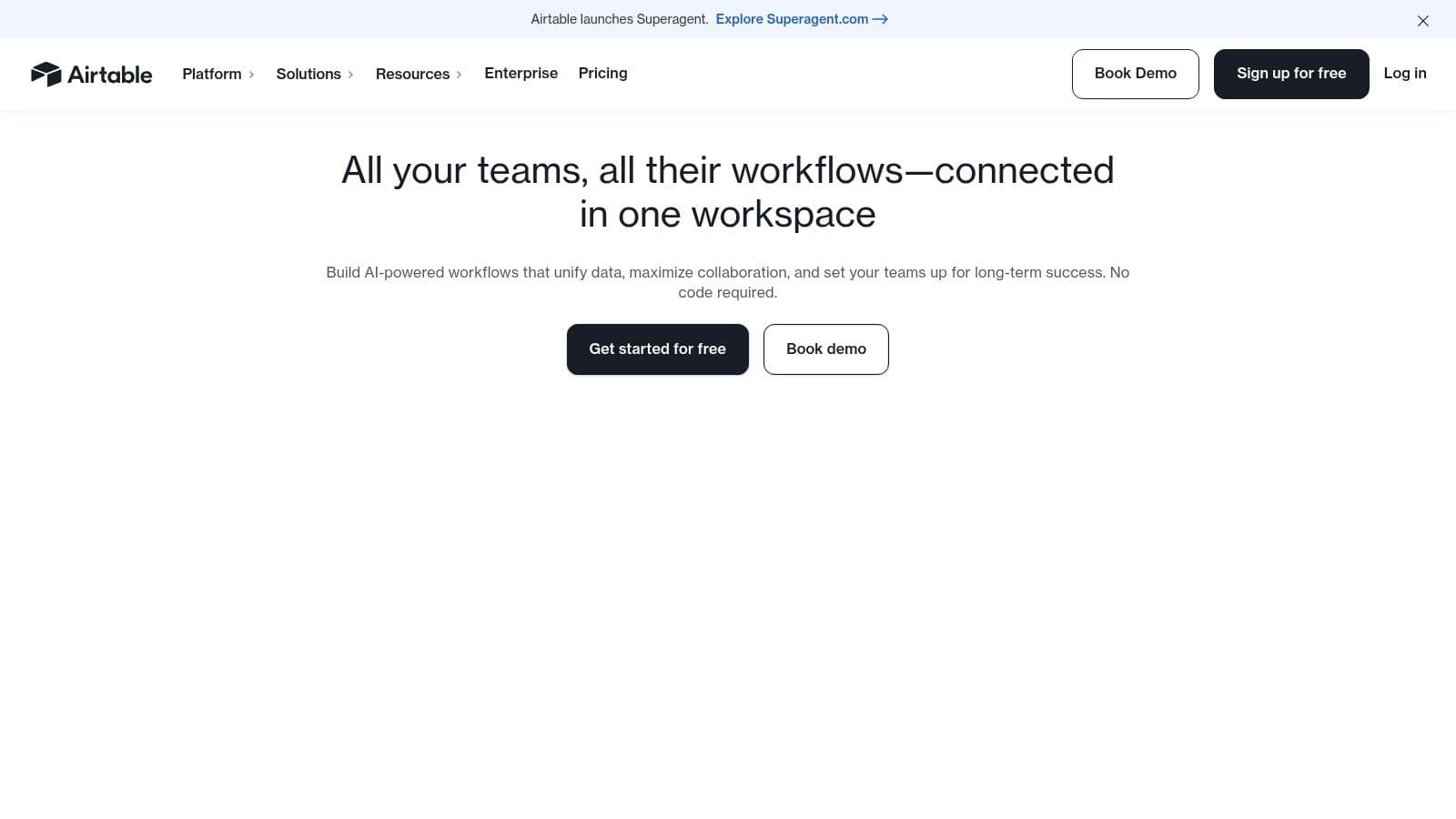
With Airtable AI, teams can build conversational apps that interact with data, set up agents to automate data enrichment and triage, and generate content within custom interfaces. You can design a topic‑suggesting content calendar or a first‑contact intake system that categorizes and assigns requests automatically.
Key Details & Use Cases
- Standout AI Feature: Omni AI app builder lets users create conversational apps and multi‑system agents.
- Best For: Teams that need to build custom, data‑driven PM apps and automate complex workflows.
- Pricing: AI credits are included with paid plans; Enterprise options offer more control over AI models and credit pools.
- Integrations: Extensive API and integrations with Zapier, Make, Salesforce, Jira, and more.
| Pros | Cons |
|---|---|
| Excellent for building custom PM apps and cross‑system workflows | Building robust apps requires design discipline and governance |
| AI credits included; enterprise options available | Larger credit pools may be needed for heavy AI usage |
Website: https://www.airtable.com
11. Microsoft 365 Copilot
Microsoft 365 Copilot is a transformative AI layer across Teams, Outlook, Word, and Excel. Rather than a standalone PM tool, it embeds AI into apps teams already use, delivering powerful context-aware insights by pulling data from the Microsoft Graph. Copilot can summarize meetings, draft project plans, and generate status updates by pulling data from Planner and SharePoint.
Copilot can also pull together information from across your Microsoft ecosystem to answer questions like, “What’s the latest on Project Phoenix?” with synthesized context. Its Speech‑to‑Text features speed input and improve collaboration across meetings and documents.
Key Details & Use Cases
- Standout AI Feature: Context-aware search and summaries across the Microsoft 365 data graph.
- Best For: Organizations standardized on Microsoft 365 seeking seamless AI assistance within familiar apps.
- Pricing: Requires a qualifying Microsoft 365 license plus a Copilot add-on (approx. $30/user/month in many plans).
- Integrations: Native in Teams, Outlook, Word, Excel; connects to 100+ services via Copilot Studio.
| Pros | Cons |
|---|---|
| Natural fit for organizations already using M365 | Requires qualifying licenses and Copilot add-on |
| Strong security and governance controls | PM value increases when paired with Planner/Project and good data hygiene |
Website: https://www.microsoft.com/en-us/microsoft-365/copilot/pricing
12. Capterra
Capterra isn’t a PM tool itself, but it’s an essential hub for researching and comparing software. Owned by Gartner, it provides verified user reviews, feature lists, and pricing snapshots that help teams reduce the risk of a costly purchase. You can filter by AI capabilities, compare tools side by side, and read recent feedback from real users to understand pros and cons before you decide.
Capterra lets you filter for AI features like “AI Copilot” or “AI Content Creation,” narrowing the market to relevant options. You can create shortlists, compare tools, and read authentic reviews to validate your choice.
Key Details & Use Cases
- Standout AI Feature: AI-focused filters for features, pricing, and reviews.
- Best For: PMs, team leads, and operations executives researching the best PM software.
- Pricing: Free to browse; vendor pricing appears on each profile.
- Integrations: N/A as a discovery platform; profiles show tool integrations.
| Pros | Cons |
|---|---|
| Broad market view with verified user feedback | Sponsored placements can influence rankings |
| Handy AI filters for features, pricing, and reviews | You must visit vendor sites for current pricing |
Website: https://www.capterra.com/project-management-software/features/2098-ai-content-creation/
Top 12 AI Project Management Tools Comparison
| Tool | Key features | UX / Quality | Pricing & Value | Target audience | Unique selling point |
|---|---|---|---|---|---|
| Fluidwave 🏆 | AI auto-prioritization, multi-view (table/list/calendar/Kanban/cards), automation + human virtual-assistant marketplace | ★★★★★ — distraction-free, fast flow | Free Forever (100 tasks) · Premium ≈ $10/mo (annual) | Busy professionals, teams, founders, freelancers | Hybrid AI + pay‑per‑task human assistants; no subscription required for delegation |
| Asana | Portfolios, timelines/Gantt, automation, Asana AI & AI Studio | ★★★★ — mature PM UX | Tiered seat pricing; AI from Starter | Teams & enterprises, PMs | No‑code AI Studio + enterprise portfolio features |
| monday.com | Sidekick chat, AI blocks, AI column autofill, admin AI controls | ★★★★ — flexible UI | Credit-based AI actions; plan complexity | Cross‑functional teams, admins | Broad AI across CRM/dev/service with governance |
| ClickUp | Autopilot agents, Ambient Answers, AI Notetaker, external model support | ★★★★ — feature‑rich (steeper learning) | AI add‑ons with credit SKUs; flexible plans | Teams wanting all‑in‑one PM + docs | Deep AI across tasks, docs, chat + external models |
| Notion | Notion AI for drafting, DB autofill, meeting notes; strong controls | ★★★★ — document‑centric, intuitive | AI included on Business/Enterprise tiers | Knowledge teams, docs + DB users | Native AI across docs/databases + governance |
| Atlassian Jira | Rovo agents, NL workflow builder, roadmaps, dependency reporting | ★★★★ — powerful for engineering | Seat‑based; AI varies by plan | Software & product teams, PMOs | Deep developer ecosystem & reporting |
| Trello | Kanban boards, AI Inbox/Planner, 200+ Power‑Ups | ★★★★ — easy to adopt | Affordable Premium; AI features rolling out | Individuals & small teams | Simple Kanban + extensible Power‑Ups |
| Wrike | Copilot for Q&A, resource planning, customizable agents | ★★★★ — enterprise PM focus | Best value at Business/Enterprise | PMOs, services & enterprise teams | Robust portfolio/resource management + Copilot |
| Smartsheet | Grid/Gantt/Kanban, AI formula generation, Smart Hub governance | ★★★★ — spreadsheet‑style | Business/Enterprise for AI | Spreadsheet‑oriented teams, enterprises | Spreadsheet UX + AI governance & Smart Flows |
| Airtable | Omni AI app builder, Field Agents, conversational apps | ★★★★ — app-building flexibility | AI credits by plan; enterprise options | Builders, ops teams, product teams | Low‑code app builder + data enrichment agents |
| Microsoft 365 Copilot | Copilot across Teams/Outlook/Word/Excel, Copilot Studio, 100+ connectors | ★★★★☆ — seamless for MS ecosystems | Paid Copilot add-on + qualifying M365 licenses | Organizations standardized on Microsoft 365 | Deep Office integration, governance |
| Capterra | Marketplace, verified reviews & AI filters | ★★★★ — research & comparison hub | Free to browse; vendor listings may be sponsored | Buyers researching software | Broad market view, verified reviews & comparisons |
The Future of Work is Collaborative Intelligence
Navigating modern project management can feel like conducting a complex symphony. AI isn’t here to replace the conductor; it’s here to give the entire orchestra smarter, more intuitive tools. The AI tools reviewed—from Wrike and Smartsheet for enterprise scale to Notion and Airtable for flexible, customized workflows—point to a future where work is augmented, not just automated.
The central takeaway is that AI shifts the PM role from taskmaster to strategic leader. Repetitive, administrative work—status updates, resource allocation, initial risk assessment—gets handled by smart algorithms, freeing humans to mentor teams, foster creativity, manage stakeholder relationships, and guide high‑level decisions that only people can make. The real power lies in creating collaborative intelligence: a partnership between human insight and machine efficiency.
Choosing Your Co‑Pilot: A Practical Framework
To simplify the decision, consider your team’s DNA rather than a feature checklist.
- For the Agile purists: Jira’s AI-driven insights and automation align with sprint‑driven teams and DevOps workflows.
- For the visually inclined: monday.com, Asana, and ClickUp enhance visual workflows with AI‑assisted summarization and dependency automation.
- For ultimate customization: Airtable and Notion offer flexible databases and app builders that can be tuned to complex processes.
- For neurodivergent teammates and freelancers: Simplicity and cognitive-load reduction matter. Trello and Fluidwave focus on clarity and frugal interfaces that keep tasks moving.
Beyond the Tool: Implementation and Mindset
Successful AI adoption requires more than a subscription. It’s a cultural shift toward using AI as a helpful teammate, not surveillance. Start small with features like automated task assignments or AI‑generated summaries. Gather feedback, demonstrate time savings, and build trust across the team.
This shift isn’t limited to PM—it’s part of a broader evolution in all professional fields. For a broader view of AI’s impact on product and project work, see our related piece on the top AI tools for product managers. Understanding this bigger picture helps you anticipate what’s next.
Ultimately, the best tool is the one your team actually uses consistently. It should feel like a natural extension of your workflow, empowering everyone to do their best work with less friction.
Ready to experience a project management tool designed for clarity and focus? Fluidwave leverages intuitive AI to streamline your workflows, automate tedious tasks, and reduce cognitive load. See how a smarter, calmer approach to project management can transform your work by trying Fluidwave today.
Q&A
Q1: What exactly can AI do for project management in 2026?
A: AI can automate routine tasks, help prioritize work, detect risks early, and summarize updates across teams, freeing you to focus on strategy and people.
Q2: Which tool should a small team start with?
A: For simplicity and speed, Trello or Fluidwave offer approachable starting points with practical AI features; startups often prefer Airtable or Notion for customization.
Q3: How should I begin implementing AI in my PM workflow?
A: Start small with a single AI capability (like auto-prioritization or AI-generated summaries), measure time saved, gather user feedback, and scale gradually with governance and training.
1.
PMI, Pulse of the Profession 2023: The Rise of AI in Project Management. See PMI Pulse of the Profession 2023 for context on AI adoption and productivity gains.
2.
McKinsey Global Institute, The productivity benefits of AI, 2023. See The Productivity Benefits of AI.
3.
Gartner, AI in enterprise operations: efficiency gains in PM processes, 2025–2026. See AI in Enterprise Operations.
Focus on What Matters.
Experience lightning-fast task management with AI-powered workflows. Our automation helps busy professionals save 4+ hours weekly.